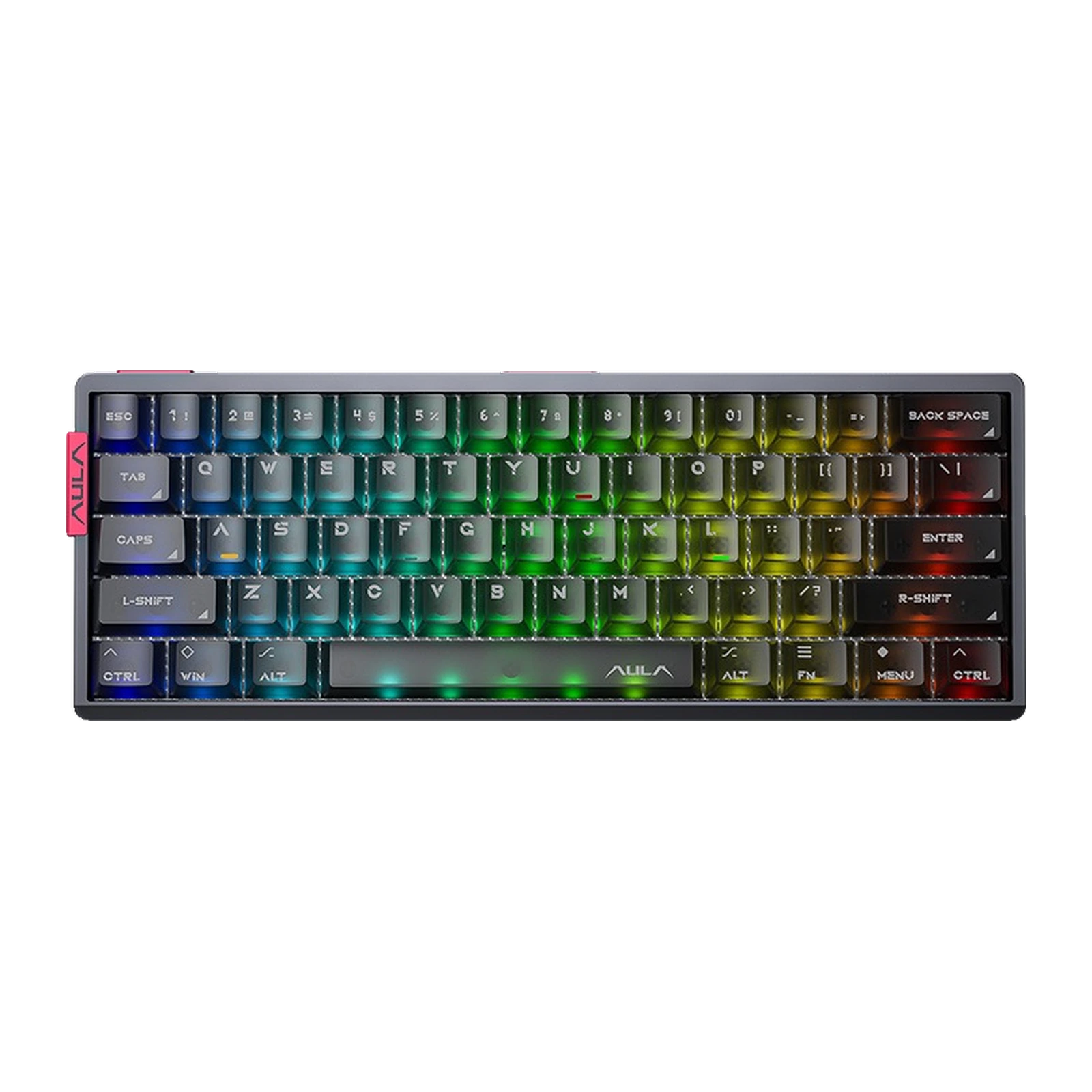
AULA AG60 Pro — 60% magnetic keyboard: two LEDs per key, 8,000 Hz polling, 0.001 mm Rapid Trigger, Racing Red, red and white
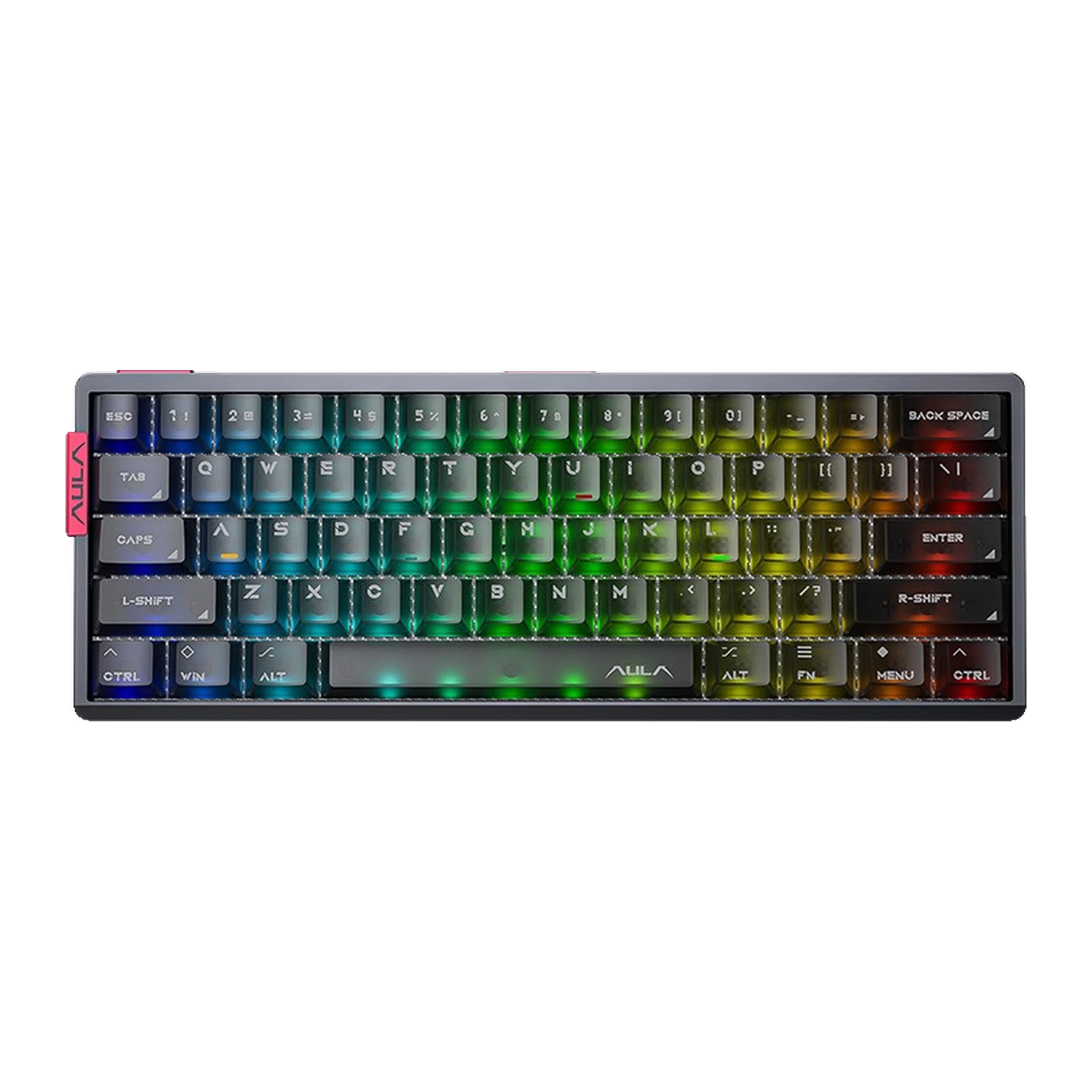
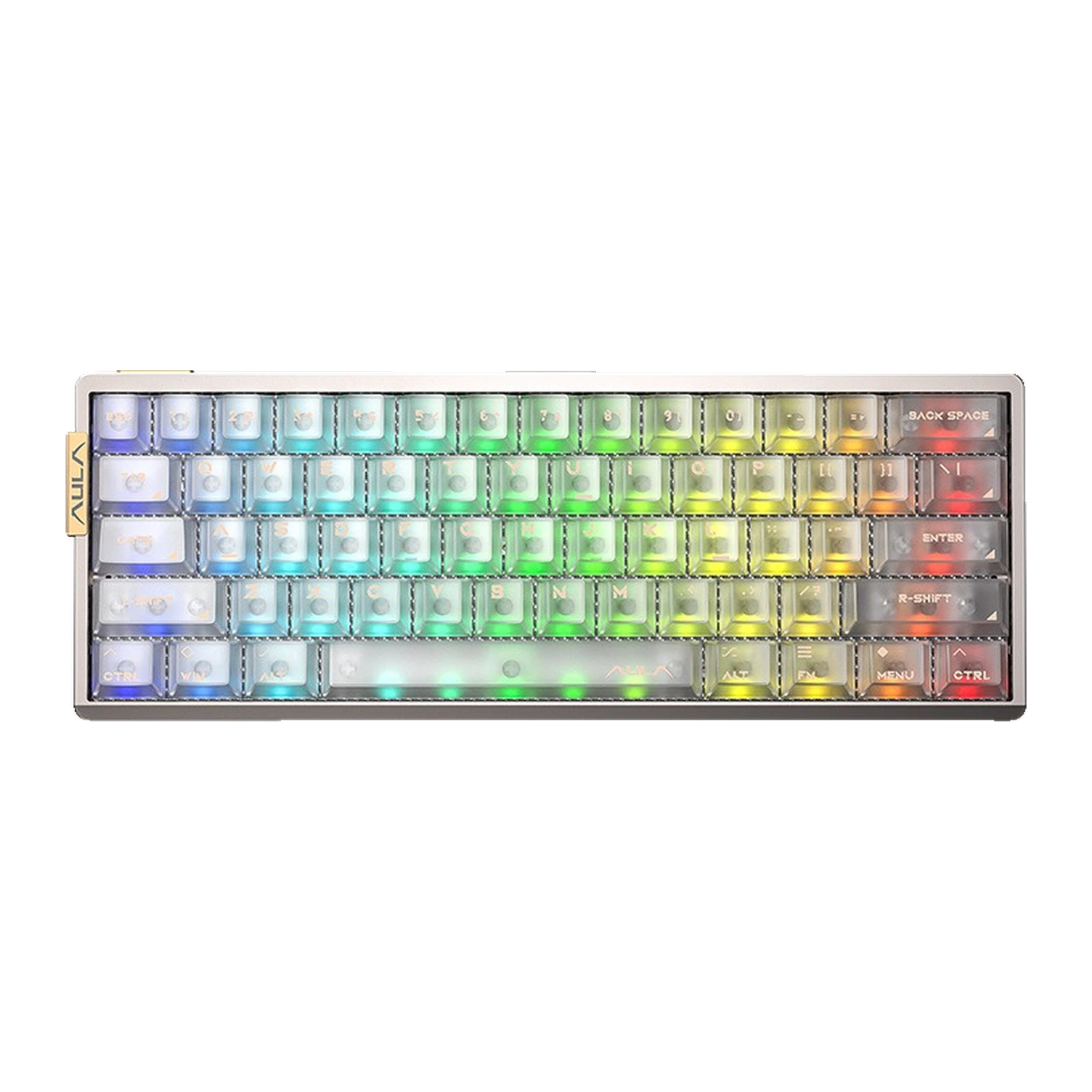
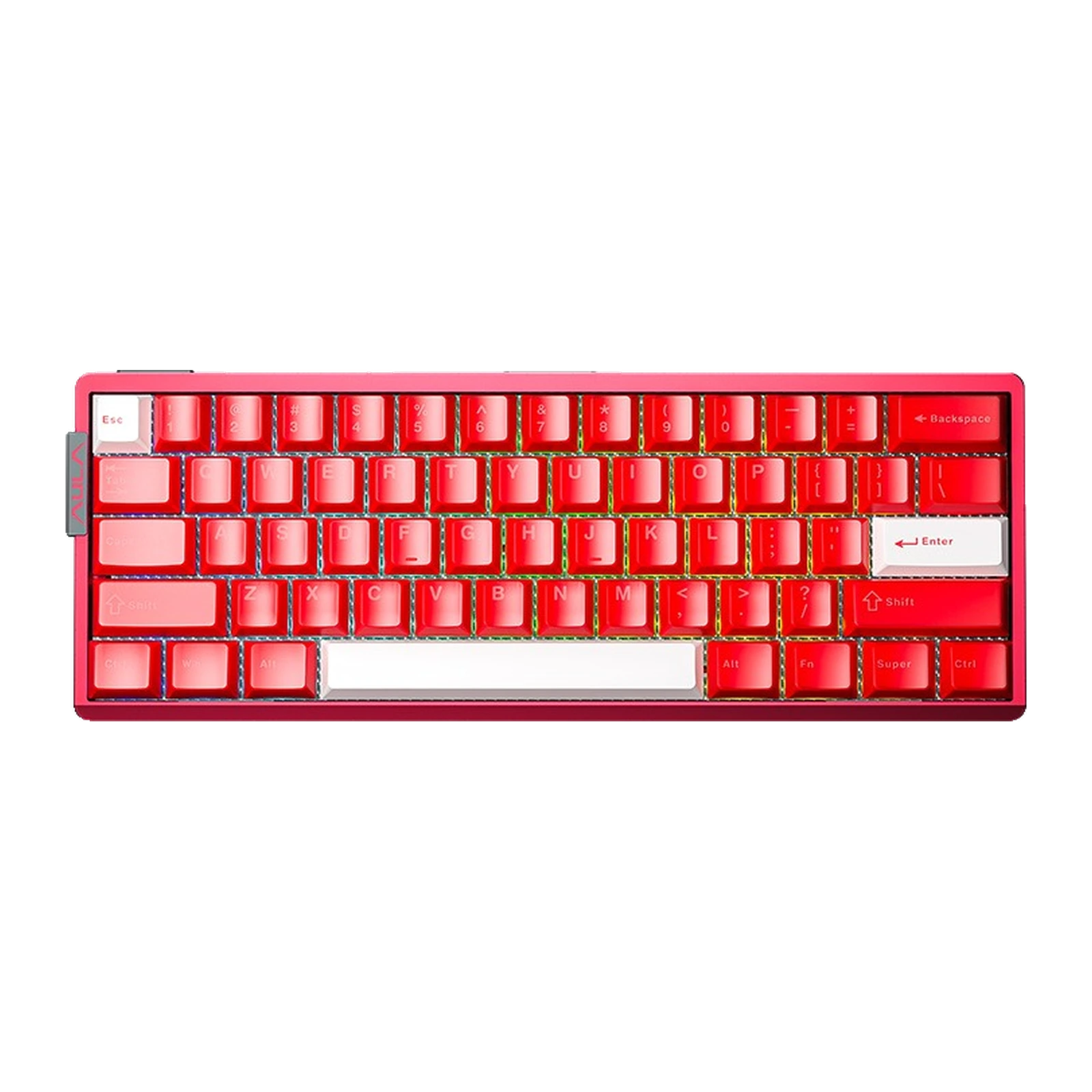
- Store pickup
- Tashkent, Shaykhantakhur district, Iftikhor street, 2
- Courier
- 50,000 UZS
- Warranty
- 1 month
About this product
All specifications →AULA AG60 Pro: description and configuration
AULA AG60 Pro (AG60Pro) — keyboard.
The AULA AG60 Pro is the middle step of the AG60 line: the same wired 60% keyboard on Hall-effect magnetic switches, but with a different PCB. On the Pro and Max versions AULA fits a board with two LEDs under every key instead of one — hence the Twin-Star lighting system, a 130-LED matrix and a separate ten-LED spacebar backlight.
Everything else is inherited from the AG60 and stays at the same level. The case is machined from solid aluminium and anodised to a 220 grit, and the backplate carries a vacuum nano-engraving. Inside sit a carbon fibre plate and a five-layer sound package: PO sandwich foam, a PE switch dampener, a PET acoustic film, PO base foam and PET insulation. Polling runs at 8,000 Hz with a quoted 0.08 ms in Max Mode and 0.1 ms in Pro Mode — performance modes of the keyboard, not the AG60 versions — and Rapid Trigger works in stepped 0.001 mm increments.
This shipment offers a choice of two magnetic switches. Aether is the lighter of the pair: 28 ± 5 gf at the start of the stroke and 45 ± 5 gf bottomed out, with twin light-guide towers in the housing that spread the light coming off the dual-LED board. Snowglow is a little firmer at 32 ± 5 gf and 50 ± 5 gf. Both travel 3.4 ± 0.1 mm in full. Every key sits in a hot-swap socket, and tuning happens in a browser through AULA's web driver.
Official brand websiteaulastar.uz
What the Pro suffix actually adds
The difference between the AG60 and the AG60 Pro is the board. The base version puts one LED under each key; the Pro and the Max use two. AULA calls this the Twin-Star system: top and bottom LED arrays face each other, 130 LEDs in total, plus ten more under the spacebar. Performance is identical either way — both run stepped Rapid Trigger in 0.001 mm increments, and AULA keeps the continuous version for the Max alone.
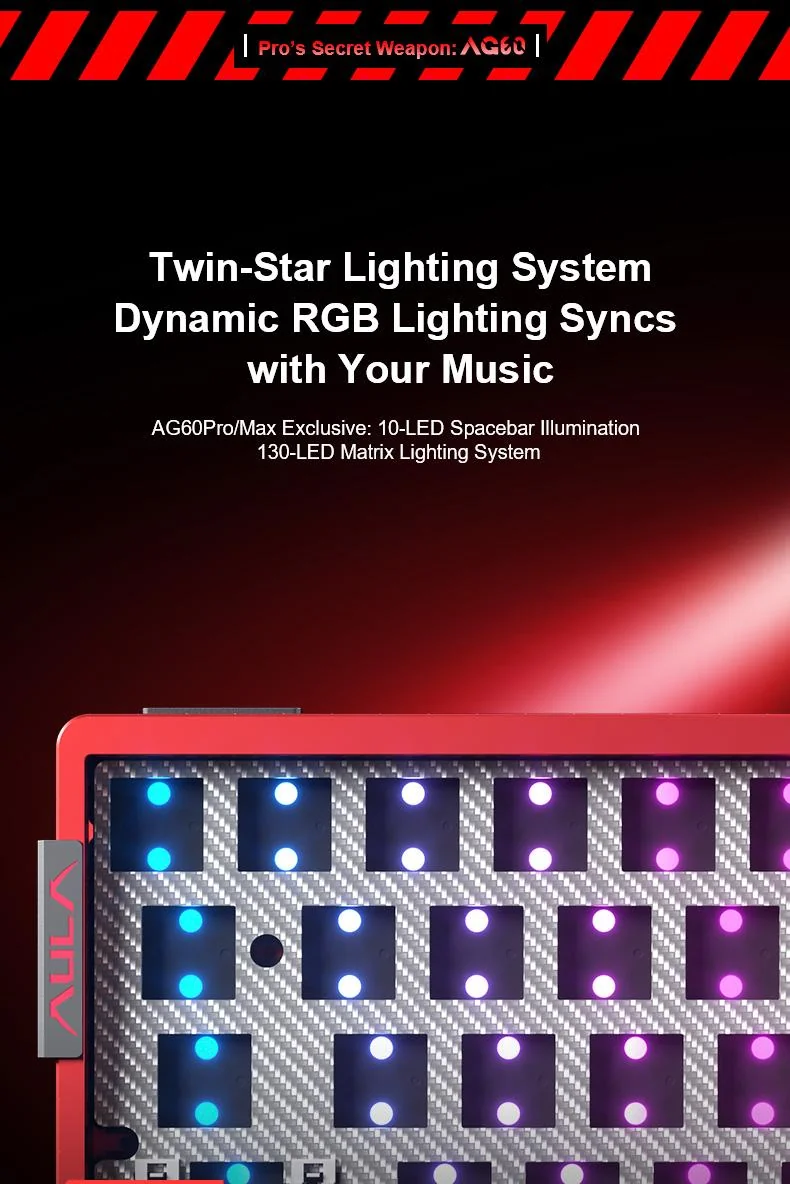
The Twin-Star lighting layout of the AULA AG60 Pro: a 130-LED matrix and ten LEDs under the spacebar
Translucent keycaps and twin light guides
A dual-LED board only makes sense together with what sits above it. The Warm Silver and Metallic Gray colourways come with matte translucent keycaps that glow around their whole edge rather than through a single point under the legend; Racing Red has red caps with a white Esc, Enter and spacebar, lit around their edges. The Aether switch adds twin light-guide towers inside its housing, spreading the output of both LEDs along the walls of the cap instead of firing it straight up as one beam.
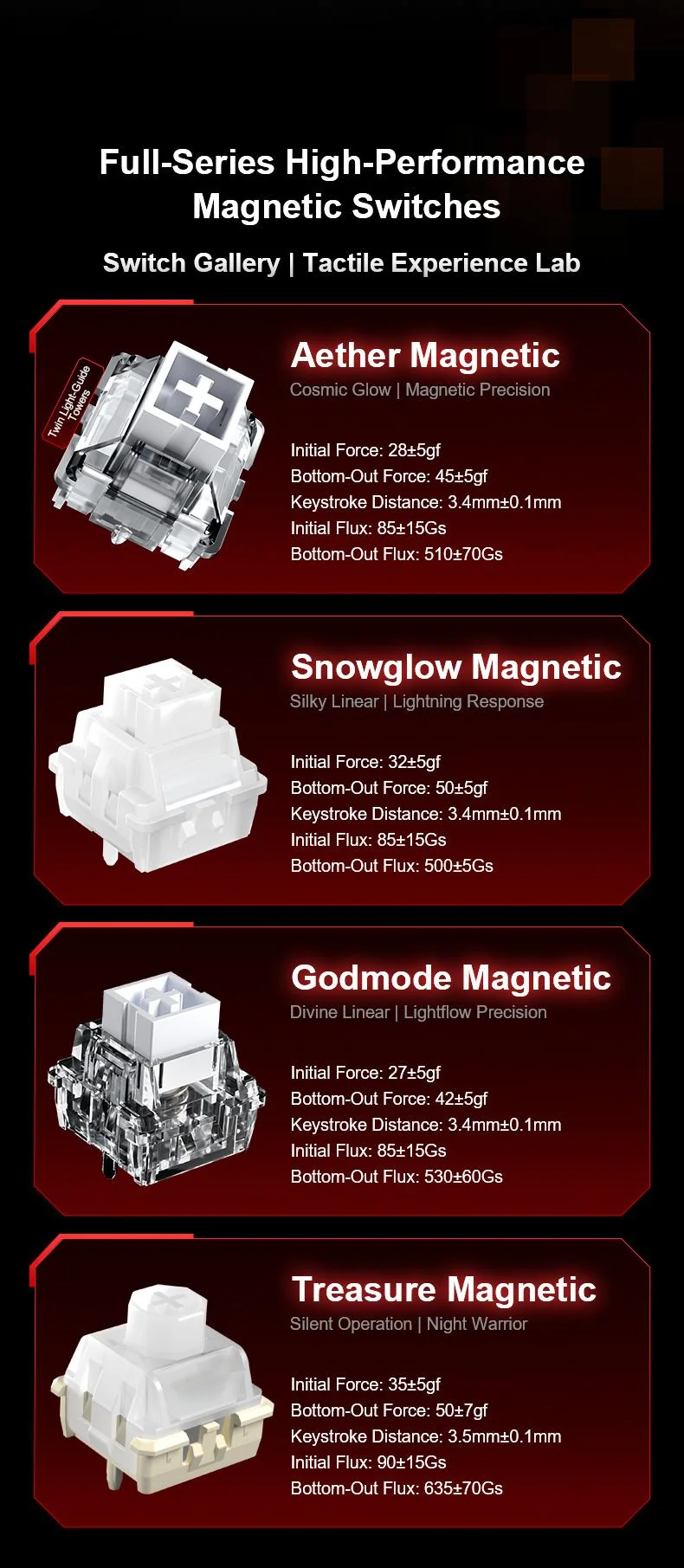
The AULA magnetic switch line-up: Aether, Snowglow, Godmode and Treasure with forces, travel and magnetic flux
The actuation point is a setting
A magnetic switch does not close a contact — it reports to the board how deep it has been pressed. So you set the actuation depth yourself, separately for every key, in 0.001 mm steps. Rapid Trigger releases a key the moment your finger moves back up, which packs strafe sequences closer together. Aether is the lighter option at 28 ± 5 gf, Snowglow the firmer one at 32 ± 5 gf — the choice here is about feel, not speed.
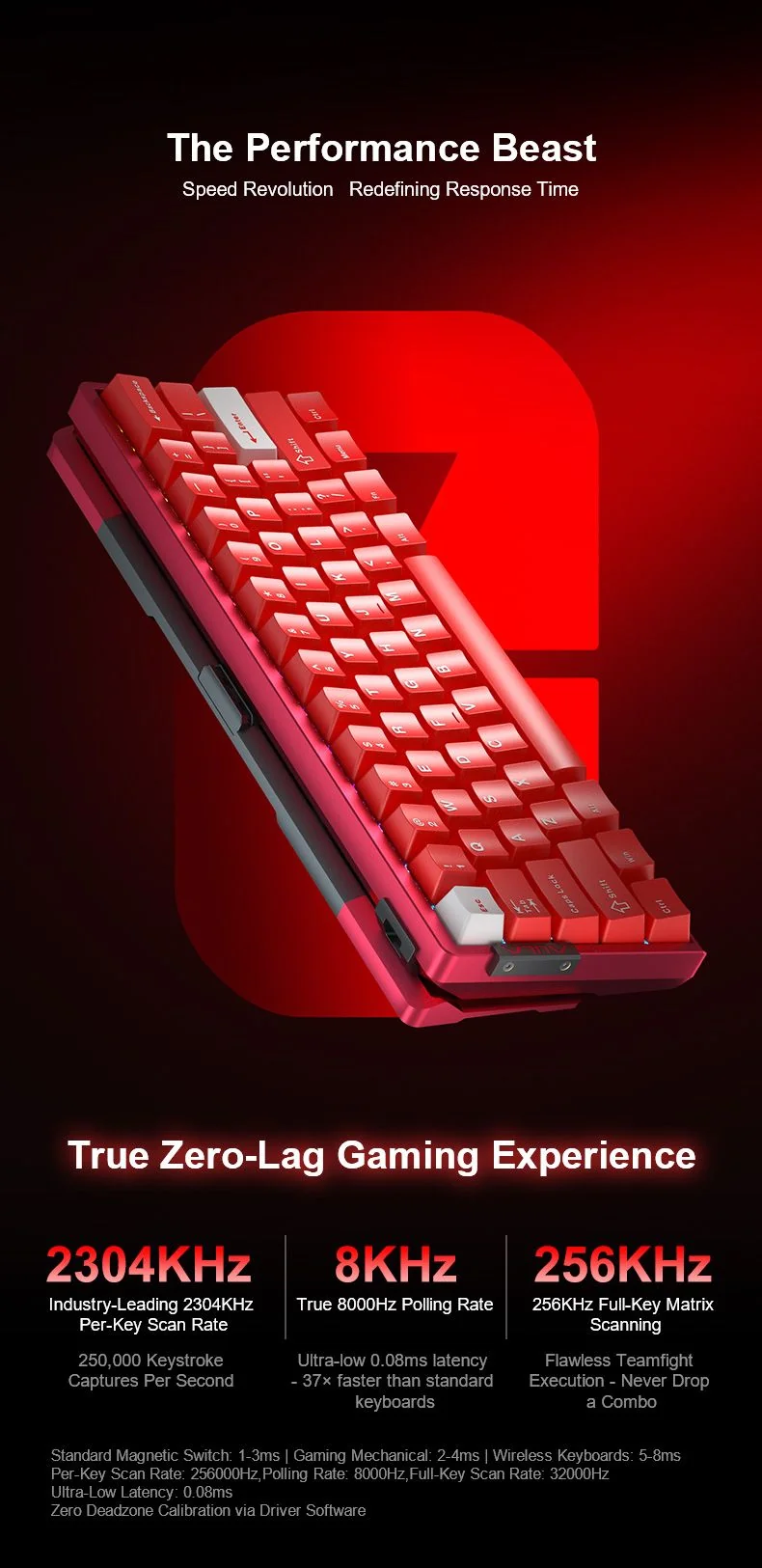
AULA AG60 speed figures: 8,000 Hz polling and 0.08 ms latency, keyboard shown in Racing Red
Aluminium machined from one block
The case is machined out of a single block of aluminium: heavier than plastic, it stays put on the desk and absorbs part of the hollow sound. The surface is anodised to a 220 grit — matte and corrosion resistant. Inside sit a carbon fibre plate and a five-layer package: PO sandwich foam, a PE switch dampener, a PET acoustic film, PO base foam and PET insulation. The backplate carries a vacuum nano-engraving.
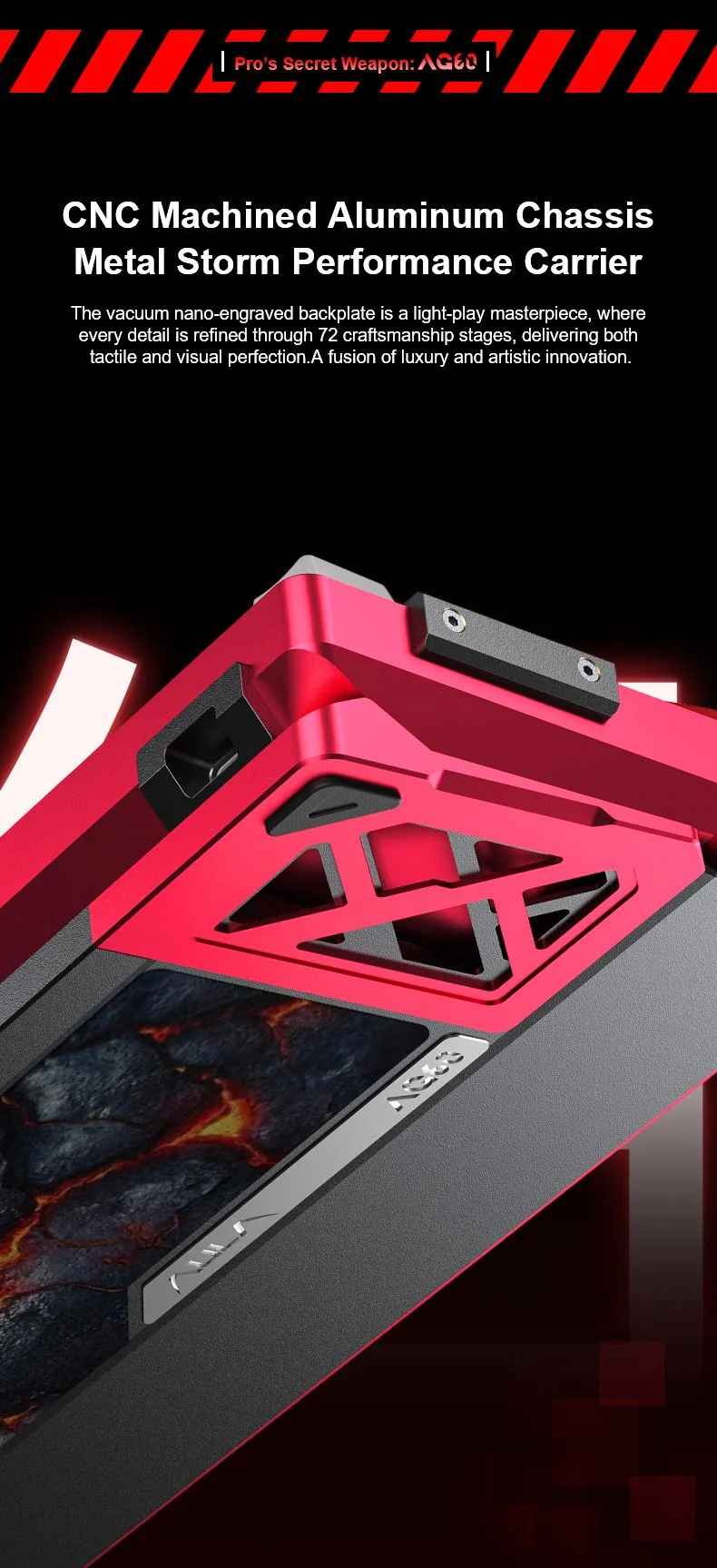
Close-up of the CNC aluminium case of the AULA AG60: the vacuum nano-engraved backplate and sculpted trim
Browser tuning and hot-swap
Nothing needs installing: AULA's web driver opens in a browser with FN+N. There you set per-key actuation depth and Rapid Trigger, SOCD for opposing directions, DKS for two actions on one key, macros and lighting. Four profiles are switched from the keyboard with FN+U, I, O and P. All sockets are hot-swap, so switches come out without a soldering iron.
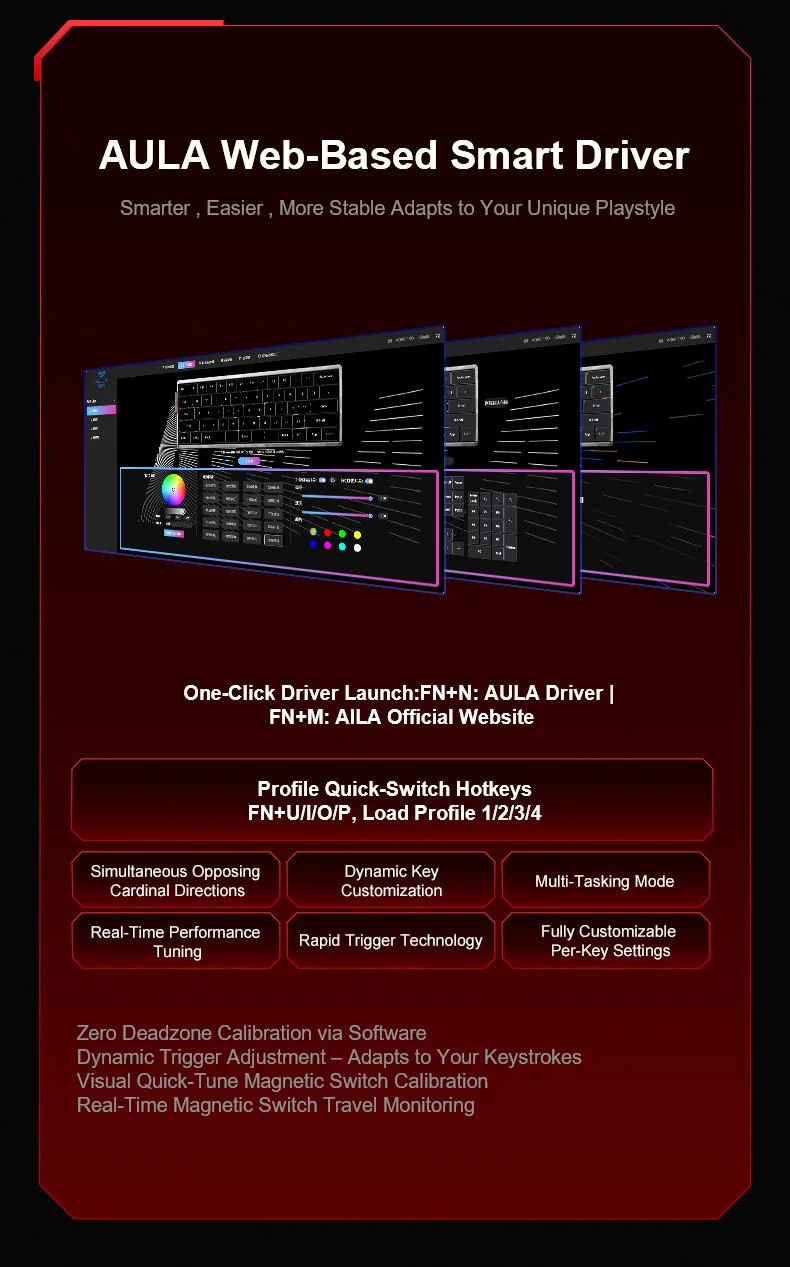
The AULA web driver in a browser: FN+N launch, FN+U/I/O/P profiles, Rapid Trigger, SOCD, DKS and per-key settings
AULA AG60 Pro specifications
Reviews
There are no customer reviews yet. The first review will appear after a verified order.
No reviews yet — be the first to leave one.
Questions and answers
No questions yet. Ask the first one and we will reply within one business day.
No questions yet — be the first to ask.