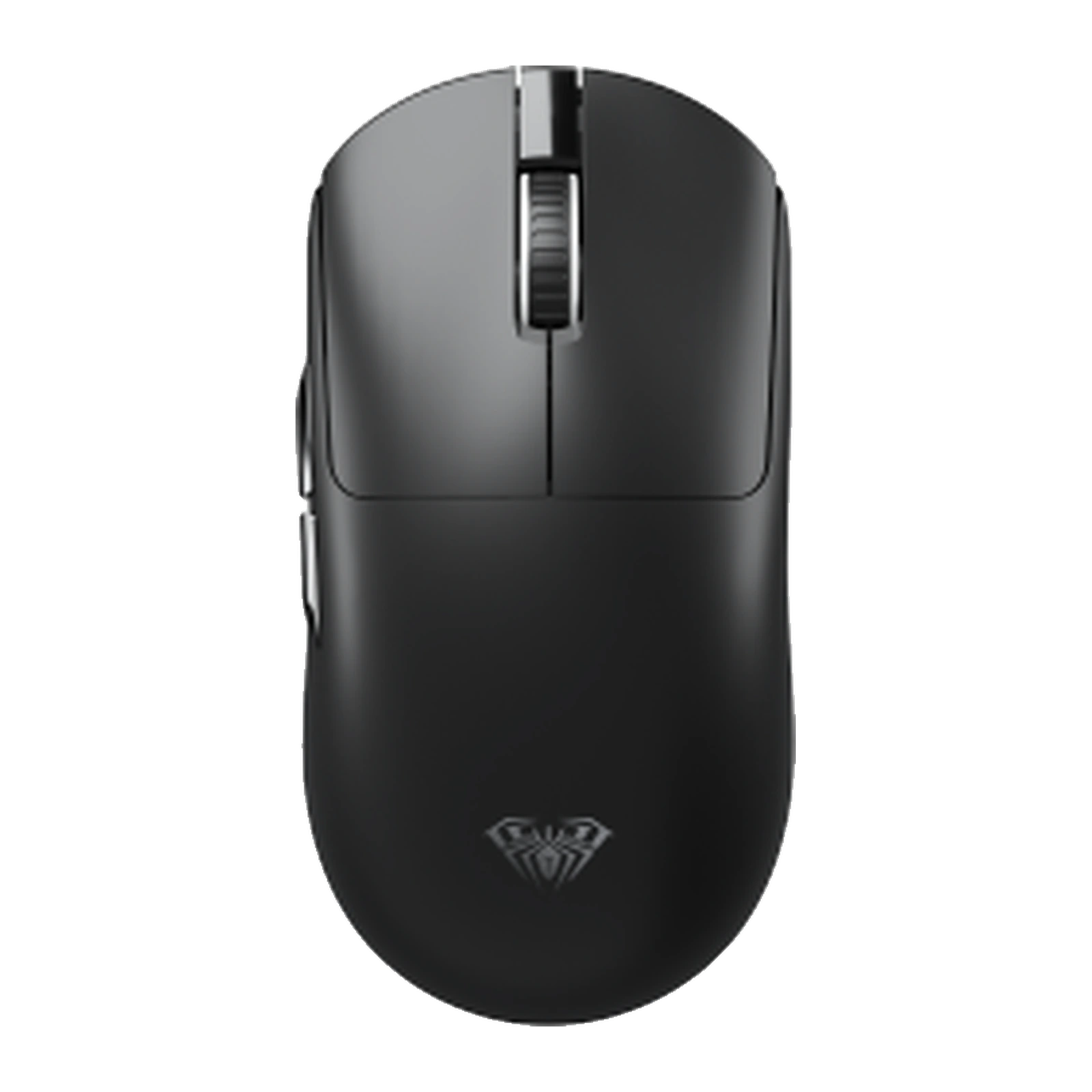
AULA AM206 — 2.4 GHz wireless mouse: three DPI steps up to 1600, about 60 g, in black and white
- Store pickup
- Tashkent, Shaykhantakhur district, Iftikhor street, 2
- Courier
- 50,000 UZS
- Warranty
- 1 month
About this product
All specifications →AULA AM206: description and configuration
AULA AM206 — gaming mouse.
The AULA AM206 is a compact wireless mouse for a laptop, for study and for desk work. It talks to the computer over a 2.4 GHz radio link through a small USB receiver: plug the receiver into a free port and the mouse starts working with no setup and no software to install.
The shell has a calm shape with no lighting and no translucent inserts: single-tone plastic, the AULA spider logo on the back, a scroll wheel and two buttons on the left flank, under the thumb of a right hand. It measures 118 × 62 × 40 mm and weighs about 60.5 g including the receiver. This is a small mouse that takes up no room in a bag and suits a claw grip as well as a child's or a smaller adult hand.
AULA lists three sensitivity steps for the mouse — 1000, 1200 and 1600 DPI. That range is enough for documents, the browser and schoolwork: the lowest step helps with careful clicks, the highest one with a wide monitor. AULA does not position the AM206 as a competitive gaming mouse; if you need high DPI, a fast polling rate and macros, look at the SC or S gaming series.
Official brand websiteaulastar.uz
Receiver in the port and you are done
The AM206 uses its own 2.4 GHz radio link: a small USB receiver comes in the box and goes into any free port on the computer. There is no pairing and no setup — the mouse and the receiver are paired at the factory. This kind of connection does not depend on the Bluetooth version in your laptop and behaves the same on old and new machines.
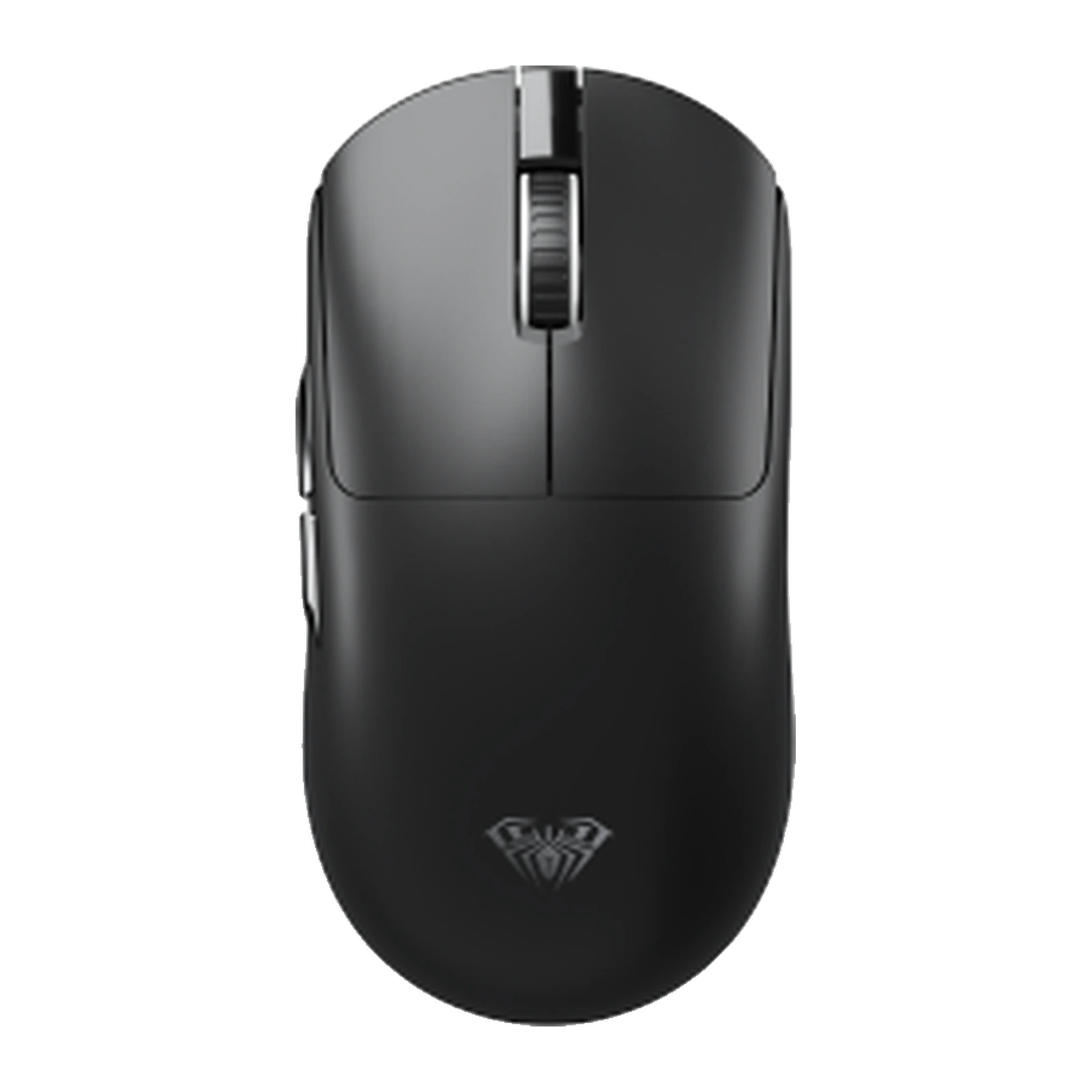
AULA AM206 wireless mouse in black, seen from above: wheel and thumb buttons
Small and light
A 118 × 62 × 40 mm body weighing about 60.5 g with the receiver: the mouse slips into a backpack pocket next to the laptop and does not tire the hand over a long session. The low profile suits a claw grip, and the shell has neither protruding edges nor lighting to get in the way when you slide it into a tight pocket.
AULA AM206 wireless mouse in black, seen from above: wheel and thumb buttons
Three DPI steps for different jobs
AULA lists three sensitivity steps for the AM206: 1000, 1200 and 1600 DPI. The lowest helps you hit small interface buttons and work in spreadsheets, the middle one is the all-rounder for browsing and documents, and the highest suits a high-resolution monitor where the cursor has a long way to travel. The manufacturer does not say where the switch sits — the official photos show no separate DPI button on the top shell — so a GEEKSHOP manager will confirm that with the supplier.
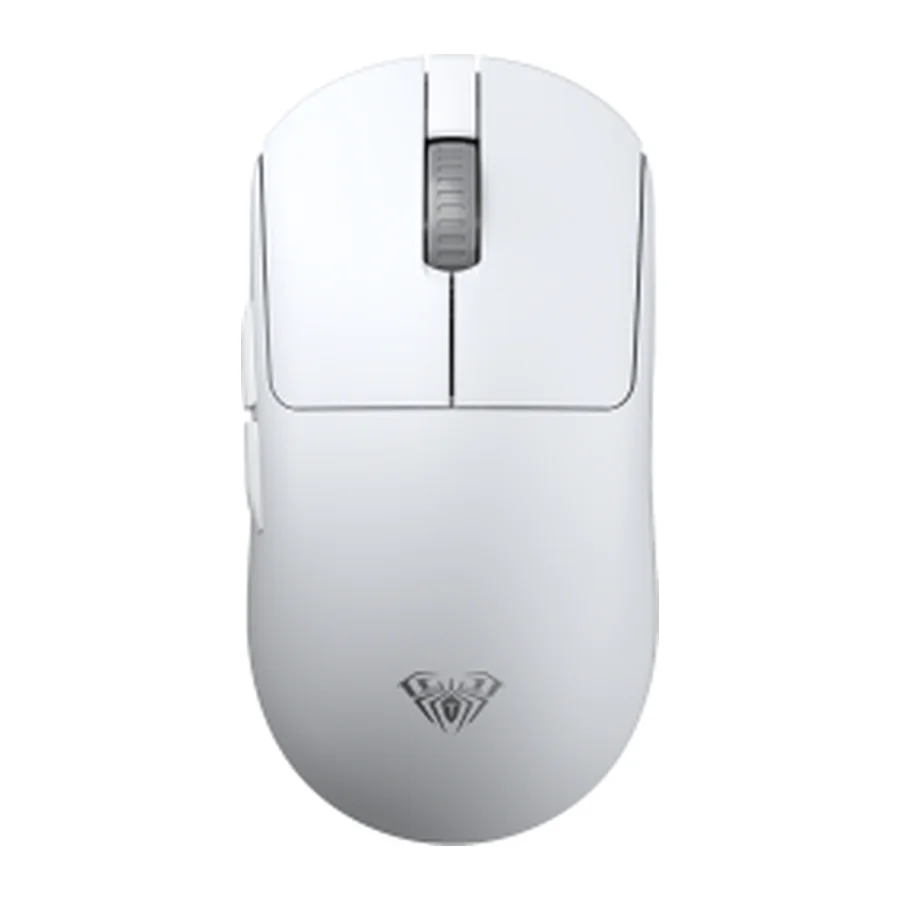
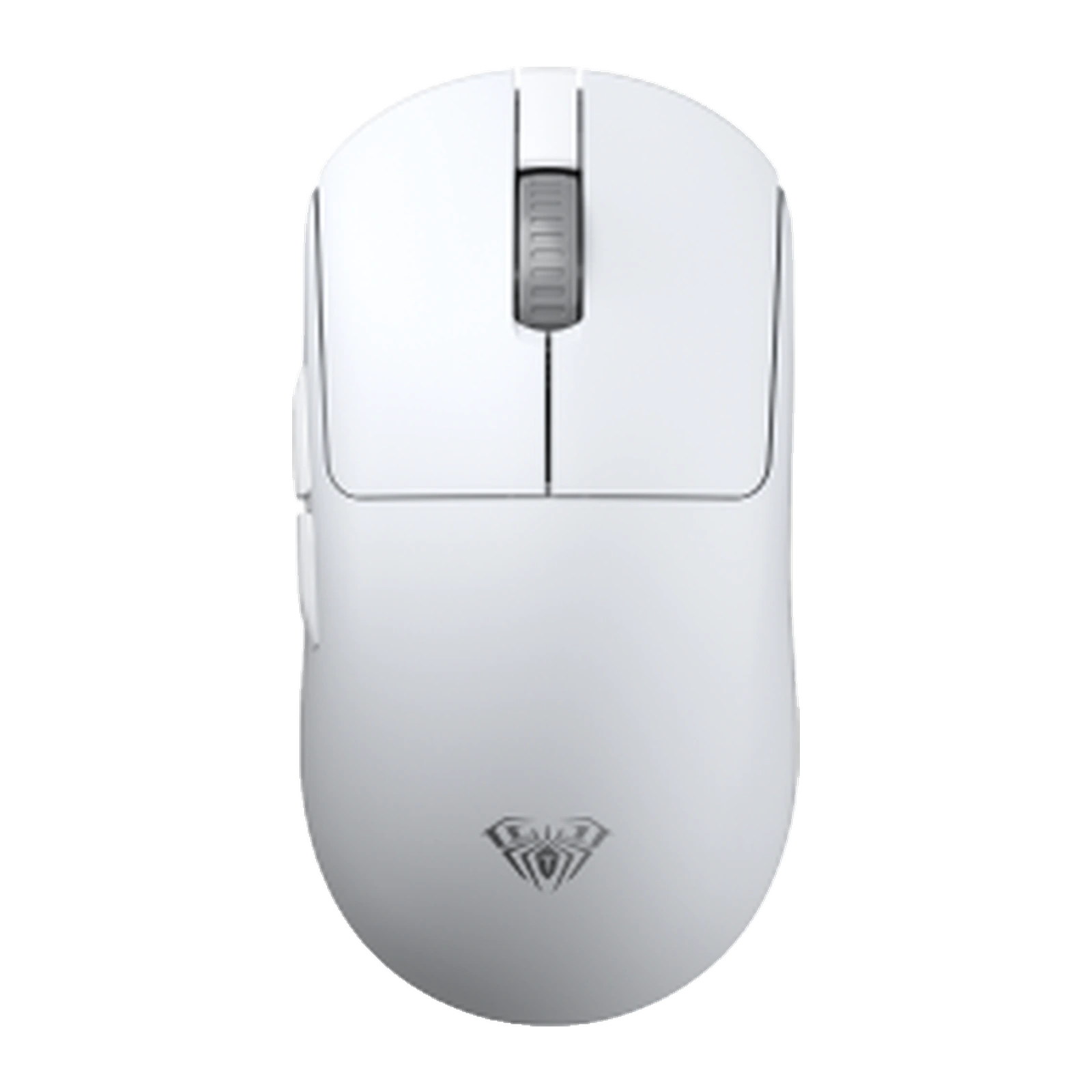
AULA AM206 wireless mouse in white, seen from above, with no cable
Black or white
In AULA's price list the model comes in two colours, black and white. The white one goes with a light laptop and keyboard; the black one fits an ordinary desk and shows wear less. Specifications and price are identical for both — only the shell differs.
AULA AM206 wireless mouse in white, seen from above, with no cable
AULA AM206 specifications
Reviews
There are no customer reviews yet. The first review will appear after a verified order.
No reviews yet — be the first to leave one.
Questions and answers
No questions yet. Ask the first one and we will reply within one business day.
No questions yet — be the first to ask.