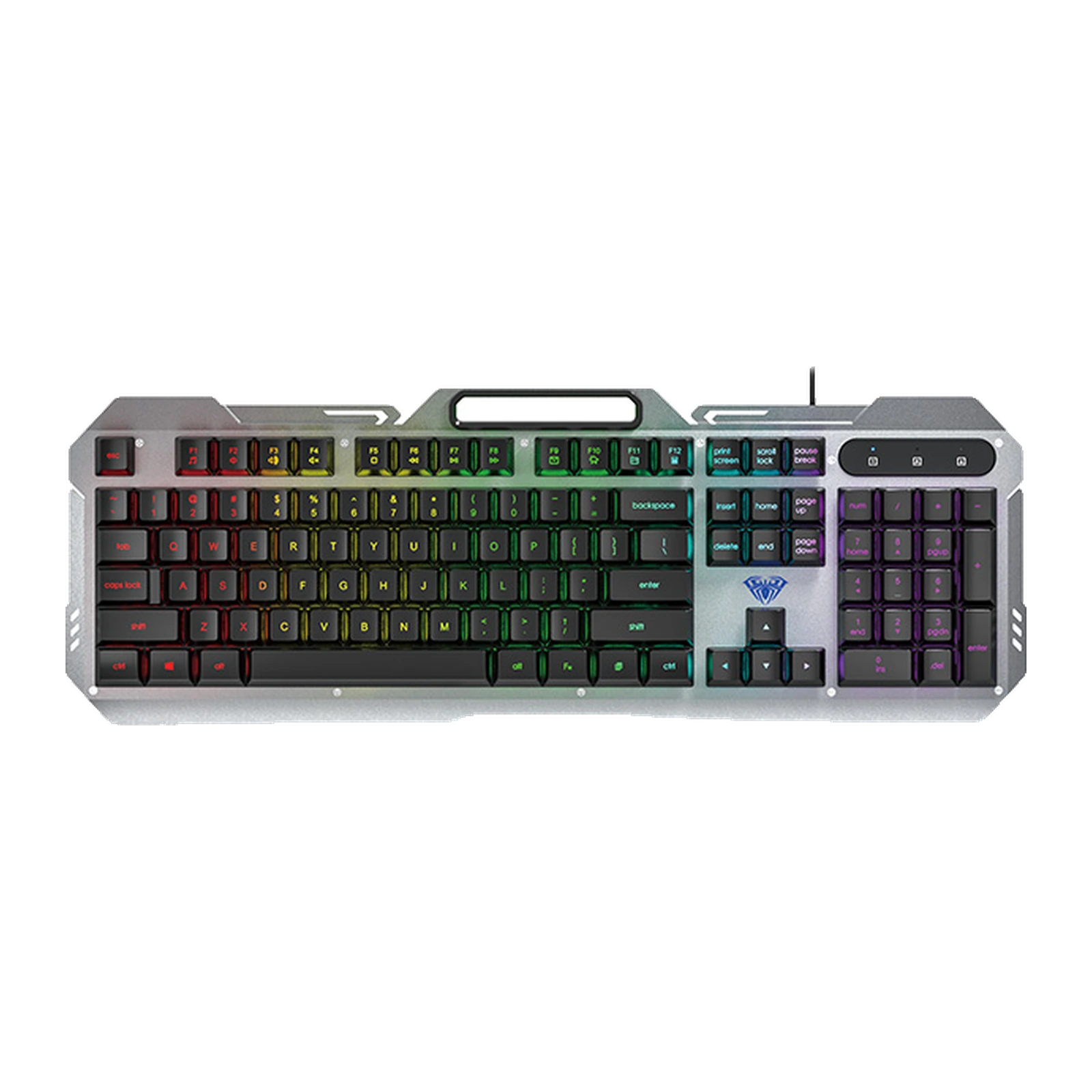
AULA F2023 — wired gaming keyboard: 104 keys, a metal top panel and multicolour backlight
- Store pickup
- Tashkent, Shaykhantakhur district, Iftikhor street, 2
- Courier
- 50,000 UZS
- Warranty
- 1 month
About this product
All specifications →AULA F2023: description and configuration
AULA F2023 — keyboard.
The AULA F2023 is a full-size wired keyboard on membrane switches that AULA markets with the phrase "mechanical feeling". The top panel is metal and the keycaps are raised above the plate, so the light outlines every key and dust can be wiped off the base without opening the case.
The layout is standard: 104 keys with a number pad, dedicated arrows and an F1–F12 row that carries media and shortcut commands through Fn — player, volume, email, calculator. Simultaneous presses are resolved without conflicts across 26 keys, and Fn + Win disables the Windows key so a game is never minimised at the worst moment. The backlight is multicolour: Fn + 1 cycles steady, breathing and heartbeat, and Fn + PgUp and Fn + PgDn set brightness and speed. AULA claims no colour change.
A slot is moulded into the top of the case for a phone or a small tablet: the screen stays in front of you instead of taking up desk space. The keyboard connects by cable to a USB-A port and is recognised without drivers; AULA lists support for Windows XP, 7, 8 and 10. The case measures 457 × 160.17 × 28.2 mm and weighs 562 g, so plan for a desk at least 50 cm wide.
Official brand websiteaulastar.uz
Metal on top, keys above the plate
The F2023's top panel is metal, so the case barely twists under hard presses and holds its shape even when lifted. The keycaps sit above the plate, which spreads the light along the rows and outlines the layout, while crumbs and dust wipe off the base without opening anything. The rigid base and the raised caps are what give the board the response AULA calls "mechanical feeling".
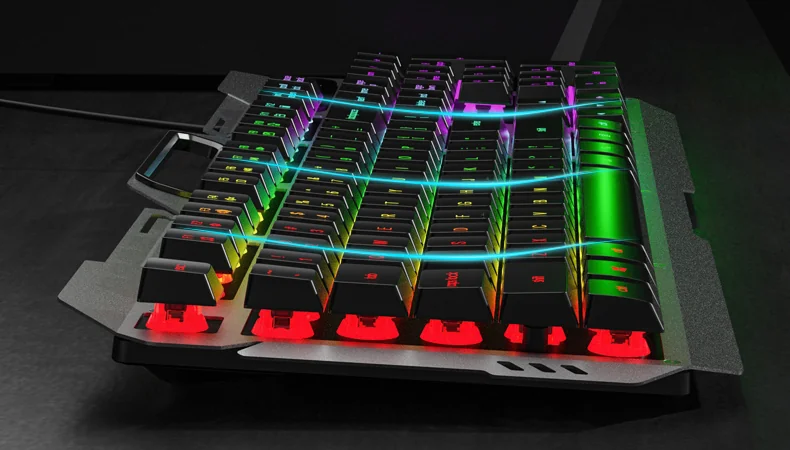
Close-up of the AULA F2023 from the side: keycaps raised above the metal plate with light along the rows
The phone stands in the keyboard itself
A slot runs across the top of the case: a phone or a small tablet stands upright just behind the F-row. The screen stays at eye level, a stream or a chat is readable without looking down, and the desk is free of an extra stand. The slot does not get in the way of typing — it sits above the keys and leaves the usual hand angle unchanged.
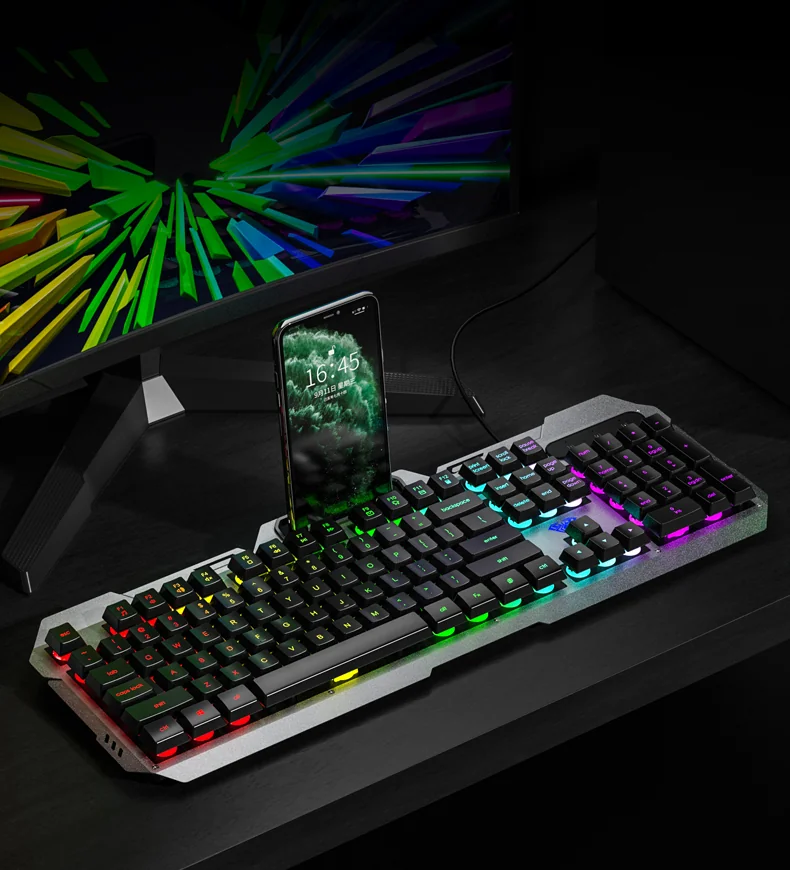
AULA F2023 on a desk: a phone standing in the top-panel slot with the key lighting on
26 keys that register together
Games rarely use one key at a time: movement, crouch, reload and a quick slot all reach the system together. The F2023 resolves 26 keys without conflicts — enough to cover the WASD zone with every modifier and the neighbouring rows. Fn + Win switches the Windows key off so a stray press cannot minimise the game.
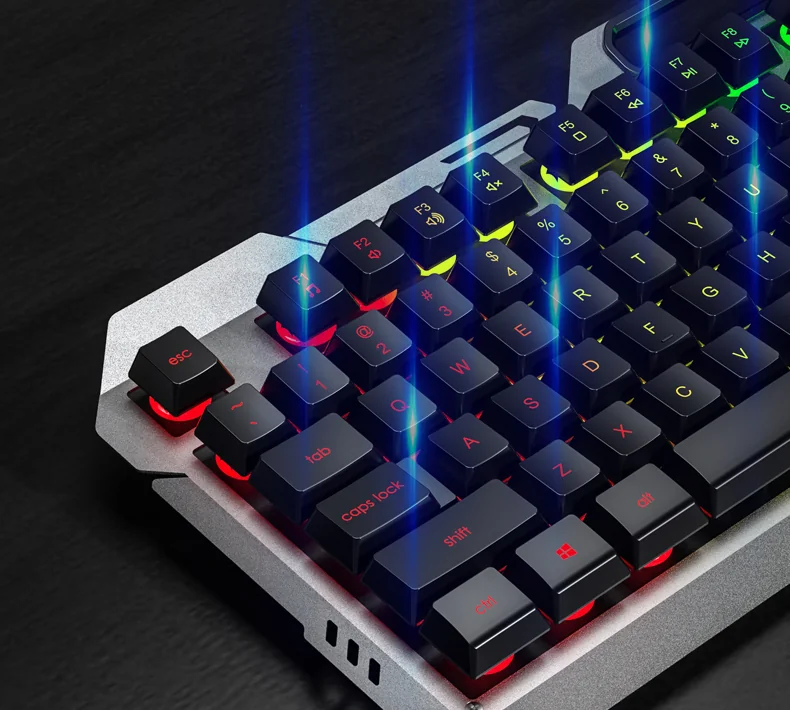
Close-up of the left side of the AULA F2023: the esc key, the F1–F8 row and the lit QWERTY block
Lighting and media without software
Everything is controlled from the keyboard itself. Fn + 1 cycles steady, breathing and heartbeat lighting, while Fn + PgUp and Fn + PgDn change brightness and effect speed. With Fn, the F1–F8 row handles the player, volume, mute and track skipping, and F9–F12 open email, the home page, My Computer and the calculator. Nothing has to be installed: the keyboard works as soon as it is plugged in.
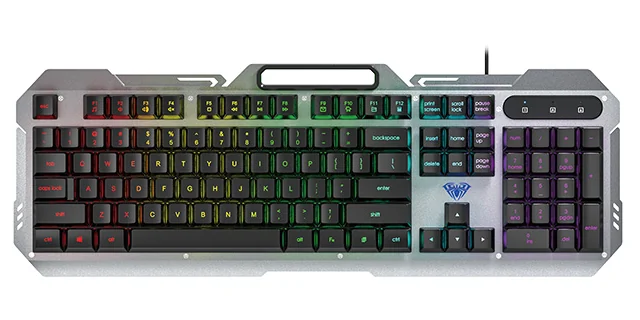
AULA F2023 keyboard from above: a silver metal panel, black keycaps and multicolour RGB lighting
AULA F2023 specifications
Reviews
There are no customer reviews yet. The first review will appear after a verified order.
No reviews yet — be the first to leave one.
Questions and answers
No questions yet. Ask the first one and we will reply within one business day.
No questions yet — be the first to ask.