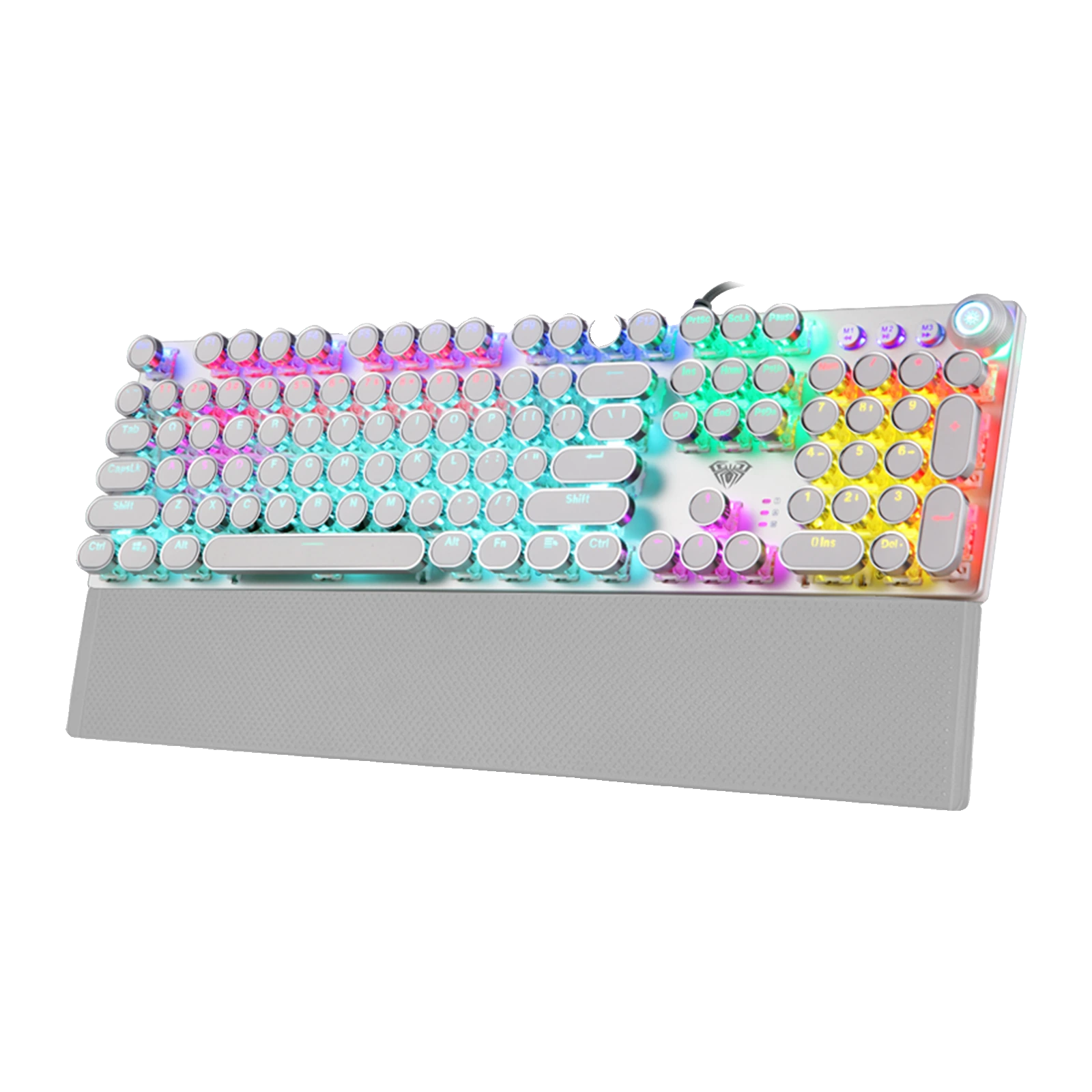
AULA F2088 — wired mechanical keyboard: 104 keys, round punk keycaps, a knob and RGB
- Store pickup
- Tashkent, Shaykhantakhur district, Iftikhor street, 2
- Courier
- 50,000 UZS
- Warranty
- 1 month
About this product
All specifications →AULA F2088: description and configuration
AULA F2088 — keyboard.
The AULA F2088 is a full-size wired mechanical keyboard with a punk look: a silver-white body and round retro keycaps that the backlight shines through. The main block keeps the standard 104 keys, while the top right adds three multimedia buttons — M1, M2 and M3 — and a metal knob. It is equally at home in games, in long typing sessions and in office work.
The switches are mechanical, and the batch GEEKSHOP is bringing in on preorder ships with Blue switches — a pronounced tactile step and an audible click. AULA rates the actuation force at 60 ± 10 g, the travel at 2 mm ± 0.6 and the key life at around 50 million presses. The top plate is matte-finished metal, the case sits at an angle and a detachable magnetic wrist rest comes with it.
The RGB backlight works by zone: one key cycles through 22 lighting effects, the knob turns the brightness up or down, and the M1, M2 and M3 buttons hold customisable lighting presets for the gaming key area. Macros are programmed through the AULA utility. It connects over a single USB cable: typing, lighting and anti-ghosting work right away without a driver on Windows and macOS, and the AULA utility is only needed for macros and fine-tuning the lighting.
Official brand websiteaulastar.uz
Round keycaps that glow
The defining feature of the F2088 is its round retro keycaps in silver and white — a style AULA calls punk. The legends let light through, so the backlight stays readable in the dark. The caps sit on an exposed metal plate, so light escapes from underneath them as well as through the legends.
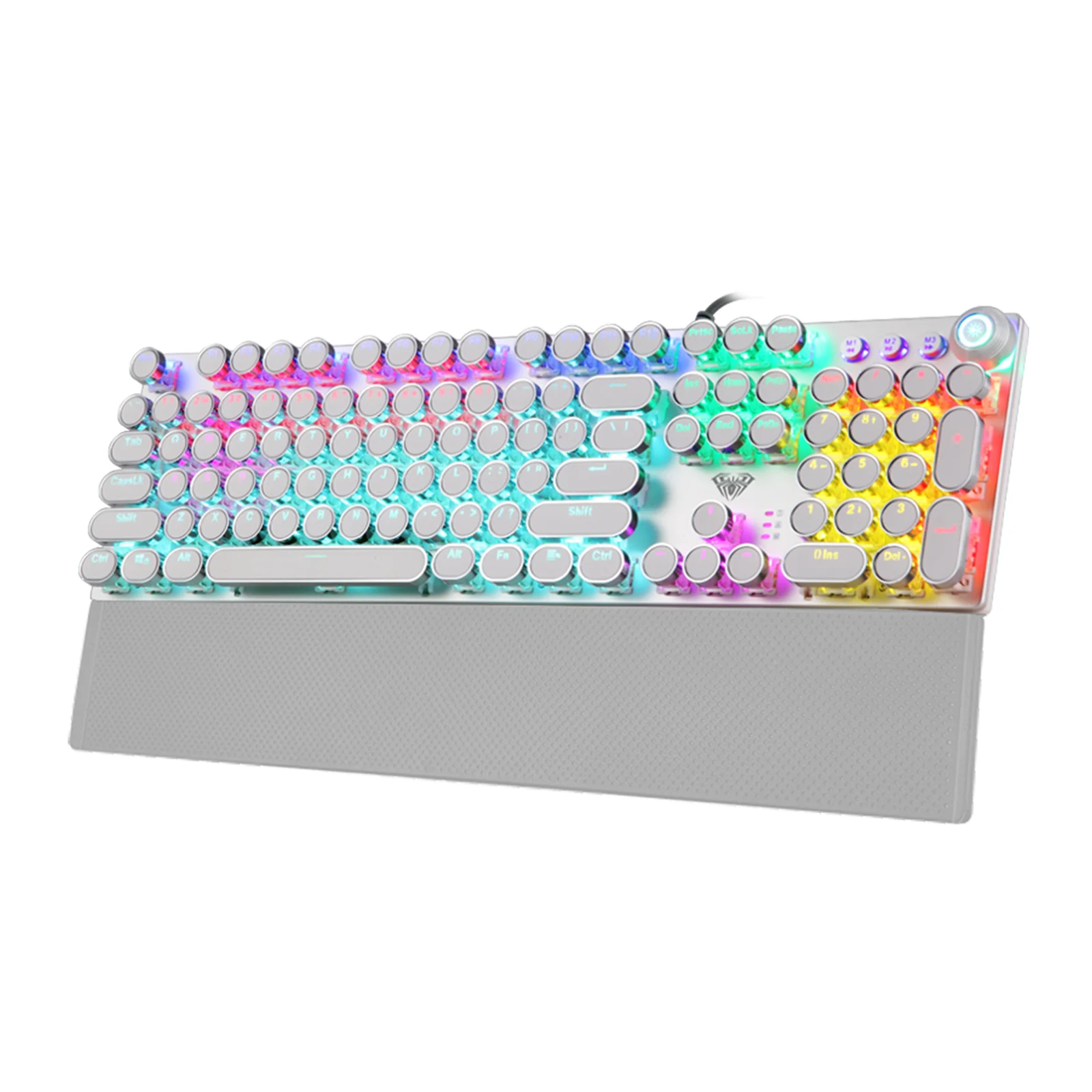
AULA F2088 mechanical keyboard at three quarters: round white punk keycaps, RGB backlighting and the wrist rest
A knob and three media buttons
The top right carries a metal knob with a lit ring and, next to it, three round buttons: M1, M2 and M3. The buttons handle previous track, play/pause and next track; turning the knob changes the backlight brightness, while pressing it mutes the sound and switches mode. The full set of media commands is duplicated on FN+F1…F12 shortcuts, from the calculator to locking the keyboard.
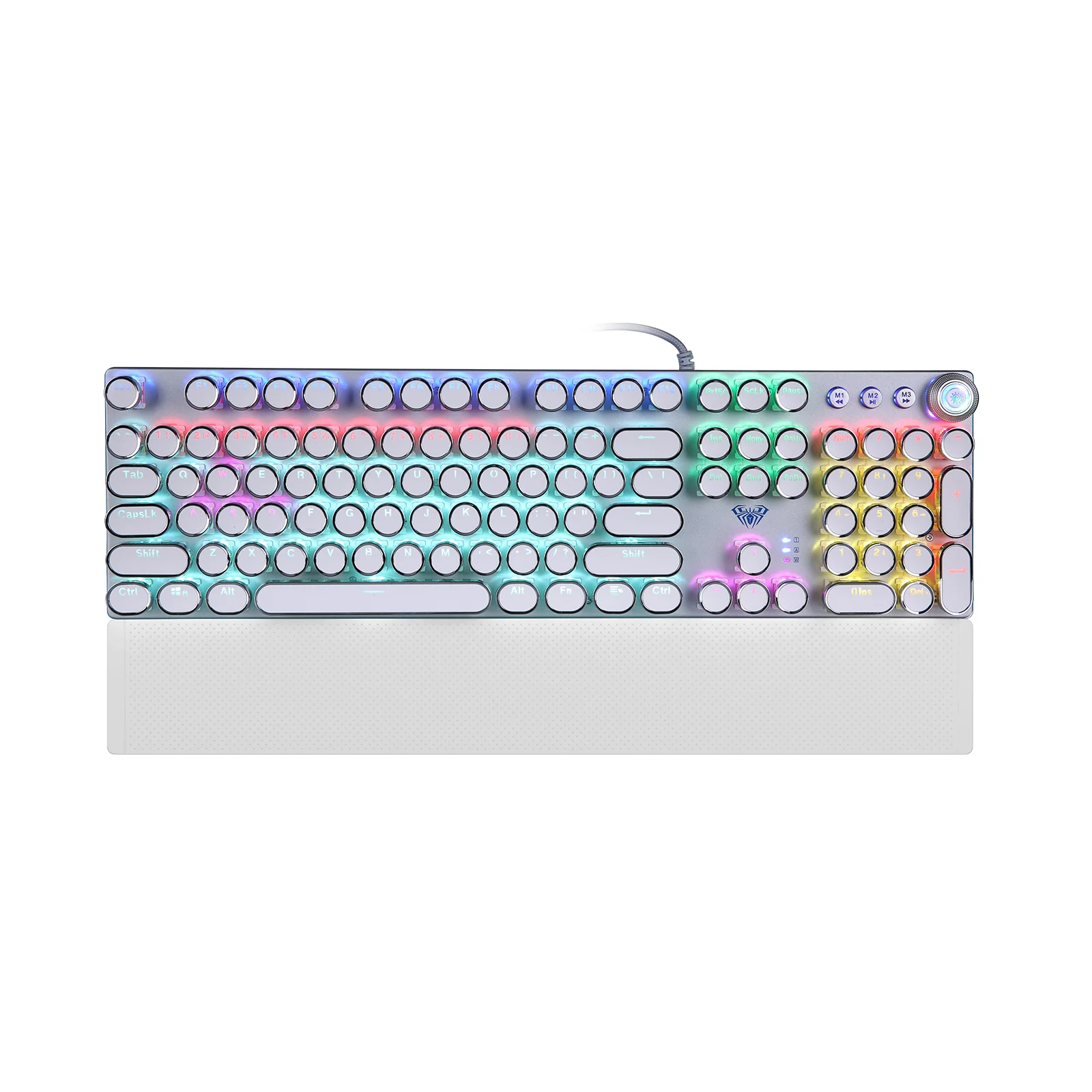
AULA F2088 from above: the full-size layout, the knob and the M1–M3 media buttons on the right, wrist rest attached
Zoned light and three presets
The backlight mixes colour across zones instead of washing the board in one shade: neighbouring blocks on the left and right glow differently. One key cycles 22 effects, and the knob sets the brightness. The M1, M2 and M3 buttons hold lighting presets for the gaming key area and can be reconfigured, so you can keep one scheme for shooters and another for work.
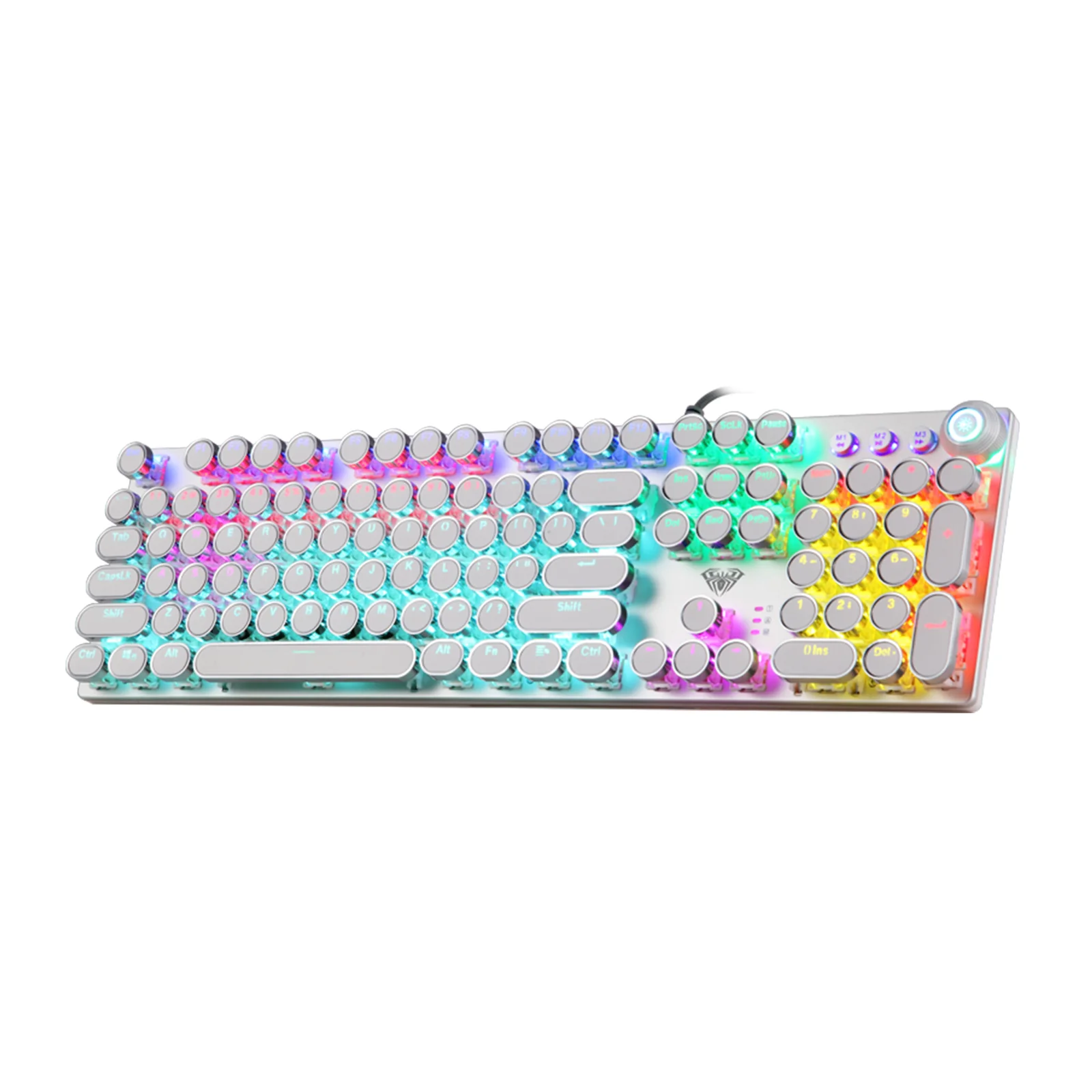
AULA F2088 at an angle without the rest: different backlight colours across the zones and the lit ring around the knob
Metal, angle and a wrist rest
The top plate is alloy: AULA gives it an anti-static nano-anode treatment, and the surface itself is sandblasted — matte, grippy and pleasant to the touch. The case is tall and clearly angled, which lets the hand settle naturally. The wrist rest attaches with magnets: pull it off in one motion when you need the desk space, then put it back without fiddling with clips.
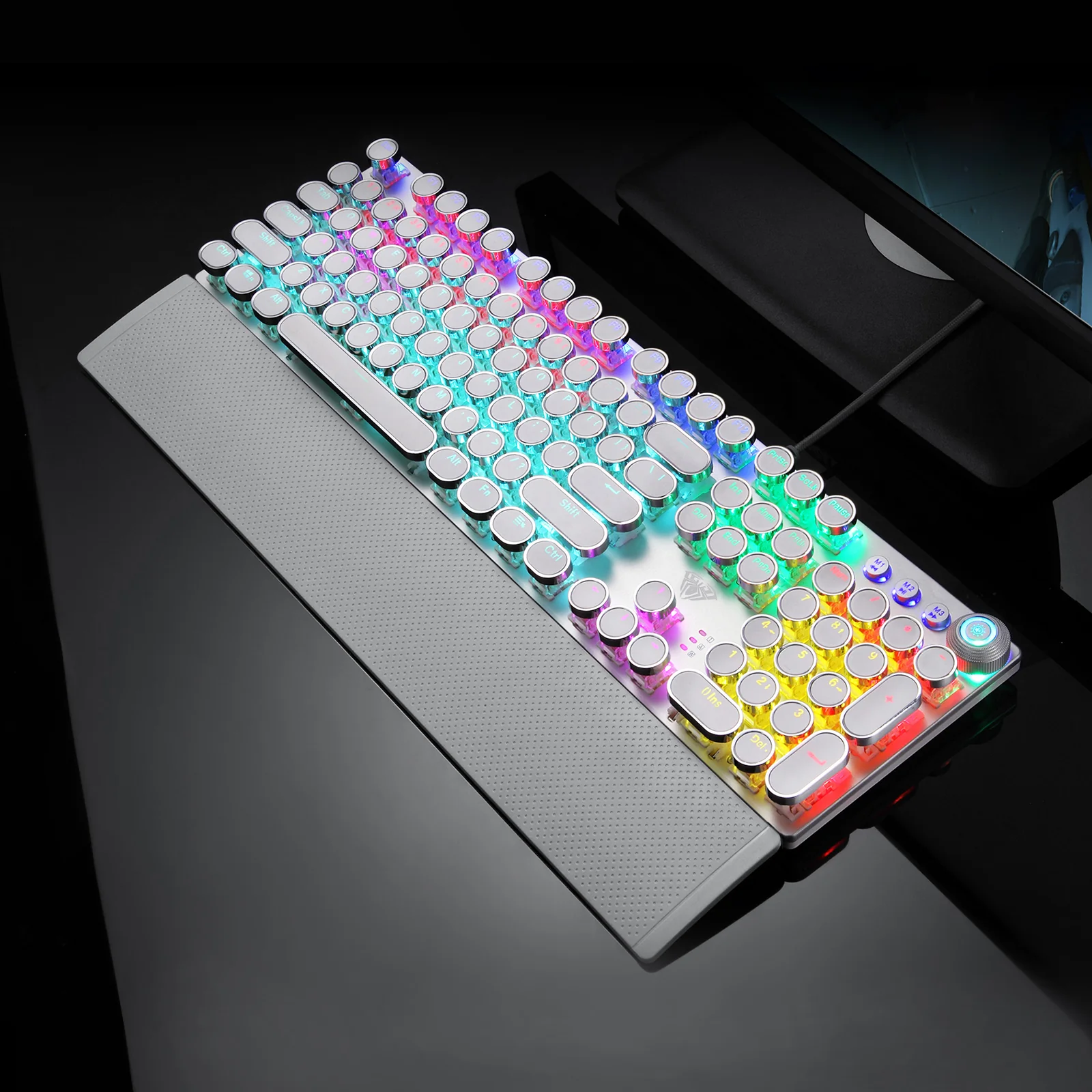
AULA F2088 on a dark desk: the glowing round keycaps and the wrist rest in a gaming setting
AULA F2088 specifications
Reviews
There are no customer reviews yet. The first review will appear after a verified order.
No reviews yet — be the first to leave one.
Questions and answers
No questions yet. Ask the first one and we will reply within one business day.
No questions yet — be the first to ask.