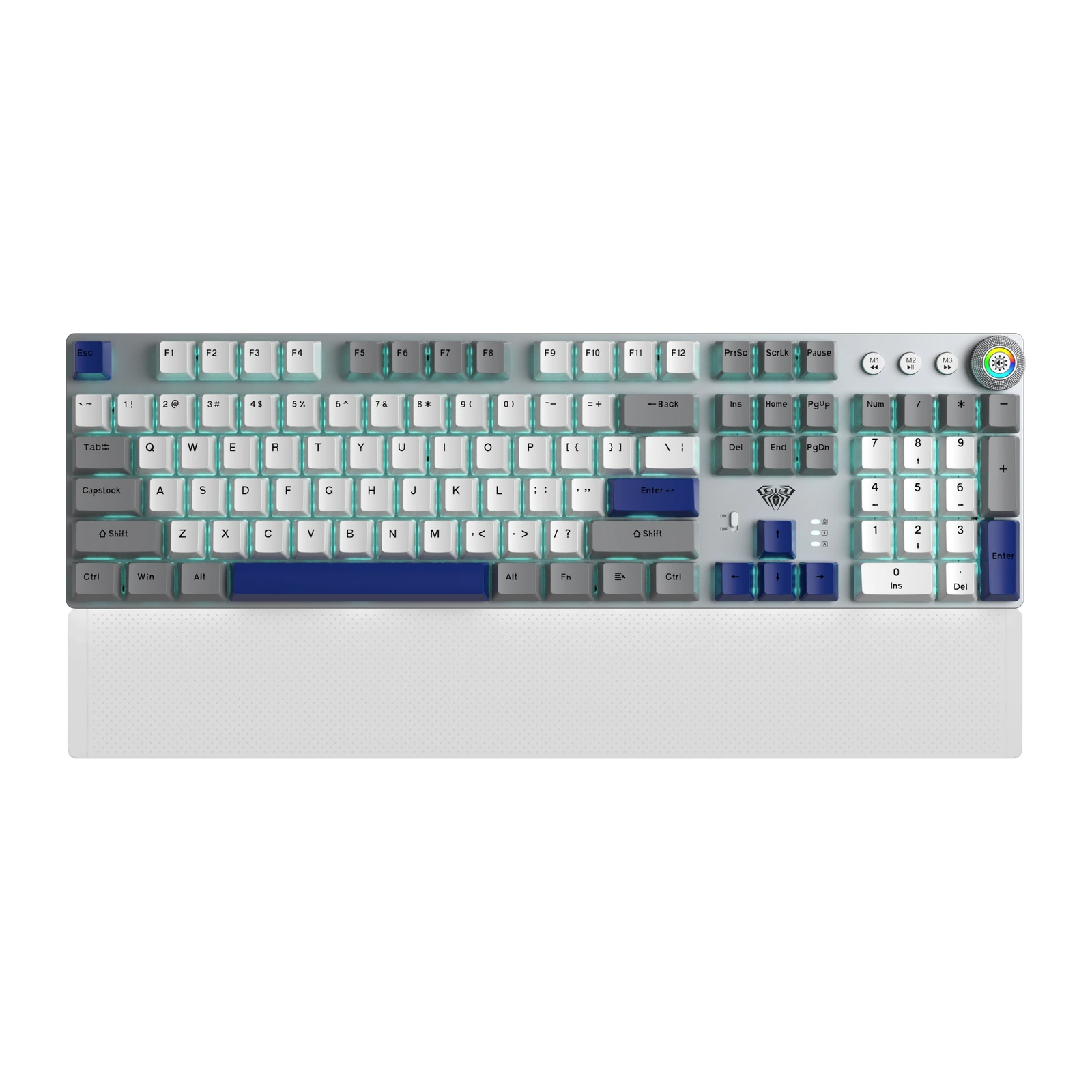
AULA F2088 Air — full-size mechanical keyboard: 104 keys, three connection modes, control knob, Ice Blue
- Store pickup
- Tashkent, Shaykhantakhur district, Iftikhor street, 2
- Courier
- 50,000 UZS
- Warranty
- 1 month
About this product
All specifications →AULA F2088 Air: description and configuration
AULA F2088 Air (F2088Air) — keyboard.
The F2088 Air is AULA's full-size 104-key mechanical keyboard: function row, navigation cluster, separate arrows and a complete number pad. Three buttons marked M1 to M3 — previous, play/pause, next — sit above the number pad, next to a metal control knob with a lit ring. A separate full-width wrist rest sits against the front edge; every official AULA photo shows the keyboard together with it.
The keyboard runs in three modes: Bluetooth 5.0, a 2.4 GHz wireless link and a USB Type-C cable. The case carries a physical power slider plus battery, Num Lock and Caps Lock indicators. Switches are hot-swappable — the sockets accept most common mechanical switches, and the stock ones are rated for roughly 50 million presses. AULA names a linear Red and a tactile Brown for this model; a GEEKSHOP manager confirms which one ships when the order is placed.
Lighting is zoned RGB with 20 dynamic effects, and the top plate has a brushed metal texture. The knob handles part of the controls: press it to change the lighting mode, turn it left or right for volume, brightness or mute. Macro programming is supported, so longer key sequences can live on a single key.
Official brand websiteaulastar.uz
Full size, with none of the keys cut
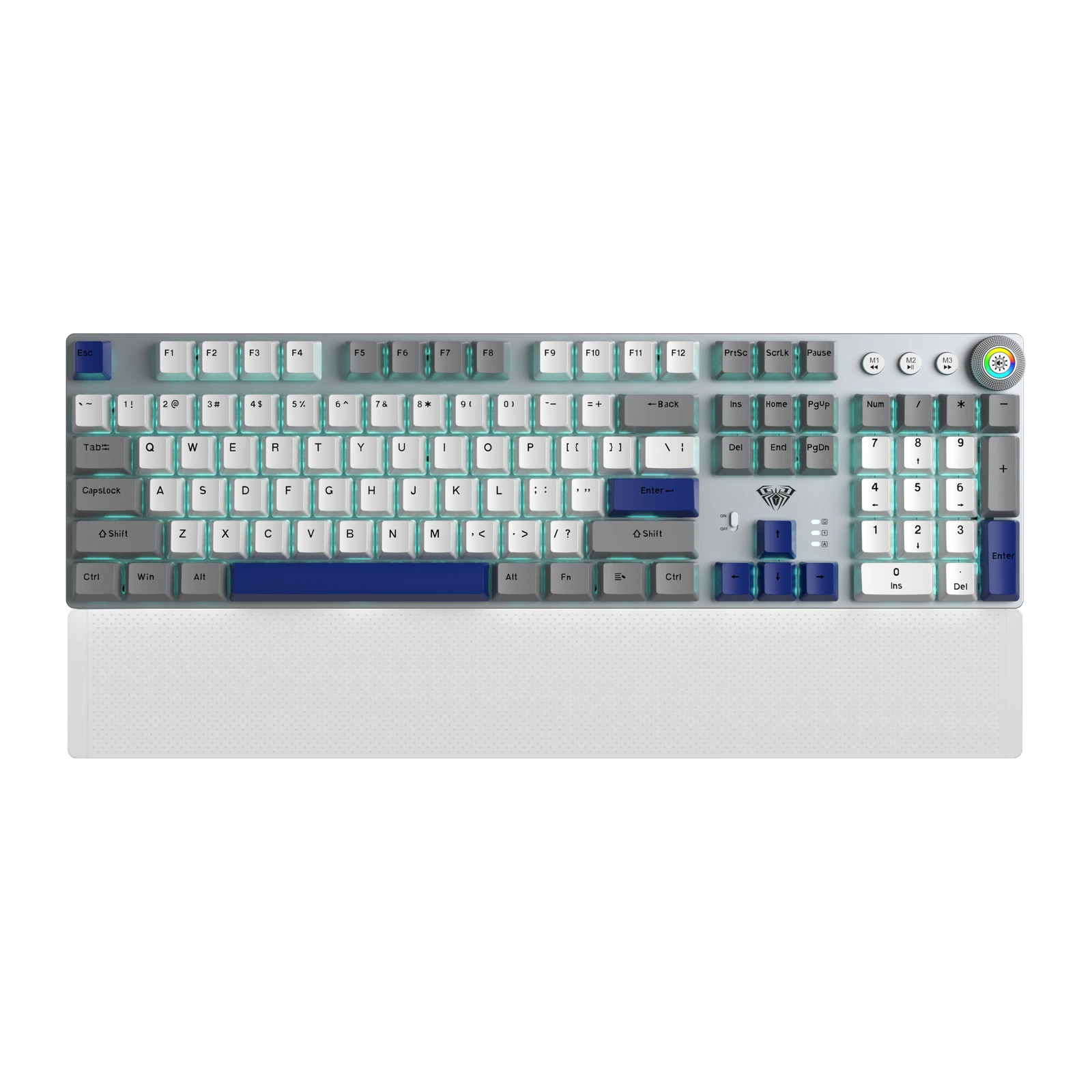
The F2088 Air follows the classic 100% plan: 104 keys, a function row, a navigation cluster, separate arrows and a complete number pad. Nothing hides behind an FN layer or gets shared between two keys. Three M1–M3 media buttons sit above the number pad, so a track or a pause is one press away without leaving the board.
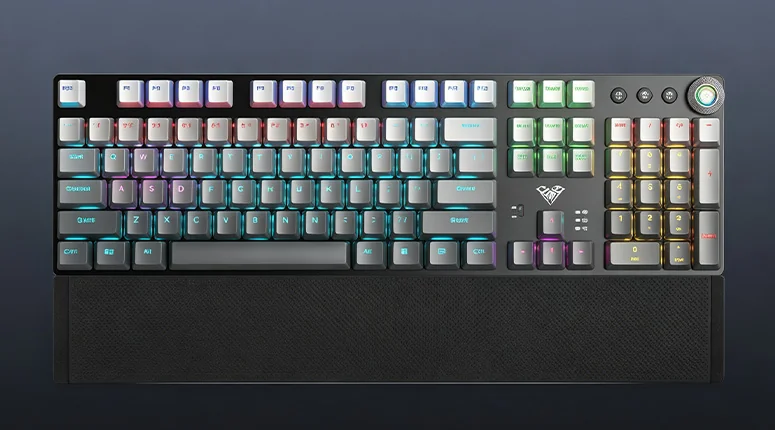
AULA F2088 Air in AULA’s gradient gray finish from above: 104 keys, the M1–M3 buttons, the knob and the wrist rest
Three connection modes and a power switch on the case
The board connects over Bluetooth 5.0, a 2.4 GHz wireless channel or a USB Type-C cable, so the mode follows the task: tablet, work laptop, gaming PC. A physical slider on the case keeps the battery from draining while the keyboard sits idle, and three indicators show battery charge, Num Lock and Caps Lock.
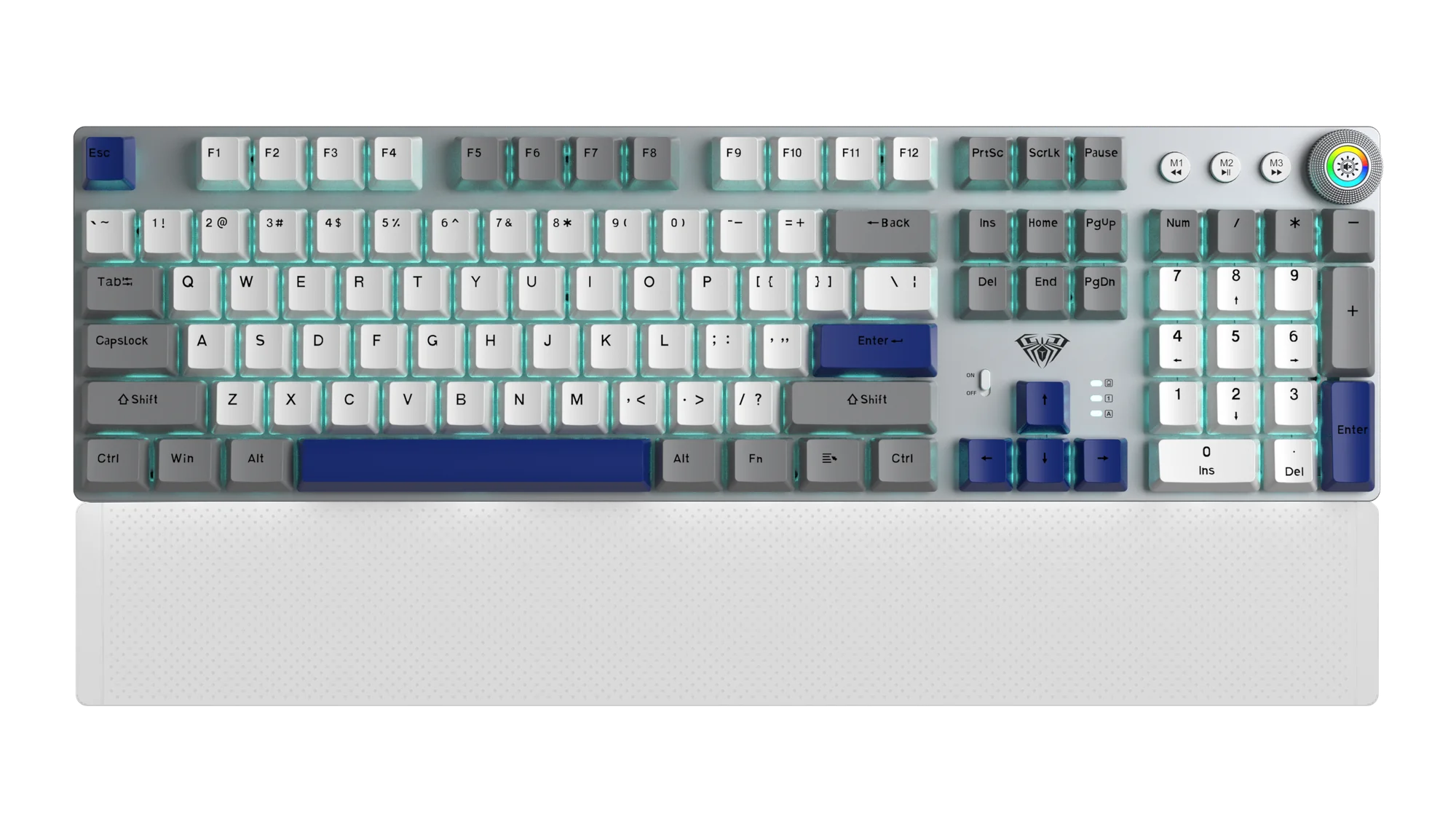
AULA F2088 Air in Ice Blue: silver case, white and blue keycaps, control knob and a white wrist rest
Hot-swap switches — pick your own sound and travel
The hot-swap sockets let you pull a switch out with a puller and drop another one in — no soldering, no opening the case. Most common mechanical switches fit, so the board can be tuned towards the sound and weight you want over time. The stock switches are rated for about 50 million presses; AULA names a linear Red and a tactile Brown for this model.
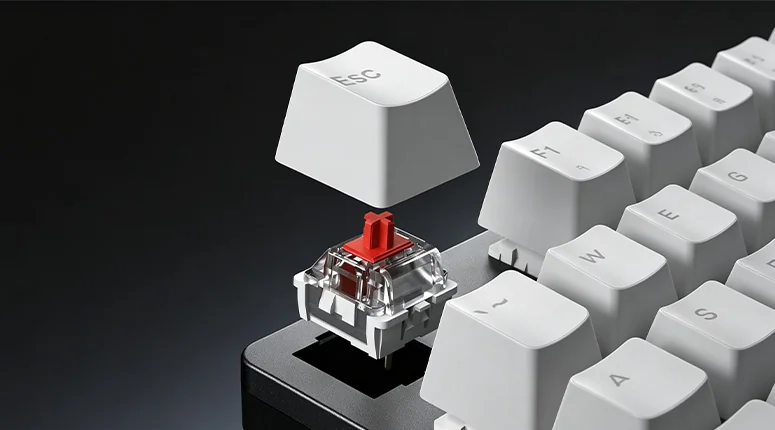
The Esc keycap lifted off the AULA F2088 Air, exposing a mechanical switch in its hot-swap socket
A metal knob instead of extra buttons
A metal knob with a lit RGB ring sits in the top-right corner. Press it to change the lighting mode; turn it either way for volume or brightness, or to mute. It is quicker than hunting for the right FN combination, and handy mid-match or mid-call.
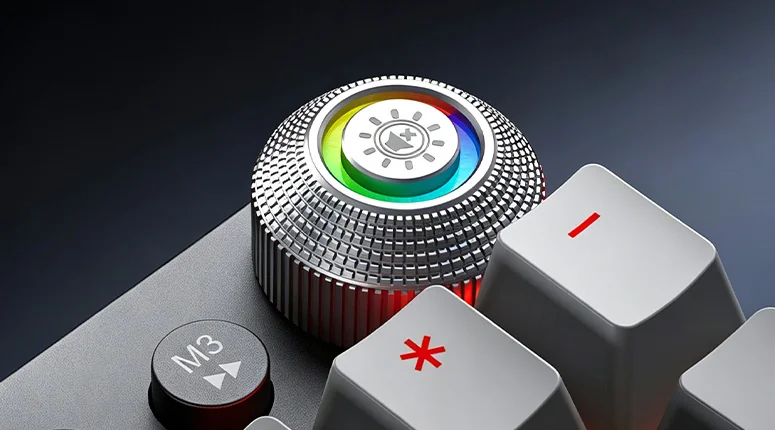
The AULA F2088 Air metal knob with its lit RGB ring, next to the M3 button
Zoned RGB and a wrist rest across the front
The backlight is split into zones: the function row, the main block, the navigation cluster and the number pad each take their own colour, across 20 dynamic effects. The brushed metal top plate catches that light well. A separate wrist rest runs the full width of the board along the front edge, so your palm is not left hanging off the desk during a long session.
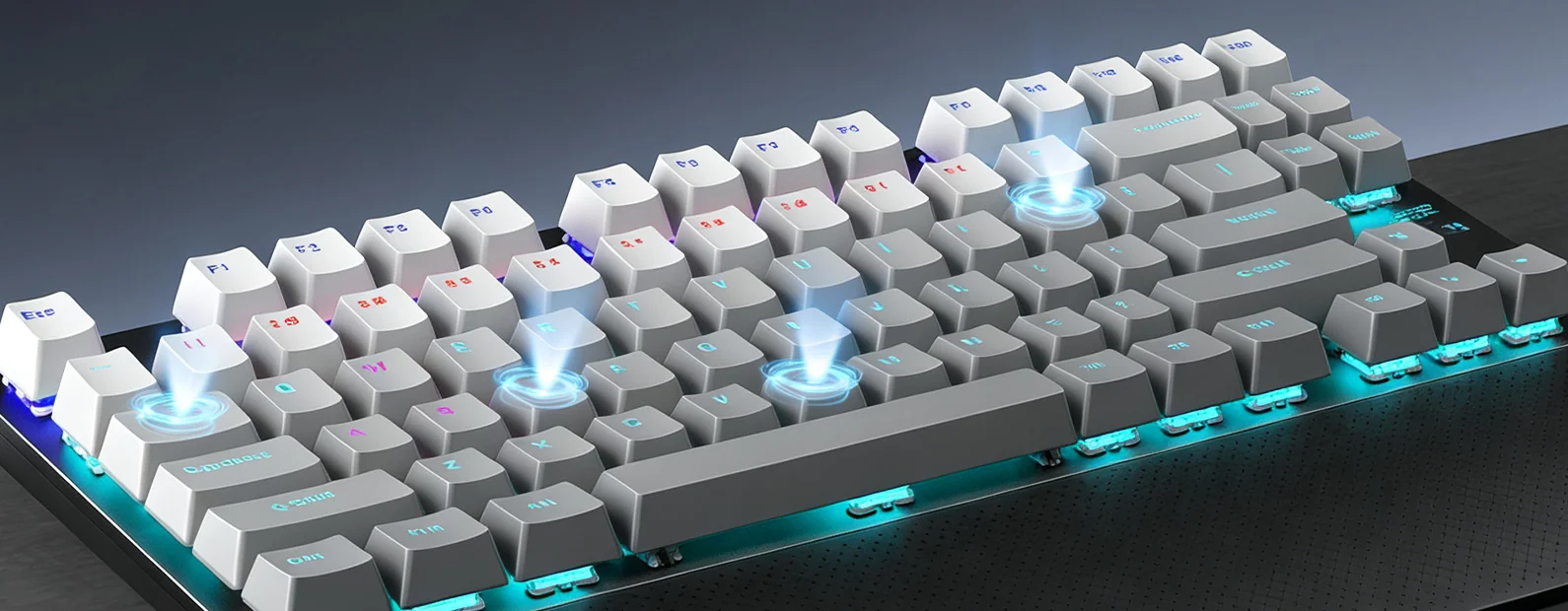
Angled view of the AULA F2088 Air showing zoned RGB lighting and the lit case edge
AULA F2088 Air specifications
Reviews
There are no customer reviews yet. The first review will appear after a verified order.
No reviews yet — be the first to leave one.
Questions and answers
No questions yet. Ask the first one and we will reply within one business day.
No questions yet — be the first to ask.