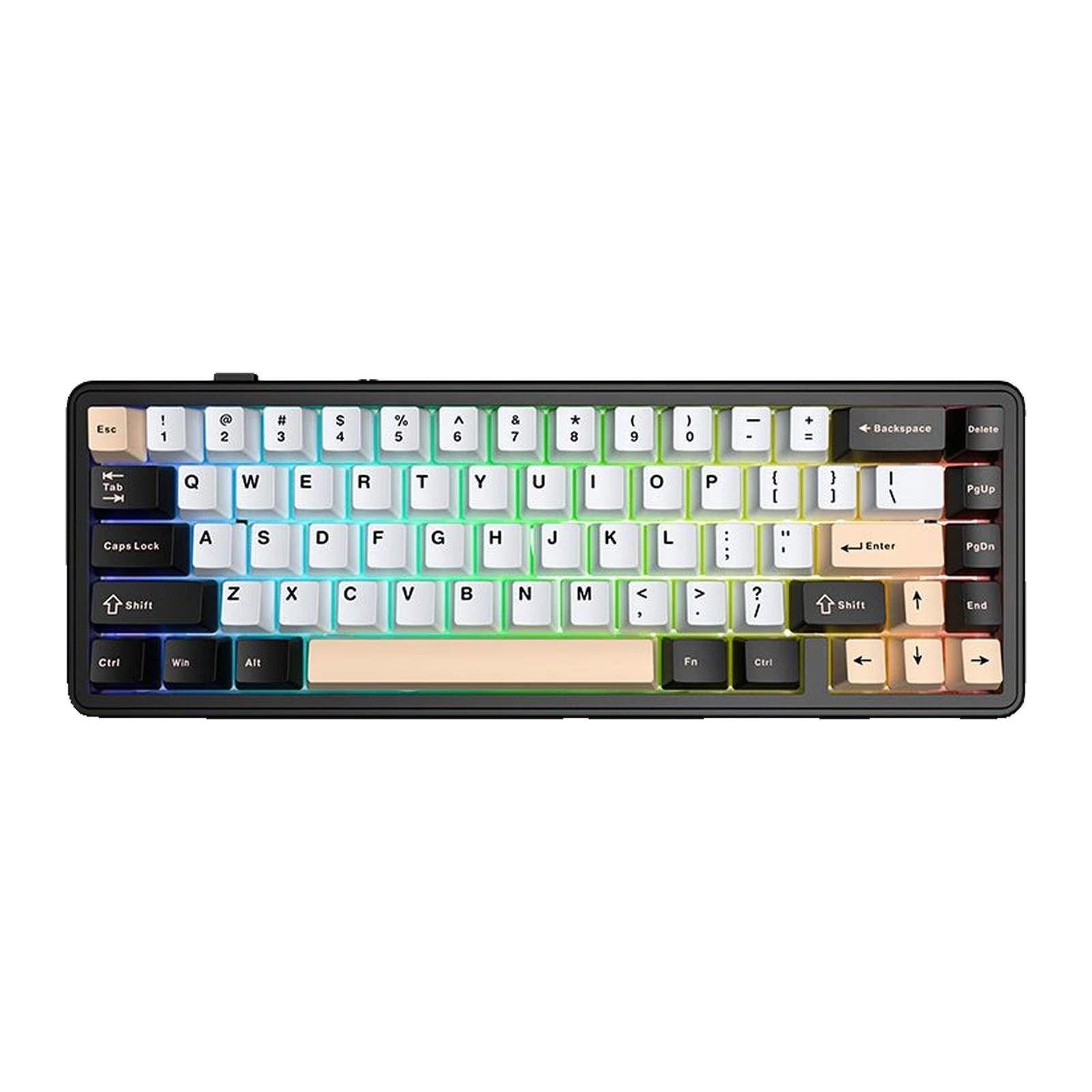
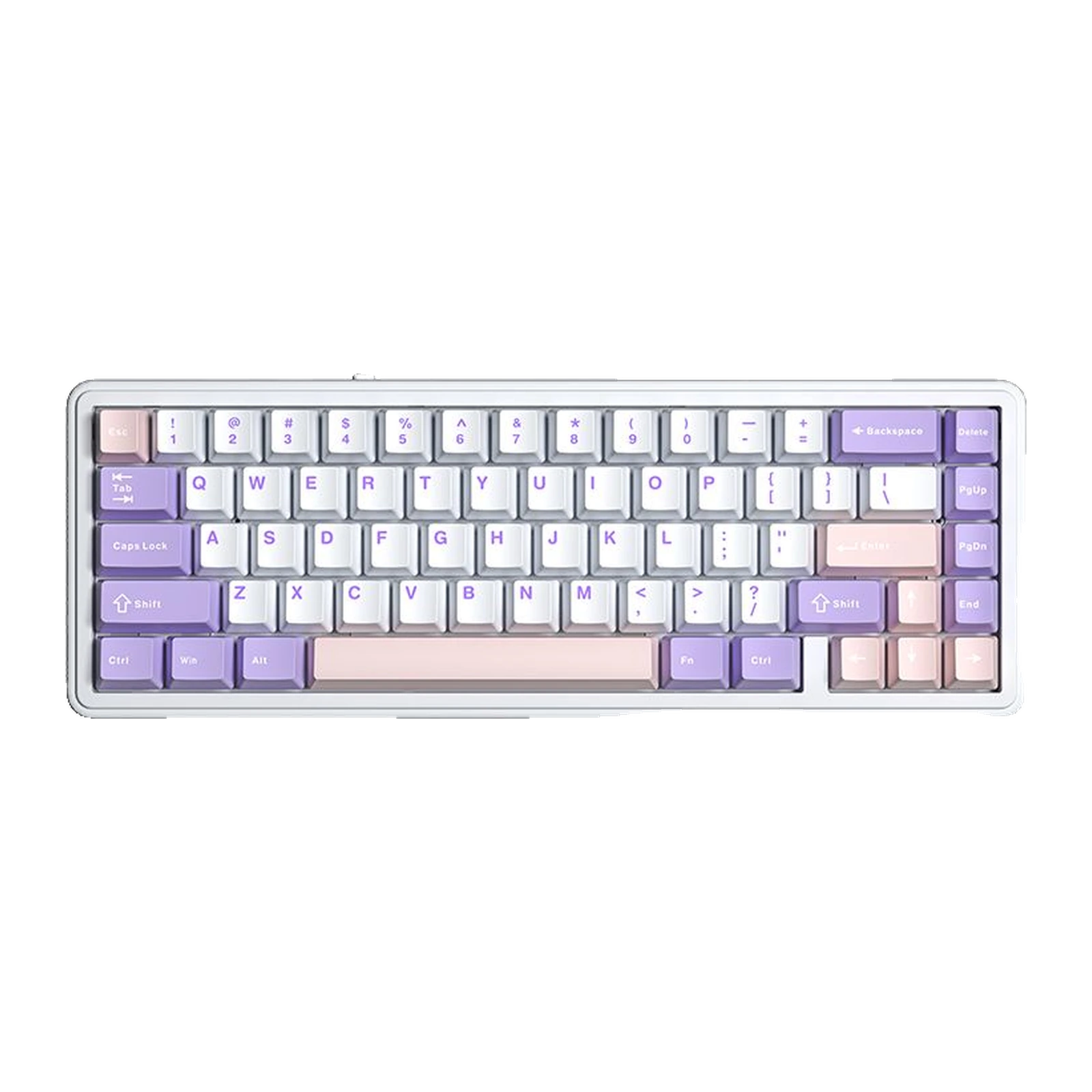
AULA F65 — 65% keyboard: tri-mode wireless, gasket mount, 67 keys, White + Purple + Pink
- Store pickup
- Tashkent, Shaykhantakhur district, Iftikhor street, 2
- Courier
- 50,000 UZS
- Warranty
- 1 month
About this product
All specifications →AULA F65: description and configuration
AULA F65 — keyboard.
The AULA F65 is a compact 65% mechanical keyboard. It carries 67 keys: the letters, the number row, the arrow cluster and a separate column with Delete, Page Up, Page Down and End, while the F-row and the numpad are dropped and reached through Fn. The case is only 325 mm wide, so it leaves noticeably more desk room for the mouse than a full-size board — which is the main reason people choose this format.
The board is built on a gasket mount: the plate rests on soft pads between the upper and lower halves of the case, which makes the keypress softer and the sound more contained than a rigid screw-in build. Every key is hot-swappable, so switches can be changed with a puller and no soldering. Lighting is RGB, with a separate glowing strip running around the case. AULA states full anti-ghosting across all keys and a runtime of about 17.5 hours with the default backlight, or about 266.5 hours with the lights off.
There are three connection modes, picked with a physical slider on the left edge: Bluetooth 5.0, a 2.4 GHz wireless link through a USB receiver, and a USB Type-C cable. The receiver stores inside the case itself. The manufacturer lists Windows, macOS, iOS and Android support. Two factory colourways are offered on preorder, and they differ in more than colour — each comes with its own switch, Star Vector or Nimbus V3.
Official brand websiteaulastar.uz
65% — desk room for the mouse, not for a numpad
The F65 carries 67 keys: the alphabet, the number row, the arrows and a short column with Delete, Page Up, Page Down and End on the right. The F-row and the numpad move onto the Fn layer. At 325 mm wide the board frees up exactly the slice of desk a full-size model gives to the number pad, so the mouse hand gets more space and your shoulders stay closer together. If you work with numbers all day, judge first how comfortable you will be without a numpad.
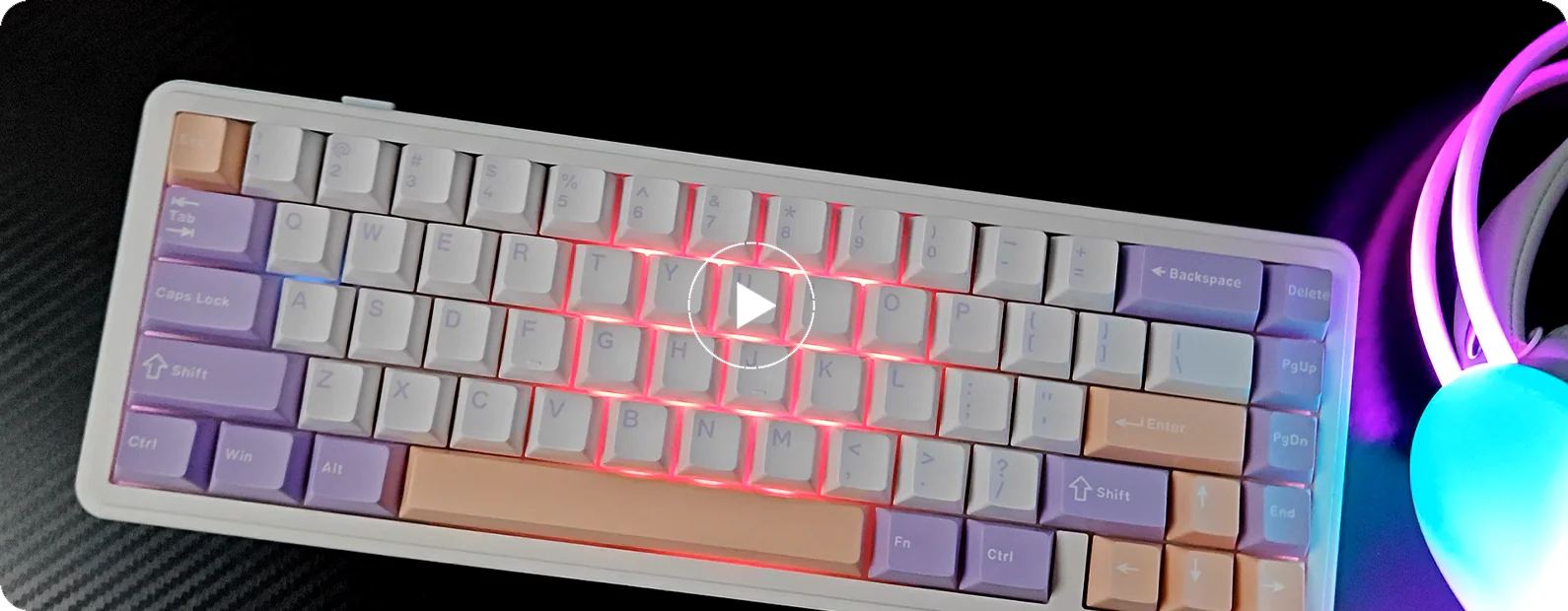
The AULA F65 on a desk at an angle: white case, purple and pink keycaps, RGB lighting on
Three modes and a slider within reach
The mode is chosen with a physical slider on the left edge rather than a key combination: BT — Wired — 2.4G. Next to it sit the USB Type-C port and the bay that holds the USB receiver, so it is hard to lose while travelling. Bluetooth 5.0 suits a tablet or a phone, the 2.4 GHz link suits a gaming PC, and the cable is there for when you want to type and charge at once.
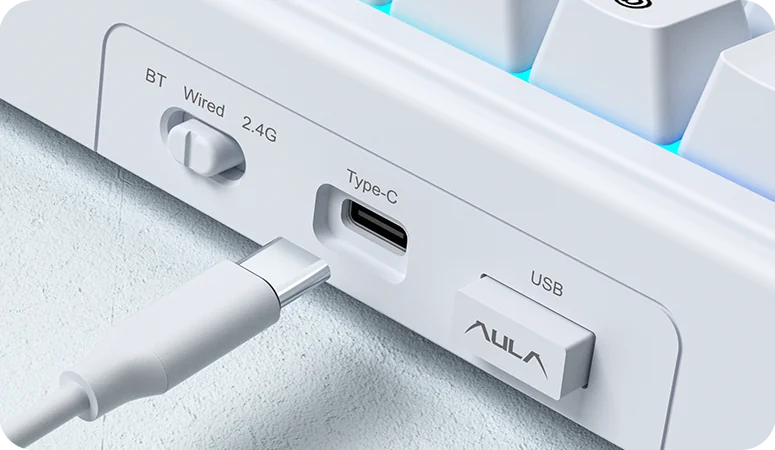
The edge of the AULA F65: the BT — Wired — 2.4G slider, the USB Type-C port and the receiver bay
A gasket build and hot-swap sockets
The F65 plate is not screwed hard into the case; it rests on soft pads — that is the gasket mount. In practice it gives a softer bottom-out and a duller, more contained sound instead of the ring of a bare plastic shell. Hot-swap works on every key: a switch lifts out with a puller and goes back in without a soldering iron, so the sound and the typing force can be retuned later without replacing the whole board.
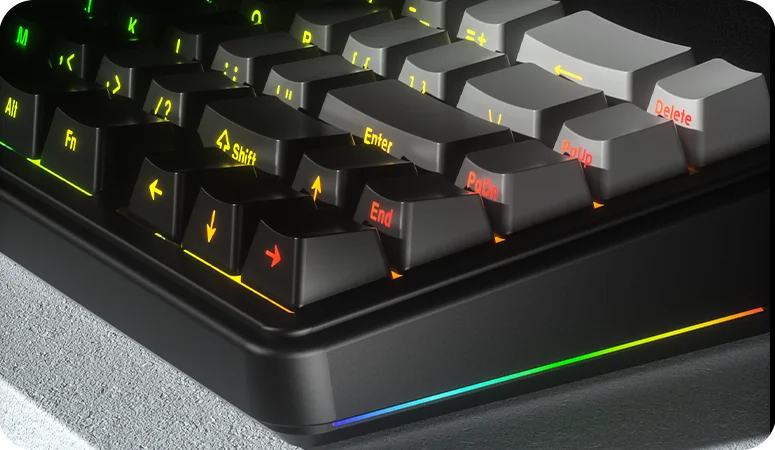
A close-up of the AULA F65 corner: the glowing RGB strip around the case and the keycaps
Two colourways — and two different switches
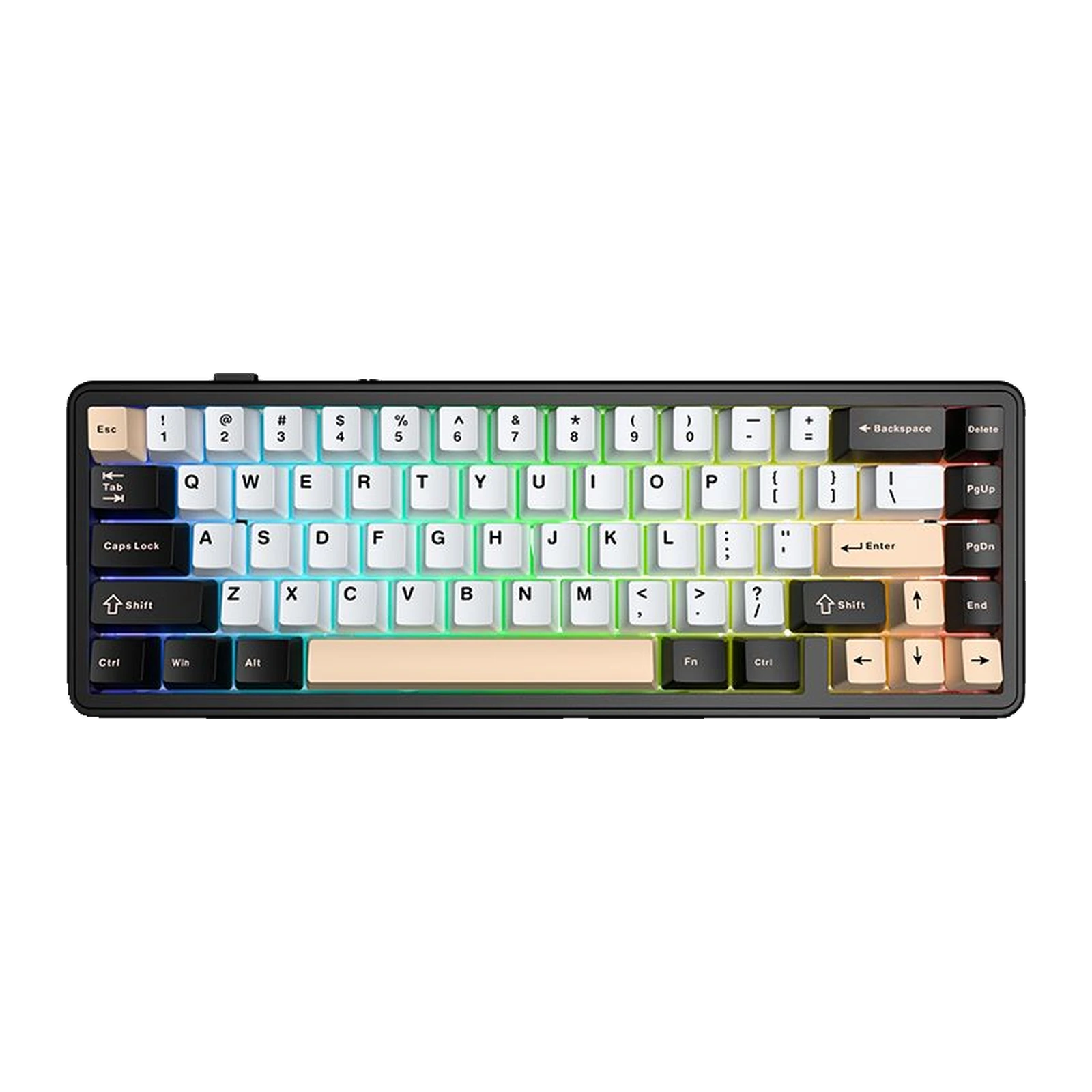
Two factory versions go on preorder, and the choice is about more than colour. The White + Pink + Black build uses Star Vector switches; the White + Purple + Pink build uses Nimbus V3. Both stay fully hot-swappable, so the stock switch sets the first impression without locking you in. AULA does not publish force and travel figures for these two switches on the F65, so we do not quote any.
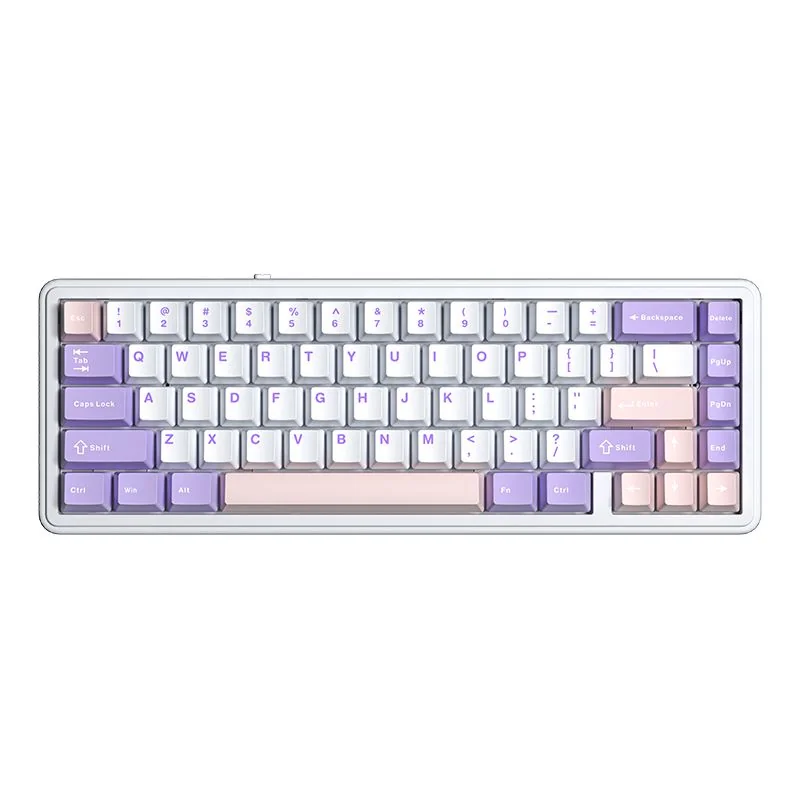
AULA F65 from above: white case with purple and pink keycaps
AULA F65 specifications
Reviews
There are no customer reviews yet. The first review will appear after a verified order.
No reviews yet — be the first to leave one.
Questions and answers
No questions yet. Ask the first one and we will reply within one business day.
No questions yet — be the first to ask.