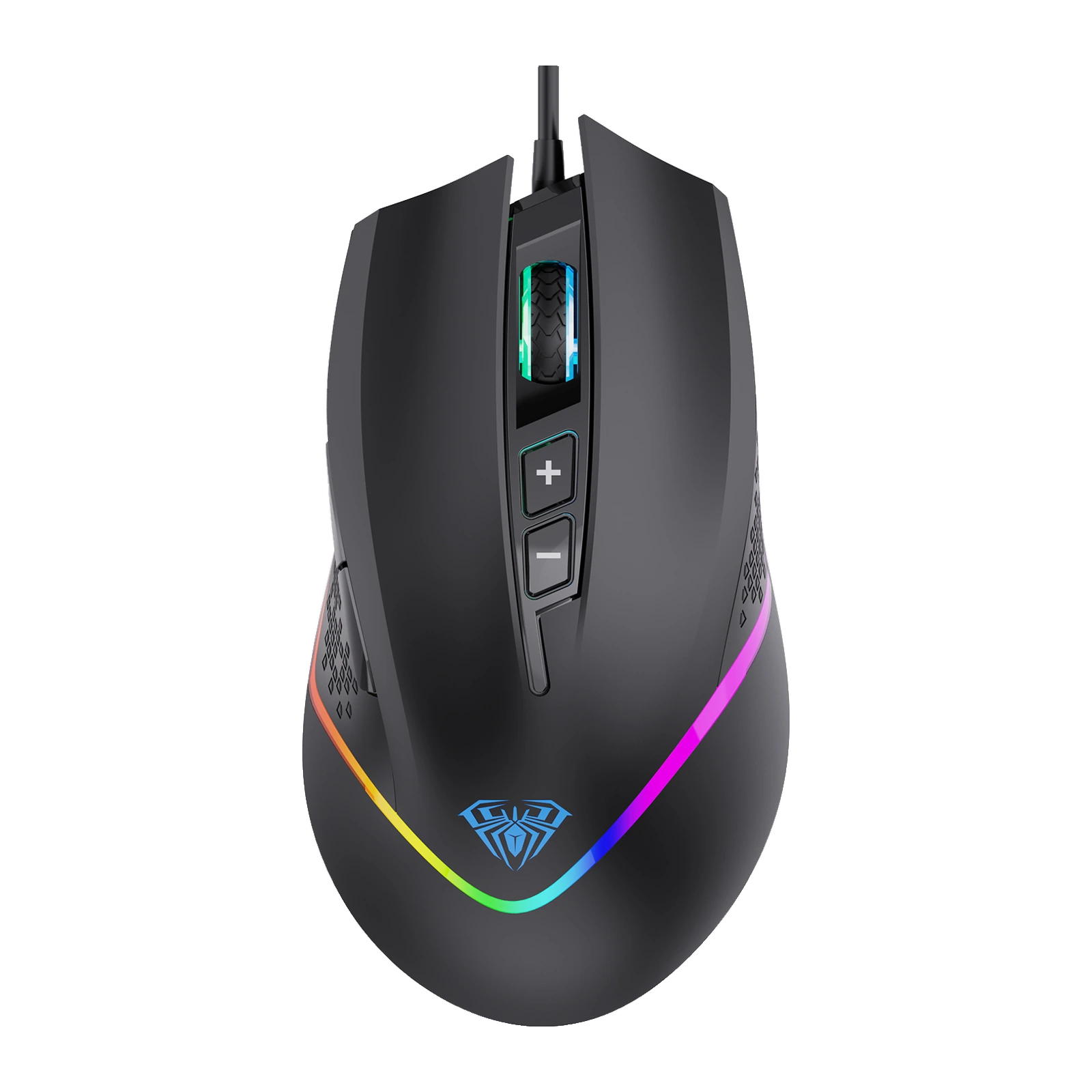
AULA F805 — wired gaming mouse: 7 buttons, six DPI steps up to 6,400, RGB lighting
Payment methodsAbout this product
All specifications →AULA F805: description and configuration
AULA F805 — gaming mouse.
The AULA F805 is a wired, right-handed gaming mouse for a desktop or a laptop. Seven buttons cover the usual in-game actions: left and right click, wheel click, forward and back under the thumb, plus a DPI+ / DPI− pair right below the wheel.
Sensitivity steps through six levels from 800 to 6,400 DPI and the polling rate runs from 125 to 1,000 Hz. The shell is about 134 mm long, matte black, with textured flanks, an RGB strip tracing the outline and a lit scroll wheel. AULA quotes 154 g including the cable and the internal weight.
The mouse connects over USB and works without drivers on Windows and macOS. AULA's own utility adds macros on any button, two profiles and lighting control; holding the wheel click for about three seconds switches between profiles.
Official brand websiteaulastar.uz
Seven buttons instead of three
Beyond left, right and wheel click, the F805 adds forward and back under the thumb and two dedicated DPI keys below the wheel. In game that means reload, weapon swap or push-to-talk without moving your fingers; at work it means tab and history navigation. Any of the seven buttons can be remapped in the AULA utility.
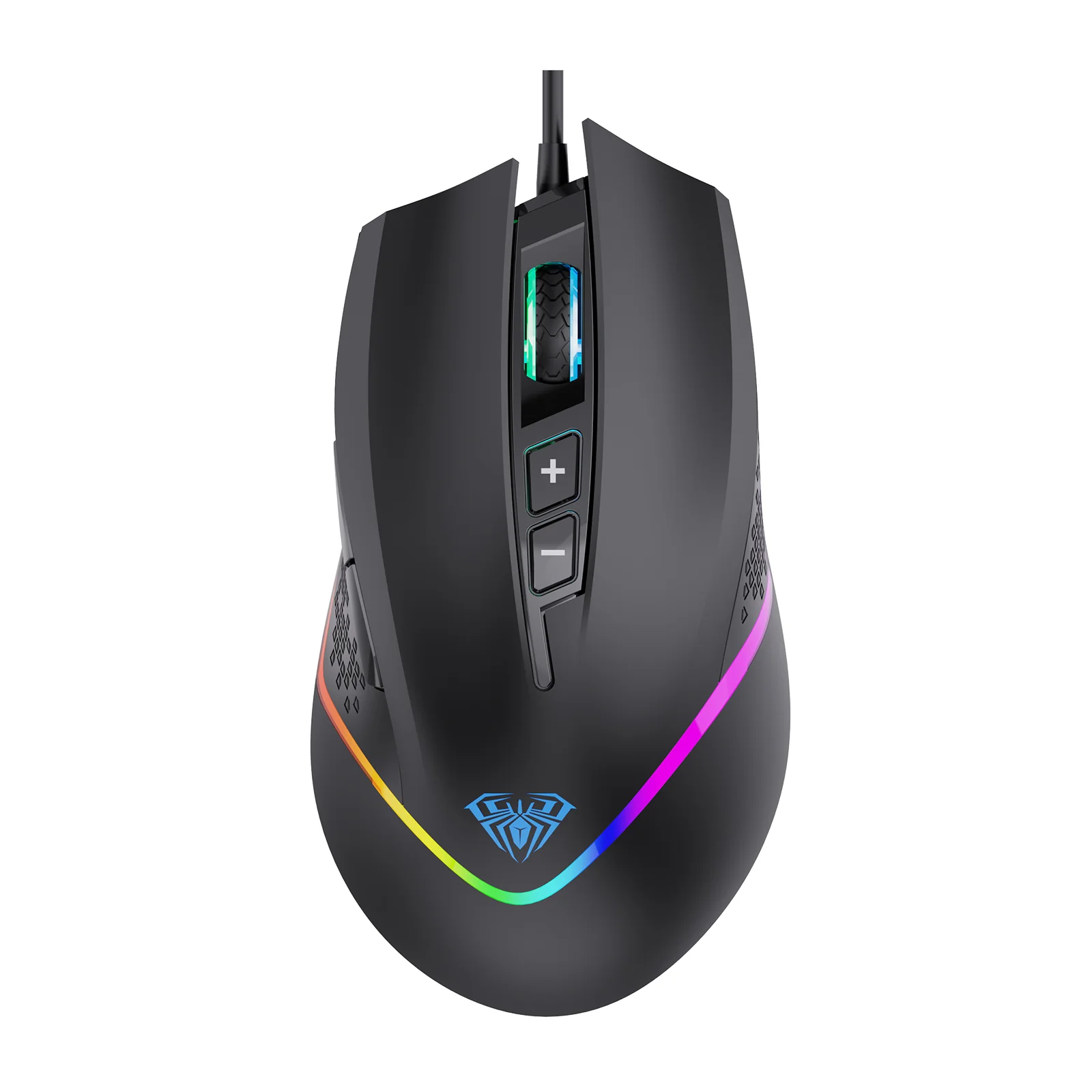
AULA F805 gaming mouse in black, top view: the lit wheel, the DPI+ and DPI− buttons and the RGB strip around the outline
Six DPI steps and 1,000 Hz polling
The sensor steps through 800, 1,600, 2,400, 3,200, 4,800 and 6,400 DPI — the lower steps suit aiming in shooters, the higher ones fast turns and high-resolution monitors. Polling is selectable between 125, 250, 500 and 1,000 Hz: the higher the rate, the more often the mouse reports its position.
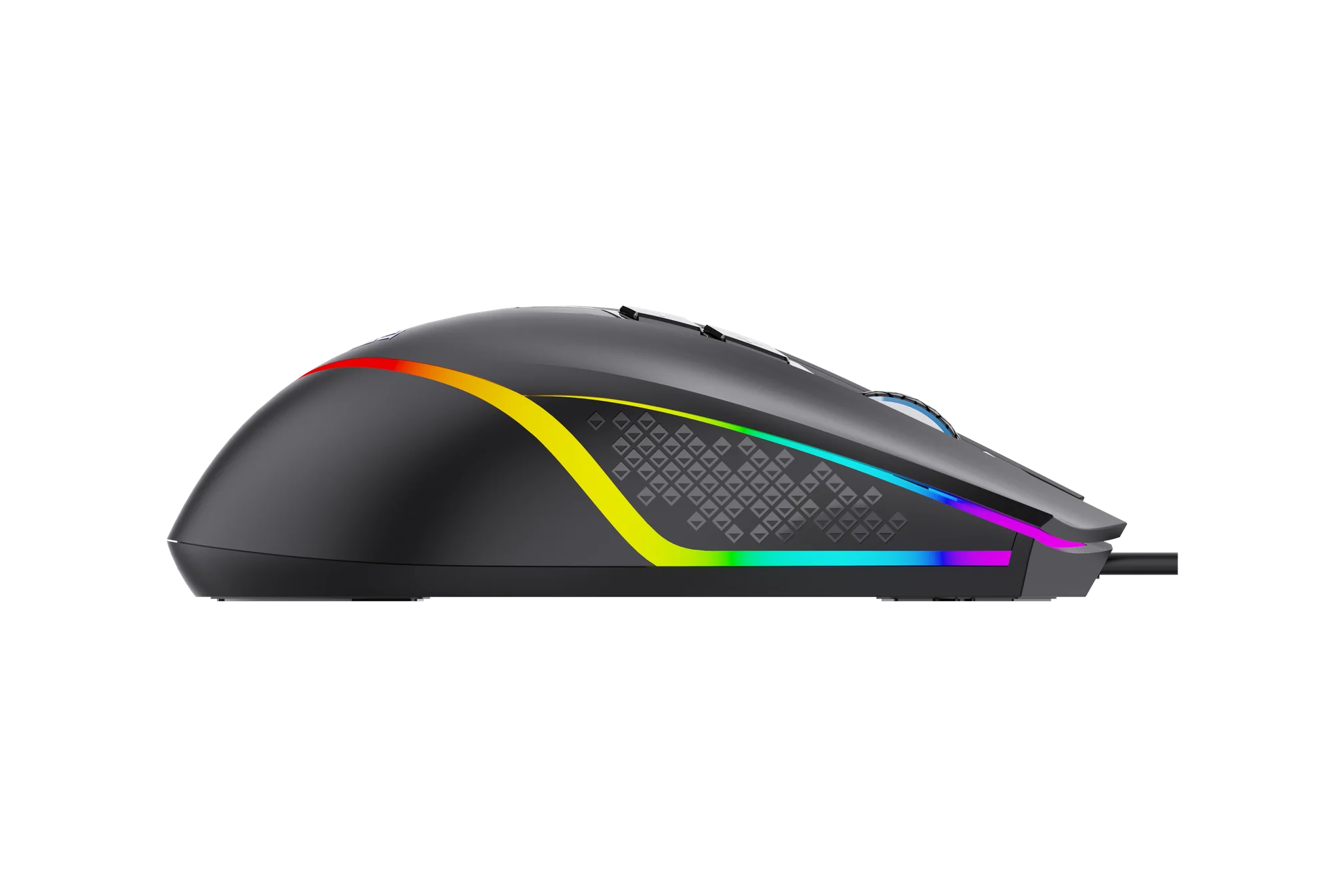
AULA F805 from the side: the textured flank and the RGB line along the body
RGB around the outline
A light strip wraps the sides of the shell and meets at the tail, where the AULA logo glows as a zone of its own; the wheel is lit too. AULA calls the effect full-colour breathing: the colours flow smoothly into one another. The utility lets you retune or dim the lighting if the colour cycling distracts you.
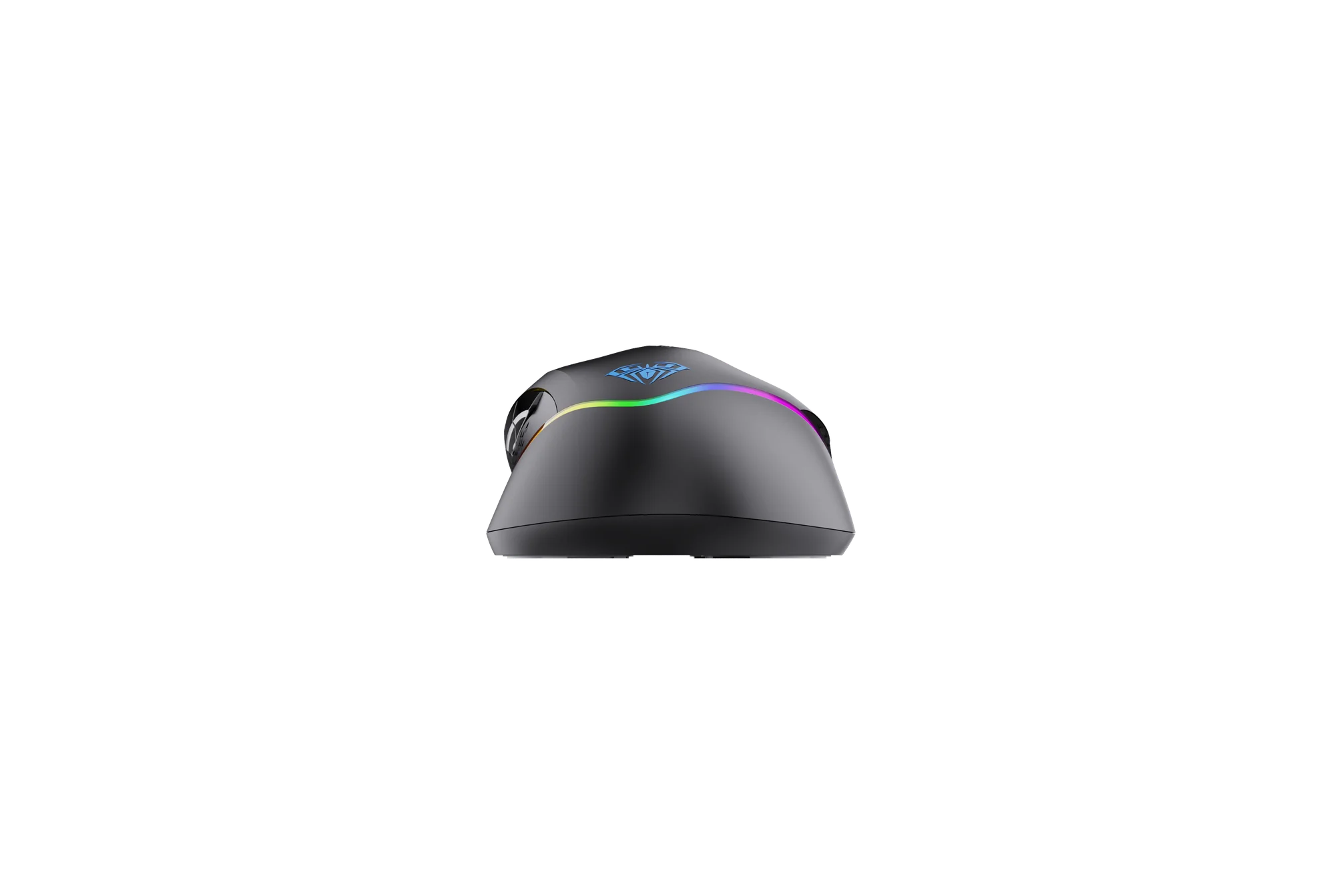
AULA F805 from the rear: the lit AULA logo on the tail and the RGB strip wrapping the shell
Base and glide
Underneath, the mouse rides on pads at the corners with the optical sensor in the centre. That layout keeps the glide even on a cloth pad and on a bare desk alike. At about 134 mm long and 72 mm wide the body suits a palm grip, and the textured flanks underline its right-handed shape.
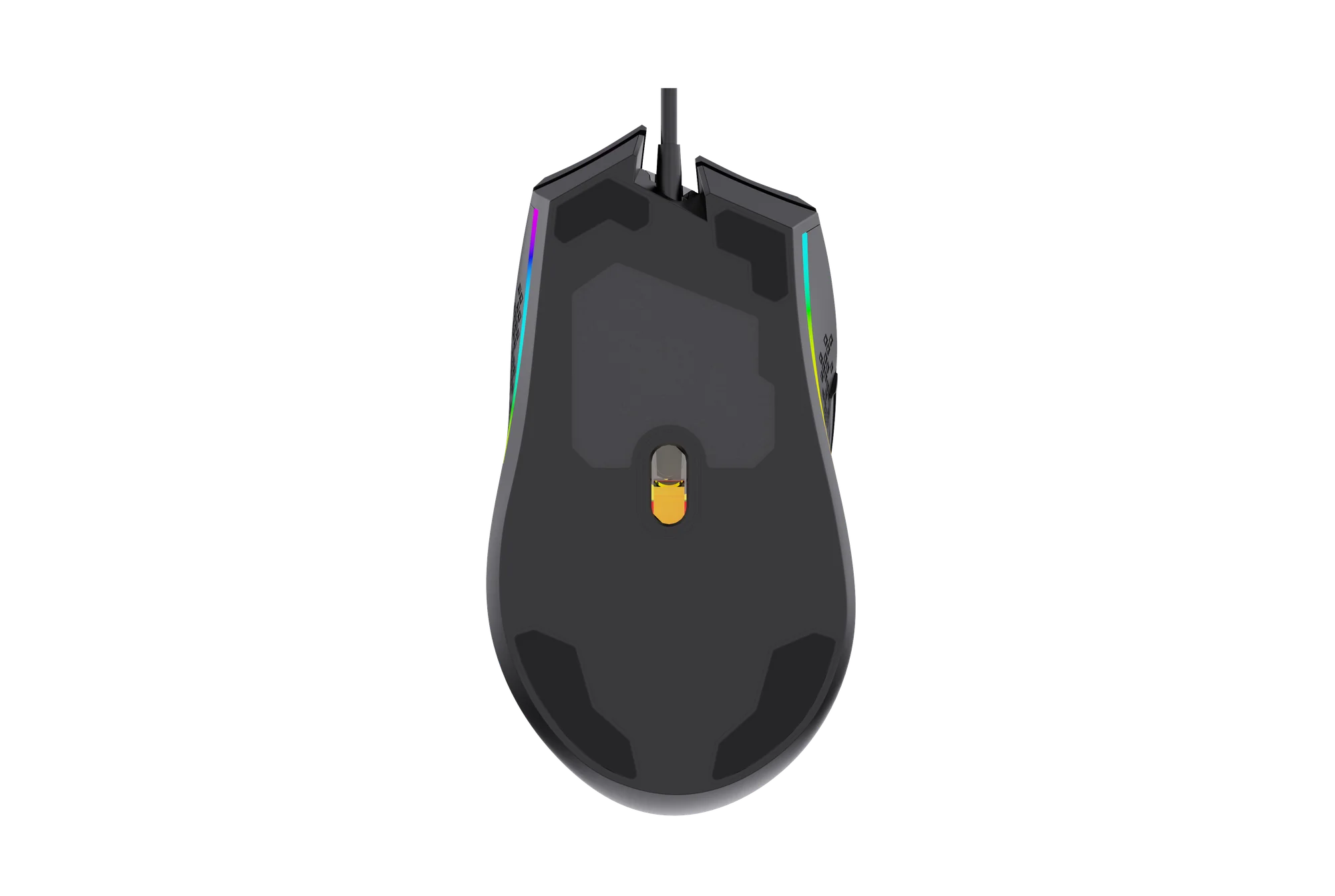
The base of the AULA F805: the optical sensor in the centre and the glide pads at the corners
Two profiles and macros
The AULA utility stores two setting profiles: one can hold a gaming layout with macros and a high DPI step, the other a calmer layout for work. Switching does not require opening the software — just hold the wheel click for about three seconds. Macros, DPI steps and lighting are configured in the same place.
AULA F805 specifications
Reviews
There are no customer reviews yet. The first review will appear after a verified order.
No reviews yet — be the first to leave one.
Questions and answers
No questions yet. Ask the first one and we will reply within one business day.
No questions yet — be the first to ask.