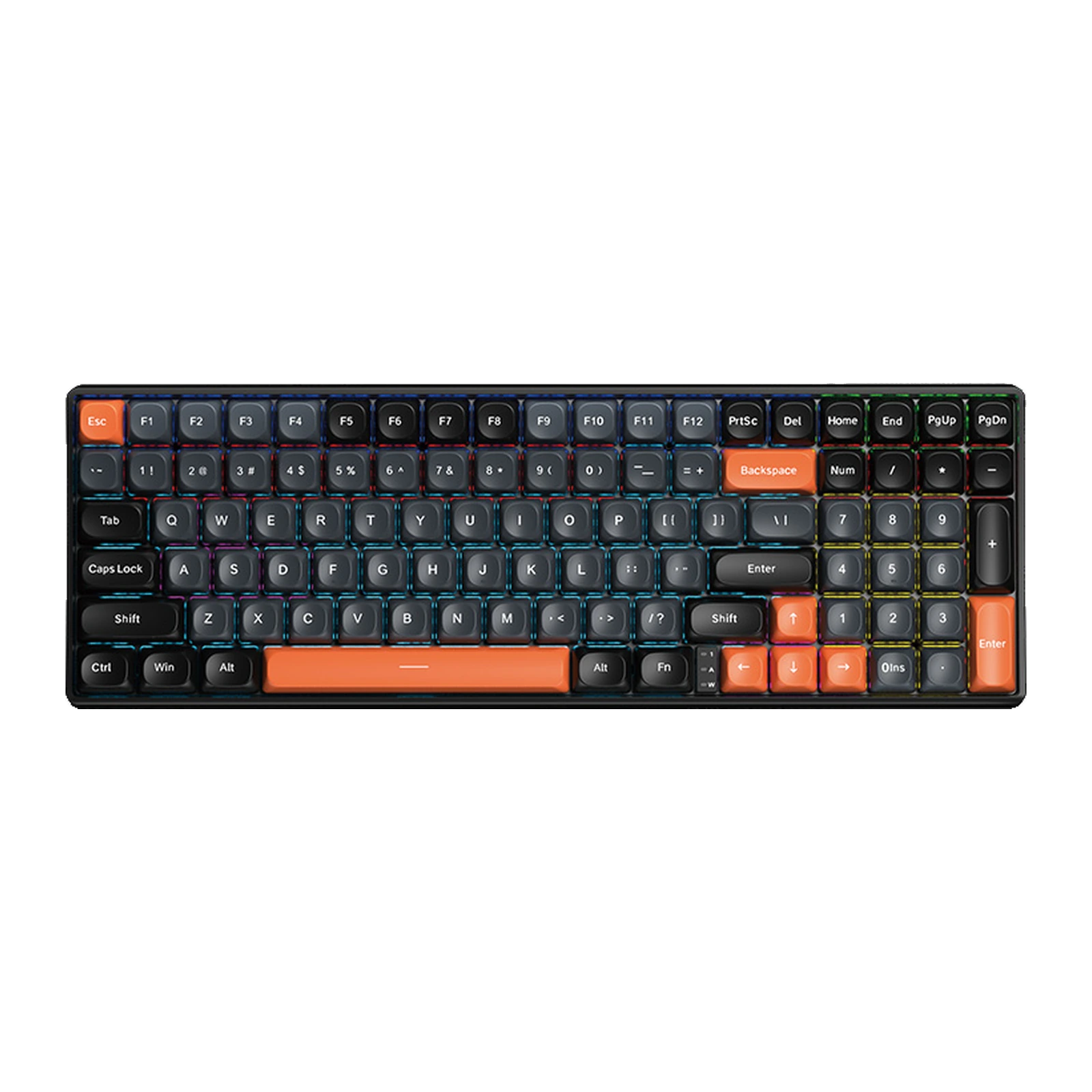
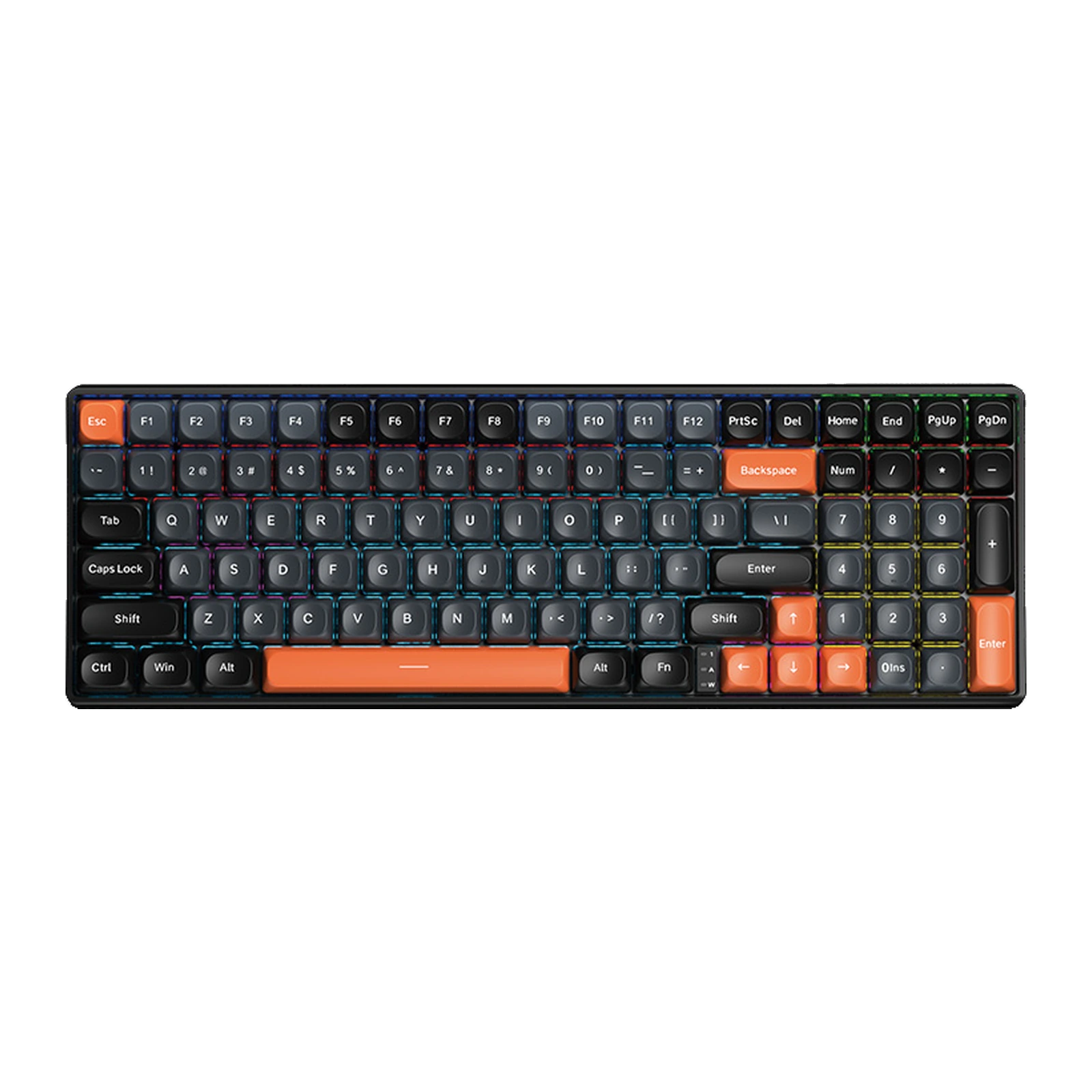
AULA S100 — wired mechanical keyboard: 99 keys, a 98% layout and spherical PBT keycaps, Grey & Black with Orange
- Store pickup
- Tashkent, Shaykhantakhur district, Iftikhor street, 2
- Courier
- 50,000 UZS
- Warranty
- 1 month
About this product
All specifications →AULA S100: description and configuration
AULA S100 — keyboard.
The AULA S100 is a wired mechanical keyboard with 99 keys in a 98% layout. It is the middle ground between a full-size board and a TKL: the number pad, the arrows and the navigation keys all stay, but the blocks are pushed tight against each other, so the board takes up less desk. The case combines grey, black and orange, with Esc, Backspace, the spacebar, the arrows and the numpad Enter picked out in orange.
The keycaps are two-tone PBT in a spherical profile: double-shot moulding keeps the legends from wearing off, and the dished tops guide your finger to the centre of each key. Underneath sits a slotted positioning plate — polycarbonate according to AULA's table — and a 1.2 mm slotted PCB with an individual socket per switch. The backlight is zoned: sections glow in different colours, a mode AULA's specification calls regional mixed light. Full key rollover registers every key at once.
It connects by cable and has no battery: the board runs off the USB port and works the moment you plug it in. Switches come in two options, Blue (clicky, with a pronounced bump) or Brown (quieter, with a soft bump); the GEEKSHOP manager confirms which one with you when the order is placed. AULA's table gives the S100 the same build as the S100 Pro — the same layout, keycaps, plate and PCB — but without the wireless modes, the battery and the hot-swap sockets.
Official brand websiteaulastar.uz
98% instead of 100%: the digits stay, the width goes
A full-size board splits into four blocks with visible gaps between them. A 98% layout closes those gaps: the function row, the navigation cluster and the number pad sit shoulder to shoulder, and the case carries 99 keys instead of 104. You still type numbers with your right hand and still reach Home, End and Page Up, but a strip of desk comes back for the mouse.
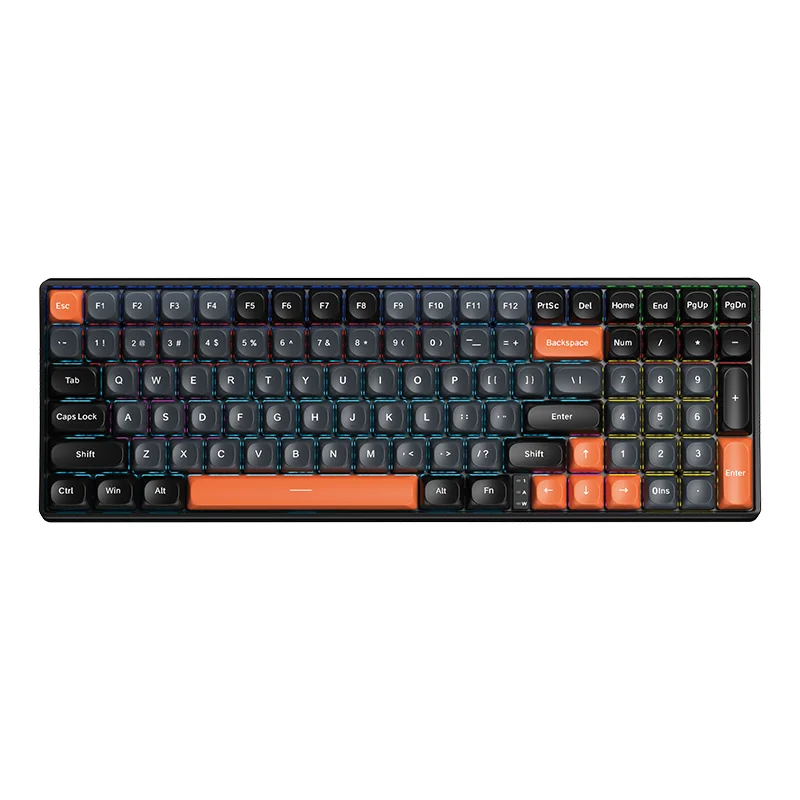
AULA S100 mechanical keyboard from above: 99 keys, grey and black caps and orange Esc, Backspace, spacebar and arrows
Two-tone PBT in a spherical profile
The caps are double-shot PBT: each legend is a second piece of plastic rather than printed paint, so it does not wear away with daily typing. Every keytop is dished into a sphere, which parks the fingertip in the middle of the key — something you notice over a long writing session. Esc, Backspace, the spacebar, the arrows and the numpad Enter wear orange caps, so the landmarks read in peripheral vision.
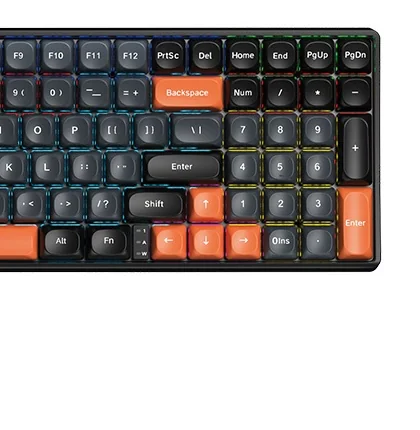
Close-up of the AULA S100's right side: the number pad, the orange Enter, the arrows and the Num, Caps and Win LEDs
A slotted plate and a 1.2 mm PCB
The switches sit in a positioning plate cut with slots between the rows — polycarbonate in AULA's table, over a 1.2 mm PCB that is slotted too and gives every key its own socket. Those cuts let the plate and the board flex a little under a press, so the bottom-out is softer and less of the ring carries into the case. It is the same construction as the larger S100 Pro.
Blue or Brown — pick by sound
AULA ships the S100 with a choice of two switches. Blue is the classic clicky type: a crisp bump and a loud response that plays well at home and badly in a shared office. Brown keeps the same tactile bump without the click — the compromise for a desk that both games and works. Which one is in your batch is confirmed by the GEEKSHOP manager when the preorder is placed.
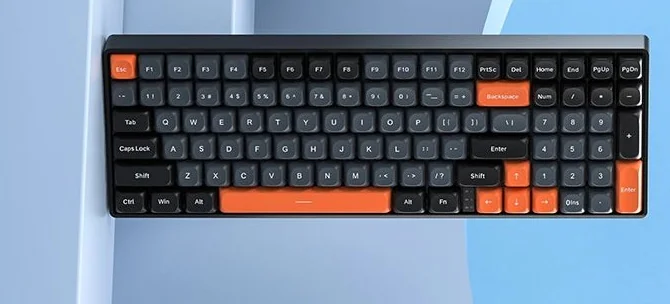
The AULA S100 on a light desk: the tight 98% layout with orange Esc, Backspace, spacebar and arrows
How the S100 differs from the S100 Pro
Both models are built on the same case: 99 keys, a 98% layout, spherical PBT caps, a slotted plate and zoned backlighting. The S100 Pro adds three connection modes (cable, 2.4 GHz and Bluetooth), a 4,000 mAh battery and solder-free hot-swap sockets. The S100 keeps the cable only — and costs noticeably less. If you do not need wireless, the difference in how the two feel to type on is small.
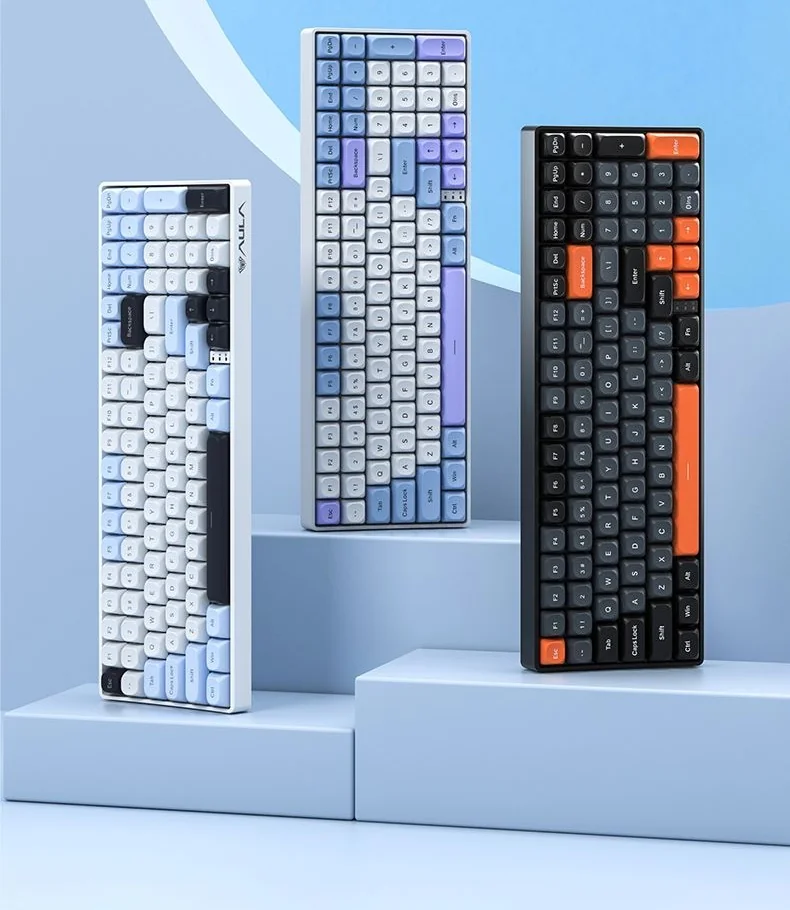
AULA's official line-up: the grey and black S100 with orange accents on the right, beside two light S100 Pro colourways
AULA S100 specifications
Reviews
There are no customer reviews yet. The first review will appear after a verified order.
No reviews yet — be the first to leave one.
Questions and answers
No questions yet. Ask the first one and we will reply within one business day.
No questions yet — be the first to ask.