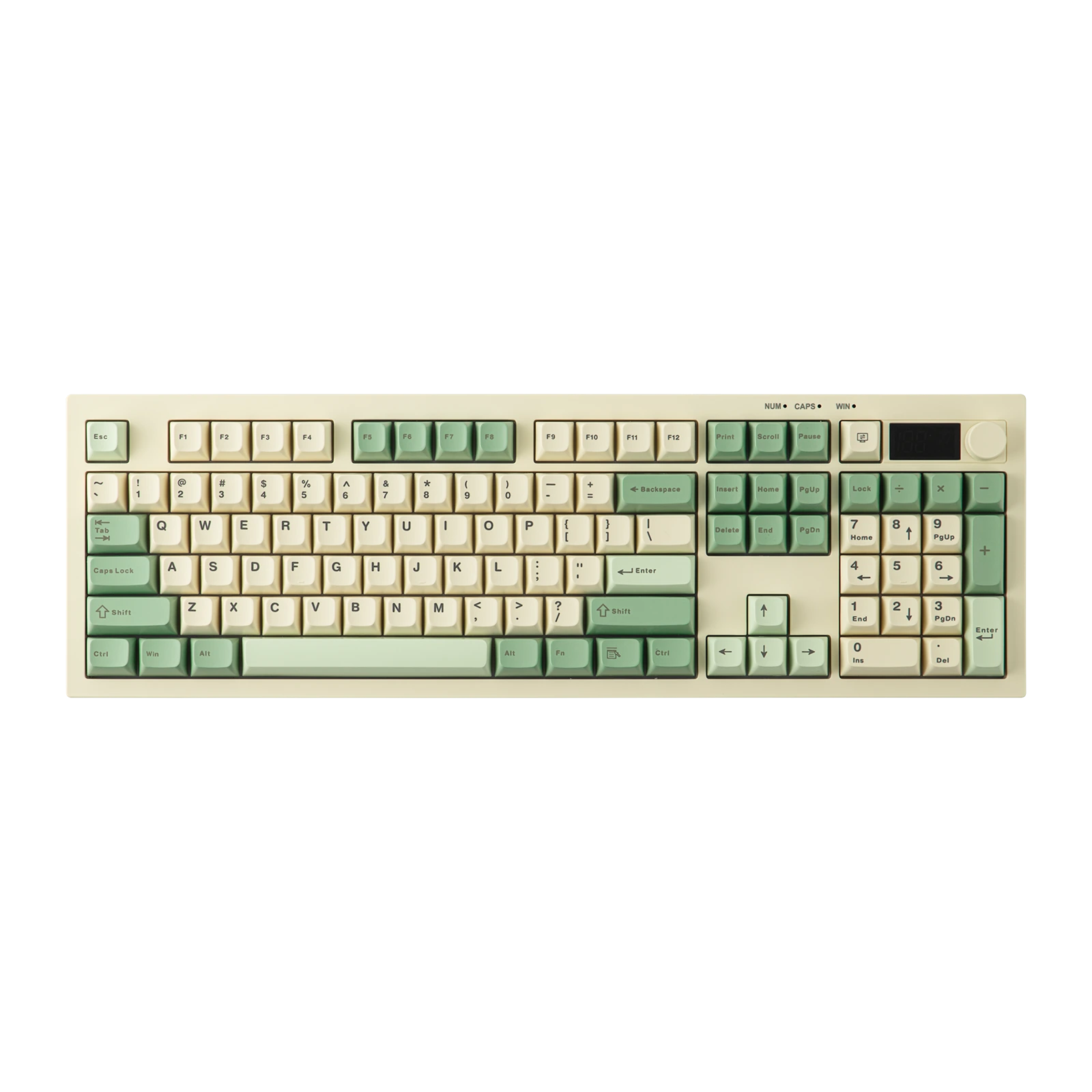
AULA S102 Pro — full-size 105-key keyboard: three connection modes, a control knob, a display and 2,000 mAh, Light Green + White + Dark Green
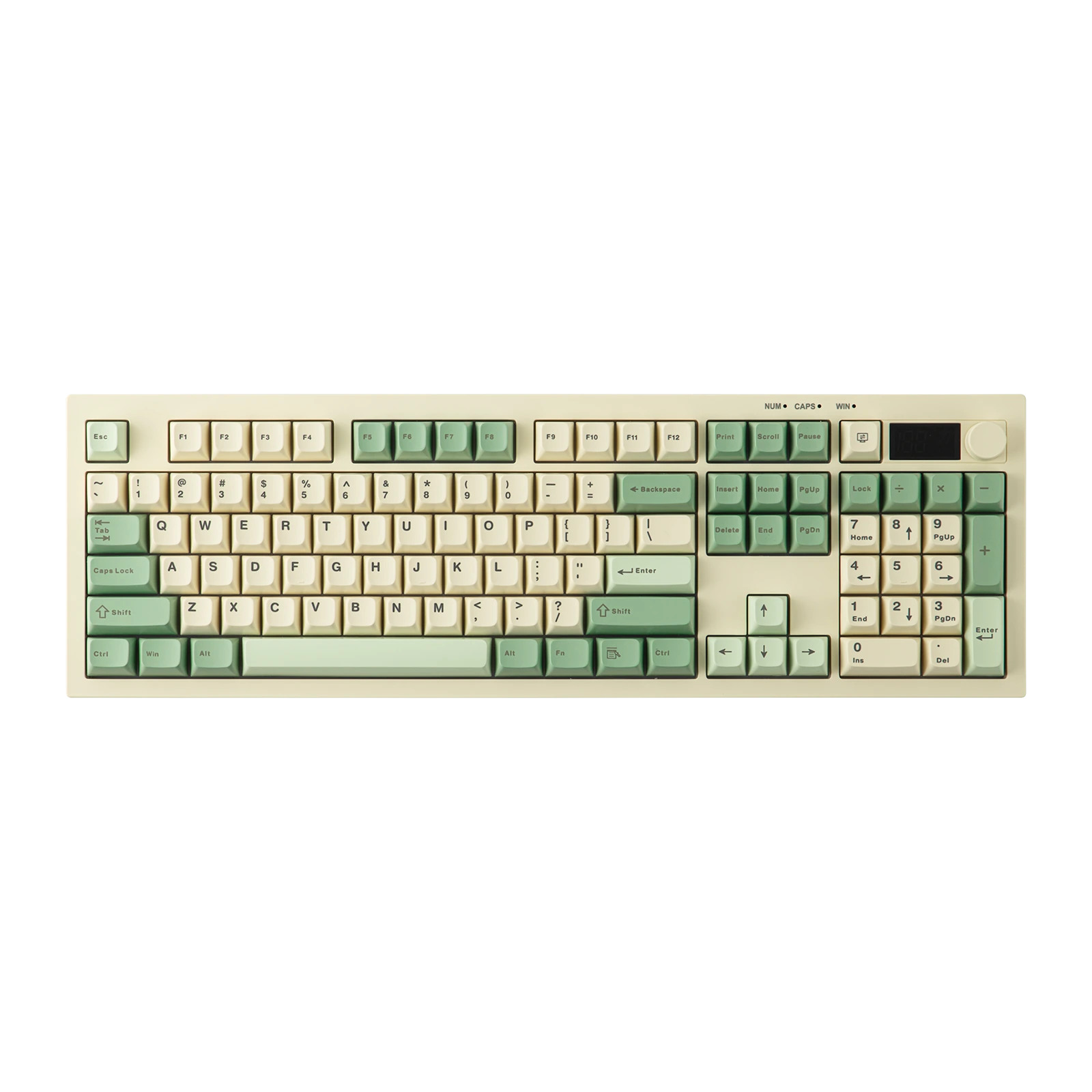 Light Green + White + Dark GreenPre-order
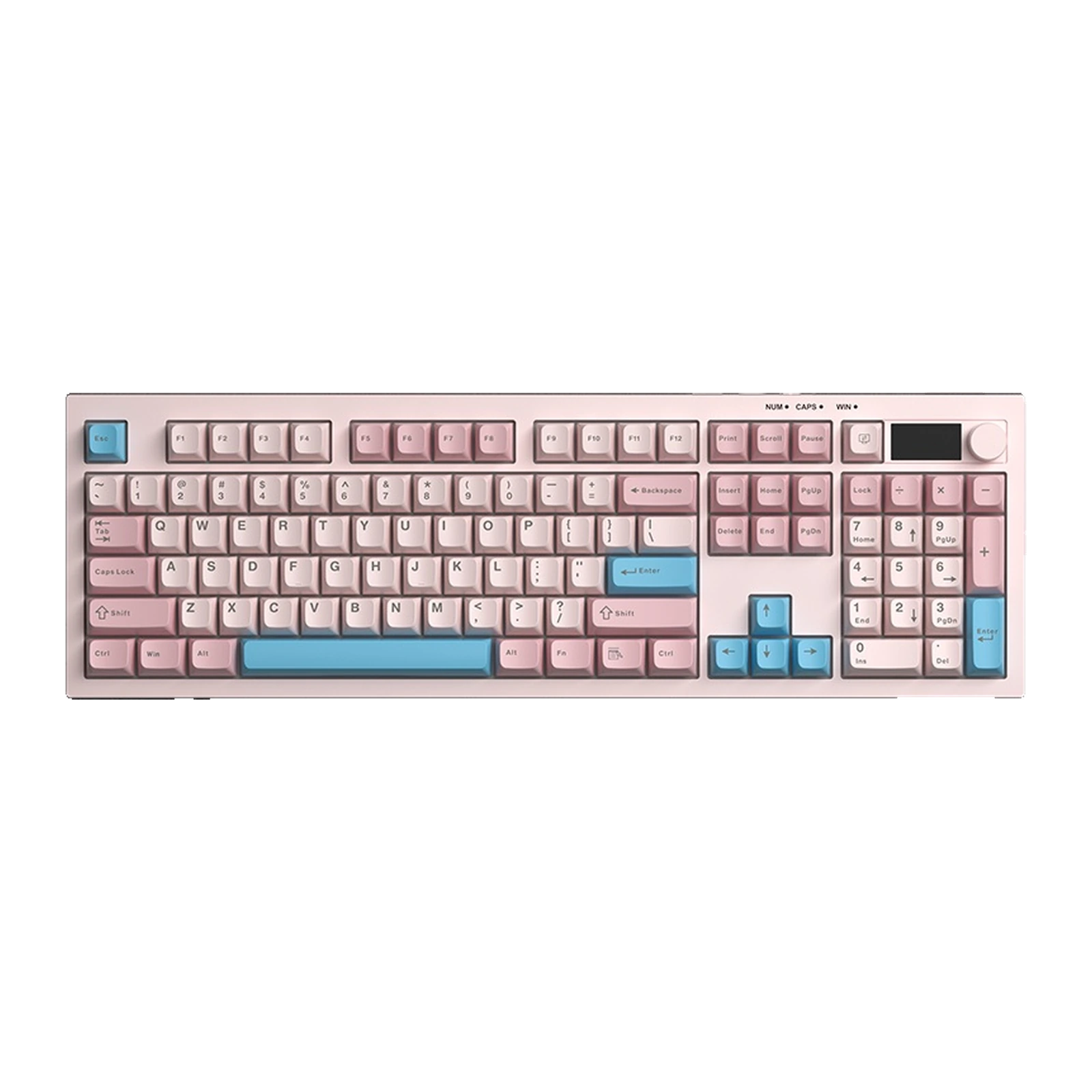 Light Pink + Blue + Dark PinkPre-order
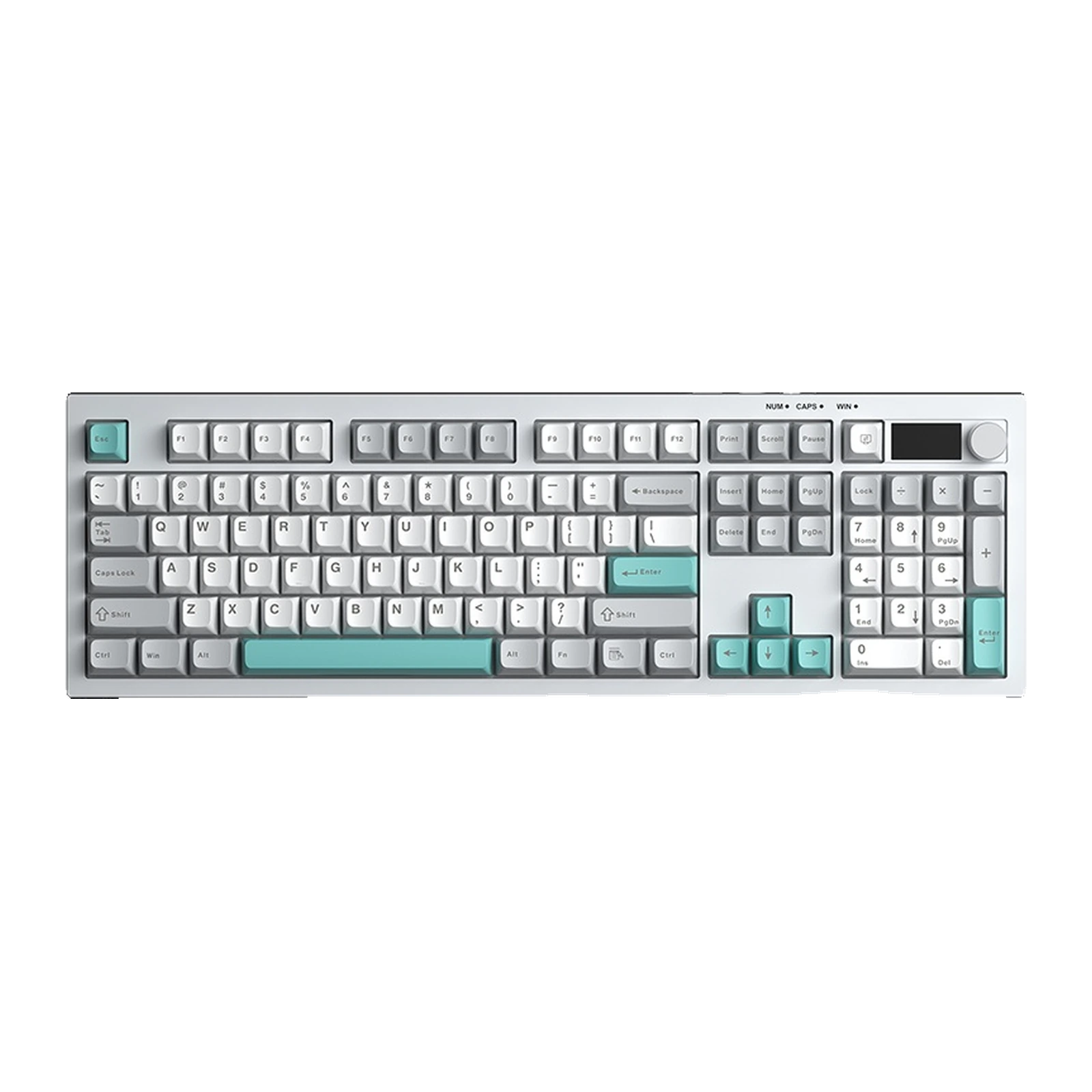 White + Grey + GreenPre-order
- Store pickup
- Tashkent, Shaykhantakhur district, Iftikhor street, 2
- Courier
- 50,000 UZS
- Warranty
- 1 month
About this product
All specifications →AULA S102 Pro: description and configuration
AULA S102 Pro (S102Pro) — keyboard.
The AULA S102 Pro is the senior version of the S102: the same full-size case in three colourways, now wireless and with controls in the top right corner. There are 105 keys, the number pad stays, and the blank area on the right makes way for a small display and a metal control knob. The mechanism is membrane with a silicone damping layer, so typing stays soft and quiet.
There are three connection modes: Bluetooth 5.0 with two saved devices, a 2.4 GHz link through the receiver, and a Type-C cable. You switch between them with Fn combinations, and the active channel appears on the display next to the battery percentage. By default the knob changes volume and a press mutes; hold it for five seconds and the same knob controls brightness, while a press cycles through the RGB lighting effects.
The battery is 2,000 mAh and, according to AULA, lasts for months with the lighting off. One important caveat: AULA supports charging only from a computer USB port, not from a wall adapter, and there is no fast charging — a full cycle takes about 7–8 hours. The case measures 450.15 × 144.15 × 20.10 mm and weighs about 831 g without the cable and receiver. Windows, macOS, iOS and Android are supported, with Fn+A and Fn+S switching the system mode.
Official brand websiteaulastar.uz
A display that answers the main question
A small segment screen sits in the top right corner. It shows the charge as a percentage and lights up the active channel — 2.4G, BT1 or BT2. That removes the usual guesswork of a wireless keyboard: which device you are typing on and how much battery is left. The familiar Num, Caps and Win indicators sit beside it.
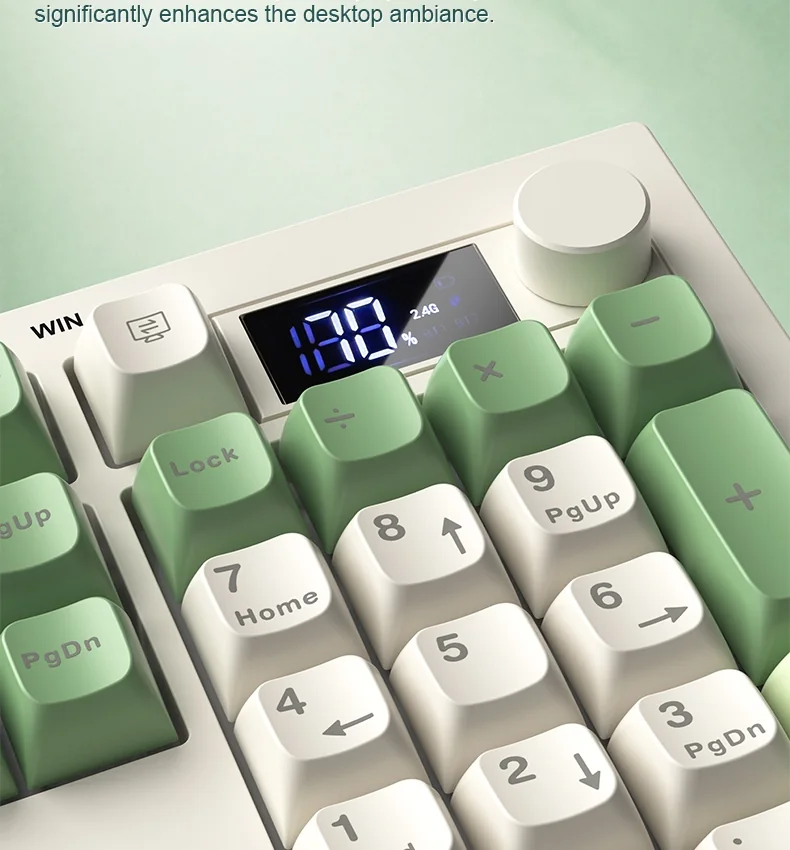
Close-up of the AULA S102 Pro display and knob above the number pad
A knob with two sets of functions
By default the knob runs audio: turn it for volume, press it to mute instantly. Hold it for five seconds and it flips to a second mode where turning sets backlight brightness and a press cycles the lighting effects. One control covers both sound and light without pulling you away from your work.
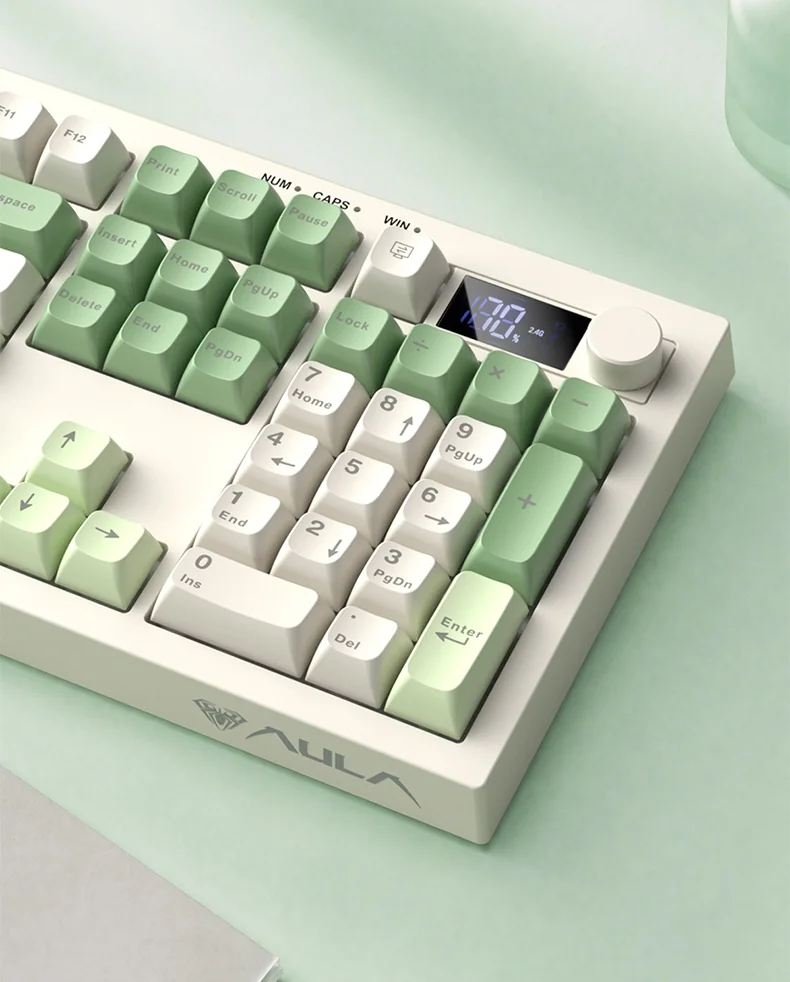
The AULA S102 Pro control knob and number pad seen up close
Three channels and three systems
The S102 Pro holds two devices over Bluetooth 5.0 and a third on the 2.4 GHz link through its receiver; when the battery runs out or you want the shortest path, the Type-C cable is still there. The polling rate is the same 125 Hz in all three modes. Fn+A and Fn+S move the keyboard between Windows, macOS, iOS and Android layouts.
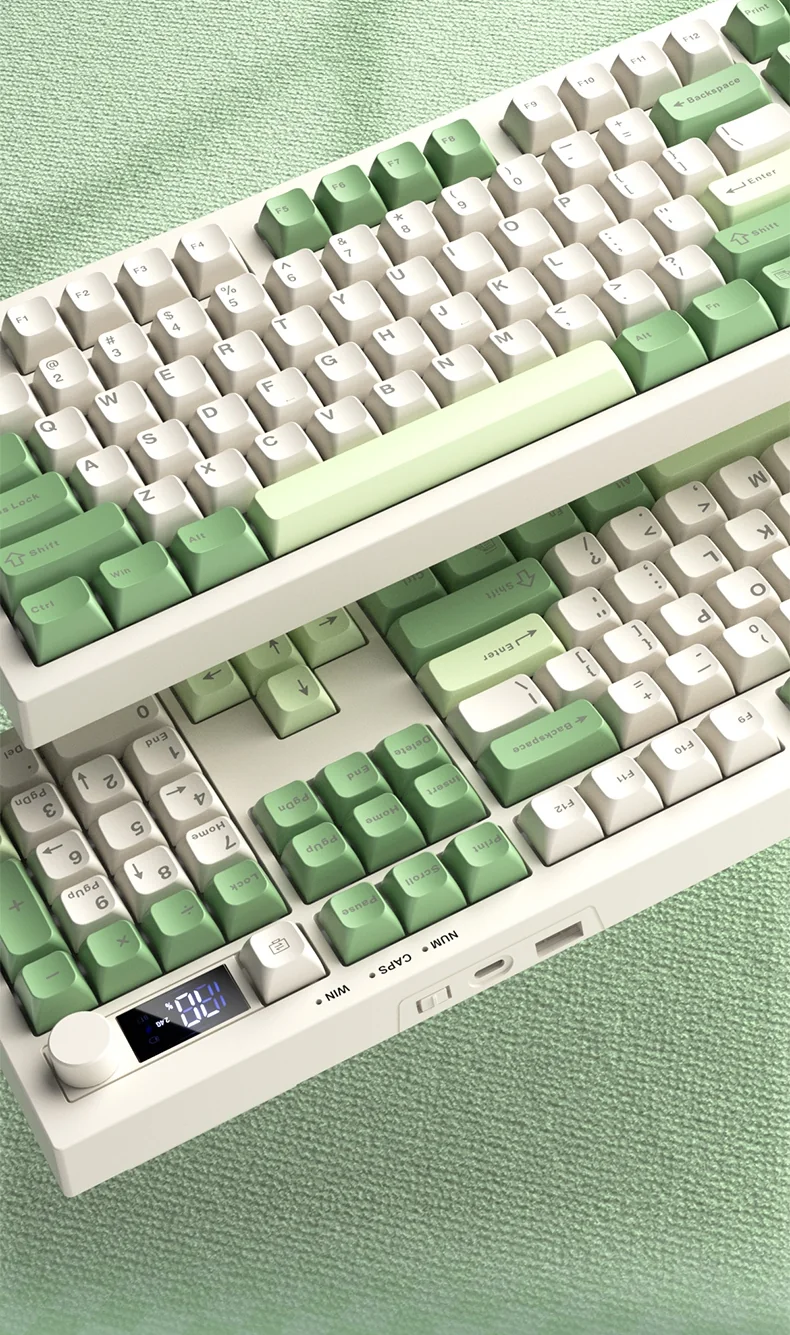
The AULA S102 Pro at an angle: the rear edge with the Type-C socket and mode switch, display and knob
2,000 mAh and an honest charging rule
AULA says the built-in 2,000 mAh lithium cell runs for months with the lighting switched off; with the lights on, of course, it drains faster. The maker is explicit about one rule: charge from a computer USB port, because a wall adapter is not supported. There is no fast charging — a full cycle takes about 7–8 hours at no more than 250 mA.
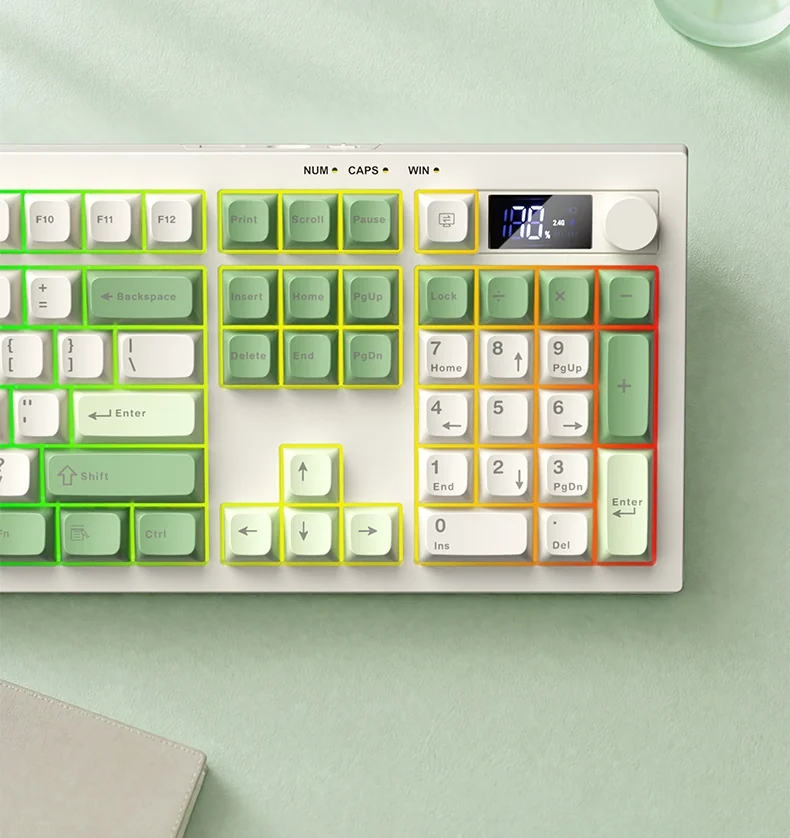
AULA S102 Pro RGB lighting with a rainbow wash across the keys, top view
A full layout with a soft stroke
105 keys give you a real number pad, the F row and navigation, in a case just 20.1 mm tall and 831 g heavy. Under the keys is a membrane mechanism with silicone damping: a soft stroke and a muted sound rather than a sharp knock on plastic. The ABS caps keep an even matte finish that, AULA says, does not go shiny.
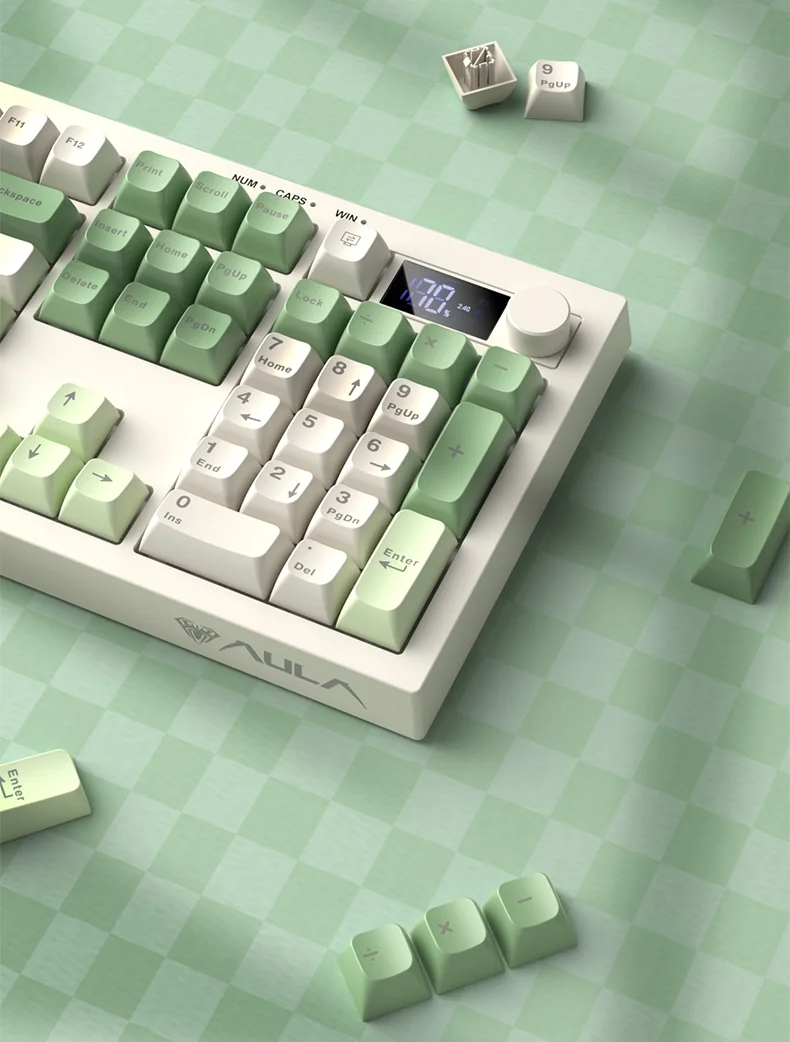
Removed ABS keycaps of the AULA S102 Pro next to the keyboard and its display
AULA S102 Pro specifications
Reviews
There are no customer reviews yet. The first review will appear after a verified order.
No reviews yet — be the first to leave one.
Questions and answers
No questions yet. Ask the first one and we will reply within one business day.
No questions yet — be the first to ask.