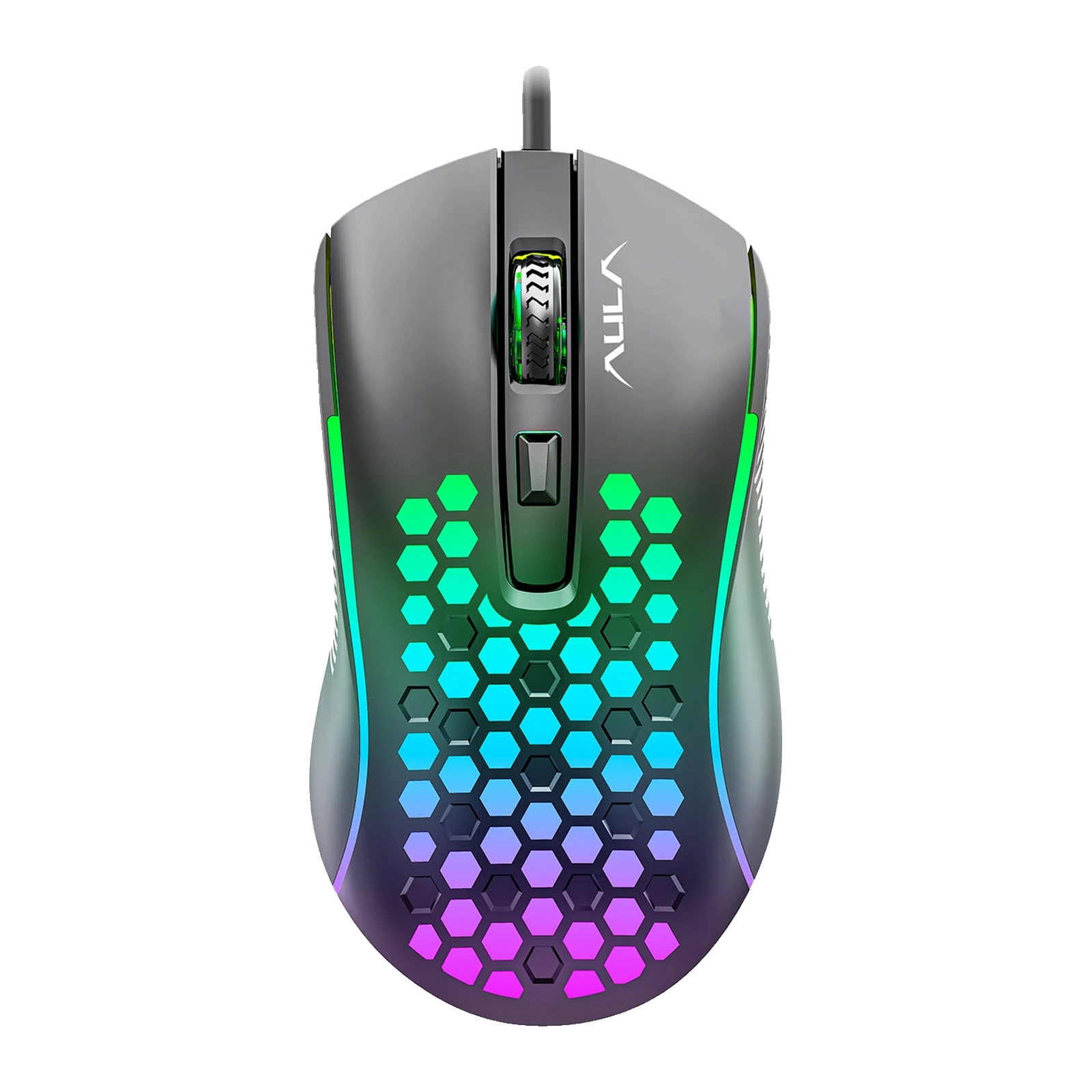
AULA S11 — wired gaming mouse: 4 buttons, up to 3600 DPI, RGB glow through the honeycomb
Payment methodsAbout this product
All specifications →AULA S11: description and configuration
AULA S11 — gaming mouse.
The AULA S11 is an entry-level wired mouse for anyone who wants lighting and switchable sensitivity without paying extra. The body follows the Mountain series look: an elongated palm-friendly shape and a top shell cut with honeycomb openings that let the RGB lighting show through. It plugs into a USB-A port and works right away — no separate software is needed for the basic functions.
Tracking is handled by an A603 optical sensor. AULA lists four sensitivity steps topping out at 3600 DPI; the steps are cycled with the button under the wheel, so you can change cursor speed mid-game or while working on a large monitor. The wheel is rubberised with deep ridges, and the maker describes the main clicks as crisp and quiet. The lighting runs through seven colours with a smooth breathing mode.
This is a basic model and it helps to know its limits: four buttons in total (left, right, wheel click and the DPI switch), no side buttons, no macros and no onboard profiles. AULA lists Windows support from 2000 through 10. If you want back and forward thumb buttons, look at the S11 Pro; if you want programmable keys, macros and onboard memory, look at the S12.
Official brand websiteaulastar.uz
Light through the honeycomb
The top shell is cut with hexagonal openings and the lighting shines straight through them, so the pattern reads both in daylight and in the dark. AULA calls the mode a seven-colour breathing effect: the colours fade into one another, among them red, green, light blue, navy and pink. Glowing strips along the sides pick up the same colour.
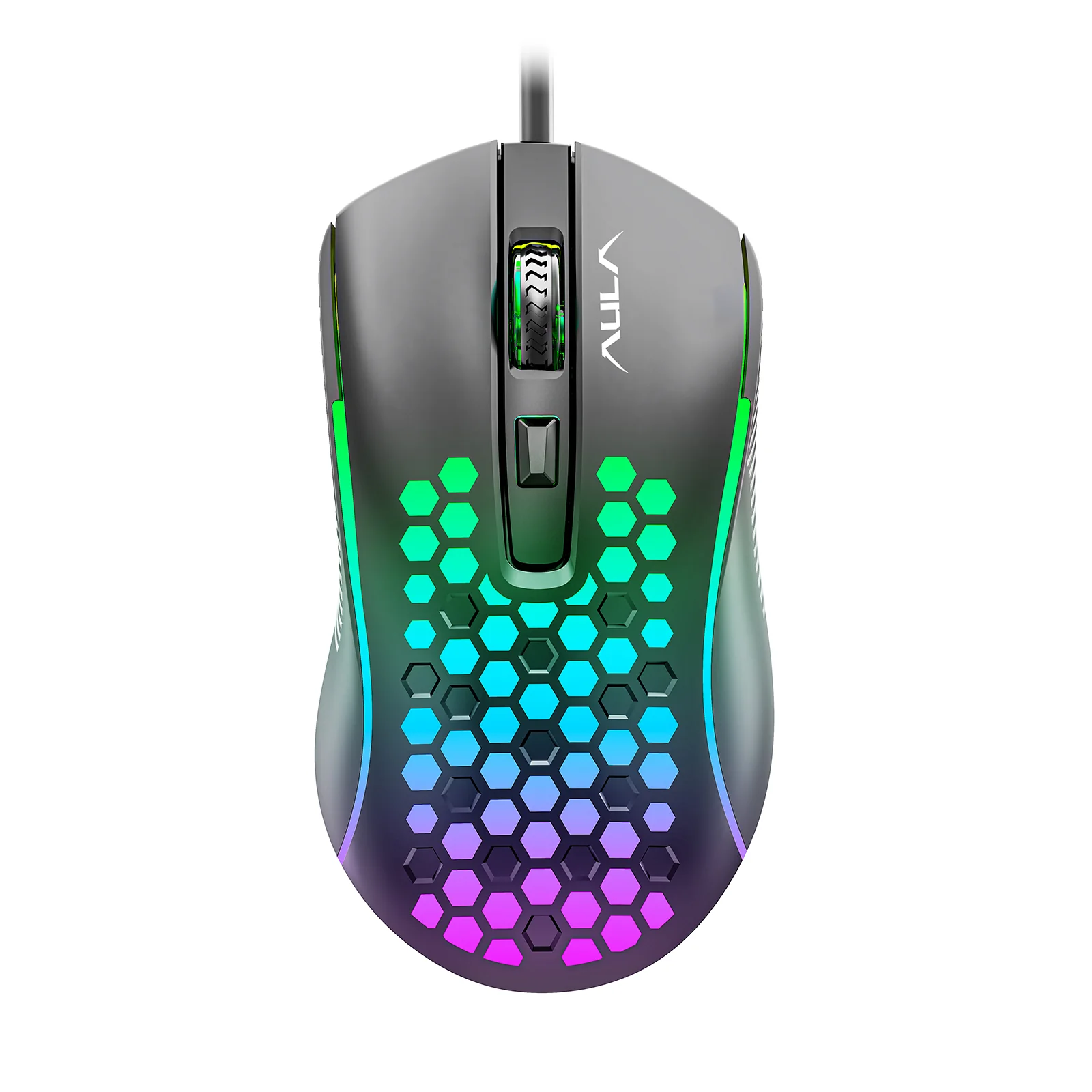
AULA S11 gaming mouse from above: honeycomb cut-outs lit with multicolour RGB
Four sensitivity steps
AULA names the sensor in this mouse A603 and lists four DPI steps, from 1200 to 3600. The lower steps suit precise aiming and text work, the top one suits fast turns and large monitors. You cycle the steps with the button under the wheel, on the fly and without any software.
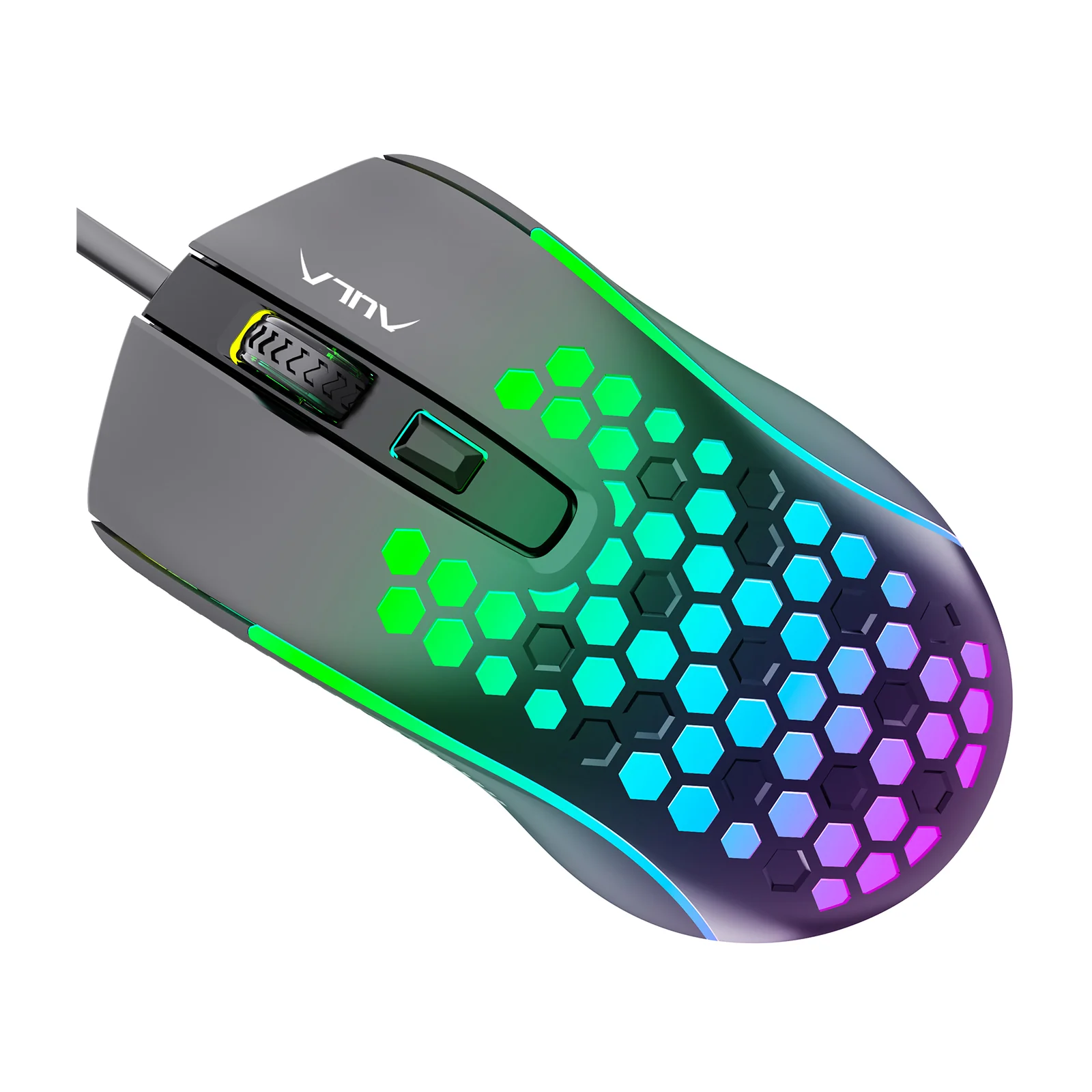
AULA S11 from an angled top view: the ridged wheel, the DPI button and the lit honeycomb
A palm shape and a ridged wheel
The body is elongated with a raised back, so the whole hand rests on it and the wrist does not hang. The side panels are ribbed — AULA calls them anti-slip side wings — so the thumb and little finger keep their hold. The wheel is rubberised with deep ridges: your finger does not slip on long pages and each scroll step is clearly felt.
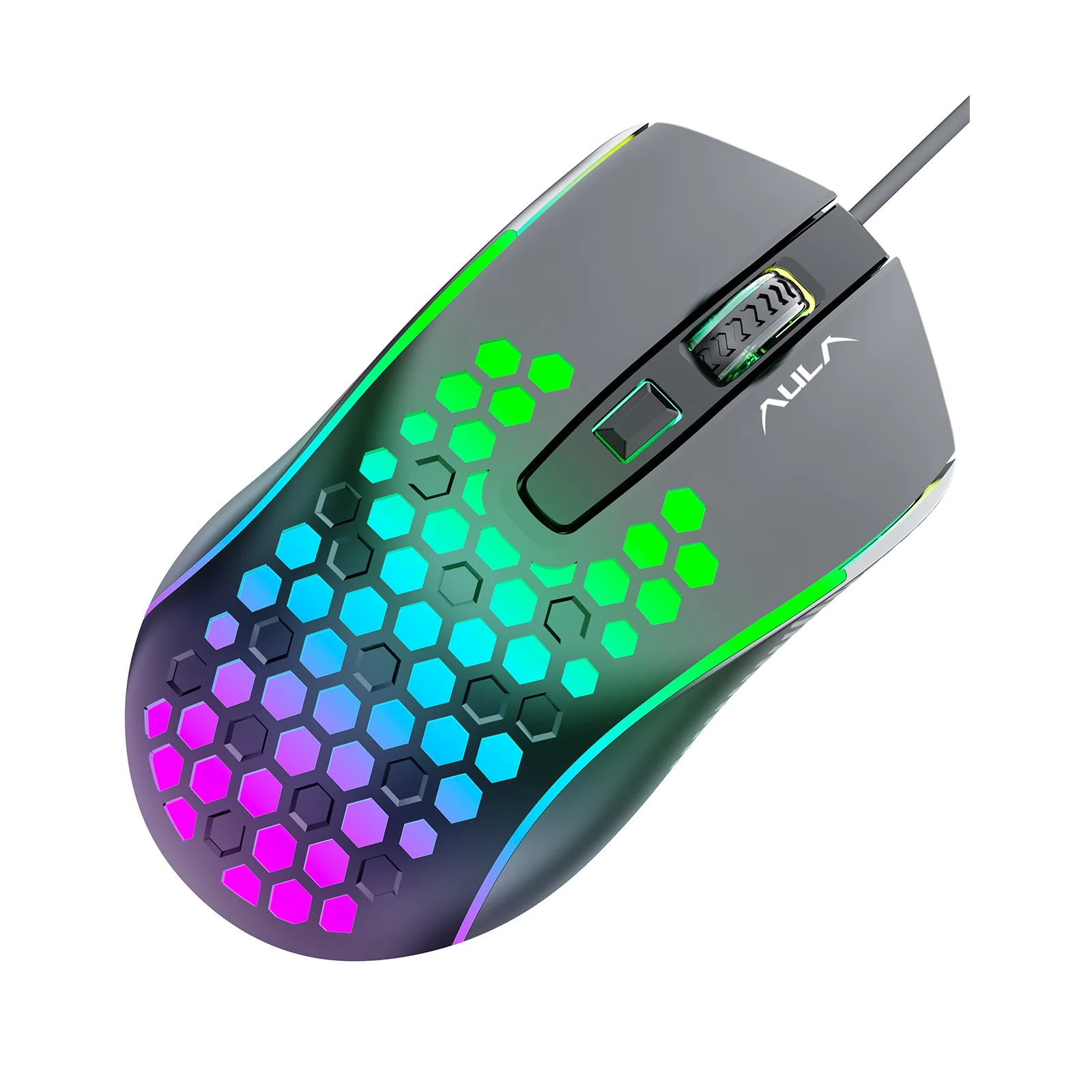
AULA S11 from an angled top-left view: the elongated palm shape, the lit honeycomb and the USB cable
What this mouse does and does not do
The S11 is an honest basic model. It has four buttons: left, right, wheel click and the DPI switch. There are no side buttons, no macros and no onboard profiles, and AULA does not state a polling rate for it. Take the S11 as an inexpensive mouse for study, office work and casual gaming rather than as a tool for competitive shooters.
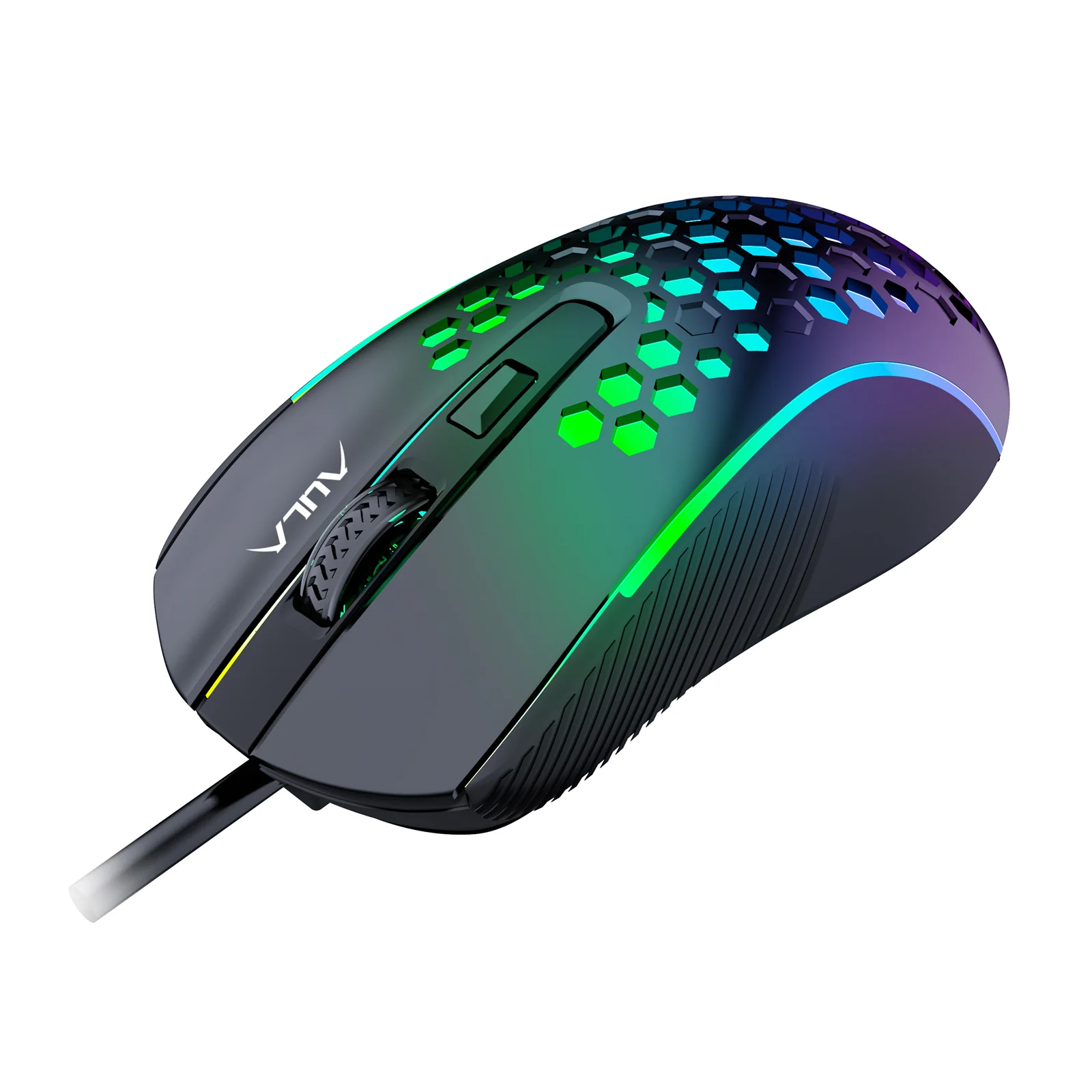
AULA S11 at three-quarter angle with its USB cable and glowing side strips
AULA S11 specifications
Reviews
There are no customer reviews yet. The first review will appear after a verified order.
No reviews yet — be the first to leave one.
Questions and answers
No questions yet. Ask the first one and we will reply within one business day.
No questions yet — be the first to ask.