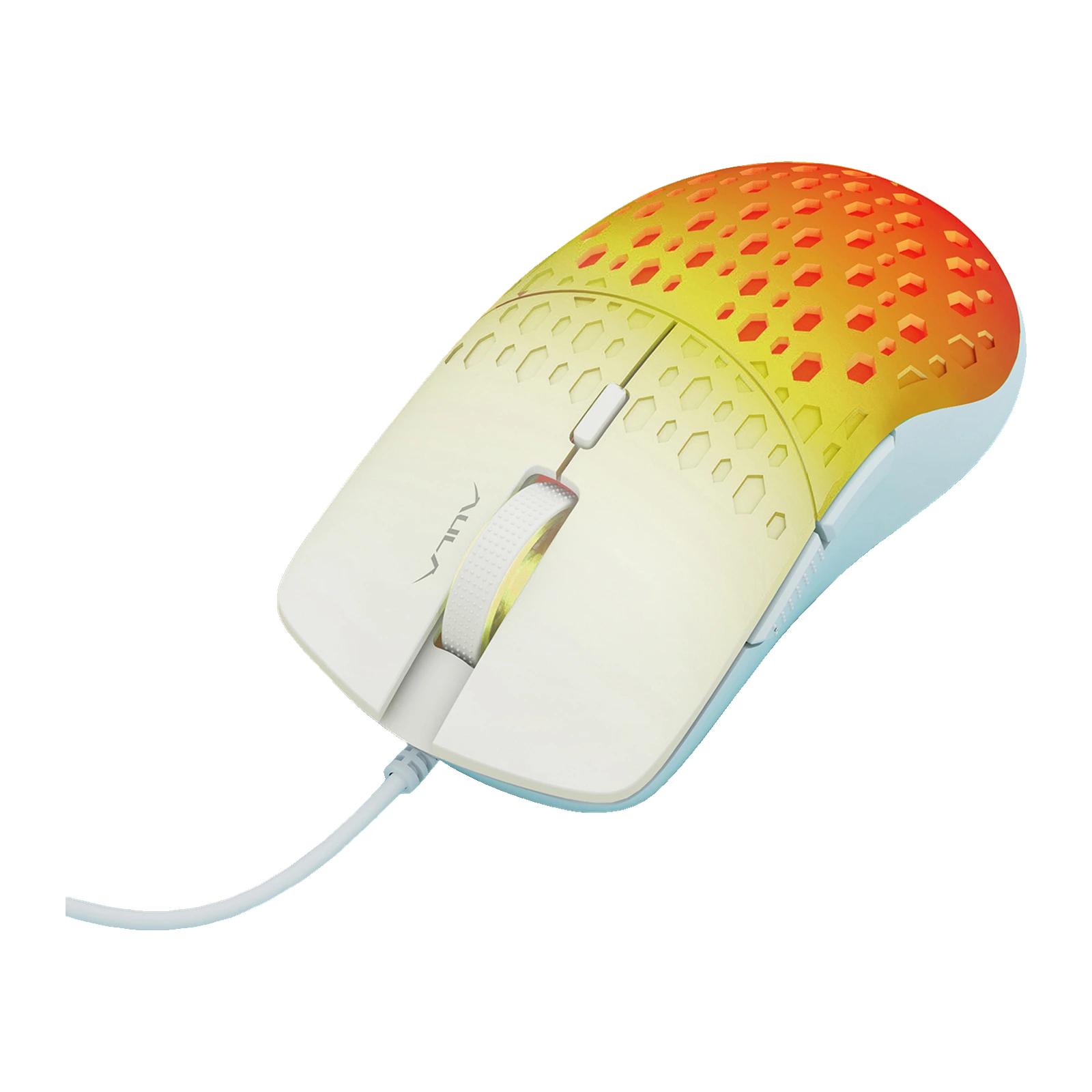
AULA S11 Pro — wired gaming mouse: honeycomb shell, 6 buttons, up to 3600 DPI, 92 g
Payment methodsAbout this product
All specifications →AULA S11 Pro: description and configuration
AULA S11 Pro (S11Pro) — gaming mouse.
The AULA S11 Pro is a wired mouse with a honeycomb shell: the top cover is moulded in hexagons from end to end and, over the rear, the cells let the lighting through, so the whole mouse changes tone. AULA calls the construction a hollow structure and quotes a weight of 92 g. In the supplier's own shot and in every official AULA photo the body is white, with a soft colour wash from the lighting.
There are six buttons — left, right, wheel click, the DPI switch and two thumb buttons on the side. The optical sensor runs four sensitivity steps: 1200, 1800, 2400 and 3600 DPI; the step is changed with the button under the wheel. AULA rates the polling at 125 Hz, a baseline figure that is enough for study, office work and everyday gaming.
The mouse connects over a 1.5 m cable to a USB-A port and needs no software: AULA's download section lists no driver for the S11 Pro, so there are no macros or stored profiles. The shell measures 123 × 63 × 42 mm, which makes it a compact mouse — better suited to a fingertip or claw grip than to a large hand resting flat.
Official brand websiteaulastar.uz
A honeycomb shell and 92 grams
The hexagonal relief runs across the whole top cover, the main keys included, and over the rear of the shell the cells pass light — which is why the mouse looks flooded with colour in the official shots. AULA quotes 92 g at 123 × 63 × 42 mm: an ordinary weight for a mouse this size, with no added weights and no record-chasing. The maker calls the construction itself a hollow structure.
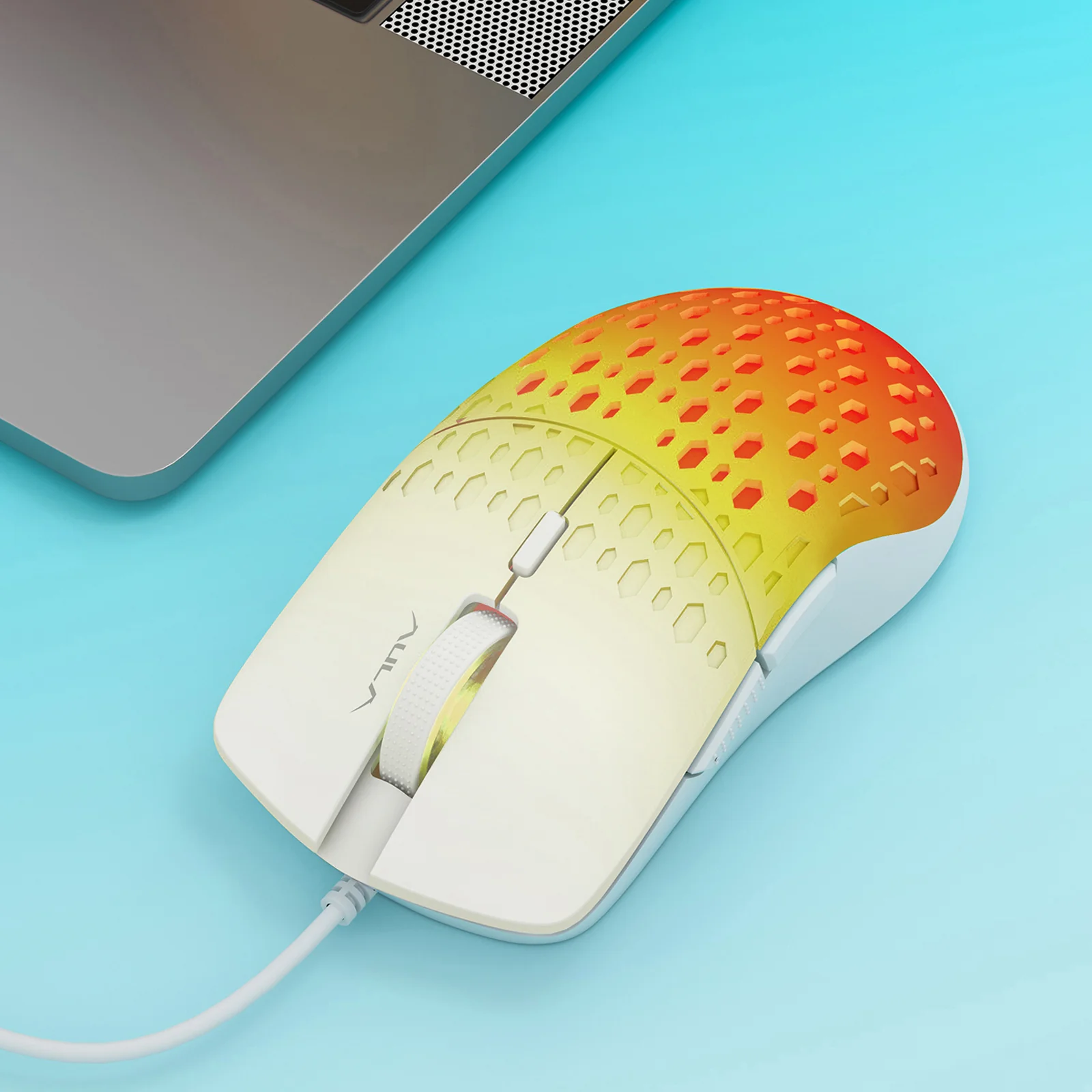
The white AULA S11 Pro beside a laptop: the honeycomb relief of the shell and warm lighting
Six buttons instead of four
On top of the usual left, right and wheel click there is a DPI switch and two thumb buttons. In Windows they default to back and forward, which helps in a browser and a file manager, while in games they are usually bound to quick actions. You can remap them with system tools; the model has no utility of its own.
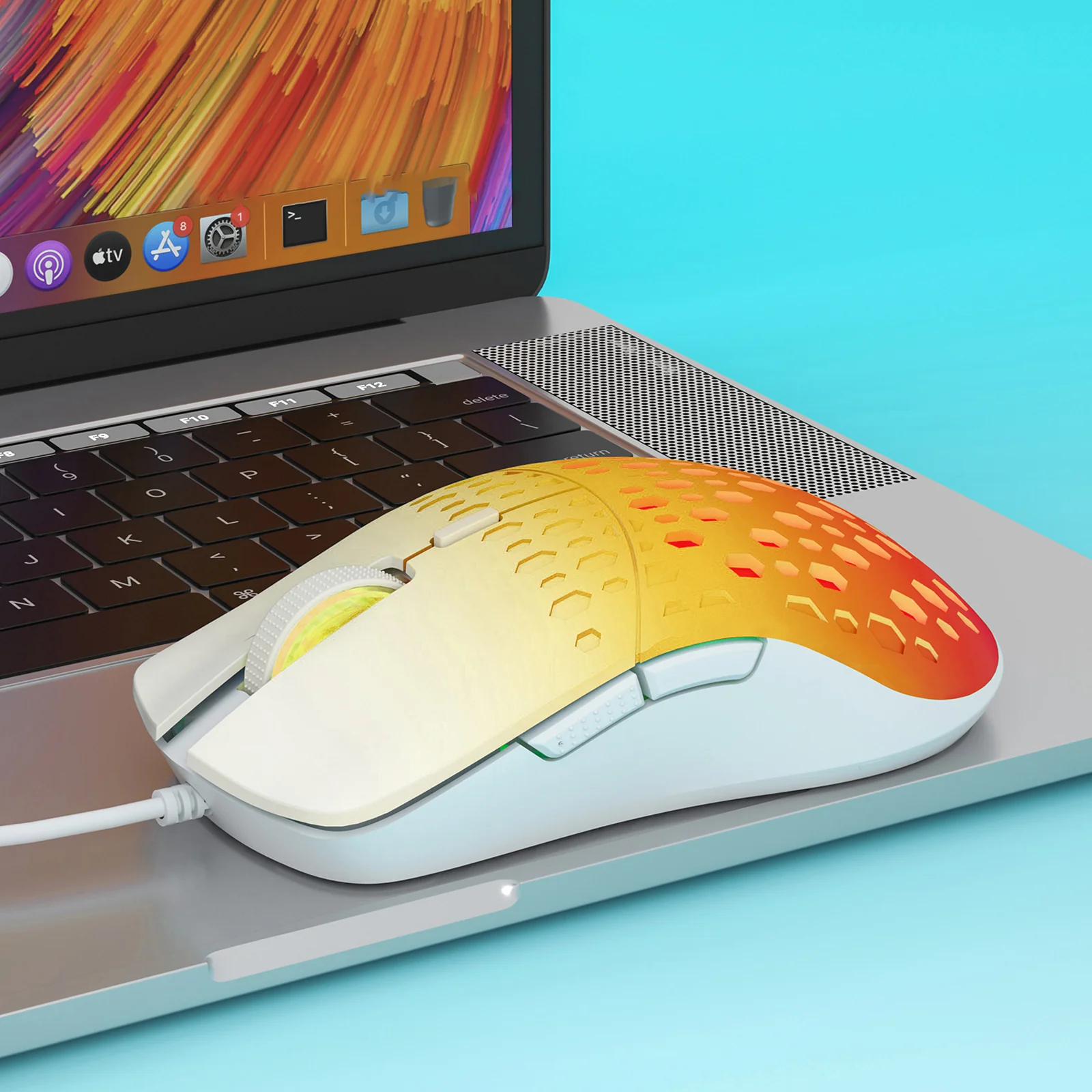
AULA S11 Pro on a laptop, the two thumb buttons visible on its left side
Lighting that changes the mouse's character
The LEDs sit inside the body, so light comes out of every cell and the whole mouse changes tone. In the official shots the same white shell reads turquoise, then amber, then pink. The pale plastic acts as a diffuser, so the glow is soft rather than dotty.
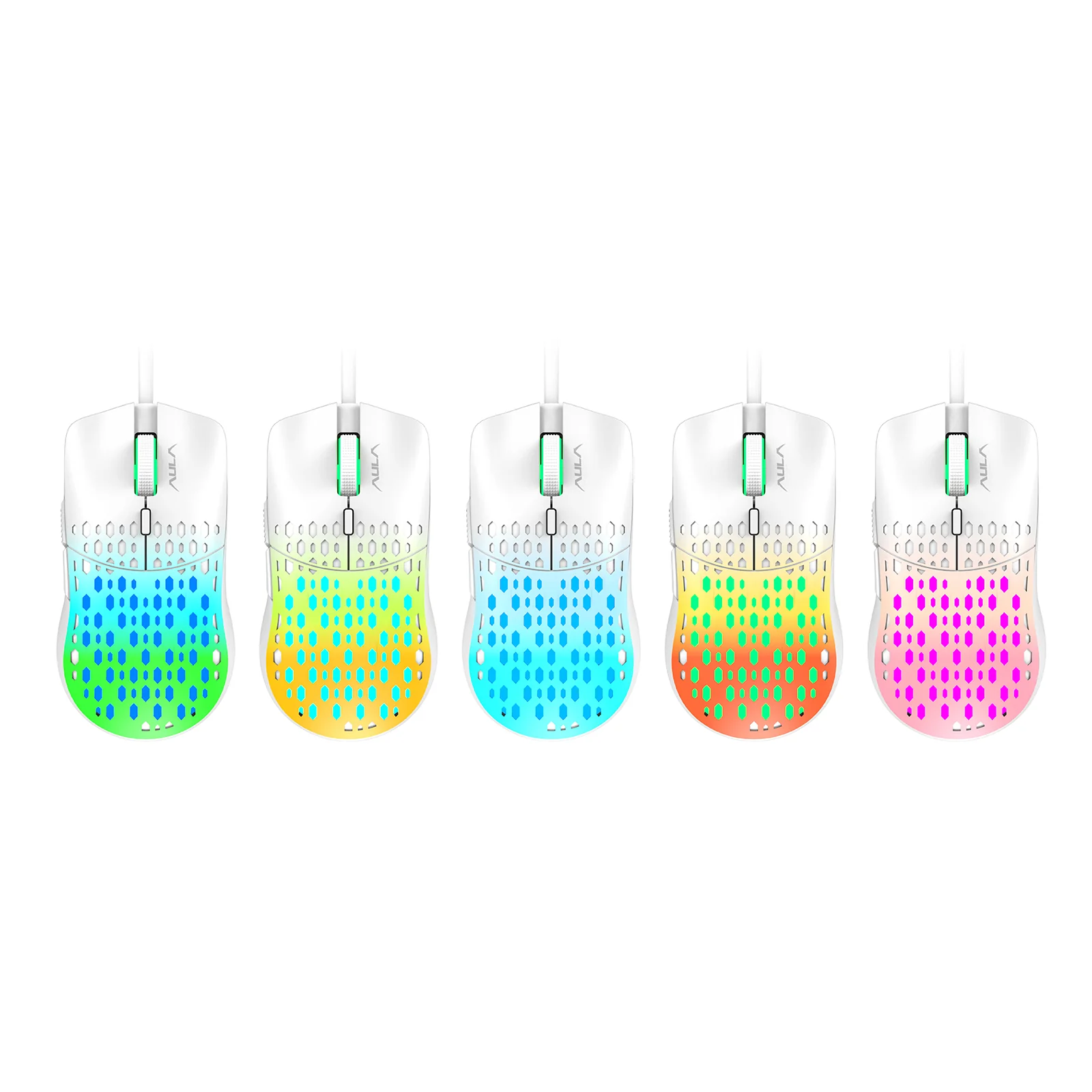
Five white AULA S11 Pro mice showing different lighting colours on a white background
Who it suits and who should look further
The compact 123 × 63 × 42 mm body favours a fingertip or claw grip; a large hand may find it small. The 125 Hz polling rate is a baseline: fine for study, office work and everyday gaming, though in competitive shooters the gap to 1000 Hz mice is noticeable. There are no macros and no onboard profiles — a fair trade at this size and price.
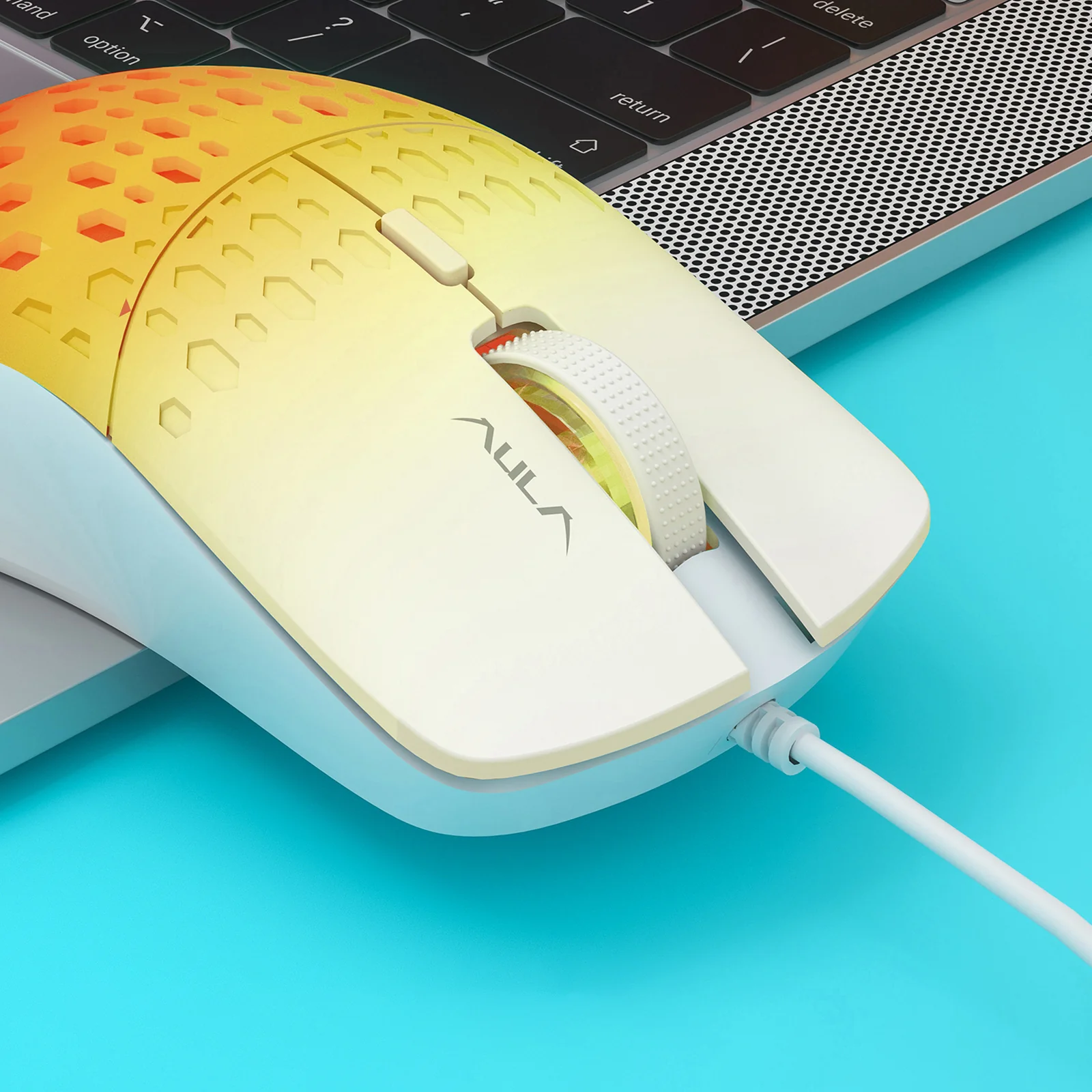
Close-up of the AULA S11 Pro: the ridged wheel, the DPI button, the honeycomb cells and the USB cable
AULA S11 Pro specifications
Reviews
There are no customer reviews yet. The first review will appear after a verified order.
No reviews yet — be the first to leave one.
Questions and answers
No questions yet. Ask the first one and we will reply within one business day.
No questions yet — be the first to ask.