AULA S12 — wired gaming mouse: 7 programmable buttons, up to 4800 DPI, 704E chip
Payment methodsAbout this product
All specifications →AULA S12: description and configuration
AULA S12 — gaming mouse.
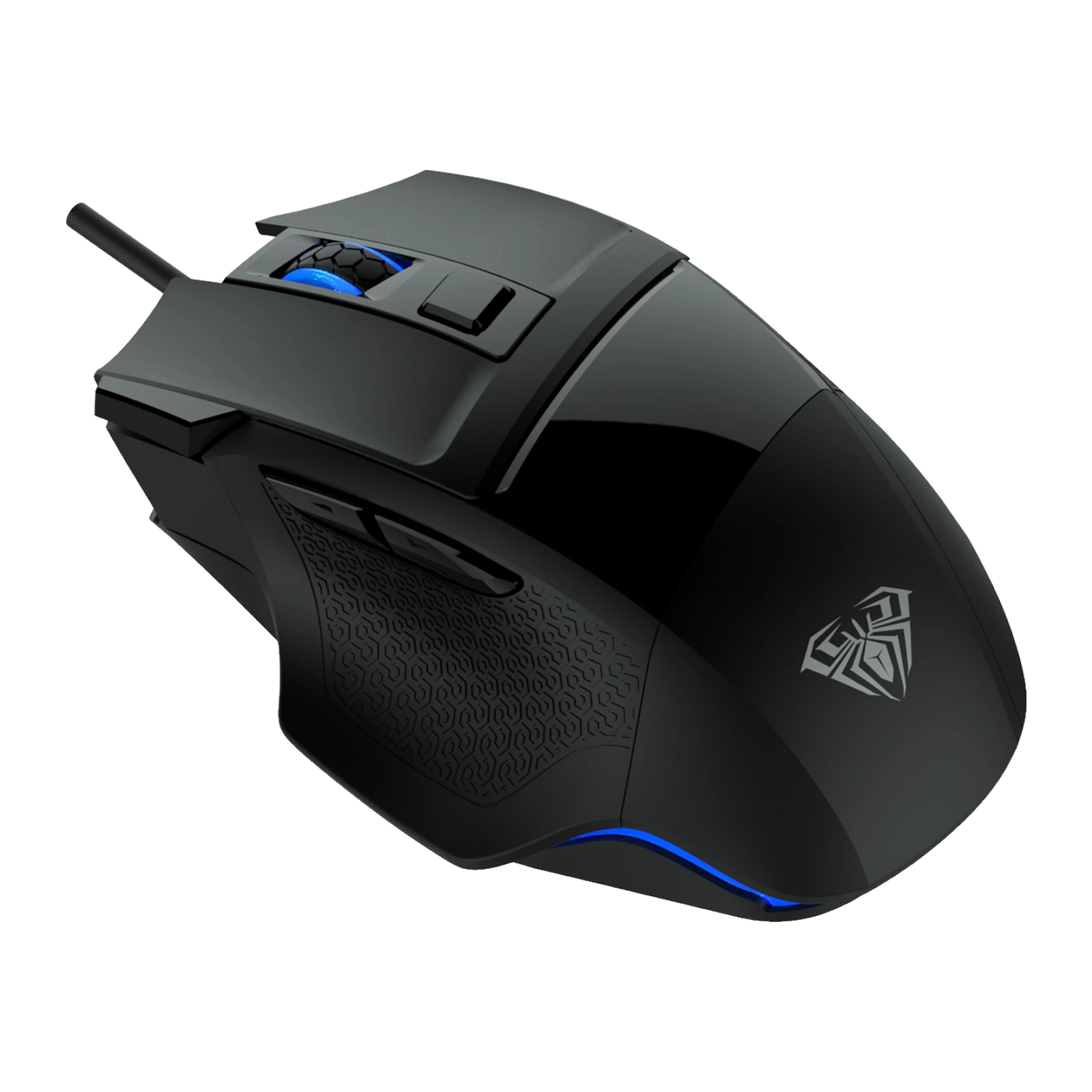
The AULA S12 is a wired gaming mouse from the Mountain series with a right-handed ergonomic body and seven buttons, every one of them programmable. Besides left, right and the wheel click there are two thumb buttons, a DPI switch and a dedicated rapid-click (Fire) key. The body is black, with textured side panels and three raised support points for the fingers.
Inside sits a 704E optical chip. AULA lists steps of 800, 1200, 1600, 2400 and 4800 DPI; in the bundled utility the DPI is laid out across four stages, each of which can be set to its own value up to 4800. The same software handles macros, lighting colour and mode, the wheel function (scroll or volume) and three Cfg profiles. Settings live in the mouse's onboard memory, so they travel with it to another computer.
AULA's datasheet figures: 117.3 × 76.7 × 39.3 mm to a ±0.2 mm tolerance, a 1.5 m cable with a nickel-plated USB-A plug, 0.7 mm travel on the main keys, roughly 3 million clicks of switch life and power draw of 5 V at under 150 mA. The lighting is multicolour, with a breathing effect along the tail of the body.
Official brand websiteaulastar.uz
Seven buttons you assign yourself
Beyond left, right and the wheel click, the S12 adds two thumb buttons, a DPI step switch and a separate Fire key for a rapid burst of clicks. In the utility each of the seven positions can be remapped: back and forward, an in-game command or a recorded macro. There are three profiles, switched with a single click in the software.
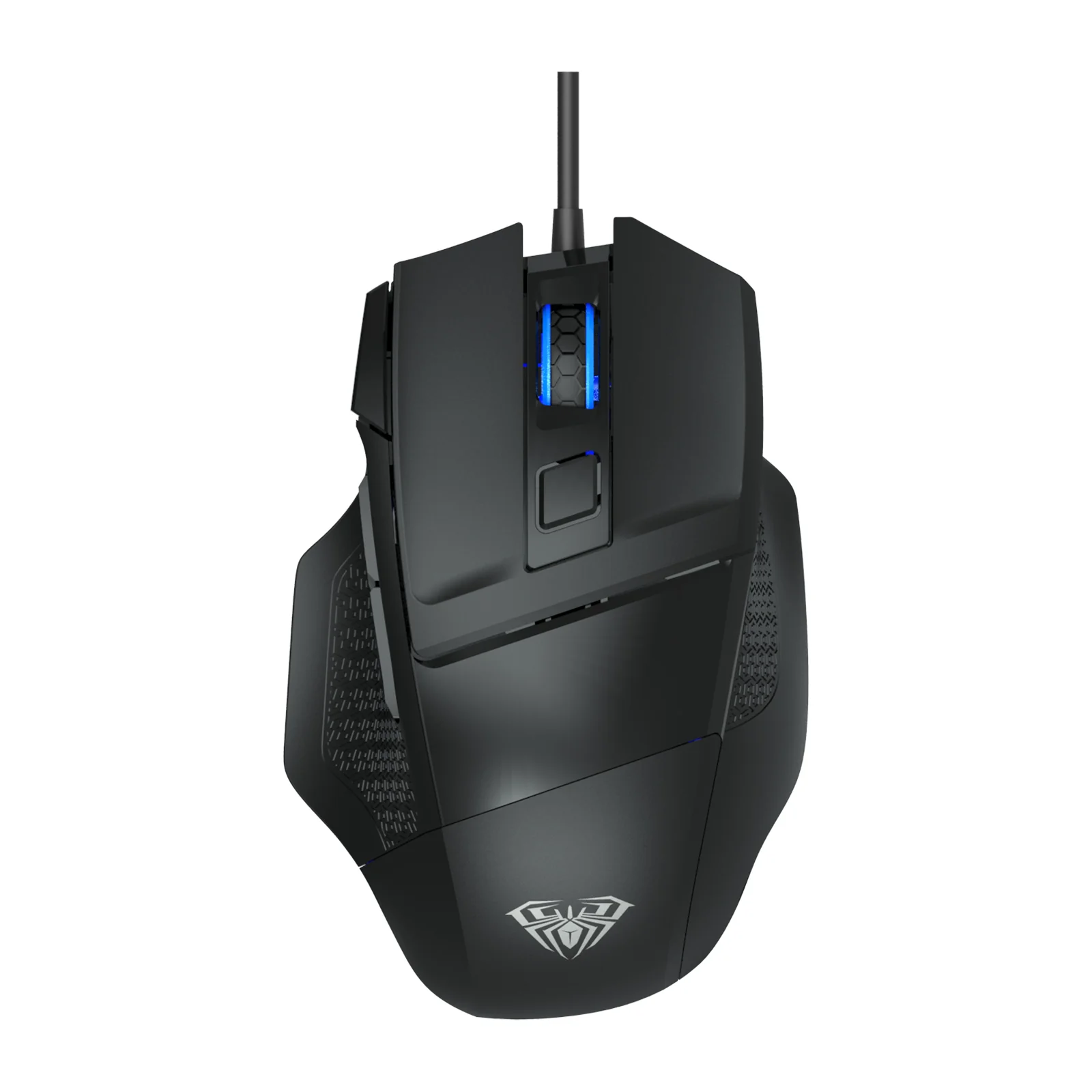
AULA S12 gaming mouse from above: black body, the wheel and the DPI buttons
The 704E chip and five sensitivity steps
AULA fits the S12 with a 704E optical gaming chip and lists steps of 800, 1200, 1600, 2400 and 4800 DPI. The lower ones help with precise aiming and graphics work, the higher ones with fast turns and high-resolution monitors. In the utility the DPI is spread over four stages, each freely set within the 4800 ceiling, and unwanted stages can be switched off so the button cycles only what you use.
AULA S12 from the left: the two thumb buttons, the textured thumb panel and the protruding Fire key
Light along the tail of the body
A lit strip runs around the rear of the body following its outline, with the logo under the palm as a second accent. AULA calls the mode breathing: the brightness swells and fades. Colour, speed and the mode itself are set in the utility, so the lighting can match the rest of your gear or be toned down if it distracts.
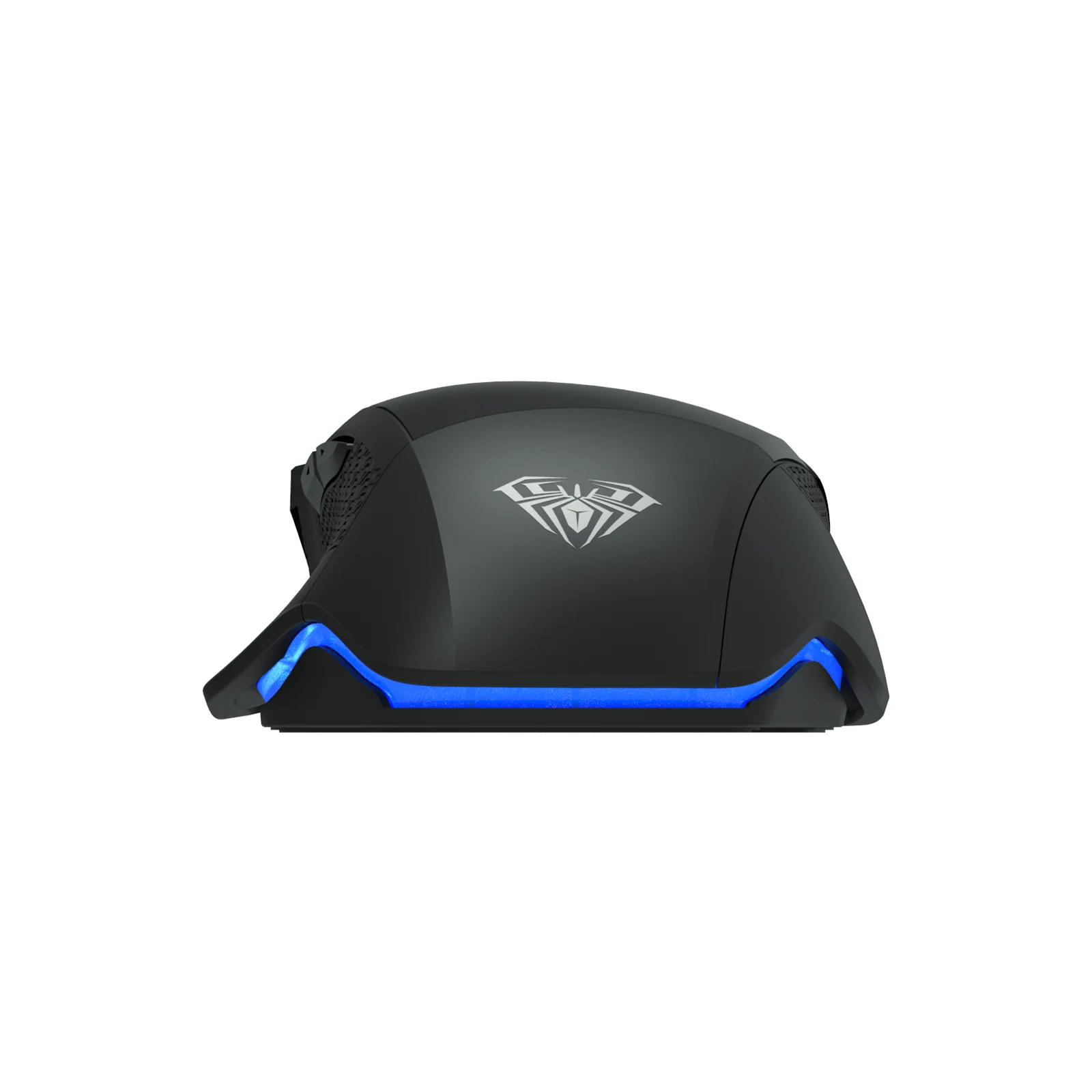
The rear of the AULA S12 with its glowing light strip
Built around the right hand
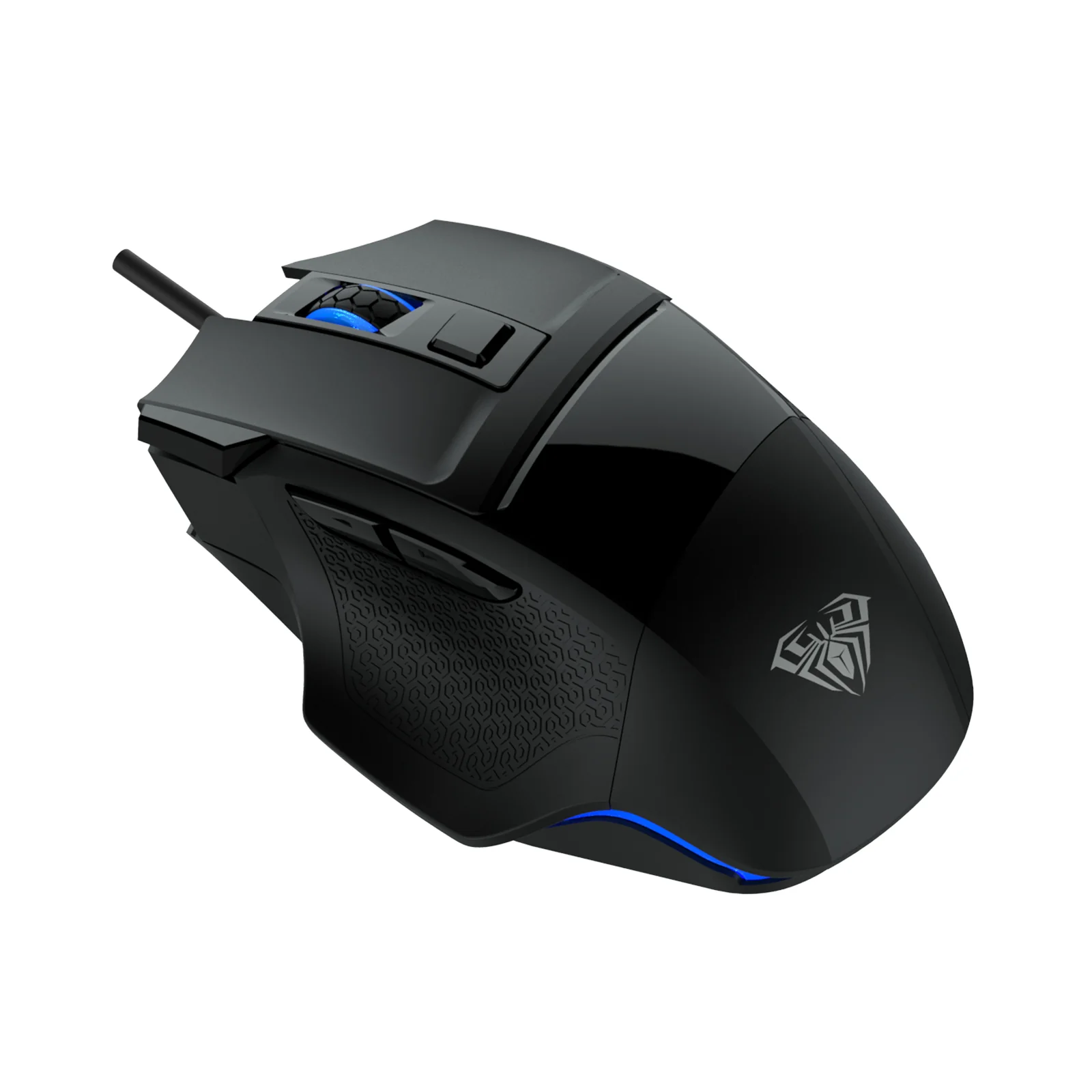
The shell is asymmetric: AULA states plainly that it is made for the right hand and adds three raised support points for the fingers. The side panels carry a fine texture that holds the thumb and little finger. At 117.3 × 76.7 × 39.3 mm it is mid-length but tall and wide across the back, so it is built for a full palm grip rather than fingertips.
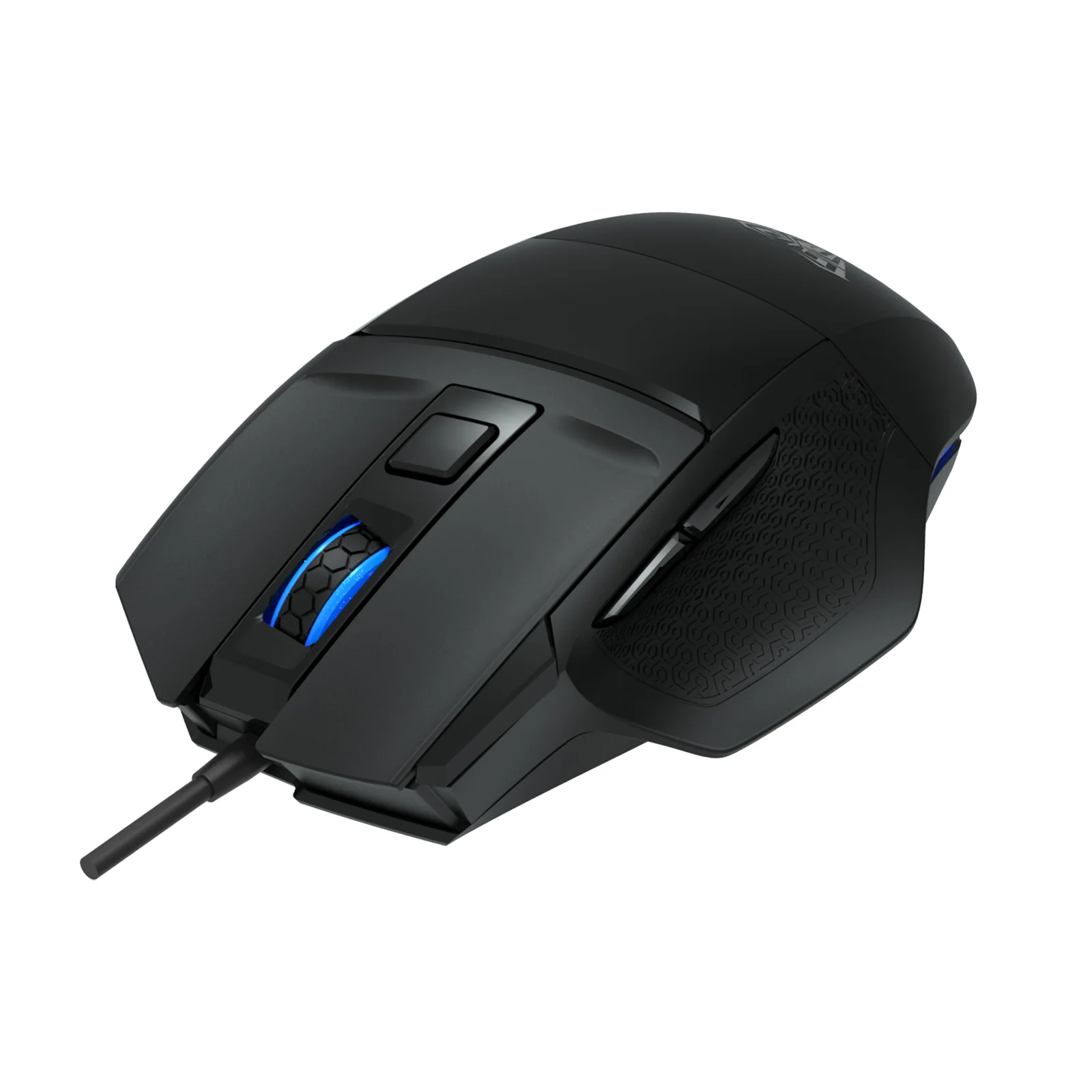
AULA S12 at three-quarter angle: the right-handed asymmetric shell with blue accents
AULA S12 specifications
Reviews
There are no customer reviews yet. The first review will appear after a verified order.
No reviews yet — be the first to leave one.
Questions and answers
No questions yet. Ask the first one and we will reply within one business day.
No questions yet — be the first to ask.