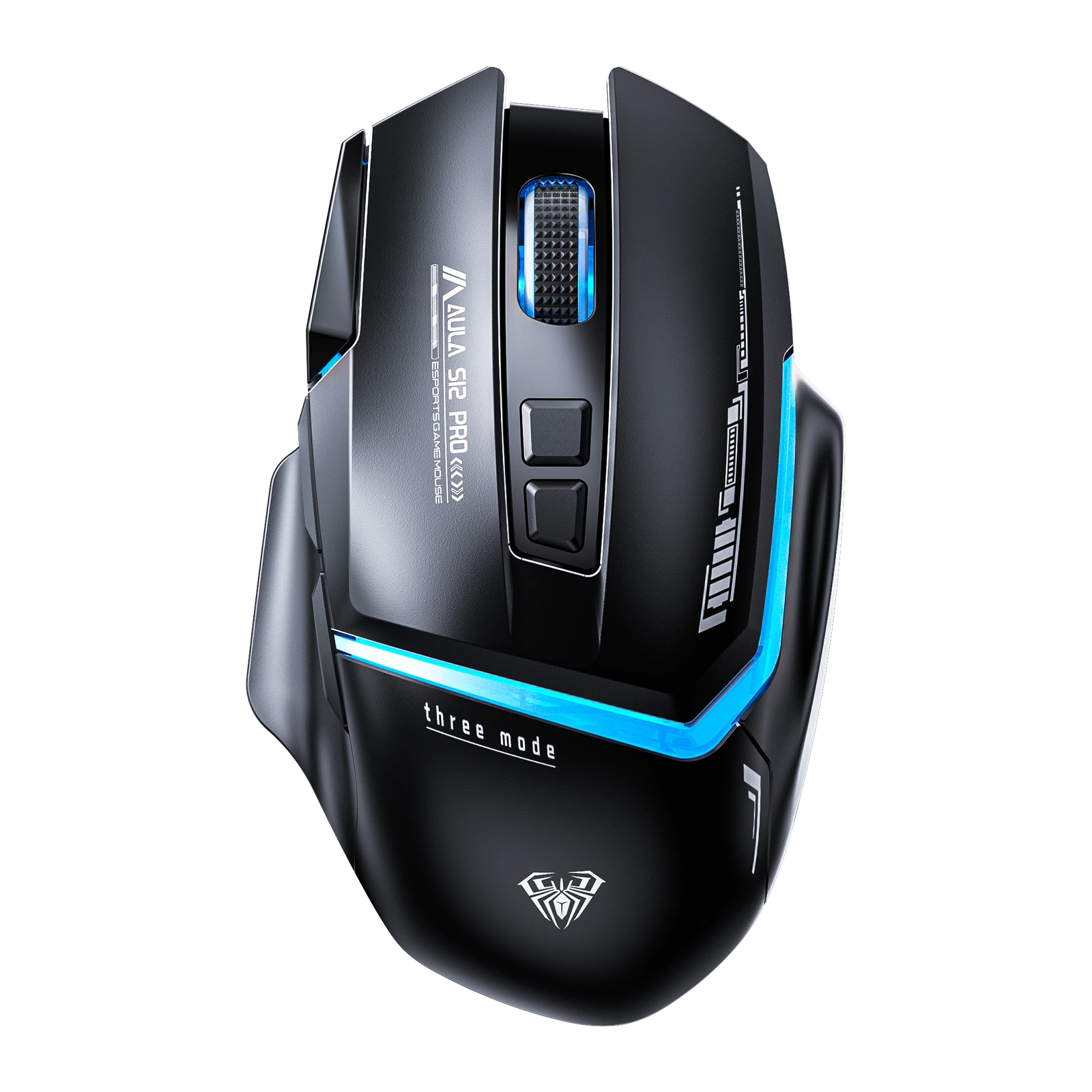
AULA S12 Pro — wired gaming mouse: six DPI steps up to 12,800, 1,000 Hz polling, RGB
Payment methodsAbout this product
All specifications →AULA S12 Pro: description and configuration
AULA S12 Pro (S12Pro) — gaming mouse.
The AULA S12 Pro is a wired gaming mouse with a wide right-handed shell, a thumb ledge and a rest for the little finger. The whole palm lands on it, so the model handles both long gaming sessions and an ordinary working day in documents.
Sensitivity steps through six levels: 1,200, 1,600, 2,400, 4,800, 7,200 and 12,800 DPI, changed with two keys on the top panel right below the scroll wheel. The polling rate is 1,000 Hz, meaning the mouse reports its position a thousand times per second, and the sensor is optical.
The RGB lighting is drawn as a thin line that wraps the front of the shell and rises along the sides, with the wheel and the AULA logo on the tail lit as well. The connection is wired over a USB cable: no battery, no receiver and no pauses for charging.
Official brand websiteaulastar.uz
Two DPI keys within reach
Two separate keys sit below the wheel and cycle the six steps: 1,200, 1,600, 2,400, 4,800, 7,200 and 12,800 DPI. The lower steps suit aiming and careful selection in an editor, the upper ones fast turns and 2K or 4K monitors. Switching happens on the fly, with nothing to interrupt.
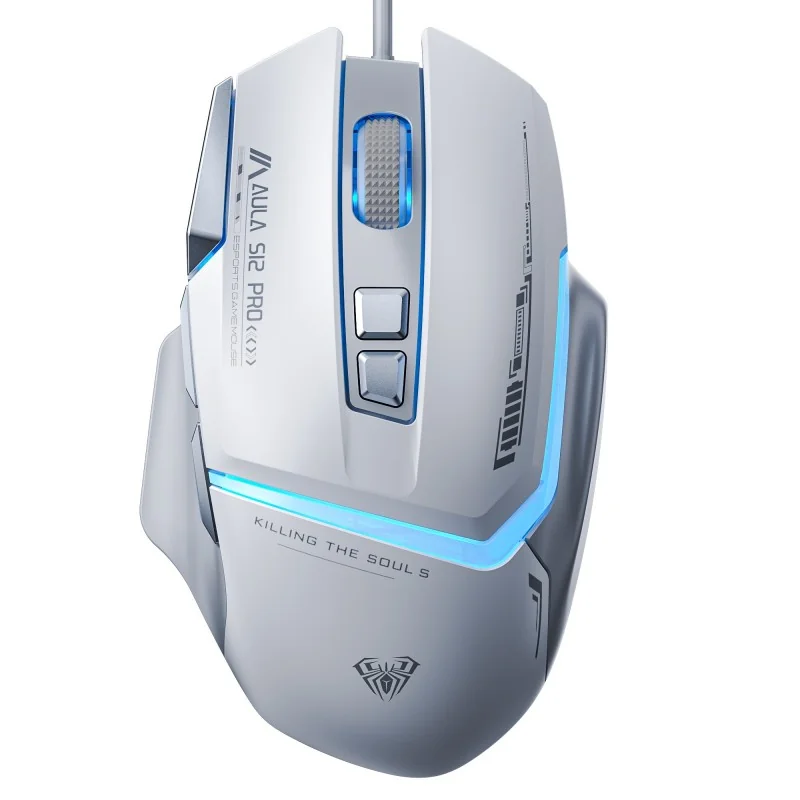
AULA S12 Pro gaming mouse in white, top view: the cable, the lit wheel, two DPI keys and the blue outline strip
1,000 Hz polling and a cable instead of a battery
AULA quotes a 1,000 Hz polling rate for the S12 Pro: the position is sent to the computer a thousand times per second, so the cursor stays steady even on sharp movements. Power comes down the USB cable, so there is nothing to charge and no flat battery in the middle of a match.
A glowing outline, in black or white
The lighting is drawn as a narrow line that wraps the front of the shell and rises along the sides, with the wheel and the tail logo lit separately. The manufacturer builds the S12 Pro in two shell colours, black and white; on the white one the glowing outline reads especially clearly. Which version arrives in the batch is confirmed by the GEEKSHOP manager.
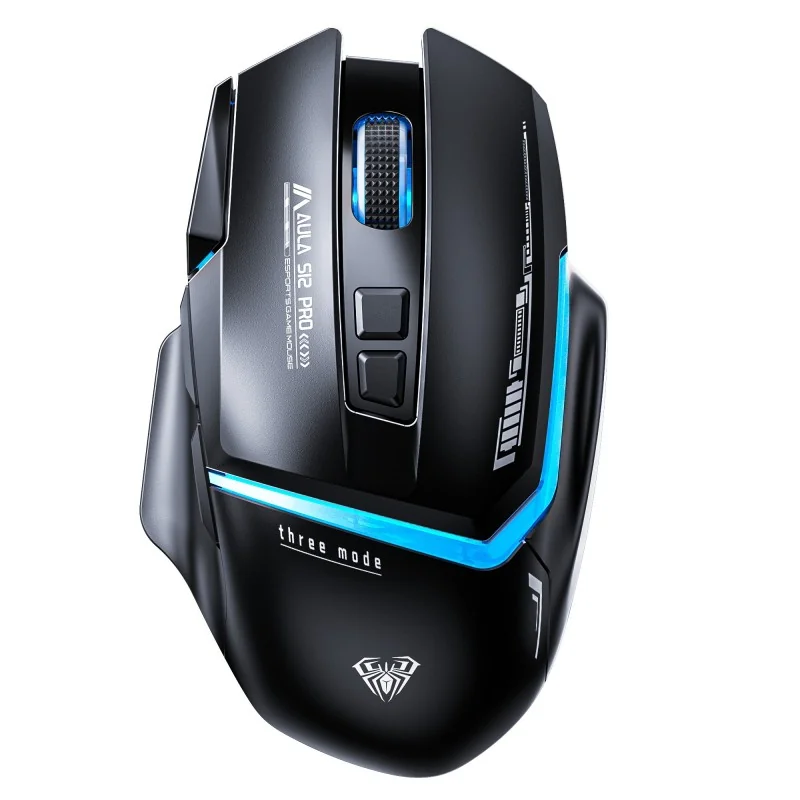
AULA S12 Pro in black, top view: the lit wheel, two DPI keys and the glowing outline strip
A wide shell for the whole palm
The shell widens towards the back, with a shelf for the thumb on the left and a flare for the little finger on the right. The hand rests fully instead of pinching the mouse with fingertips, which is what makes long sessions comfortable. AULA states the purpose plainly: gaming, esports and ordinary office work.
AULA S12 Pro in white at a slight angle: the wide shell with a thumb rest and a little-finger rest
AULA S12 Pro specifications
Reviews
There are no customer reviews yet. The first review will appear after a verified order.
No reviews yet — be the first to leave one.
Questions and answers
No questions yet. Ask the first one and we will reply within one business day.
No questions yet — be the first to ask.