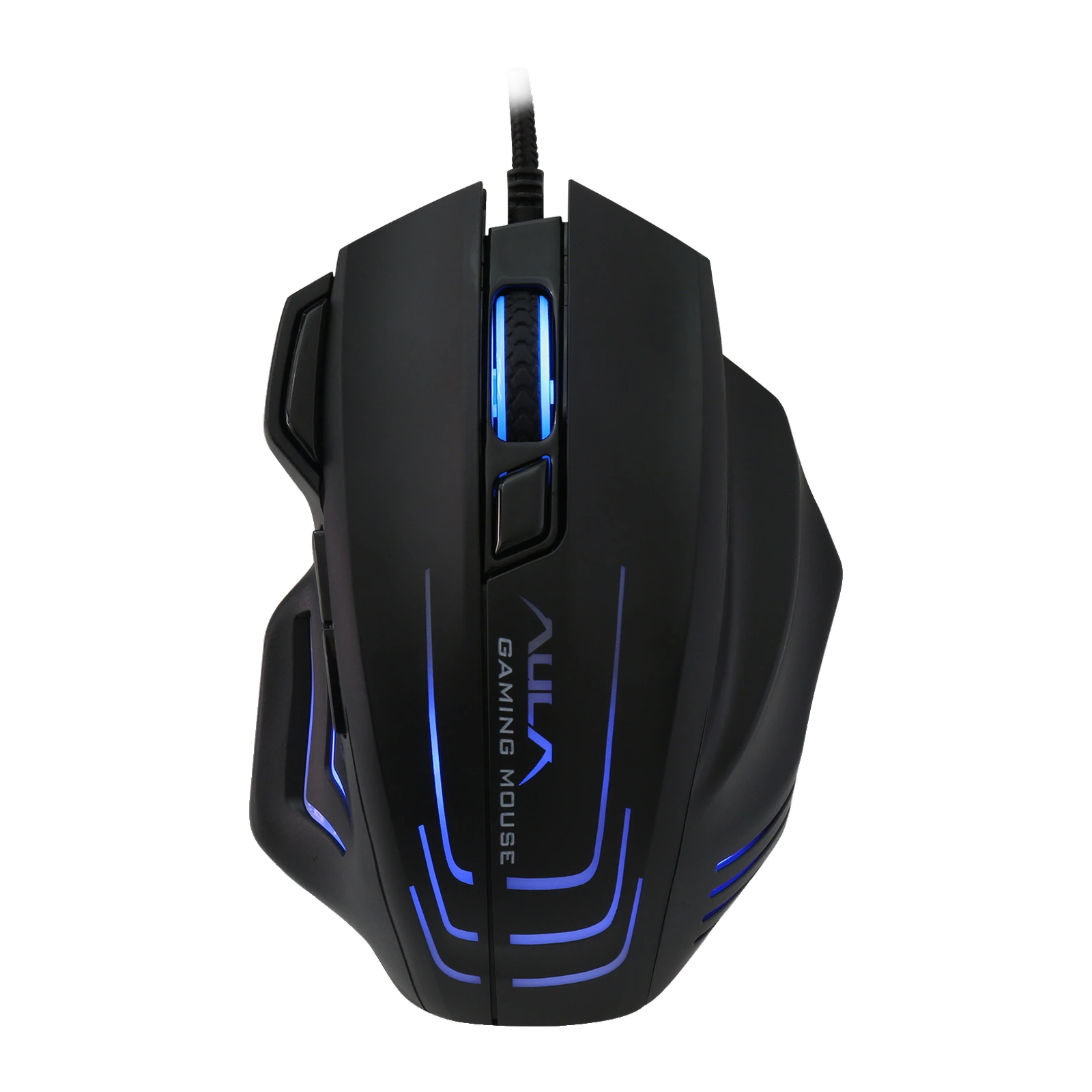
AULA S18 — wired gaming mouse: 7 buttons, up to 6400 DPI, 1000 Hz polling and removable weights
Payment methodsAbout this product
All specifications →AULA S18: description and configuration
AULA S18 — gaming mouse.
The AULA S18 is a wired gaming mouse from the Mountain series with a large body built for a full palm grip. It suits anyone who wants thumb buttons, a dedicated rapid-fire key and some sensitivity headroom but no wireless module: it connects through a 1.8 m cable to a USB-A port and works the moment it is plugged in.
Tracking is handled by a Sunplus 6698A optical sensor. Four steps are cycled on the mouse itself — 1200, 2400, 3200 and 6400 DPI — and each one lights up in its own colour: green, purple, blue and red. In AULA's own software the list expands to twelve values from 200 to 6400 DPI, any four of which can be written into the mouse. The polling rate switches between 125, 250, 500 and 1000 Hz, the main key travel is 0.8 mm at 65±5 g of force, and AULA rates the switches at 20 million clicks.
The shell is matte and non-slip, with lit strips along the flanks and around the wheel. Four weight blocks sit inside: take them out one at a time and tune the mass to your hand. AULA's own materials disagree on the mass — the model page says 117 g without the cable, the parameter table says 170 g — so treat either figure as a guide rather than a guarantee. All seven buttons — left, right, wheel click, DPI, rapid fire, forward and back — are programmable in the AULA driver for Windows, and the S18 driver is published in the download section of aulastar.com.
Official brand websiteaulastar.uz
A big shell for a full palm grip
The S18 is noticeably larger than a regular office mouse: 127 × 91 × 41 mm, with a wide back and a pronounced thumb rest. The palm sits on it completely and the fingers do not hang over the edges, which makes it comfortable for a palm grip and for larger hands. The surface is matte, non-slip and wear-resistant — a point AULA makes specifically in its description of the shell.
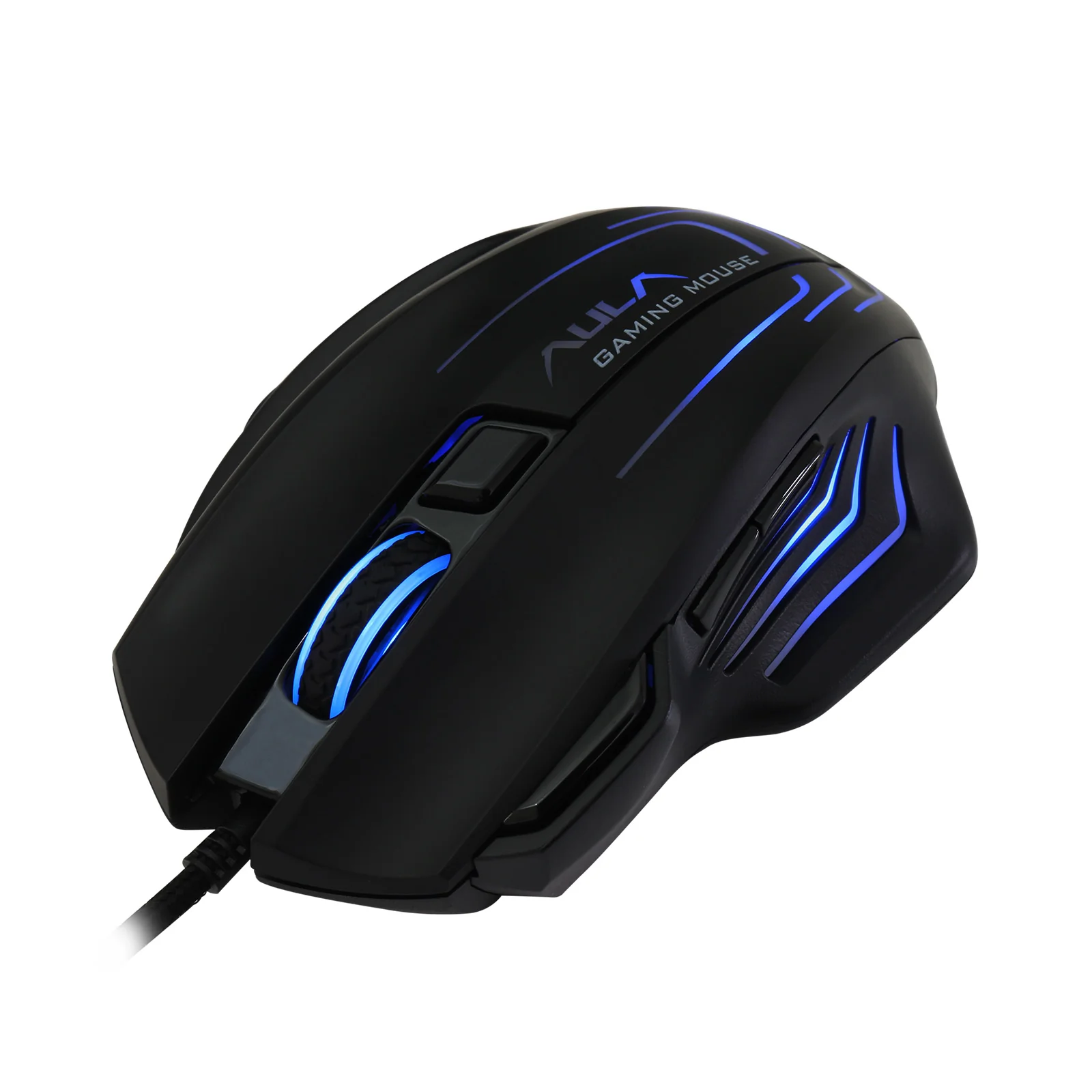
Black AULA S18 gaming mouse at three-quarter angle with a lit logo and its USB cable
Four DPI steps with a colour cue
The button under the wheel cycles four sensitivity steps — 1200, 2400, 3200 and 6400 DPI. So you never have to guess which one is active, the lighting changes colour: green, purple, blue, red. The lower steps suit precise aiming and document work, the top one suits fast turns and high-resolution monitors. The driver offers twelve values starting at 200 DPI, and any four of them can replace the factory set.
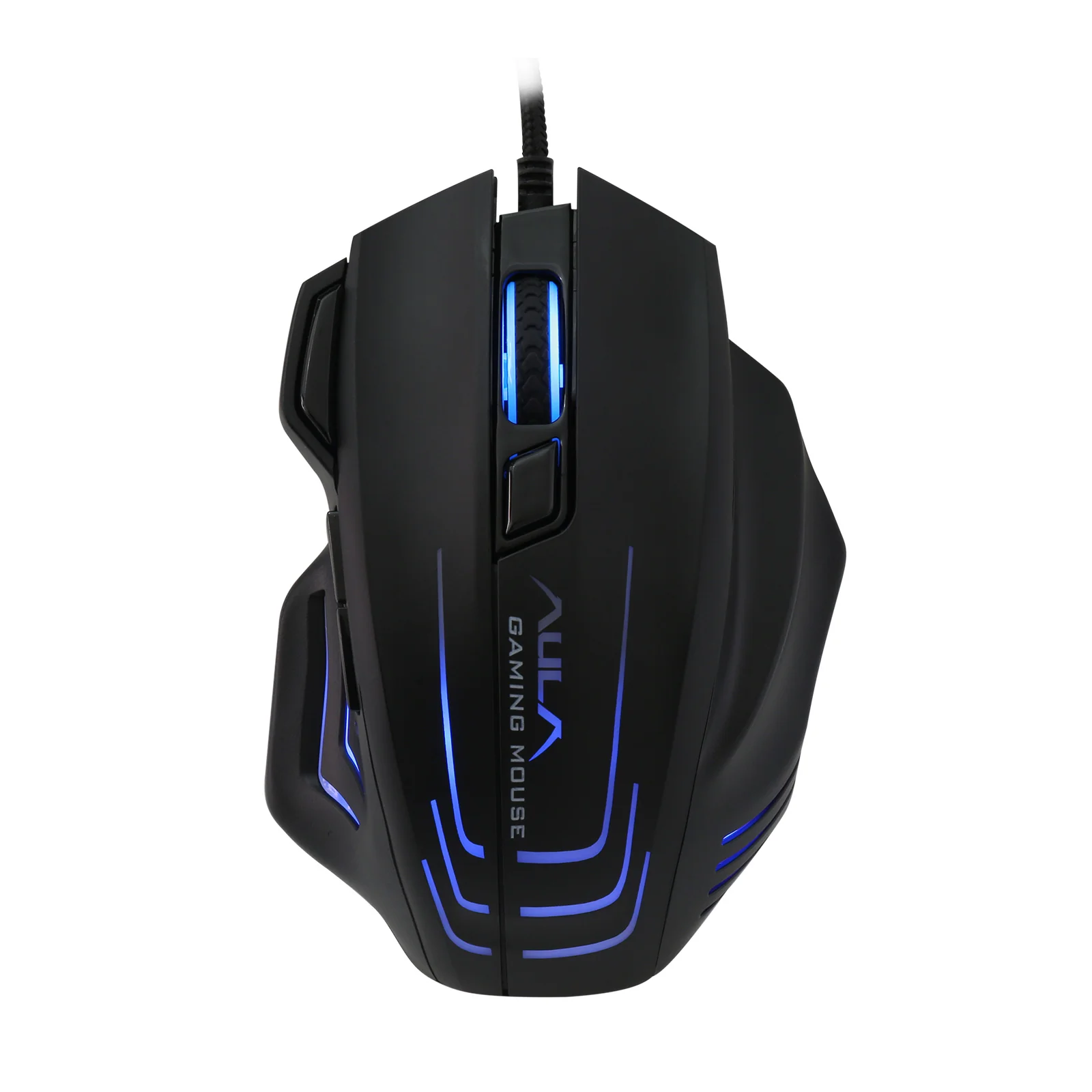
AULA S18 gaming mouse from above: wheel, DPI button and blue lighting along the side strips
Seven buttons, macros and a rapid-fire key
Besides the left, right and wheel click, the S18 has a DPI switch, two forward/back keys under the thumb and a separate rapid-fire button next to the left click. In the AULA driver for Windows each of the seven buttons can be given its own function or macro: a burst of shots, a key combination, a program launch or a media command. The settings live in a profile, while the basic functions work even without the software installed.
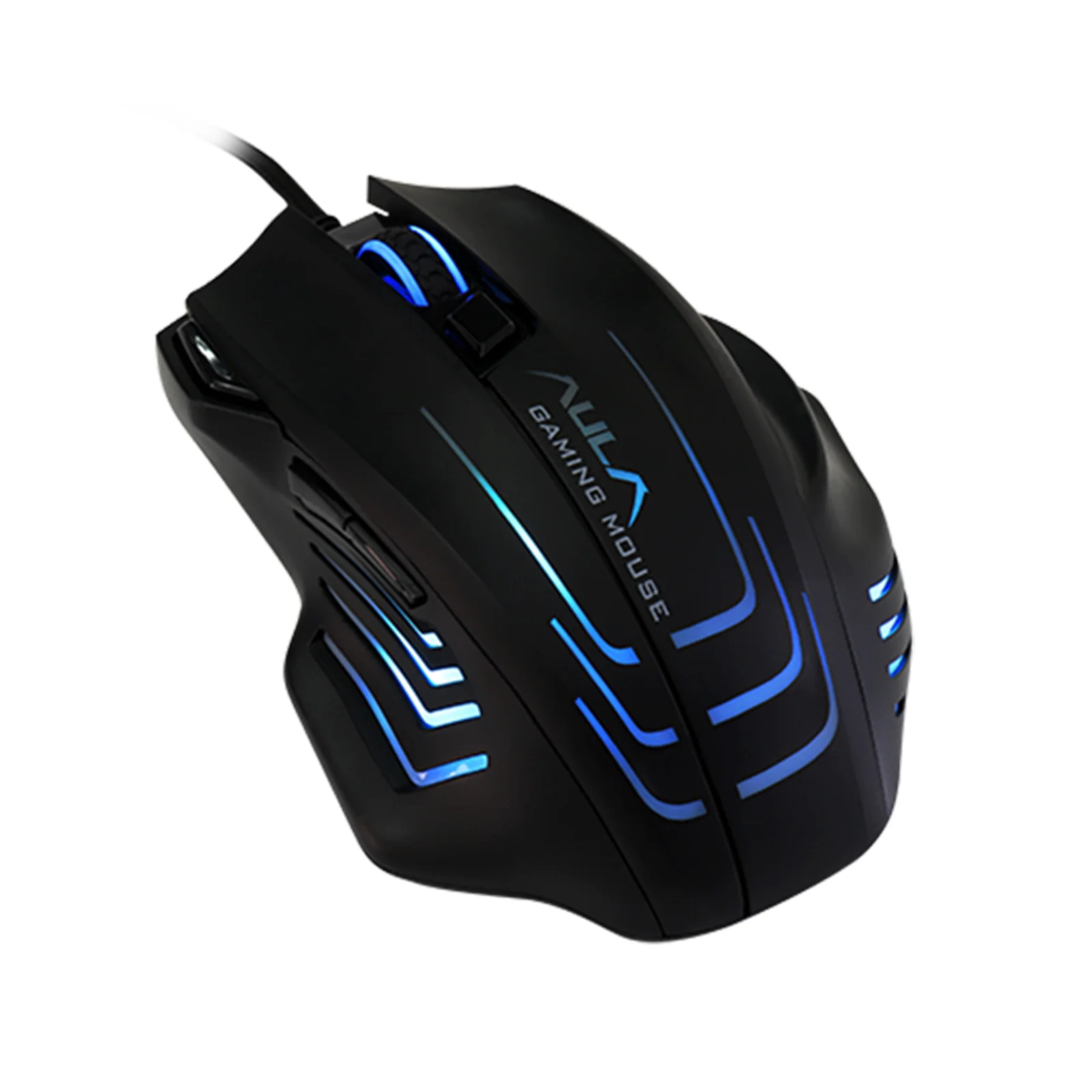
AULA S18 at a three-quarter angle from the left: thumb buttons and the lit inserts in the shell
Light and weight tuned to you
The lighting runs seven colours and several modes: a smooth fade, a flash on each click, a single-colour breathing effect or a colour tied to the current DPI step. Brightness and effects are adjustable. Four weight blocks sit under the bottom cover — take them out one by one if the mouse feels heavy, or leave them all in when you want inertia for steady aiming.
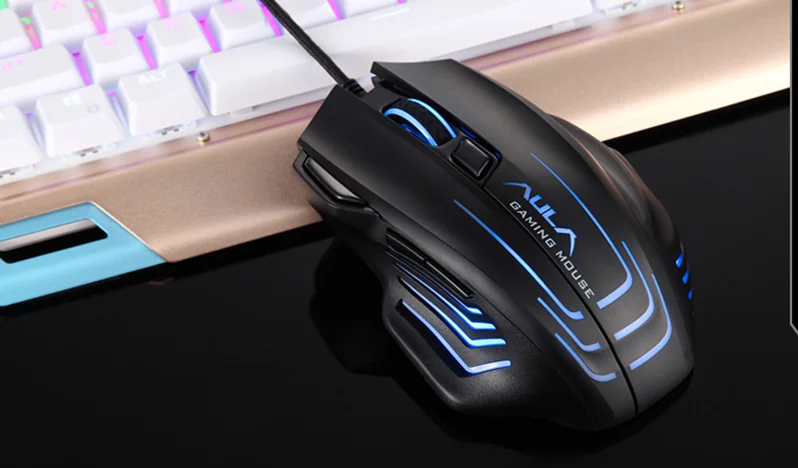
AULA S18 on a desk next to a keyboard, its shell strips glowing
AULA S18 specifications
Reviews
There are no customer reviews yet. The first review will appear after a verified order.
No reviews yet — be the first to leave one.
Questions and answers
No questions yet. Ask the first one and we will reply within one business day.
No questions yet — be the first to ask.