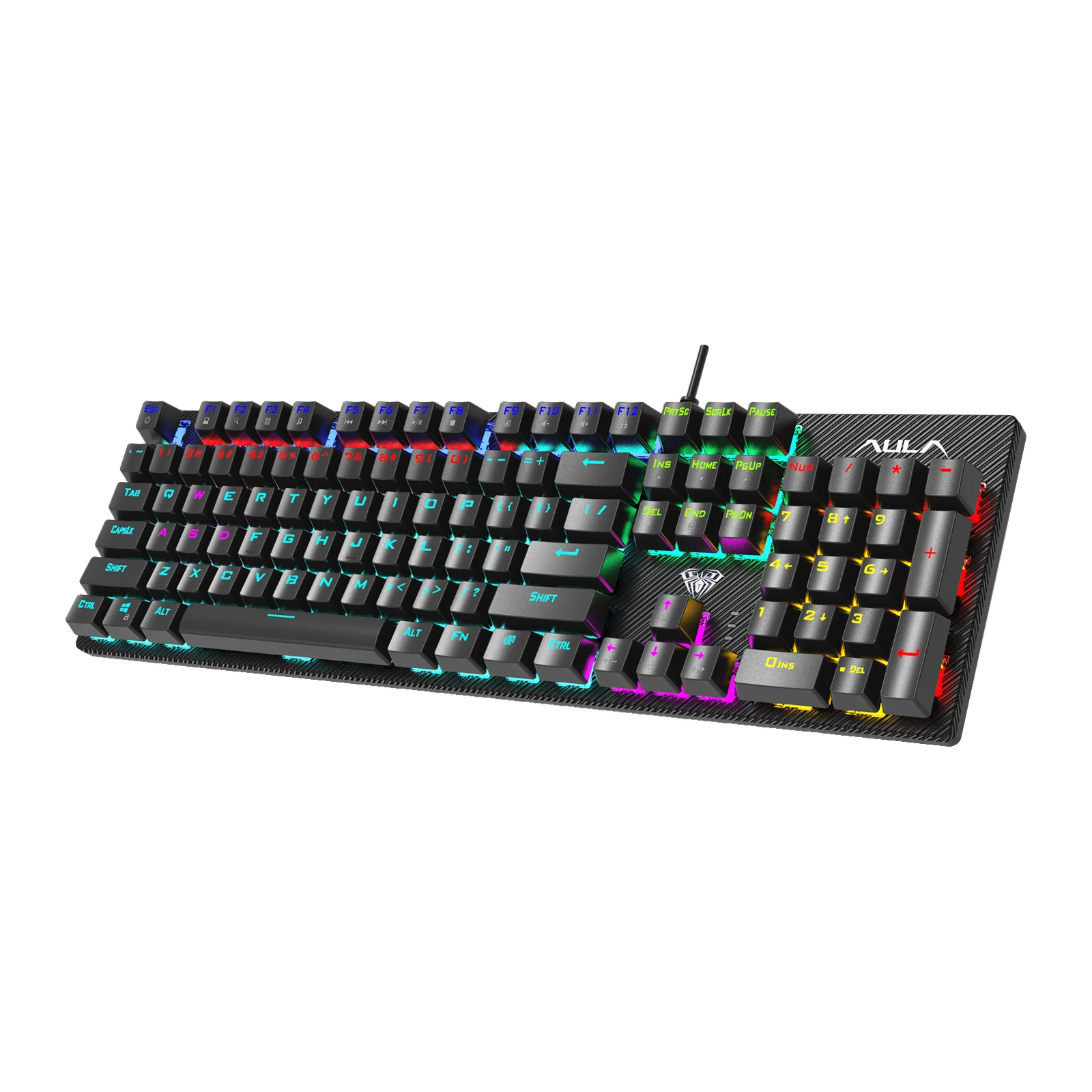
AULA S2022 — full-size mechanical keyboard: 104 keys, 20 lighting effects, a 60-million-press rating, Black
- Store pickup
- Tashkent, Shaykhantakhur district, Iftikhor street, 2
- Courier
- 50,000 UZS
- Warranty
- 1 month
About this product
All specifications →AULA S2022: description and configuration
AULA S2022 — keyboard.
The AULA S2022 is a full-size wired mechanical keyboard: 104 keys in a US layout, with a number pad, a function row and the complete navigation cluster. The 435 × 125 × 38 mm case and its roughly 1.6-metre cable connect over a single USB plug and work immediately — no drivers, nothing to charge. AULA rates the mechanical switches at about 60 million presses.
The keys stand above an exposed top plate and the rows are stepped at different heights, so your finger lands on the right row without lifting the wrist. The caps are double-shot moulded with a translucent insert, so the legends glow through and will not wear off. Lighting is zoned: 20 effects cycle through Fn combinations, brightness and speed are set from the keyboard too, and one of the modes can be customised.
For games the board registers 26 specified keys at once — the ones movement and combos need: Tab, Q, W, E, R, T, Caps Lock, the A–G block, Shift, Z–B, M, Ctrl, Alt, the spacebar and the arrows. The F1–F12 row carries a media layer: volume, pause, next track, calculator, search and a keyboard lock. Switches come in two options: Blue, clicky with a 2.0 mm actuation travel, and Red, linear with 1.5 mm actuation; both are rated at 60 ± 10 g.
Official brand websiteaulastar.uz
Full size, with nothing reinvented
The S2022 is the classic 104 keys in a US layout: the F1–F12 row, the number pad on the right, the full navigation block and the arrows where you expect them. The 435 × 125 × 38 mm case is built for a permanent desk, and the roughly 1.6-metre cable reaches a tower on the floor without strain. Nothing needs configuring before the first use — the system picks the keyboard up straight away.
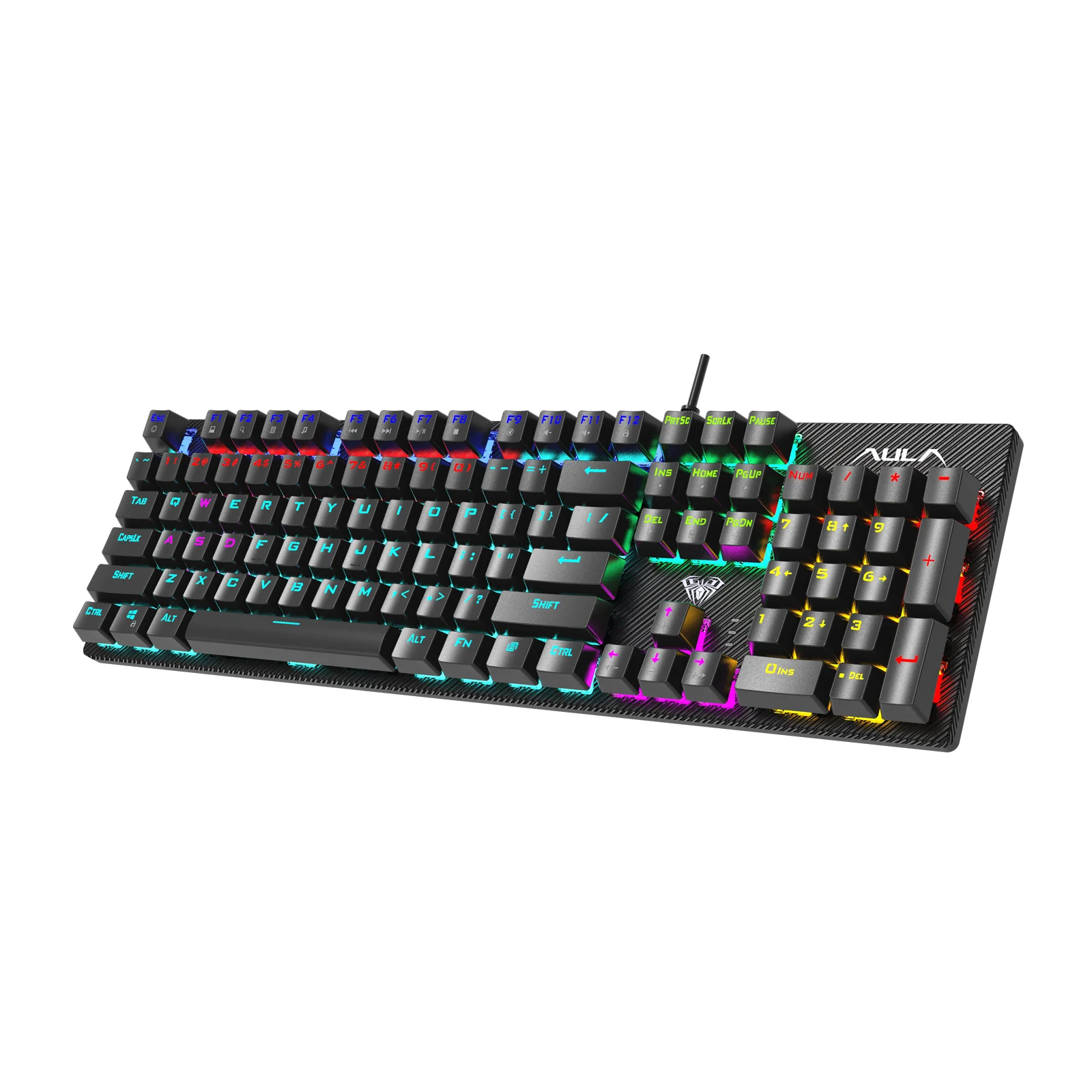
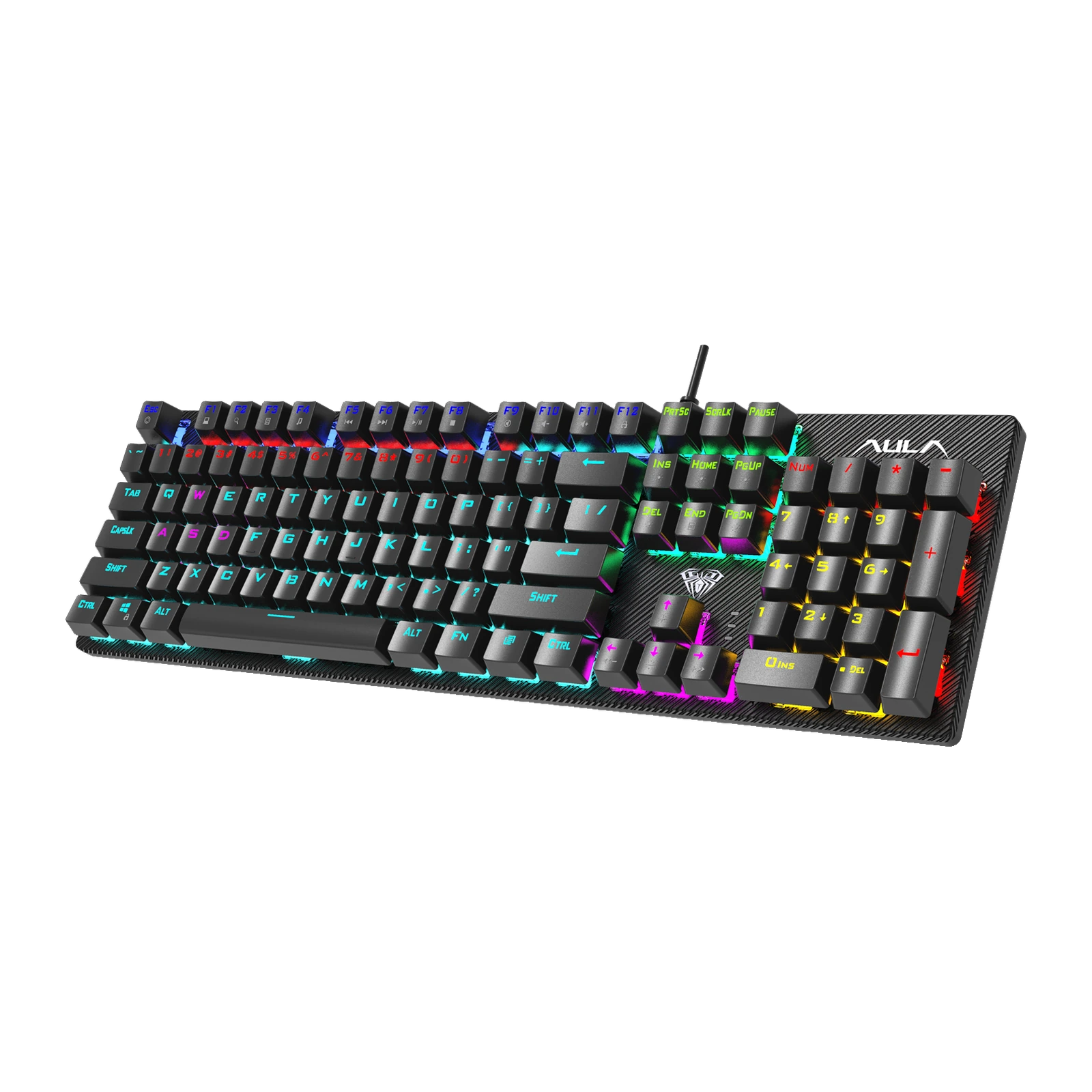
The AULA S2022 mechanical keyboard in black at three quarters: 104 keys and multi-colour backlighting
Stepped rows and keys in plain sight
The top plate is exposed: the caps stand above it rather than sinking into the case. Light therefore escapes through the legends and from under the keys, and crumbs brush off the surface instead of collecting in wells. The rows are stepped at different heights — further rows higher, nearer rows lower — so your hand reaches the F row and the numbers without lifting the wrist.
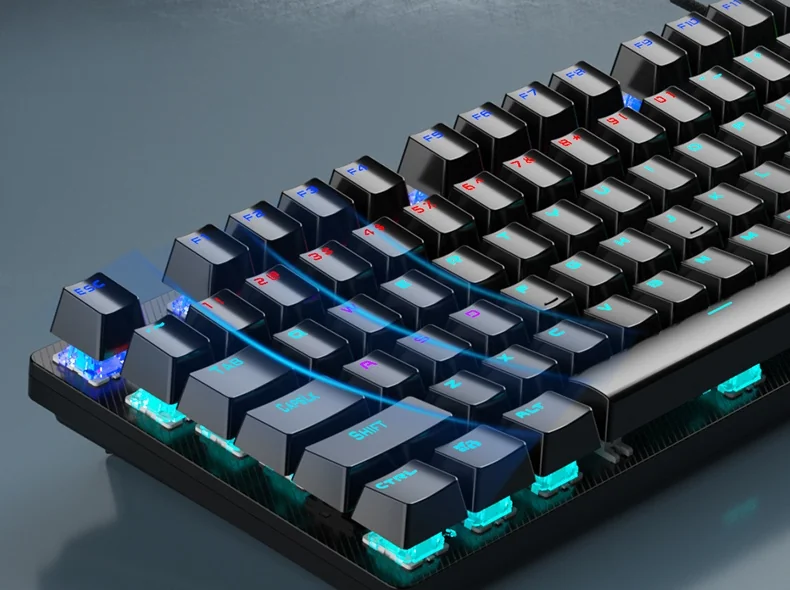
The stepped row profile of the AULA S2022 from the side: keys at different heights above the exposed plate
Blue or Red: click versus quiet
AULA offers the S2022 with two switches that share the same 60 ± 10 g force and the same rating of about 60 million presses. Blue actuates at 2.0 mm with a crisp bump and a loud click — you hear the rhythm of your typing, which many people find helps accuracy. Red is linear: an even travel, actuation already at 1.5 mm and a noticeably quieter sound. Shooters tend to go Red; writing and the feel of "real mechanical" tend to go Blue.
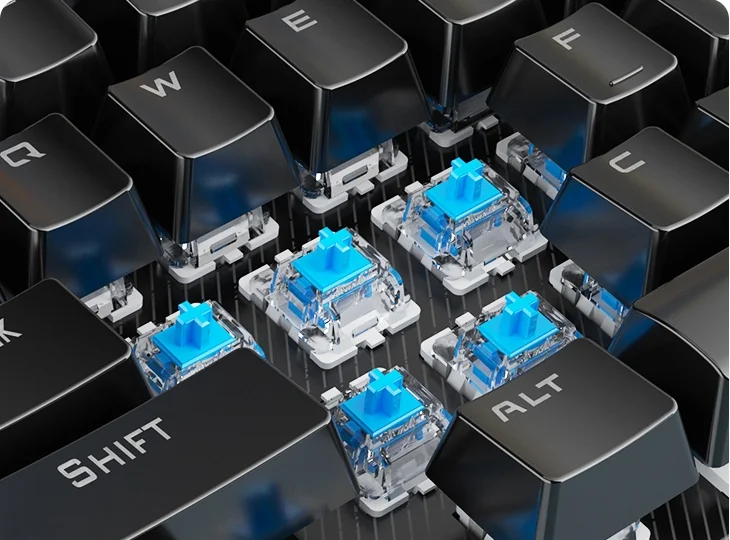
Blue switches under the removed caps of the AULA S2022: clear housings and blue stems
20 lighting effects, set from the keyboard itself
The S2022's lighting works in zones: neighbouring sections glow in different colours and the transition travels across the board as a wave. The effects are spread over Fn + Ins, Home, PgUp, Del and PgDn, each group holding several modes — from a steady glow and a breathing fade to press-reactive ripples and running waves. Fn with up and down sets brightness, left and right set speed, Fn + End starts a custom scheme and Fn + Esc brings the default back.
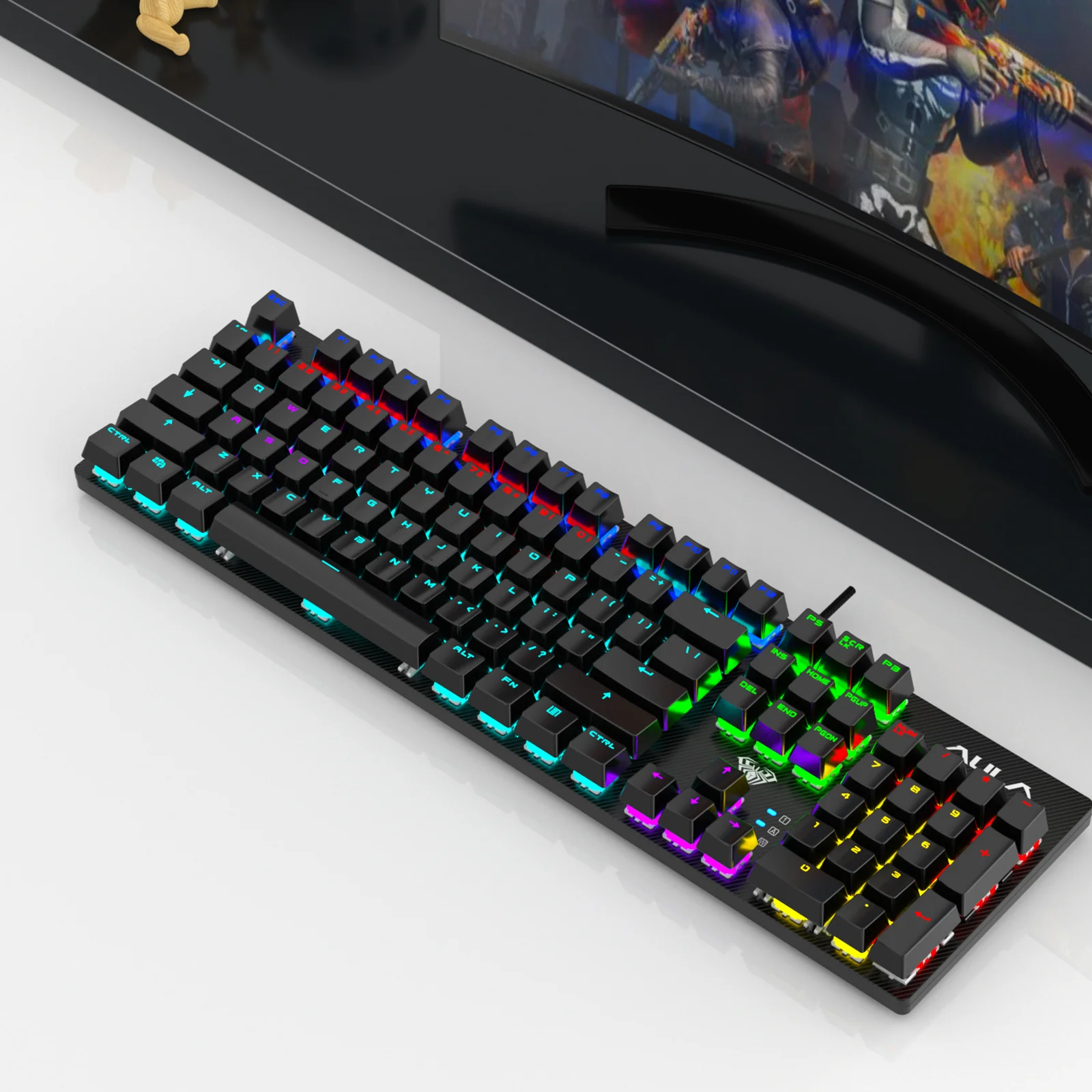
The AULA S2022 on a desk in front of a monitor, its keys lit in different colours
26 keys at once and the F1–F12 layer
AULA marks out a block of 26 keys on the S2022 that register together without conflicting: Tab, Q, W, E, R, T, Caps Lock, the A–G row, Shift, Z–B, M, Ctrl, Alt, the spacebar and the arrows. That is exactly the area where movement, crouch and fast combos live. The F1–F12 row doubles as a second layer through Fn: volume and mute, pause and track skipping, the calculator, search and a full keyboard lock — handy when you step away from a running machine.
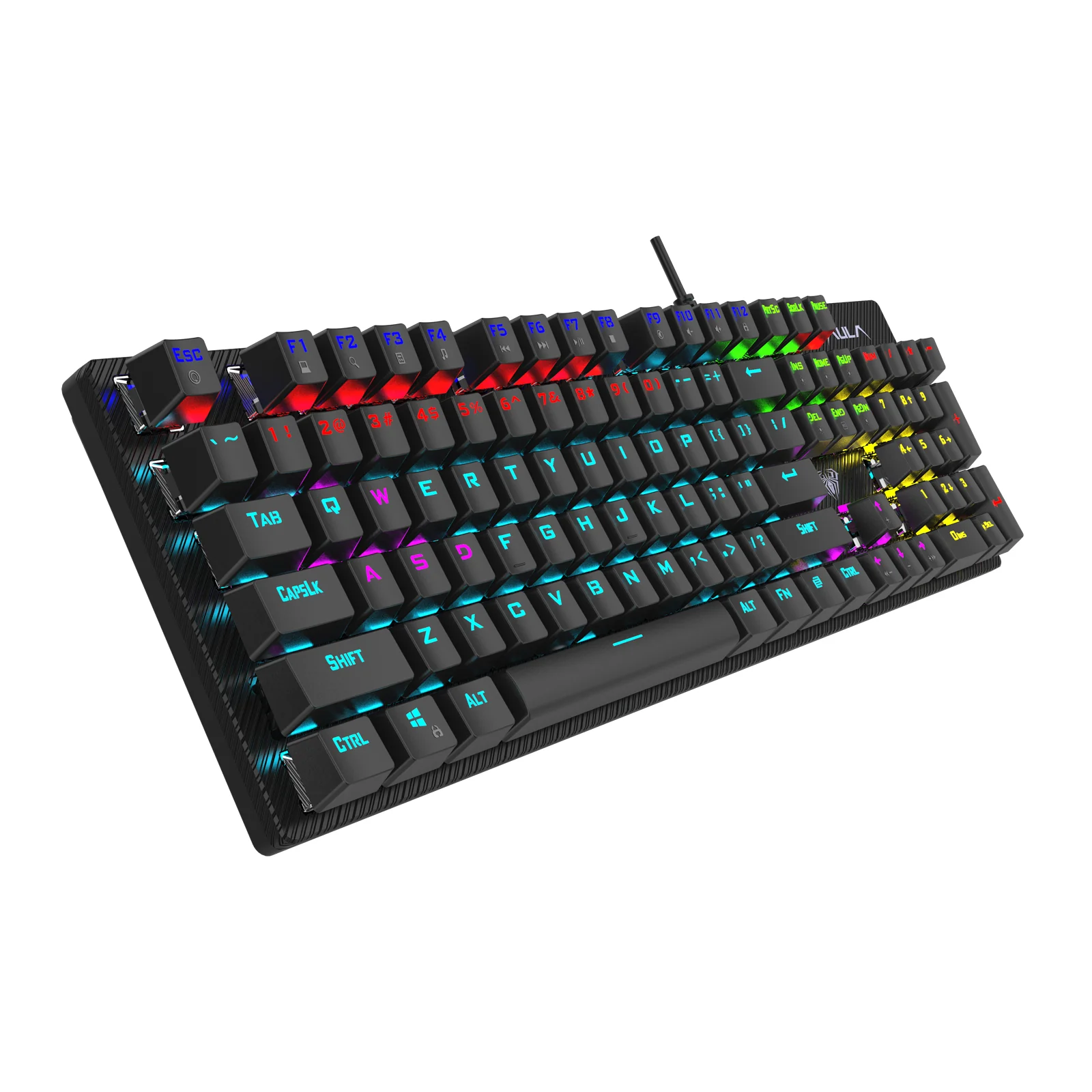
The AULA S2022 from a front-left angle: stepped key rows, the exposed top plate and the USB cable
AULA S2022 specifications
Reviews
There are no customer reviews yet. The first review will appear after a verified order.
No reviews yet — be the first to leave one.
Questions and answers
No questions yet. Ask the first one and we will reply within one business day.
No questions yet — be the first to ask.