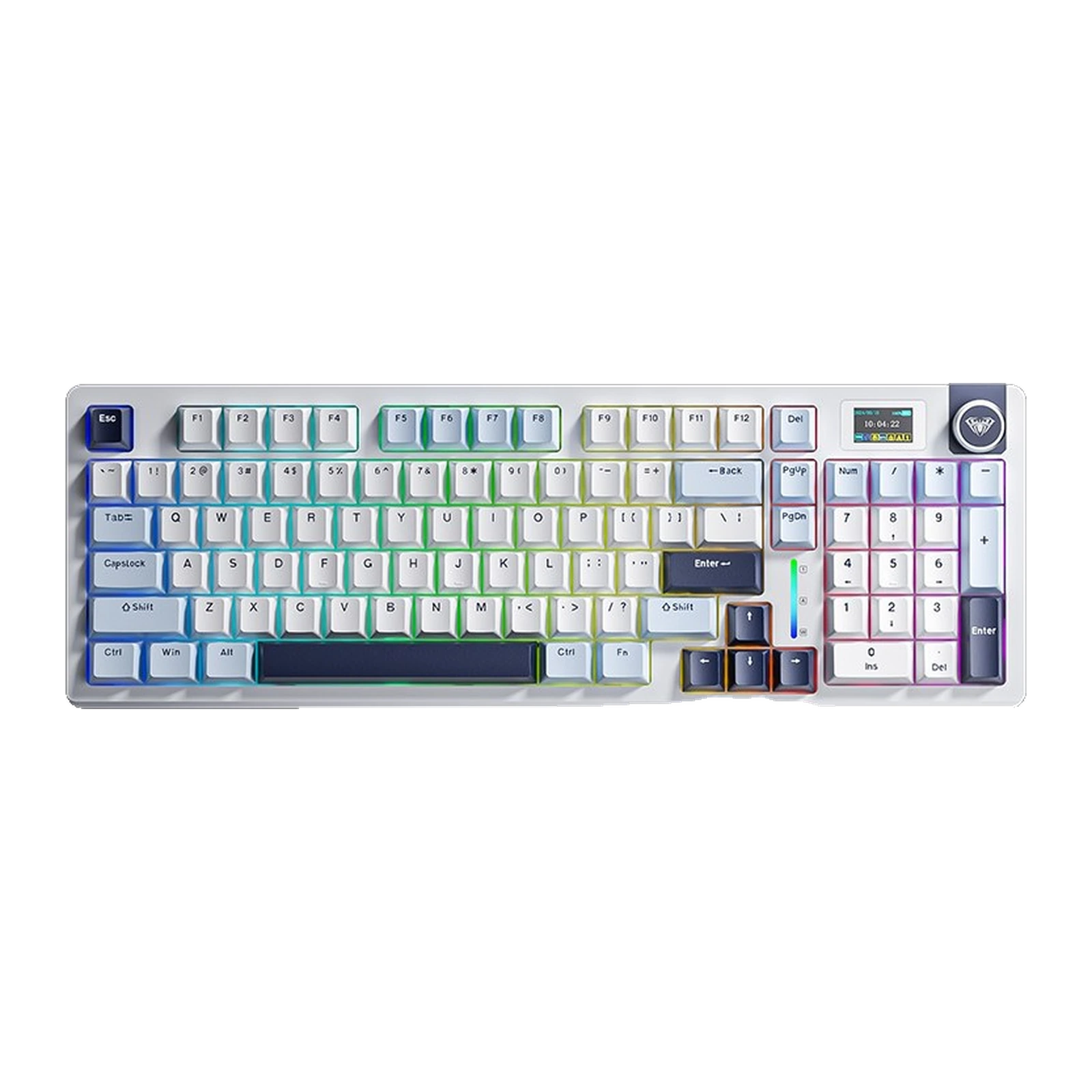
AULA S98 Pro — 98% 96-key keyboard: smart display, knob, gasket mount and tri-mode, Dark Green + White + Green
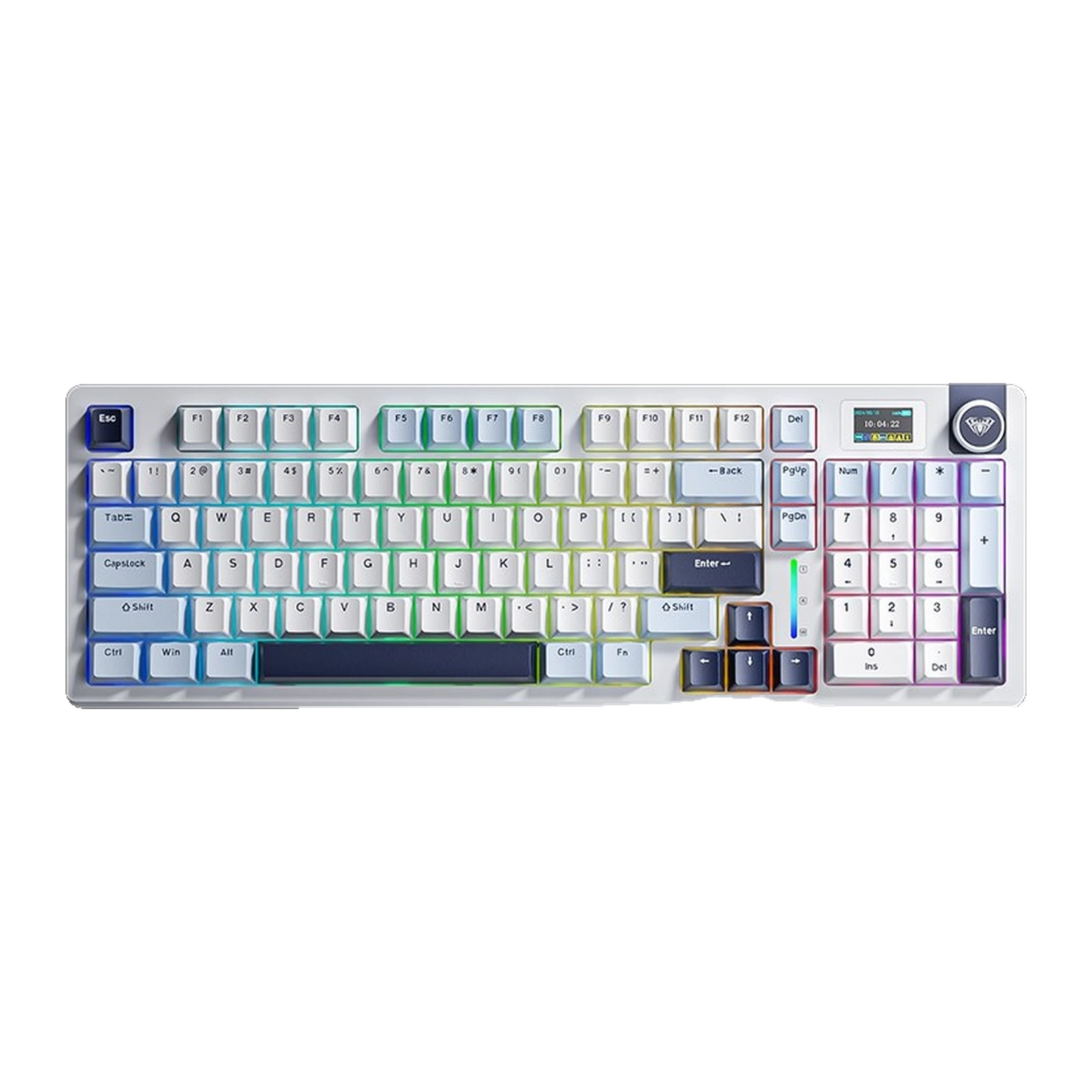 Light Blue + White + Black PurplePre-order
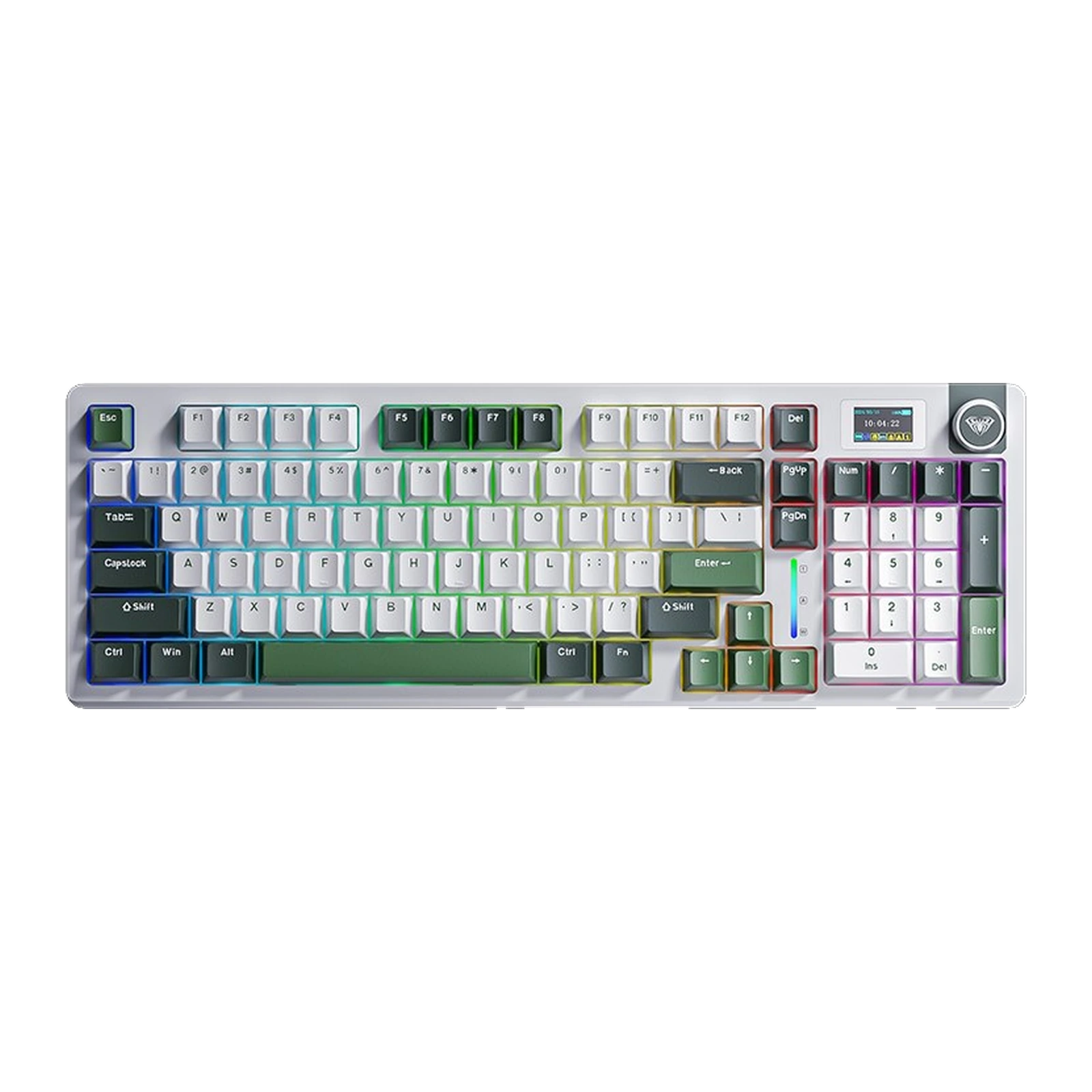 Dark Green + White + GreenPre-order
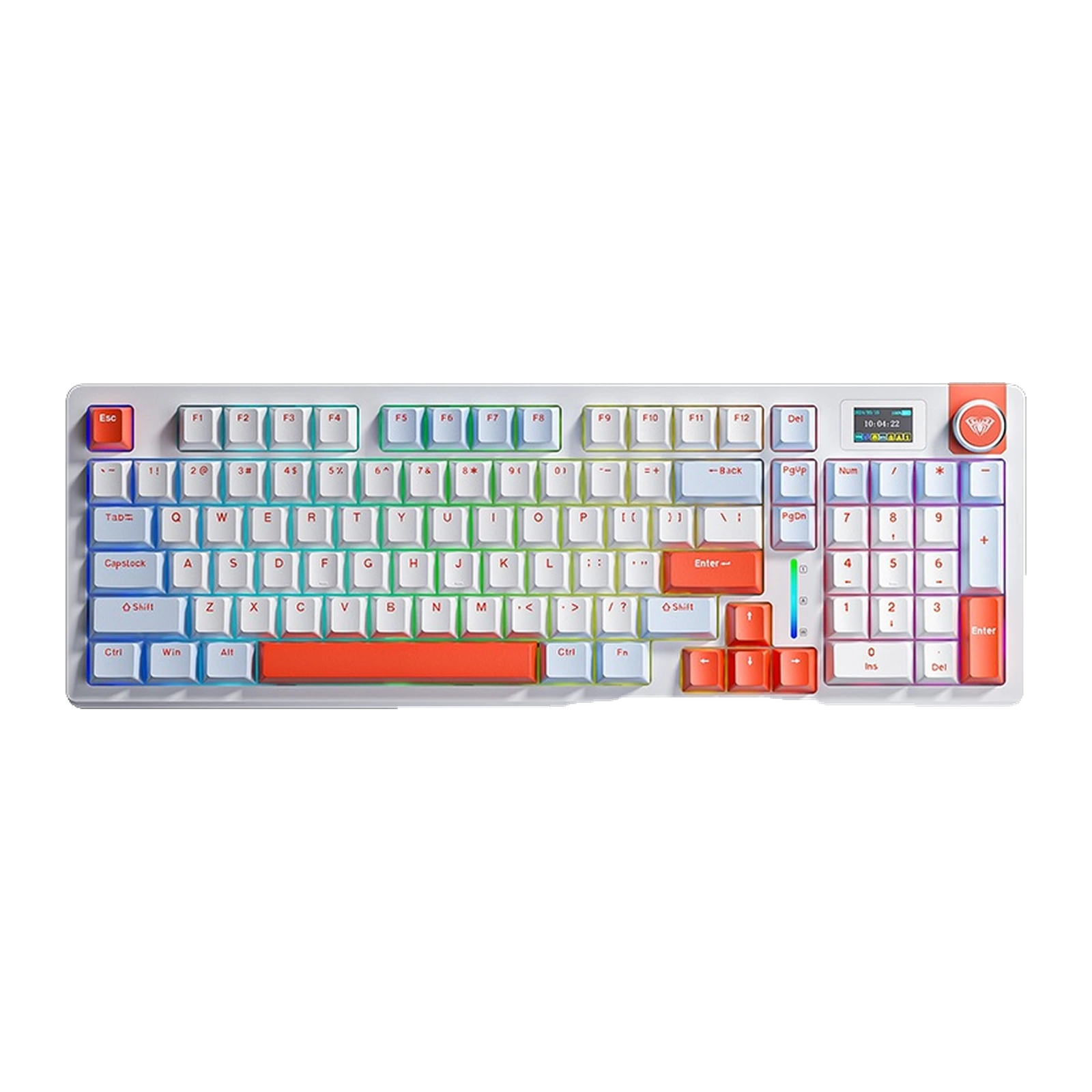 Blue + White + OrangePre-order
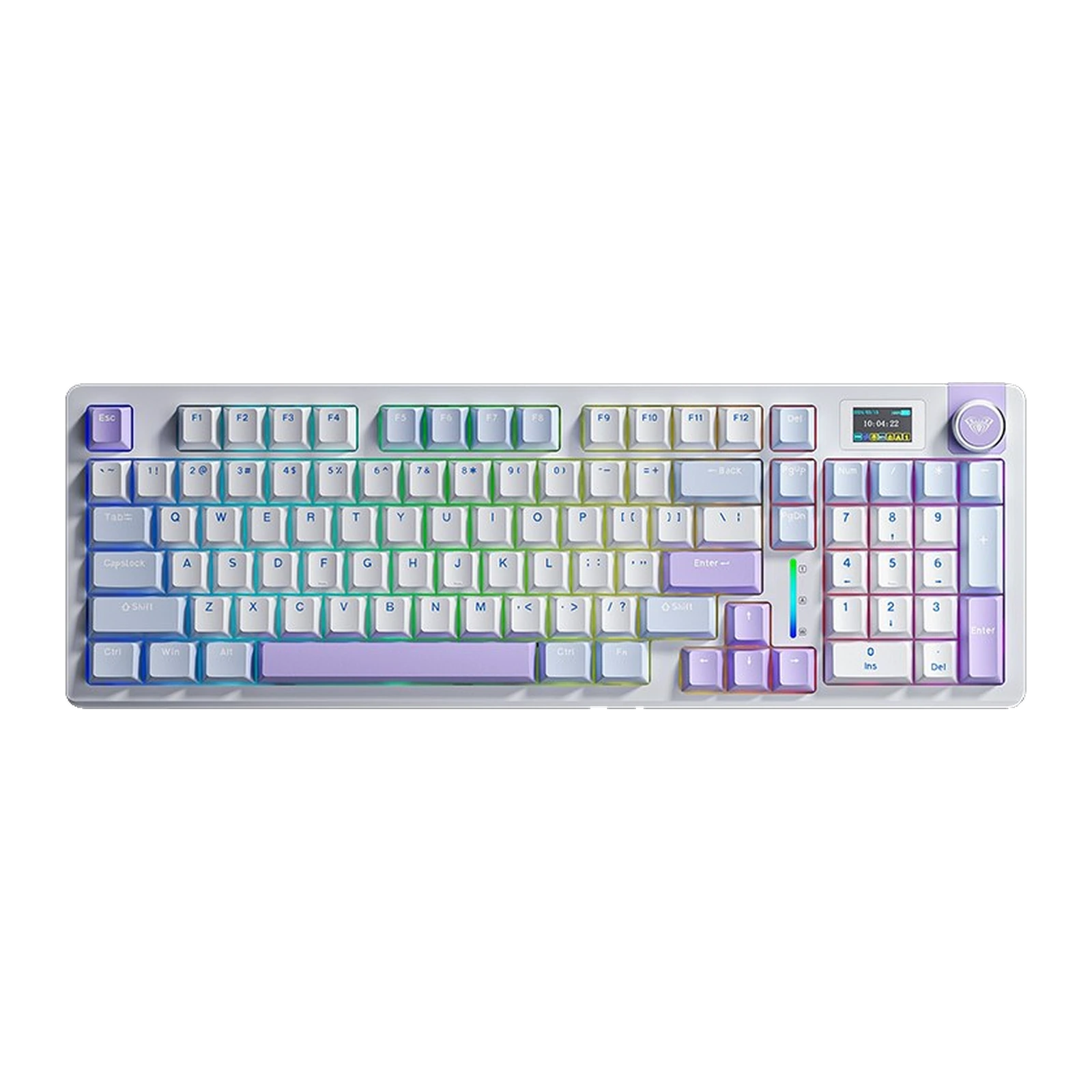 Light Blue + White + Dark PurplePre-order
- Store pickup
- Tashkent, Shaykhantakhur district, Iftikhor street, 2
- Courier
- 50,000 UZS
- Warranty
- 1 month
About this product
All specifications →AULA S98 Pro: description and configuration
AULA S98 Pro (S98Pro) — keyboard.
The AULA S98 Pro is a 98% mechanical keyboard: 96 keys with a full numpad and function row, in a case about a fifth narrower than a classic 104-key board. A smart display and a multifunction rotary knob sit in the top right corner — the screen shows the active connection mode and keyboard status, while the knob handles volume and lighting.
The board is gasket-mounted: the PCB rests on a slotted polycarbonate plate, the 1.2 mm PCB is routed around every switch, and the LEDs face down toward the keycap. Five damping layers sit between them — Poron foam, an IXPE pad under the switches, a PET acoustic film, a second Poron layer and a silicone pad on the bottom. The Wolf Spider stabilisers are lubricated at the factory, so the large keys sound more even.
All 96 positions use hot-swap sockets and the keycaps are two-shot PBT. Connectivity is triple: a USB-C cable, a 2.4 GHz receiver that hides in a slot on the side, and Bluetooth with three channels; the mode switch is also on the side, so you never flip the board over. The battery is 4,000 mAh. The case measures 406.6 × 137.9 × 45.1 mm and weighs about 860 g without cable and receiver. Windows, macOS and Linux are supported.
Official brand websiteaulastar.uz
96 keys where 104 usually sit
The 98% format keeps everything people buy a full-size board for: the function row, the navigation keys and the numpad. The rows are simply packed together, so the case takes about a fifth less desk than a classic 104-key model, leaving more room for the mouse. The numpad zero is enlarged to 2U, which makes it easier to hit without looking.
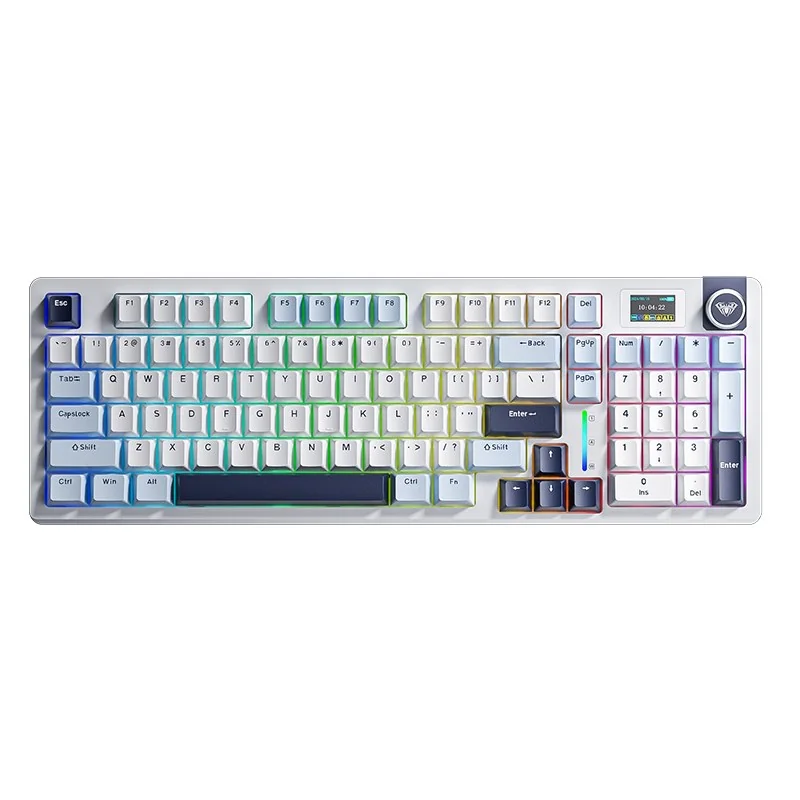
AULA S98 Pro keyboard in Star Ocean Blue: light blue and white keycaps, black-purple accents, display and knob, top view
A display and a knob instead of guesswork
A small smart display and a rotary knob sit in the top right corner. The screen shows which mode the keyboard is in — cable, 2.4 GHz or one of the three Bluetooth channels — along with the keyboard's status, so there is no need to read blinking LEDs. The knob next to it changes volume and lighting modes in one movement.
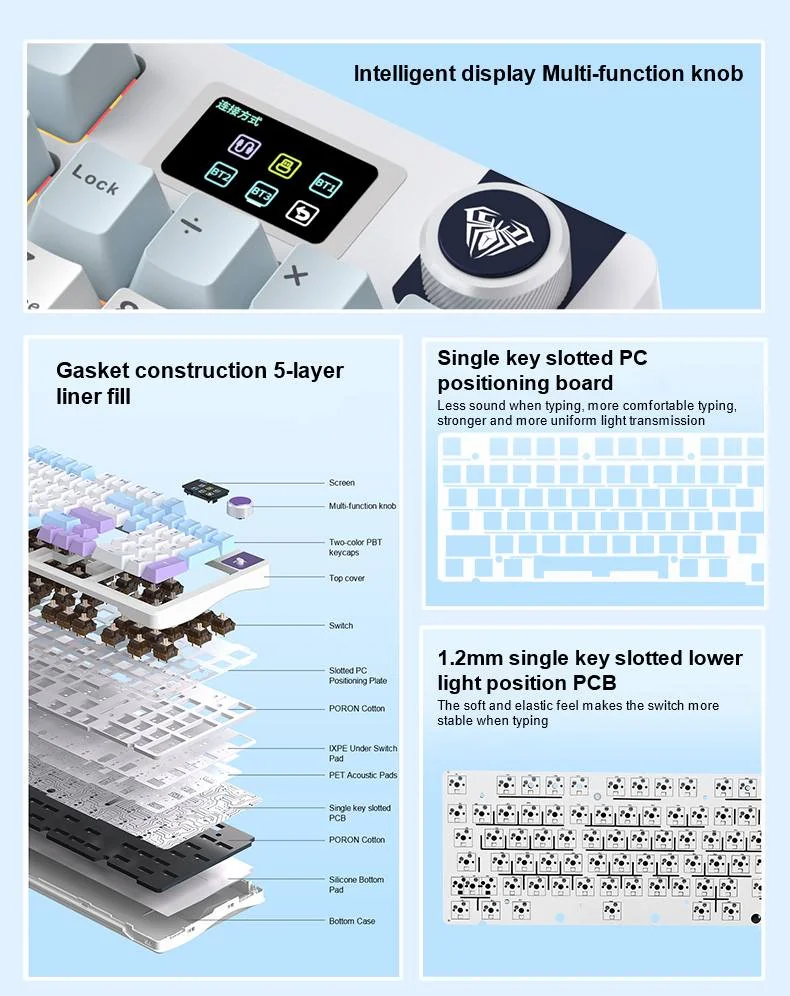
Close-up of the AULA S98 Pro smart display and multifunction knob, with the case layer diagram beside it
Gasket mount and five layers inside
The PCB is gasket-mounted on a slotted polycarbonate plate, and the 1.2 mm board itself is routed around every switch, which makes each press softer and more even. Five layers fill the cavities: a Poron pad, an IXPE sheet under the switches, a PET film, a second Poron layer and a silicone pad at the bottom of the case. The Wolf Spider stabilisers are lubricated at the factory, so the spacebar and Enter do not rattle.
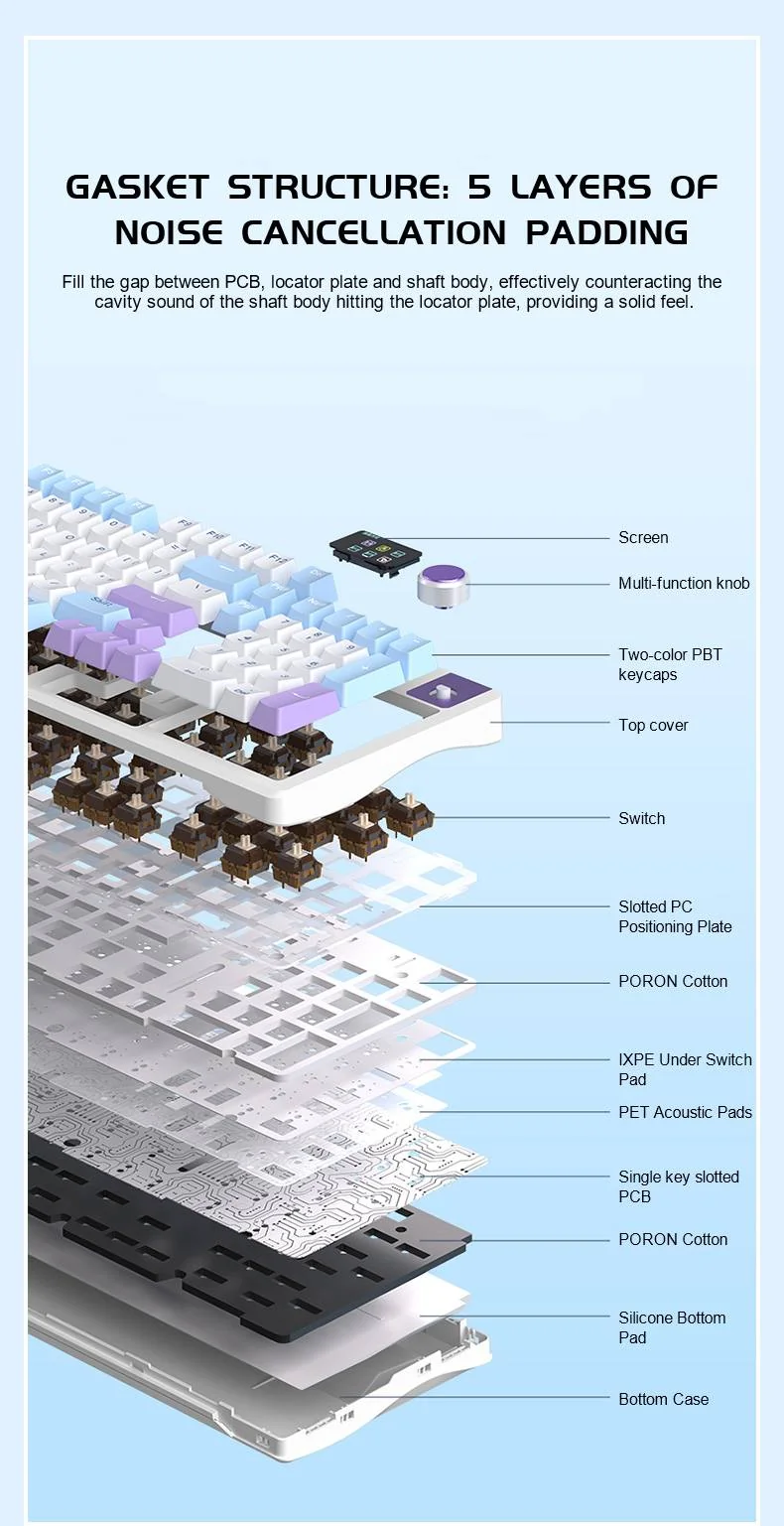
Exploded view of the AULA S98 Pro: keycaps, PC plate, Poron and IXPE pads, PET film, PCB and silicone pad
Three connection modes and 4,000 mAh
The board connects over a USB-C cable, a 2.4 GHz radio link or Bluetooth, and Bluetooth holds three devices you can switch between. The mode switch, the power switch and the receiver slot are all on the side of the case, so you can change modes without flipping the keyboard and the receiver does not get lost in a bag. The 4,000 mAh battery charges through the same USB-C port.
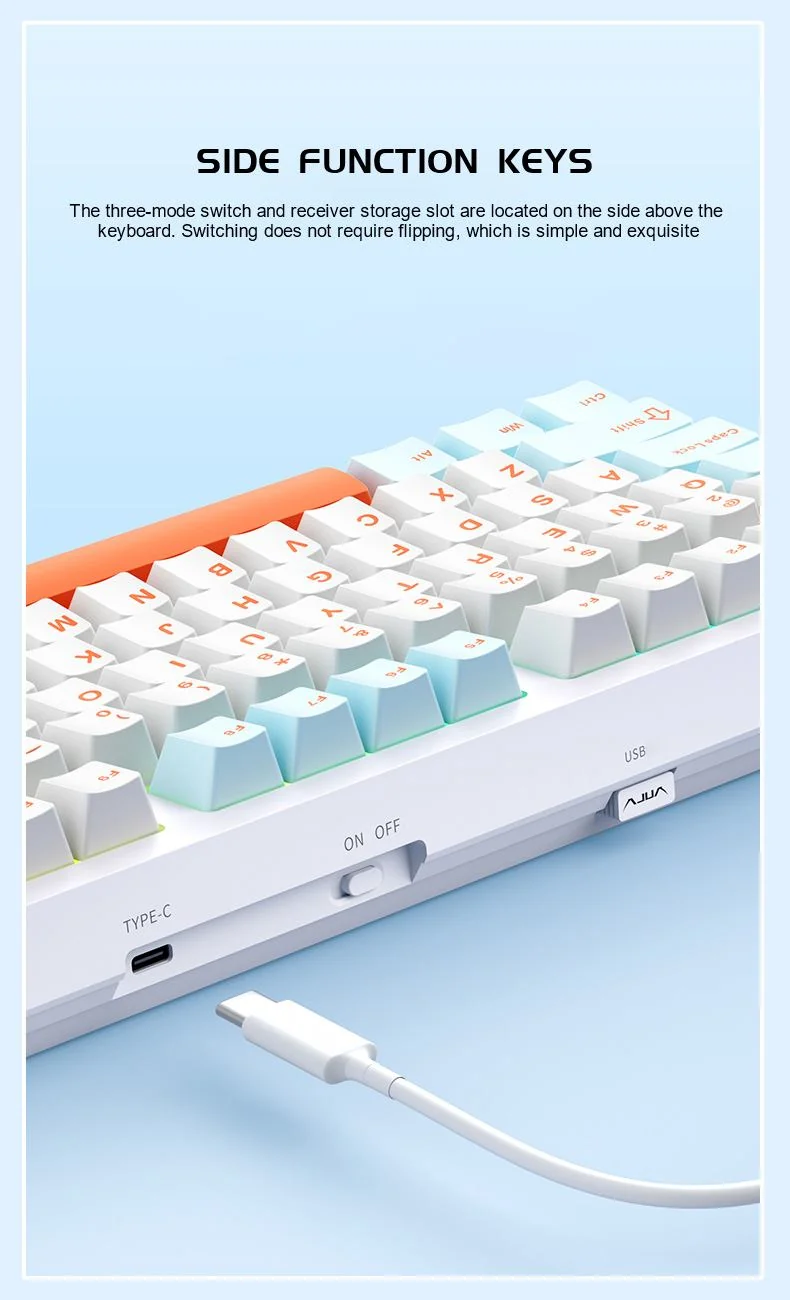
Side edge of the AULA S98 Pro in Sea Salt Orange: USB-C port, power switch and the 2.4 GHz receiver slot
Four colourways and three switches
Colour and switch are chosen separately. This shipment has four keycap sets: light blue with black-purple accents (Star Ocean Blue), light blue with purple (Yunmeng Purple), blue and white with orange (Sea Salt Orange), and dark green with white (Field Green). The switches are Gray Wood V4, Star Vector and Nimbus V3; the GEEKSHOP manager confirms the available combination when the order is placed. Every socket is hot-swap, so switches can be changed later too.
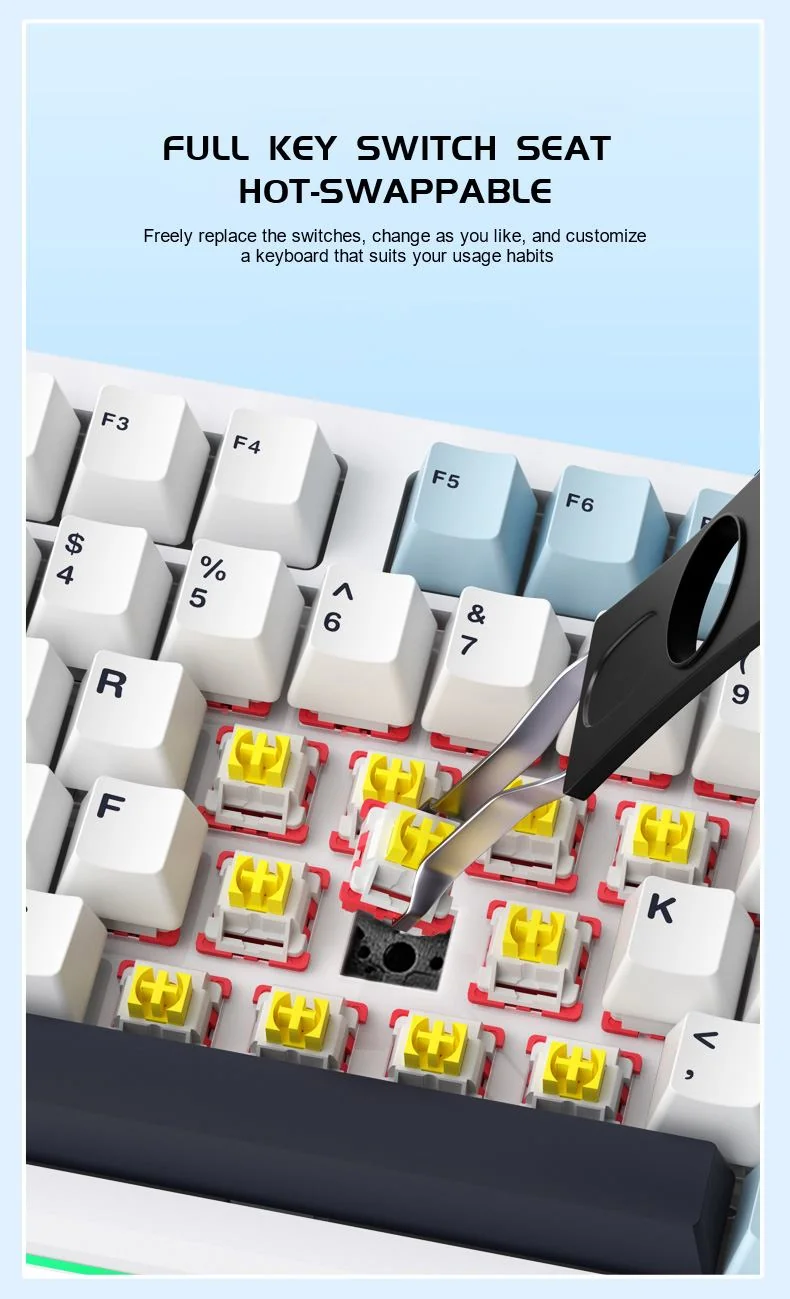
Swapping a switch on the AULA S98 Pro with tweezers: hot-swap sockets under every key
AULA S98 Pro specifications
Reviews
There are no customer reviews yet. The first review will appear after a verified order.
No reviews yet — be the first to leave one.
Questions and answers
No questions yet. Ask the first one and we will reply within one business day.
No questions yet — be the first to ask.