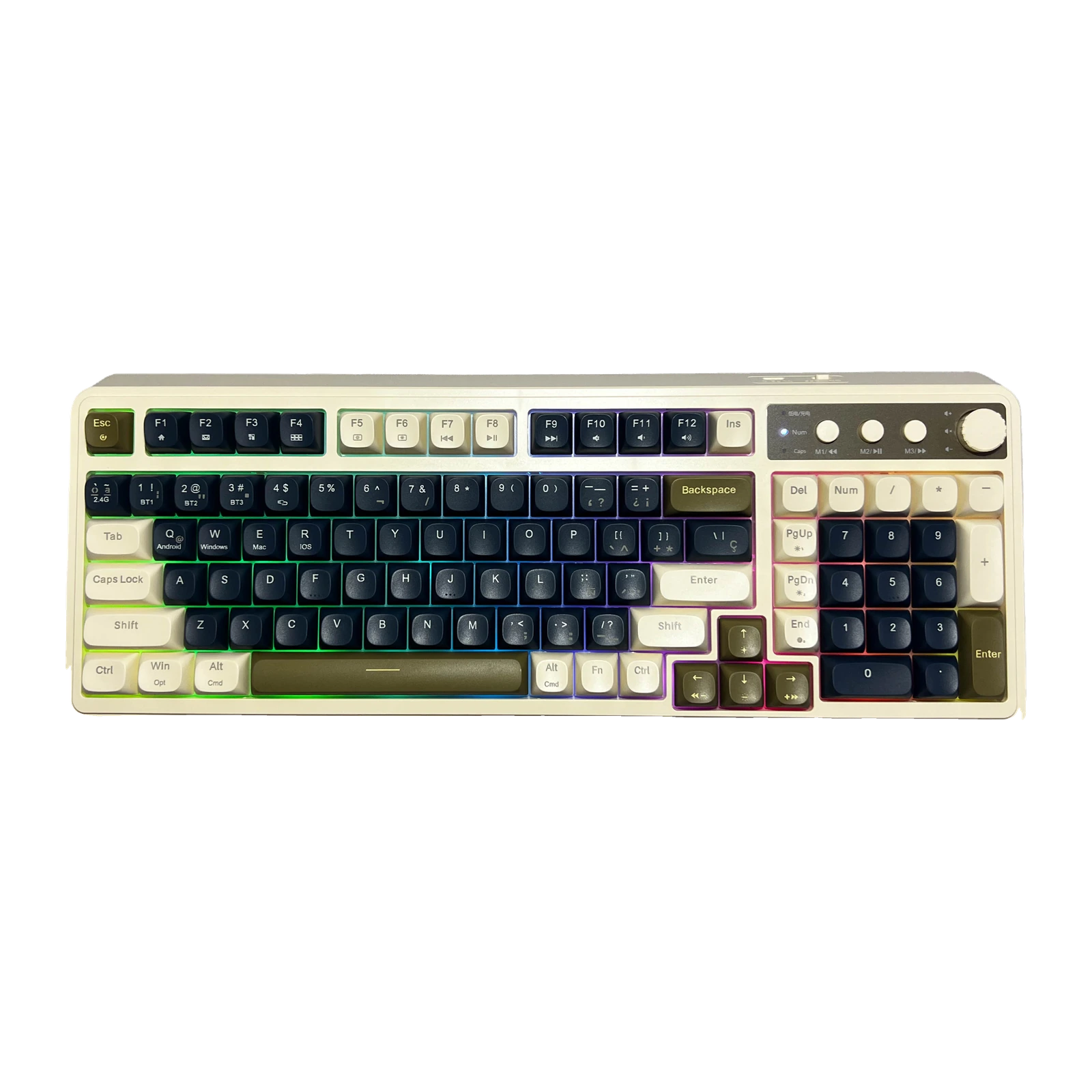
AULA S99 — a 98% keyboard with 99 keys: three connection modes, a knob, PBT caps and a 2,000 mAh battery
- Store pickup
- Tashkent, Shaykhantakhur district, Iftikhor street, 2
- Courier
- 50,000 UZS
- Warranty
- 1 month
About this product
All specifications →AULA S99: description and configuration
AULA S99 — keyboard.
The AULA S99 is a 98% keyboard: 99 keys that still include the number pad, the F row and the arrows, packed close together so the case is only 412.4 mm wide. That is noticeably tighter than a full-size board and leaves room for the mouse. The mechanism is membrane with a full 4.0 mm of key travel: a soft, quiet press without the click of mechanical switches.
In the top right corner AULA fitted three round keys — M1, M2 and M3 — and a control knob. By default M1-M3 handle music (previous track, pause, next), but hardware macros can be recorded onto them from the keyboard itself with Fn+Ins. The knob has two modes — gaming and office — and a long press swaps between them, with the backlight blinking three times. In one mode turning sets backlight brightness, in the other it sets volume, and a press mutes. The lighting is RGB, and effects and colours are cycled with Fn combinations.
There are three connection modes: Bluetooth with three saved devices (BT1, BT2, BT3), a 2.4 GHz link and a Type-C cable. Windows, macOS, iOS and Android are supported, with Fn+Q, Fn+W, Fn+E and Fn+R choosing the system profile. The spherical PBT keycaps resist shine and stay grippy. The battery is 2,000 mAh, and AULA warns that the keyboard should be charged from a computer USB port rather than a wall adapter. The case measures 412.4 × 158 × 51.7 mm, weighs about 750 g, and the two-section feet give three typing angles.
Official brand websiteaulastar.uz
A 98% layout: the number pad without the width
The layout has 99 keys and loses none of the important ones: number pad, full F row, arrows and navigation are all there. The clusters sit tight against each other, so the case is only 412.4 mm wide — almost 4 cm narrower than a full-size board. The space you win goes to the mouse, which matters more than it sounds on a desk under a metre wide.
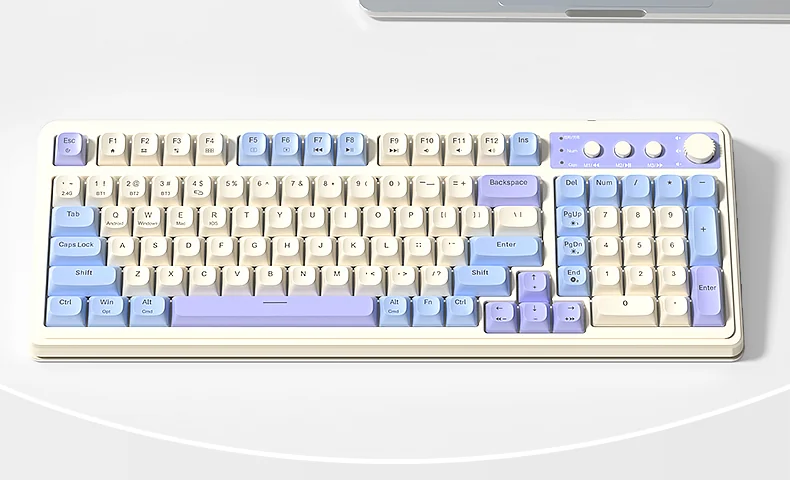
The 99-key, 98% layout of the AULA S99 seen from above
A knob and three keys you set up yourself
Three round keys — M1, M2 and M3 — and a knob sit in the top right corner. Out of the box M1-M3 control music (previous track, pause, next), but Fn+Ins records hardware macros onto them: the keyboard memorises the sequence itself, with no software. The knob has two modes — gaming and office — and a long press swaps between them while the lighting blinks three times. In one mode turning sets backlight brightness, in the other volume, and a press mutes.
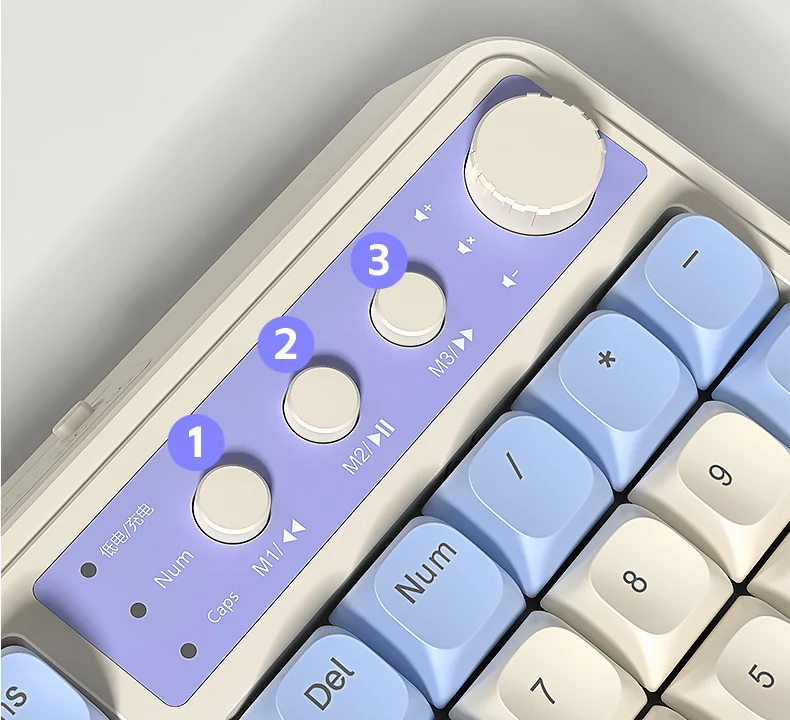
Close-up of the AULA S99: the knob, the round M1-M3 keys and the charge, Num and Caps indicators
Three channels and four systems
Bluetooth keeps three devices on separate BT1, BT2 and BT3 channels, the 2.4 GHz receiver adds a fourth link, and the Type-C cable stays as the fallback when the battery runs flat. The operating-system profile is a separate switch: Fn+W for Windows, Fn+E for macOS, Fn+R for iOS and Fn+Q for Android, so modifiers and the F row behave the way each system expects.
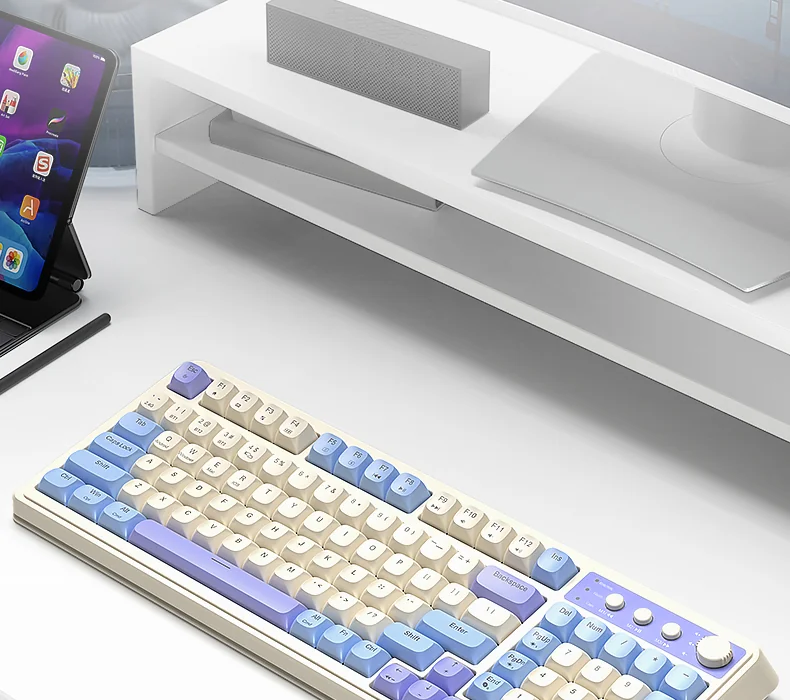
The AULA S99 on a desk with a monitor and a tablet
Spherical PBT keycaps
The caps are PBT — a denser plastic than ABS that does not go shiny under fingertips and does not turn slippery. The profile is spherical, with a clear dish on every key that guides the fingertip to the centre. Legends are printed crisply and stay readable, and PBT gives a deeper, tighter sound than thin ABS.
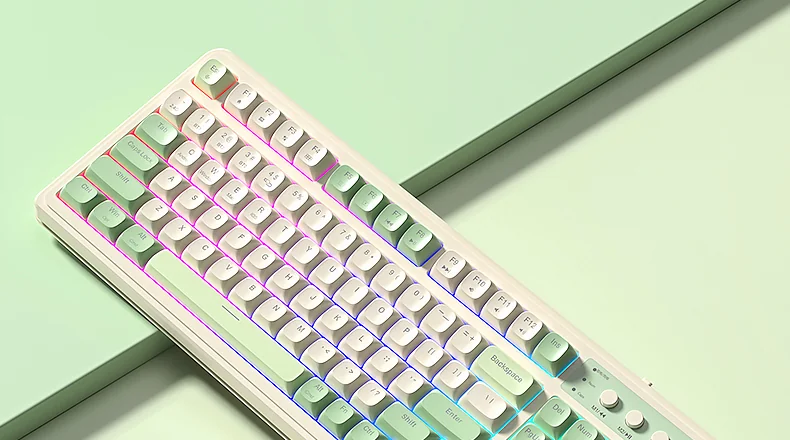
AULA S99 RGB lighting against a light green background
2,000 mAh, three angles and one charging rule
AULA says the built-in 2,000 mAh cell lasts for months with the lighting off; with RGB running it drains much faster, and the knob makes it easy to dim. The maker is explicit about charging: use a computer USB port, because a wall charger is not supported. Underneath are two-section feet that give the case three typing angles.
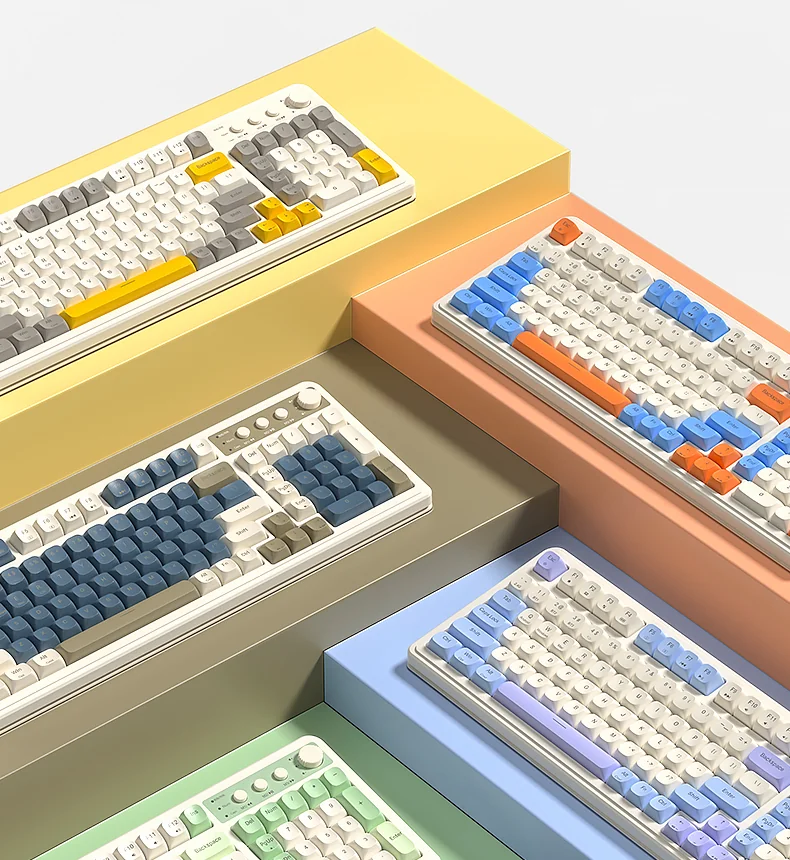
Five AULA S99 colourways: yellow, orange with blue, navy, blue-violet and green
AULA S99 specifications
Reviews
There are no customer reviews yet. The first review will appear after a verified order.
No reviews yet — be the first to leave one.
Questions and answers
No questions yet. Ask the first one and we will reply within one business day.
No questions yet — be the first to ask.