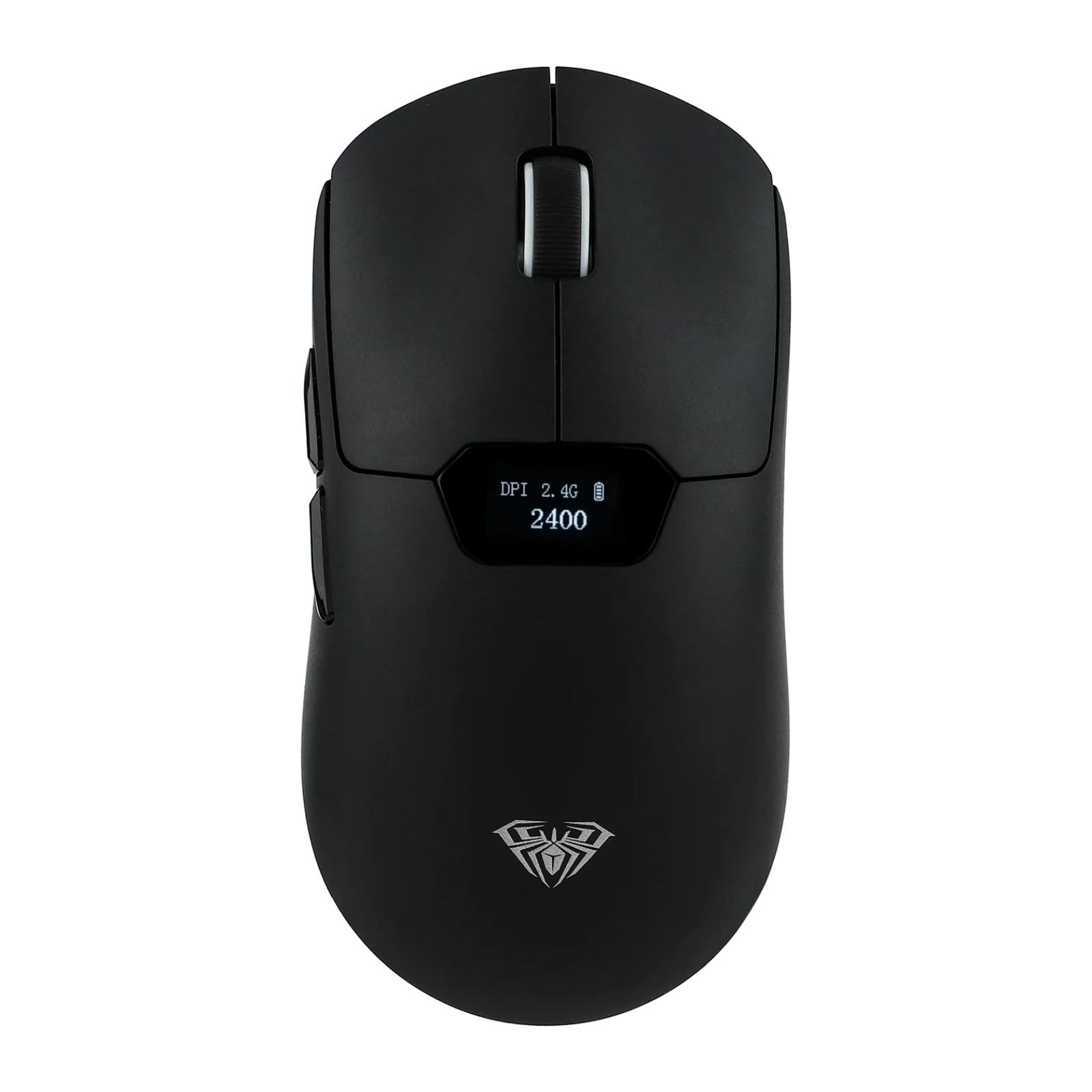
AULA SC390 — wireless gaming mouse with a display: PAW3311 sensor, up to 20,000 DPI, three modes
Payment methodsAbout this product
All specifications →AULA SC390: description and configuration
AULA SC390 — gaming mouse.
The AULA SC390 Gaming Edition is a wireless gaming mouse with a small display on the top shell. That is a rare feature at this price: no guessing how much charge is left or which DPI step you are on — the screen shows battery level, current resolution, connection mode and polling rate.
The sensor is AULA's tuned version of the PAW3311. There are six factory steps — 1200, 2400, 3200, 6400, 10,000 and 20,000 DPI, with 1200 as the default — and the driver allows finer adjustment. The polling rate is about 1,000 Hz. The main buttons use Huano switches rated for roughly 50 million clicks, and there are seven keys in total: left, right, the wheel, two side buttons, DPI on the base and a pairing key.
The mouse runs in three modes: 2.4 GHz through the bundled receiver, Bluetooth, and a Type-C cable. The battery is 400 mAh, and the body weighs 64 grams at 120 × 60 × 38.5 mm. AULA lists compatibility with Windows, Linux, macOS, iOS and Android.
Official brand websiteaulastar.uz
A display that answers the two usual questions
How much battery is left, and which DPI step am I on — normally an LED blink pattern answers that, and you have to remember the code. The SC390 puts a small screen behind the wheel showing battery level, current resolution, connection mode and polling rate. No driver window, no counting flashes.
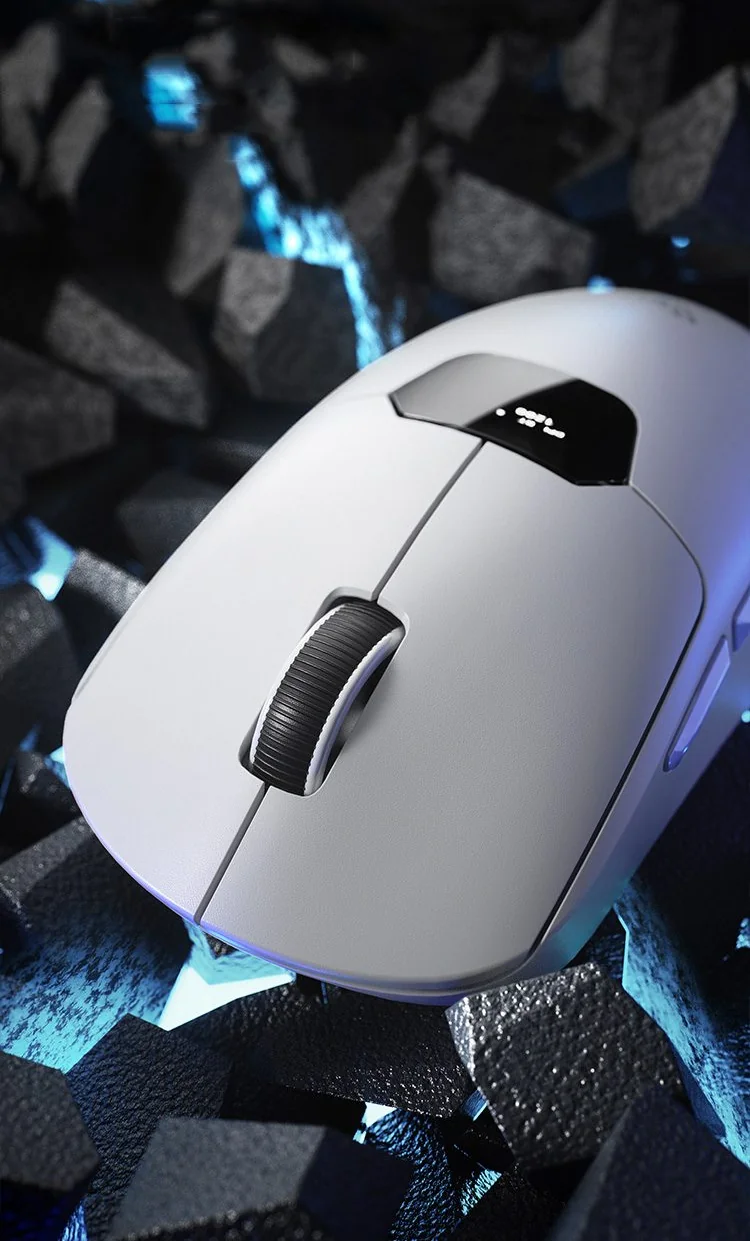
White AULA SC390 on a dark backdrop, the display visible on the top shell behind the wheel
PAW3311 and six resolution steps
AULA fits a reworked version of the PAW3311 optical sensor here. The factory DPI ladder covers different jobs: 1200 and 2400 for work and careful aim, 3200 and 6400 as all-round gaming values, 10,000 and 20,000 for high-resolution screens. The default is 1200 DPI, and the AULA driver sets finer steps.
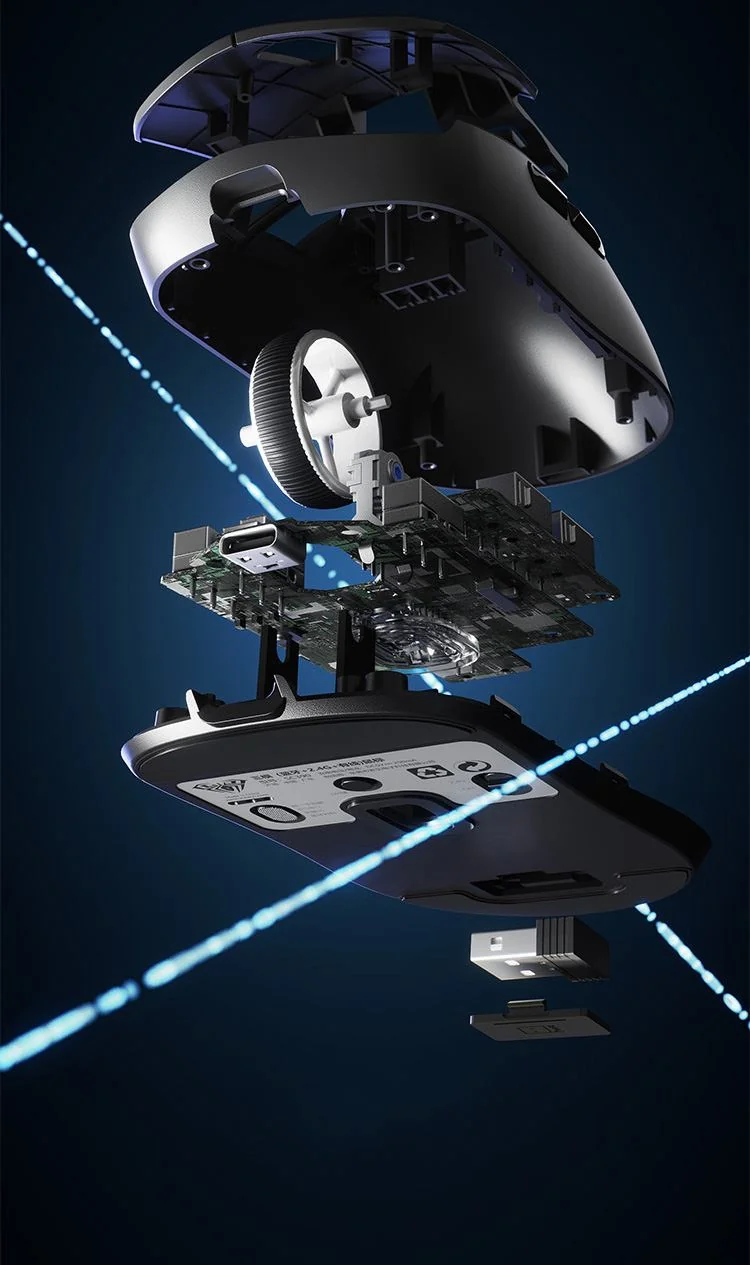
Exploded view of the AULA SC390: top shell, board, wheel, base plate and the 2.4 GHz receiver with its USB-A plug
Seven buttons, not four
Besides left, right and the wheel, the SC390 has two side buttons for forward and back, a separate DPI key on the base and a pairing key. The side pair suits reload, ping or weapon switching, and DPI sits underneath so your palm cannot hit it mid-fight. The Huano switches are rated for roughly 50 million clicks.
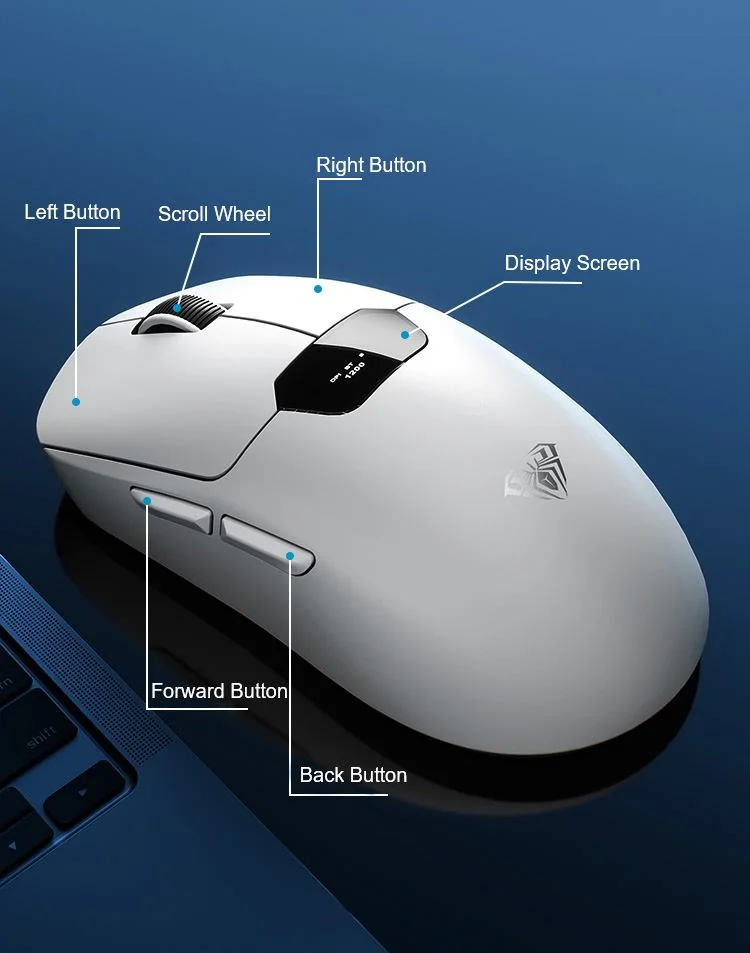
AULA SC390 button map: left, right, wheel, forward, back and the display
Three connection modes and 400 mAh
For gaming there is 2.4 GHz through the bundled receiver, for a laptop, tablet or phone there is Bluetooth, and as a fallback there is the Type-C cable, which also charges the mouse. The battery is 400 mAh, and because the current level is always on the screen, running flat mid-match stops being a surprise. The body weighs 64 grams and is 120 mm long.
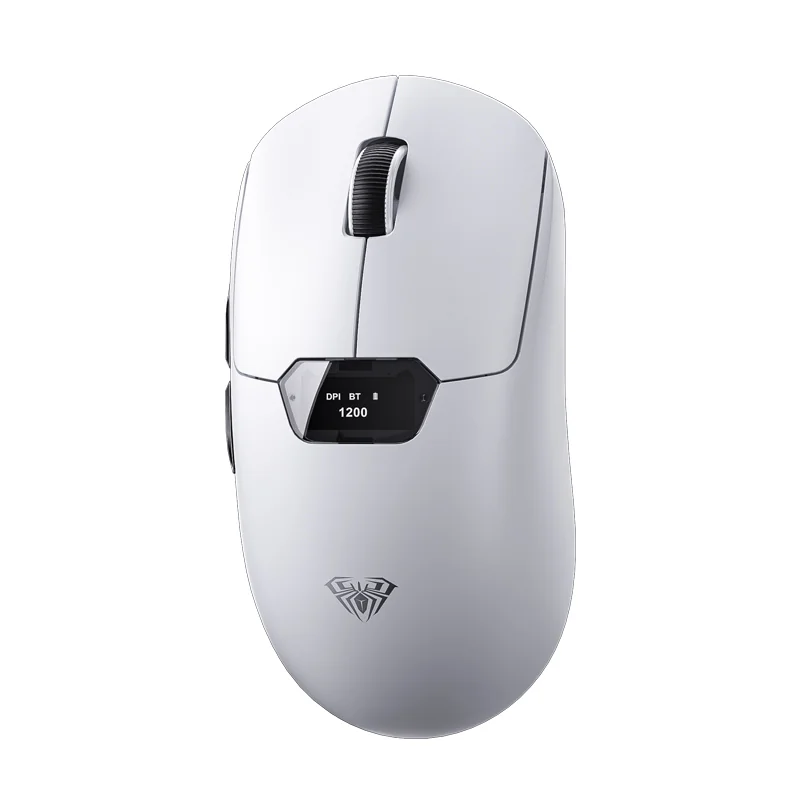
AULA SC390 gaming mouse in white, top view, wheel and display visible
Four shell colours
AULA's official renders show the SC390 in black, white, pink and yellow — the display and buttons are identical across them, only the plastic colour changes. AULA's own feature sheet names three colours, black, white and pink, while yellow appears only in the gallery. Which colours make it into a given shipment is confirmed by the GEEKSHOP manager when the preorder is placed.
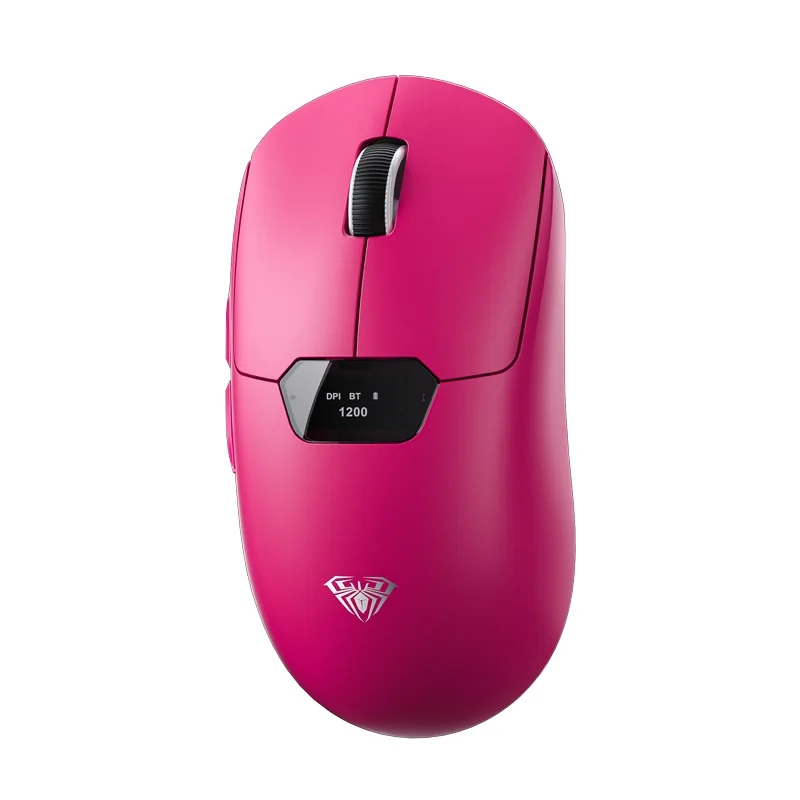
AULA SC390 in pink, top view on a white background
AULA SC390 specifications
Reviews
There are no customer reviews yet. The first review will appear after a verified order.
No reviews yet — be the first to leave one.
Questions and answers
No questions yet. Ask the first one and we will reply within one business day.
No questions yet — be the first to ask.