AULA SC680 — wireless gaming mouse: 58 g, PAW3395 sensor, three connection modes
Payment methodsAbout this product
All specifications →AULA SC680: description and configuration
AULA SC680 — gaming mouse.
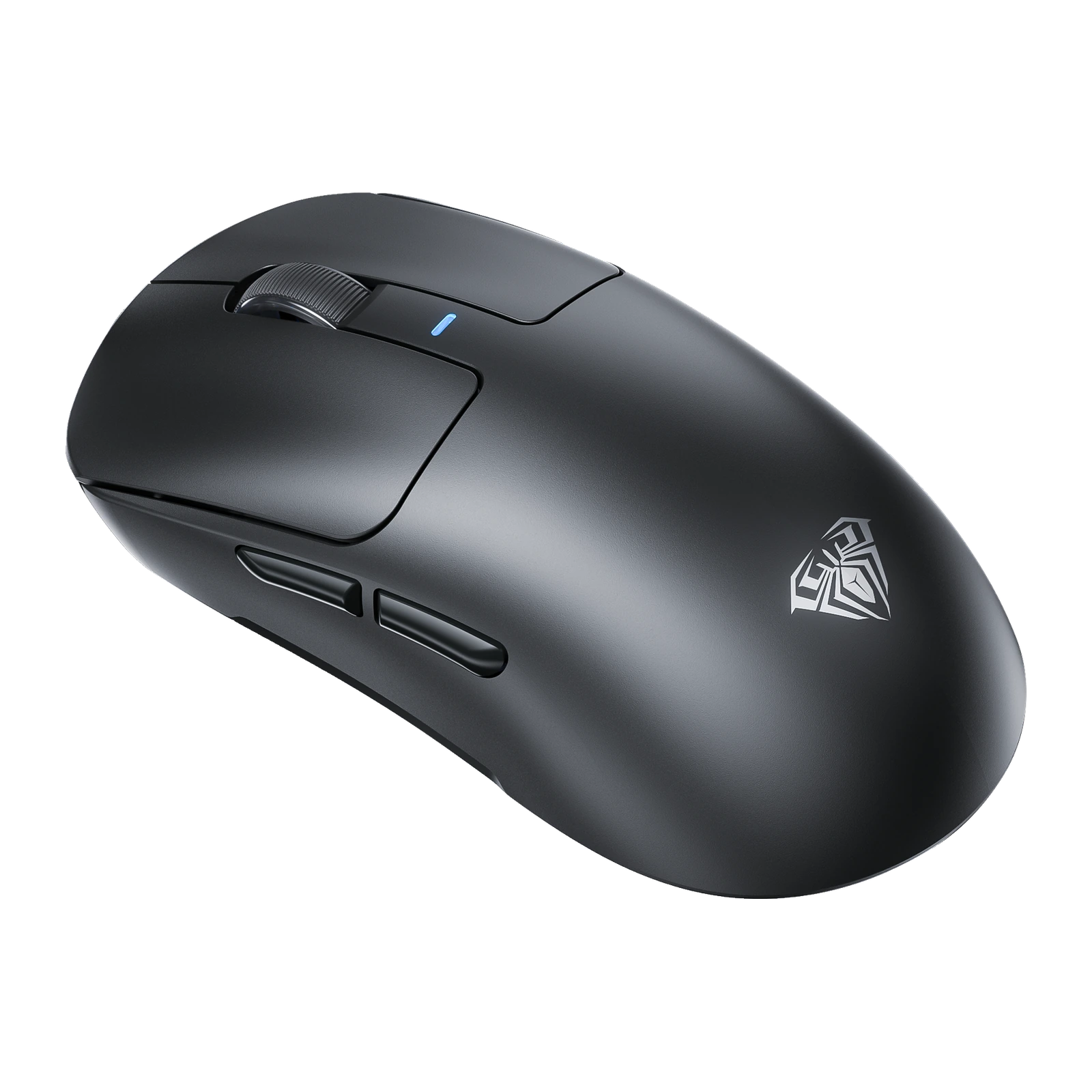
The AULA SC680 is a wireless gaming mouse of about 58 grams with a symmetrical, solid shell — no honeycomb cut-outs. The shape suits both palm and claw grips, the shell is moulded from skin-friendly ABS, and there are seven keys: two main buttons, the wheel, two side buttons, a DPI switch and a pairing key.
Precision comes from a PixArt PAW3395 optical sensor paired with a Broadcom BK3633 controller. Resolution is adjustable from 400 to 26,000 DPI, tracking speed is 650 IPS, acceleration 50 G and the return rate is up to 1,000 Hz. The main Ringnox pink-dot switches are rated for roughly 80 million clicks, and the 500 mAh battery charges over USB-C.
The mouse runs in three modes: 2.4 GHz through the bundled receiver, Bluetooth 5.2, and a USB-C cable. The USB-A receiver stows in a bay on the base under a removable cover, so it will not get lost in a bag. The mode switch and the DPI button sit on the base, next to the RGB light. AULA builds the shell in black, white, pink and yellow.
Official brand websiteaulastar.uz
About 58 grams, and not a single hole
Most light mice lose weight through honeycomb cut-outs. The SC680 weighs about 58 grams with a solid top shell: your fingers rest on continuous plastic, not a grid. The symmetrical shape suits palm and claw grips equally, and the skin-friendly ABS shell stays comfortable to hold through a long session.
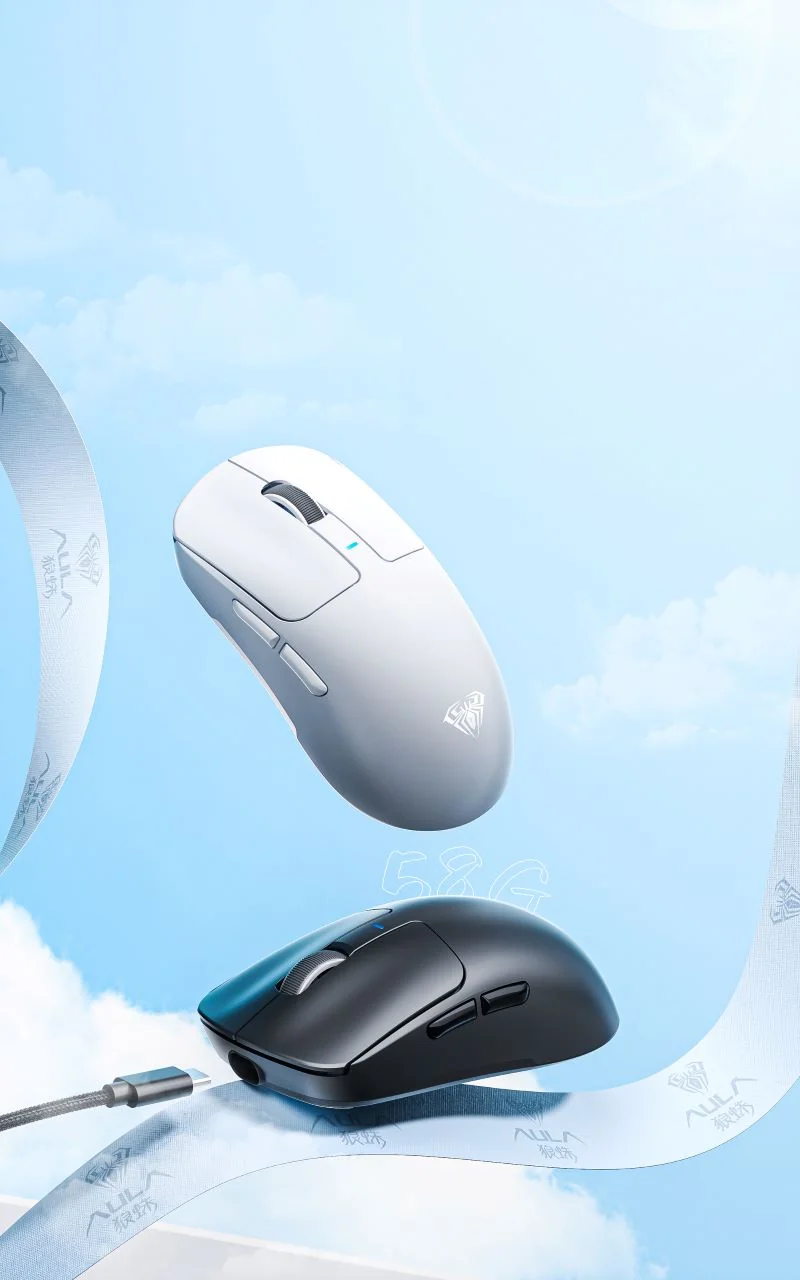
AULA SC680 gaming mice in white and black on a light blue background with a USB-C cable
PAW3395 with a Broadcom BK3633 controller
Inside sits a PixArt PAW3395 optical sensor, the same part AULA uses in its higher models. It handles up to 650 IPS and 50 G, so it keeps up with a hard flick across the whole pad. Resolution runs from 400 to 26,000 DPI and the return rate reaches 1,000 Hz. A Broadcom BK3633 controller processes the signal.
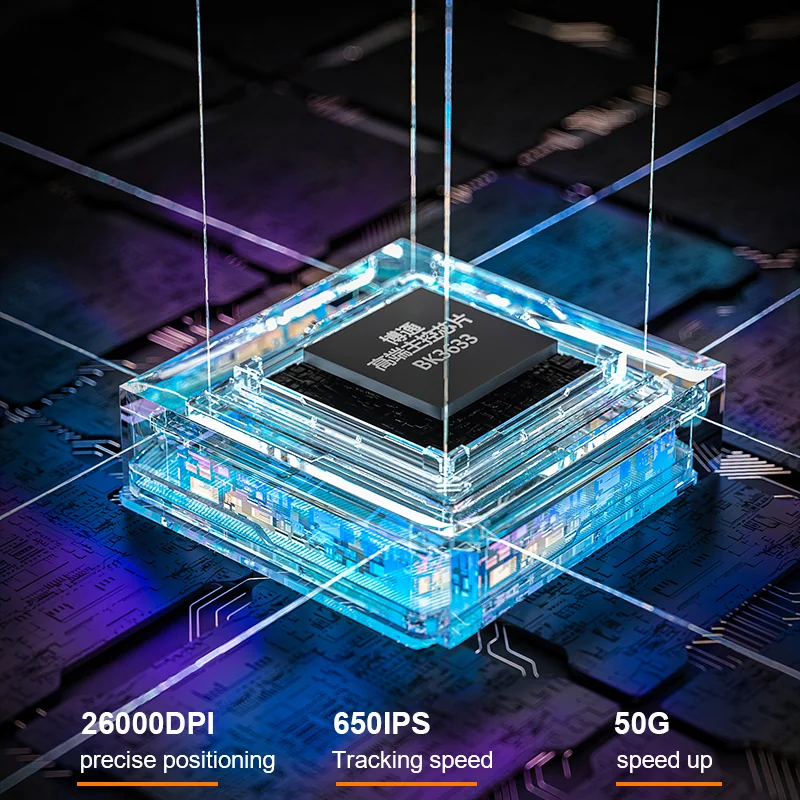
AULA illustration for the SC680: the BK3633 controller and the 26,000 DPI, 650 IPS, 50 G figures
Three modes and a receiver that stays put
The switch on the base picks 2.4 GHz, off, or Bluetooth — the positions are marked 2.4G, OFF and BT. To pair over Bluetooth, move the switch to BT and hold the DPI key for about five seconds: the wheel flashes blue, and a steady blue light means the pairing went through. The USB-A receiver for 2.4 GHz mode lives in a bay on the base under a removable cover, so you are not digging through bag pockets on a trip.
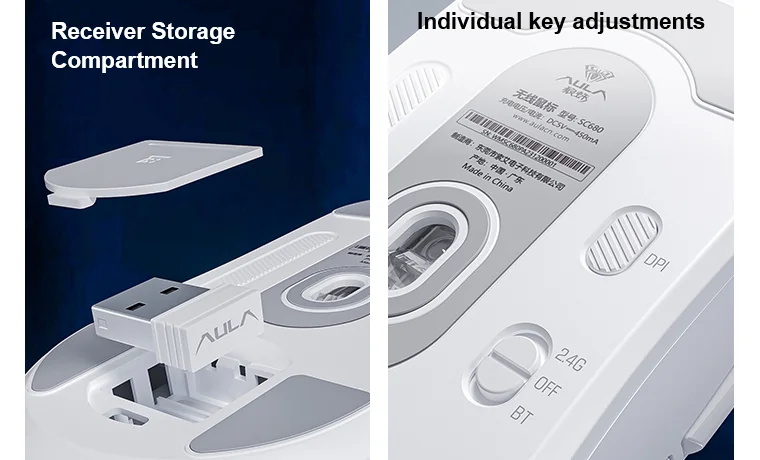
Base of the AULA SC680: USB-A receiver bay under a removable cover, the DPI key and the 2.4G / OFF / BT switch
Five DPI steps and light from below
The DPI key sits on the base so you cannot hit it mid-fight. The factory steps are 400, 800 (default), 1600, 3200 and 6400 DPI, each with its own indicator colour, so the current value is readable without a screen. The AULA driver tunes the steps more finely, up to 26,000 DPI, and changes the colour, speed and brightness of the RGB light underneath.
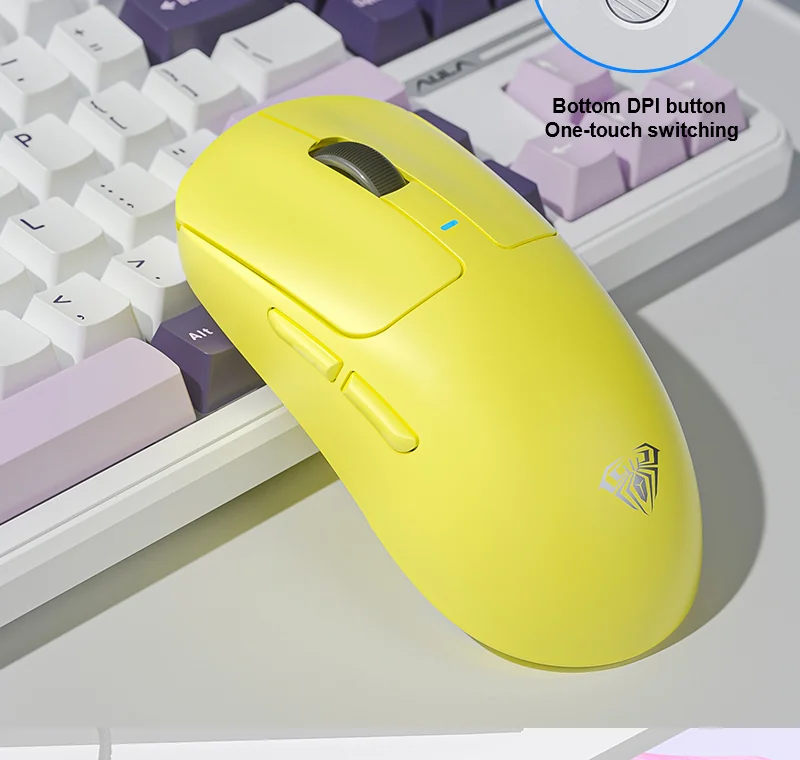
A yellow AULA SC680 on a desk beside a keyboard, side buttons visible
Four shell colours
AULA builds the SC680 in black, white, pink and yellow — the same matte, non-glossy finish on all four. In the manufacturer's photos only the shell differs: the shape, buttons, sensor and connection modes are identical across all four. Which colours can actually be brought in on a given shipment is confirmed by the GEEKSHOP manager when the preorder is placed.
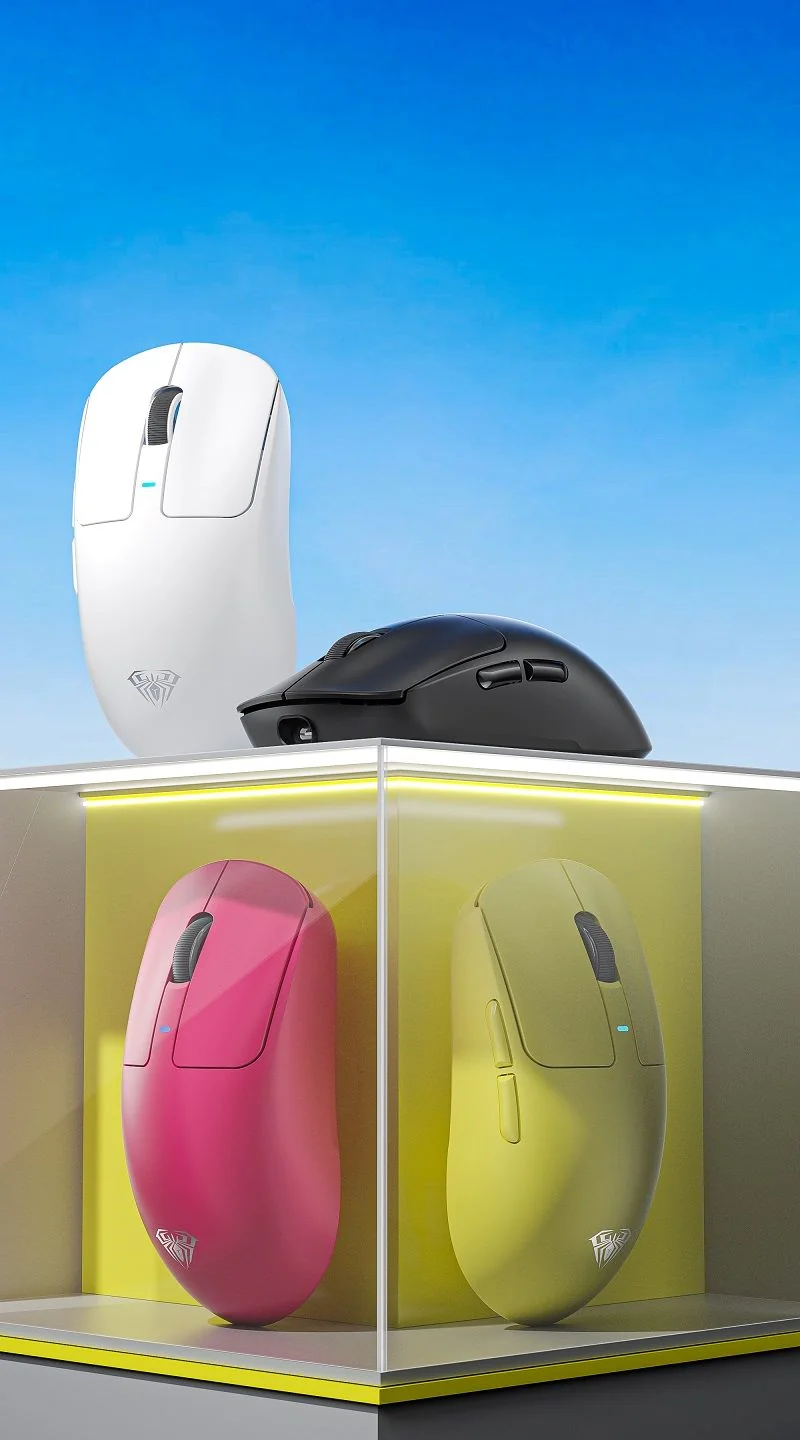
Four colours of the AULA SC680: white, black, pink and yellow on a display stand
AULA SC680 specifications
Reviews
There are no customer reviews yet. The first review will appear after a verified order.
No reviews yet — be the first to leave one.
Questions and answers
No questions yet. Ask the first one and we will reply within one business day.
No questions yet — be the first to ask.