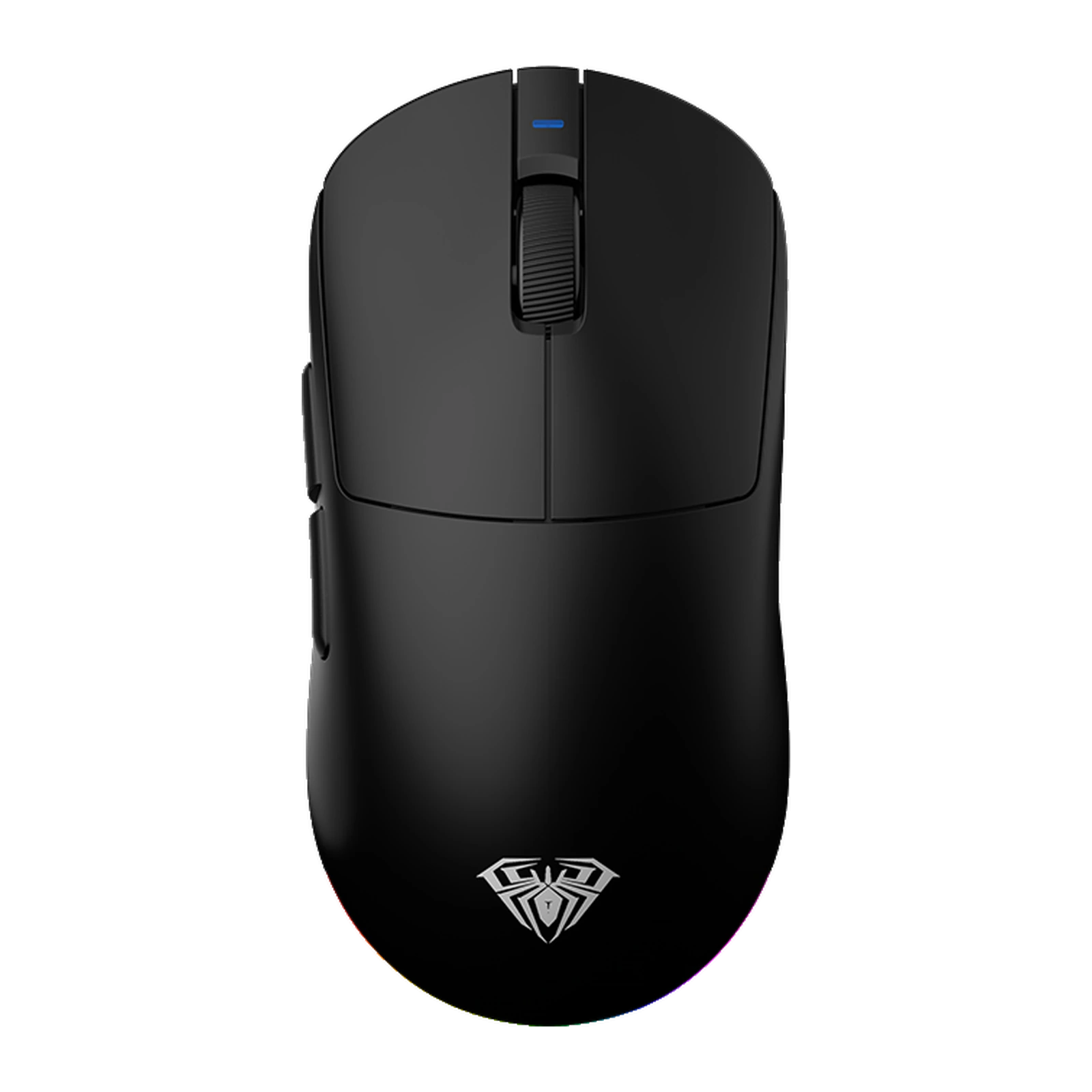
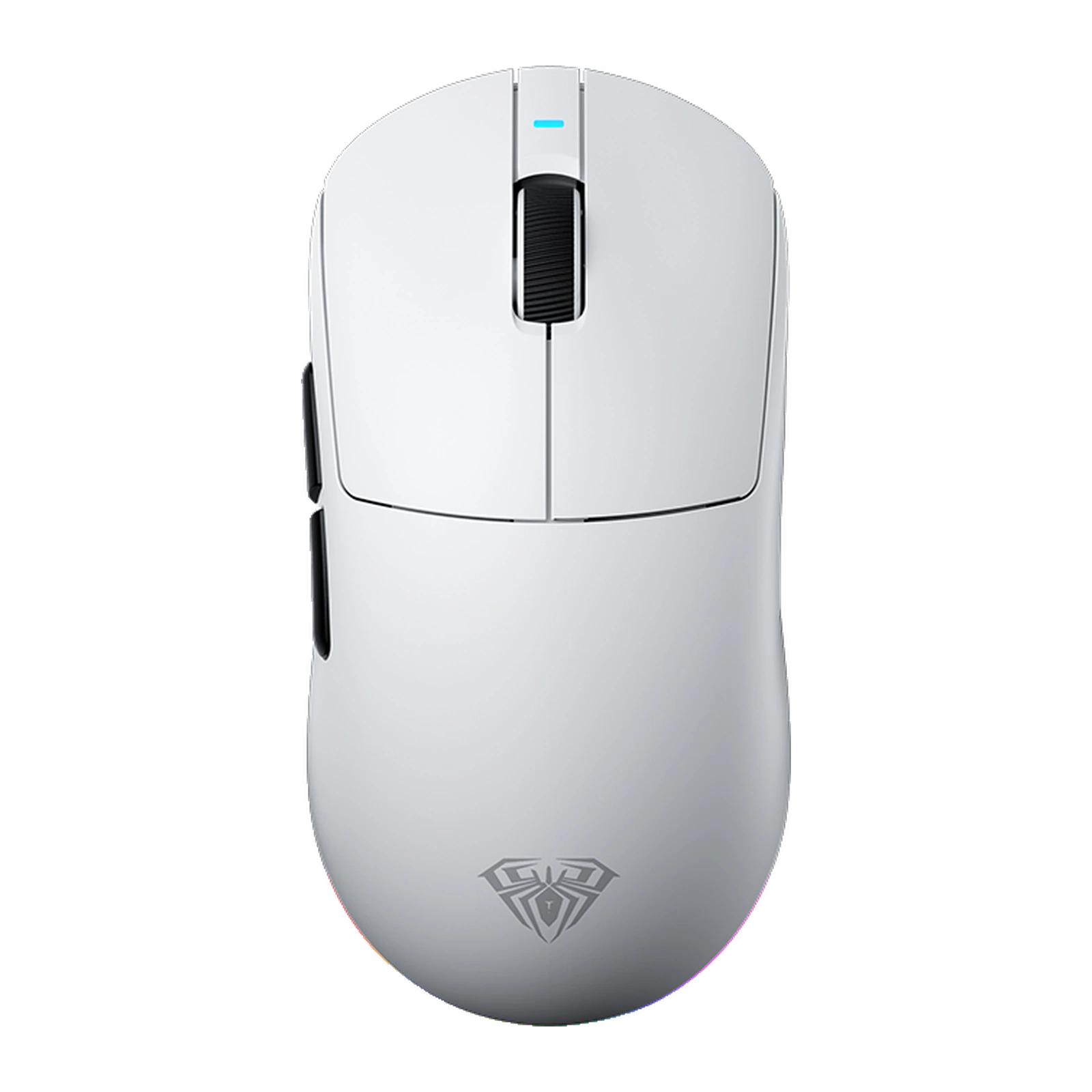
AULA V9 Ultra — wireless gaming mouse: PAW3950, up to 42,000 DPI, 750 IPS, 8000 Hz, 58 g, White
- Store pickup
- Tashkent, Shaykhantakhur district, Iftikhor street, 2
- Courier
- 50,000 UZS
- Warranty
- 1 month
About this product
All specifications →AULA V9 Ultra: description and configuration
AULA V9 Ultra (V9Ultra) — gaming mouse.
The AULA V9 Ultra is the top version of the V9 series. One important part separates it from the Pro: in place of the PAW3395 it carries PixArt's flagship PAW3950 optical sensor. Its working range runs from 50 to 30,000 DPI, and the AULA driver raises that to 42,000 DPI. Maximum tracking speed rises to 750 IPS, while acceleration stays at 50 G.
A third lift-off step is added too — 0.7 mm alongside the usual 1 and 2 mm. That helps anyone who plays at low sensitivity and repositions the mouse often: the cursor stops responding almost as soon as the mouse leaves the pad. The main buttons use Omron optical switches rated for 100 million clicks, the side buttons Huanyu switches rated for 50 million, the wheel is a TTC Gold encoder, and a Realtek MCU does the processing.
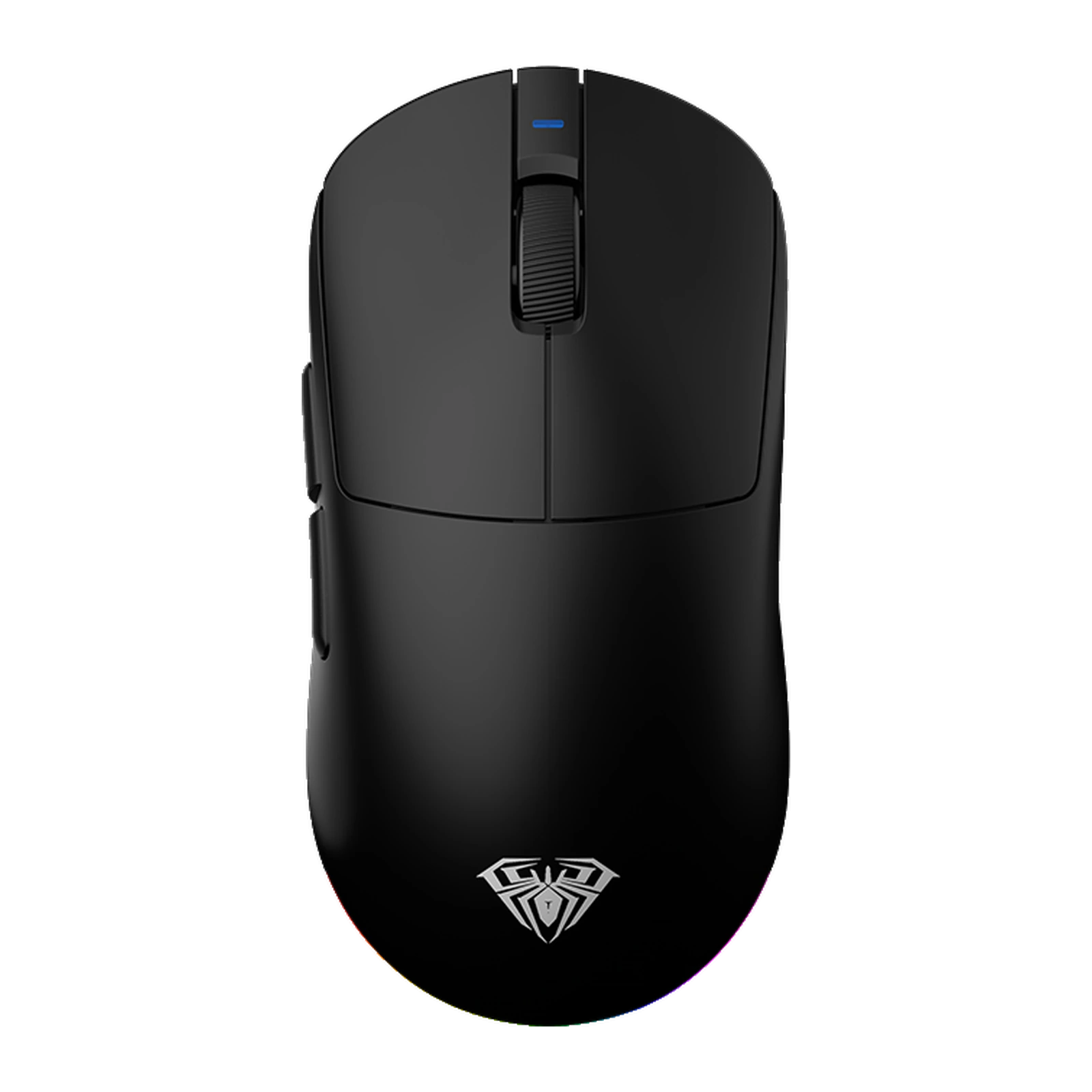
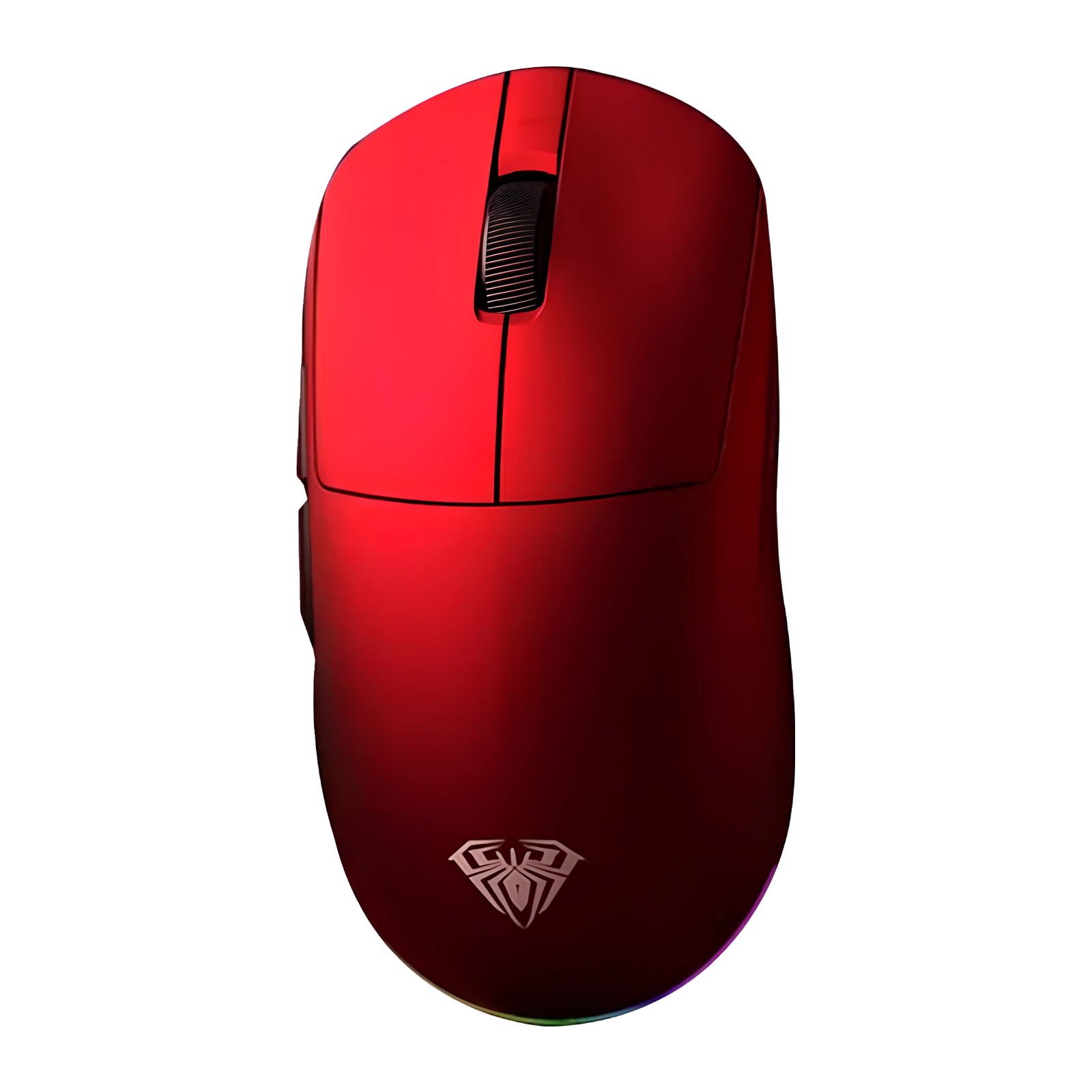
Everything else matches the Pro: a 600 mAh battery good for about 30 hours by AULA Labs' own figure, a bundled 8K receiver and an 8000 Hz polling rate over both the cable and the 2.4 GHz link, plus Bluetooth. The symmetrical shell has a Nano-Cooling coating and a 360-degree RGB light bar, and comes in black, white and Starfighter Red in two sizes: the Ultra at about 118.5 mm and 58 g, the Ultra+ at about 125.4 mm and 63 g.
Official brand websiteaulastar.uz
The PAW3950 is what makes it an Ultra
PixArt's flagship PAW3950 works from 50 to 30,000 DPI, and the driver raises that ceiling to 42,000 DPI. Maximum tracking speed climbs from 650 to 750 IPS, so the sensor keeps hold of the surface even through a wide, fast flick at low sensitivity. Acceleration is 50 G, as on the rest of the series.
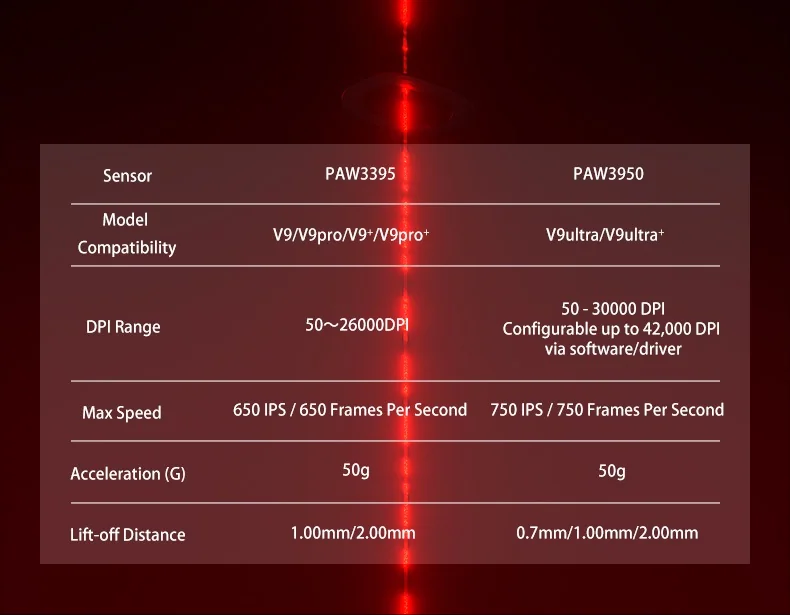
Official AULA table: the PAW3950 sensor for the V9 Ultra and V9 Ultra+ — 50–30,000 DPI, 750 IPS, 0.7/1/2 mm lift-off
A 0.7 mm lift-off step the Pro does not have
Lift-off distance can be set to 0.7, 1 or 2 mm; the PAW3395 versions offer only 1 and 2 mm. The 0.7 mm step suits players on low sensitivity who keep recentring the mouse on the pad: the cursor freezes almost the moment the mouse lifts, so the repositioning stroke does not drag your aim.
Omron optical switches and 8000 Hz off the cable
The left and right buttons are built on Omron optical switches rated for 100 million clicks: actuation travels through a beam of light, with no contact bounce and no stray double-clicks. The bundled 8K receiver holds 8000 Hz over the 2.4 GHz link — the same 0.125 ms you get on the cable. The Huanyu side buttons are rated for 50 million clicks and the wheel is a TTC Gold encoder.
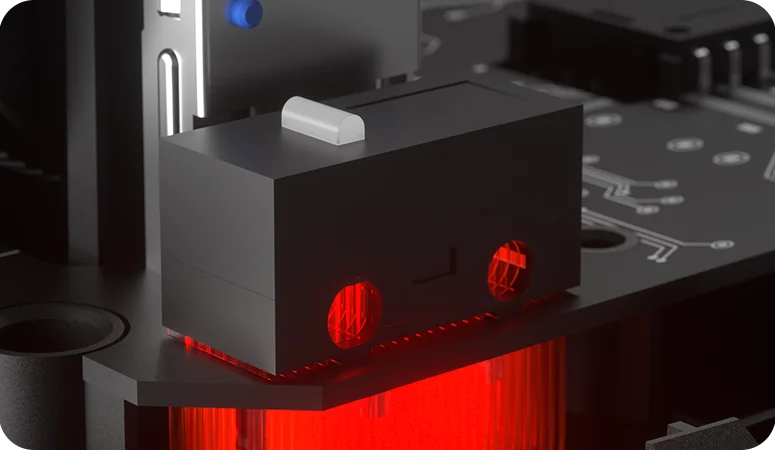
Close-up of the Omron optical switch inside an AULA V9 series mouse
Three colours, two sizes
The V9 Ultra comes in black, white and AULA's Starfighter Red, and each colour is offered in two sizes of the same symmetrical shell. The Ultra measures about 118.5 × 60.2 mm at 58 g for small and medium palms; the Ultra+ is 125.4 × 63.7 mm at 63 g for medium and large ones. The internals match in both — only the fit in the hand changes.
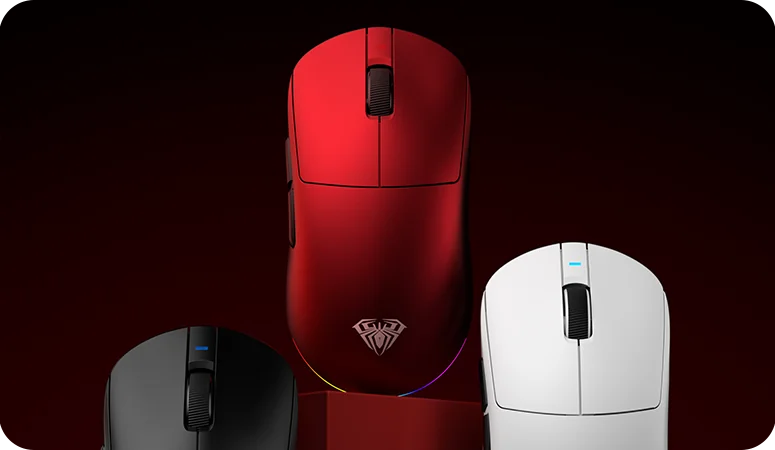
Three AULA V9 series colours side by side: black, Starfighter Red and white
A ring of light and a Nano-Cooling finish
A 360-degree RGB strip with densely packed LEDs and preset effects runs around the shell. The surface is treated with a Nano-Cooling coating: cool to the touch, sweat-repellent and stain-resistant, so the grip stays secure even at the end of a long session.
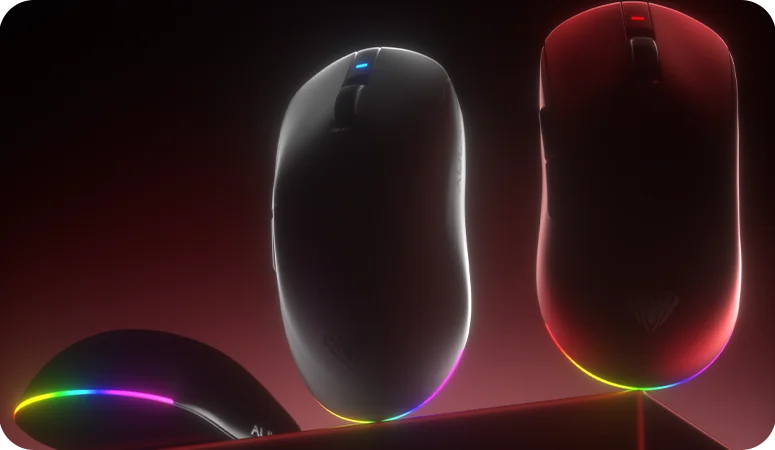
AULA V9 series mice with the 360-degree RGB light bar around the shell
AULA V9 Ultra specifications
Reviews
There are no customer reviews yet. The first review will appear after a verified order.
No reviews yet — be the first to leave one.
Questions and answers
No questions yet. Ask the first one and we will reply within one business day.
No questions yet — be the first to ask.