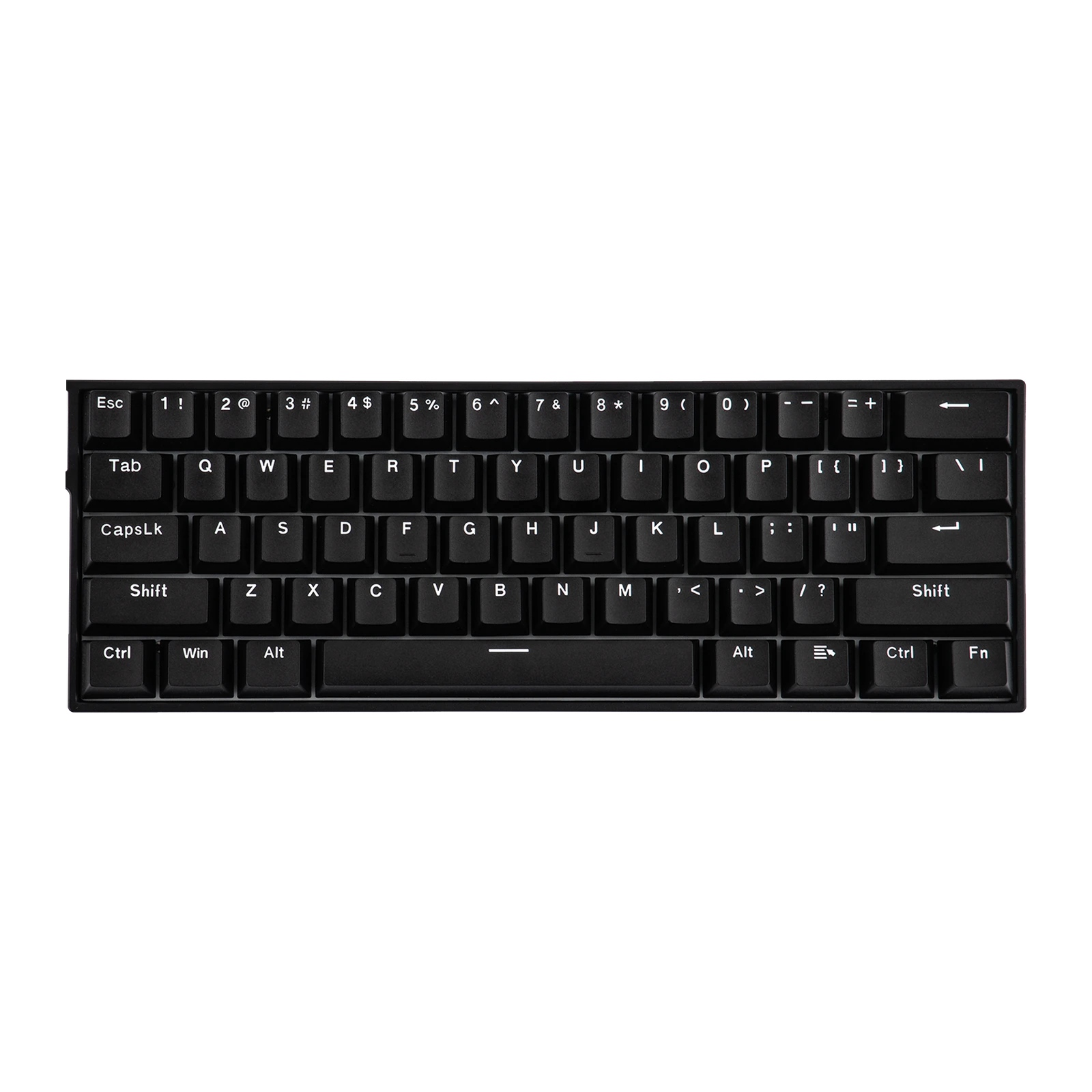
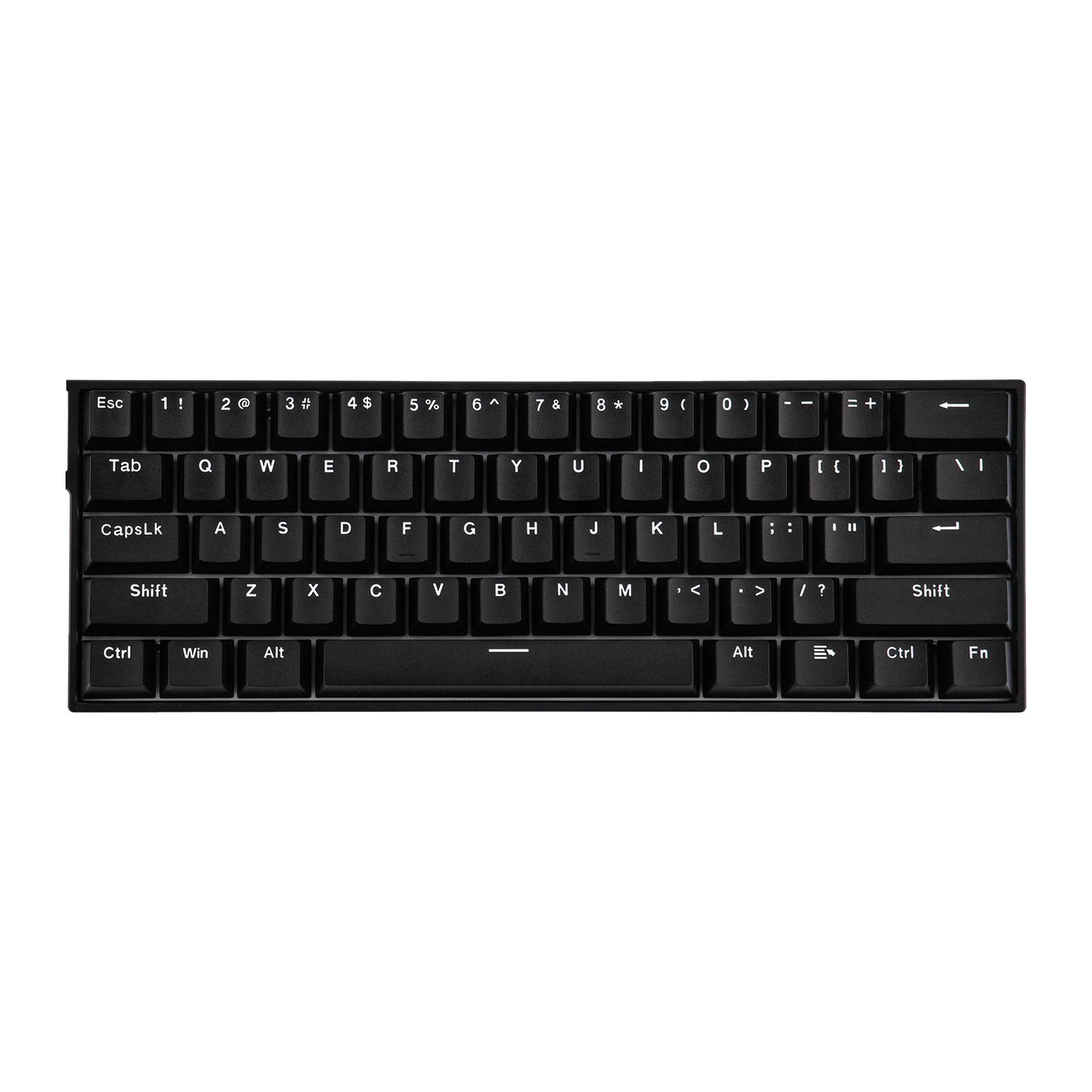
AULA WIN60 HE — 60% magnetic keyboard: 61 keys, 8000 Hz polling, 0.02 mm Rapid Trigger step, Black
- Store pickup
- Tashkent, Shaykhantakhur district, Iftikhor street, 2
- Courier
- 50,000 UZS
- Warranty
- 1 month
About this product
All specifications →AULA WIN60 HE: description and configuration
AULA WIN60 HE (WIN 60 HE) — keyboard.
The WIN60 HE is AULA's wired 60% gaming keyboard: 61 keys, with no function row, number pad or separate arrow cluster. Everything that sits around the edges of a full-size board moves onto the Fn layer here, and the desk space it frees goes to the mouse — which is why the 60% format is a shooter favourite.
The switches are magnetic rather than contact-based: a Hall sensor reads the stem position, so the actuation point is set in software anywhere between 0.1 and 3.4 mm, independently for every key. Rapid Trigger adjusts in 0.02 mm steps and the dead zone can be taken down to zero. Polling runs at up to 8000 Hz across seven selectable levels, with latency from 0.2 ms; AULA's own lab figures put that at eight times the speed of a typical 1000 Hz wired magnetic keyboard.
This is the Standard Edition of the WIN60 series. It ships with Gray wood switches, and its driver covers Rapid Trigger, DKS, MT, TGL and the PRCS function, which sets four ways two keys can override each other. Everything is configured in the AULA HUB web driver in a browser, with no software to install. Inside sit a metal positioning plate, foam between the PCB and the plate, an EPDM bottom layer and a thick rubber base.
Official brand websiteaulastar.uz
A magnetic stem instead of a contact
In an ordinary mechanical switch the key fires when two metal contacts meet inside, and the actuation point is fixed by the design once and for all. A magnetic switch has nothing to close: a magnet rides on the stem and the PCB measures its field with a Hall sensor. That lets you pick the press depth yourself — anywhere from 0.1 to 3.4 mm, and a different one per key.
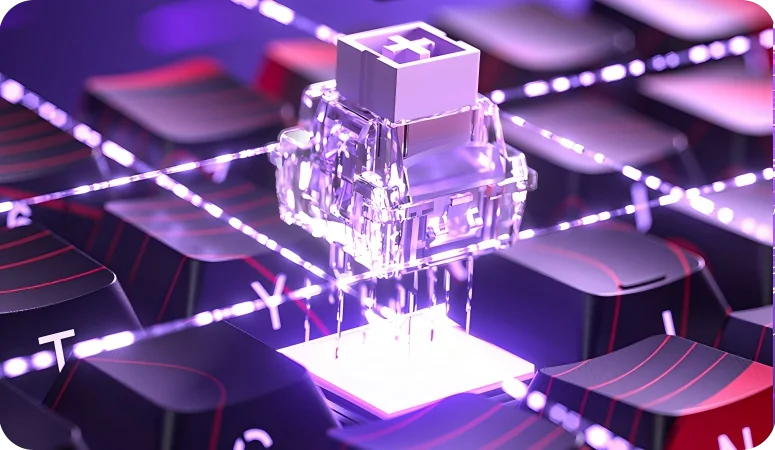
An AULA WIN60 magnetic switch lifted above its socket on the PCB, lighting on
Rapid Trigger in 0.02 mm steps
Rapid Trigger releases a key the instant it starts travelling back up, without waiting for it to reach the top. Your character stops exactly when your finger lifts, and the next press counts from halfway. On the Standard WIN60 that reset is adjustable in 0.02 mm steps, and the dead zone at the top and bottom can be removed entirely.
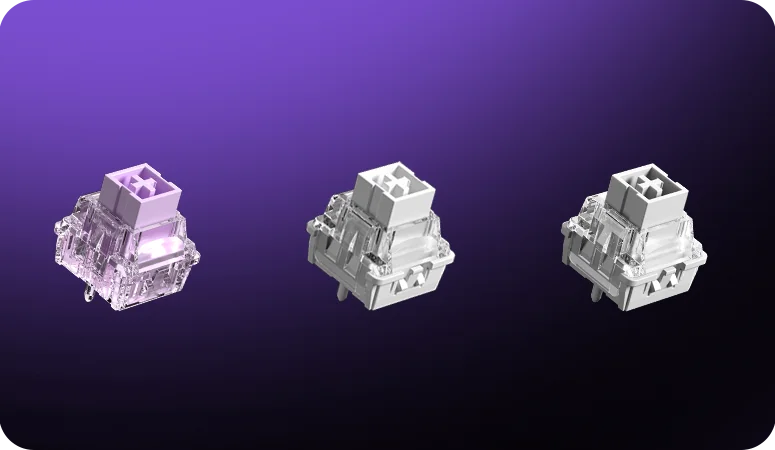
Close-up of AULA WIN series magnetic switches, three housings side by side
8000 Hz and latency from 0.2 ms
The 8000 Hz polling rate is standard across the whole WIN60/68 series: the keyboard reports to the computer eight thousand times a second. AULA's lab compares that with a typical 1000 Hz wired magnetic keyboard — an eight-fold difference, and sixty-four-fold against ordinary 125 Hz wired mechanical boards. If you do not need that rate the driver offers seven levels; key scanning runs at 4000 Hz and latency starts at 0.2 ms.
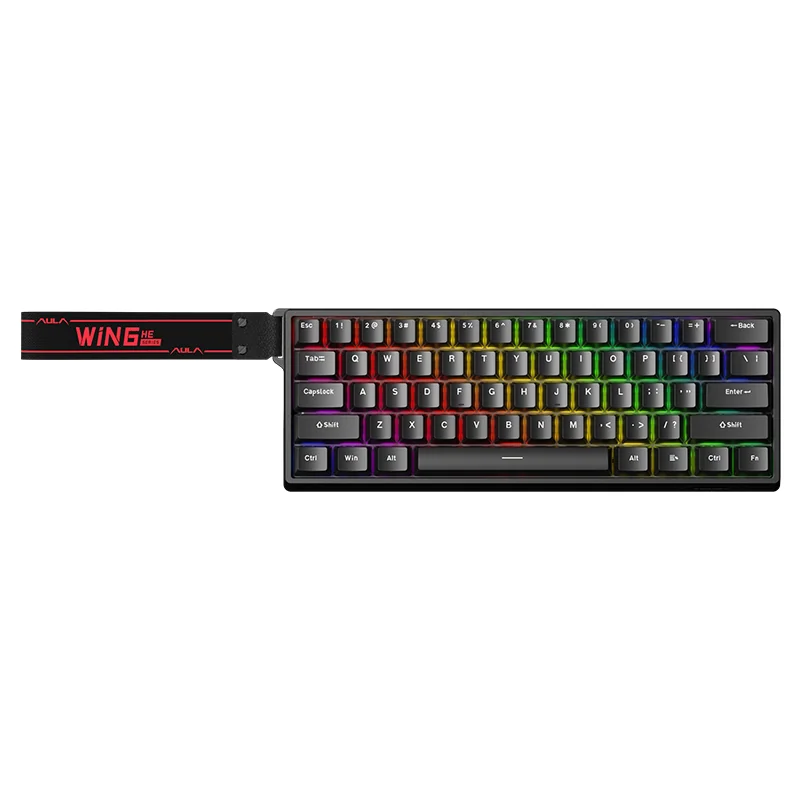
AULA WIN60 HE in black, seen from above: 61 keys and RGB lighting
The driver opens in a browser
AULA HUB is a web driver: it opens on AULA's site in a browser, there is nothing to download or install, and the settings are as reachable on someone else's computer as on your own. It sets per-key actuation, Rapid Trigger, key remapping and the Fn layer, Quick Tap, macros and lighting, and it handles firmware updates. The Standard Edition driver covers DKS, MT, TGL and the PRCS function for a key pair.
How the case is put together
A metal positioning plate sits under the keycaps, holding the switches rigidly and making the feedback on each press crisper. Long keys ride on satellite stabilisers. A foam layer goes between the PCB and the plate, and the Standard Edition adds an EPDM layer underneath: together they take the hollowness out of the case. The base is thick rubber with rubber feet, so the board neither slides across the desk nor flexes — which is what stops false triggers caused by deformation.
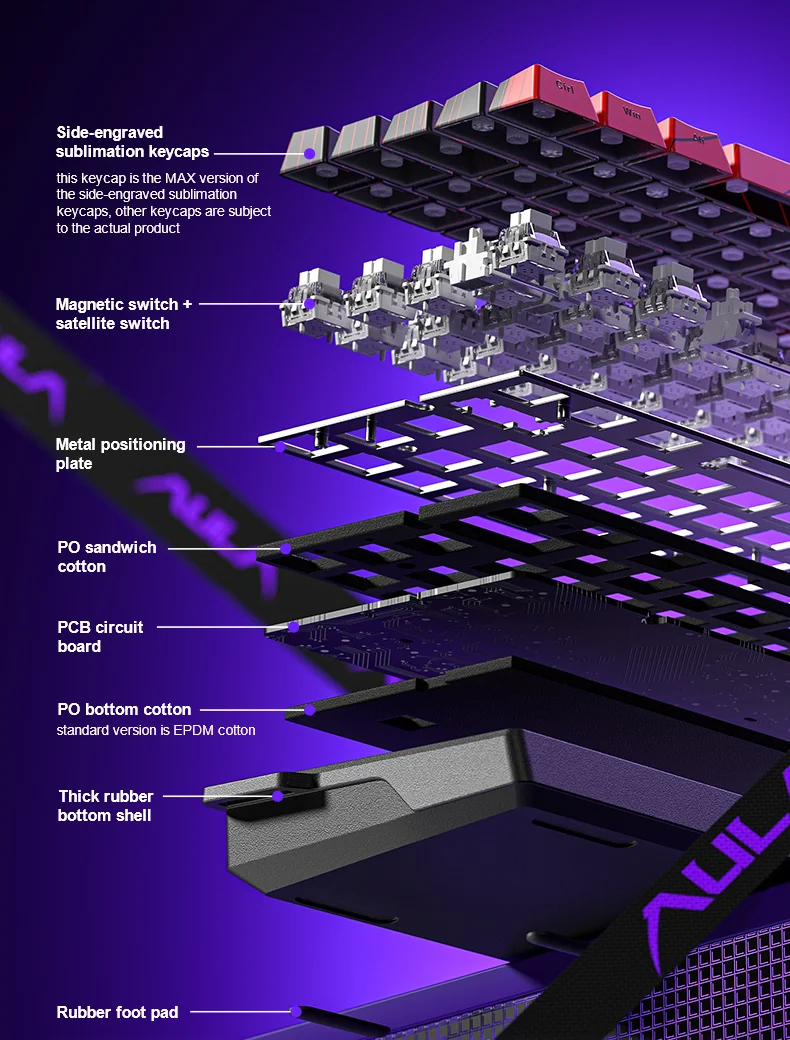
AULA WIN60 build-up diagram: keycaps, magnetic switches, metal plate, foam, PCB and the thick rubber bottom shell
AULA WIN60 HE specifications
Reviews
There are no customer reviews yet. The first review will appear after a verified order.
No reviews yet — be the first to leave one.
Questions and answers
No questions yet. Ask the first one and we will reply within one business day.
No questions yet — be the first to ask.