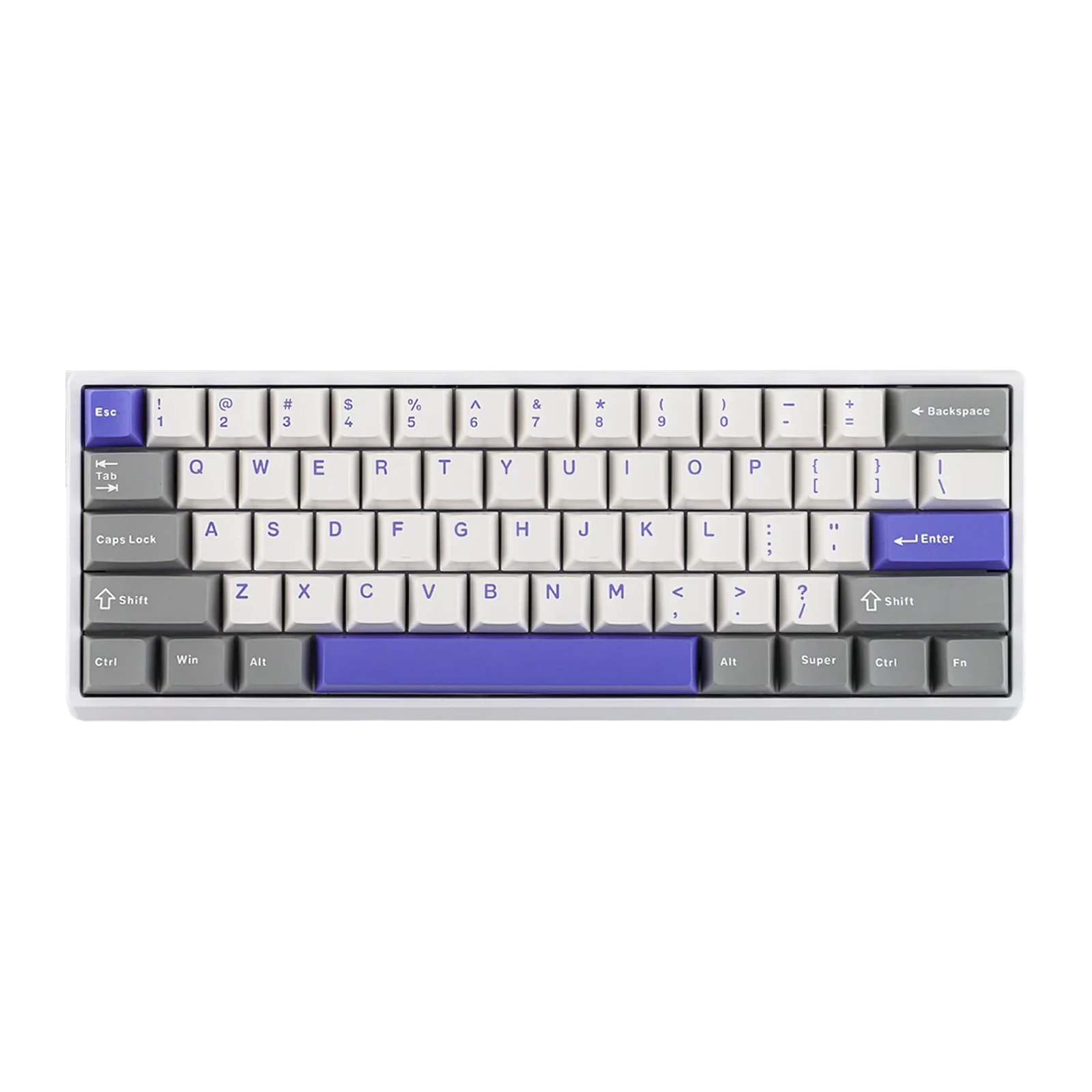
AULA WIN60 MAX — 60% magnetic keyboard: 61 keys, Rapid Trigger to 0.01 mm, 8,000 Hz polling, Gray
- Store pickup
- Tashkent, Shaykhantakhur district, Iftikhor street, 2
- Courier
- 50,000 UZS
- Warranty
- 1 month
About this product
All specifications →AULA WIN60 MAX: description and configuration
AULA WIN60 MAX (WIN 60 MAX) — keyboard.
The WIN60 MAX is the most compact wired magnetic keyboard in AULA's WIN series: 61 keys, 302 mm long and about 627 g without the cable. There is no F-row, no arrow cluster and no number pad: the arrows, Home, End, Insert, Delete, PgUp and PgDn come off the Fn layer, while the number row on that layer handles media and app shortcuts. In exchange the desk keeps plenty of room for the mouse, and the board itself slips into a backpack.
The switches are magnetic Wing Chun units: a Hall sensor reads the stem position continuously, so the actuation point can be set anywhere between 0.1 and 3.4 mm for each key individually, and Rapid Trigger resets the key as soon as it travels back. AULA's manual gives the MAX version a Rapid Trigger down to 0.01 mm step, and beyond plain RT it lists RS, DKS, MT, TGL and SOCD. Polling runs up to 8,000 Hz with seven selectable levels; the matrix is scanned at 4,000 Hz and a single key at up to 32,000 Hz, with latency stated from 0.2 ms.
The connection is wired, through a USB Type-C port on the keyboard. Everything is configured in a browser through the AULA HUB web driver, with no software to install: the actuation point and Quick Tap, Super Keys with macros, switch calibration and firmware updates all live there. PBT keycaps and magnetic switches come off without soldering. The model has no wireless mode.
Official brand websiteaulastar.uz
60% — 61 keys and a clear desk
The WIN60 MAX carries 61 keys: the alphas, the modifiers and the number row. The arrows, Home, End, PgUp and PgDn move to the Fn layer, there is no F-row and no number pad at all, and the number row on the Fn layer is taken up by media and app shortcuts. The case is 302 mm long and weighs about 627 g without the cable — exactly 19 mm shorter than the WIN68 in the same series. The space this frees goes to the mouse: at low sensitivity long swipes stop running into the keyboard.
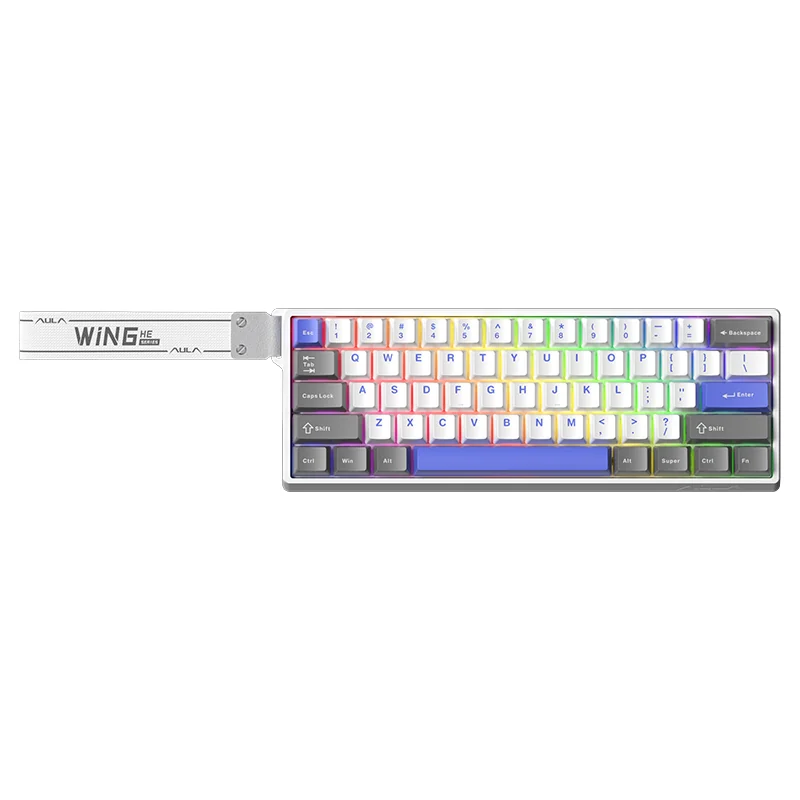
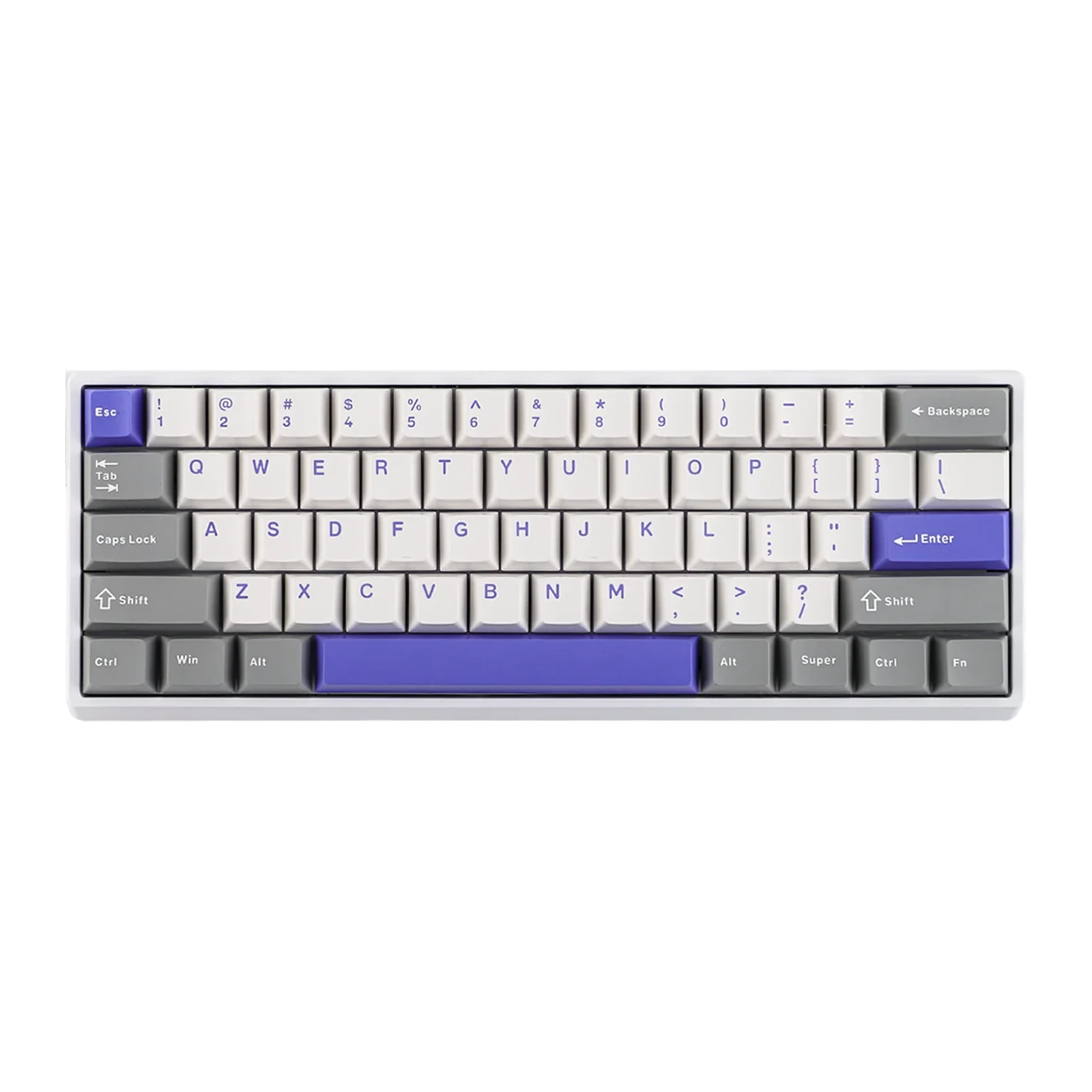
AULA WIN60 MAX keyboard in the white and blue colourway: white case, light keycaps, a blue space bar and RGB lighting
Wing Chun magnetic switches instead of ordinary ones
On a mechanical switch the actuation point is fixed by its contacts. Here a Hall sensor reads it, so you choose the depth yourself — from 0.1 to 3.4 mm and separately per key: WASD can be made hair-trigger while Enter and the space bar stay deep enough not to fire by accident. AULA describes the Wing Chun switch itself as 36 gf initial force, 49 gf at bottom-out and 3.4 ± 0.1 mm of total travel. Each key's magnetic field is calibrated in the driver and saved.
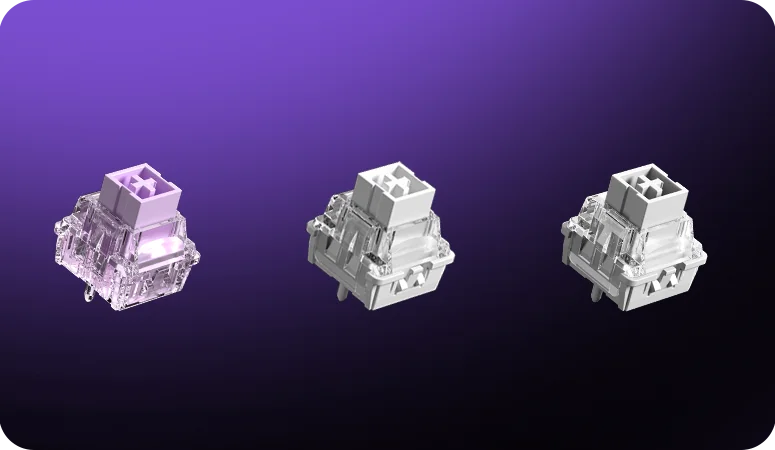
Three AULA WIN series magnetic switches close up on a purple background
Rapid Trigger down to 0.01 mm and the MAX modes
Rapid Trigger releases a key the instant the stem starts rising rather than at a fixed height: an A–D counter-strafe comes out sharper and the stop after release lands sooner. The versions in the series differ exactly in the adjustment step: AULA's manual gives MAX 0.01 mm against 0.02 mm on the standard edition (the spec block on the site quotes 0.02 mm for MAX, dropping to 0.01 mm in Beast Mode). Beyond plain RT the MAX version is listed with RS, DKS, MT, TGL and SOCD: one key can issue different commands at different depths or behave as a toggle.
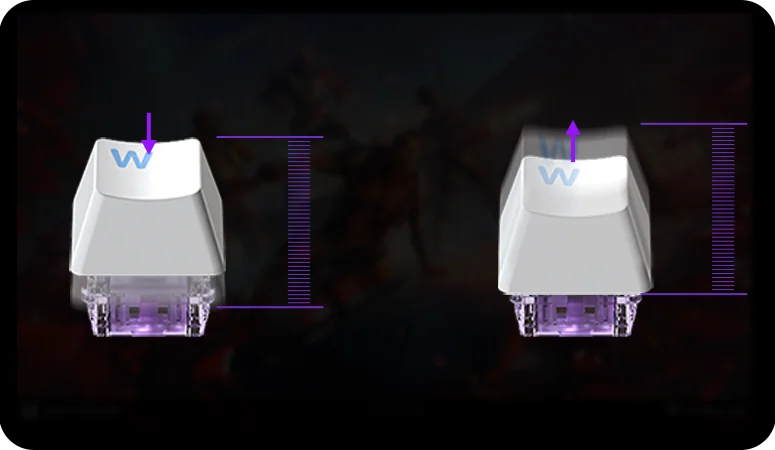
A Rapid Trigger diagram: a keycap on a magnetic switch while pressed and while released, with a travel scale
8,000 Hz polling and scanning up to 32,000 Hz
AULA quotes polling up to 8,000 Hz for the whole WIN60/68 series — the board reports key state up to 8,000 times a second. The driver offers seven polling levels, so the rate can be dropped on a busy computer. The matrix is scanned at 4,000 Hz and a single key at up to 32,000 Hz, with latency stated from 0.2 ms.
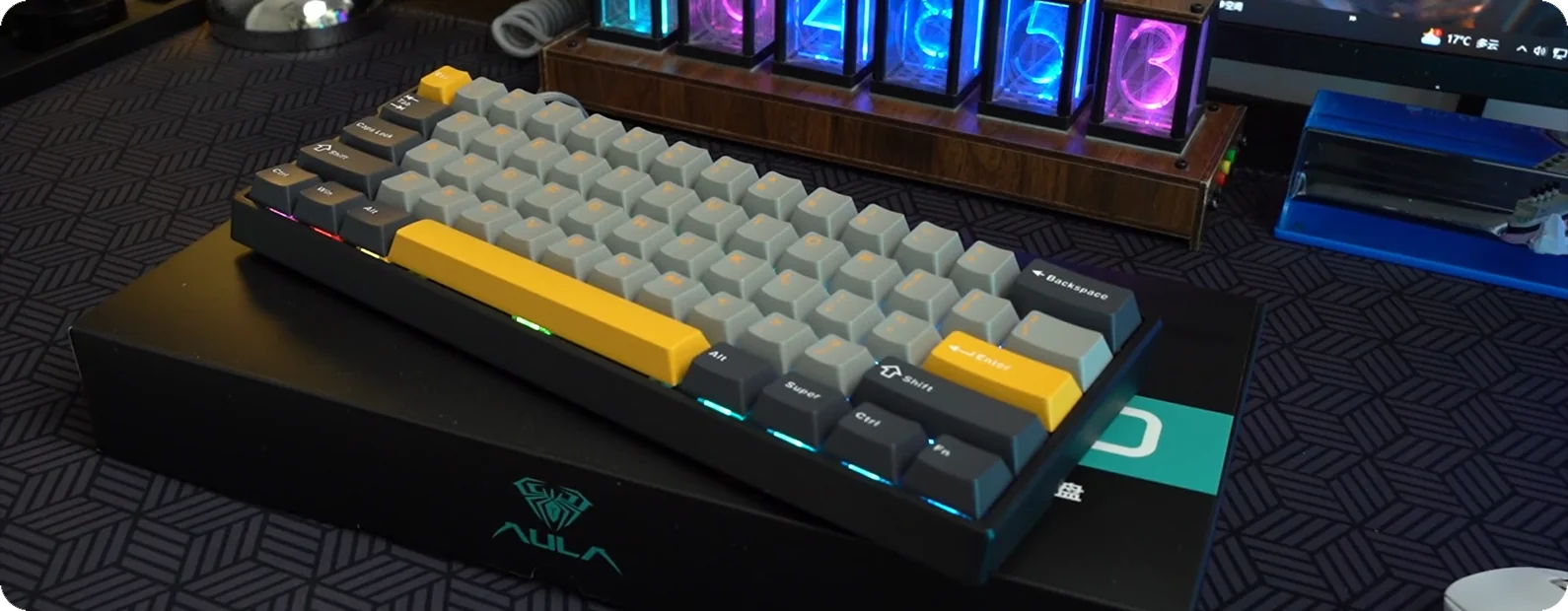
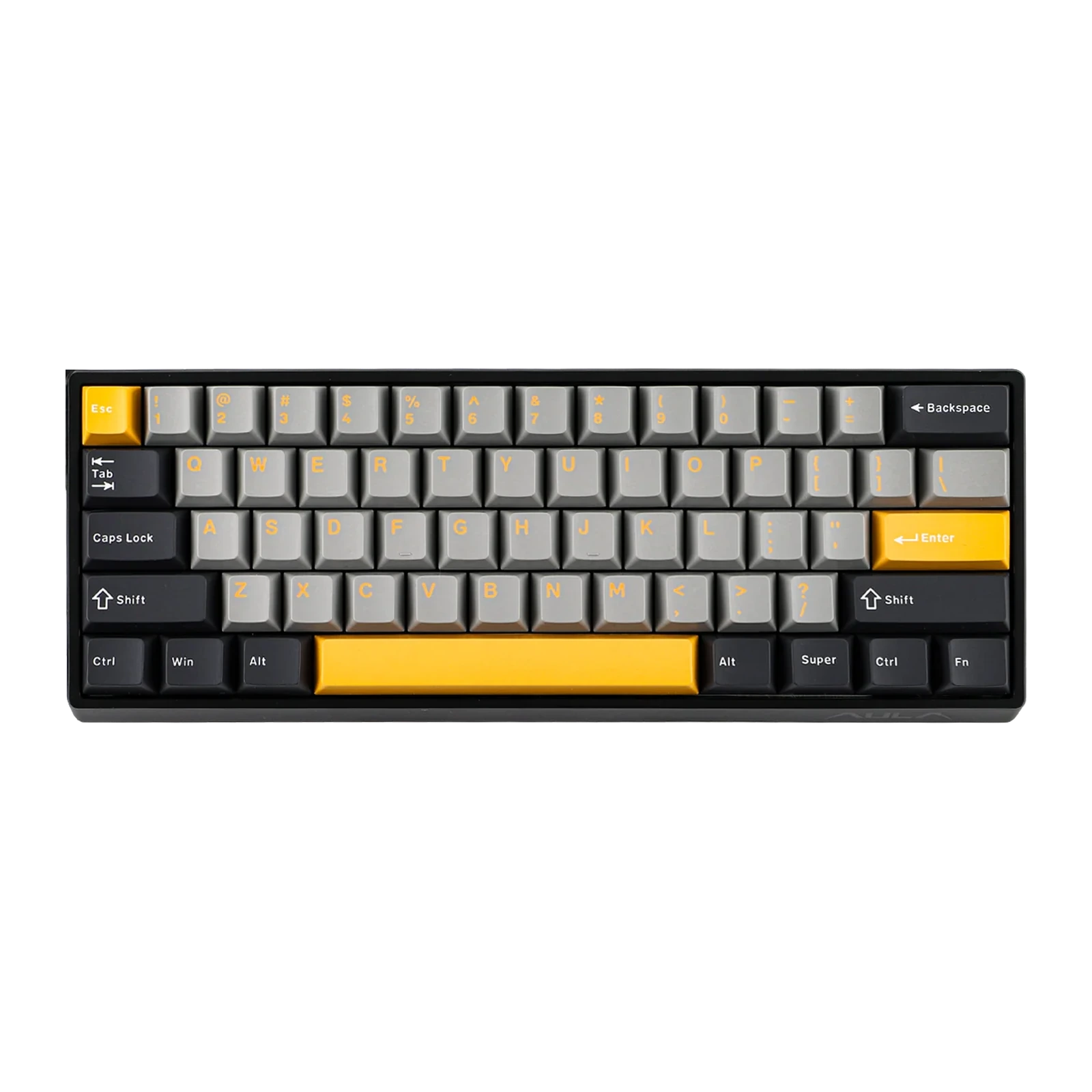
An AULA WIN60 in gray and yellow on a gaming desk, showing the Alt, Super, Ctrl, Fn bottom row and the case edge
The Fn layer: navigation and media under your hand
A short case does not mean lost functions. The Fn layer holds the arrows, Home, End, Insert, Delete, PgUp and PgDn, volume and track controls, shortcuts that launch mail, the browser, the calculator and My Computer, lighting colour, brightness and speed, the Windows-key lock and the switch between Windows and Mac modes. AULA's diagram has no ready-made F-row, but the layout and the FN layer itself can be remapped in the AULA HUB driver.
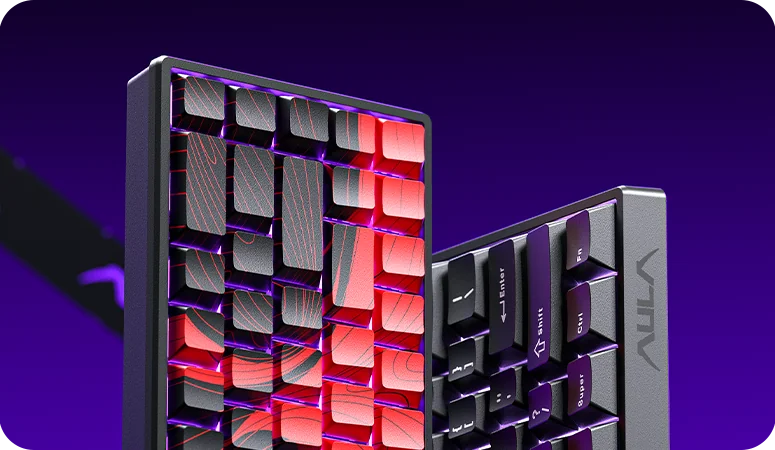
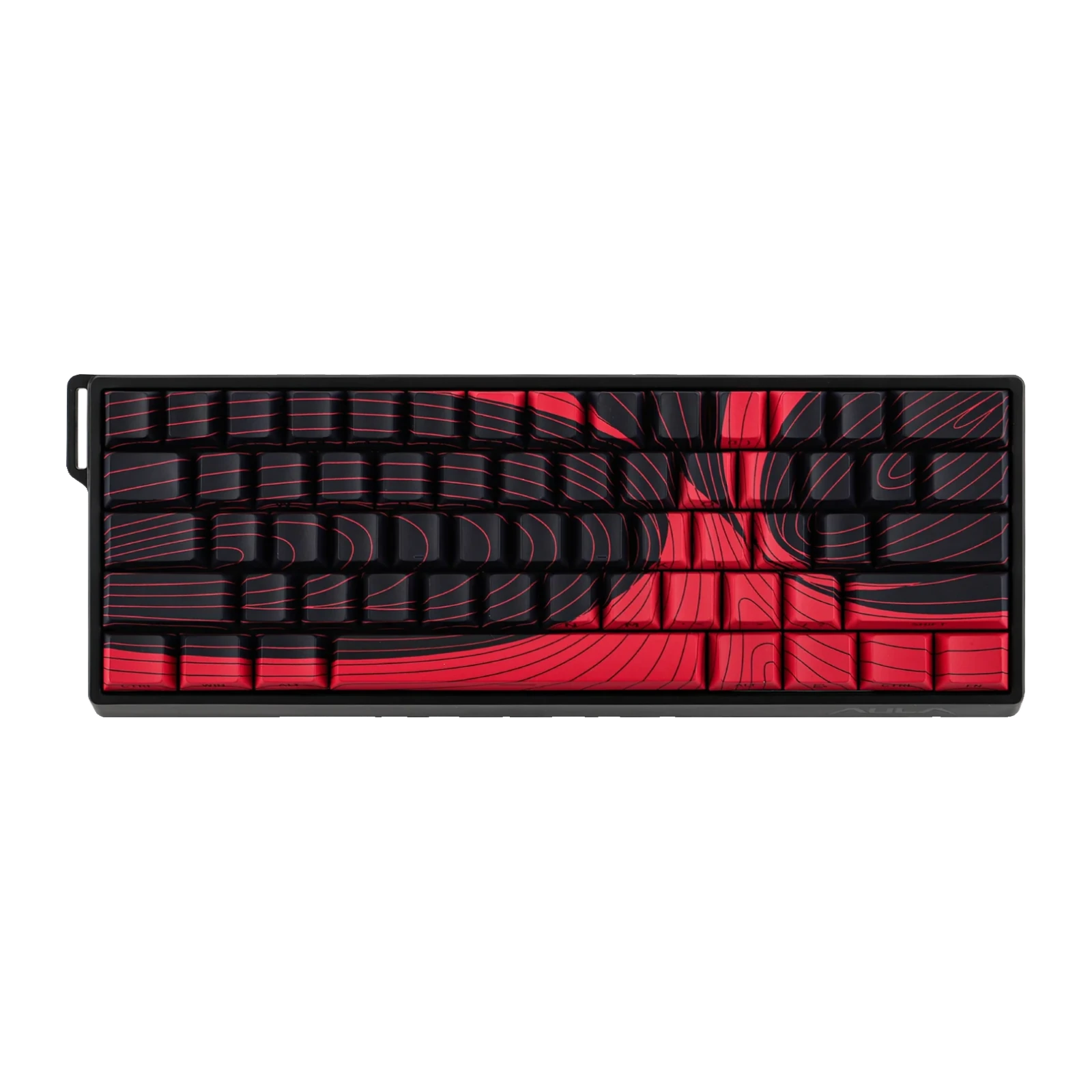
Two AULA WIN60 keyboards stood on edge, black and red and plain black, showing the case profile and the Super/Fn row
A metal plate, foam and a thickened case
The switches are mounted on a metal positioning plate, so the rows hold more firmly than on a plastic one. A Poron sandwich layer sits between plate and PCB, another Poron layer runs along the bottom (EPDM on the standard edition), and underneath there is a thick rubber bottom shell with rubber feet. The WIN series case is thickened plastic: it flexes less under the hand, does not slide on the desk and produces no false presses from deformation.
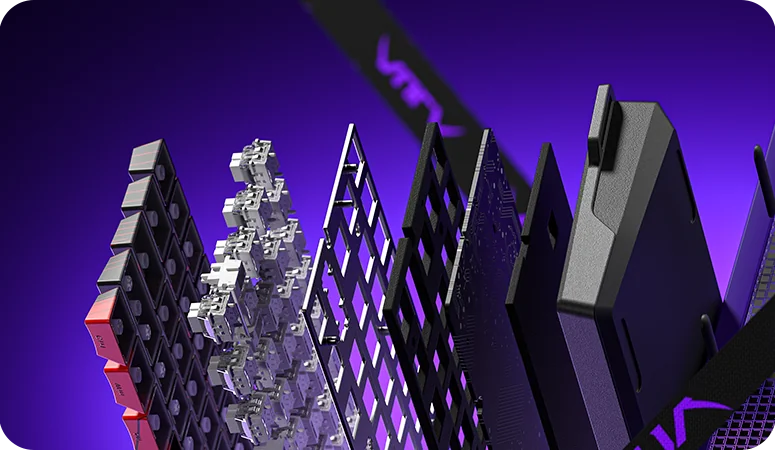
An exploded view of an AULA WIN board: keycaps, magnetic switches, metal plate, Poron layer, PCB, bottom foam and the rubber base
AULA WIN60 MAX specifications
Reviews
There are no customer reviews yet. The first review will appear after a verified order.
No reviews yet — be the first to leave one.
Questions and answers
No questions yet. Ask the first one and we will reply within one business day.
No questions yet — be the first to ask.