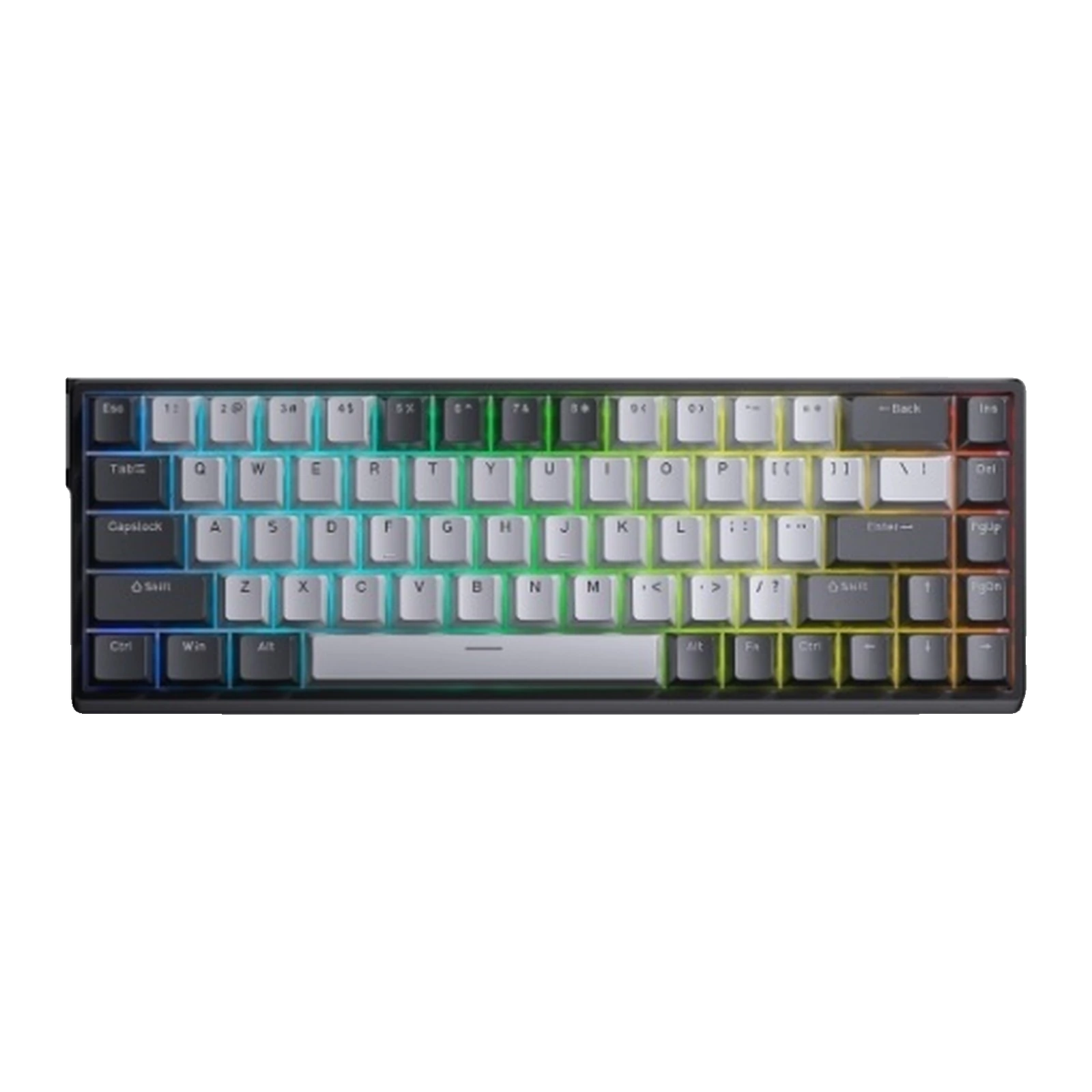
AULA WIN68 HE Pro — 65% magnetic keyboard: 0.02 mm Rapid Trigger, Beast Mode, 8,000 Hz polling, Gray
- Store pickup
- Tashkent, Shaykhantakhur district, Iftikhor street, 2
- Courier
- 50,000 UZS
- Warranty
- 1 month
About this product
All specifications →AULA WIN68 HE Pro: description and configuration
AULA WIN68 HE Pro (WIN 68 HE Pro) — magnetic keyboard.
The WIN68 HE Pro is the middle version of AULA's wired magnetic keyboard in a 65% format. 68 keys: a dedicated arrow cluster and a right-hand column with Insert, Delete, PgUp and PgDn, but no F-row and no number pad. The case is 321 mm long and weighs about 686 g without the cable. This batch comes in one colourway — light grey keycaps with dark grey modifiers.
The switches are magnetic Meteor units. A Hall sensor reads the stem position continuously, so the actuation point can be set anywhere from 0.1 to 3.4 mm per key, and Rapid Trigger resets the key the moment it travels back. On the Pro version the Rapid Trigger step is 0.02 mm, dropping to 0.01 mm in Beast Mode; the standard edition has no Beast Mode. Polling runs up to 8,000 Hz across seven levels, the matrix is scanned at 4,000 Hz and a single key at up to 32,000 Hz, with latency stated from 0.2 ms.
The connection is wired, over USB Type-C. Configuration happens in a browser through the AULA HUB web driver: actuation point, Quick Tap, key and FN-layer remapping, Super Keys with macros, lighting, switch calibration and firmware updates. PBT keycaps and magnetic switches come off without soldering. The model has no wireless mode.
Official brand websiteaulastar.uz
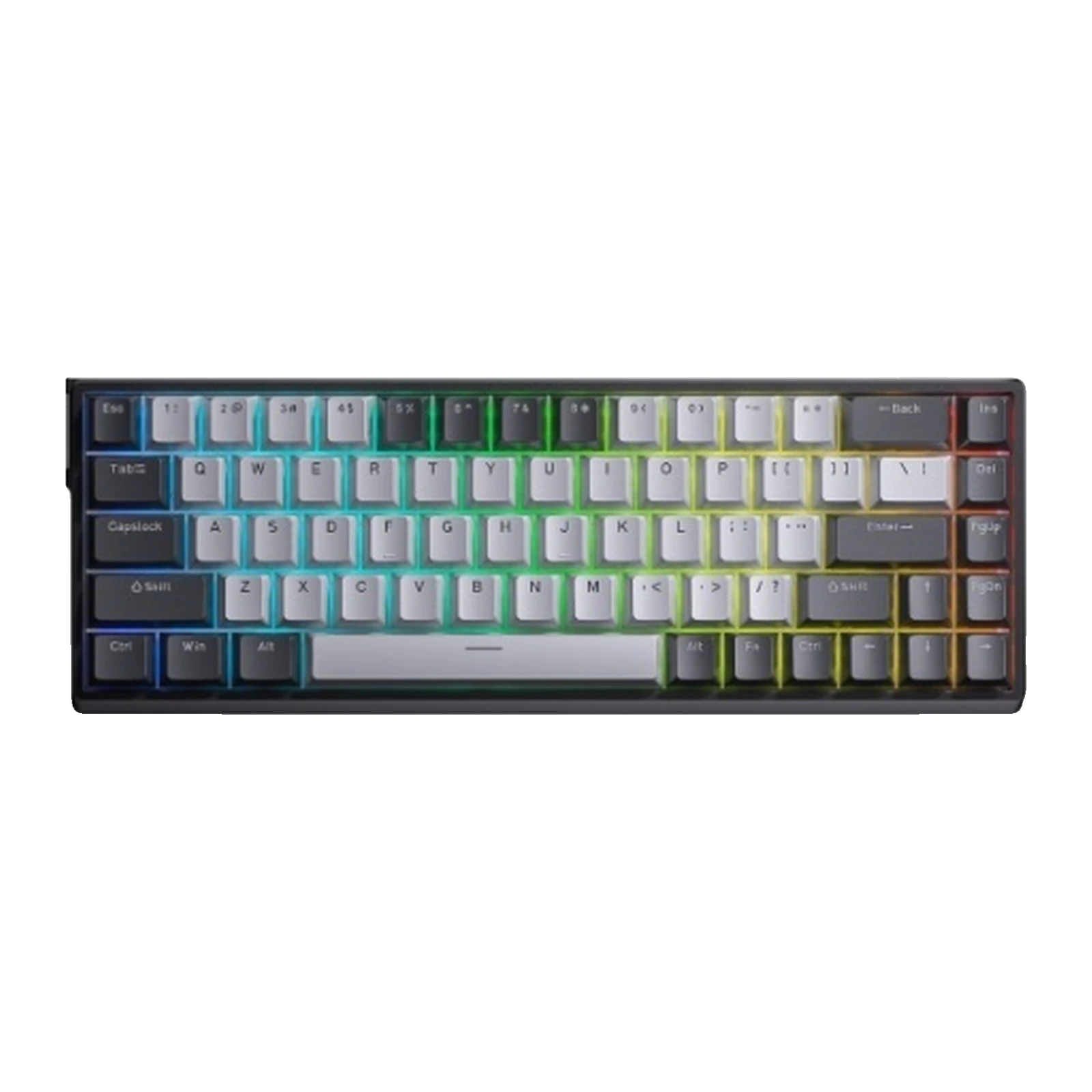
A light grey 65% board with 68 keys
The WIN68 HE Pro arrives in a single colourway: light grey alpha keycaps and dark grey modifiers on a black case — a calm option for a desk used for both work and games. The layout is 65%: 68 keys, a dedicated arrow cluster and a right-hand column with Insert, Delete, PgUp and PgDn; the F-row and number pad are gone. The case is 321 mm long and weighs about 686 g without the cable.
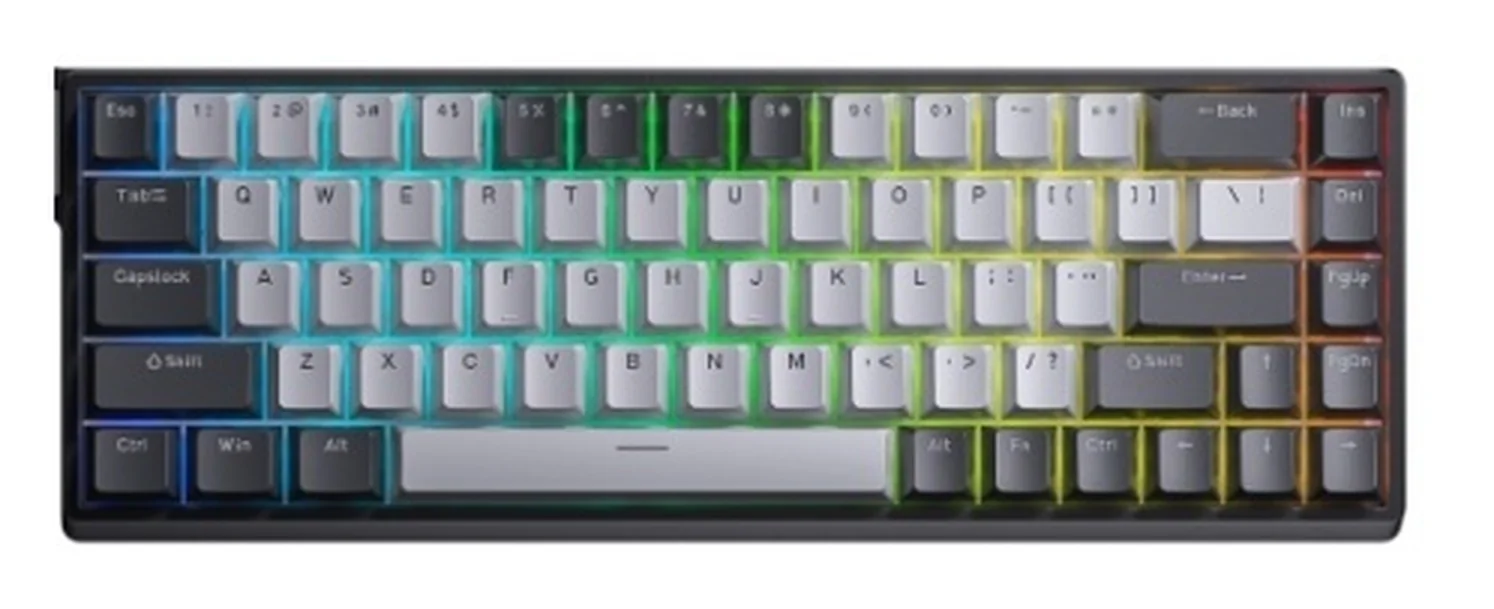
AULA WIN68 HE Pro keyboard: light grey keycaps, dark grey modifiers, 68 keys and RGB lighting
Meteor magnetic switches and adjustable depth
This version ships with Meteor magnetic switches, the name used in the supplier's price list. A Hall sensor reads the stem position continuously, so the actuation point is not fixed: it is set anywhere from 0.1 to 3.4 mm, separately for each key. The same driver runs calibration: it shows each key's magnetic field, the key lights up green once calibrated, and the result is saved.
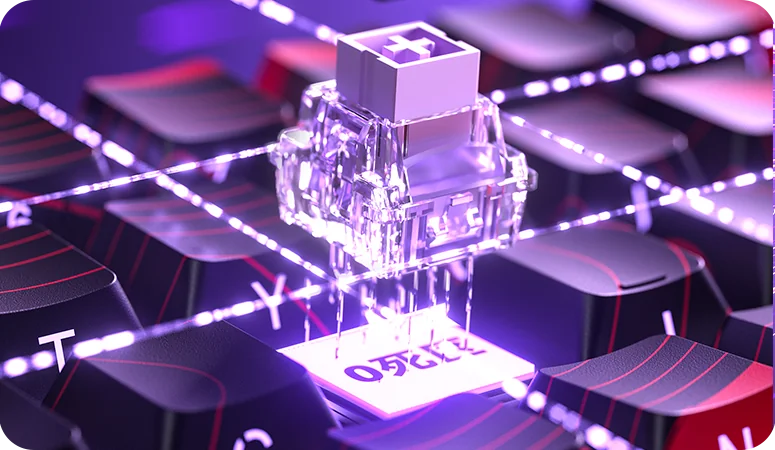
A transparent AULA magnetic switch lifted out of the keyboard, close up in purple lighting
Rapid Trigger at 0.02 mm and Beast Mode
Rapid Trigger releases a key the moment the stem travels back rather than at a fixed height: counter-strafing gets sharper and the stop after release lands sooner. The Pro adjusts in 0.02 mm steps, like the standard edition, but it additionally supports Beast Mode, where the step narrows to 0.01 mm. For most players the difference shows on the movement keys that fire several hundred times a match.
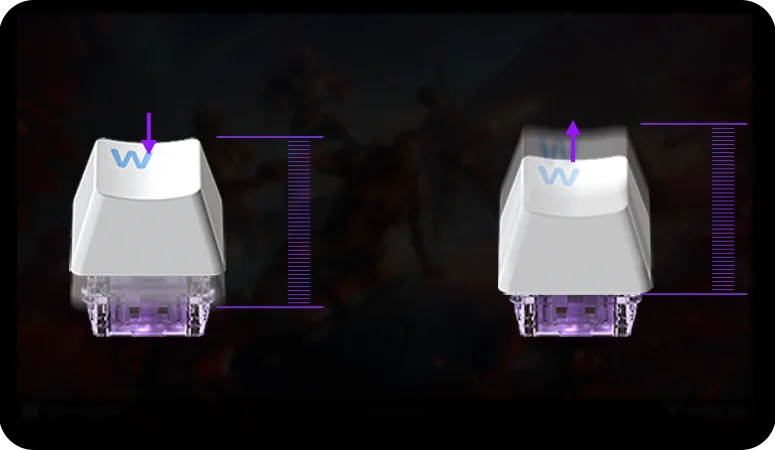
A Rapid Trigger diagram: a keycap on a magnetic switch while pressed and while released, with a travel scale
8,000 Hz polling and scanning up to 32,000 Hz
Polling up to 8,000 Hz is standard across the WIN60/68 series: the board reports key state up to 8,000 times a second, and the driver offers seven levels so the rate can be lowered on a busy computer. The matrix is scanned at 4,000 Hz and a single key at up to 32,000 Hz; latency is stated from 0.2 ms. The magnetic sensor registers release at once, without waiting for the stem to come all the way back.
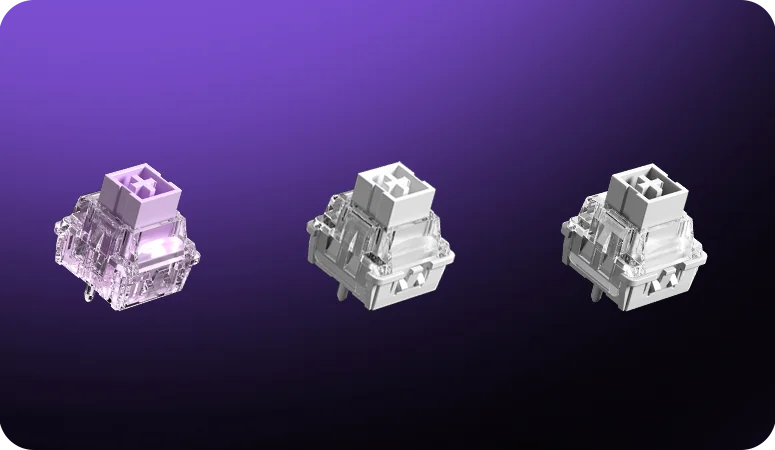
Three AULA WIN series magnetic switches close up on a purple background
AULA HUB — configuration right in the browser
The AULA HUB driver is web-based: it opens in a browser, so nothing has to be installed and the keyboard can be reconfigured on any computer. It sets the actuation point and Quick Tap, remaps keys and the FN layer, builds Super Keys — DKS, advanced keys and macros — changes lighting colours and effects, updates the firmware and restores factory settings.
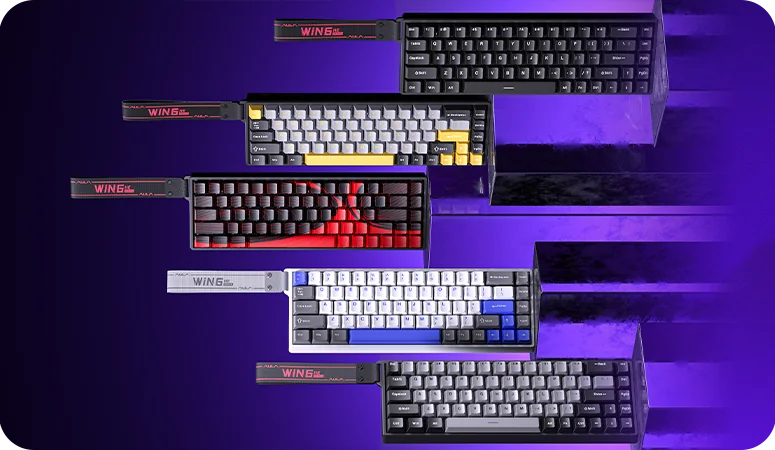
Five AULA WIN68 colourways: black, gray and yellow, black and red, white and blue, and light grey with dark grey
A metal plate, foam and a thick case
The switches sit on a metal positioning plate, a Poron sandwich layer lies between plate and PCB, and another Poron layer runs along the bottom (EPDM there on the standard edition) — together they remove the hollow ring of an empty case. Underneath there is a thick rubber bottom shell with rubber feet, and the long keys run on satellite stabilisers. The WIN series case is thickened plastic: AULA gives the WIN68HE shell weight as 166.3 g.
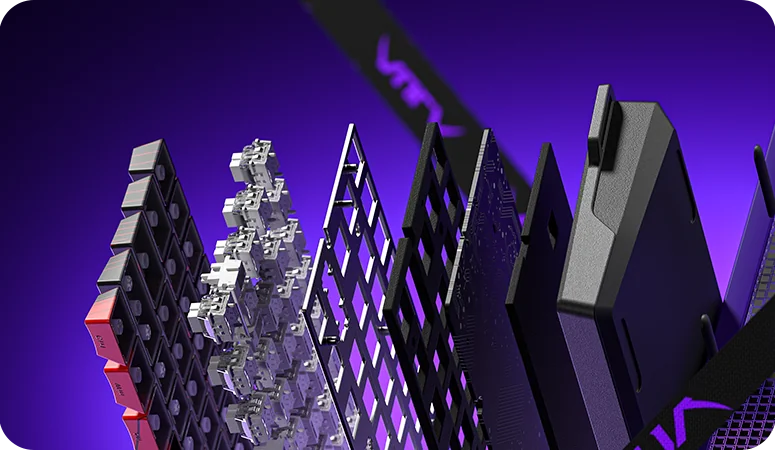
An exploded view of an AULA WIN board: keycaps, magnetic switches, metal plate, Poron layer, PCB, bottom foam and the rubber base
AULA WIN68 HE Pro specifications
Reviews
There are no customer reviews yet. The first review will appear after a verified order.
No reviews yet — be the first to leave one.
Questions and answers
No questions yet. Ask the first one and we will reply within one business day.
No questions yet — be the first to ask.