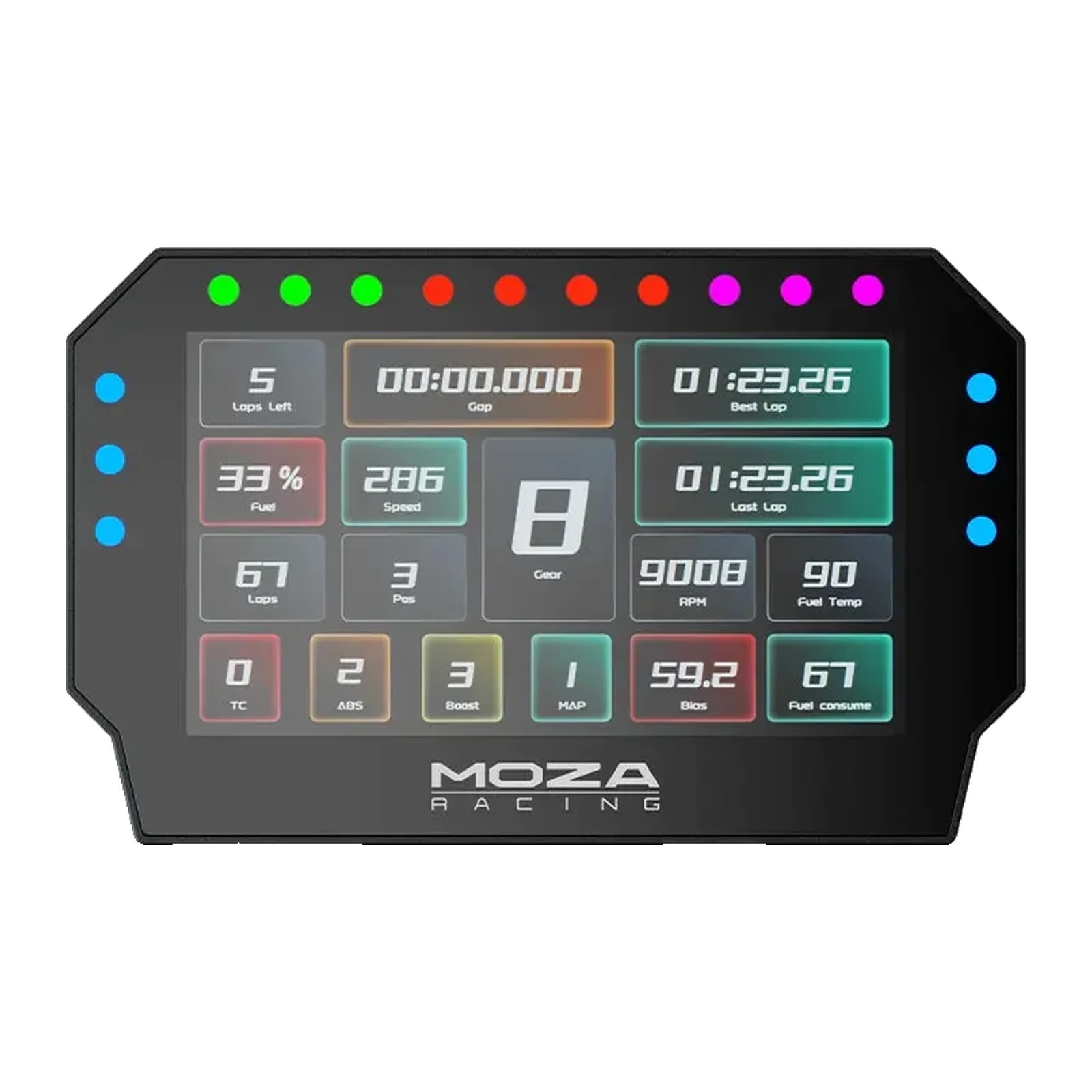
MOZA CM2 HD Racing Dash — racing dash display: 5-inch 720p 60 Hz screen, 10 shift lights, 6 flag lights
Payment methodsAbout this product
All specifications →MOZA CM2 HD Racing Dash: description and configuration
MOZA CM2 HD Racing Dash.
The CM2 HD Racing Dash is an external instrument display for a sim racing cockpit. You can read telemetry on the monitor, but in a corner your eyes leave the track and the numbers get lost among mirrors and HUD elements. A separate dash mounts directly above the base, inside your field of view, and keeps fuel, temperatures, laps and gaps where peripheral vision can catch them. This is a purchase for someone already running in a series and thinking about race strategy, not only lap time.
The CM2 uses a five-inch capacitive touchscreen at 1280 x 720 with a 60 Hz refresh rate. Across the top sit ten bright RGB shift lights in a professional top-mounted layout: driven by speed and engine RPM, they call the shift point without making you look down. On the sides, six RGB flag lights with a 16.7 million colour palette show yellow, blue or red signals instantly, with no text to read. A 1.3 GHz quad-core processor handles rendering, so complex layouts update without lag.
The interface is fully customizable in MOZA Pit House: take a preset layout, build your own for a particular car class, or download someone else's from the MOZA community platform. The dash connects to any MOZA base over RJ11, and over USB it runs directly from a PC — including with bases from other manufacturers. The rear casing is aluminium alloy, the bracket high-strength steel, the height adjusts to your seating position and the body is slim and floating. Assetto Corsa, Assetto Corsa Competizione, F1, Project Cars 2, DiRT Rally 2 and other mainstream sims are supported. The package measures 21.8 × 14.2 × 8.4 cm and weighs 0.8 kg.
Data where your eyes already are
In-game telemetry lives on the monitor, and the monitor is busy showing the track. To check fuel or tyre temperature you have to hunt for numbers among mirrors and HUD elements, usually at the worst possible moment. The CM2 moves that data onto a separate screen right above the base: laps remaining, gap, best lap and consumption all register in peripheral vision, hands still on the wheel.
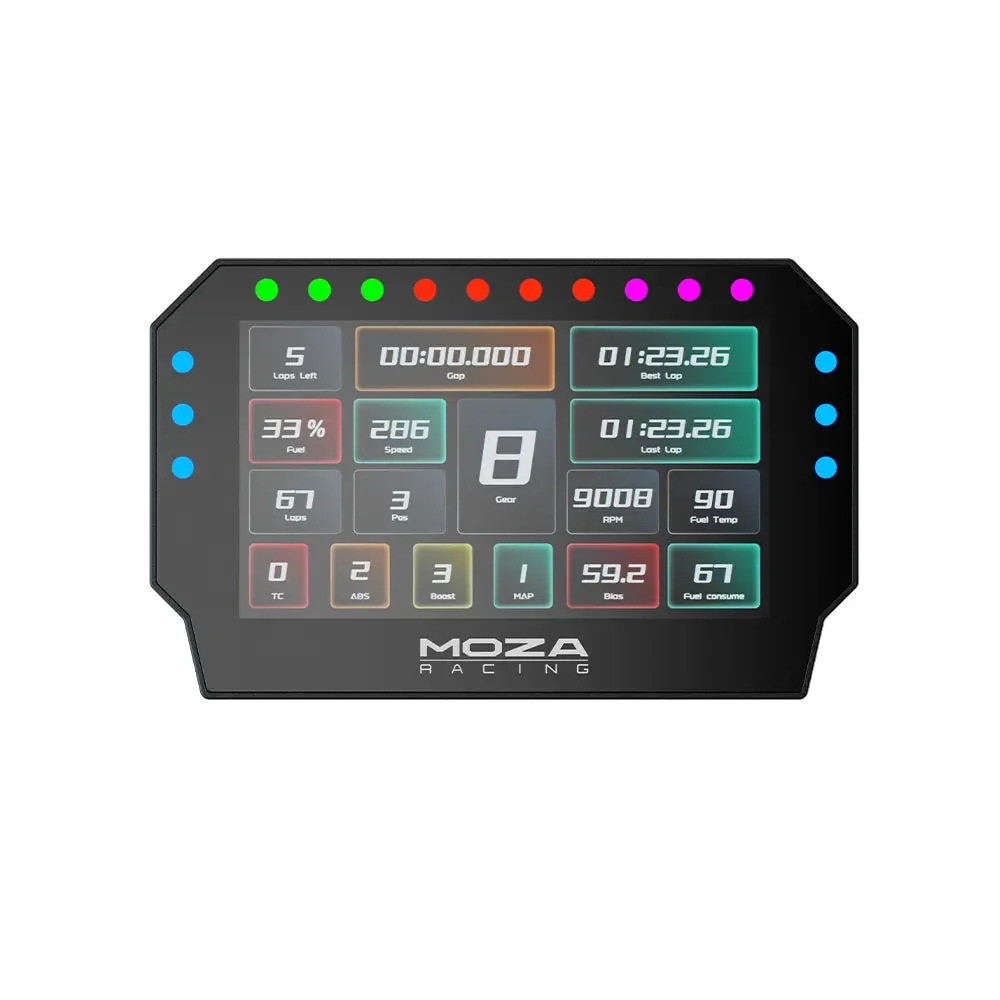
MOZA CM2 HD Racing Dash from the front: telemetry on screen, 10 shift lights on top and 6 blue flag lights on the sides
Shift lights and flags without reading
Ten bright RGB lights sit across the top in a professional layout: driven by RPM and speed, they call the shift the way a real race wheel does. Six RGB lights on the sides handle flags: yellow for an incident, blue when you are being lapped, red when the session stops. A 16.7 million colour palette lets you match the signals to a particular series' rules.
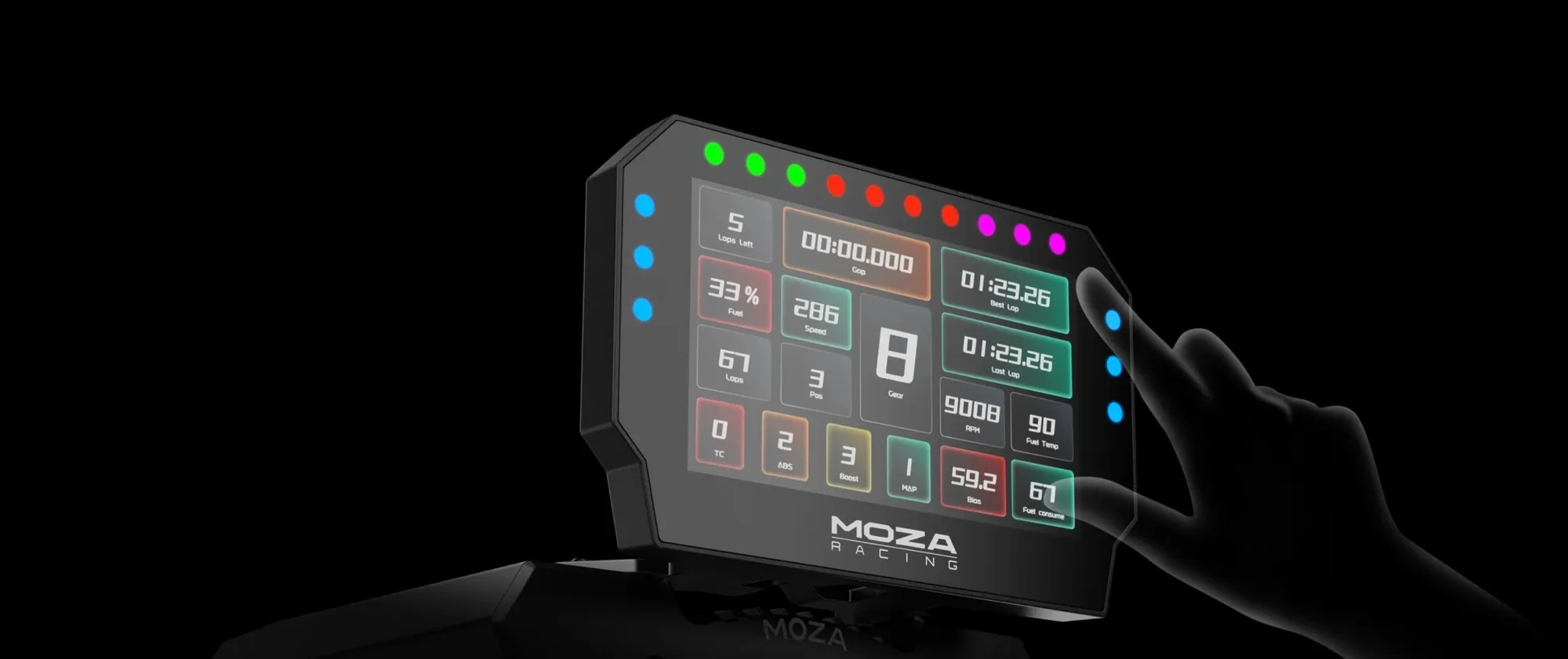
A hand touching the MOZA CM2 screen, with the shift lights and side flag indicators lit
Build your own dash
MOZA calls itself the first sim hardware maker with its own customizable UI system, and in the CM2 that system runs at full strength. In Pit House you take a preset layout or build your own: fuel and temperatures front and centre for endurance, gap and best lap for a sprint. Finished layouts can be posted on the MOZA community platform and other people's downloaded — a convenient way to avoid drawing everything from scratch.
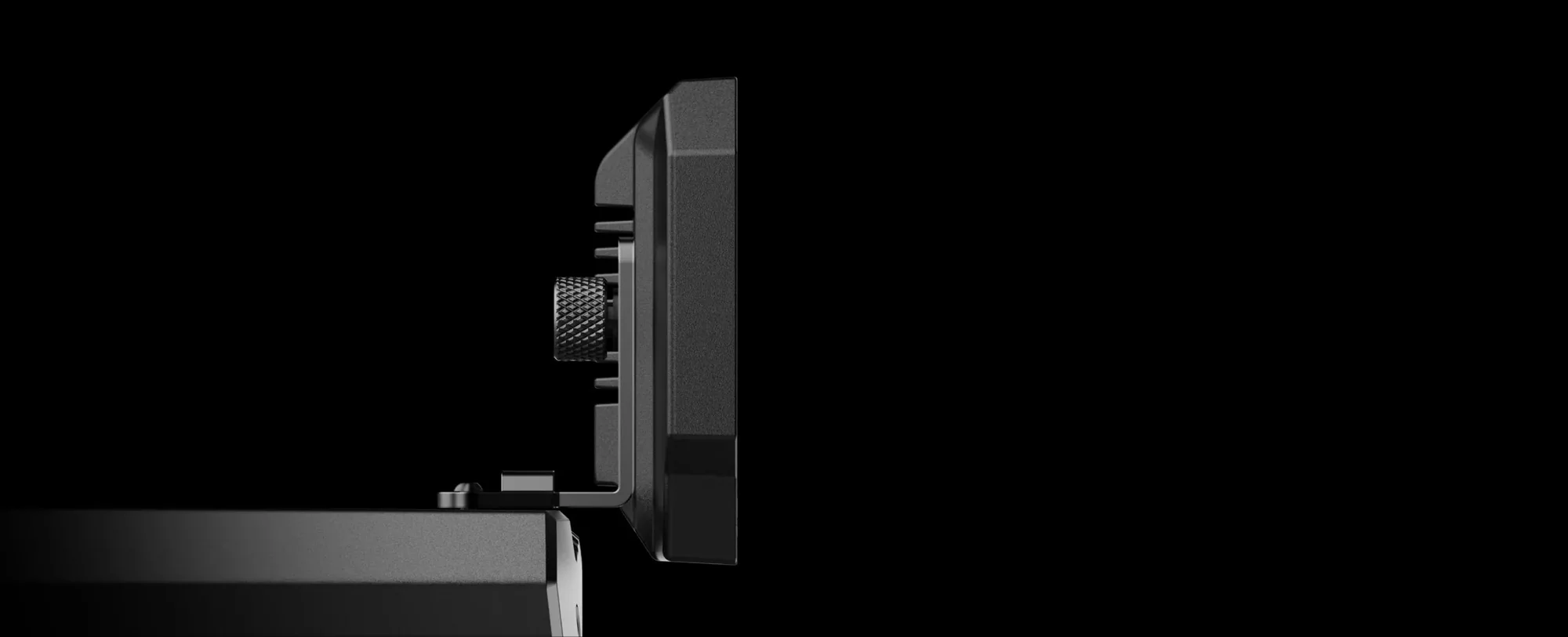
MOZA CM2 from the side in a dark scene, showing the slim profile and the knurled bracket screw
Aluminium, steel and a slim profile
The rear casing is aluminium alloy and the bracket high-strength steel, so the dash does not buzz on a rigid frame or heat up over a long stint. The body is slim, with a floating stance borrowed from modern automotive screens, so it does not block the monitor. Height adjusts, letting you drop the dash for a low racing seating position or raise it for an ordinary chair.
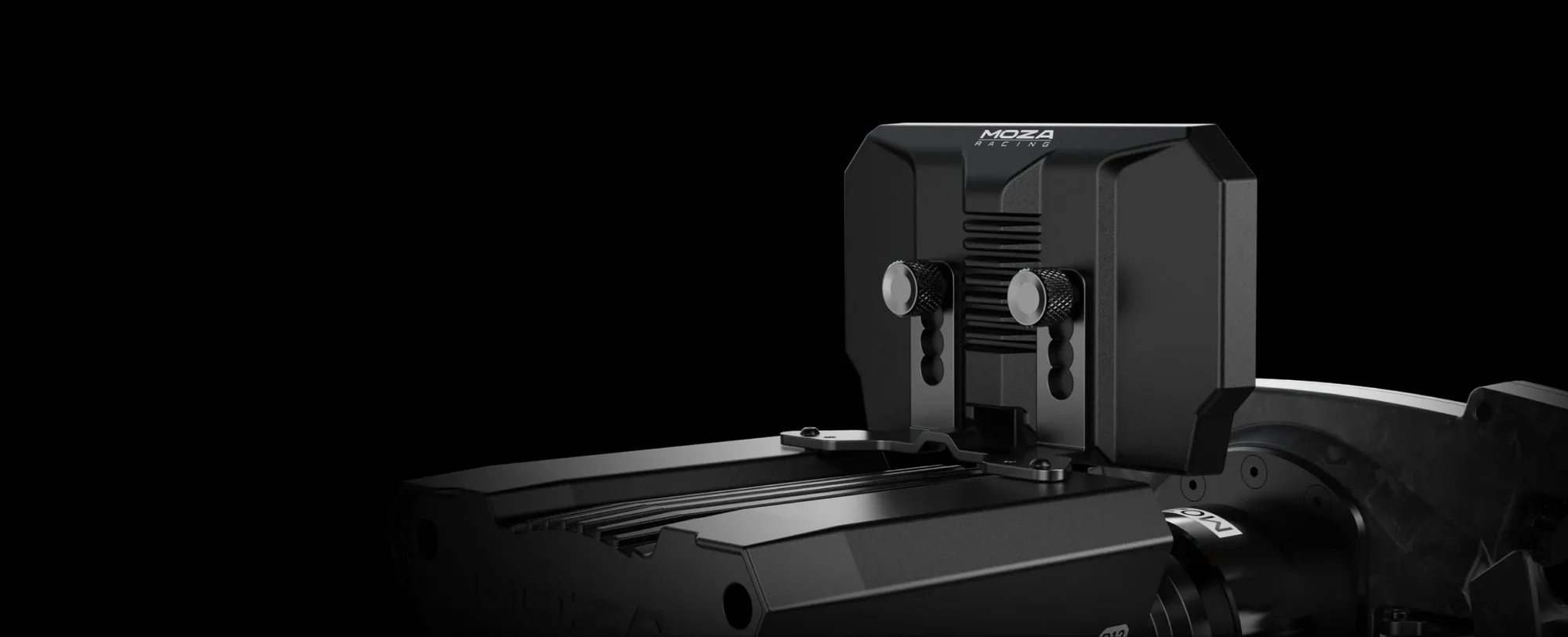
The MOZA CM2 mount from behind: two knurled height-adjustment screws on a MOZA base
It also works outside the MOZA ecosystem
With MOZA bases the dash connects over a single RJ11 cable and needs no setup. But the CM2 is not locked inside the brand: over USB it connects straight to a PC and works in a cockpit built on any other make of base. This is the rare case where you can buy the dash now and change the base later — the display survives the upgrade.
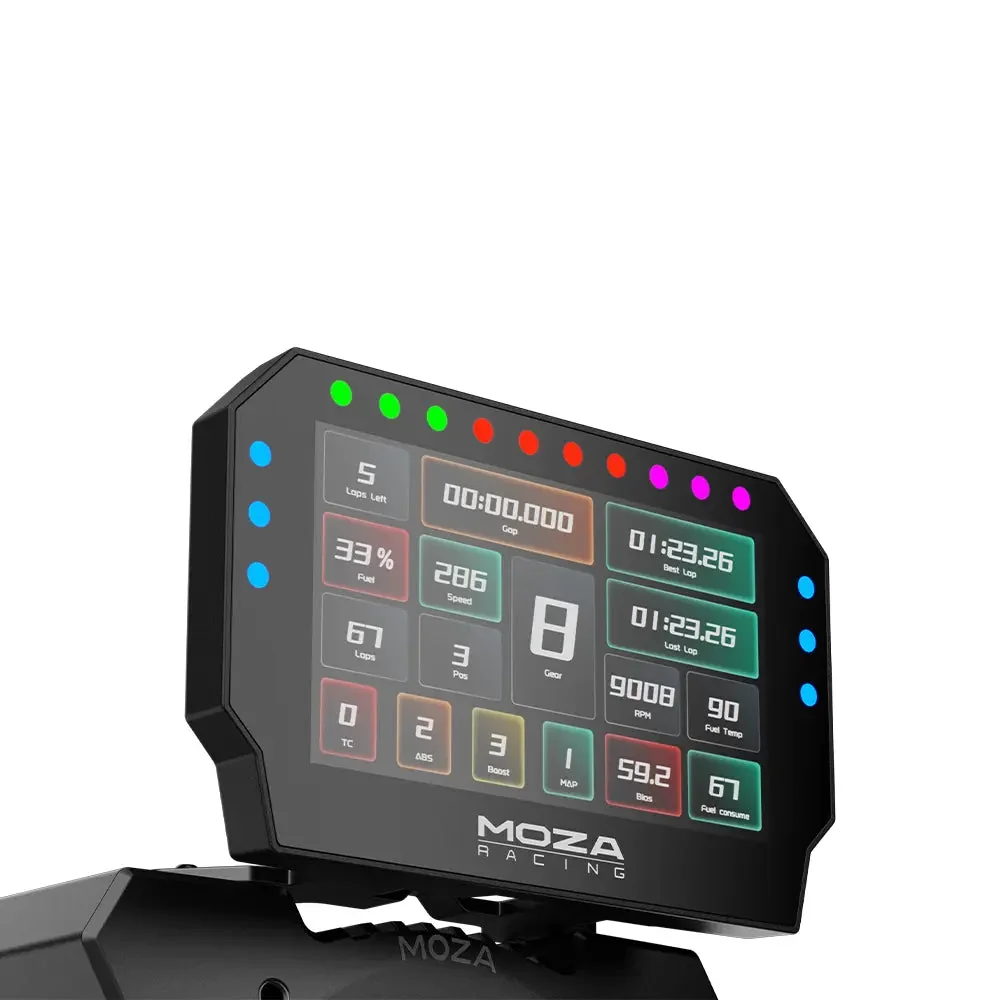
MOZA CM2 at an angle, mounted on a MOZA base, showing the lap data on screen and the bracket
MOZA CM2 HD Racing Dash specifications
Reviews
There are no customer reviews yet. The first review will appear after a verified order.
No reviews yet — be the first to leave one.
Questions and answers
No questions yet. Ask the first one and we will reply within one business day.
No questions yet — be the first to ask.