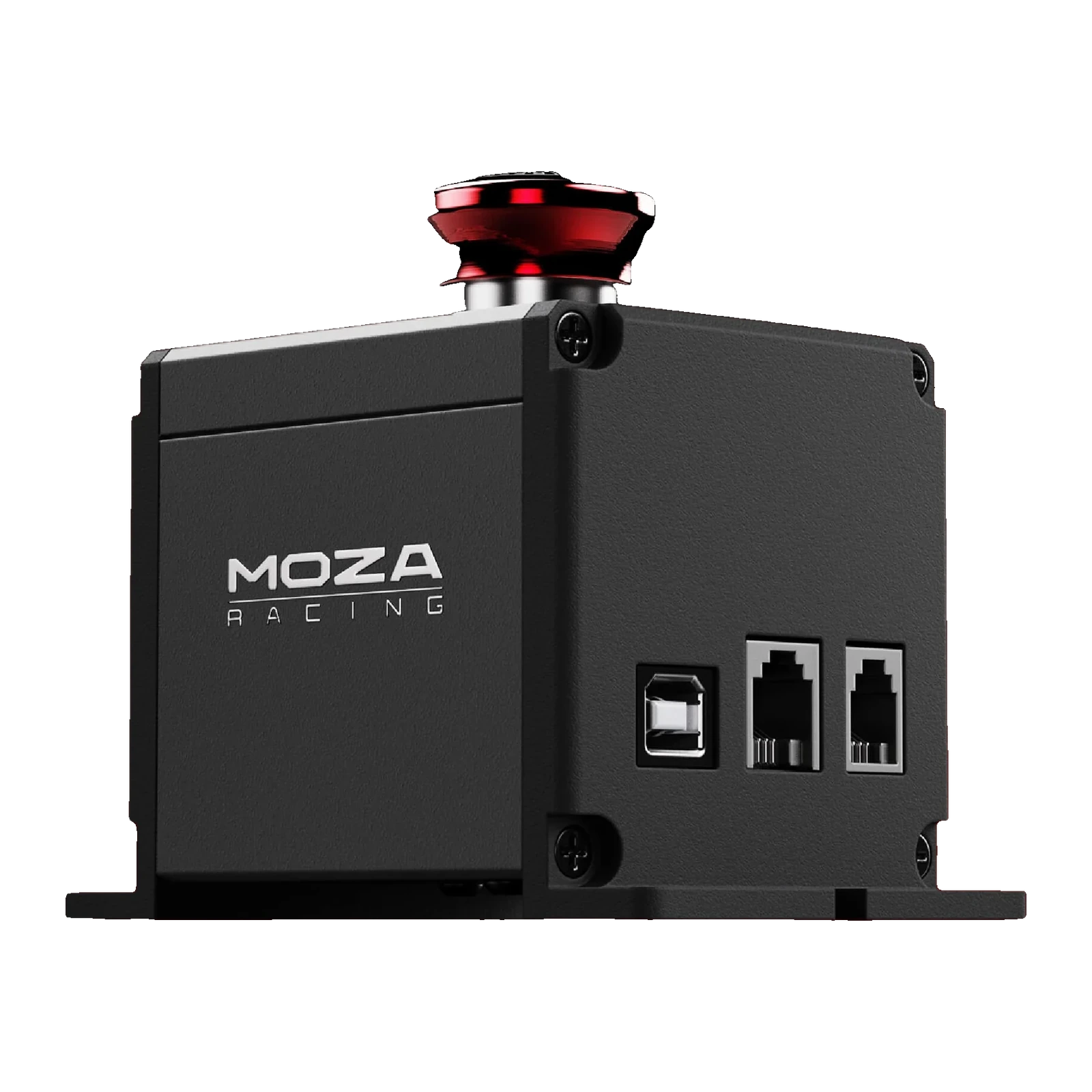
MOZA E-Stop Switch — emergency stop for your sim: three protection modes, aluminium housing
Payment methodsAbout this product
All specifications →MOZA E-Stop Switch: description and configuration
MOZA E-Stop Switch.
The MOZA E-Stop Switch is a mushroom-head emergency stop for MOZA simulators. It exists for exactly one situation: when a direct drive base has to be stopped right now, without groping for the power switch or closing the game. One slap on the red button and the force at the wheel is gone.
The switch supports three operating modes, and you choose between them by how you wire it. Over USB to the PC, and over RJ11 to the DASH port on the base, pressing it only cuts force feedback: release the button and the force comes straight back. Over RJ9 to the E-STOP port it cuts power to the base completely, and the base then has to be switched on again with its own power button.
The button and the housing are made from aluminium alloy, and the body has mounting feet with fixing holes on each side. Three sockets sit on one side of the body — USB, RJ11 and RJ9 — so you can move between scenarios by swapping a cable. Useful whether you drive alone or hand the wheel to children and guests.
One movement instead of hunting for a switch
A direct drive base puts out real force, and there are moments when the wheel has to be killed instantly: a sleeve caught, a child walking into the room, a setting gone wrong in the game. The mushroom button sits within reach on the rig or the desk, and stopping takes one movement of your palm. No hunting for the switch on the base, no minimising the game.
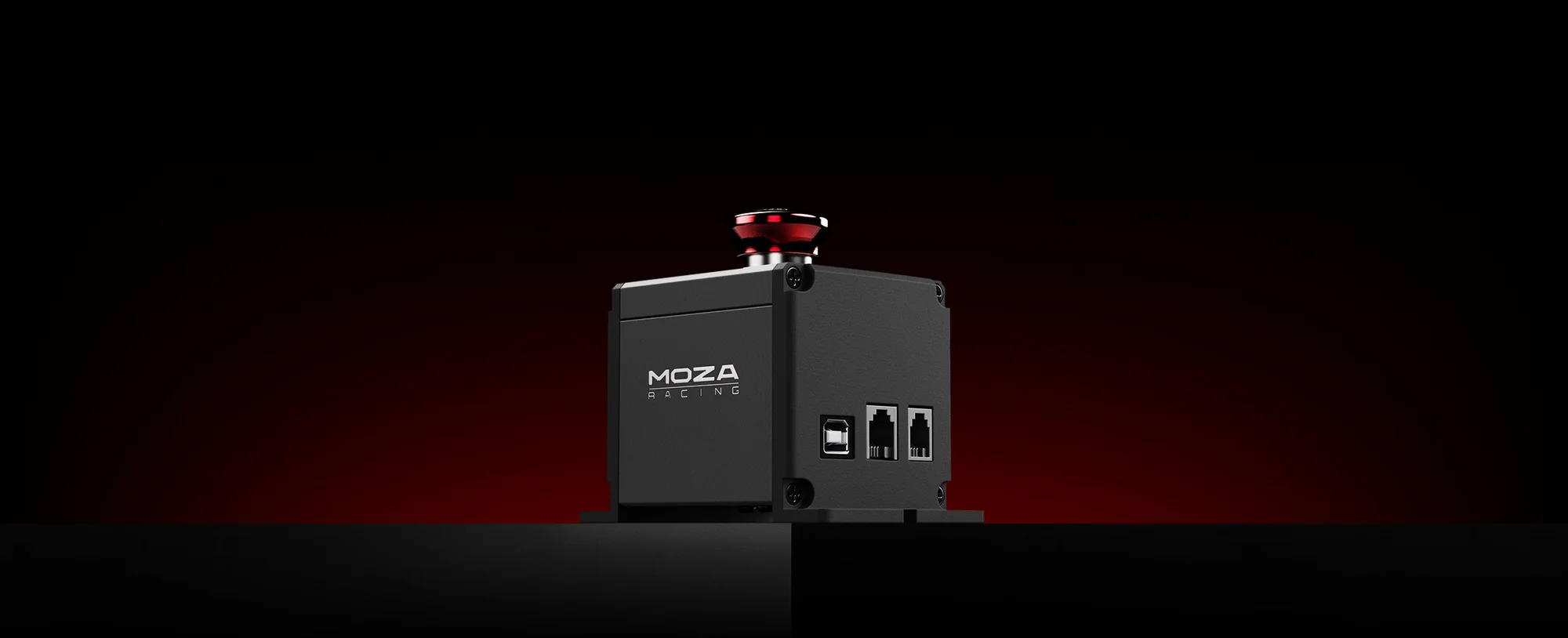
MOZA E-Stop Switch on a dark, red-lit stage — the emergency button beside a simulator
Three modes, chosen by the cable
The mode is decided by where you plug the switch in. USB to the PC and RJ11 to the DASH port give you the soft scenario: only force feedback drops out, and it returns the moment you release the button. RJ9 into the E-STOP port is the hard scenario: power to the base is cut completely. One device covers both practice sessions and situations that need a real cut-off.
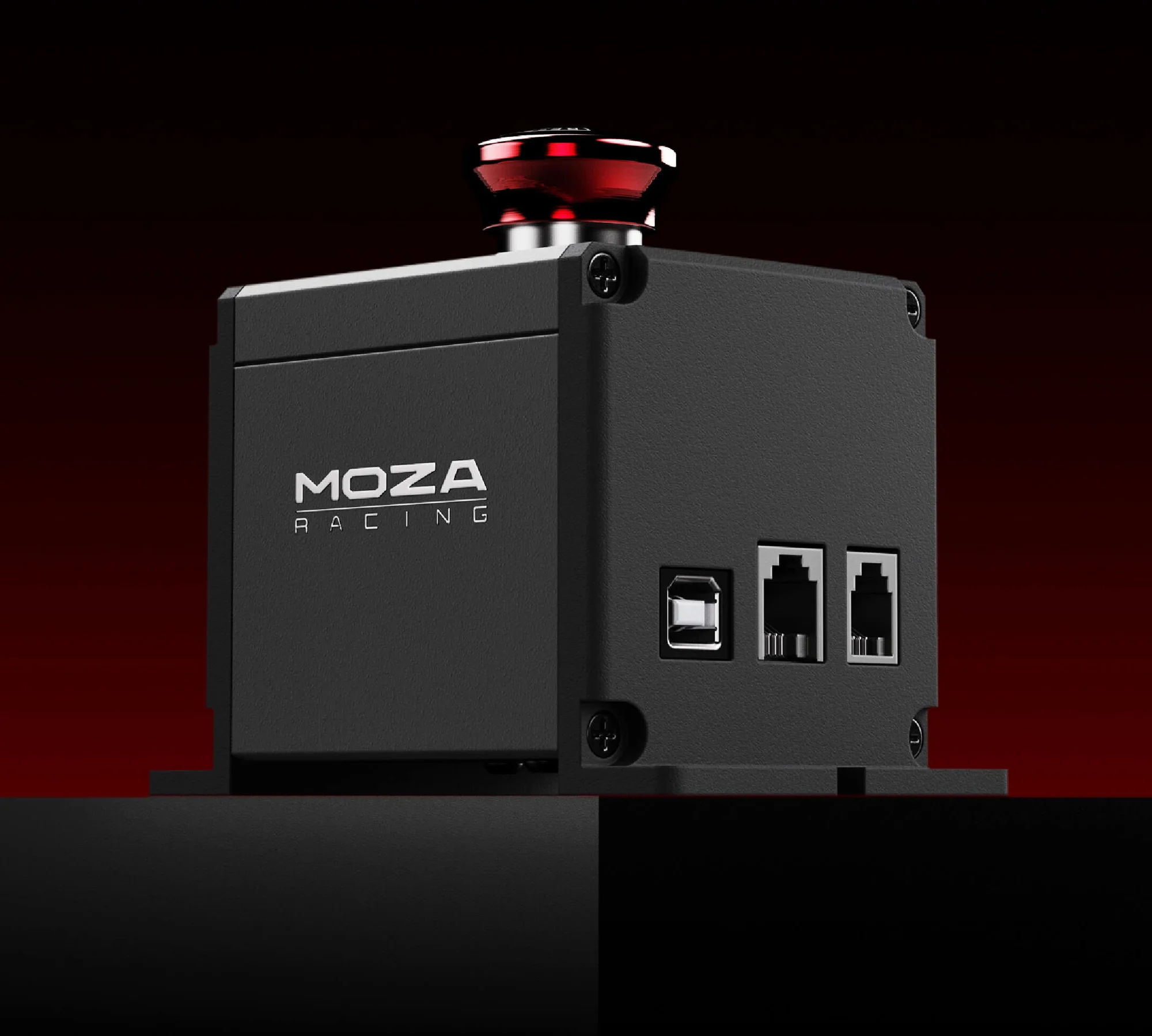
MOZA E-Stop Switch under red lighting: three-quarter view with the three sockets visible on the side
Aluminium, not plastic
The button and the housing are aluminium alloy — people hit this button with an open palm, so the metal is not decoration. The body is compact and has feet for fixing, so it can go on a rig profile, screw to a desk, or simply sit beside the base. The red cap stands out in peripheral vision, which matters more than looks on an emergency control.
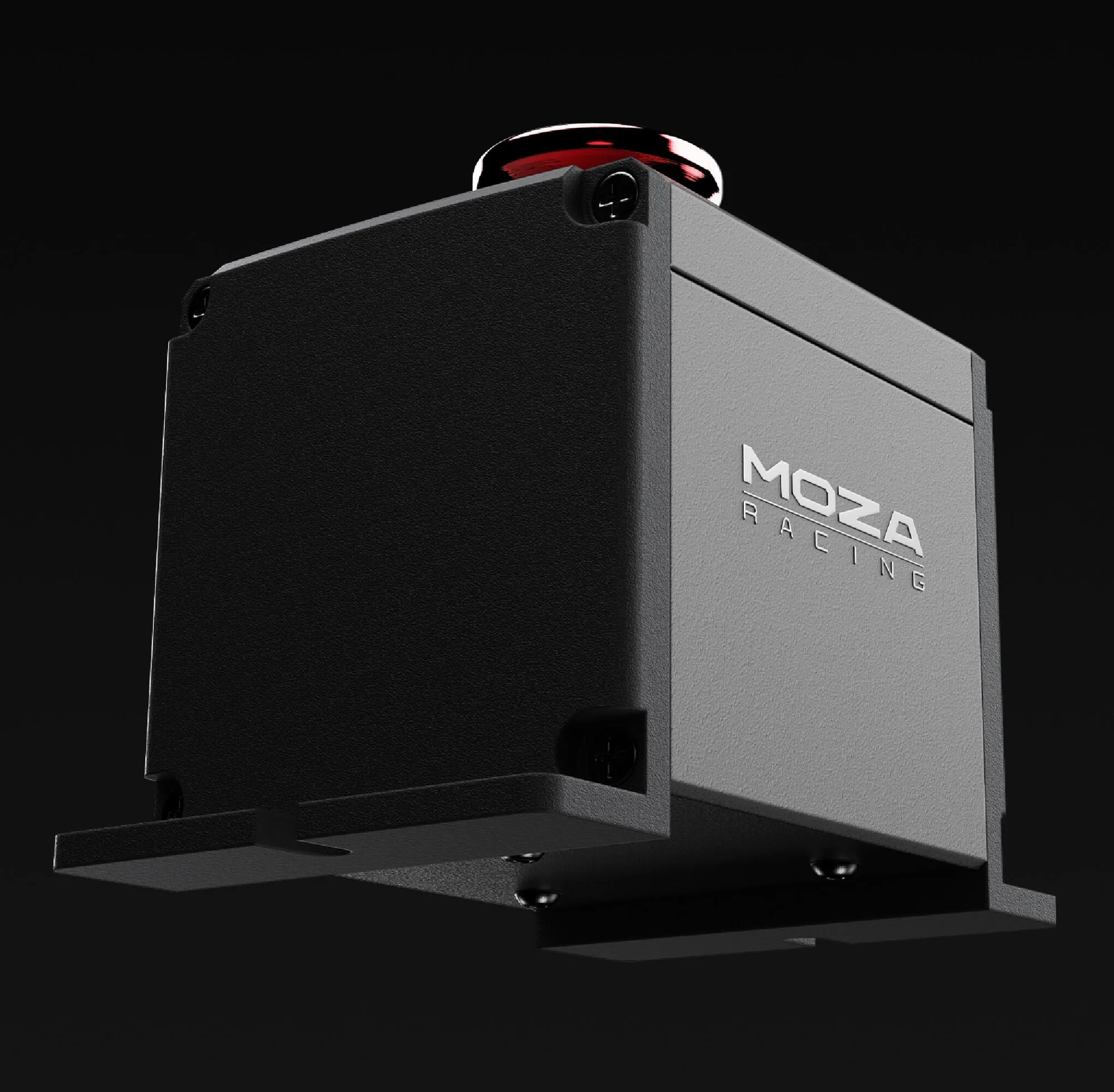
MOZA E-Stop Switch at an angle, showing the mounting feet on the body and the MOZA RACING logo
Three sockets on the body
USB, RJ11 and RJ9 are all on the body — one for each connection scenario. That helps when the rig changes: today the switch hangs off the PC, tomorrow it moves to the E-STOP port of a new base, and only the cable changes. Before buying, it is worth checking which ports your MOZA base actually exposes.
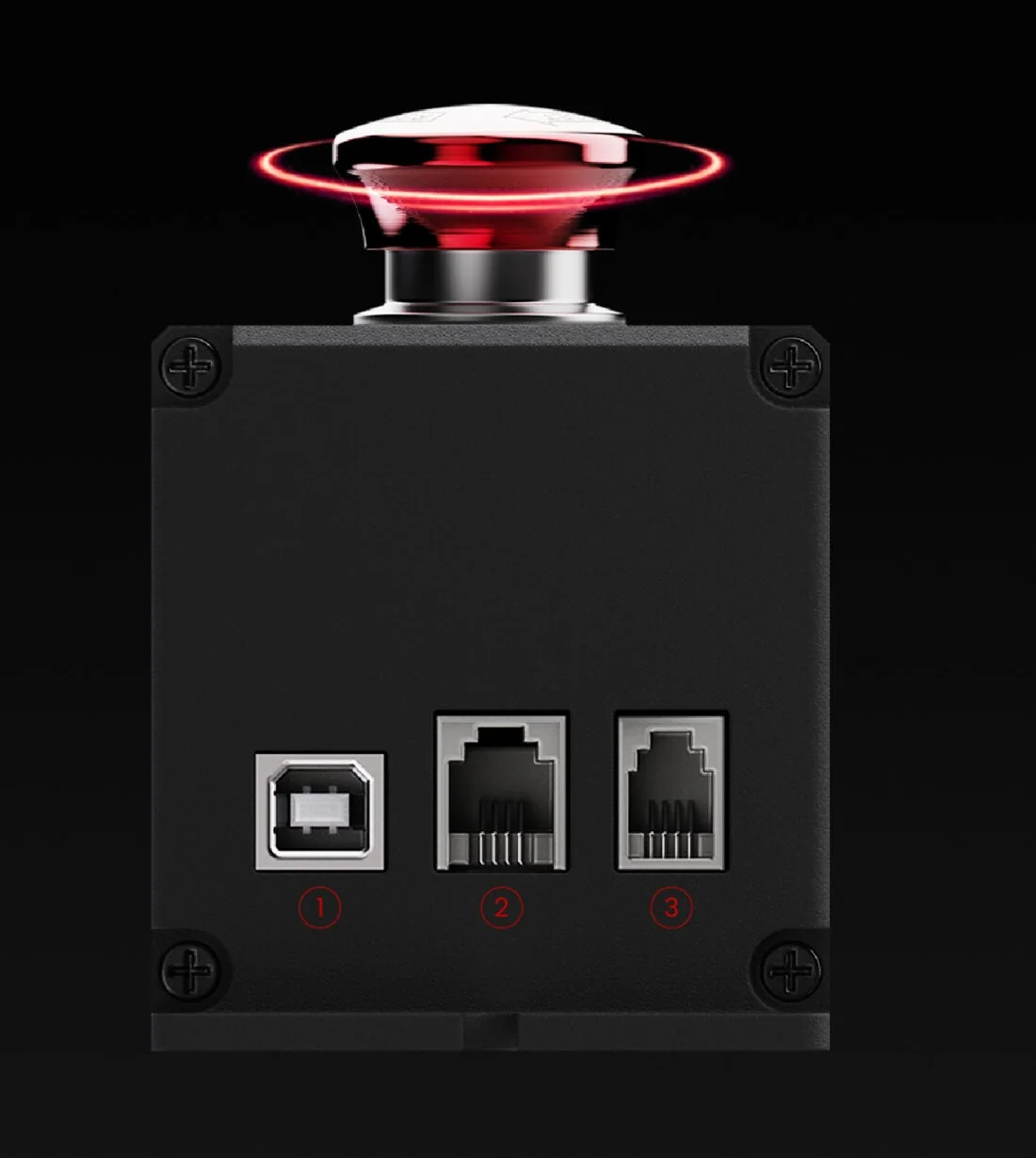
Close-up of the MOZA E-Stop Switch sockets: USB, RJ11 and RJ9 numbered 1, 2 and 3 — one per mode
MOZA E-Stop Switch specifications
Reviews
There are no customer reviews yet. The first review will appear after a verified order.
No reviews yet — be the first to leave one.
Questions and answers
No questions yet. Ask the first one and we will reply within one business day.
No questions yet — be the first to ask.