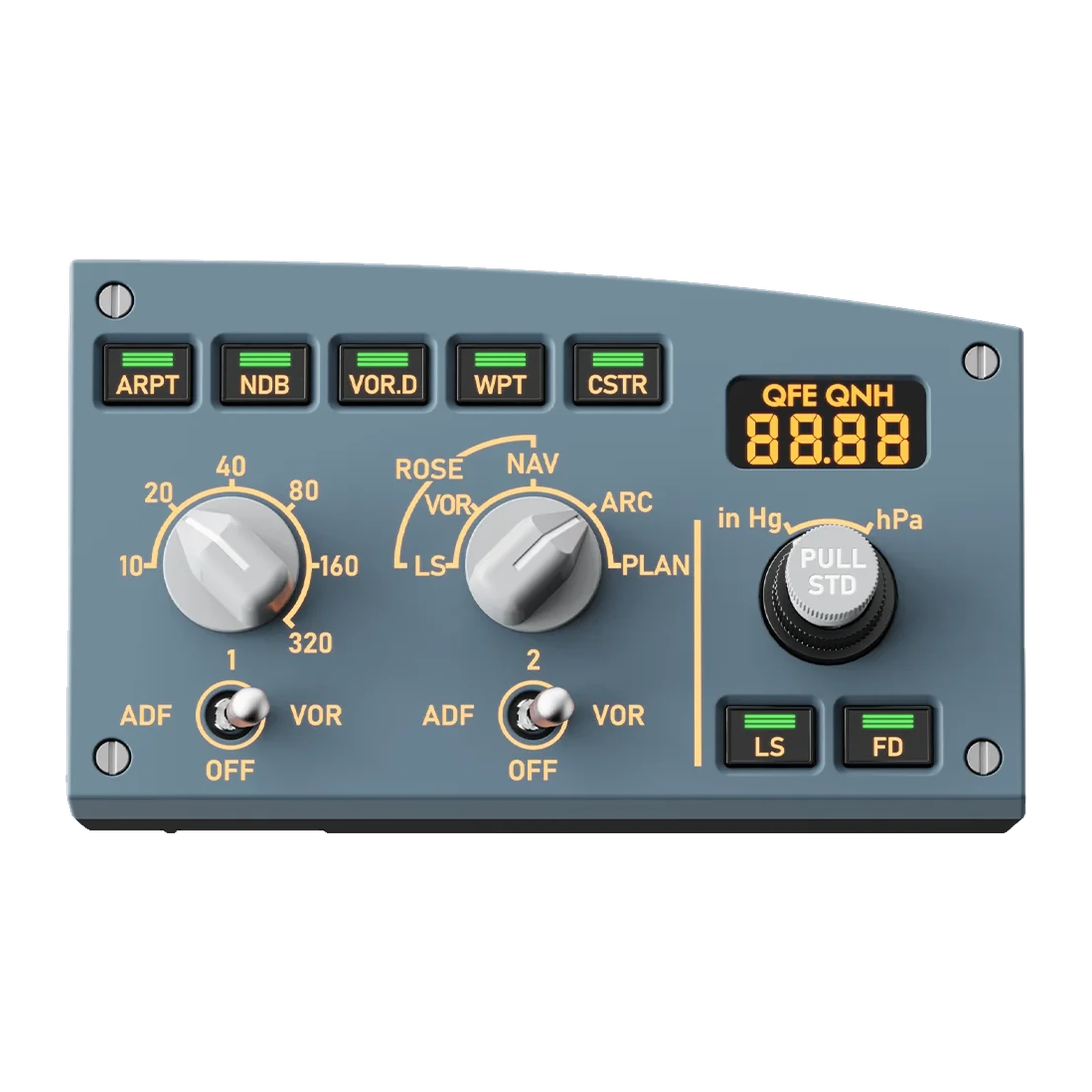
MOZA MA3F EFCM R — the right EFIS module for the MA3F panel: QFE/QNH baro, ND mode and range, 155 × 89.5 × 81 mm
Payment methodsAbout this product
All specifications →MOZA MA3F EFCM R (Right EFIS Module): description and configuration
MOZA MA3F EFCM R (Right EFIS Module).
The MA3F EFCM R is the right-hand EFIS module that docks onto the MOZA MA3F EFCM main unit and recreates the Airbus A320 navigation display control panel. It carries the QFE/QNH segment readout with its PULL STD knob, the ND mode selector (ROSE LS/VOR/NAV, ARC, PLAN), the range selector from 10 to 320, ADF/VOR switches for receivers 1 and 2, the CSTR, WPT, VOR.D, NDB and ARPT keys and the LS and FD buttons.
The body is ABS and polycarbonate, measuring 155 × 89.5 × 81 mm and weighing 305 g. Character and button-indicator lighting is configured in MOZA Cockpit together with the rest of the panel and can follow the lighting inside the simulator. The module links to the main unit with an RJ11 cable, and the included mounting plate lines it up with the FCU.
It is designed to run as part of the MA3F system, so the MA3F EFCM main unit — sold separately — comes first. With both side modules fitted, left and right, MOZA enables expansion mode and the side panels take over extra systems: transponder, weather radar, APU, windshear warning, TCAS and lighting.
The right half of the glareshield
In the A320 the EFIS panels flank the FCU: the left one for the captain, the right one for the first officer. The MA3F EFCM R is the right-hand panel. It is where you set the altimeter, pick the navigation display mode and its range, and switch waypoints, VORs, NDBs and airports on the map — everything a simulator usually hides behind hotkeys.
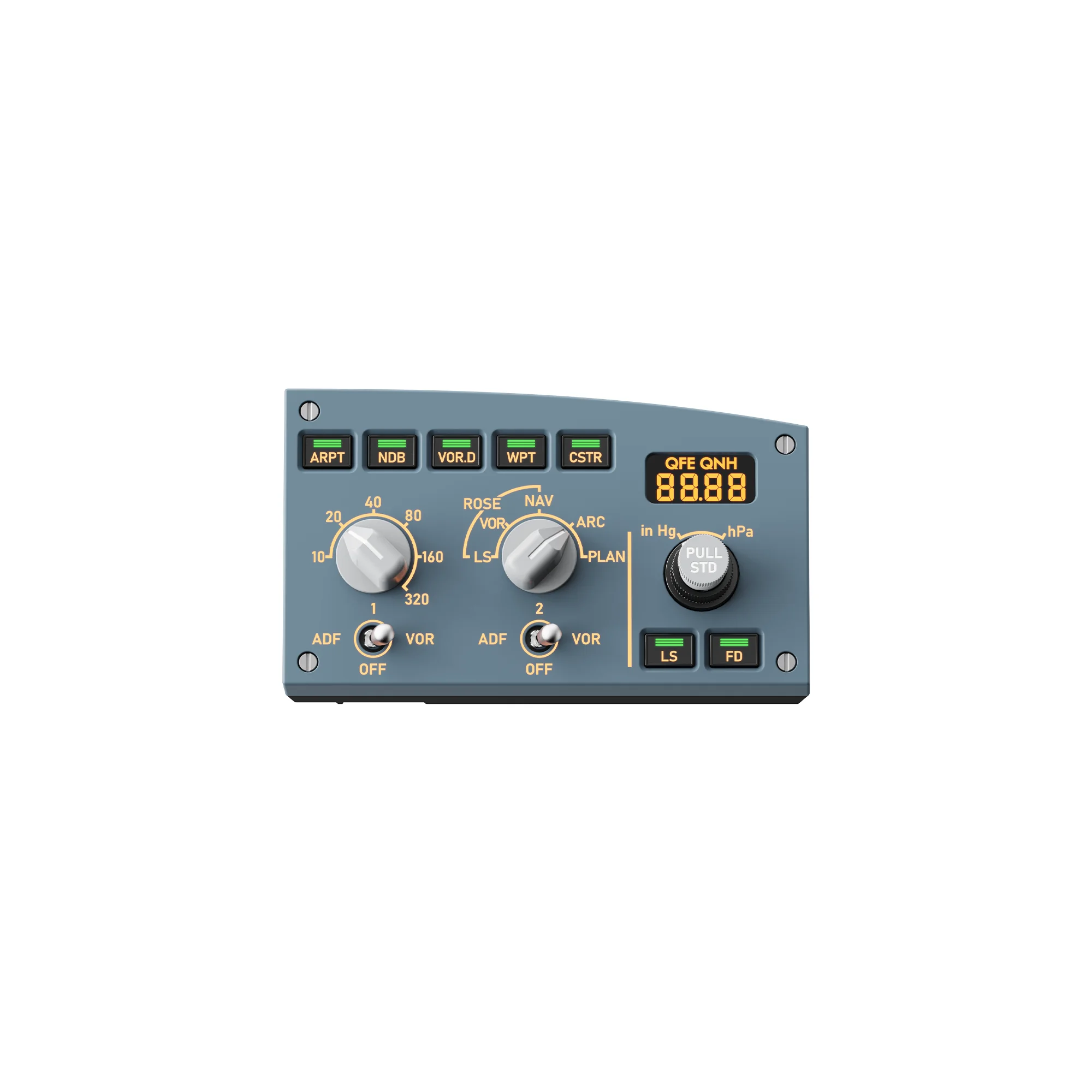
MOZA MA3F EFCM R right module: ND mode and range selectors, ADF/VOR switches and the QFE/QNH window on the right
The altimeter is set by hand
The QFE/QNH segment window shows the set pressure in in Hg or hPa, and the PULL STD knob behaves as it does in the aircraft: pull for standard, push and turn for the local setting. On descent that is one movement instead of hunting for the right window in the simulator.
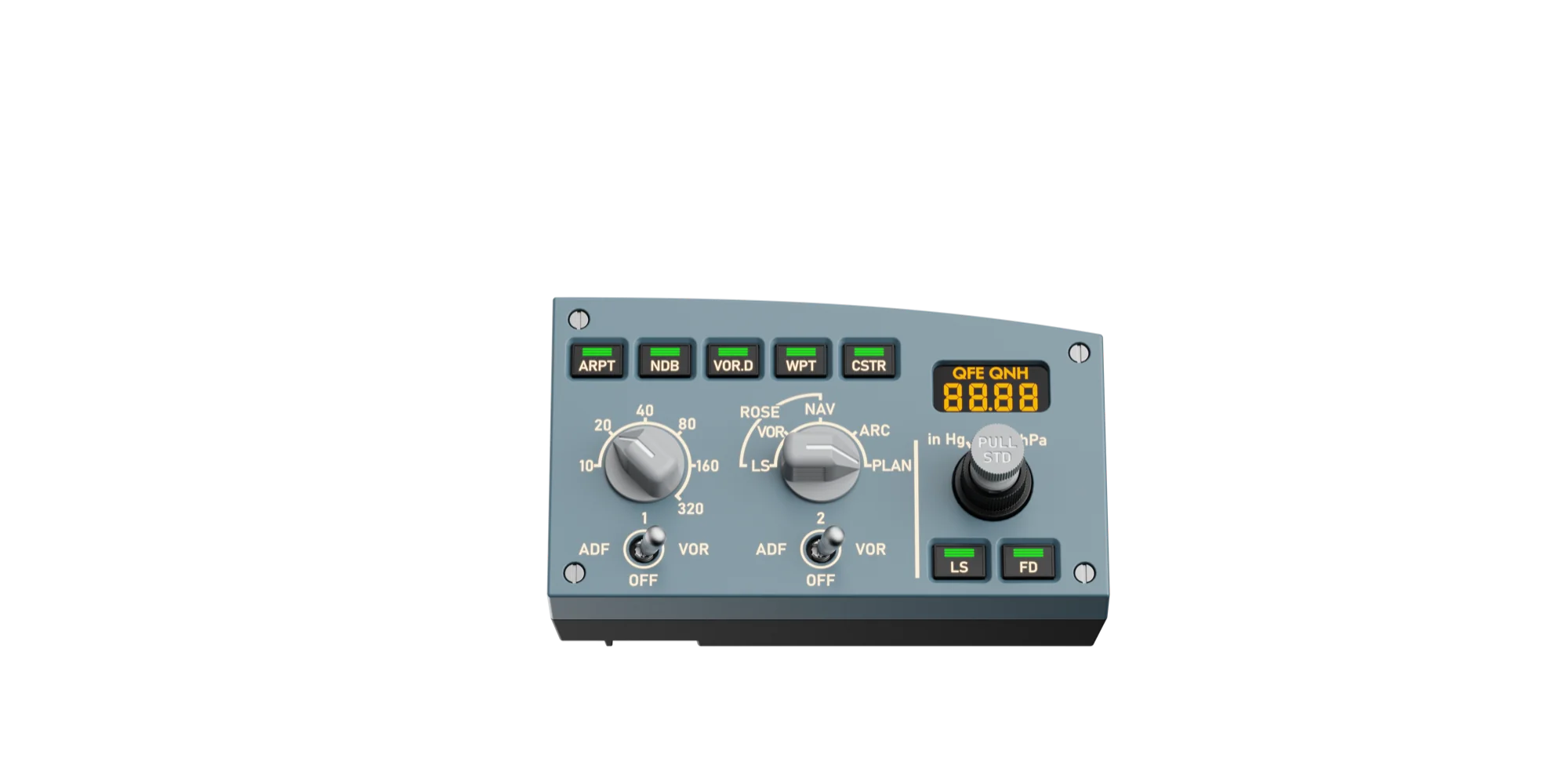
MOZA MA3F EFCM R at an angle: the QFE/QNH segment window, the PULL STD knob and the CSTR, WPT, VOR.D, NDB and ARPT keys
Lines up with the main unit
The module docks to the right of the MA3F EFCM main unit and links to it with a short RJ11 cable — no extra USB port needed. The included mounting plate keeps the panel flush with the FCU, so the finished glareshield reads as one piece rather than a row of separate boxes.
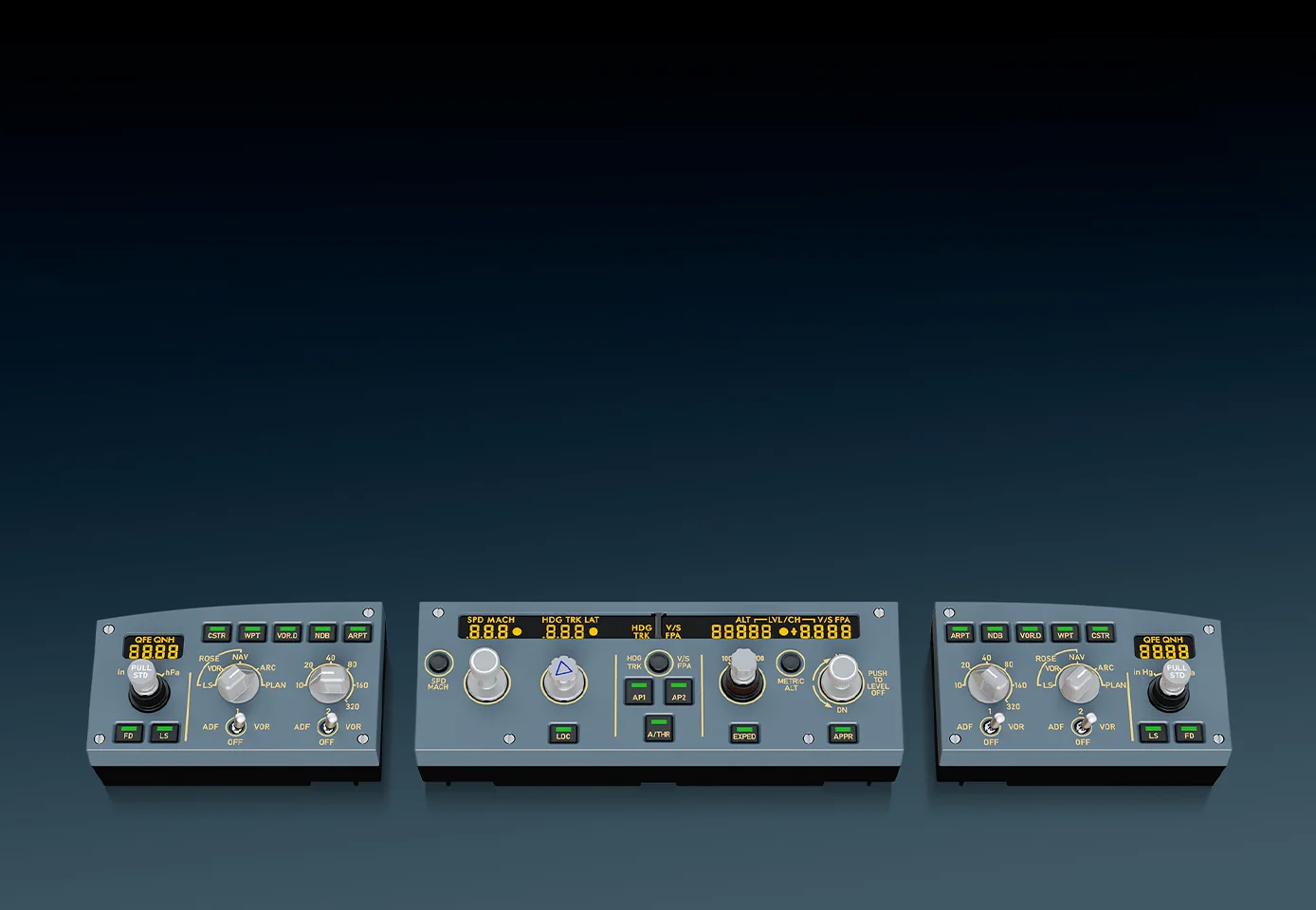
The three MOZA MA3F modules apart: the left EFIS module, the FCU main unit and the right EFIS module, which is this item
Two modules unlock expansion mode
With both side modules attached to the main unit, MOZA switches on expansion mode. The side panels can then be assigned to systems a real EFIS does not carry: transponder, weather radar, APU, windshear warning, TCAS and lighting — useful when the rig is small and there is nowhere to put dedicated panels.
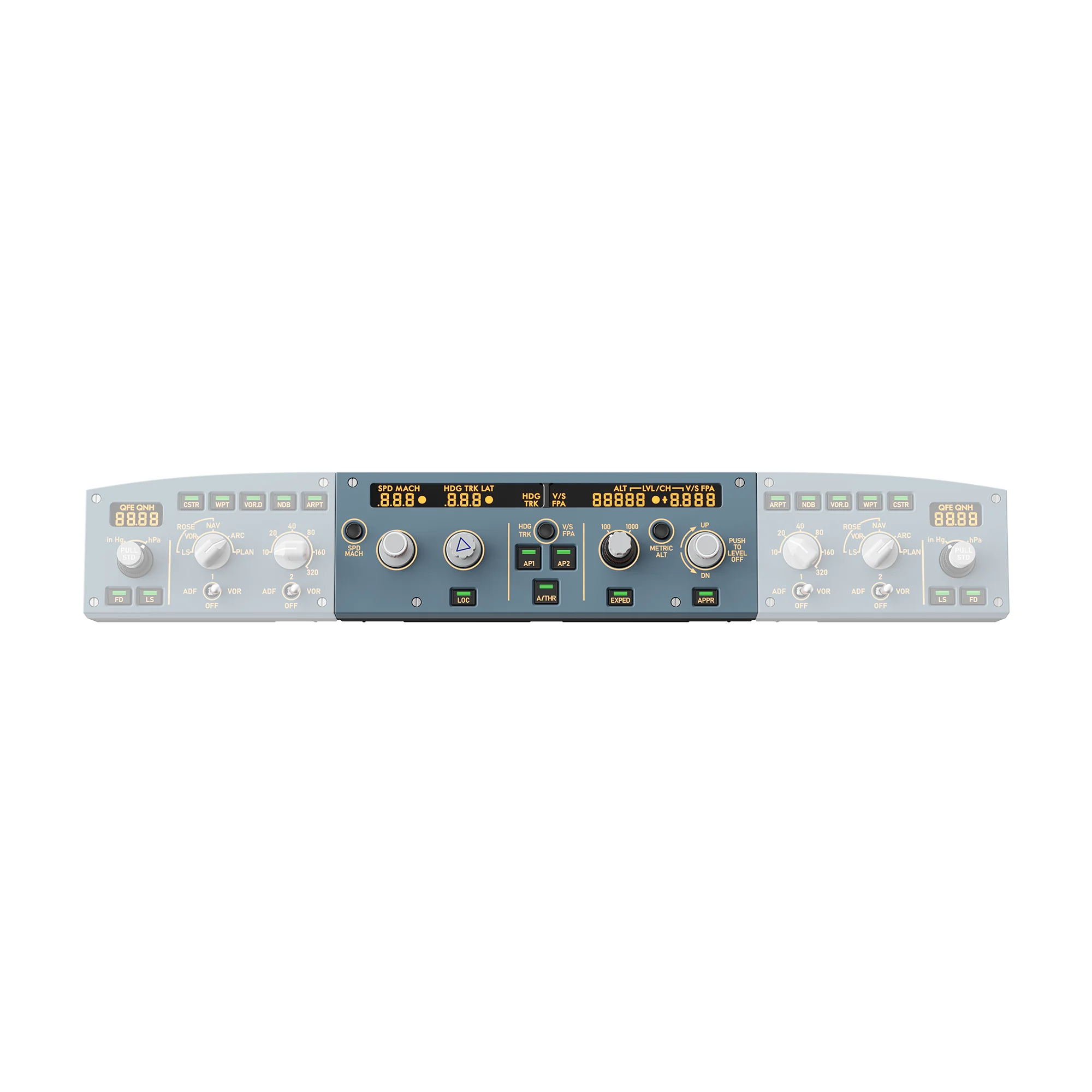
The assembled MOZA MA3F system: the right EFIS module beside the FCU main unit, with the left module on the other side
MOZA MA3F EFCM R (Right EFIS Module) specifications
Reviews
There are no customer reviews yet. The first review will appear after a verified order.
No reviews yet — be the first to leave one.
Questions and answers
No questions yet. Ask the first one and we will reply within one business day.
No questions yet — be the first to ask.