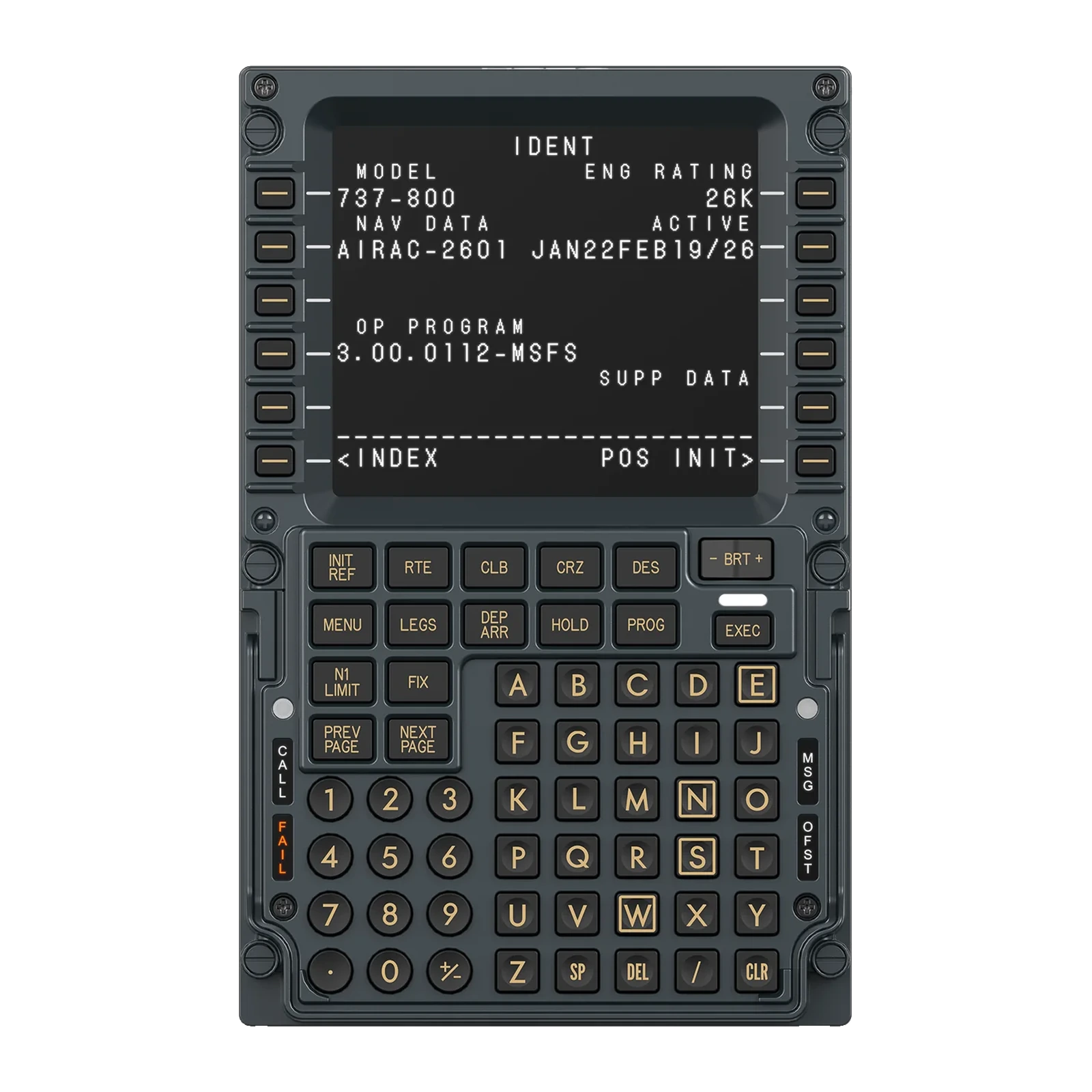
MOZA MB7F Flight Computer Display — Boeing 737-style CDU: 5.1-inch IPS, die-cast aluminium front, USB-C
Payment methodsAbout this product
All specifications →MOZA MB7F Flight Computer Display: description and configuration
MOZA MB7F Flight Computer Display.
The MB7F Flight Computer Display is a desktop FMC control unit styled after the Boeing 737 CDU. It renders the simulator's flight-management pages on its own screen and takes input from a physical keypad, so IDENT, POS INIT, RTE, PERF INIT and TAKEOFF are typed by hand rather than clicked on a monitor.
The screen is a 5.1-inch IPS panel: the small page text stays legible, and the font style can be matched to a particular add-on. The front housing is die-cast aluminium alloy; the keys use high-force dome switches under rigid, high-hardness silicone caps — short travel, an unambiguous break and no catching of neighbouring keys. Screen brightness, character illumination and status lighting adjust separately and sync to telemetry through MOZA Cockpit.
Beyond the FMC pages, the unit has a built-in checklist and three whiteboard pages, so clearances, frequencies and restrictions can be written down right there. It connects with one USB Type-C cable (USB 2.0, 5 V / 900 mA) and targets the PC. Mount it on the included desktop stand or on a standard 75 × 75 mm VESA bracket.
A CDU you fly with your hands
Getting a 737 ready runs through the FMC pages: IDENT, POS INIT, RTE, PERF INIT, N1 LIMIT, TAKEOFF. On a monitor that is hundreds of precise clicks. The MB7F moves them onto a physical keypad with the same letter rows, line-select keys and top function block as the real unit.
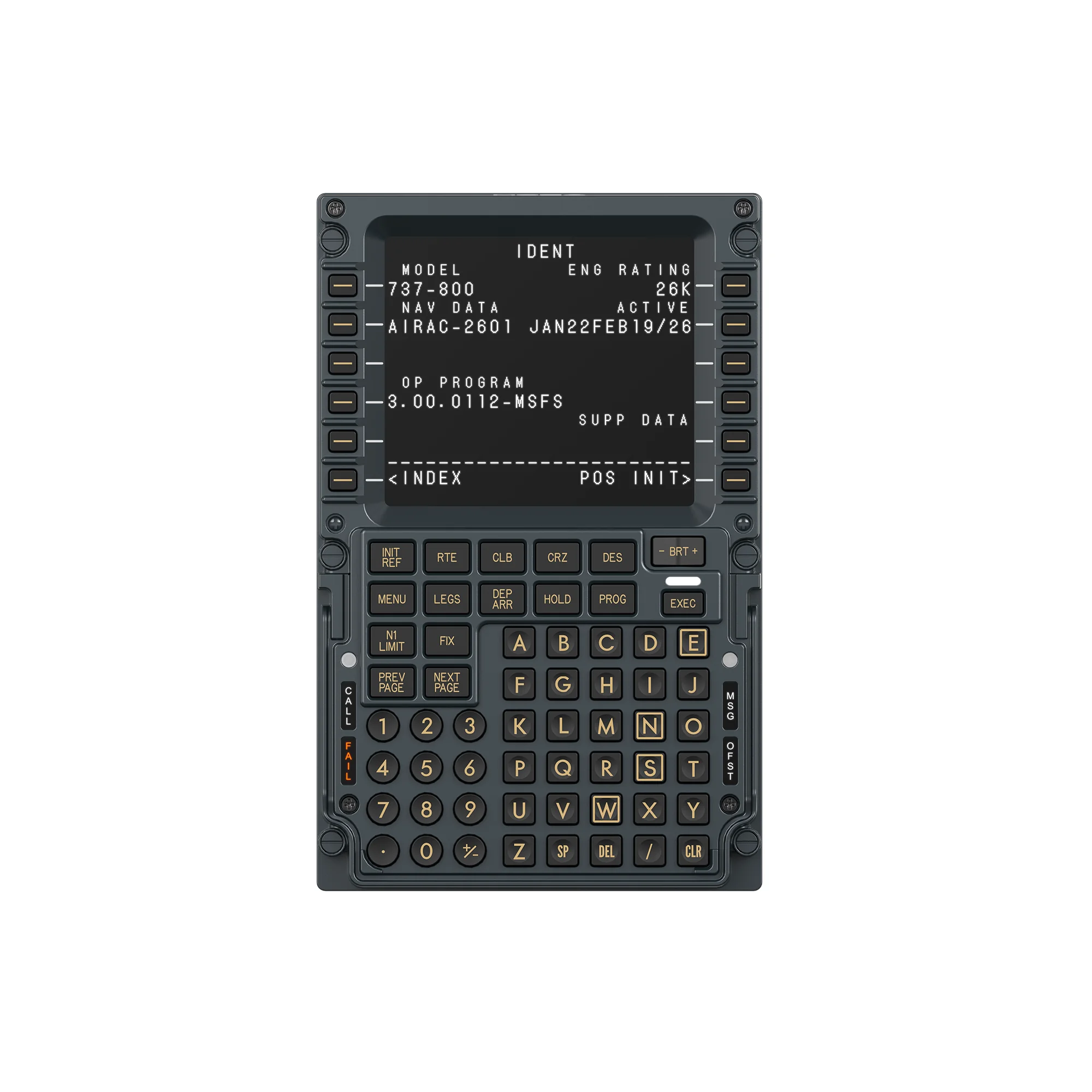
MOZA MB7F Flight Computer Display, front view: the 737-800 IDENT page and the full CDU keypad
A cast front and firm keys
The front housing is die-cast aluminium alloy with a finished surface: it does not flex under your fingers or rattle while you type a route in a hurry. High-force dome switches under rigid silicone caps need a noticeable push — each key answers unambiguously and your finger does not catch its neighbours.
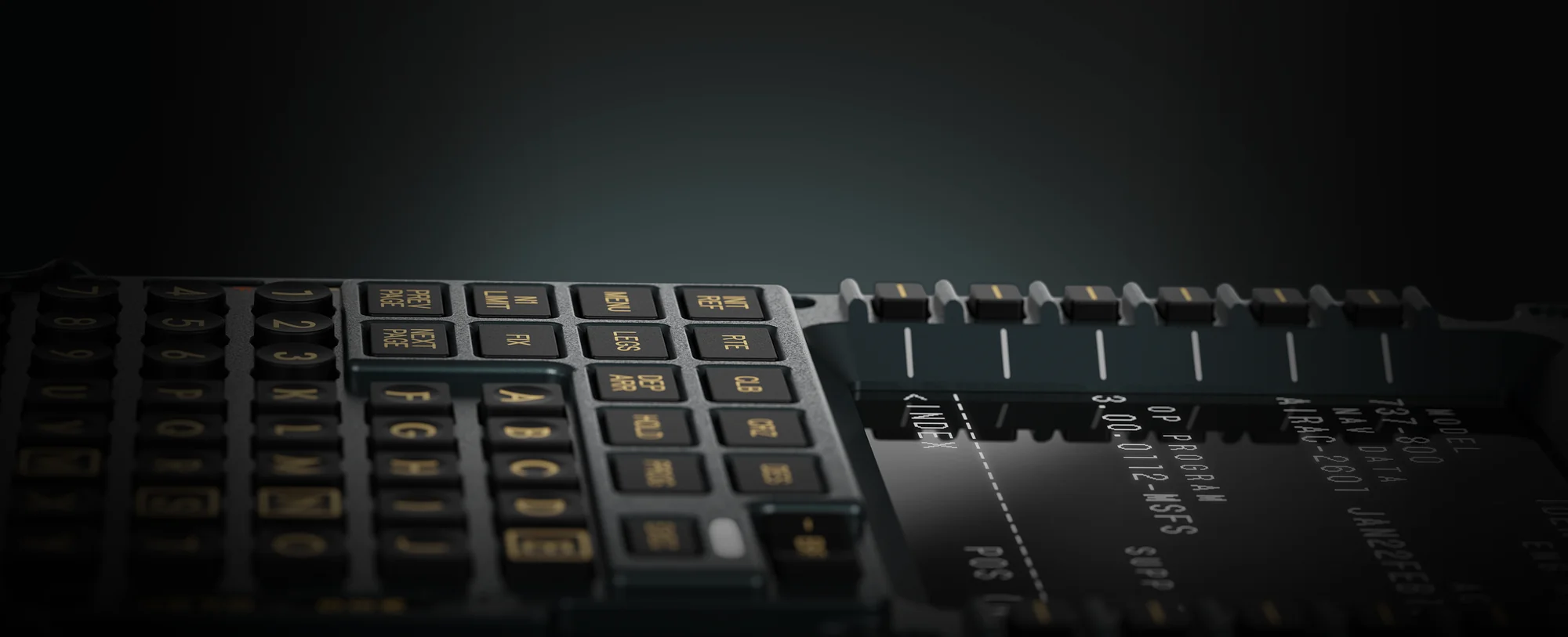
Close-up of the MOZA MB7F keys: rigid caps with illuminated legends and the side select keys
Checklist and notes on the unit itself
Alongside the FMC pages the firmware carries a checklist and three whiteboard pages. A departure clearance, approach frequencies, an assigned level — all of it is written on the unit itself, with no second screen of text and no leaving the simulator.
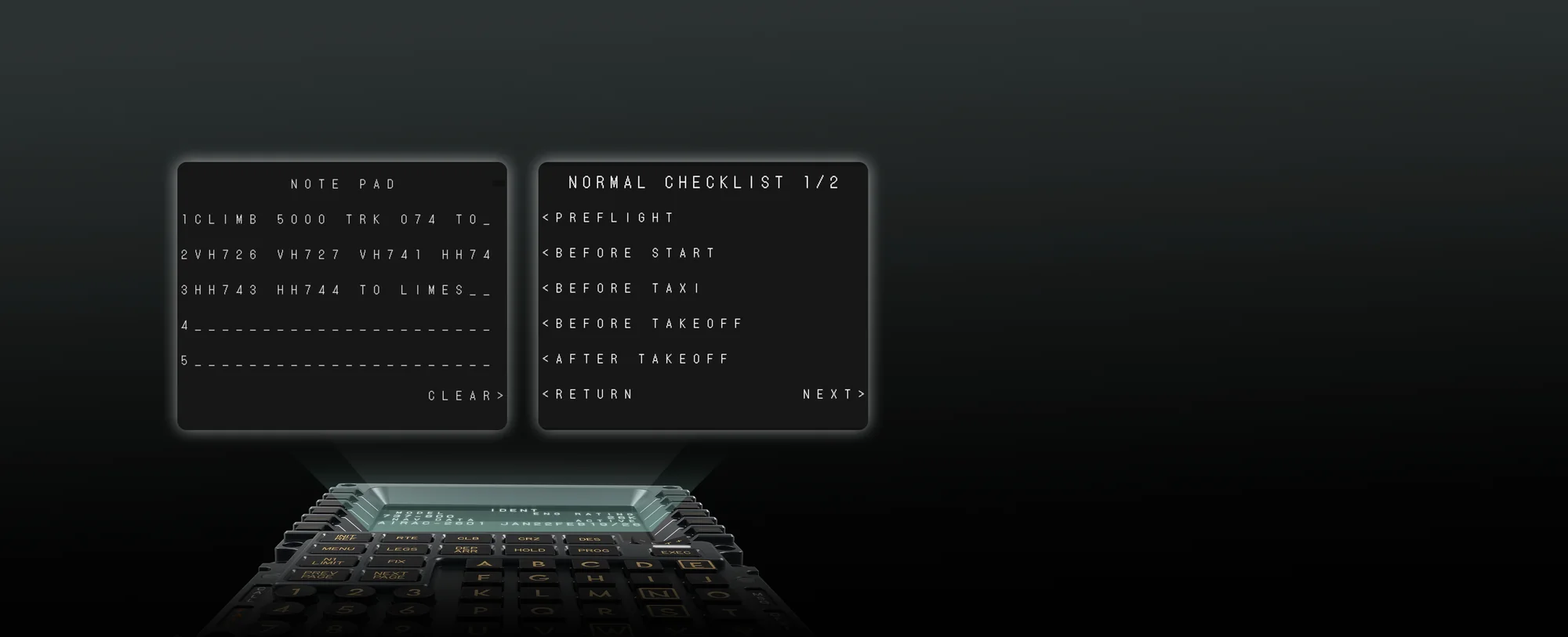
MOZA MB7F screen pages: the whiteboard page and the checklist page
Lighting that behaves at night
Screen brightness, character illumination and status lighting are set separately: by day the unit stays contrasty, at night it does not glare or stand out from the rest of the cockpit. Through MOZA Cockpit the lighting binds to telemetry and changes along with the rest of the rig.
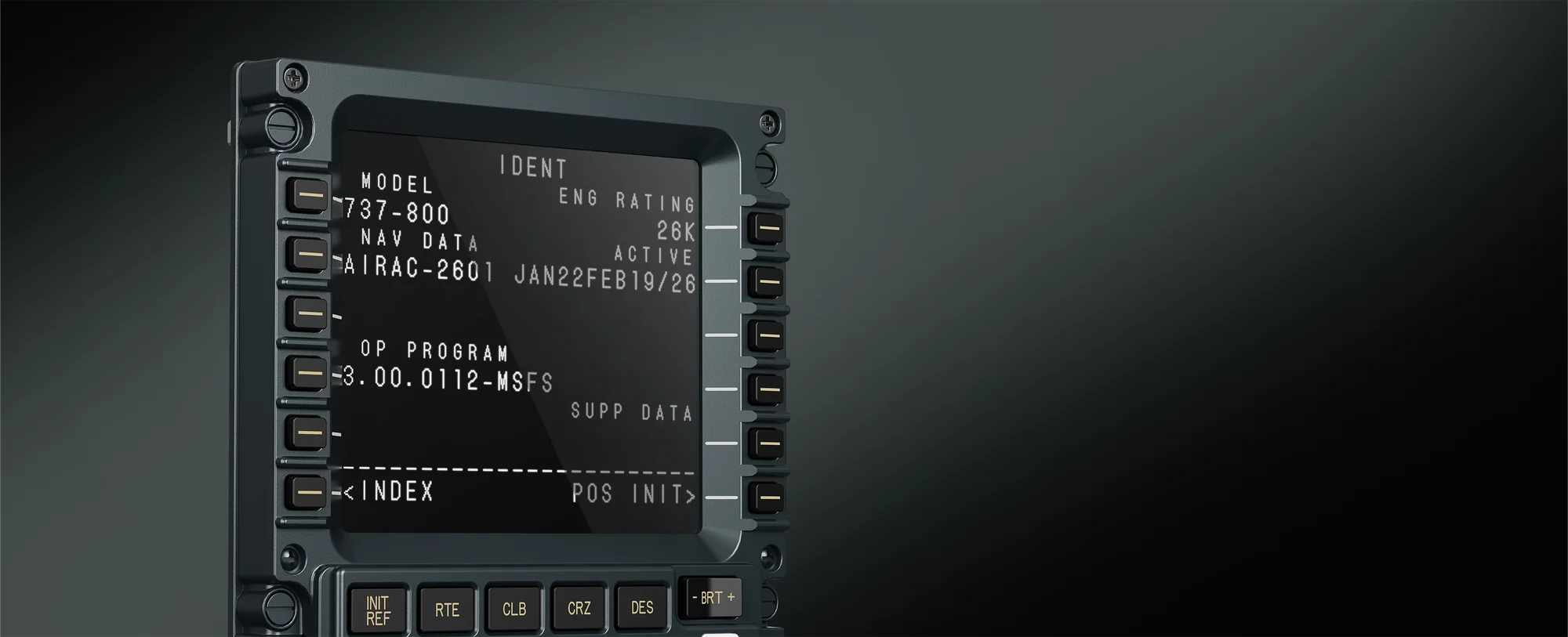
MOZA MB7F at an angle in a dark studio shot: the lit CDU screen and backlit keys
Into a profile rig or just onto the desk
A desktop stand is in the box, so the unit is usable at once — set it to the left of your keyboard and fly. For a permanent cockpit the back carries the 75 × 75 mm VESA pattern: the MB7F goes onto a bracket beside the other MOZA modules or their equivalents.
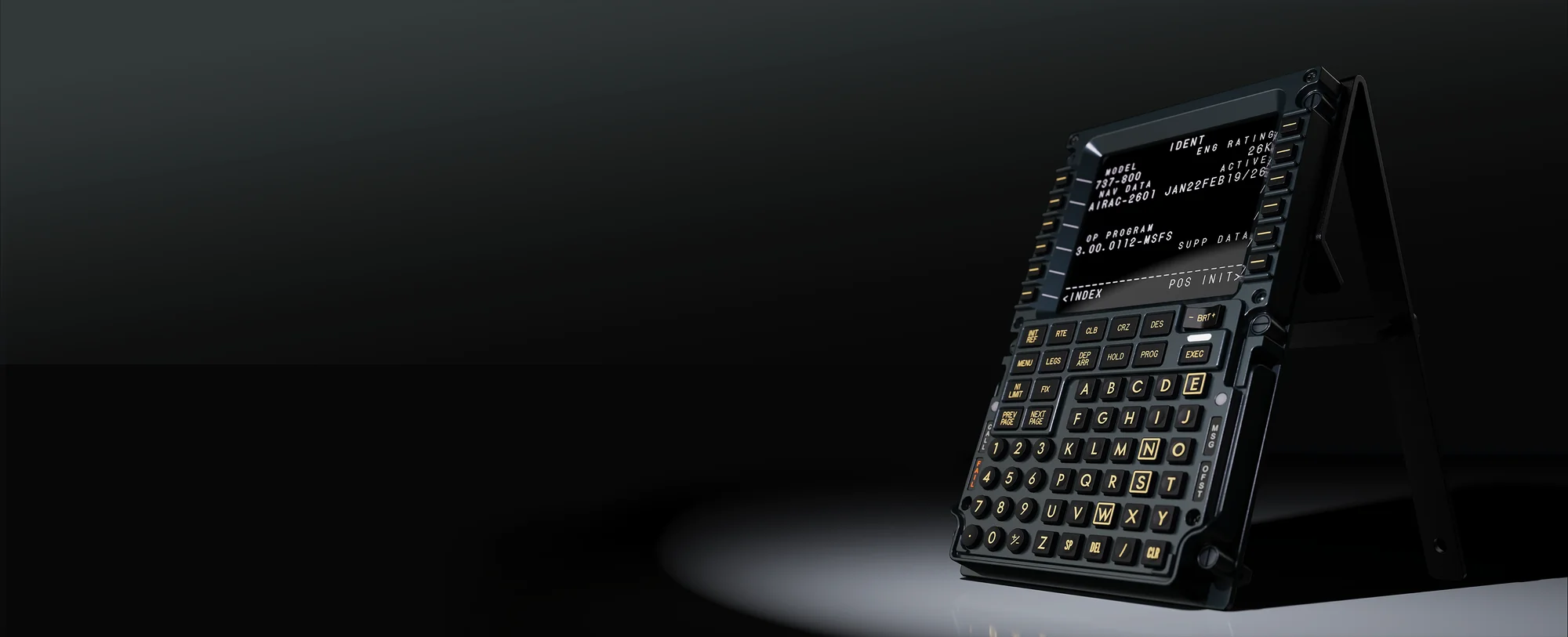
MOZA MB7F on the included desktop stand, angled towards the pilot
MOZA MB7F Flight Computer Display specifications
Reviews
There are no customer reviews yet. The first review will appear after a verified order.
No reviews yet — be the first to leave one.
Questions and answers
No questions yet. Ask the first one and we will reply within one business day.
No questions yet — be the first to ask.