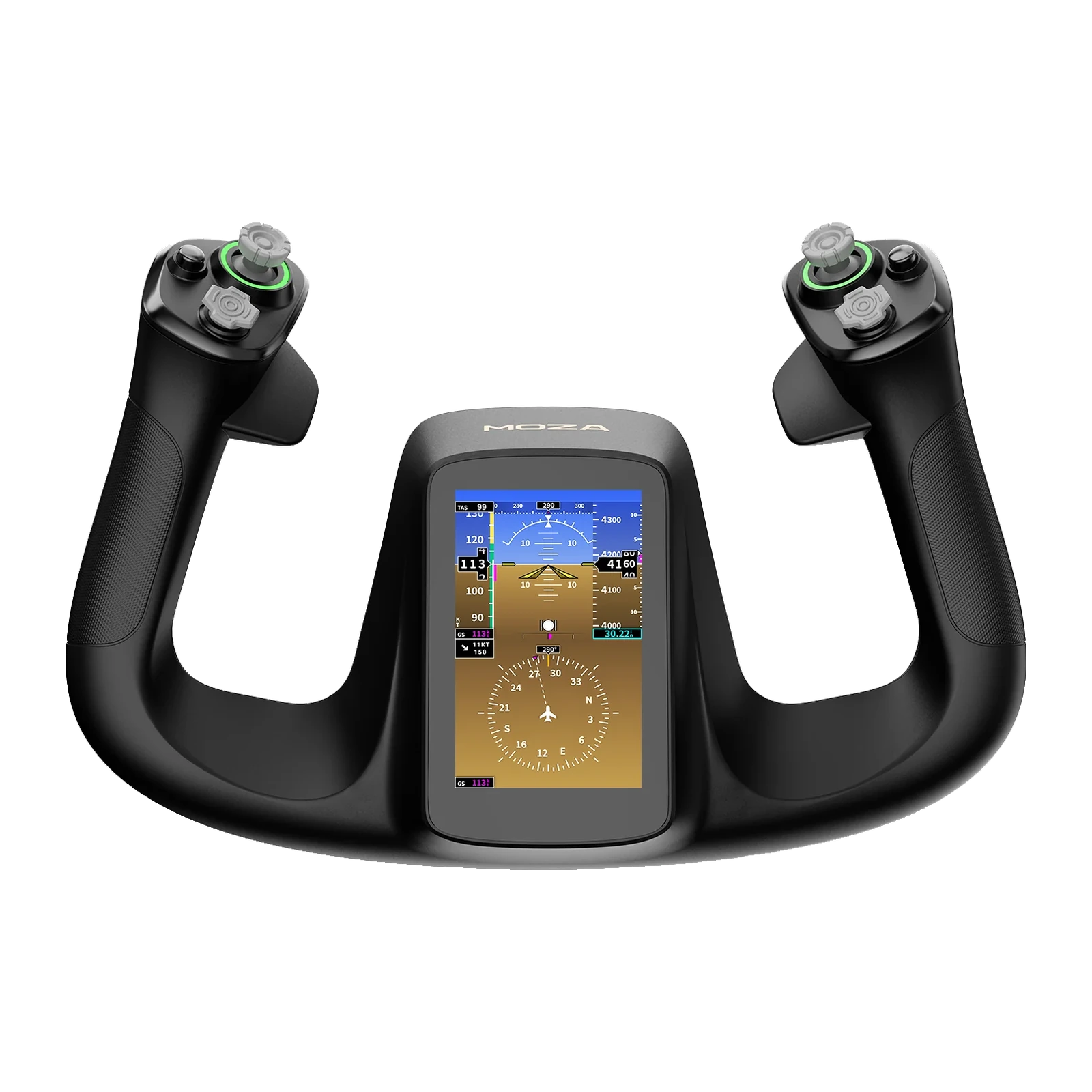
MOZA MFY Pro Yoke Handle — flight yoke with a 4.3-inch touchscreen and 26 inputs
Payment methodsAbout this product
All specifications →MOZA MFY Pro Yoke Handle: description and configuration
MOZA MFY Pro Yoke Handle.
The MFY Pro is MOZA's flagship flight-sim yoke handle. It is a handle only: it mounts on a MOZA AY90 or AY210 force feedback yoke base through the aluminium quick release and does not work on its own. The shape follows the yokes of modern airliners, so the grip and the position of every control stay familiar through all phases of flight.
A 4.3-inch 480 × 800 touchscreen sits in the middle of the handle. It shows PFD data, engine instrumentation, checklists, a chronometer and an axis and force monitor. There are 26 programmable inputs in total: two 8-way hat switches, two Hall effect thumbsticks, two LB/RB bumpers and two triggers. MOZA Cockpit can map the triggers and thumbsticks either as analogue axes or as plain buttons, with separate profiles for different aircraft.
The housing is reinforced composite, the button caps are ABS and the quick release is aluminium alloy, so the handle comes off and goes back on without tools and without play. It measures 142.5 × 202 × 313 mm and weighs 1.2 kg. The 16.7-million-colour RGB lighting can be matched to the rest of the cockpit. Before ordering, make sure you have an AY90 or AY210 base — it is sold separately.
Instruments where your hands are
The 4.3-inch 480 × 800 touchscreen sits in the middle of the handle — exactly where your eyes already go on approach. It carries PFD data, engine instrumentation, checklists, a chronometer and an axis and force monitor, so part of the panel stops competing for monitor space. MOZA says the interface and checklist customisation will be extended in future firmware updates.
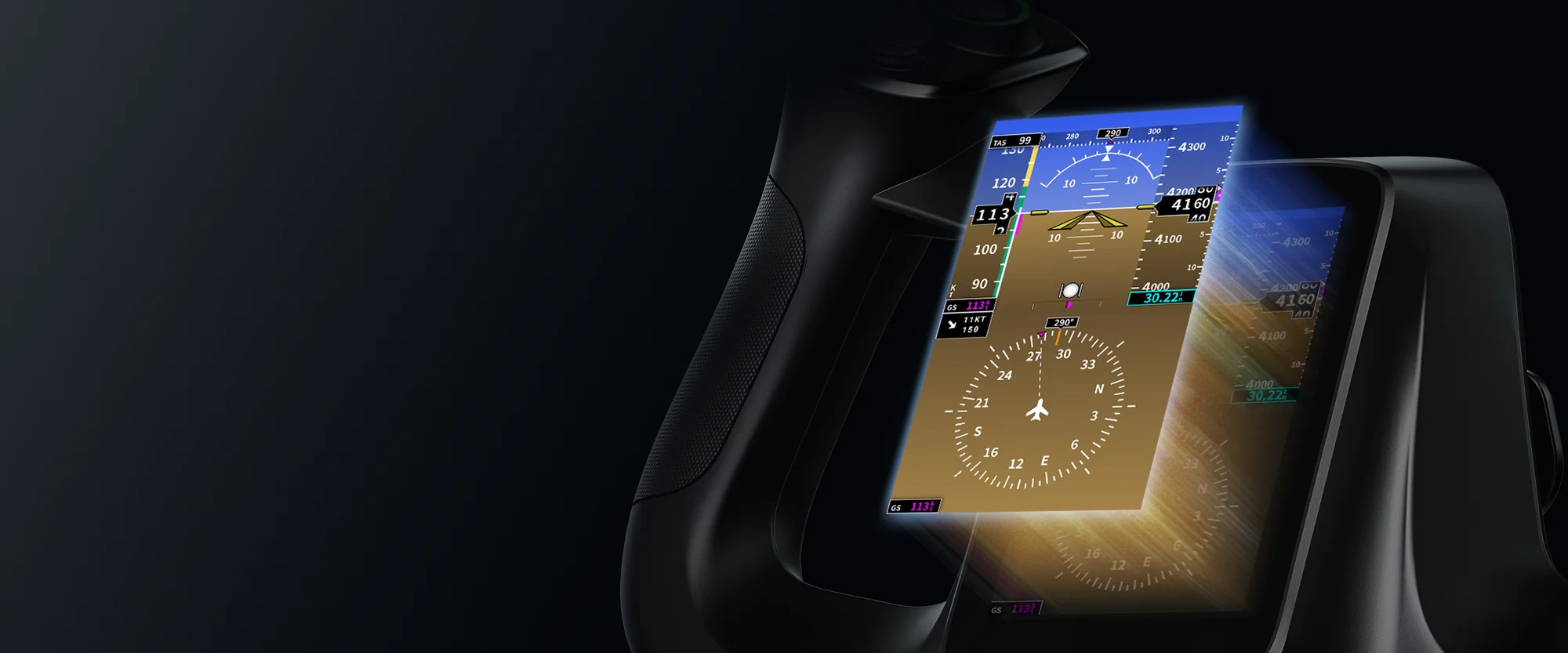
Close-up of the MOZA MFY Pro 4.3-inch touchscreen showing flight instruments
26 inputs, a profile per aircraft
Two 8-way hats, two thumbsticks, two LB/RB bumpers and two triggers add up to 26 programmable inputs. Triggers and thumbsticks can be mapped as analogue axes — rudder, braking or view control — or as plain buttons such as push-to-talk. Mappings are stored as profiles, so moving from a Cessna to a heavy airliner is a profile change rather than a fresh setup.
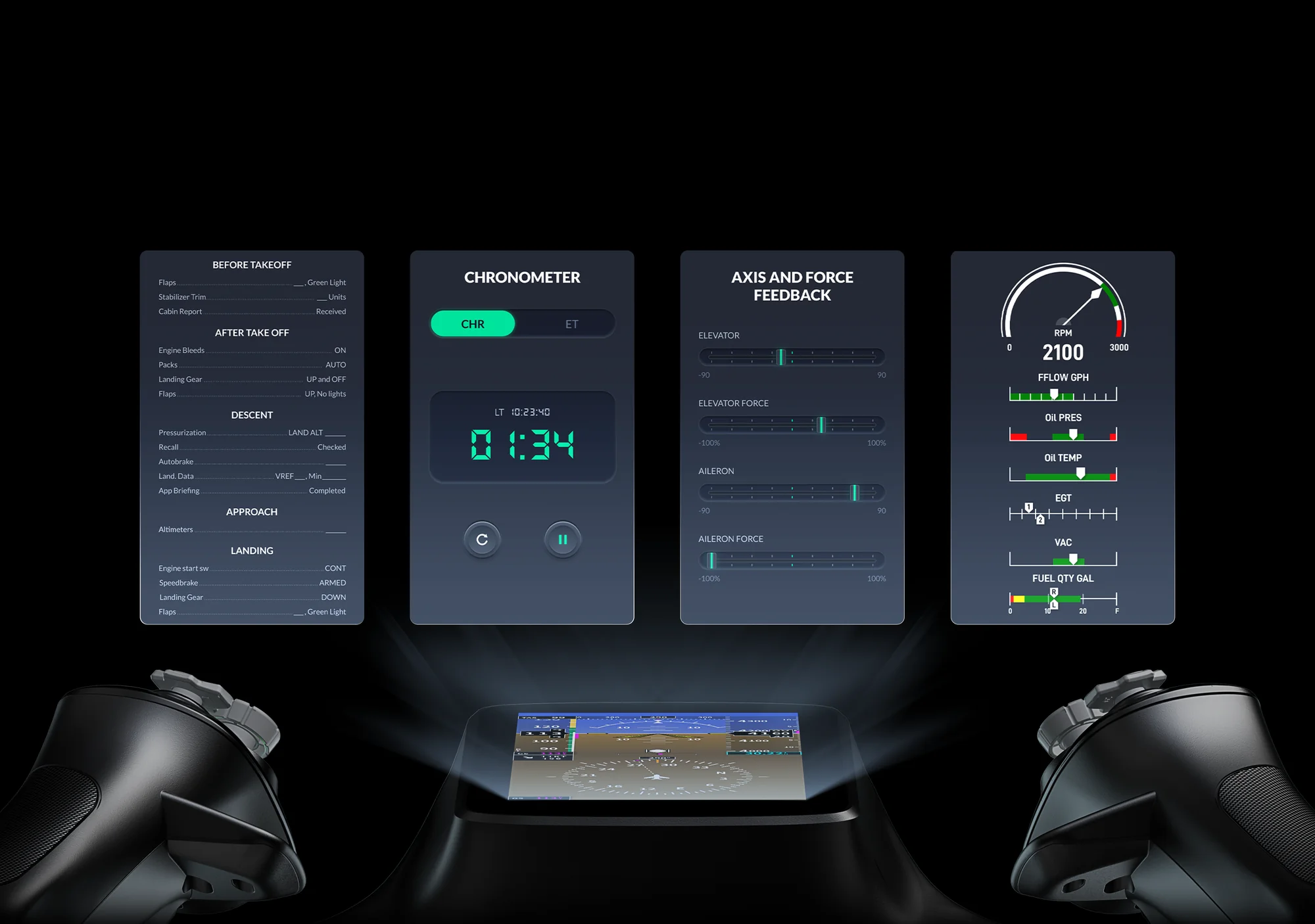
MOZA MFY Pro menu screens: checklist, chronometer, axis monitor and engine instrumentation
Hall effect: no drift, no wear
Both thumbsticks run on contactless Hall effect sensors. Magnetic position sensing does not wear out the way potentiometer tracks do, and it does not develop the drift that makes a view slowly creep to one side. On long flights and fine camera work that difference shows.
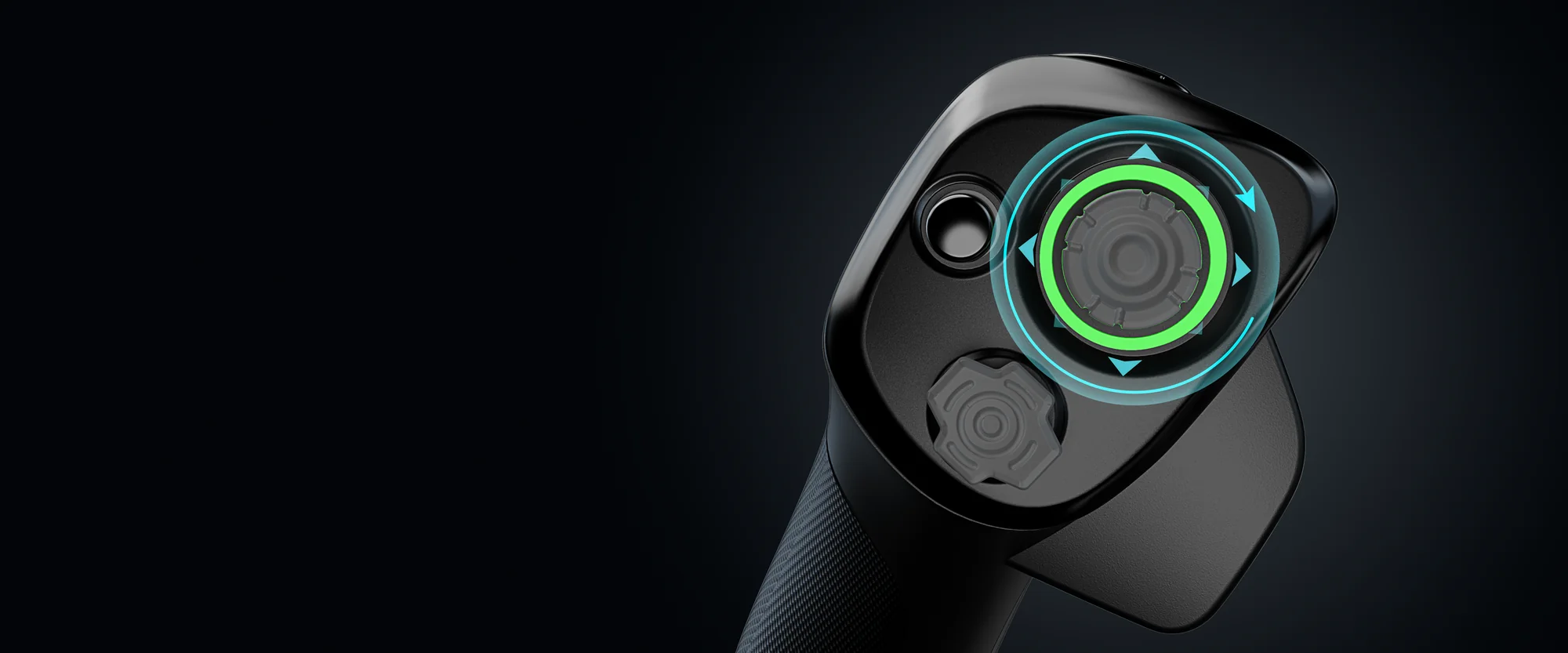
Close-up of a Hall effect thumbstick on the MOZA MFY Pro with its lit ring and a direction overlay
An aluminium quick release
The handle seats on the base through a precision-machined aluminium alloy quick release. It comes off and goes back on without tools, and the joint stays rigid and play-free even through aggressive manoeuvres. If your cockpit keeps more than one grip, swapping takes seconds.
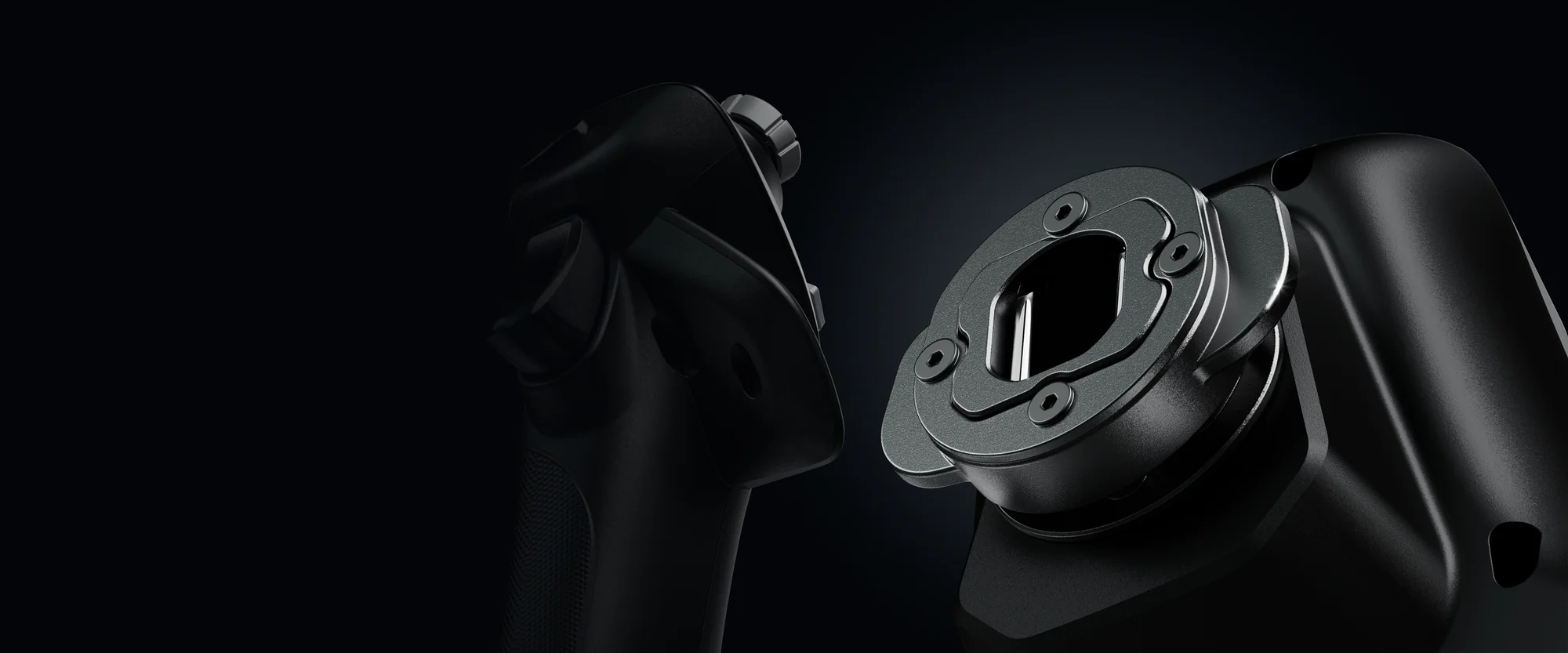
Close-up of the aluminium quick release on the MOZA MFY Pro
What else you need
The MFY Pro is a handle, not a complete yoke: it needs a MOZA AY90 or AY210 force feedback base, which is what generates the forces you feel. Those bases are mounted to a desk, and MOZA sells table clamps for them separately. Plan the set in advance — the base and the clamp are separate line items.
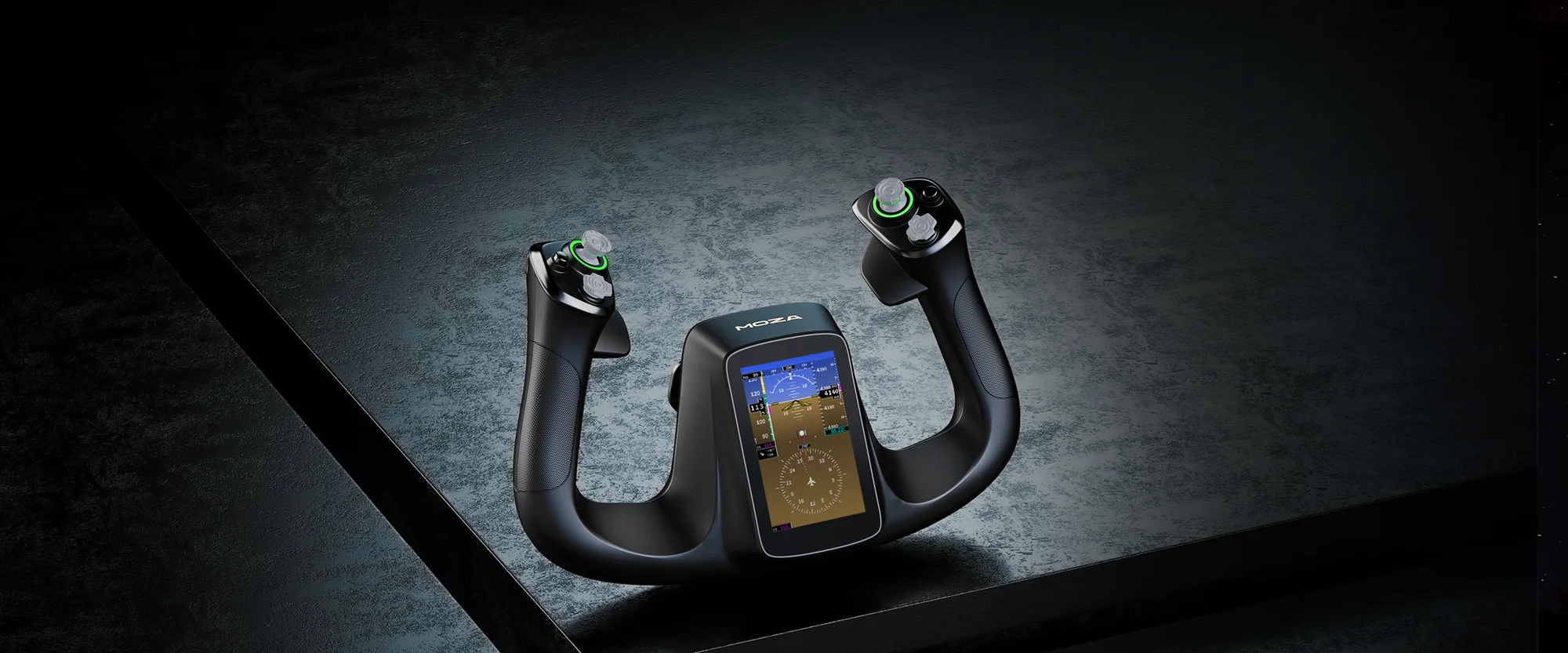
The MOZA MFY Pro handle on a dark surface under directional light
MOZA MFY Pro Yoke Handle specifications
Reviews
There are no customer reviews yet. The first review will appear after a verified order.
No reviews yet — be the first to leave one.
Questions and answers
No questions yet. Ask the first one and we will reply within one business day.
No questions yet — be the first to ask.