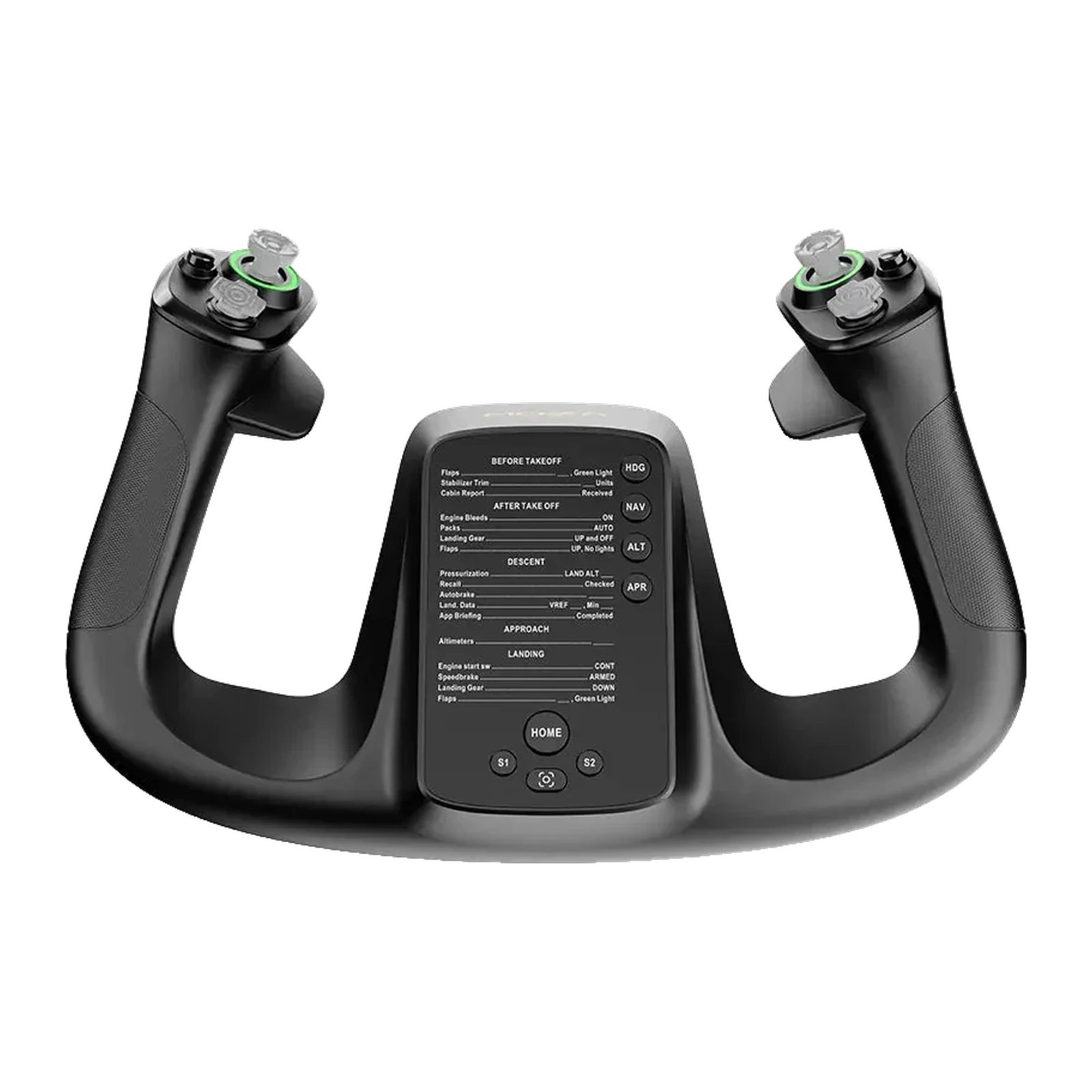
MOZA MFY Yoke Handle — yoke handle for the AY90 and AY210 bases: up to 34 inputs, RGB, quick release
Payment methodsAbout this product
All specifications →MOZA MFY Yoke Handle: description and configuration
MOZA MFY Yoke Handle.
The MFY is MOZA's yoke handle for the AY90 and AY210 force feedback bases. Its shape follows an airliner yoke: wide horns, a comfortable two-handed grip and a centre panel that puts the controls exactly where your hand reaches for them.
The handle carries two 8-way hat switches, two Hall-effect mini joysticks, two LB/RB buttons and two triggers — up to 34 assignable signals in total. Any input can be mapped as an axis or a button in MOZA Cockpit: elevator/pitch trim, rudder, autopilot disconnect, camera view or push-to-talk. The Hall joysticks are contactless, so there is no drift and no dead zone.
The shell is fibreglass-reinforced PA66 composite rated for loads up to 30 kg, and the quick release is aluminium — push and turn and the handle comes off, no tools needed. It weighs 1.3 kg. The RGB lighting and the two magnetic front panels are configured separately, so you can add your own labels and checklists. The handle only works together with a MOZA AY90 or AY210 base.
The grip of a real airliner
The MFY's shape is taken from airliner yokes: wide horns, a vertical two-handed grip and a centre panel between them. It is built for long legs — your hands sit naturally and your thumbs reach every switch without letting go of the yoke.
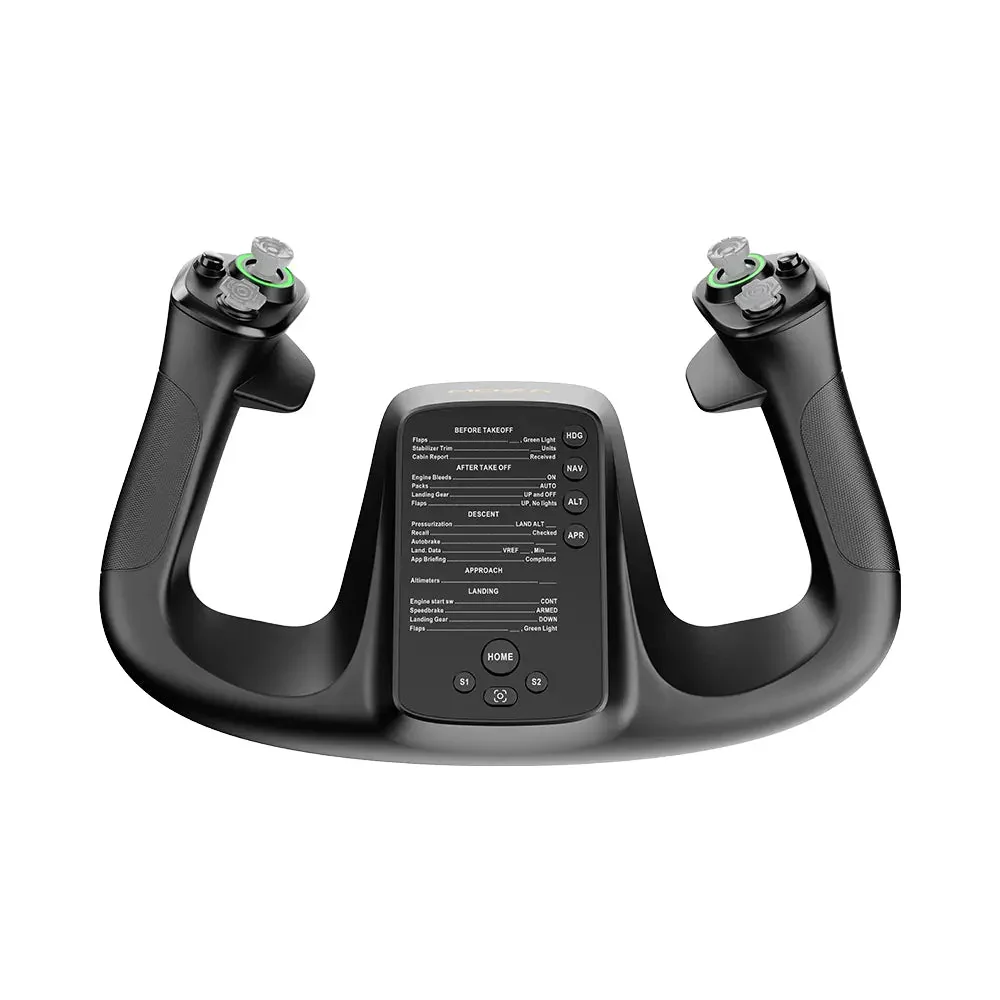
MOZA MFY yoke handle, front view: horns, centre panel and joysticks
Up to 34 signals and flexible mapping
Two 8-way hats, two mini joysticks, two LB/RB buttons and two triggers add up to 34 assignable signals. In MOZA Cockpit each input can be an axis or a button, and mapping modes switch straight from the handle — trim, rudder, autopilot disconnect, view, push-to-talk.
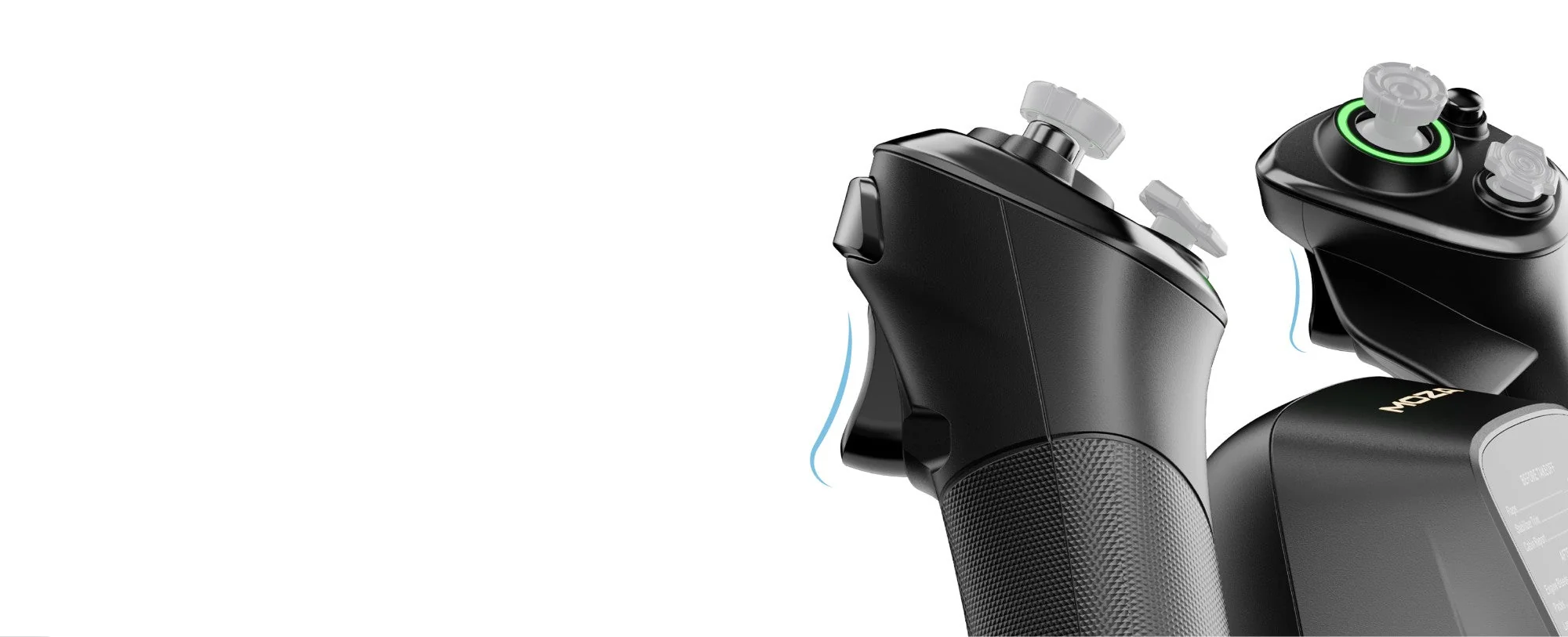
Triggers and controls on the horns of the MOZA MFY handle
Hall-effect joysticks that do not drift
Both mini joysticks use Hall-effect sensing: a magnetic sensor with no rubbing contacts. That means no drift and no dead zones even after hundreds of hours — the key difference from ordinary potentiometer sticks, which start wandering the view on their own over time.
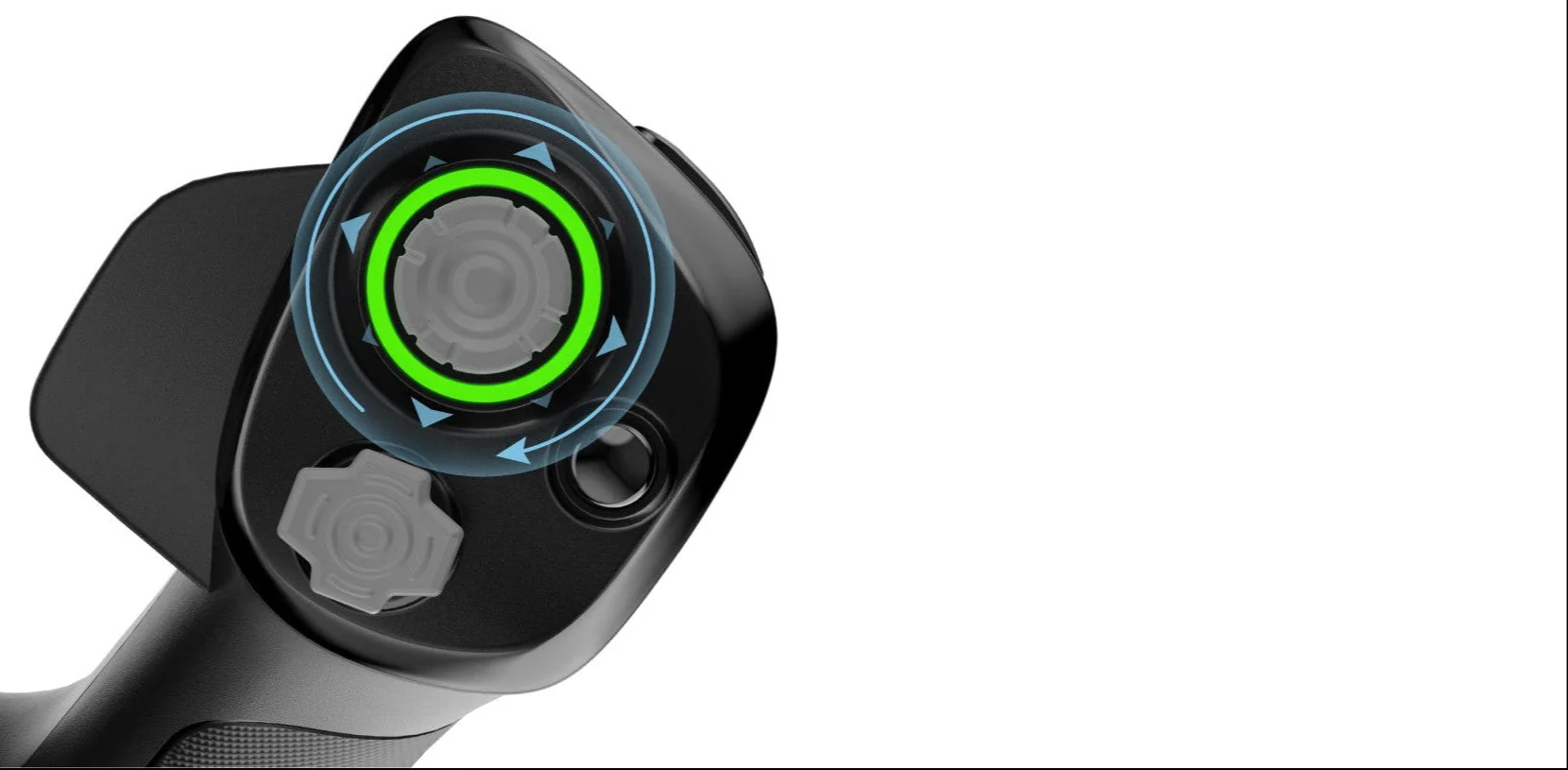
Close-up of the Hall-effect mini joystick on the MOZA MFY handle
Off in a second
The aluminium quick release comes from motorsport: push, turn, and the handle is in your hands. No tools, and the fit stays tight with no play. It makes clearing the desk between sessions easy and swapping configurations quick if your cockpit holds both a yoke and a stick.
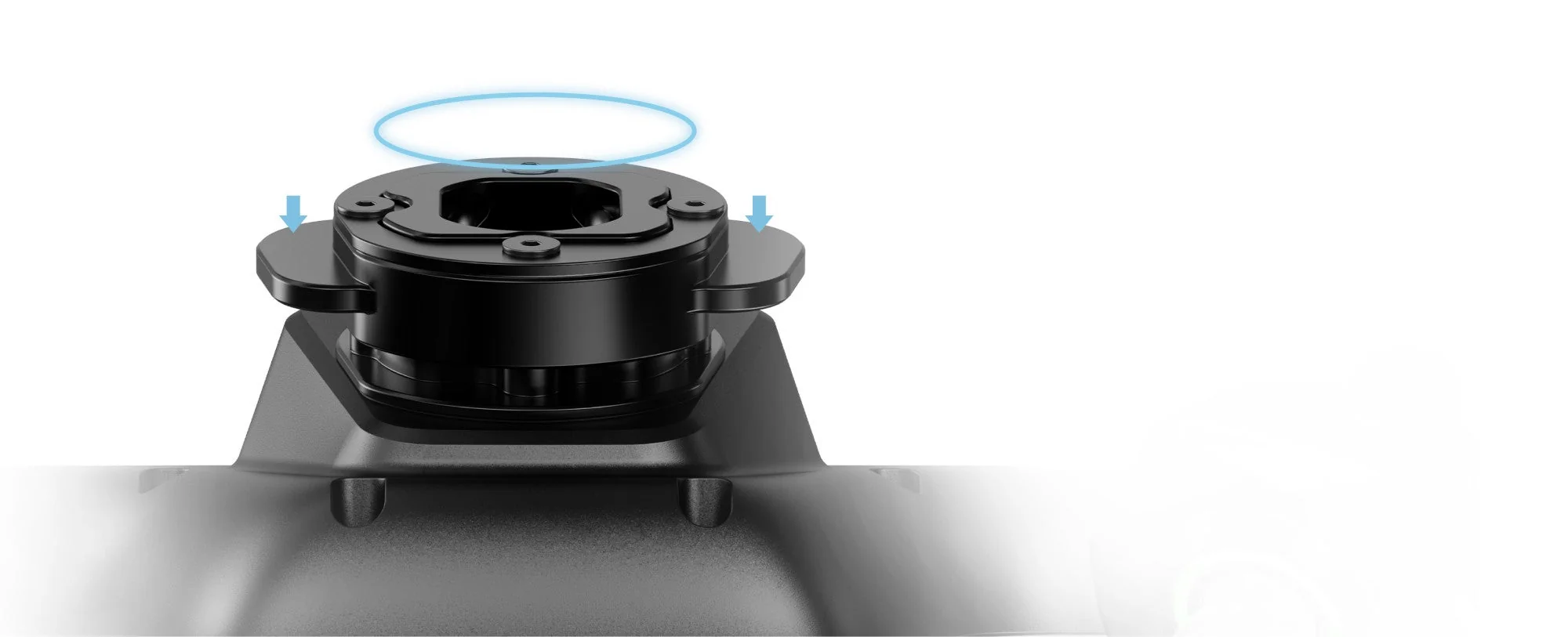
The MOZA MFY aluminium quick release: push and turn to remove the handle
RGB and panels for your own cockpit
The lighting is adjustable by mode, colour and brightness — or switched off entirely if the cockpit needs to stay dark. Two magnetic panels on the front take printable inserts, so you can carry your own checklist, frequencies or button labels for a specific aircraft.
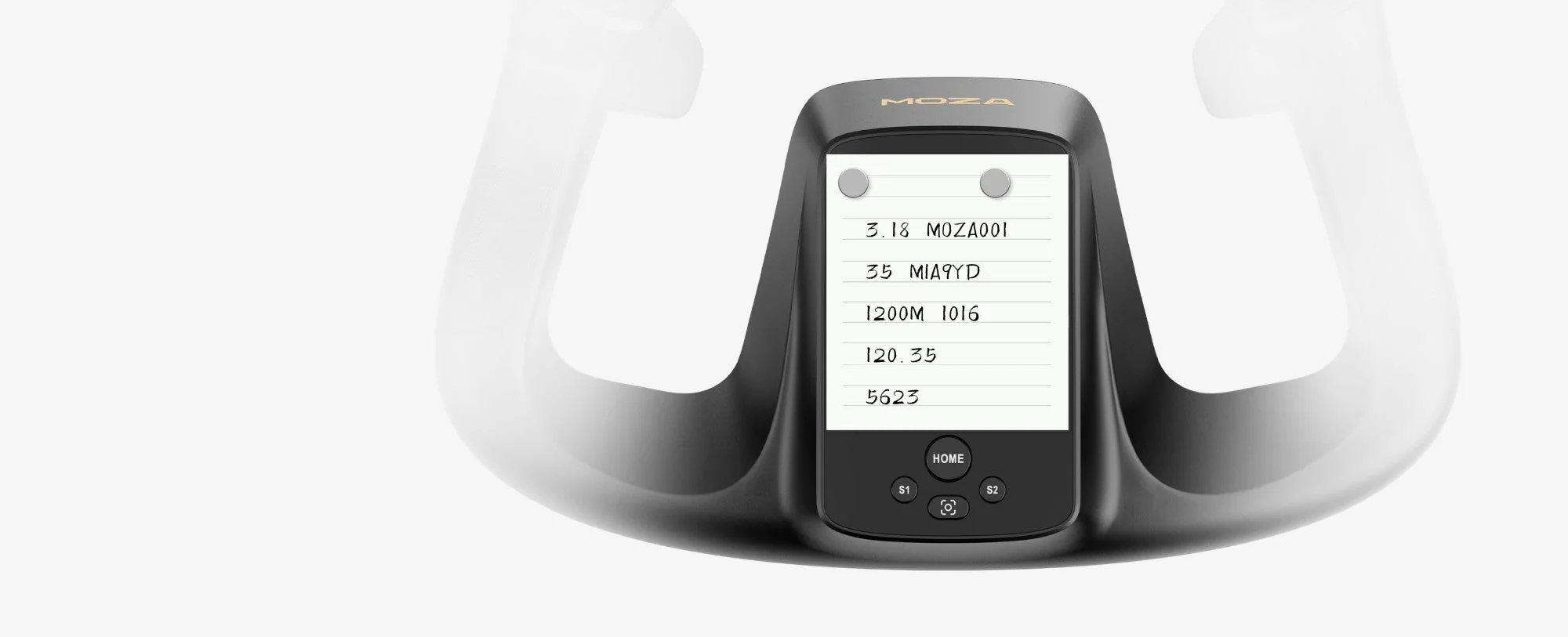
The MOZA MFY magnetic panel with a printable checklist insert
MOZA MFY Yoke Handle specifications
Reviews
There are no customer reviews yet. The first review will appear after a verified order.
No reviews yet — be the first to leave one.
Questions and answers
No questions yet. Ask the first one and we will reply within one business day.
No questions yet — be the first to ask.