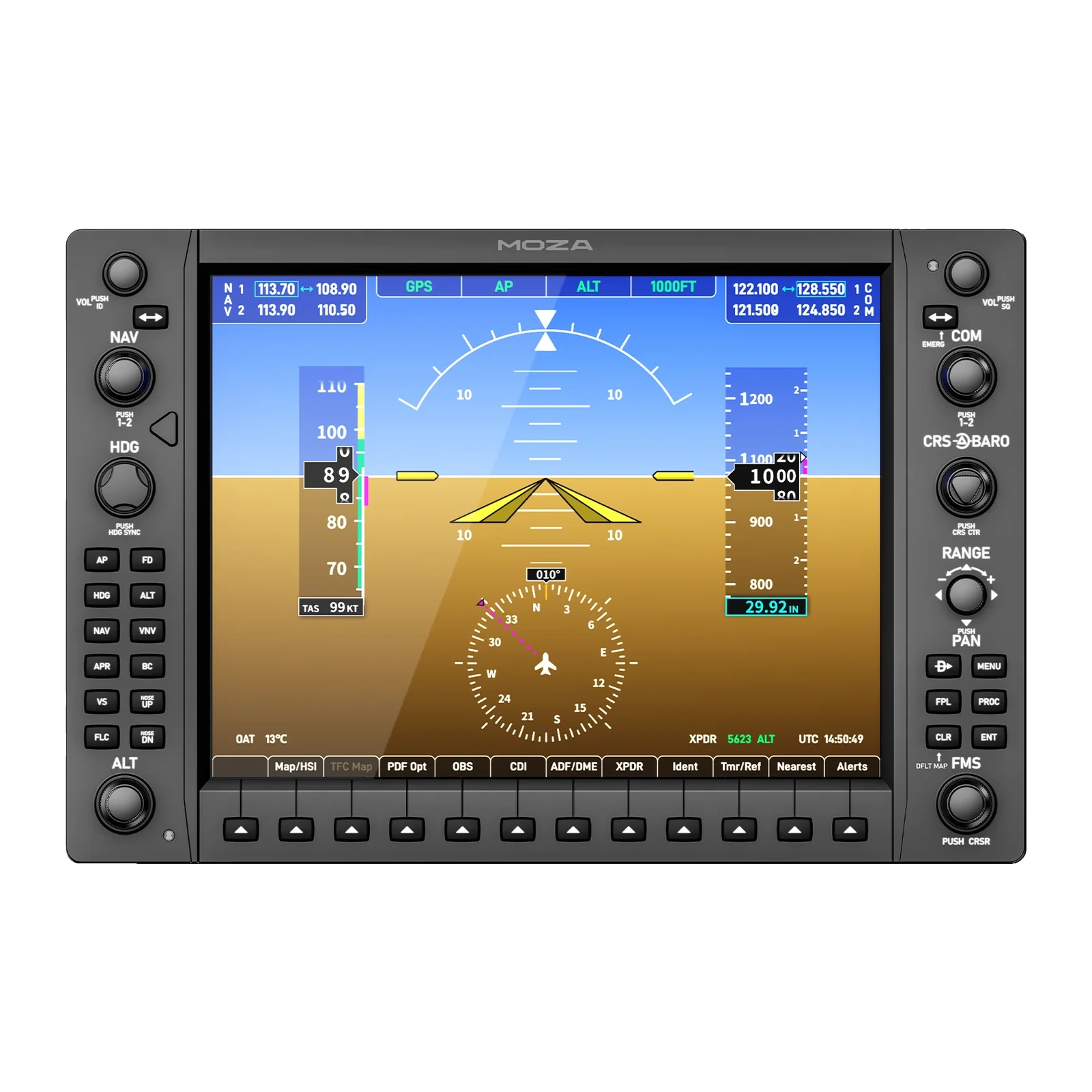
MOZA MGX1000 Instrument Panel — G1000-style avionics panel: 10.4-inch IPS, 1024 × 768, video over USB
Payment methodsAbout this product
All specifications →MOZA MGX1000 Instrument Panel: description and configuration
MOZA MGX1000 Instrument Panel.
The MGX1000 is an instrument panel for a general-aviation home cockpit. It reproduces the layout and control logic of the Garmin G1000 one to one, so the procedures you already know in MSFS and X-Plane are flown with your hands instead of a mouse pointer.
At its core is a 10.4-inch IPS display running 1024 × 768 at up to 500 nits, matching the physical size of a real G1000 unit. Video travels over DisplayLink on a plain USB cable, so no HDMI lead and no spare GPU output are required — a real relief for multi-screen cockpit builds. The rotary encoders have well-defined detents, and the 7-way ALPS joystick switch reproduces the stock G1000 pointer control.
The panel is built for PC: it connects with a USB 3.0 Type-A cable and runs from a 5 V / 2 A adapter. Mount it on the included desktop stand, on a 75 × 75 mm VESA bracket, or from the bottom points onto an aluminium profile rig. In MOZA Cockpit each unit is assigned as a PFD or an MFD, and screen brightness, character illumination and button-status lighting are adjusted independently.
A G1000 layout, one to one
The screen, the side soft keys, the dual concentric encoders and the bottom button row follow the real Garmin G1000. You work the panel through the same procedures you would in the aircraft: set NAV and COM frequencies, dial heading and altitude, page through the FMS. The mouse stays free for looking around the cockpit.
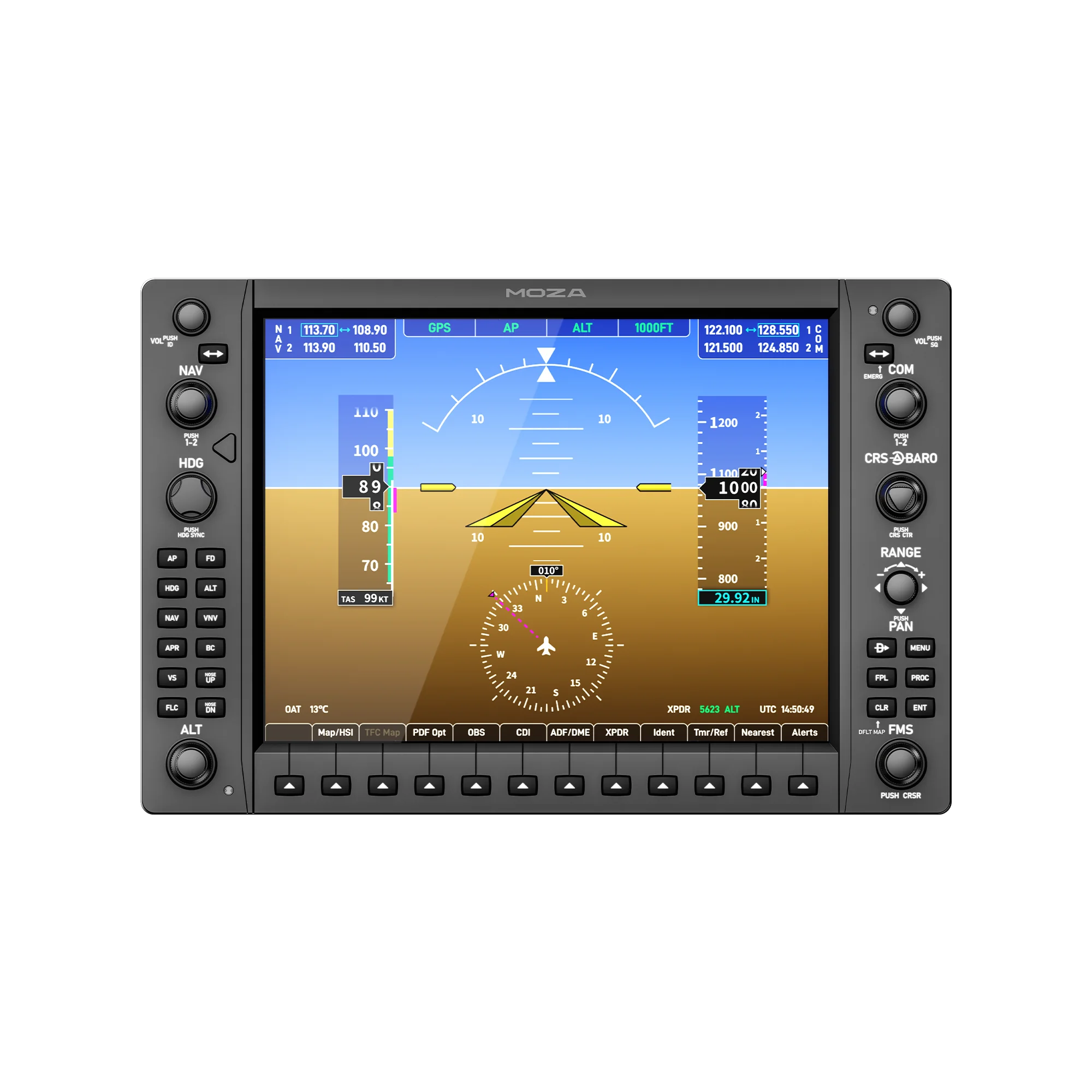
MOZA MGX1000 instrument panel, front view: G1000 display, side soft keys and the bottom button row
A screen that is the right size
The 10.4-inch IPS panel at 1024 × 768 matches the physical size of real G1000 displays, and up to 500 nits keeps the instruments readable even in a bright room. Label text, the speed and altitude tapes and map symbology stay crisp at normal viewing distance.
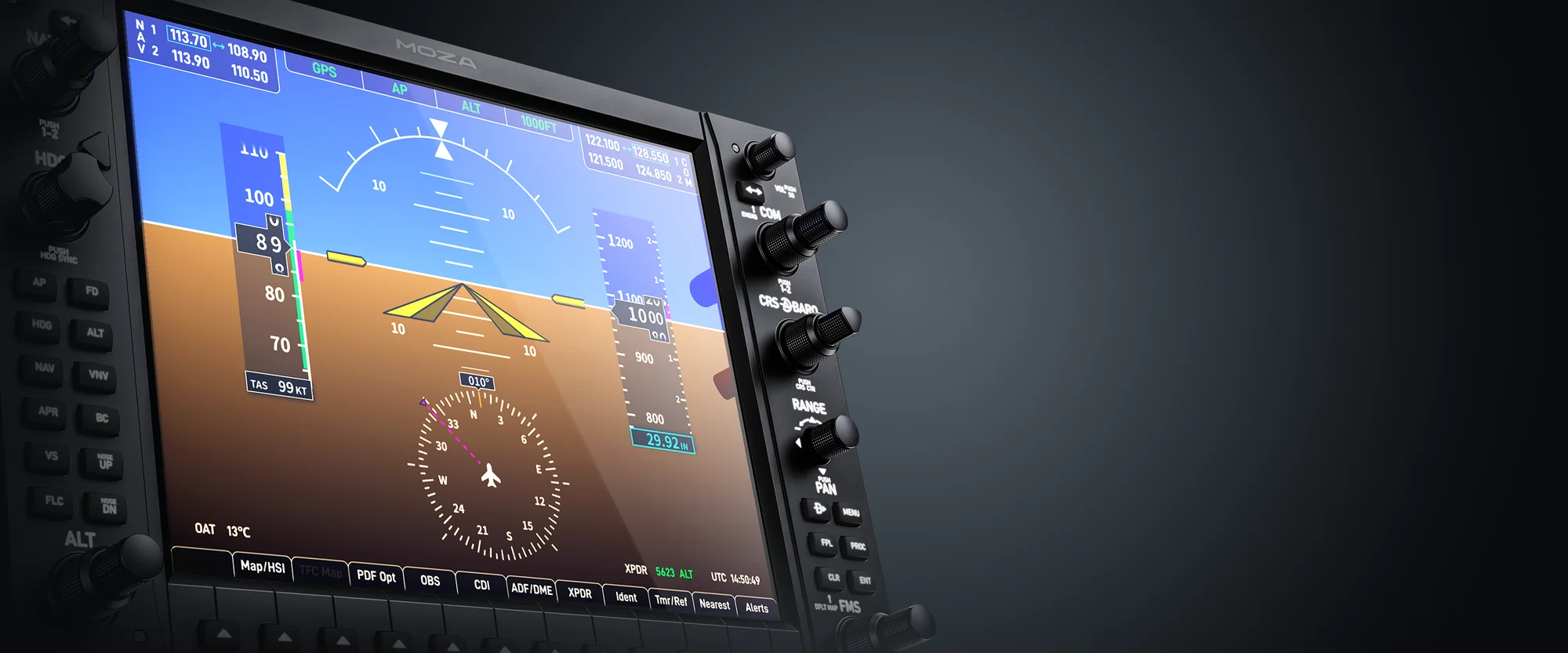
Close-up of the MOZA MGX1000 display showing the attitude indicator and the speed and altitude tapes
Video over USB instead of HDMI
The image is carried by DisplayLink over an ordinary USB 3.0 Type-A cable. No free HDMI or DisplayPort on the graphics card is needed — and those are exactly what runs out once a cockpit already has a main monitor and a couple of auxiliary panels. The load on the GPU is lower than adding another full display.
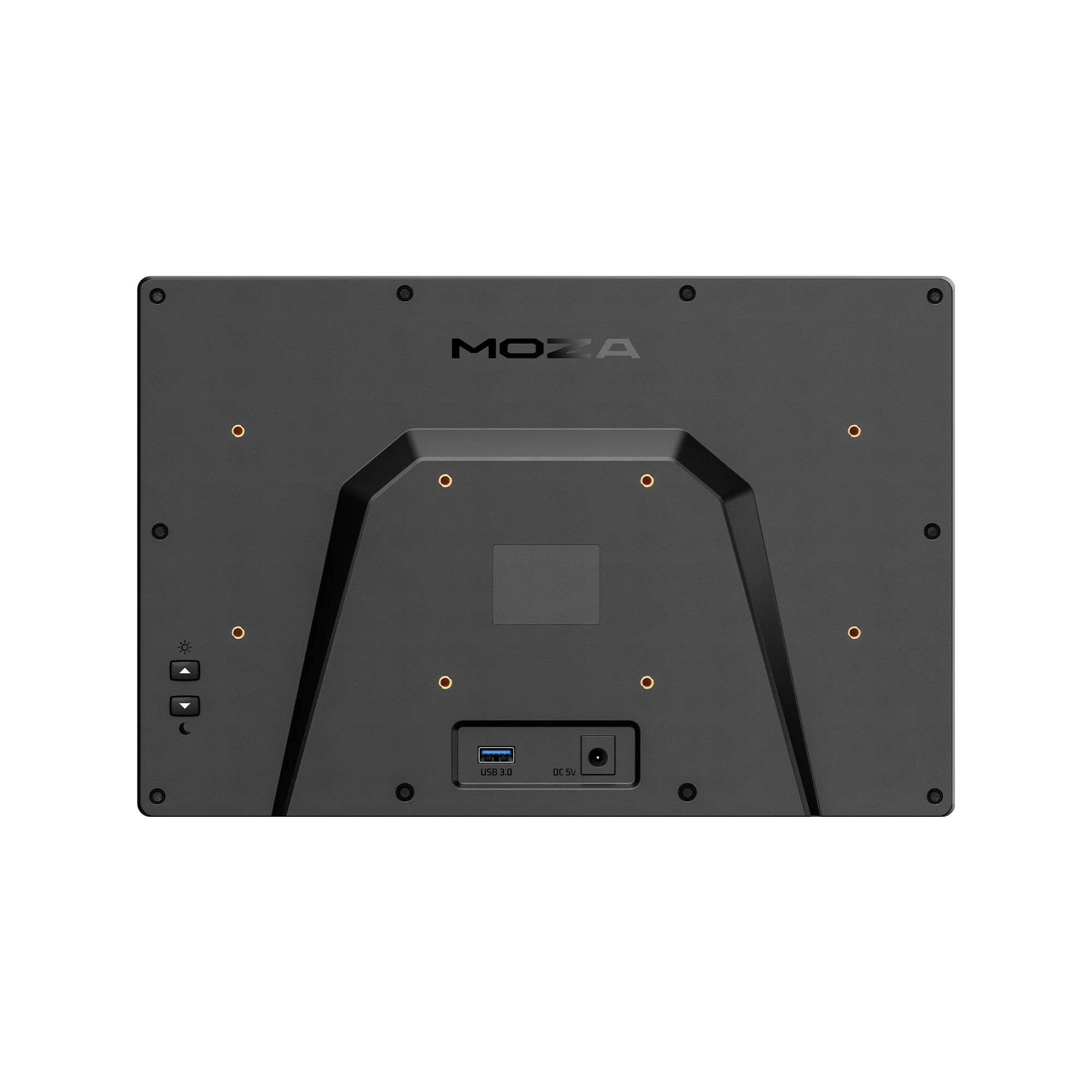
Rear of the MOZA MGX1000: 75 × 75 mm VESA holes, the USB-A port and the 5 V power input
Two panels: PFD and MFD
In MOZA Cockpit each unit is assigned independently — as the primary flight display or as the multi-function display. Place two MGX1000 panels side by side and you have a complete G1000 instrument stack, with separate screen mirroring and its own button mapping for each side.
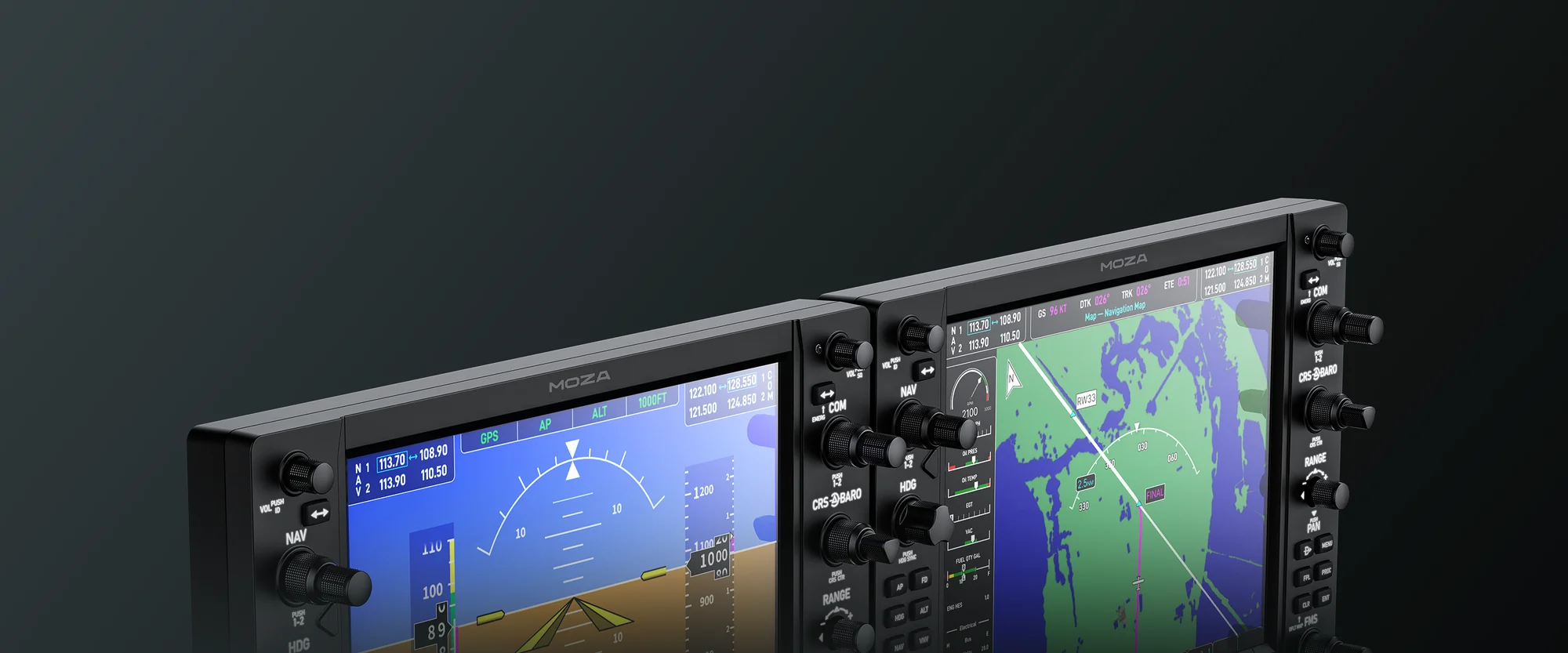
Two MOZA MGX1000 panels side by side: the left one as a PFD, the right one as an MFD with the map
Fitting it into the cockpit
The housing is deliberately slim and light — 1.17 kg, 66.8 mm deep — so it puts little stress on the mount. A desktop stand is in the box for a quick start; after that the panel moves onto a standard 75 × 75 mm VESA bracket or bolts through its bottom points to an aluminium profile rig.
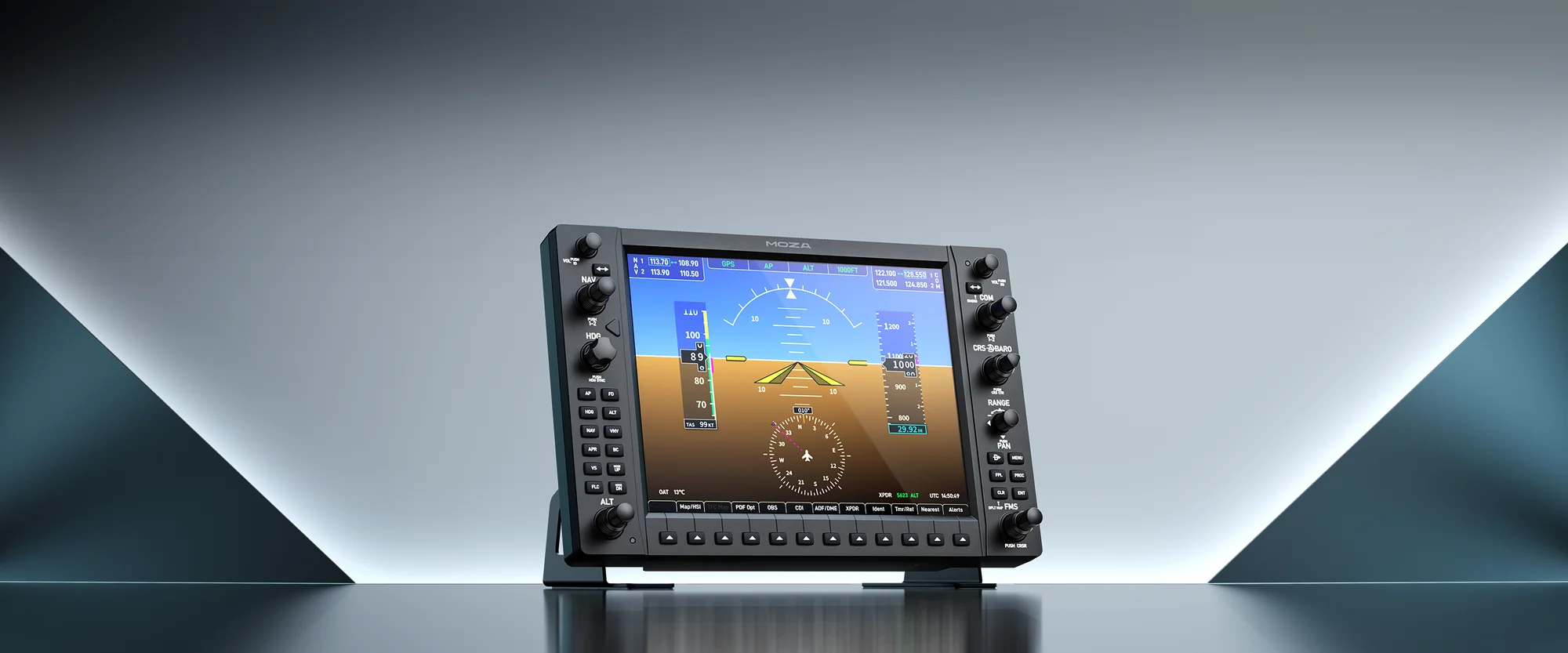
MOZA MGX1000 on the included desktop stand, studio shot with the display running
MOZA MGX1000 Instrument Panel specifications
Reviews
There are no customer reviews yet. The first review will appear after a verified order.
No reviews yet — be the first to leave one.
Questions and answers
No questions yet. Ask the first one and we will reply within one business day.
No questions yet — be the first to ask.