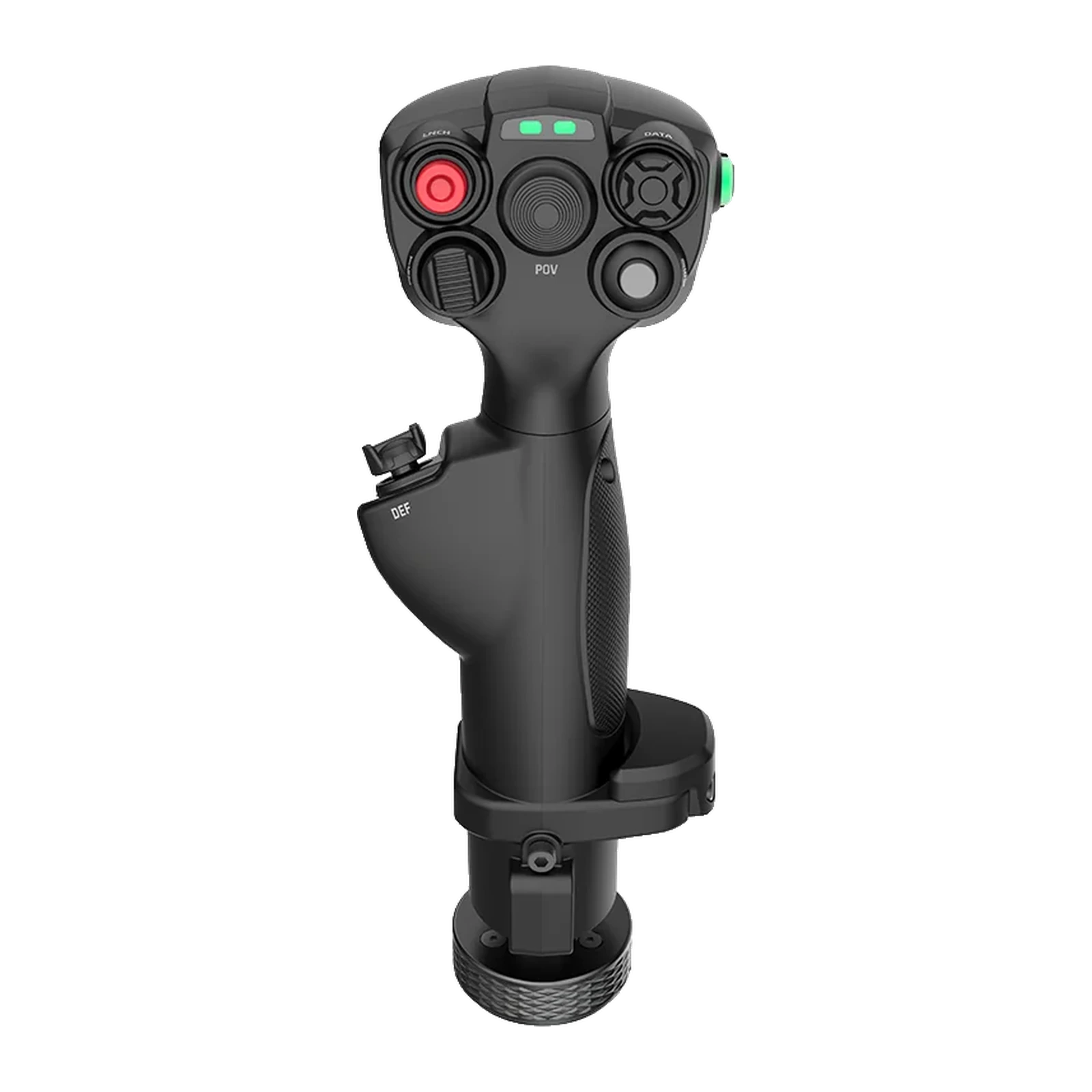
MOZA MHG Flightstick — grip for MOZA bases: carbon fibre, 25 outputs, Hall sensors, 395 g
Payment methodsAbout this product
All specifications →MOZA MHG Flightstick: description and configuration
MOZA MHG Flightstick.
The MOZA MHG Flightstick is a swappable grip for MOZA Flight bases. Its shape blends fighter and spacecraft cues: the palm settles into a vertical hold while every control stays within reach of the thumb and index finger. It is the same grip that ships in the AB6 bundle, which makes it an easy second stick for a different profile or for an AB9 base.
The body is carbon-fibre reinforced composite, the connector is metal and the button caps are ABS. It weighs 395 g and measures 142.5 × 202 × 313 mm. That structural margin is sized for high-torque bases such as the AB9, where the grip is under constant force feedback load. In total the stick delivers 25 assignable outputs, including four five-way switches and a Hall-effect hat switch (mini-stick).
The hat switch and the Z axis are contactless: Hall sensors do not wear out and do not drift the way potentiometers do, and in MOZA Cockpit the hat can be configured as an axis or as a set of buttons. Yaw comes from twisting the grip, with a crisp return to centre, and locks out when pedals take that job. The two-stage trigger issues distinct commands for a light and a full press, while RGB lighting and mapping profiles can be switched in software or by toggles on the grip itself.
A fighter hold with a spacecraft silhouette
The MHG body is built around a vertical hold: the palm rests fully on the grip, the thumb reaches the upper button plate and the index finger falls on the trigger. The geometry works equally well in a DCS dogfight and in a space sim, where you need fast access to many commands without diving into menus.
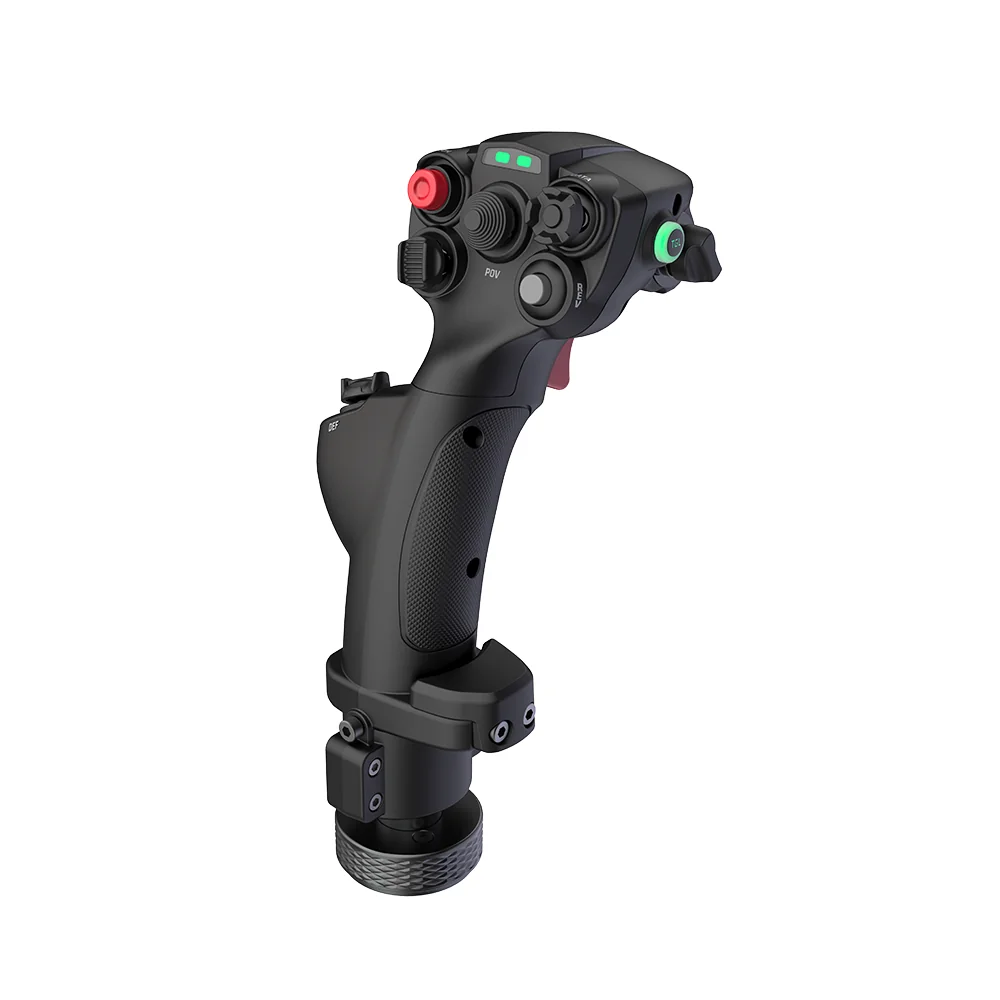
MOZA MHG Flightstick three-quarter view: the curved hold and metal base
25 commands in the thumb zone
The upper plate carries buttons, four five-way switches and a Hall-effect hat switch — 25 assignable outputs in total. That is enough to put radio, targeting, gear and camera control on the grip at the same time. Mapping profiles switch instantly, either in MOZA Cockpit or via toggles on the stick, with no alt-tab out of the sim.
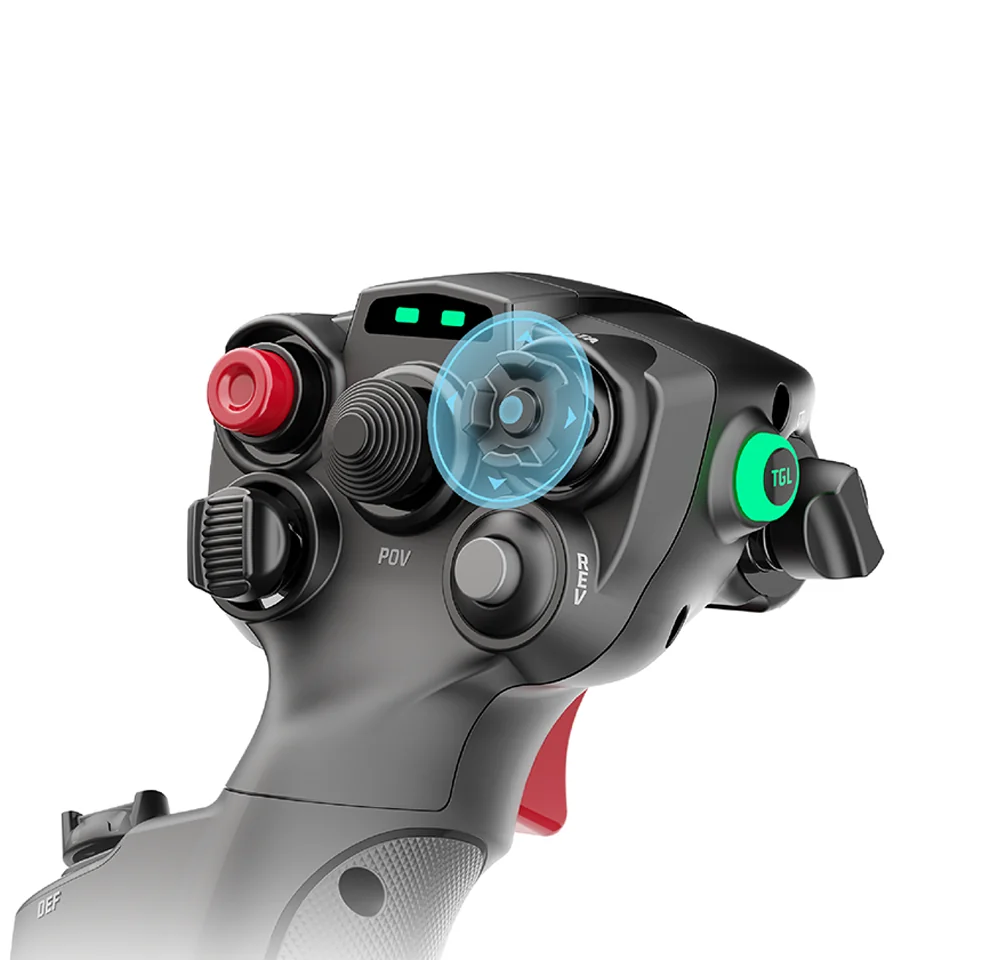
Close-up of the MOZA MHG controls: buttons, five-way switches and the hat switch
Hall sensors instead of potentiometers
The hat switch and the yaw axis both run on contactless Hall sensors. There are no wiper tracks to wear and start drifting or registering false inputs, so precision holds up after hundreds of hours. In MOZA Cockpit both can be configured as an axis or as a set of buttons — to suit the task, not the sensor type.
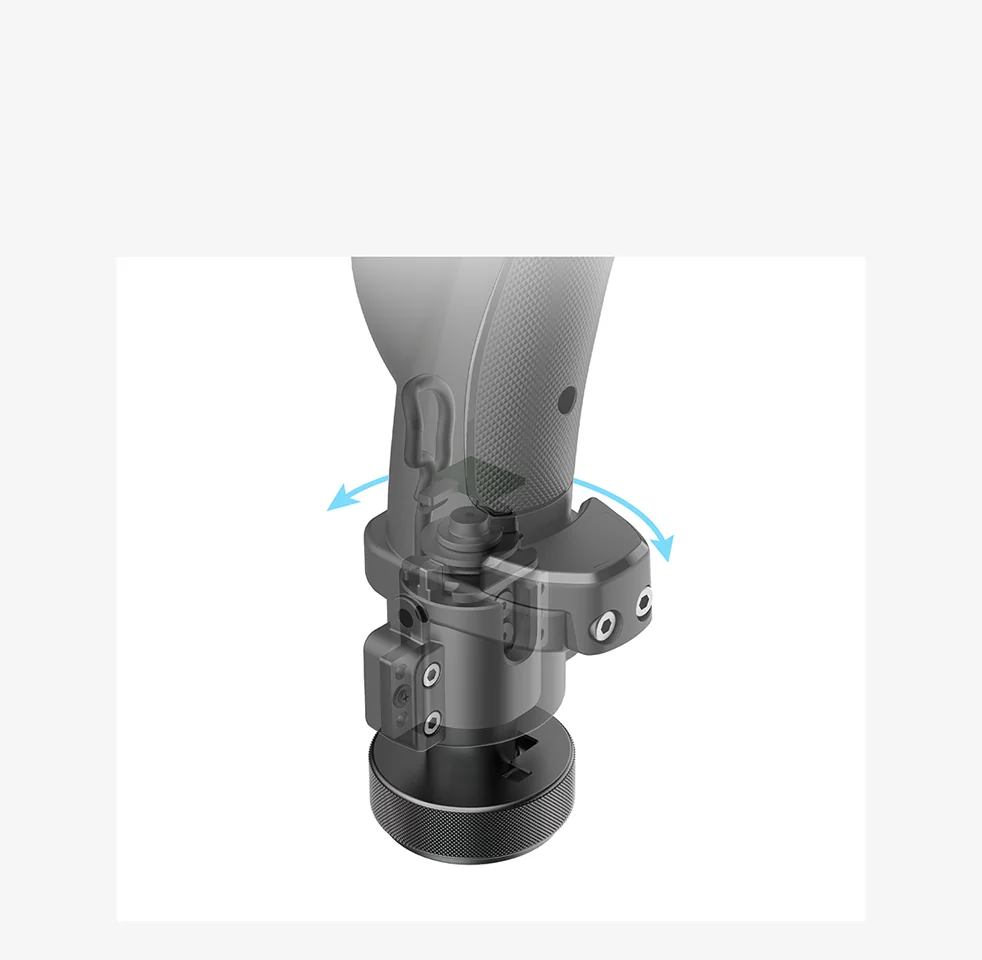
The MOZA MHG Z axis: arrows showing the grip twist that controls yaw
A Z axis you can switch off
A separate Z axis handles yaw with a pronounced return to centre — you feel the rudder rather than guess at it. If you fly with rudder pedals, the axis can be locked, so an accidental twist of the wrist no longer yaws the aircraft. The lock comes off just as quickly when the pedals are not in use.
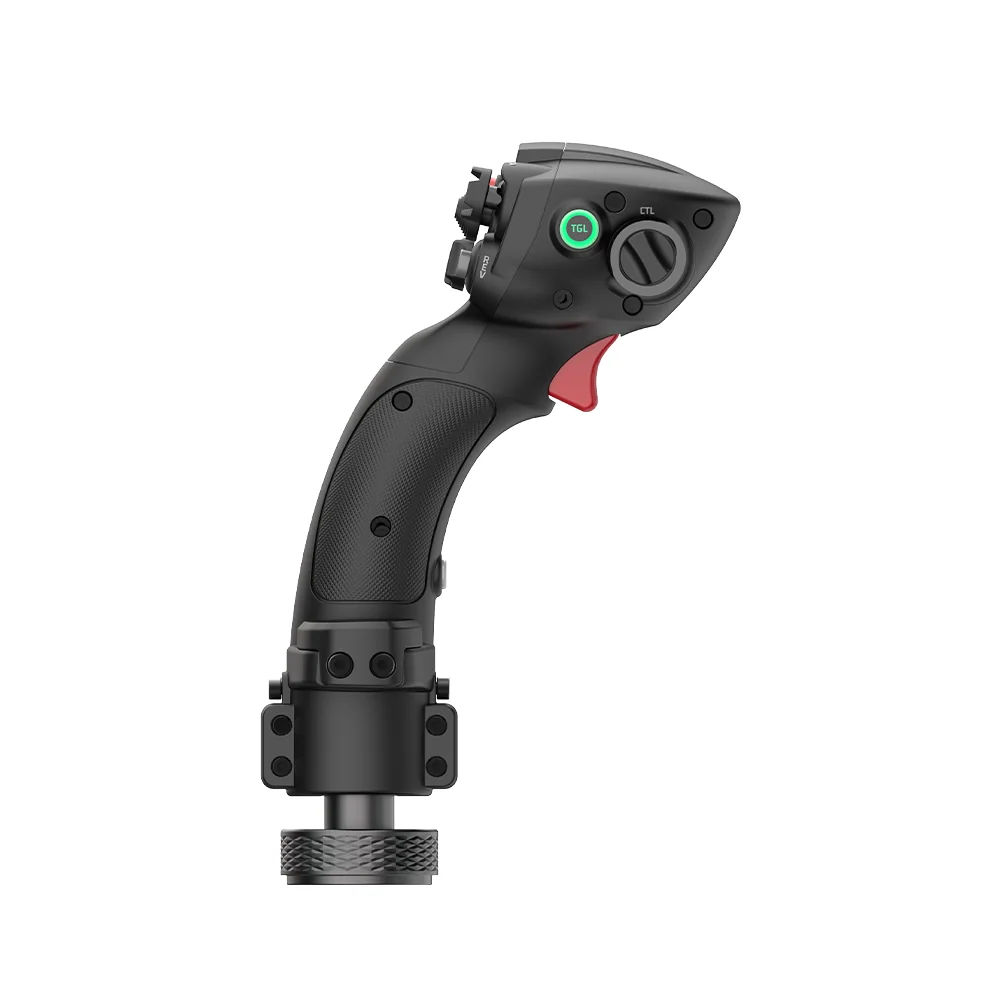
MOZA MHG Flightstick side view: the trigger under the index finger and the grip profile
Built for high-torque bases
Carbon-fibre composite was not chosen for looks: on an AB9 base the grip works constantly against serious force feedback, and ordinary plastic would start to flex at the root. The metal connector adds stiffness where it meets the base, and 395 g keeps the feel of an instrument rather than a light toy.
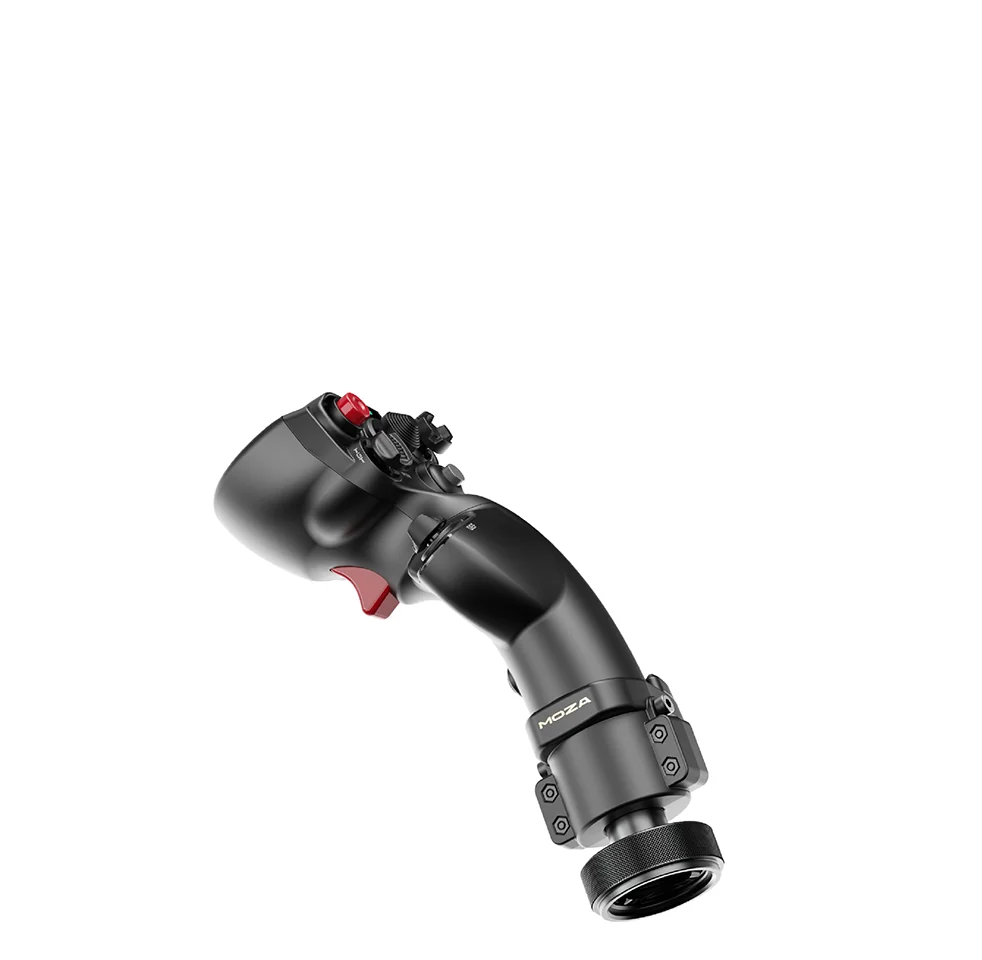
The carbon-fibre reinforced composite body of the MOZA MHG at an angle
MOZA MHG Flightstick specifications
Reviews
There are no customer reviews yet. The first review will appear after a verified order.
No reviews yet — be the first to leave one.
Questions and answers
No questions yet. Ask the first one and we will reply within one business day.
No questions yet — be the first to ask.