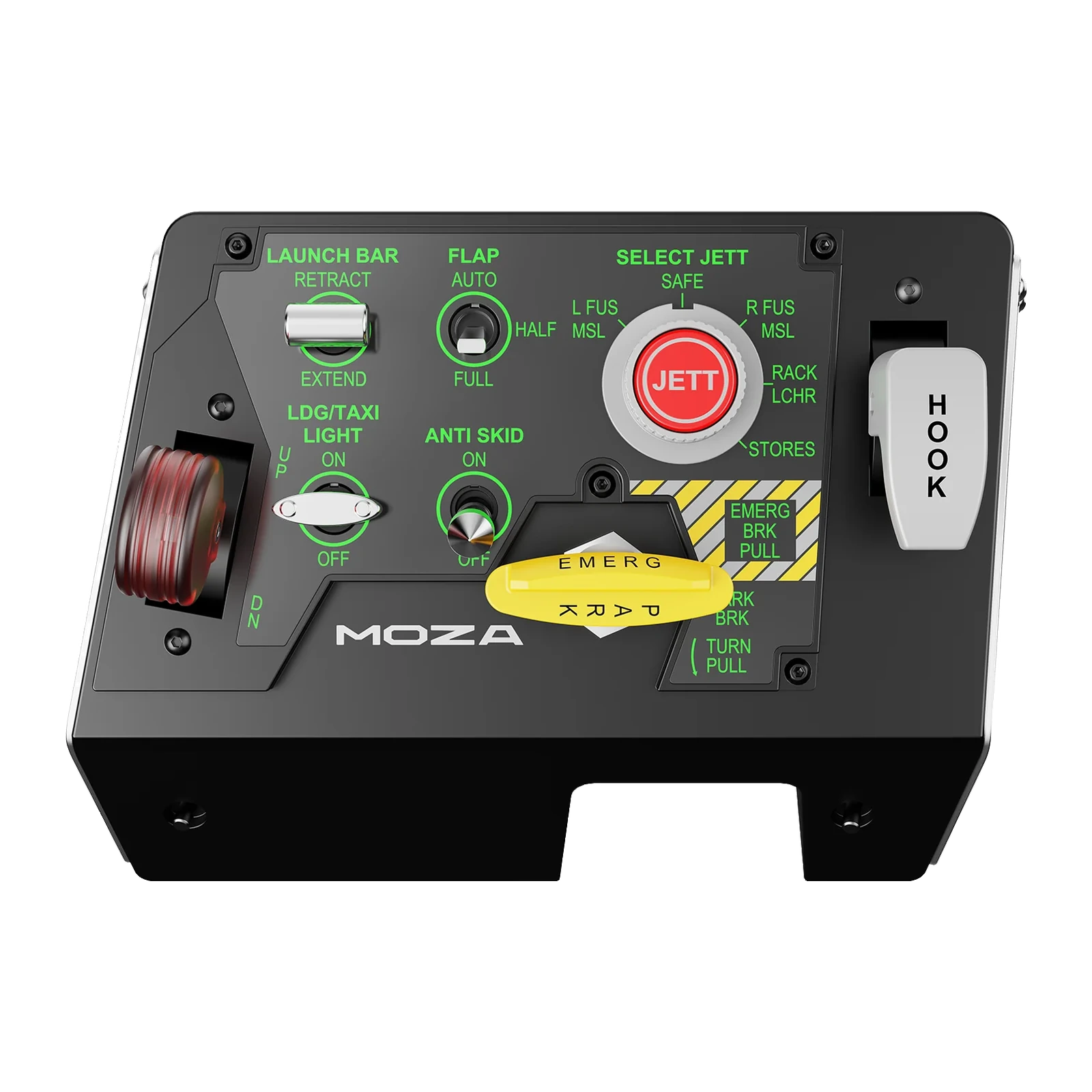
MOZA MTLP Panel — take-off and landing panel with 25 switch signals and telemetry lighting
Payment methodsAbout this product
All specifications →MOZA MTLP Panel: description and configuration
MOZA MTLP Panel.
The MTLP is MOZA's desktop take-off and landing panel for PC flight simulators. The layout is taken from the F/A-18 landing panel: switches, buttons and levers are placed so that gear, flaps, the arresting hook and the parking brake can be found by touch, without looking away from the view. The panel delivers 25 programmable switch signals, and each one can be bound to any command in the sim.
The parking brake lever reproduces the rebound and rotation of real fighter controls. The landing gear and hook levers run on high-precision contactless Hall sensors, a form of sensing that does not wear down over time. The loaded parts — the gear lever, the brake lever and the hook lever — are high-strength aluminium alloy, while the housing is composite. The panel measures 196.5 × 134.7 × 149 mm and weighs 680 g.
Panel lighting is programmable and follows in-game telemetry: gear indicators and ambient light change with the state of the aircraft, and no third-party plugins are needed — everything is configured in MOZA Cockpit. The panel appears to the system as an ordinary USB device and works on its own, while together with the MOZA MTP Throttle Panel it builds into a single control block. The MTLP has no force feedback or vibration, and the desk clamp is a separate accessory.
The layout of an F/A-18 landing panel
The panel mirrors the control placement of an F/A-18 landing panel: launch bar, flaps, landing and taxi lights, anti-skid, stores jettison, parking brake and hook all sit where they belong. The point is muscle memory rather than decoration: your hand finds the switch while your eyes stay on the runway. In practice that saves the second and a half that costs most on final approach.
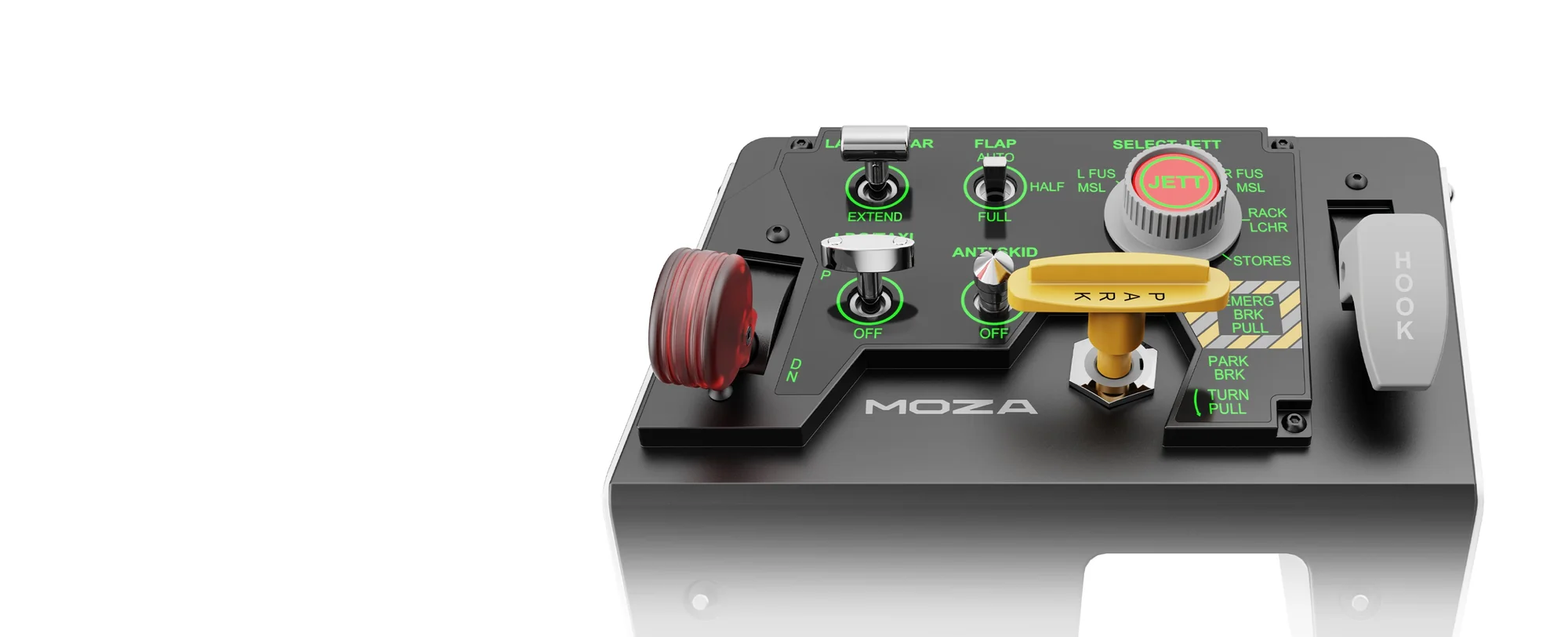
Close-up of the MOZA MTLP layout: LAUNCH BAR, FLAP, LDG/TAXI LIGHT, ANTI SKID, SELECT JETT, brake and HOOK
Metal where the load is
The gear lever, the parking brake lever and the hook lever are high-strength aluminium alloy; the housing is composite. The brake lever reproduces the rebound and rotation of real fighter controls, so the movement feels mechanical rather than like clicking a plastic button.
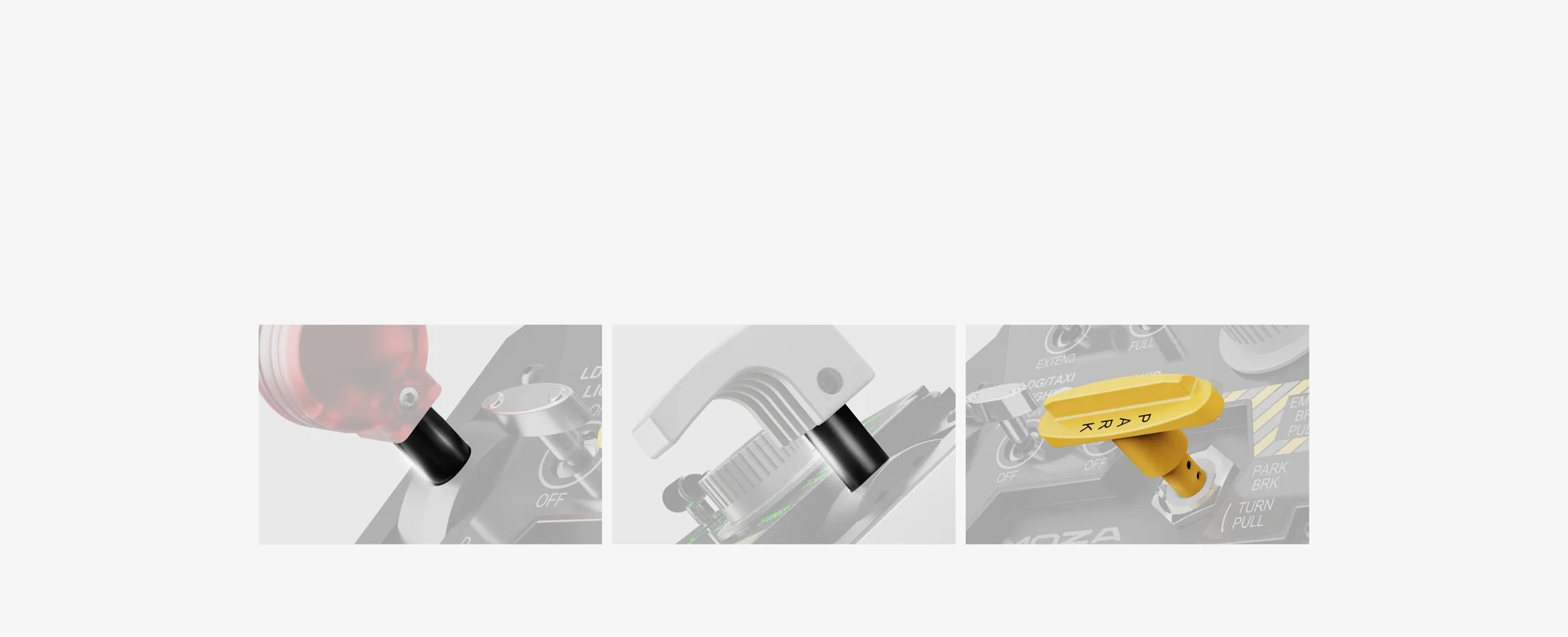
Close-ups of the MOZA MTLP aluminium parts: gear lever, hook lever and brake lever
Hall sensors in the levers
The gear and hook levers are read by high-precision Hall sensors. Contactless magnetic sensing does not abrade the way mechanical contacts do, so travel stays smooth and predictable after thousands of cycles. For controls you reach for several times every sortie, that is the durability that matters.
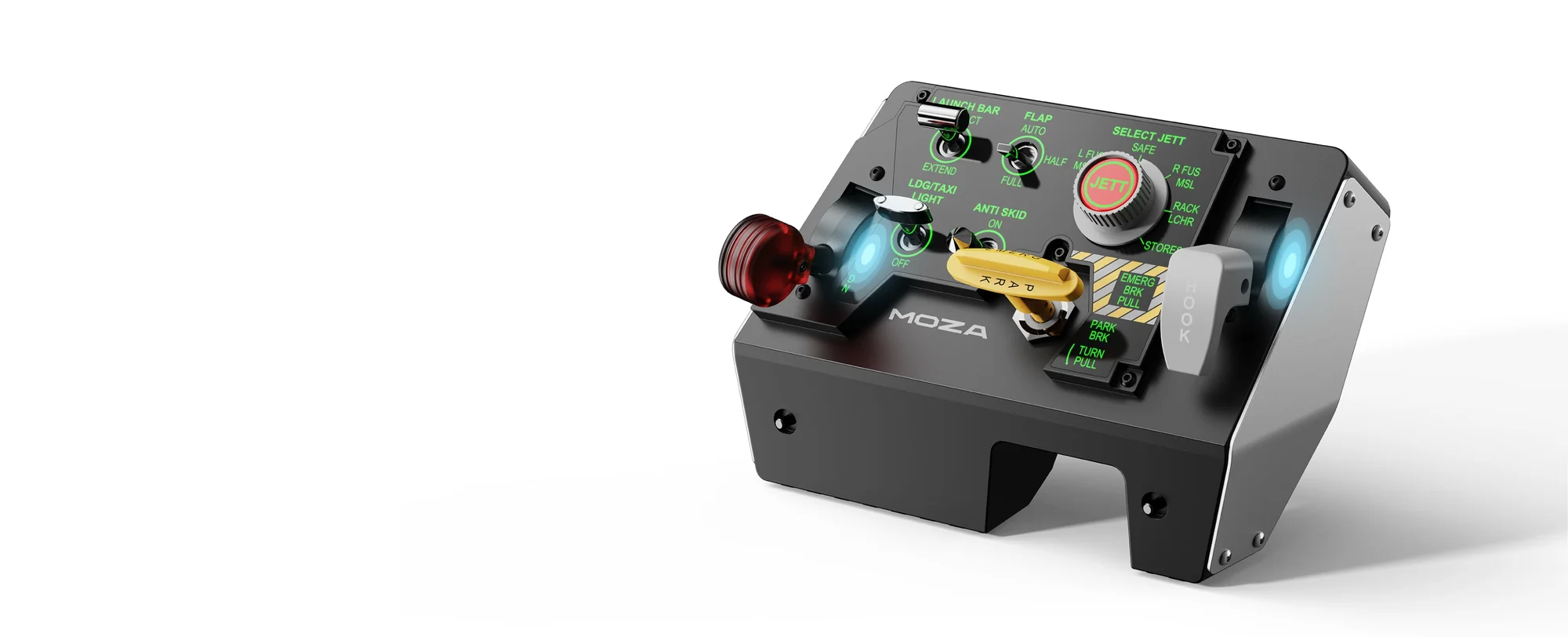
MOZA MTLP with the Hall sensor areas in the gear and hook levers highlighted
Lighting that reads telemetry
Panel lighting is programmable, from gear indicators to general ambient light. It picks up the simulator's telemetry and changes with the state of the aircraft, and no third-party plugins are needed — it all runs through MOZA software. A night approach stops being a guess at which way the switches are set.
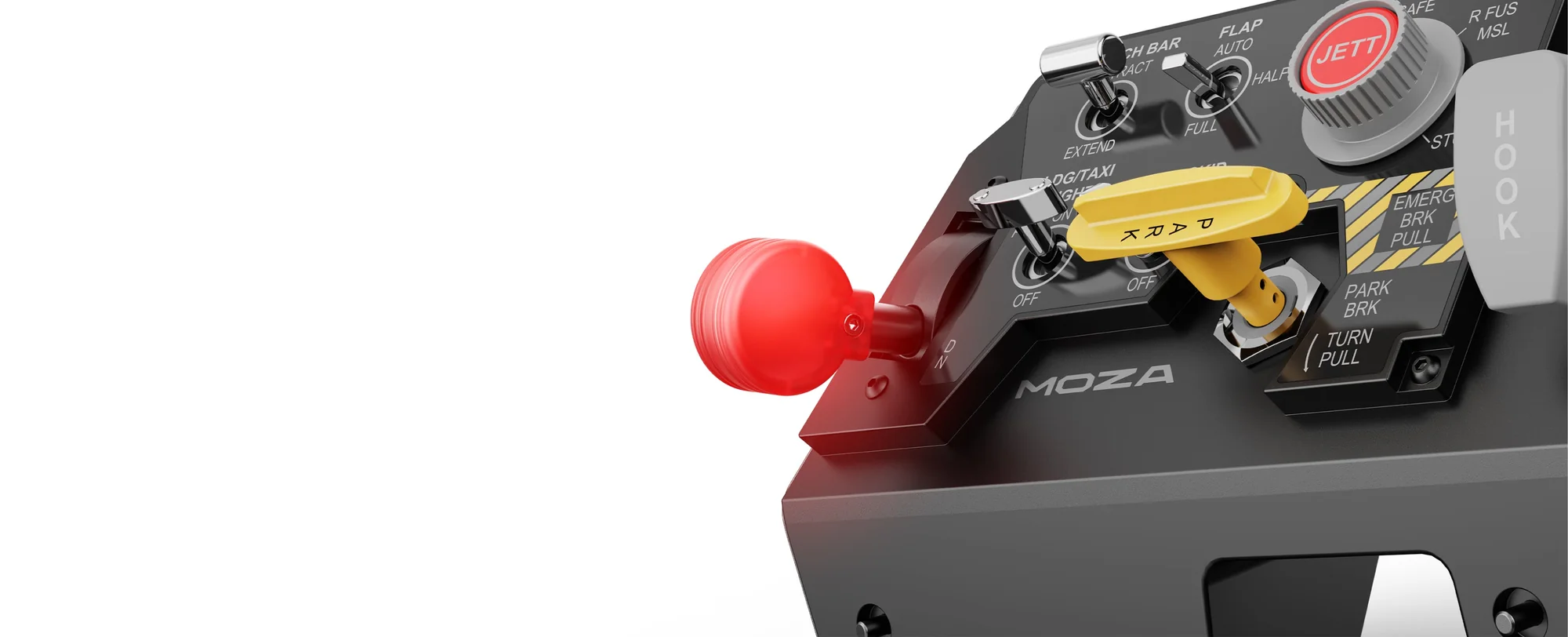
Programmable lighting on the MOZA MTLP: the lit red landing gear lever and the yellow brake handle
Docks with the MOZA MTP throttle
The MTLP is a standalone USB device and works perfectly on its own. But the modular design is made to dock with the MOZA MTP Throttle Panel: together they form one fighter control block — throttle on the left, landing panel beside it. The panel also sits fine alongside sticks and pedals from other brands.
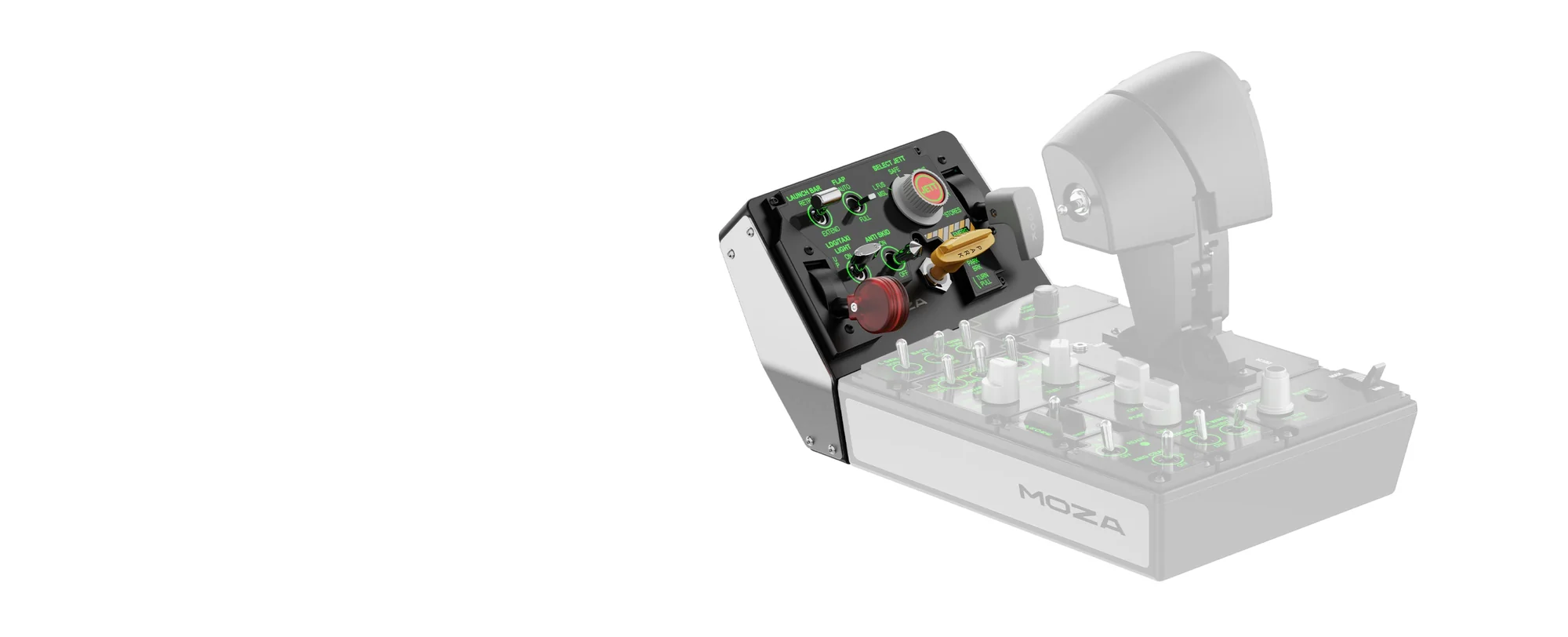
MOZA MTLP docked with the MOZA MTP Throttle Panel, modular pairing
MOZA MTLP Panel specifications
Reviews
There are no customer reviews yet. The first review will appear after a verified order.
No reviews yet — be the first to leave one.
Questions and answers
No questions yet. Ask the first one and we will reply within one business day.
No questions yet — be the first to ask.