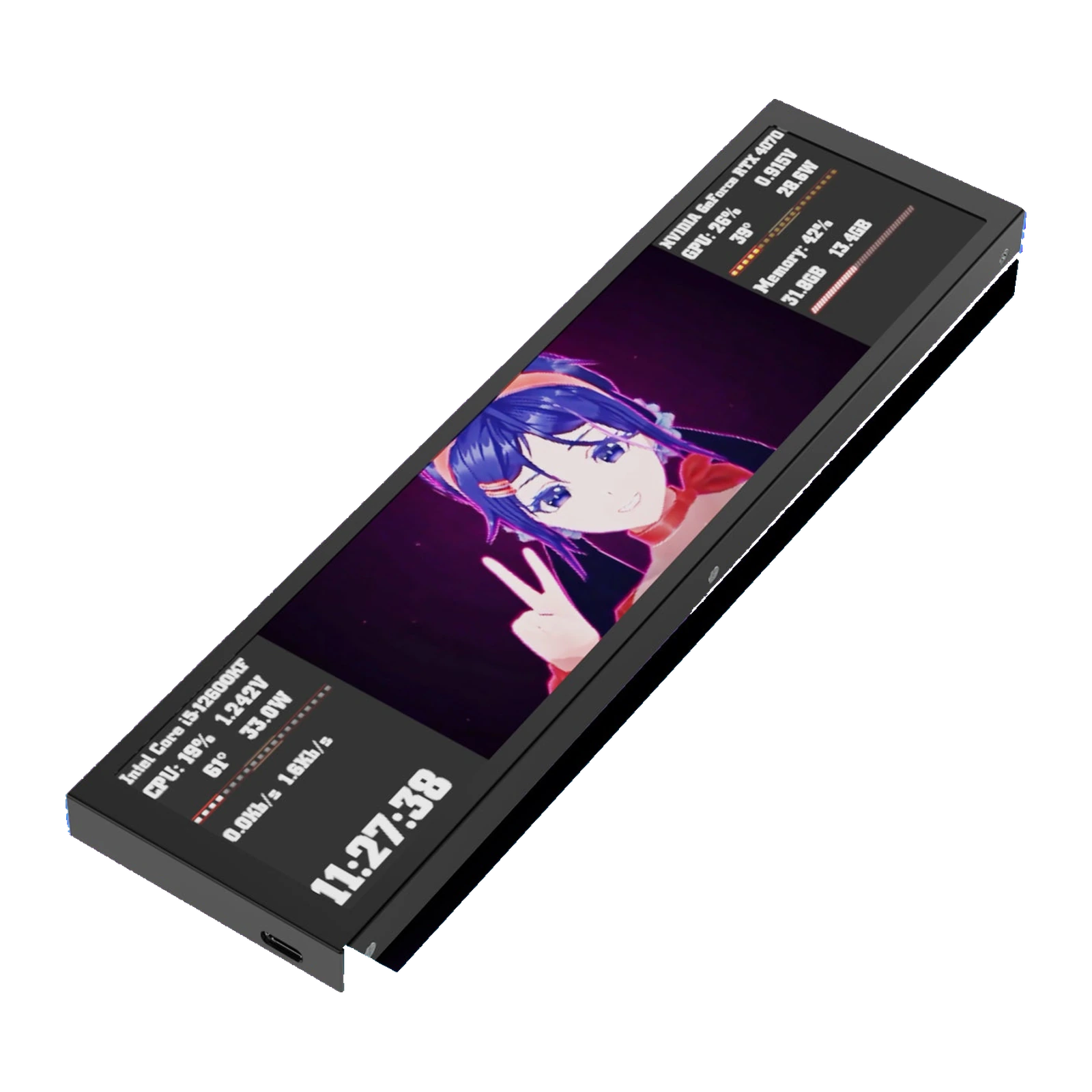
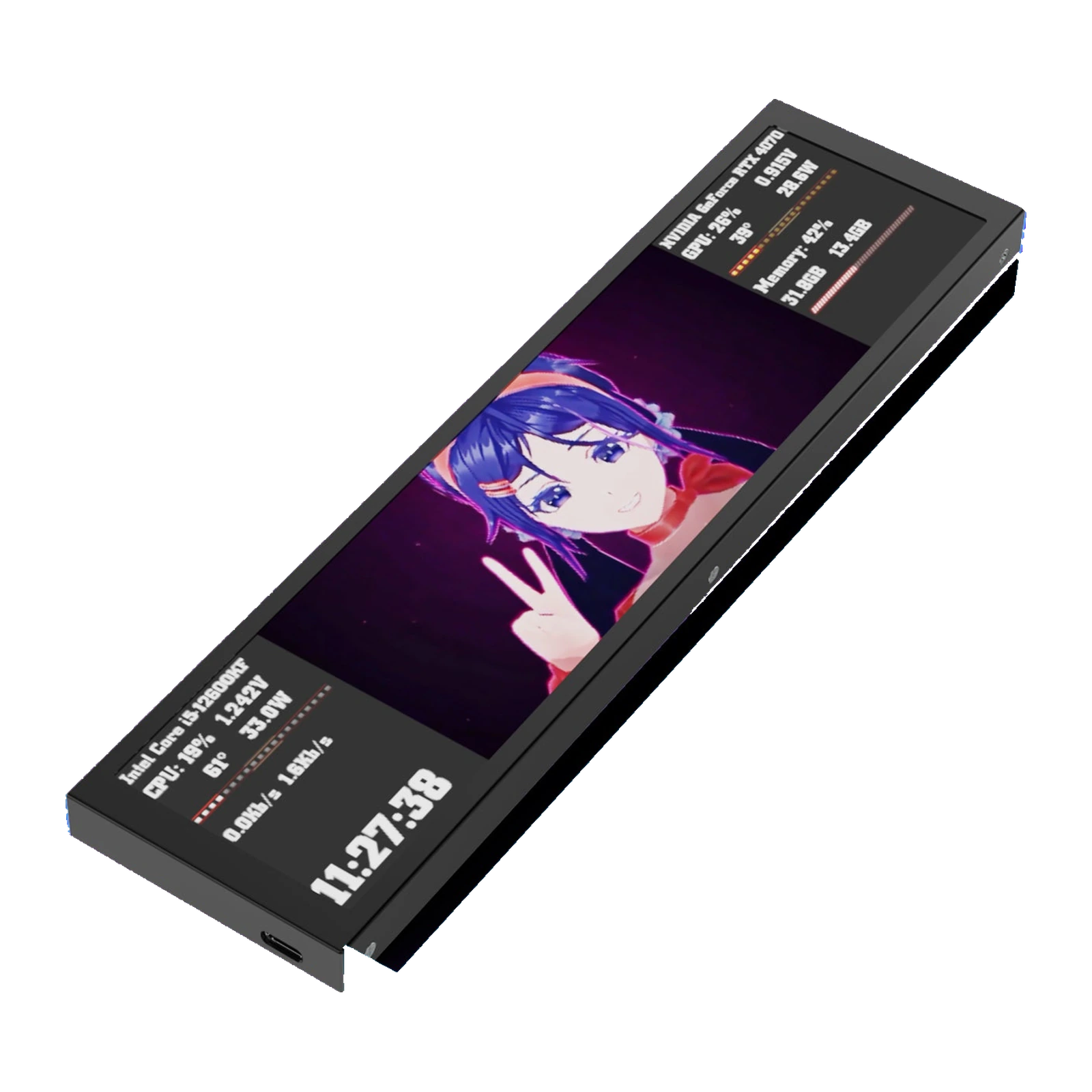
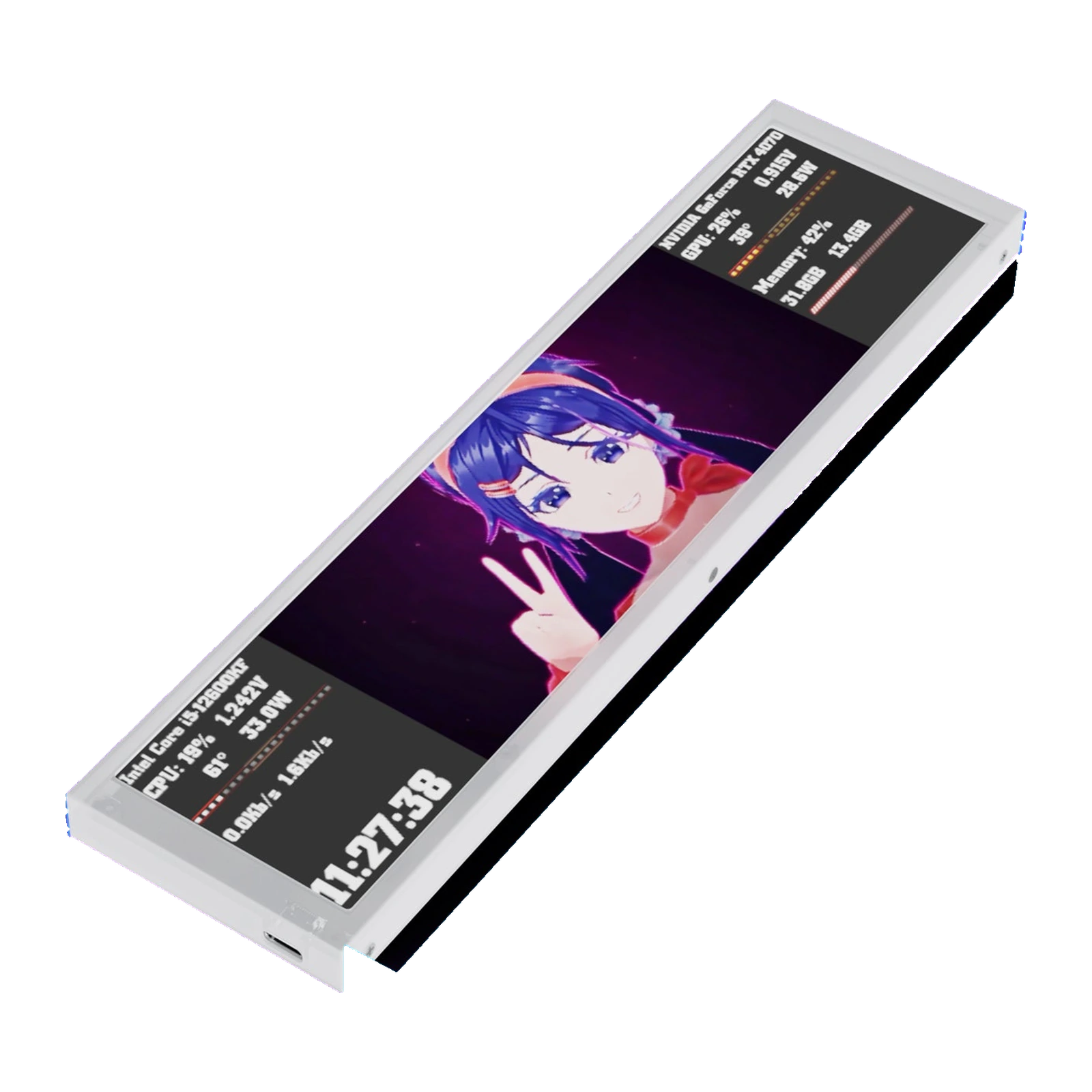
VSDinside D92 — 9.2-inch secondary screen for the PC case: IPS 1920×462, 500 cd/m², USB with no HDMI, Black — display
- Store pickup
- Tashkent, Shaykhantakhur district, Iftikhor street, 2
- Courier
- 50,000 UZS
- Warranty
- 1 month
About this product
All specifications →VSDinside D92: description and configuration
VSDinside D92 — display.
The D92 is a 9.2-inch ultrawide IPS screen that mounts inside a PC case or sits next to the monitor. It keeps the numbers you normally open a separate app for permanently in view: CPU clock, temperature, voltage and power draw, GPU status, memory load, drive activity, network speed, the time and the date.
The 1920×462 panel runs at 500 cd/m² with 178° viewing angles, so it stays readable from the side and through a tempered-glass side panel. The shell is aluminium alloy, 13 mm thick and 200 g. Backgrounds can be a still image, a GIF or a video — jpg, jpeg, png, gif, mp4, mov and bmp are supported — and you lay the widgets out yourself in VSD Craft, the brand's desktop app.
Hooking it up is simple: Type-C USB 2.0 on the outside, or the short 4PIN-9PIN lead to a service USB header on the motherboard. No video output is used and no HDMI cable is needed. An L-shaped bracket and 4 mm screws are included, so the screen mounts horizontally or vertically, including onto a case fan with that fan's own screws. One thing to check before ordering: the control software runs on Windows 7 64-bit and newer, and macOS is not officially listed for this model.
A monitoring panel that does not cover the game
The sensor readouts that normally float over your game or eat a corner of the monitor move to a screen of their own. The D92 shows CPU clock, temperature, voltage and power draw, GPU status, memory load, drive activity and network speed. You lay the panel out yourself: the screen splits into zones and each one gets the reading you want. A clock, the date and the weather fit alongside.
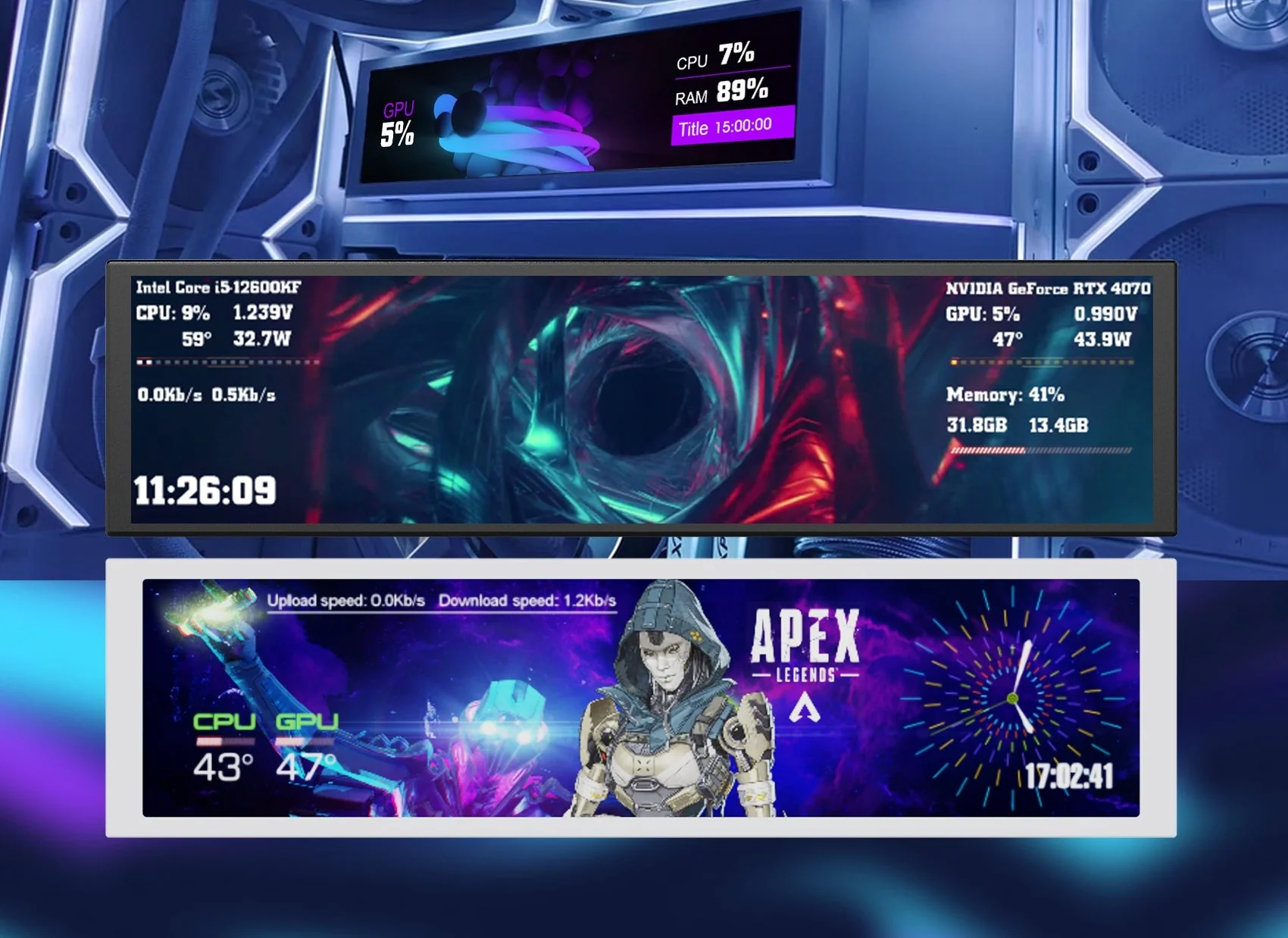
Three theme examples on the VSDinside D92: CPU and RAM load, system sensors, a game overlay
Fits in the case or on the desk
An L-shaped bracket and 4 mm screws are in the box. The screen mounts horizontally — along the bottom edge under the motherboard, for instance — or vertically along the side panel, and it can also be fixed to the stock case-fan screws and wired with the short 9-pin cable. The connectors are hidden on the back, so a finished build shows nothing but the display. If your case is solid, the D92 sits just as happily on the desk beside the monitor.
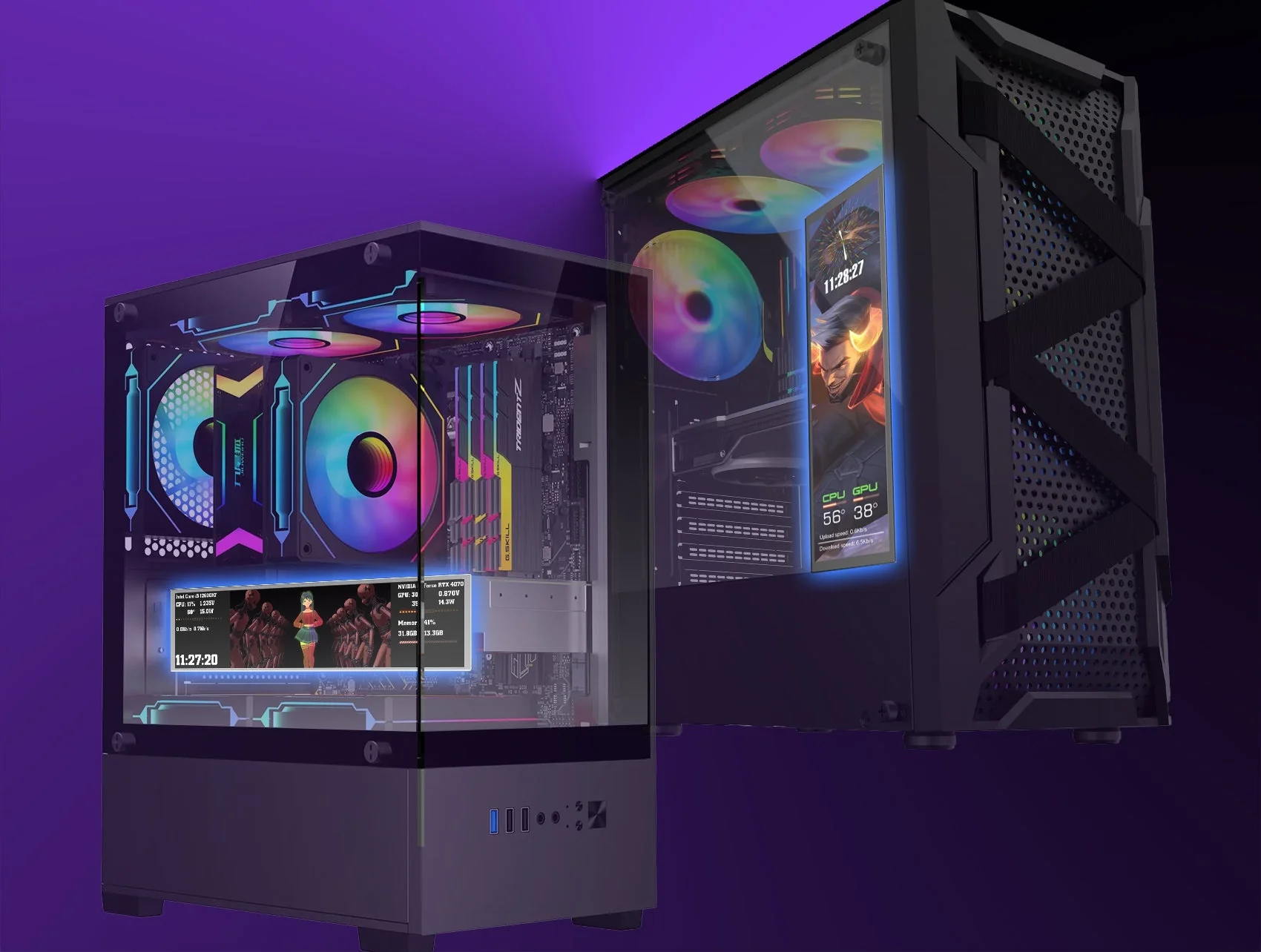
A white VSDinside D92 mounted horizontally and a black one vertically inside two PC cases
USB instead of a second video output
The D92 takes no video output: VSD Craft renders its picture and sends it over USB. Outside the case that is a 1.5 m Type-C to USB-A cable; inside, a short 4PIN-9PIN lead goes to a service USB header on the motherboard, and then not a single wire shows. Power is the same 5 V over USB, with no separate adapter. HDMI and DisplayPort stay free for your monitors.
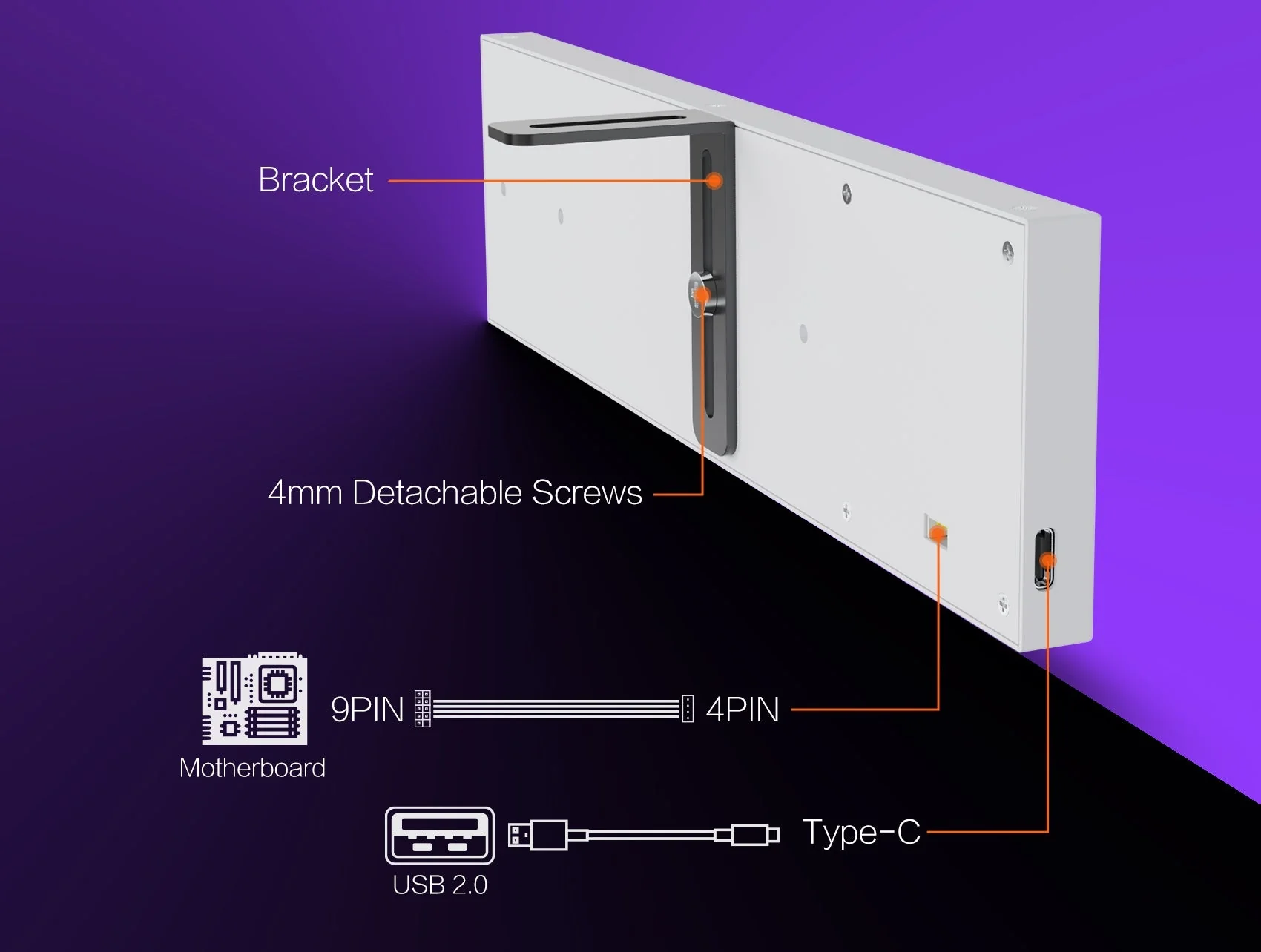
Back of the VSDinside D92: bracket, 4 mm screws, Type-C and 4PIN ports for the 9PIN cable
Your own background under the numbers
A flat dark fill is not the only option under the widgets: the screen takes jpg, jpeg, png, gif, mp4, mov and bmp, which means live wallpapers and short clips. VSD Craft edits a theme in front of you — what you see in the window is what appears on the screen. The image rotates by 90° and 180°, so moving from landscape to portrait is easy. Ready-made themes come from the brand's cloud library, and your own are built from your own files.
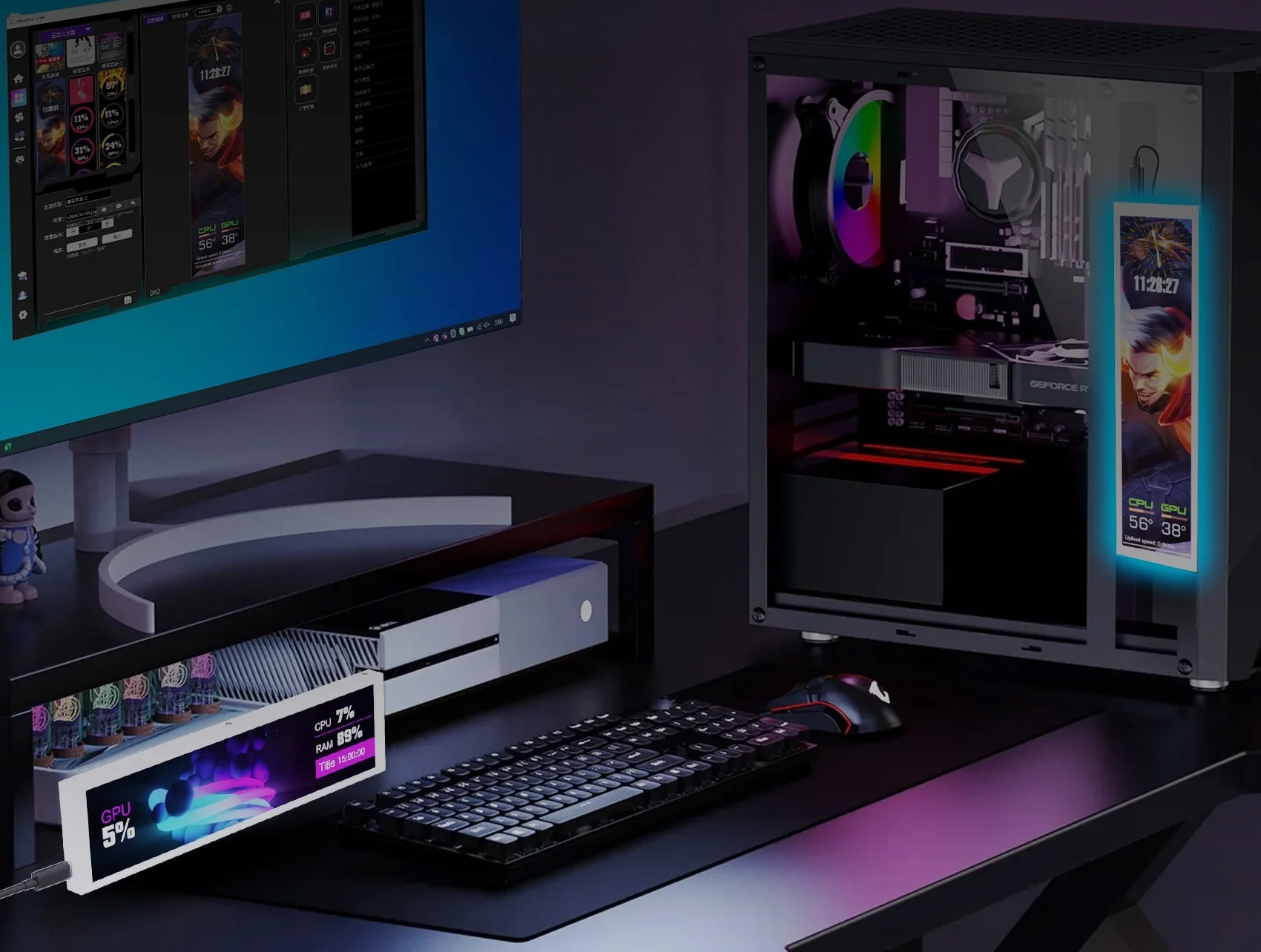
White VSDinside D92 on the desk beside a keyboard, with the same screen inside a PC case
What to know before ordering
The screen works together with the brand's desktop app: without it the widgets do not appear, the model has no internal storage and no memory card slot. Windows 7 64-bit and newer is the officially listed requirement; the maker does not list macOS for this model. This is an info panel, not a second monitor: the app composes the picture and sends it over USB with the graphics card left out of the loop, so you cannot drag a system window onto it. If you want icon keys for macros rather than readings, the VSDinside line has the Stream Dock for that.
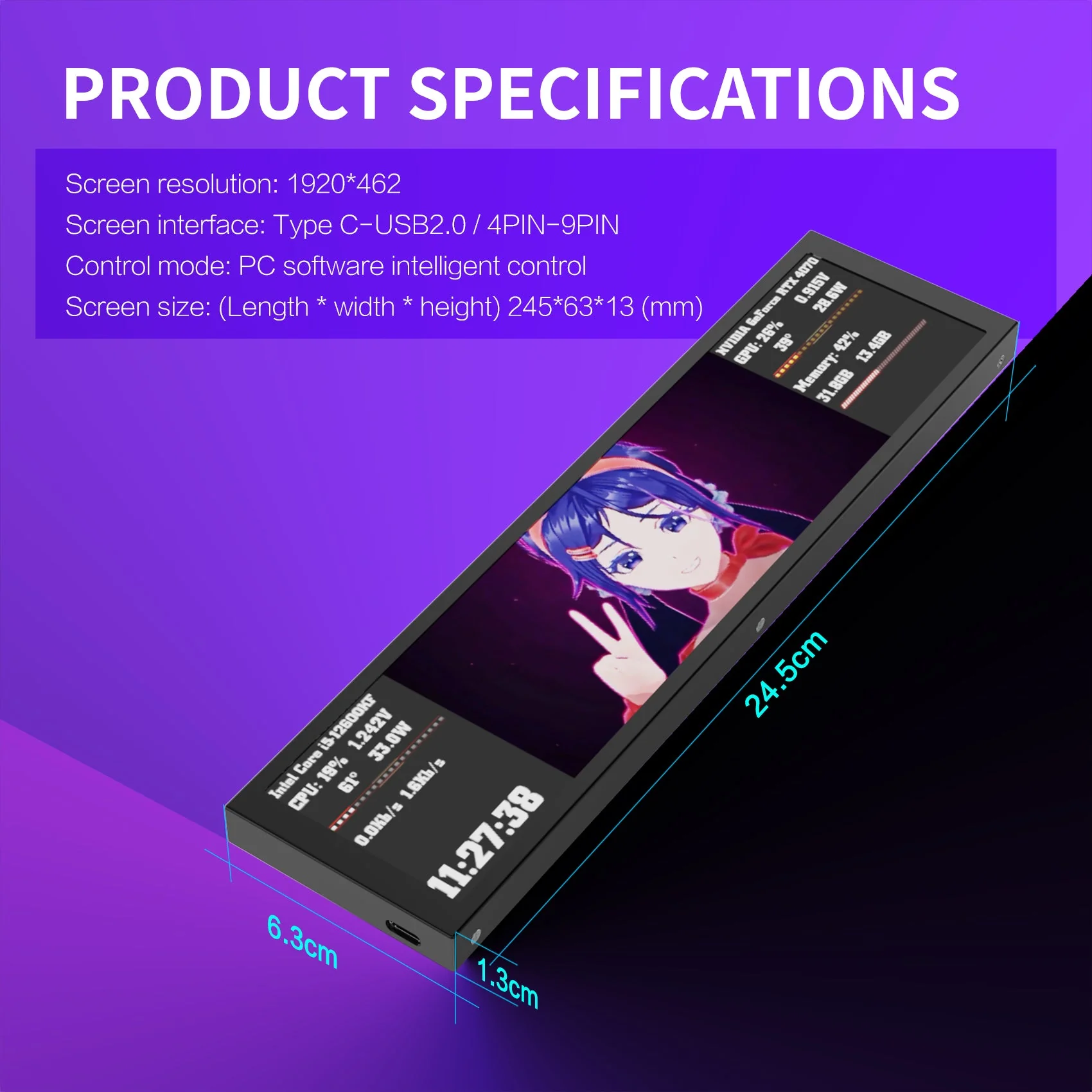
Black VSDinside D92 with 24.5 × 6.3 × 1.3 cm dimensions and the Type-C port on the edge
VSDinside D92 specifications
Reviews
There are no customer reviews yet. The first review will appear after a verified order.
No reviews yet — be the first to leave one.
Questions and answers
No questions yet. Ask the first one and we will reply within one business day.
No questions yet — be the first to ask.