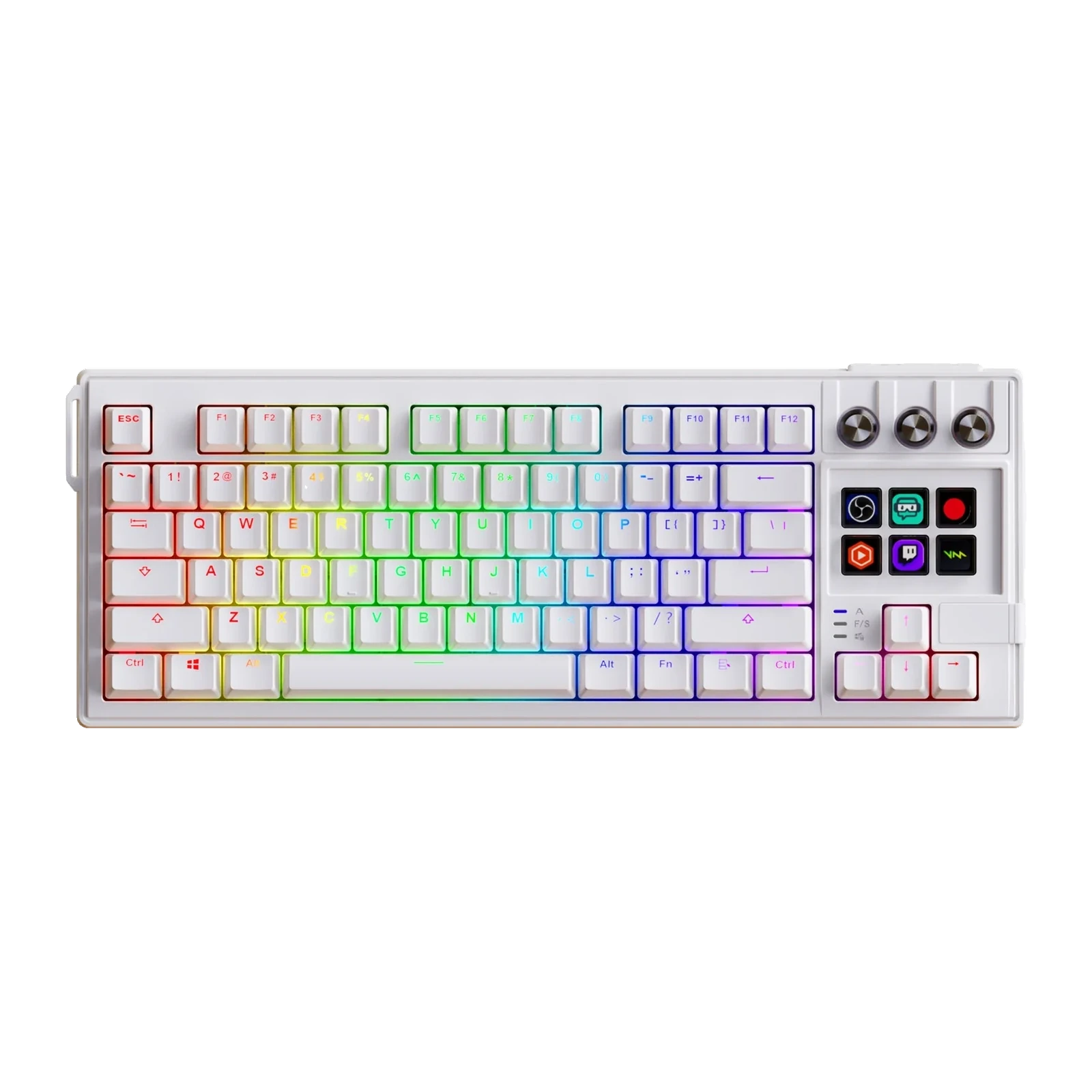
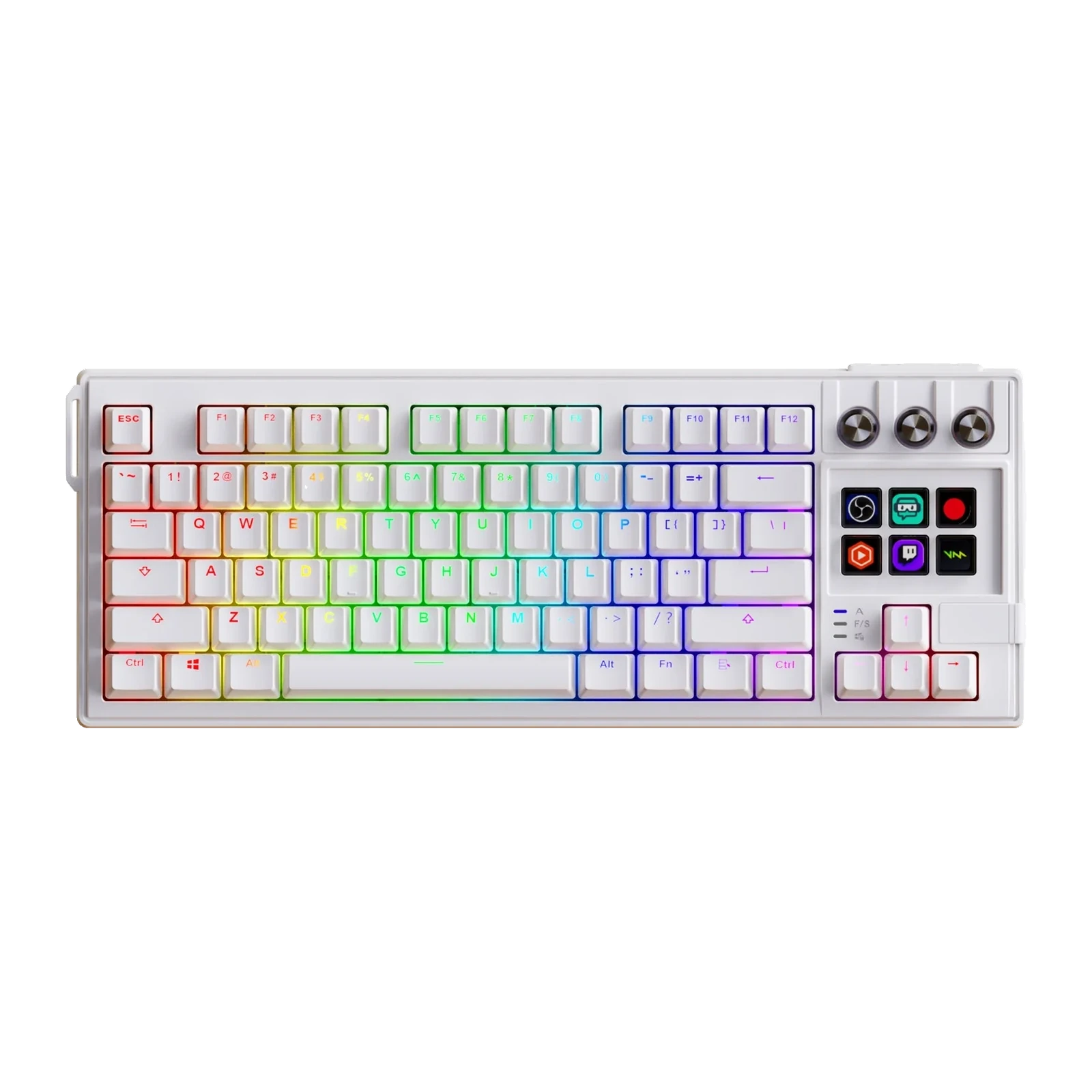
VSDinside K1 Pro — TKL mechanical keyboard with 6 LCD keys, 3 knobs and a gasket mount, White transparent
- Store pickup
- Tashkent, Shaykhantakhur district, Iftikhor street, 2
- Courier
- 50,000 UZS
- Warranty
- 1 month
About this product
All specifications →VSDinside K1 Pro: description and configuration
VSDinside K1 Pro — keyboard.
The K1 Pro solves a simple problem: an LCD-key deck is useful, but it needs desk space and a second cable. Here it is built into the keyboard itself — six screen keys and three aluminium knobs sit to the right of the main block. The screens take OBS scenes, mic mute, app launches and macros, while the knobs handle volume, scrolling or brush size.
Under the keys there is a gasket mount and several damping layers: an EVA gasket, an IXPE pad under the switches, a PET sound-dampening sheet, foam in the base and silicone feet. The switches are linear hot-swappable Haimu Red: 3.60 ± 0.3 mm total travel, actuation at 2.00 ± 0.5 mm with a 47 ± 5 gf force, and the rated life is 50 million keystrokes. Keycaps are PBT with acrylic inserts, the backlight is RGB, the polling rate is 1000 Hz and the connection is USB Type-C. The body measures 386 × 146 × 43 mm, weighs 825 g and sits at 7°.
Windows 10 64-bit or newer and macOS 11.0 or newer are supported, switching between systems is handled on the keyboard itself, and a cable plus a keycap and switch puller are included. The LCD keys and knobs also work without the app, but full icon, scene and macro setup happens in the free VSD Craft software. You choose the edition when ordering: US (ANSI) in a black or a white body, or the transparent one.
The deck moved into the keyboard
Six LCD keys and three knobs sit where an ordinary TKL has an empty strip of case. It is the same set of abilities as a separate deck: OBS scenes and sources, mic mute, launching apps, macros, pasting text, opening folders. The difference is that no second device appears on the desk, no extra port is taken and no second cable is run.
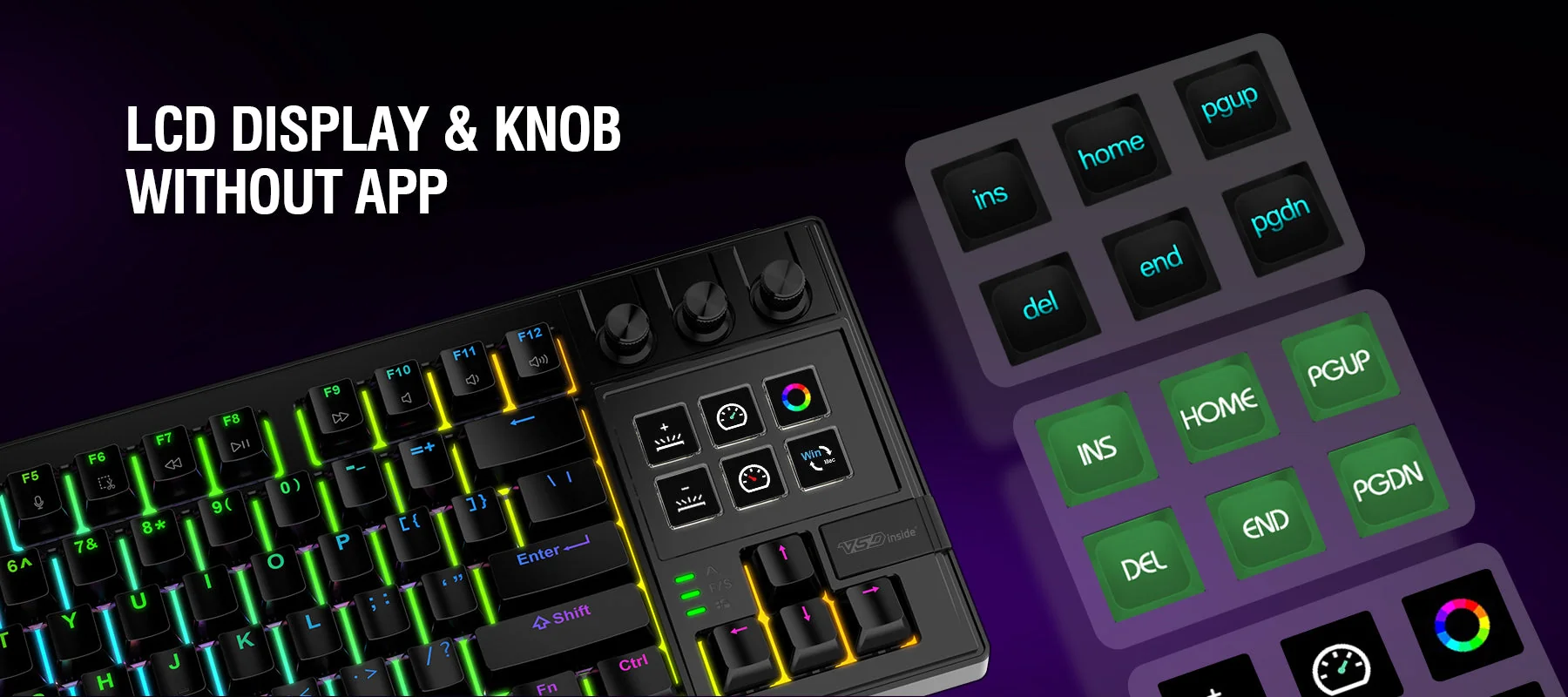
The K1 Pro block of six LCD keys and three knobs with lit icons
Gasket mount and the sound of a press
The plate rests on soft gaskets instead of being screwed hard to the case, so a press feels elastic rather than ending in a sharp bottom-out. Inside there are several layers: an EVA gasket, an IXPE pad under the switches, a PET damping sheet, foam in the base and silicone feet. The maker states the purpose of this build plainly — to remove the hollow, ringing overtone.
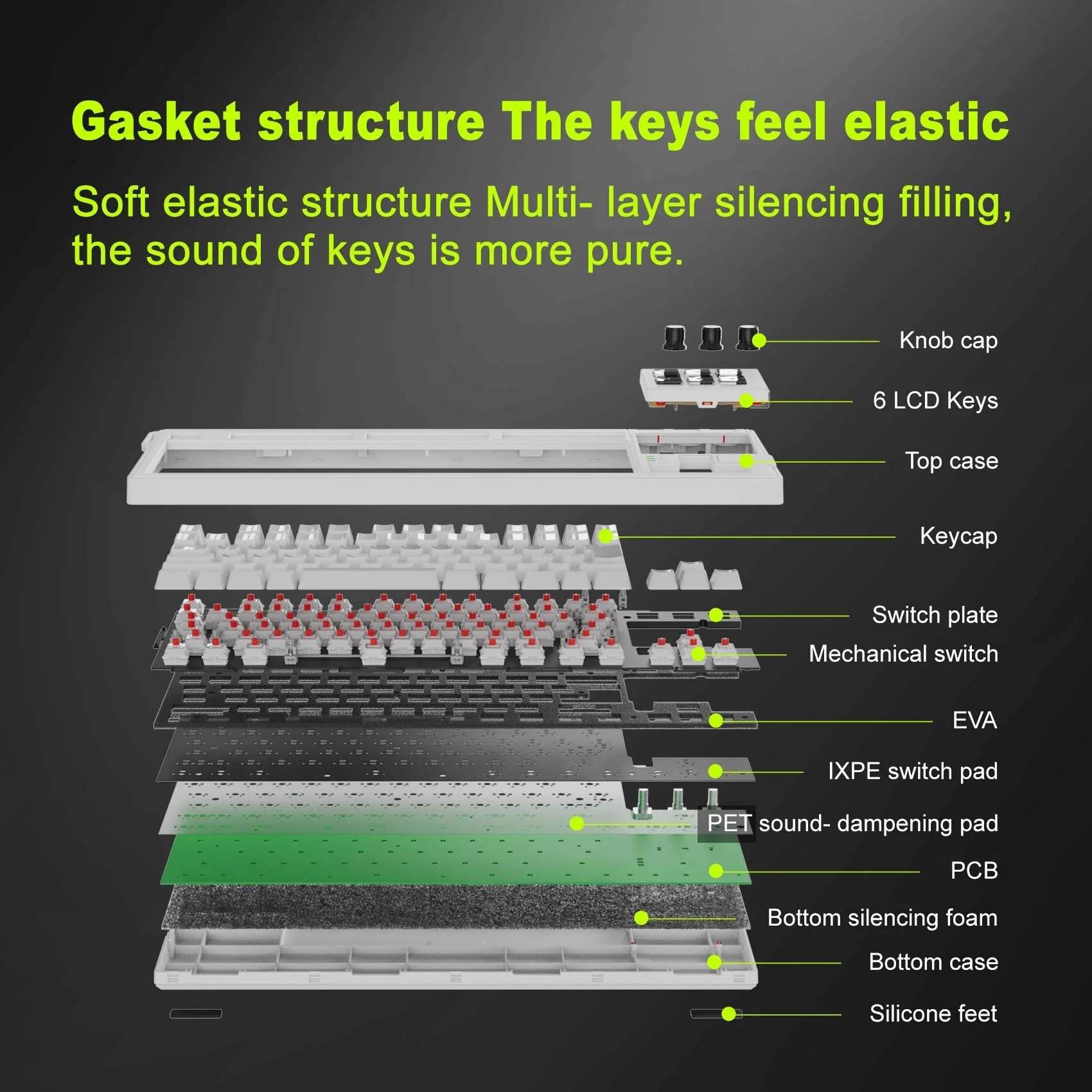
Exploded view of the K1 Pro layers: keycaps, switches, plate, EVA, IXPE, PET, PCB and foam
Haimu Red and hot-swap
The factory switches are linear Haimu Red: 3.60 ± 0.3 mm total travel, actuation at 2.00 ± 0.5 mm with 47 ± 5 gf, up to 55 gf at the bottom. The rated life is 50 million keystrokes. Hot-swap sockets let you change them without soldering, and the keycap and switch puller is already in the box, while the switches themselves — quieter or heavier — are bought separately.
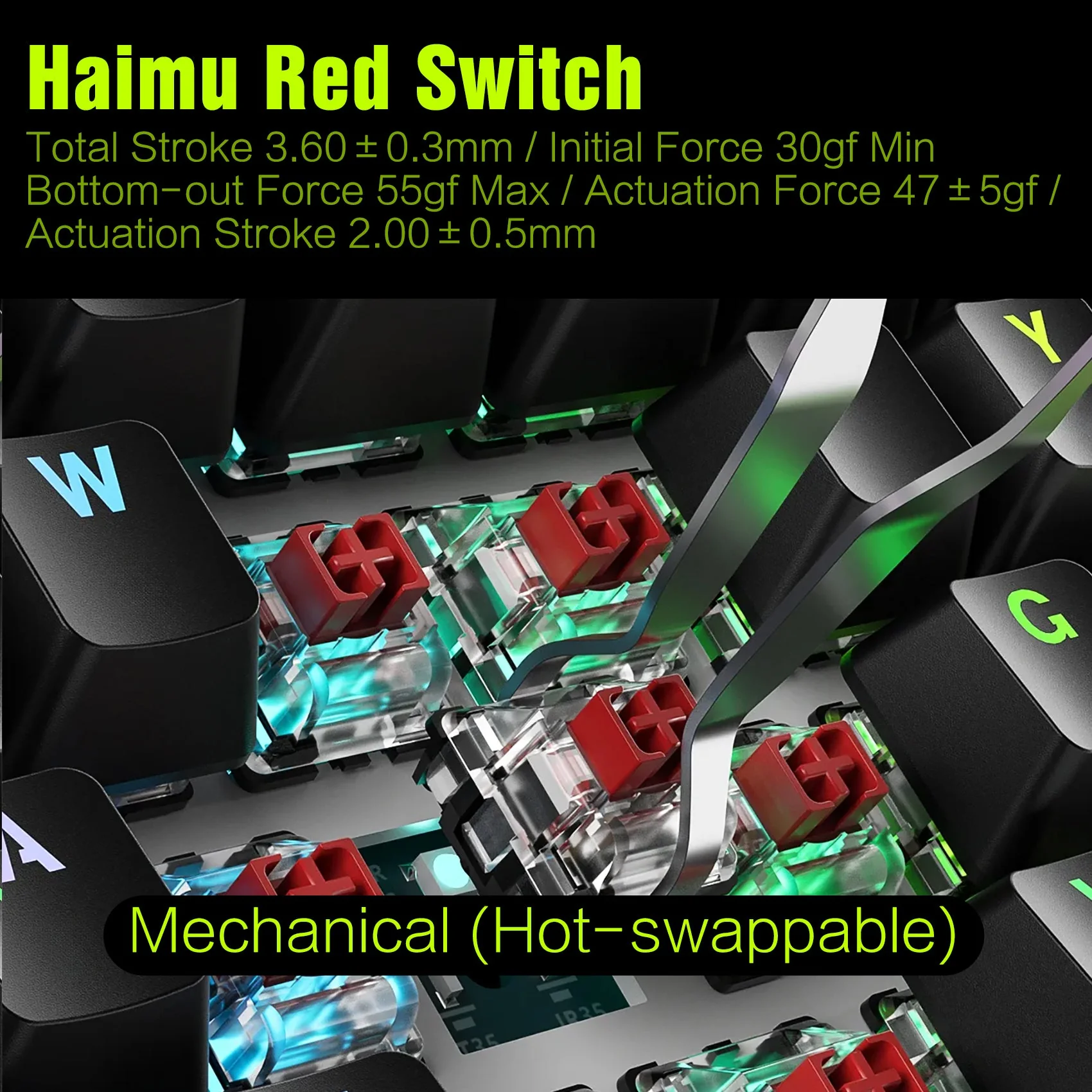
Haimu red switches under the removed K1 Pro keycaps with the travel figures
Three editions: black, white and transparent
The US (ANSI) edition comes in a black or a white body — the layout people are used to in Uzbekistan, and it suits Russian, Uzbek and English typing. The transparent edition stands apart: a semi-transparent body that shows the PCB and the lighting through it, with the same linear red hot-swap switches.
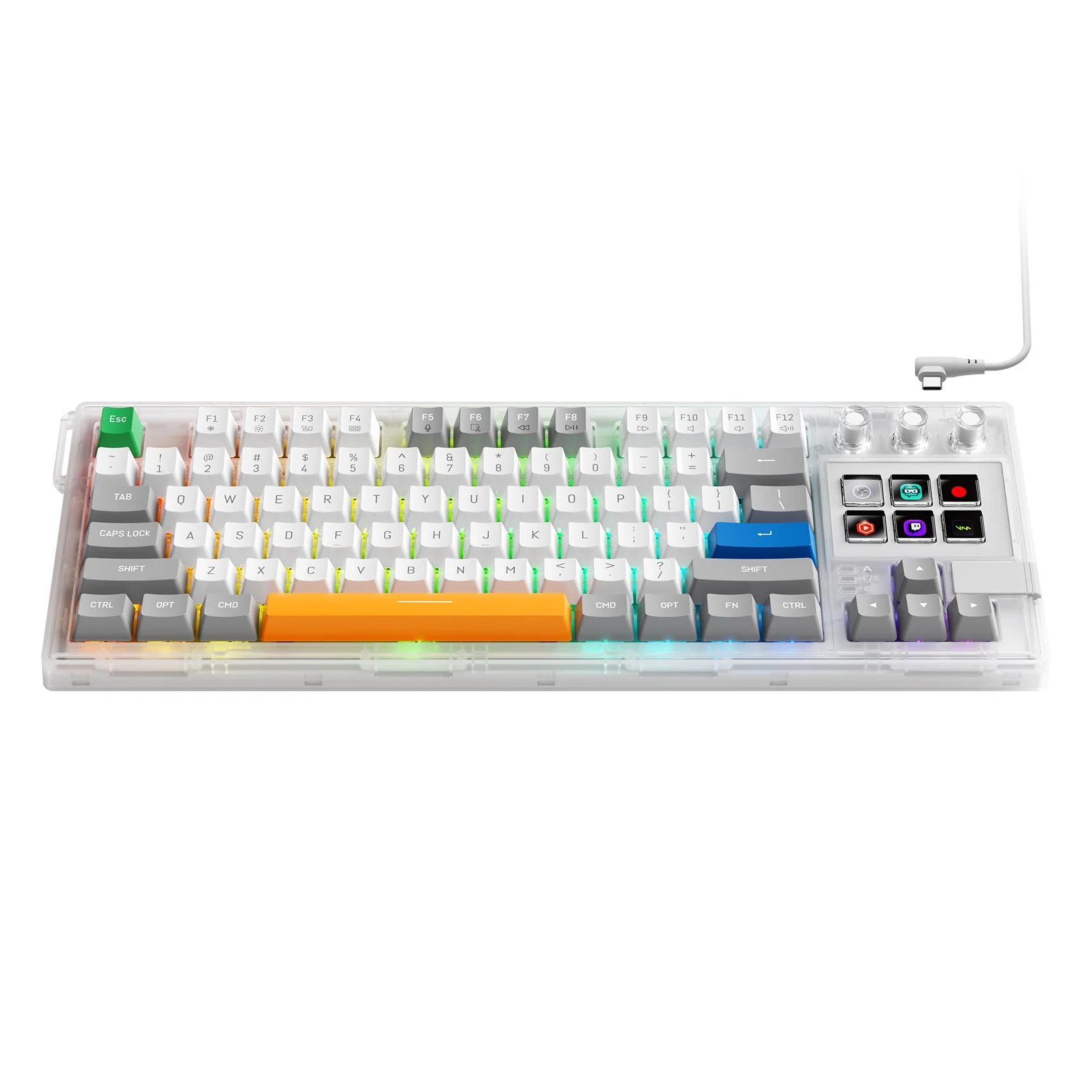
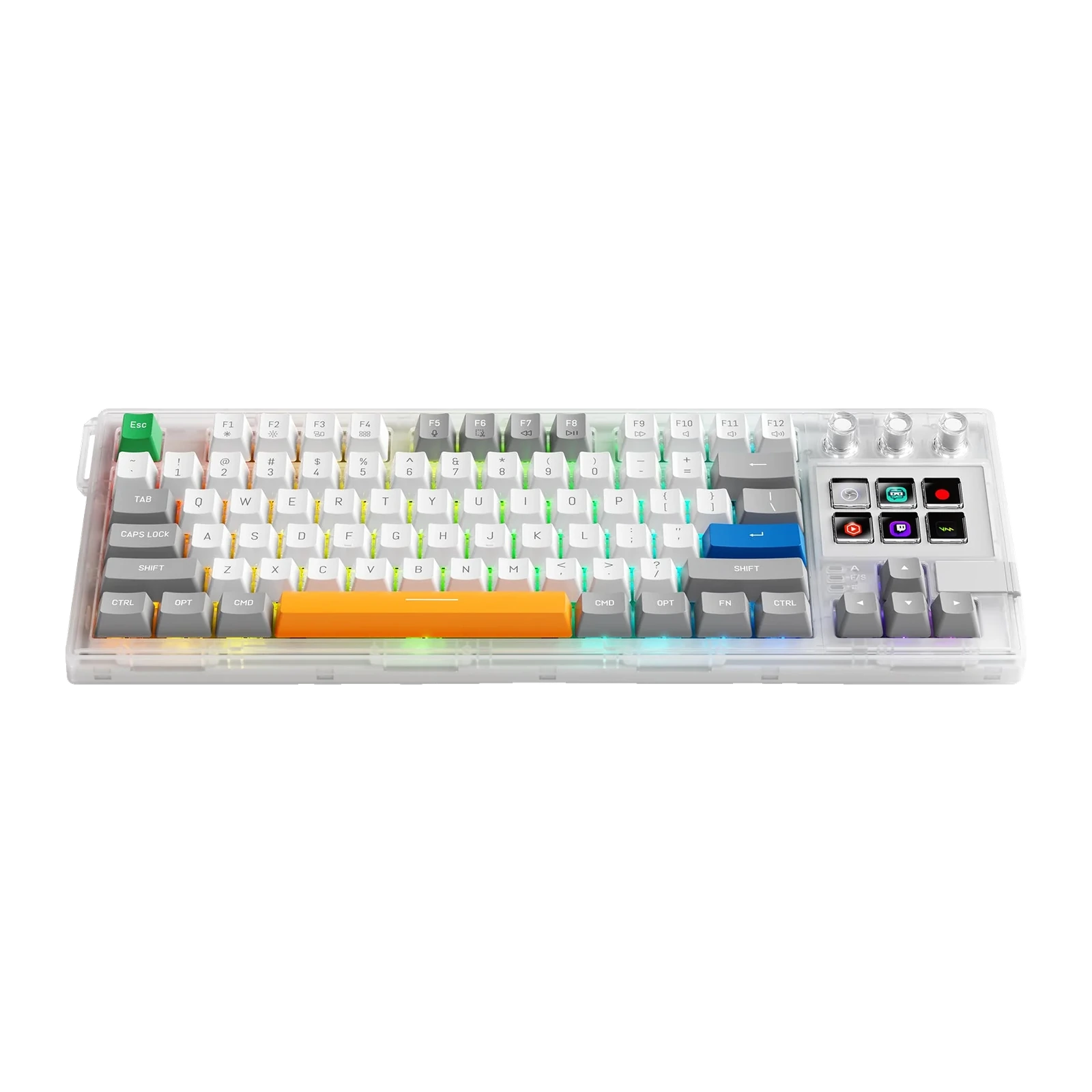
Transparent K1 Pro edition: acrylic body, white and grey keycaps, an orange spacebar
What to know in advance
The keyboard is wired; the K1 Pro has no wireless mode — the separate K1 W model exists for that. The six LCD keys and the knobs keep their assigned functions without the app, but icons, scenes and complex macros are defined in VSD Craft, so most people leave it in startup. The transparent edition is a separate line with its own price — check its availability with the manager when you order.
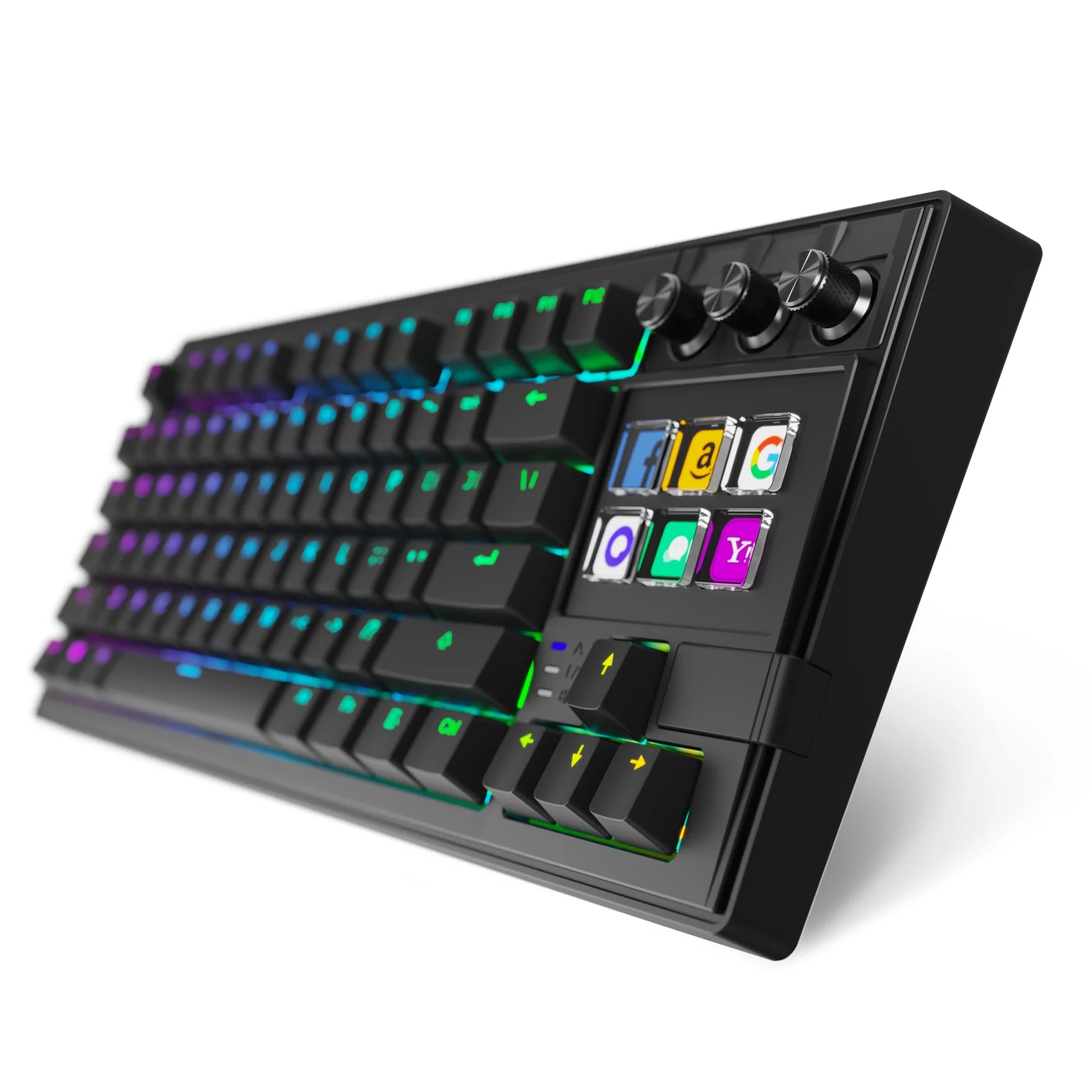
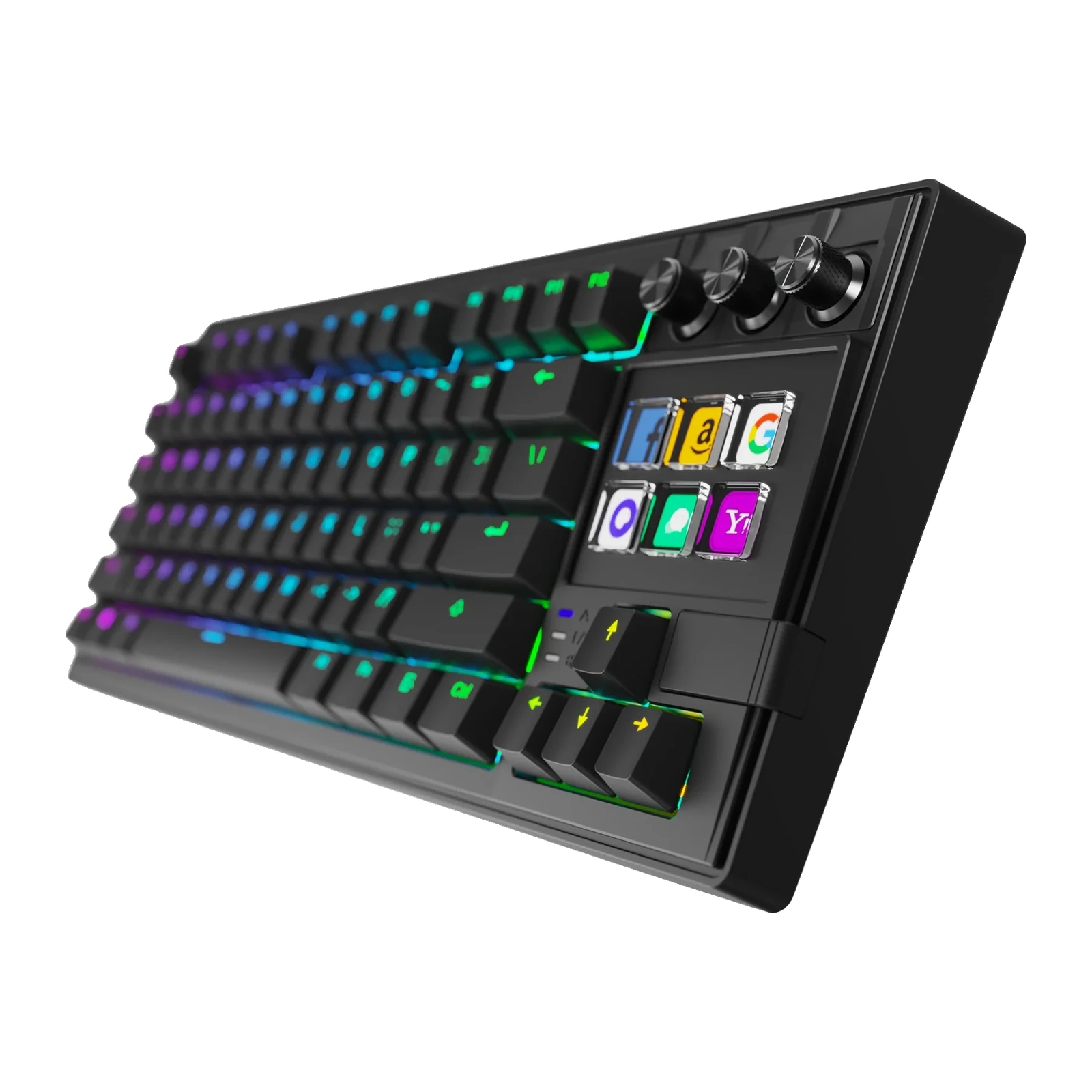
Black K1 Pro keyboard at an angle with RGB lighting, LCD keys and three black knobs
VSDinside K1 Pro specifications
Reviews
There are no customer reviews yet. The first review will appear after a verified order.
No reviews yet — be the first to leave one.
Questions and answers
No questions yet. Ask the first one and we will reply within one business day.
No questions yet — be the first to ask.