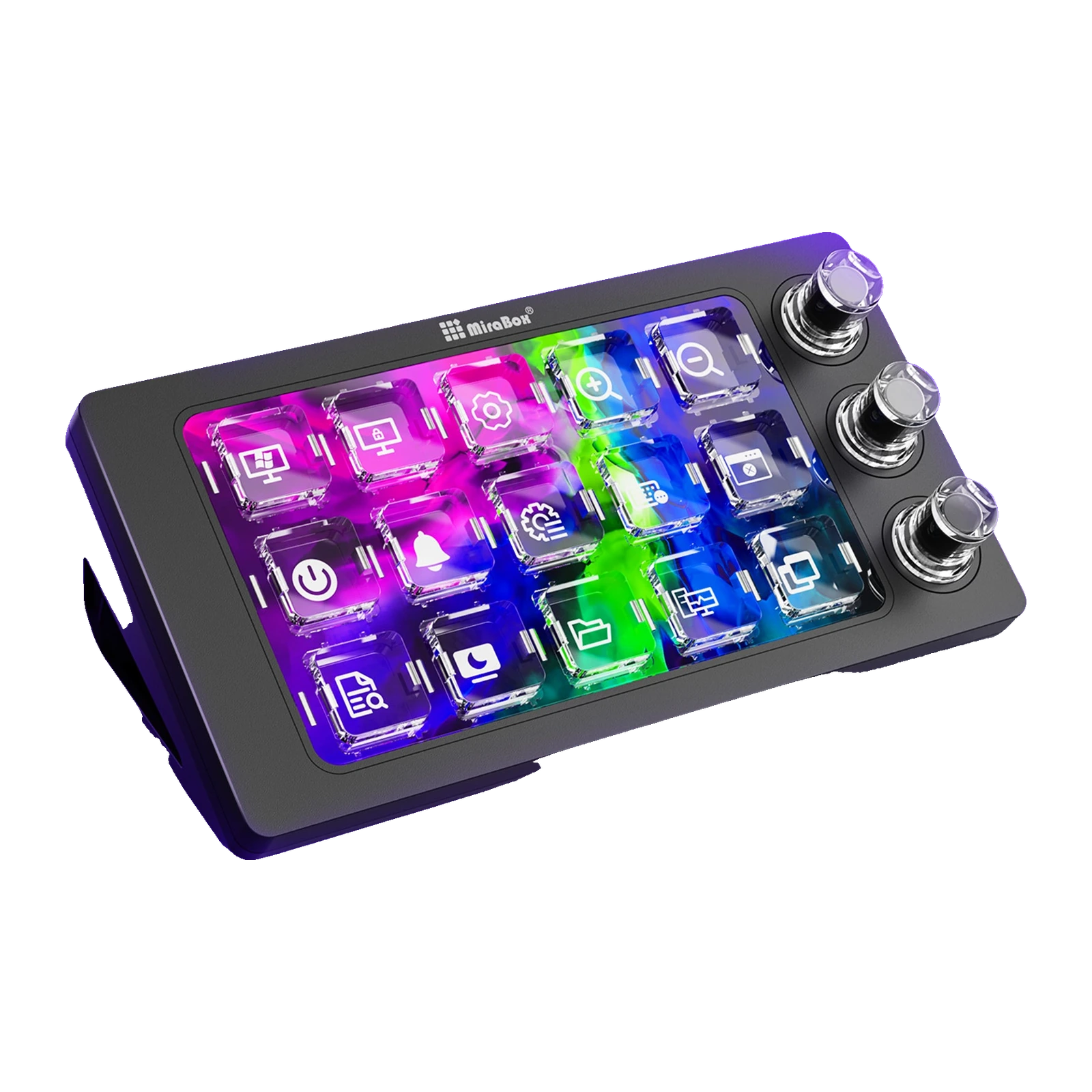
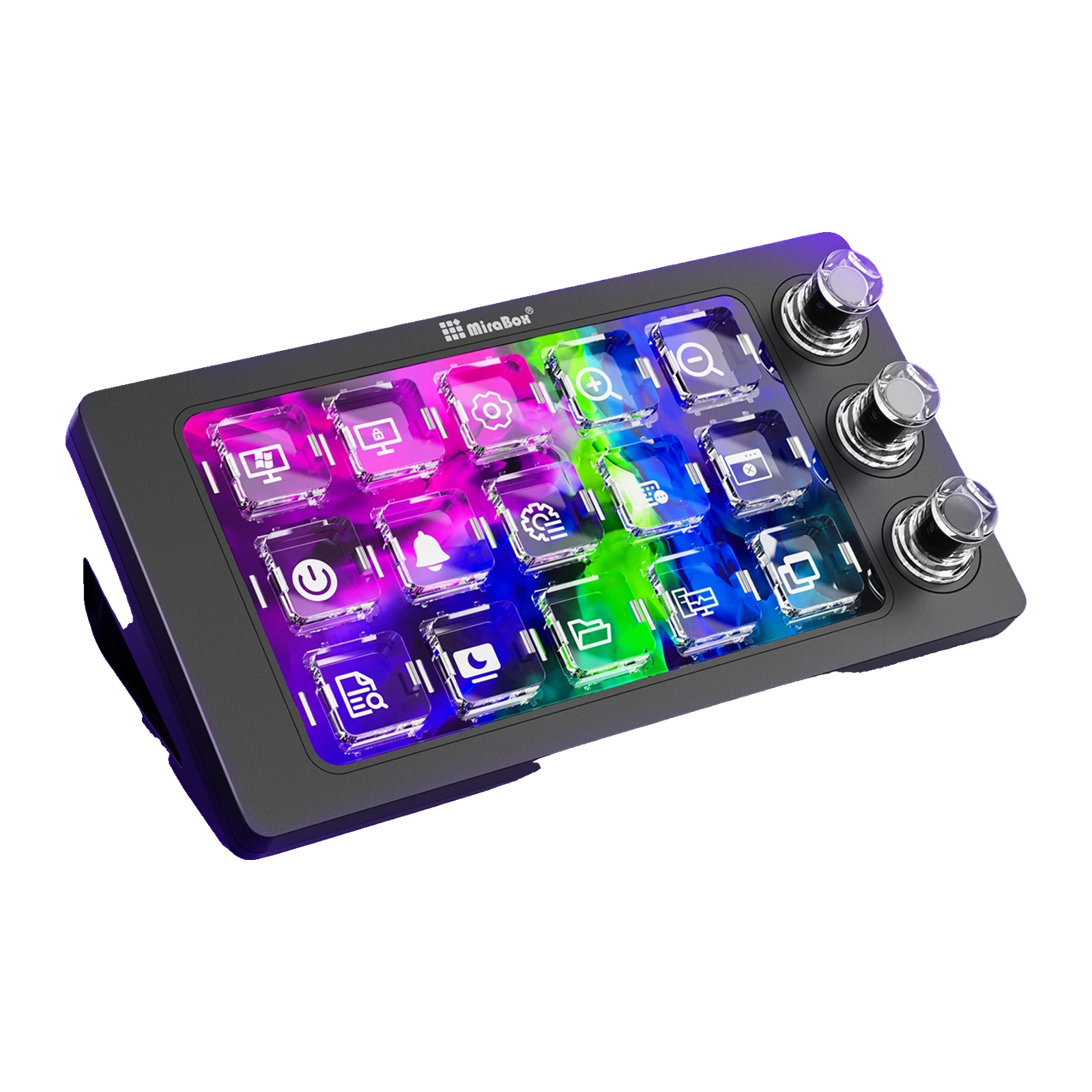
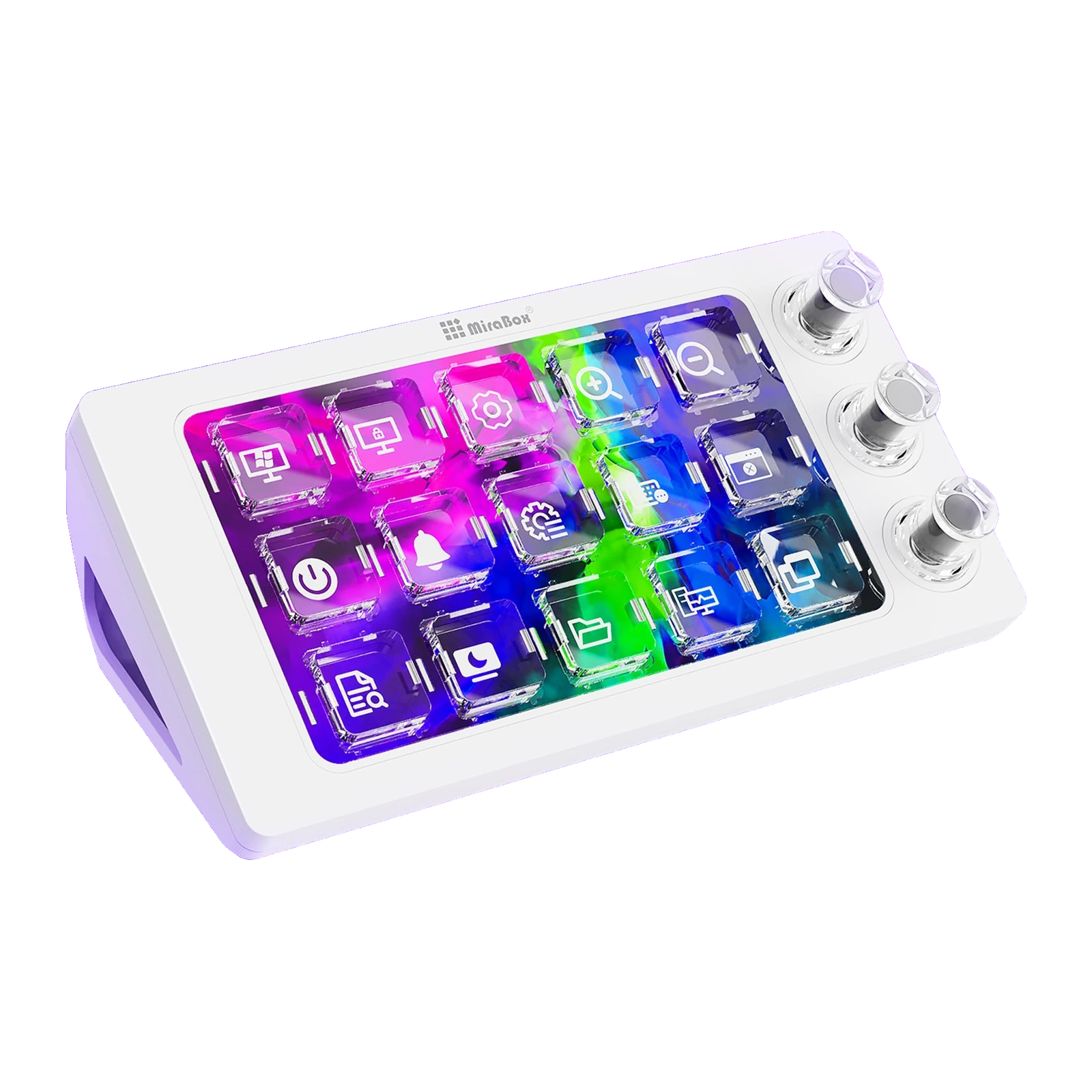
VSDinside MagTran M3 — macro pad with 15 transparent magnetic LCD keys and 3 knobs, Black
- Store pickup
- Tashkent, Shaykhantakhur district, Iftikhor street, 2
- Courier
- 50,000 UZS
- Warranty
- 1 month
About this product
All specifications →VSDinside MagTran M3: description and configuration
VSDinside MagTran M3.
The MagTran M3 takes over what you normally do with the mouse and keyboard shortcuts: launching apps, switching OBS scenes, volume, mic, macros, pasting text. Fifteen keys carry your own icons, so there is nothing to memorise — you see the action and press it.
Under the transparent caps sit magnetic switches, and beneath them a full-area LCD screen. That is why the picture comes in two layers at once: a global background (MP4 video or GIF) and semi-transparent icons on top of it. Three knobs handle volume, scrolling, brush size or a timeline. The body measures 150.1 × 80 × 43.6 mm, weighs 400 g, connects by cable, and a 1.5 m USB Type-A to Type-C cable is included.
Everything is configured in the free VSD Craft app (Windows 10 64-bit or newer, macOS 11.0 or newer): plugins, icons, scenes and backgrounds come from the brand's cloud library. Before ordering, check that you have a free USB-A port, and note that the more complex scenarios run while the app is open.
Transparent magnetic keys
The M3's keys sit on magnetic switches with a fully transparent housing, so the screen's light passes through the cap with almost no loss. For the user that means two things: a key reads like a small display rather than a backlit cap, and the travel stays smooth and quiet, with no click. The caps are acrylic; the top panel, shell and plate are ABS.
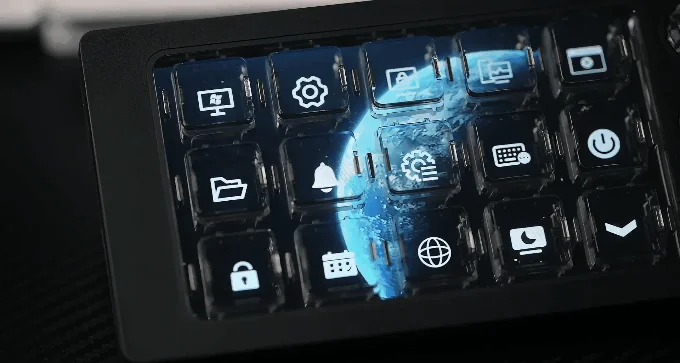
Close-up of the transparent MagTran magnetic keys with the screen's three-dimensional image beneath them
Two picture layers at once
A single continuous screen sits under the keys, not fifteen separate windows. So you can put an MP4 video or a GIF across the whole surface as a background and lay the icons over it as a semi-transparent layer. The background changes with the scene: a gaming preset, a work layout, a music console. Key press feedback and the idle screensaver are configured separately.
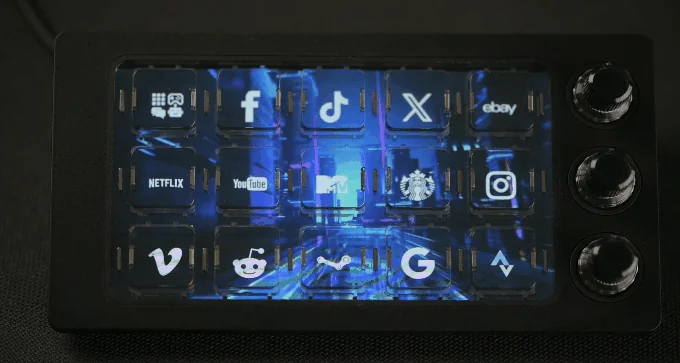
App icons on the MagTran M3 keys over a shared dynamic background
What people put on the keys
OBS scenes and sources, mic mute, launching Photoshop, Illustrator, Excel, Final Cut Pro or Spotify, ready-made macros such as copy then paste without formatting, inserting canned replies, opening a specific folder or site. The knobs take care of system and app volume, scrubbing a long timeline and brush size. The spec sheet lists five scenarios: gaming, streaming, office work, music control and design.
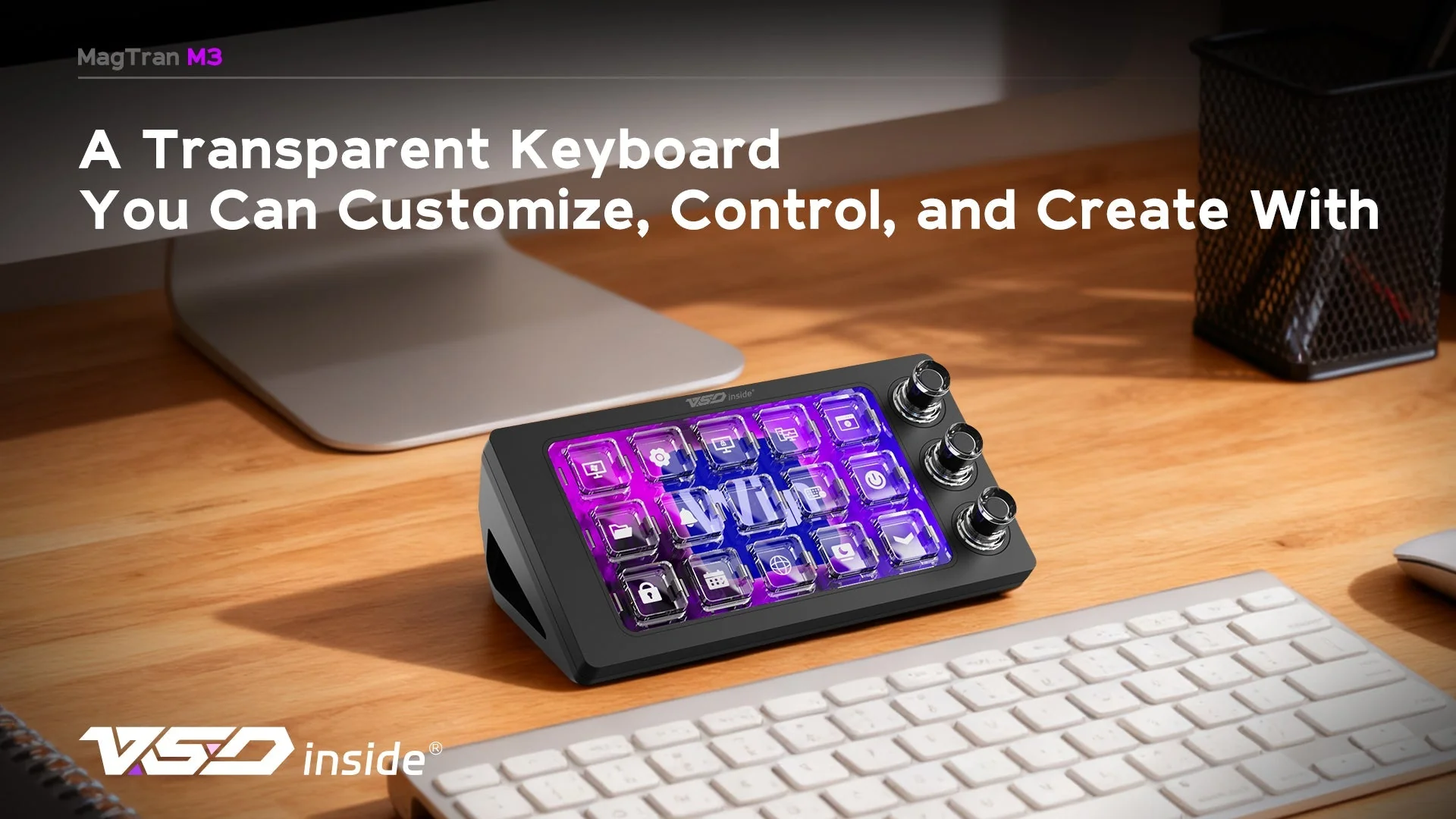
Black MagTran M3 on a desk next to a keyboard, its keys lit by the picture from the screen
VSD Craft and the plugin library
The console is configured in the free VSD Craft for Windows 10 or newer and macOS 11.0 or newer; the same app is published on Steam. Inside you drag actions onto keys, build scenes, use ready-made layouts and pull icons, backgrounds and plugins from a cloud library; the brand claims more than 200 plugins and over a hundred themes. There is an open SDK, so you can write a plugin for your own task.
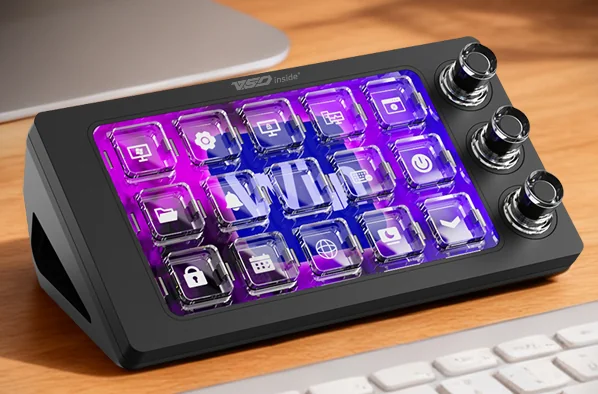
MagTran M3 at an angle, showing the transparent keycaps and the three rotary knobs on the right
What to know in advance
The M3 is a wired device: the cable is included and a free USB-A port is needed at all times. Complex macros and scene switching run while VSD Craft is open, so most people keep it in startup. The icons read best when the console sits within reach and you look down at it — this is a pad for the desk next to your keyboard, not for a distant shelf. And the first evening goes not into unboxing but into laying out your own actions across the keys.
VSDinside MagTran M3 specifications
Reviews
There are no customer reviews yet. The first review will appear after a verified order.
No reviews yet — be the first to leave one.
Questions and answers
No questions yet. Ask the first one and we will reply within one business day.
No questions yet — be the first to ask.