VSDinside Stream Dock 293S — stream controller: 15 LCD keys, info bar, detachable USB-C, White
- Store pickup
- Tashkent, Shaykhantakhur district, Iftikhor street, 2
- Courier
- 50,000 UZS
- Warranty
- 1 month
About this product
All specifications →VSDinside Stream Dock 293S: description and configuration
VSDinside Stream Dock 293S.
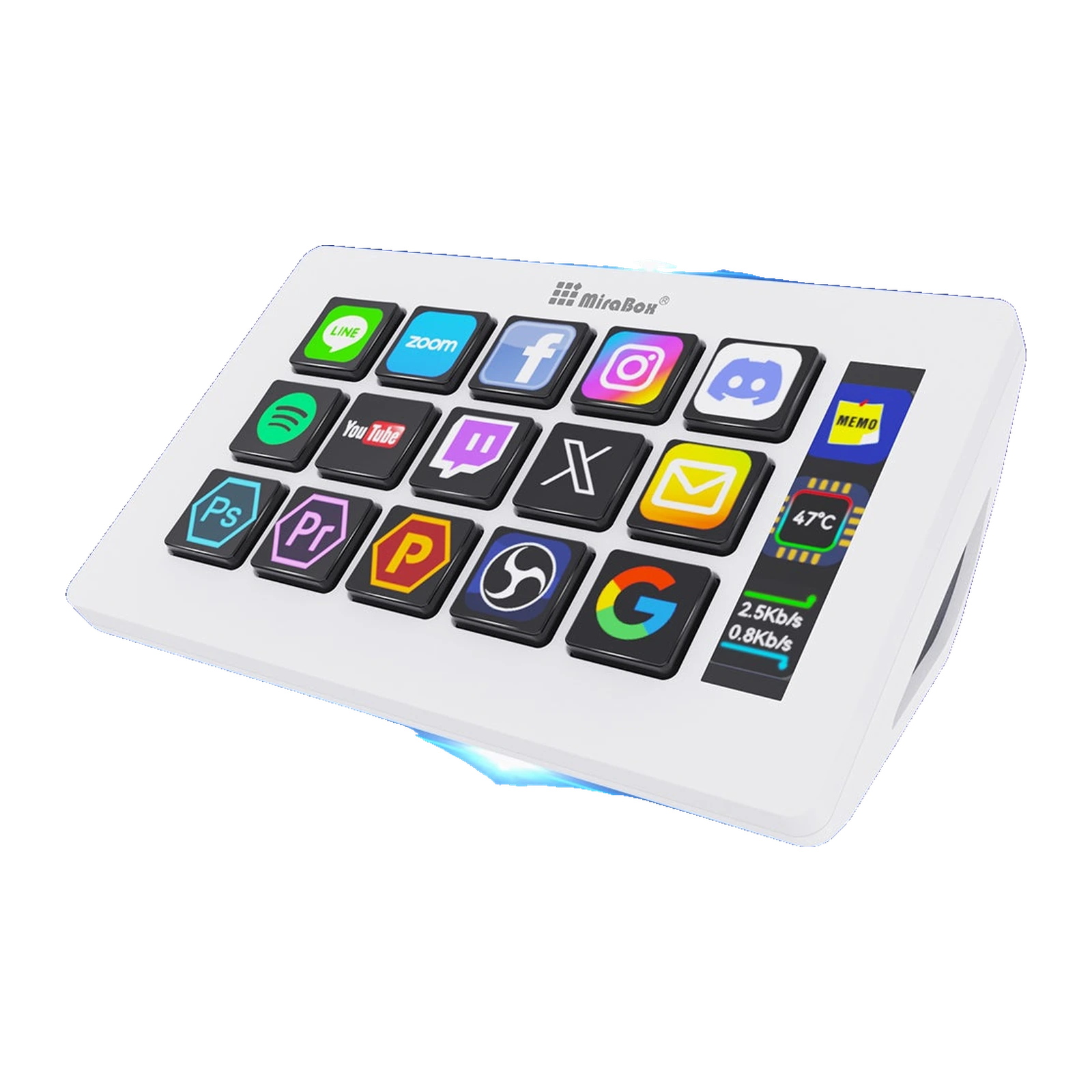
The Stream Dock 293S is a desk controller for anyone tired of memorising keyboard shortcuts. Fifteen keys sit in a 3 x 5 grid and each one has its own small LCD screen, so you can put an image or a GIF on a key and actually see the OBS scene, the microphone or the folder of macros instead of recalling it.
To the right of the keys sits a separate three-field info bar for CPU temperature, clock and network speed. The VSD Craft app (Windows 10 or newer, macOS 11.0 or newer) builds profiles by drag and drop, chains several commands into one key with Action Flow, groups actions into folders and switches the layout as the active application changes. Plugins and icon packs for OBS, Twitch, Zoom, Discord, Spotify, Photoshop, Premiere Pro and Office download free from inside the app.
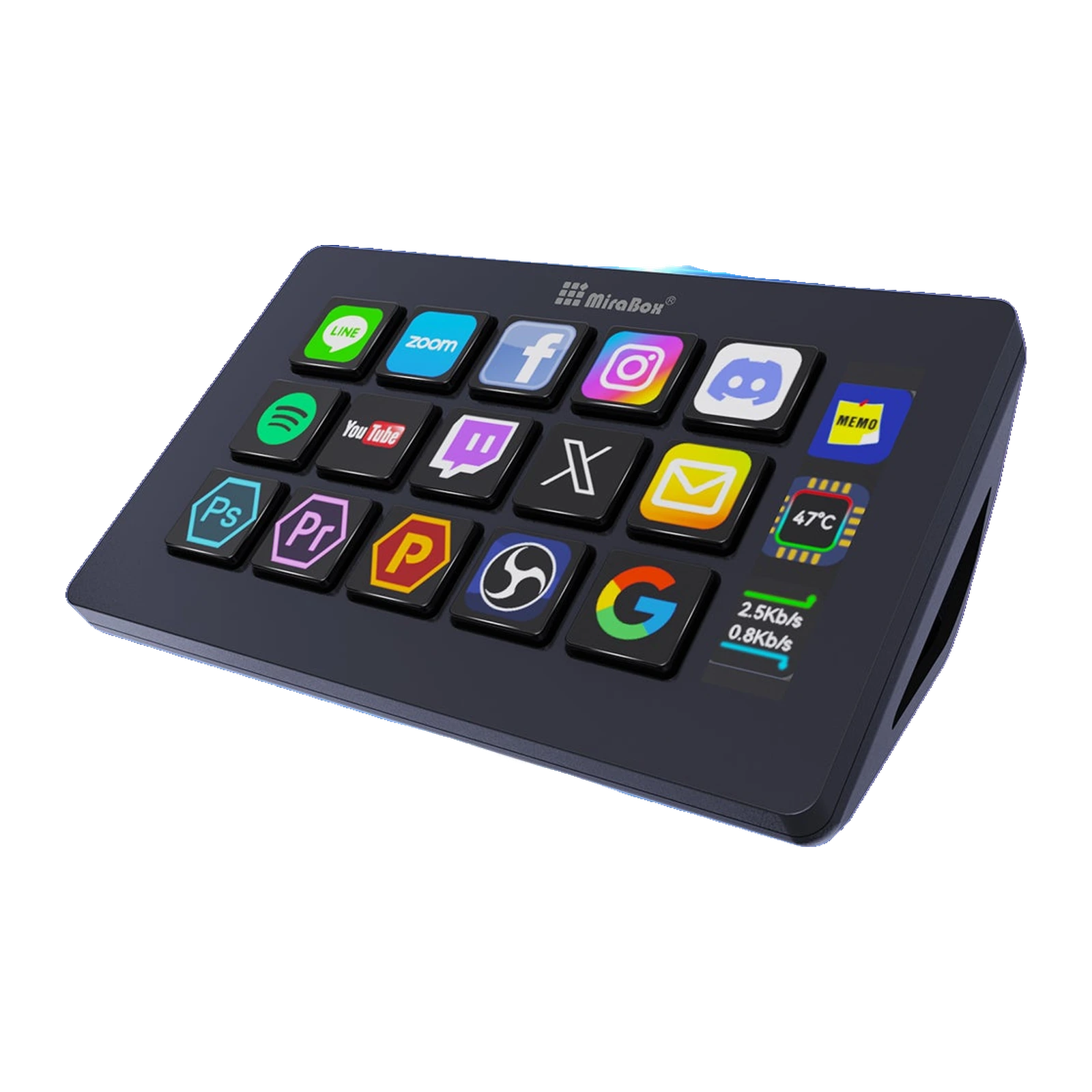
The shell is ABS with acrylic key caps: 132 x 80 x 25 mm without the stand, 148 g on its own and 200 g with the stand. The cable is not hard-wired - the Type-C port sits in a recess on the back and a USB-A to USB-C cable is included, so you can fit your own. White and black share the same price.
Fifteen keys you can actually see
The 3 x 5 grid is fifteen separate LCD screens under acrylic caps. Each one takes its own picture: an app logo, a frame from an OBS scene, a crossed-out microphone, a preset number. The icon can be animated, since JPG, PNG and GIF are all supported. Nothing has to be memorised: you look at the desk and see what each key does.
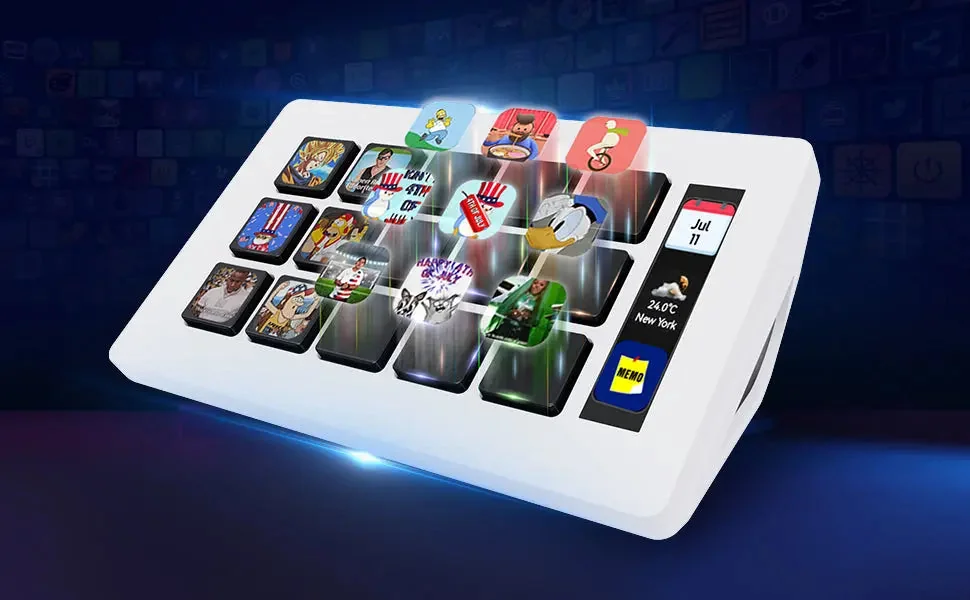
White Stream Dock 293S with glowing game icons on the LCD keys
The status bar on the right
Next to the keys sits a separate three-field LCD bar. It keeps within sight exactly what people watch most during a stream or a render: CPU temperature, the clock and network speed - the kind of information that would otherwise need an overlay or a second monitor.
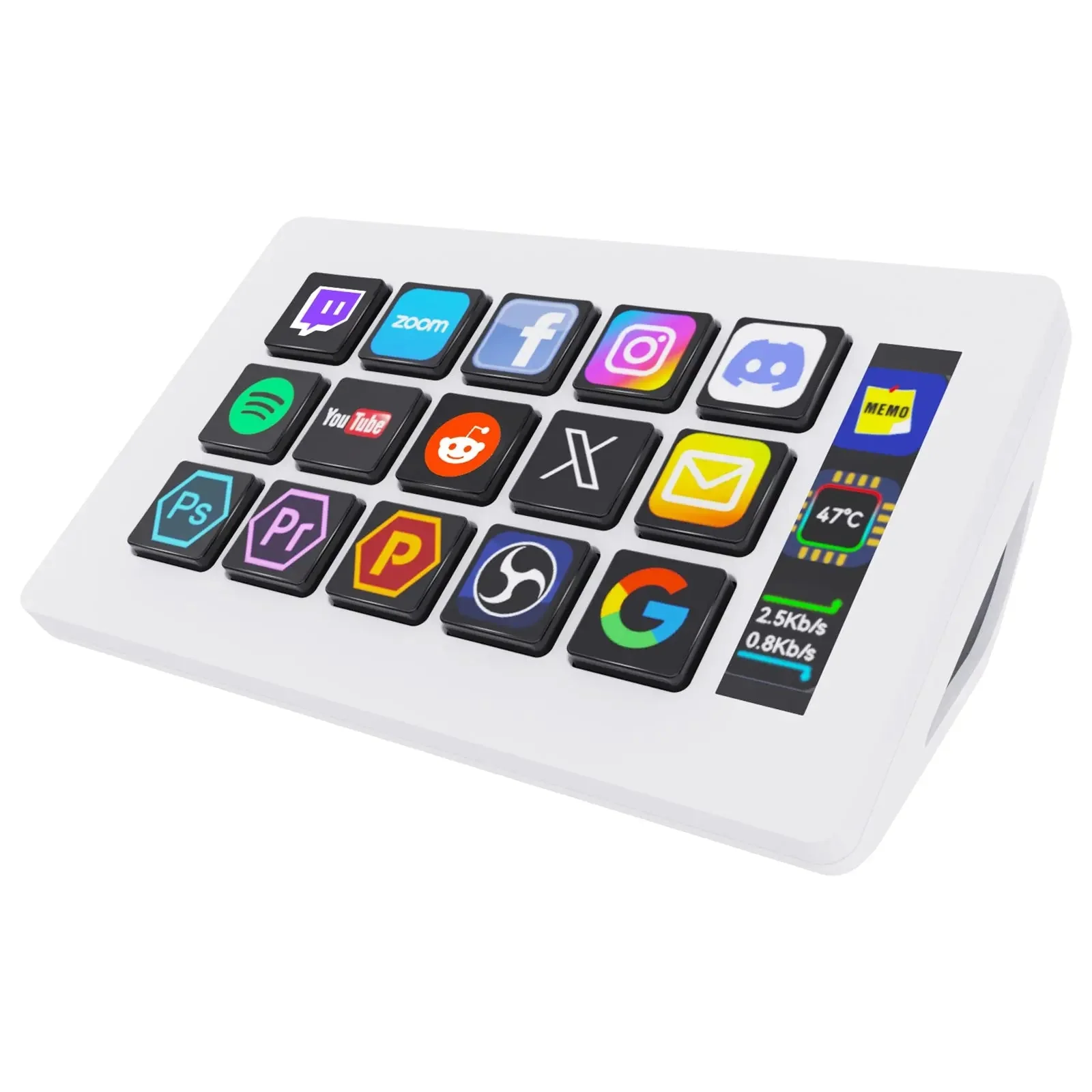
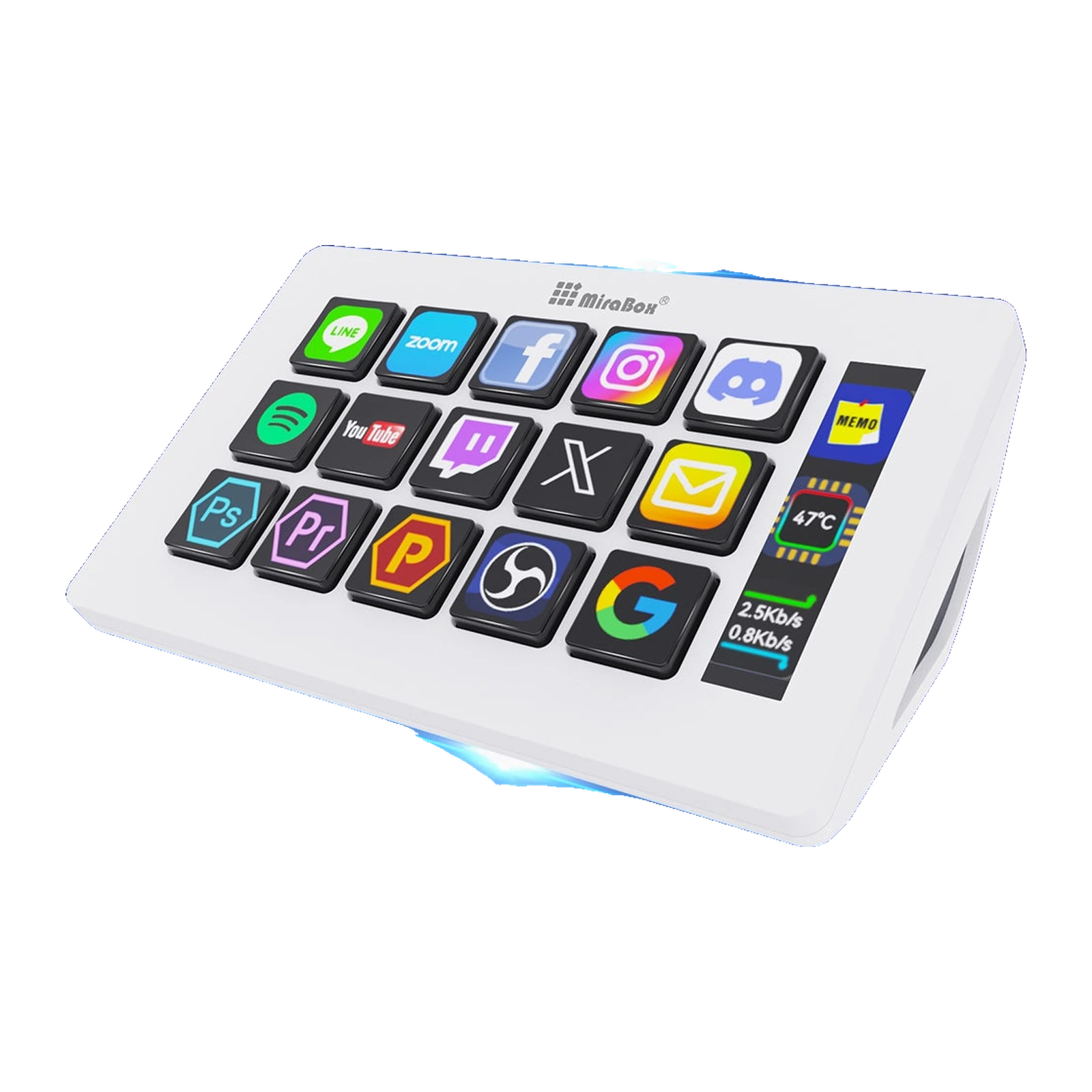
White VSDinside Stream Dock 293S with 15 LCD keys showing app icons and the info bar on the right
One key, several actions
In VSD Craft you drag actions onto keys with the mouse. Action Flow turns them into a chain: start the scene, bring up the music, post a message in chat - one press, in the order you set. Actions group into folders, and the profile can switch by itself when you move from OBS to Premiere Pro.
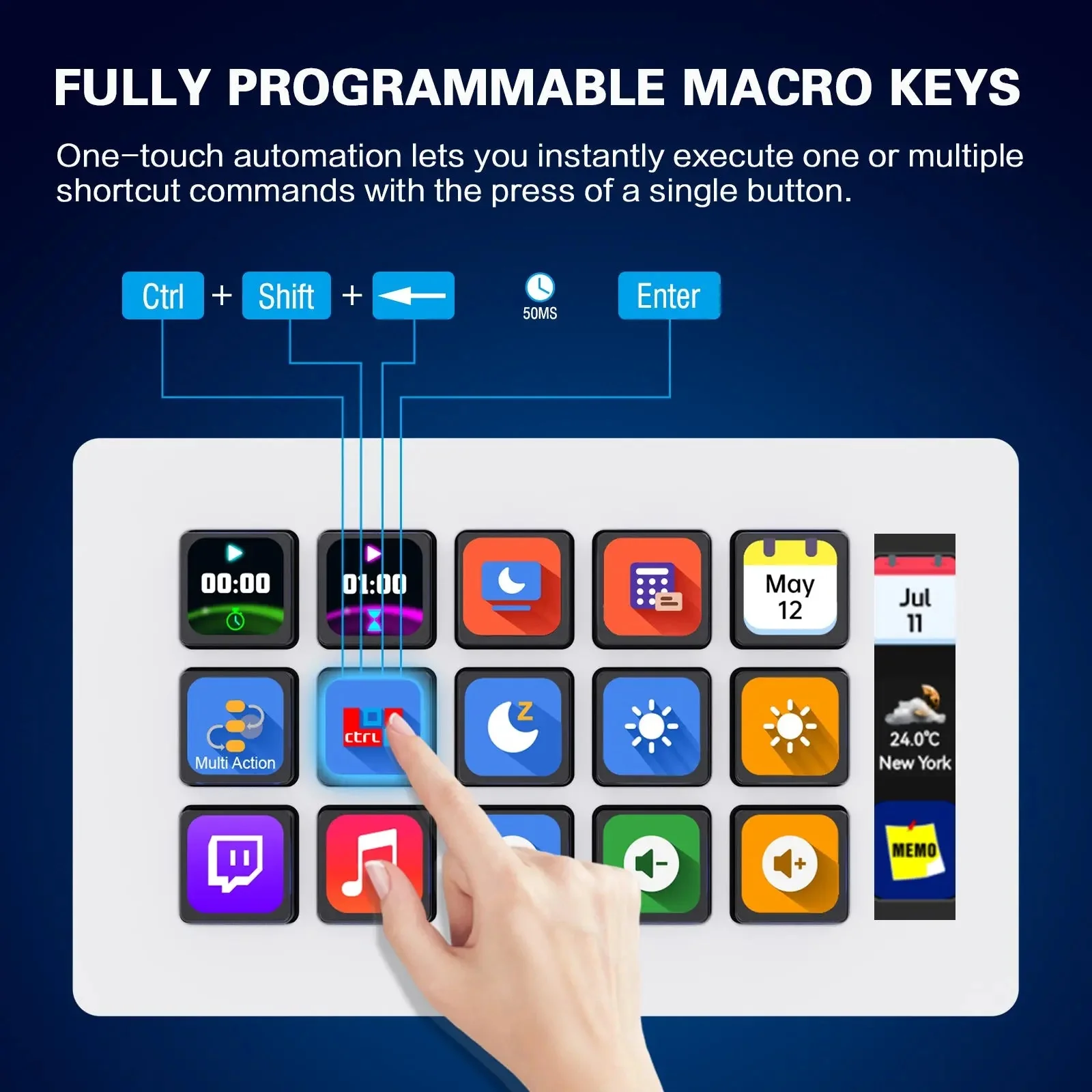
Diagram of how Stream Dock 293S keys work: one press fires a shortcut or a chain of commands
Your cable, your angle
The Type-C port is recessed into the back panel, so the cable does not stick out yet stays detachable: the bundled USB-A to USB-C lead can be swapped for a shorter one or a different colour. The stand holds the panel at 40 degrees and comes off, and the whole controller weighs 200 g, so it travels in a laptop bag.
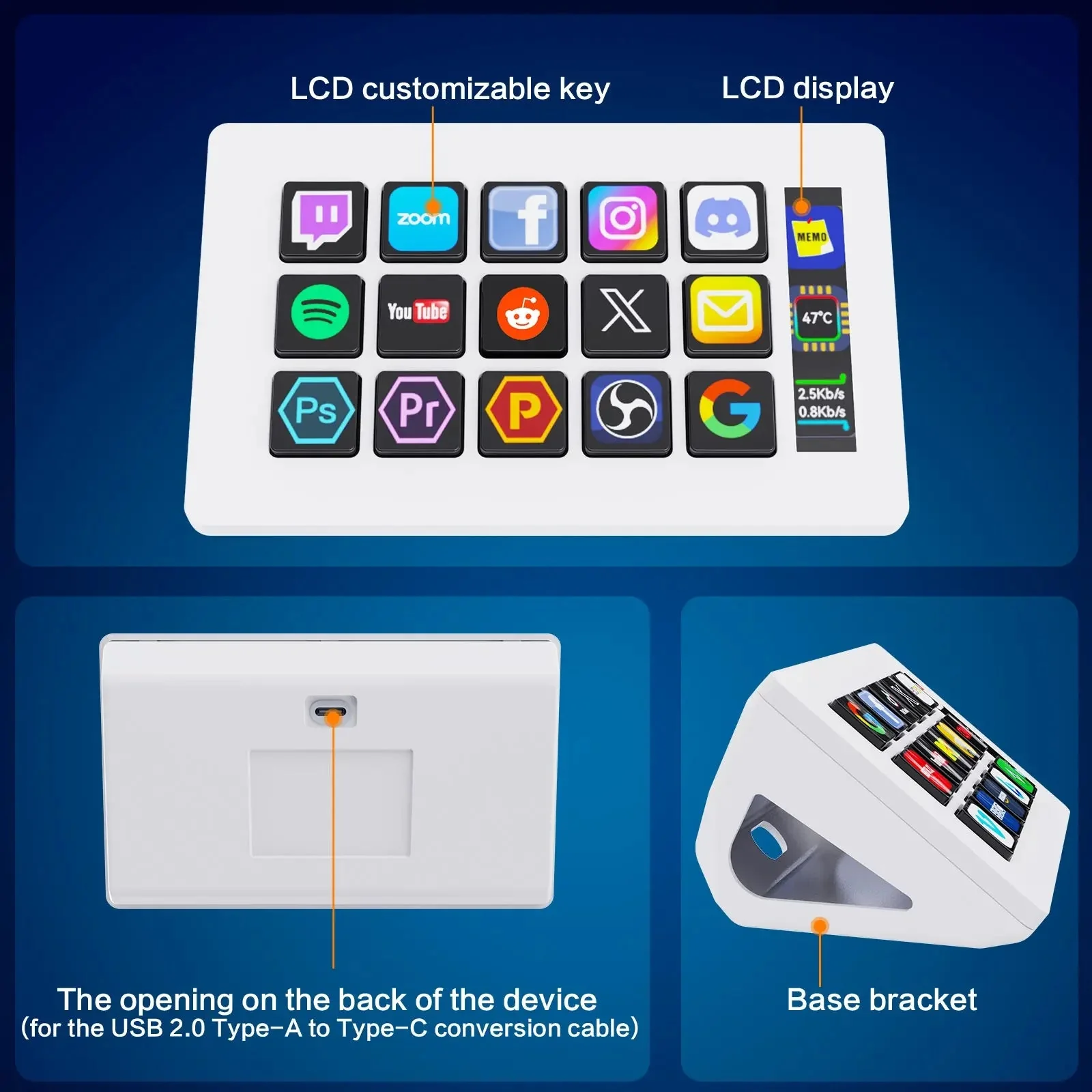
Stream Dock 293S details: LCD keys, info bar, the cable recess in the back panel and the stand
VSDinside Stream Dock 293S specifications
Reviews
There are no customer reviews yet. The first review will appear after a verified order.
No reviews yet — be the first to leave one.
Questions and answers
No questions yet. Ask the first one and we will reply within one business day.
No questions yet — be the first to ask.