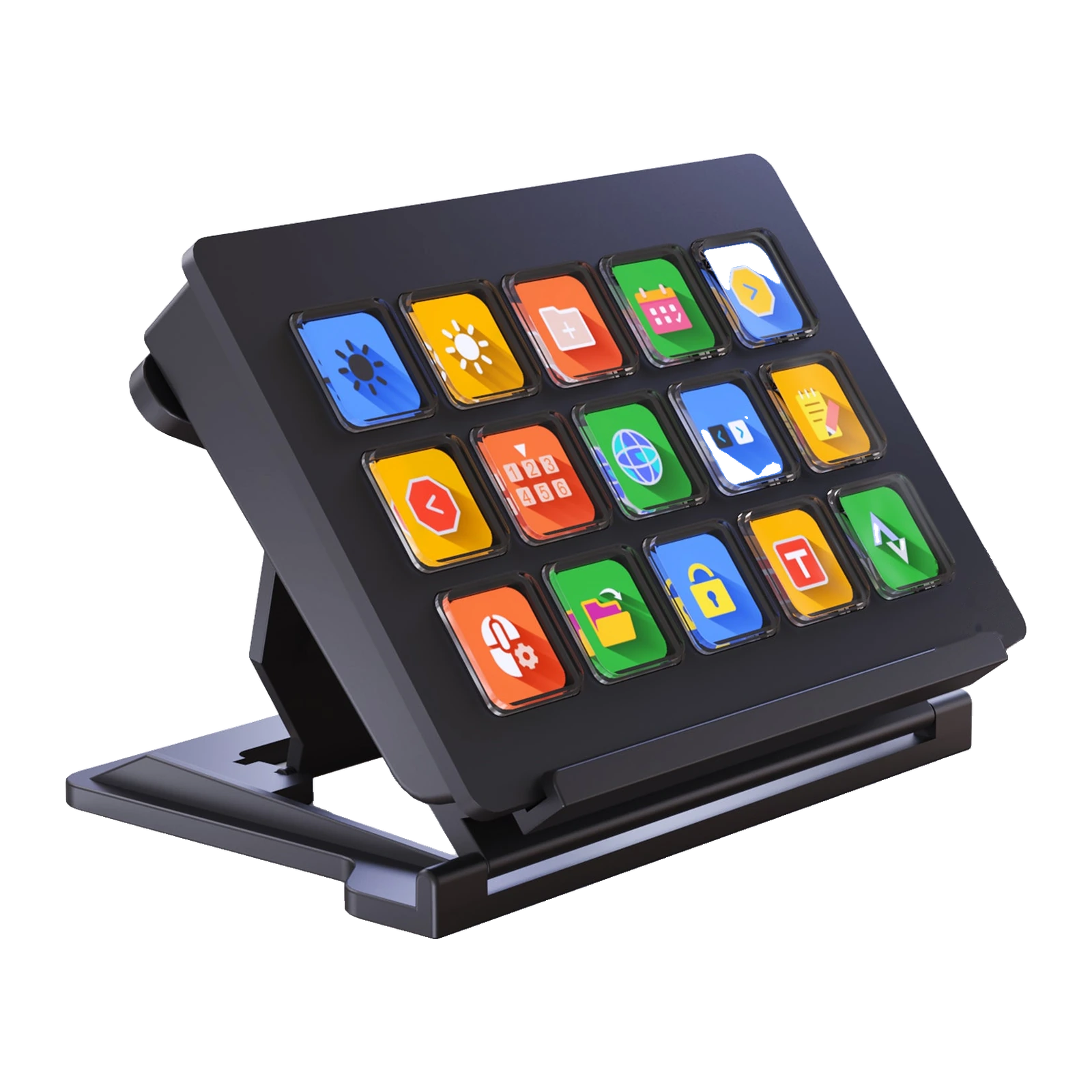
VSDinside Stream Dock 293 V3 — stream controller: 15 LCD keys of 19 mm, aluminium panel, 3-height stand
Payment methodsAbout this product
All specifications →VSDinside Stream Dock 293 V3: description and configuration
VSDinside Stream Dock 293 V3.
The Stream Dock 293 V3 is the most desk-friendly model in the range: fifteen 19 x 19 mm LCD keys set into an aluminium panel rather than a plastic frame. A larger key matters more than it sounds - the scene or app icon stays readable at arm's length, and you do not have to aim at it.
Every key is its own little screen that takes an image or a GIF. In the VSD Craft app (Windows 10 or newer, macOS 11.0 or newer) actions are dragged onto keys, chained together and grouped into folders and pages, so fifteen physical keys turn into well over a hundred commands. The profile follows the active application, so OBS and Premiere Pro each get their own layout.
The body measures 134 x 92 x 20 mm without the stand and weighs 198 g, or 226 g with it. The stand locks at three heights - for a tall desk, a low chair, or nearly flat for a top-down camera. There is a single connection, USB 2.0, with a USB-A to USB-C cable in the box and no separate power supply. The body comes in black only.
A 19 mm key is the whole difference
Other models in the range use 15.5 mm caps; the 293 V3 uses 19 x 19 mm. That area fits a label as well as an icon, and your finger lands on the key without looking. If the deck sits beside the keyboard and you work with it in peripheral vision, bigger keys save more time than any software feature.
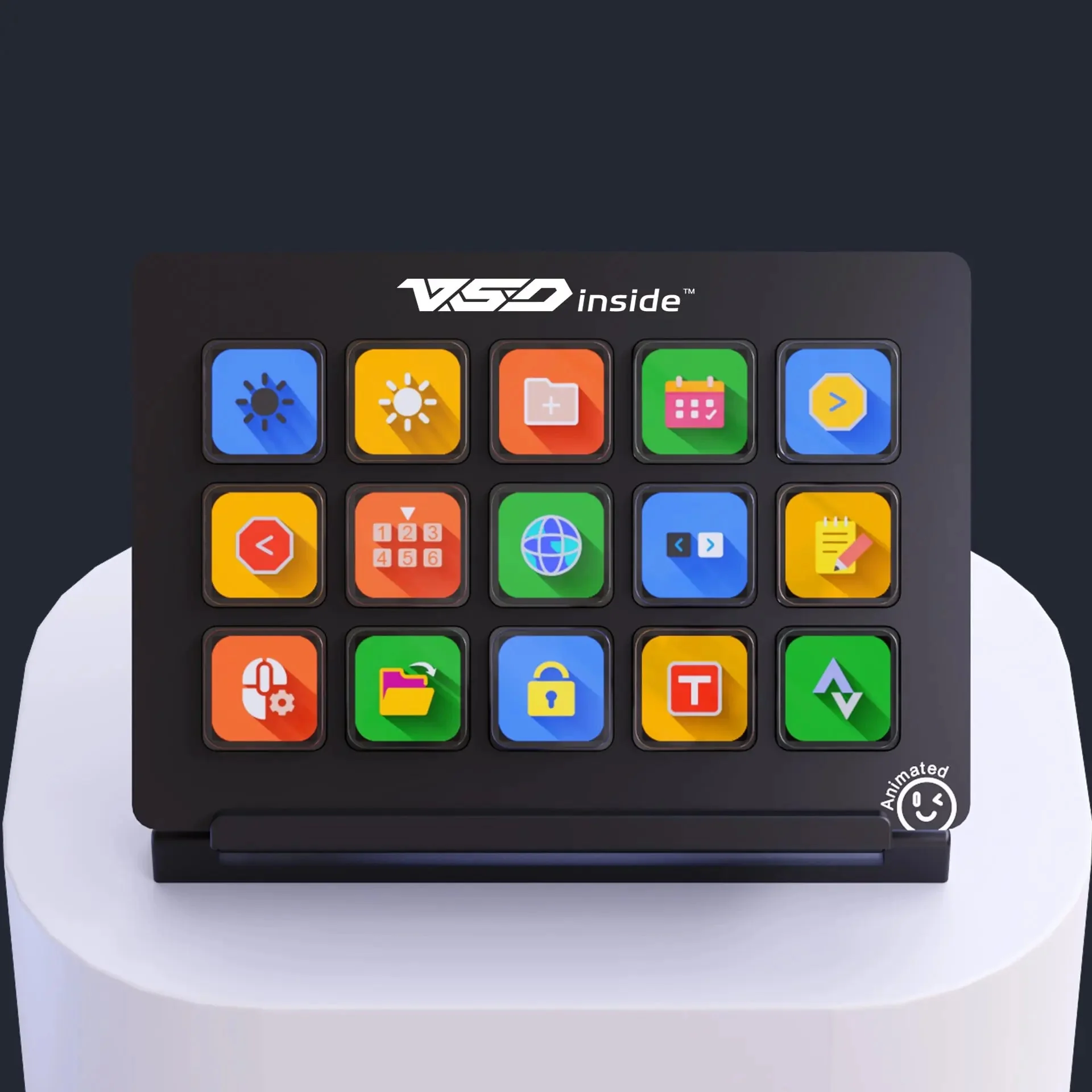
VSDinside Stream Dock 293 V3: fifteen 19 mm LCD keys, front view on a studio plinth
Aluminium in the build
In the 293 V3 an aluminium alloy works alongside ABS - of the stream controllers in this range it is the only one with metal in the build. At 20 mm thick and 198 g the body feels solid and does not slide around the desk when a key is hit quickly several times in a row. The top side carries the fifteen 19 mm keys, with the VSD inside logo above them.
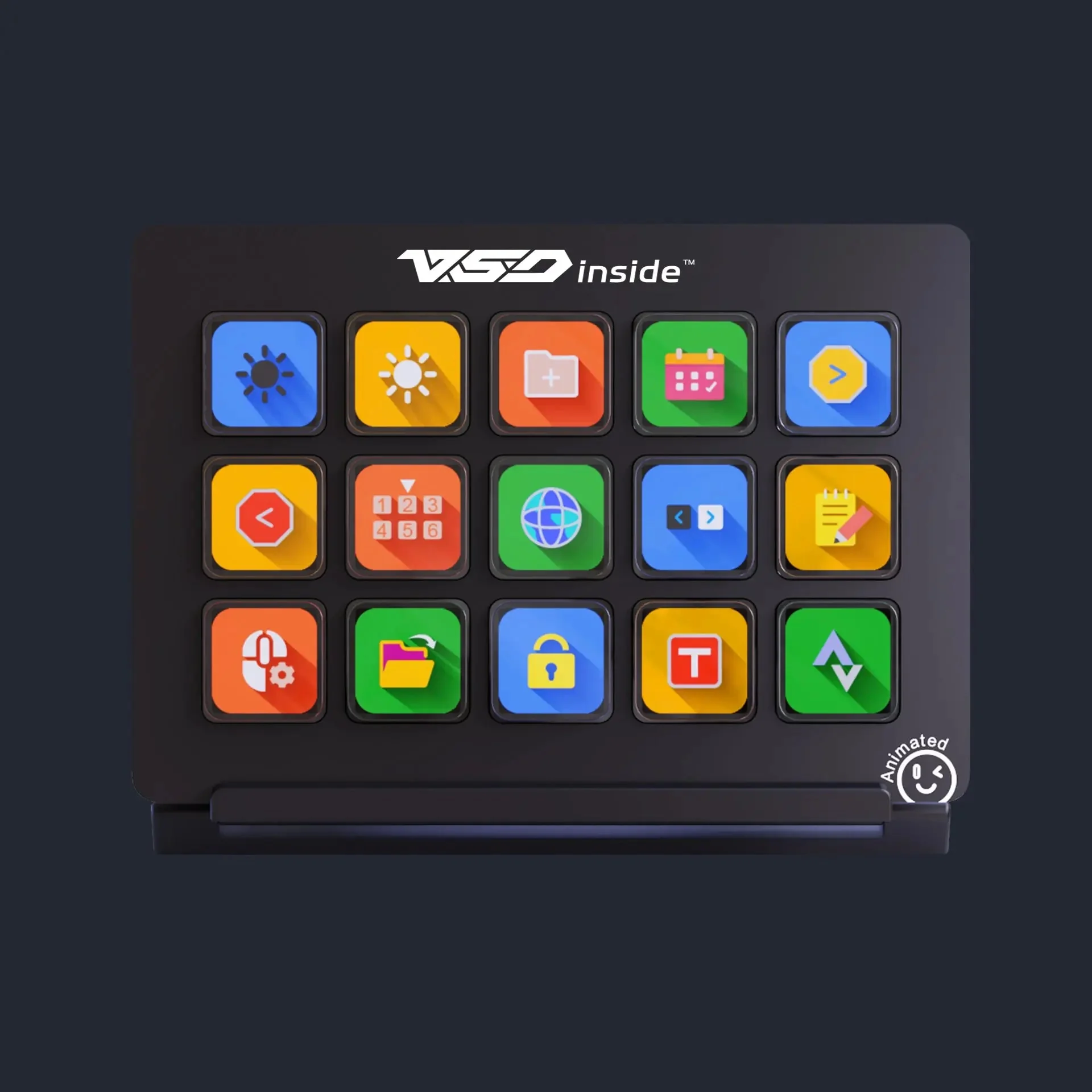
Stream Dock 293 V3 on a dark background: fifteen 19 mm keys in the aluminium panel and the VSD inside logo
Three heights for your desk
The stand locks in three positions. High, when the deck sits behind the keyboard and you look down on it; medium, beside the keyboard; nearly flat, if you film the desk from above or slide the deck under the monitor. The stand also comes off entirely, leaving the panel lying flat.
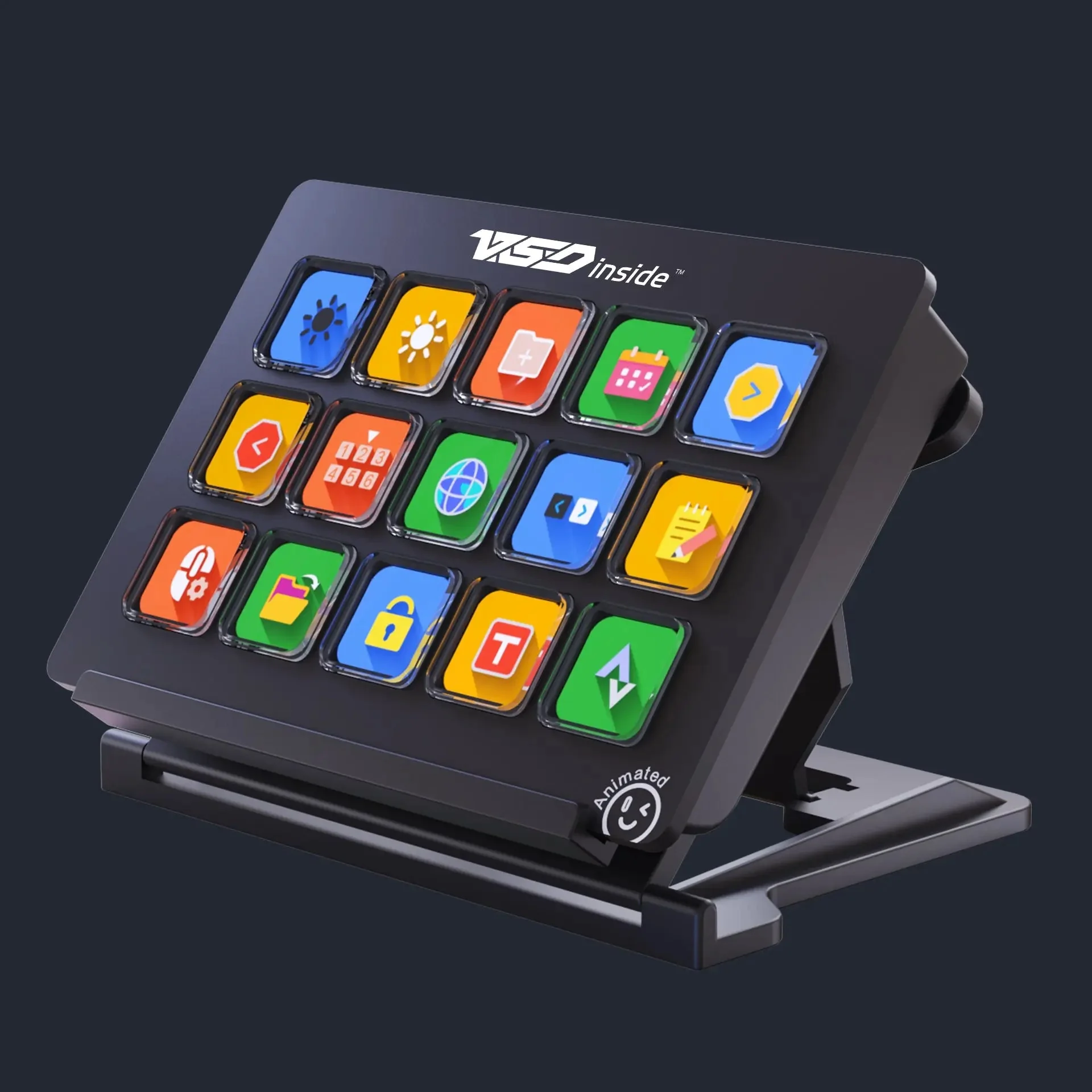
Stream Dock 293 V3 on its desktop stand at one of the three heights, three-quarter view
Fifteen keys, a hundred commands
Fifteen is not the limit: any key can become a folder, and a profile can run over several pages. Profiles switch automatically with the active application, so OBS gets scenes and the microphone while the editor gets markers, export and transitions. Any key can be set as a back button, so one press takes you up a level.
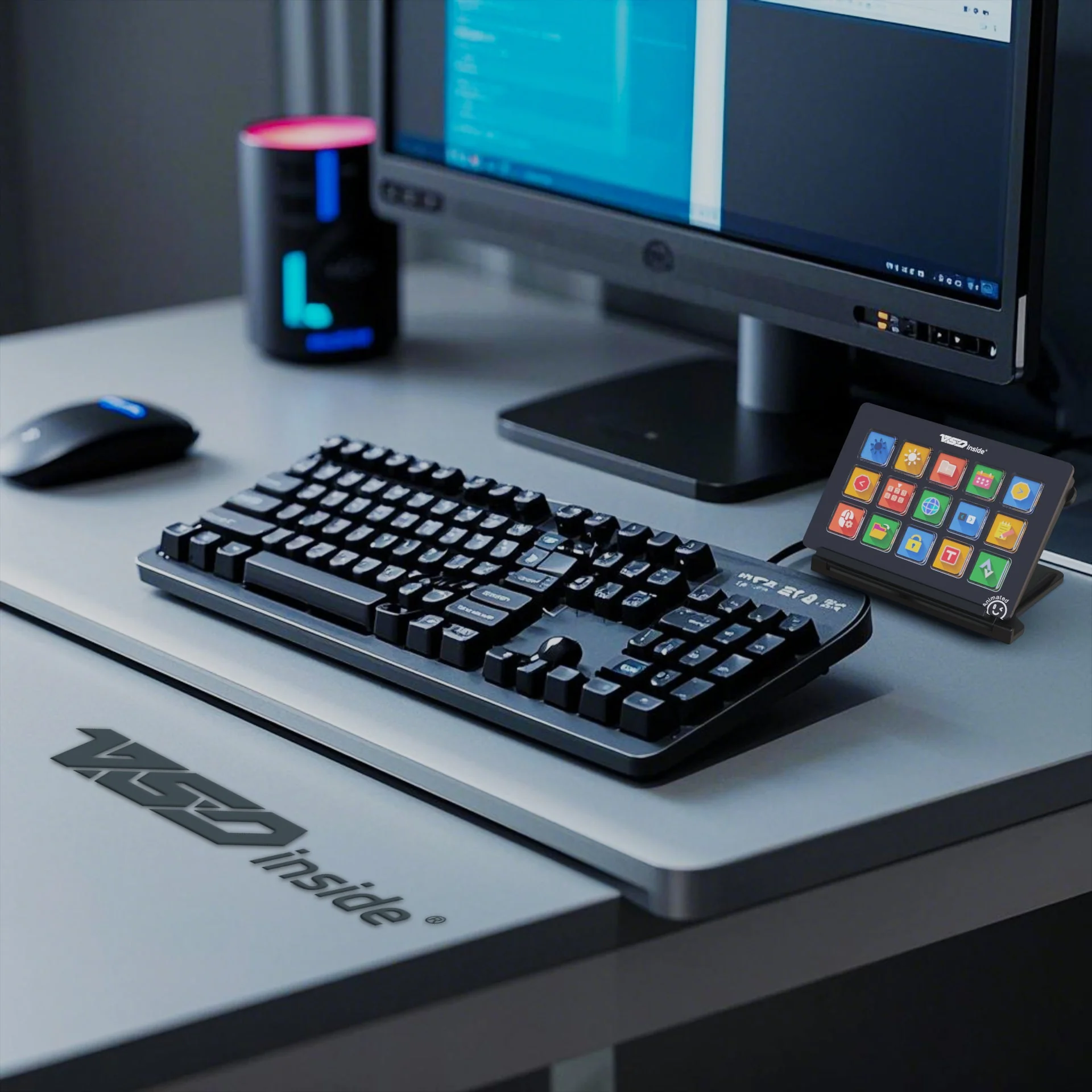
Stream Dock 293 V3 on a desk next to a keyboard, mouse and monitor
VSDinside Stream Dock 293 V3 specifications
Reviews
There are no customer reviews yet. The first review will appear after a verified order.
No reviews yet — be the first to leave one.
Questions and answers
No questions yet. Ask the first one and we will reply within one business day.
No questions yet — be the first to ask.