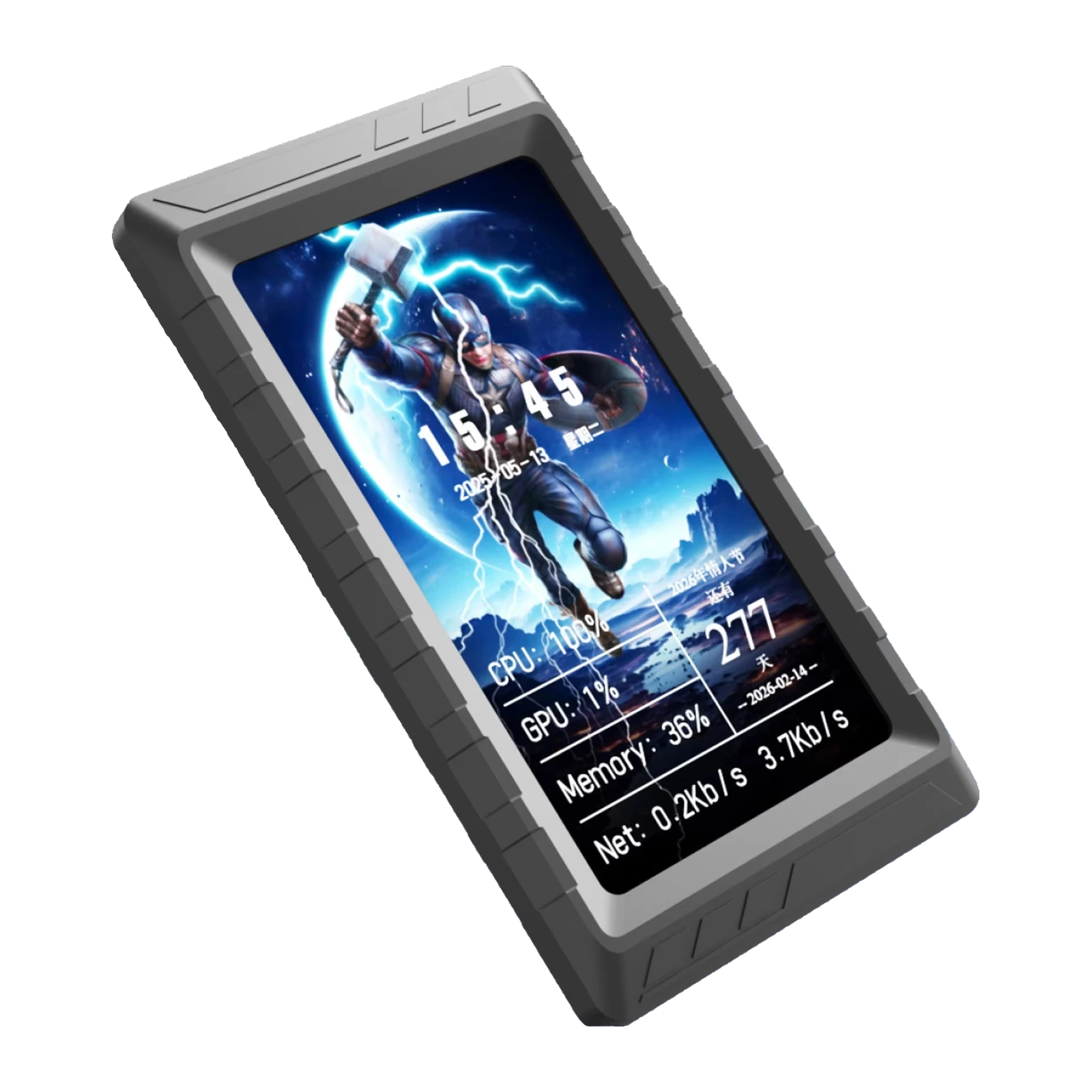
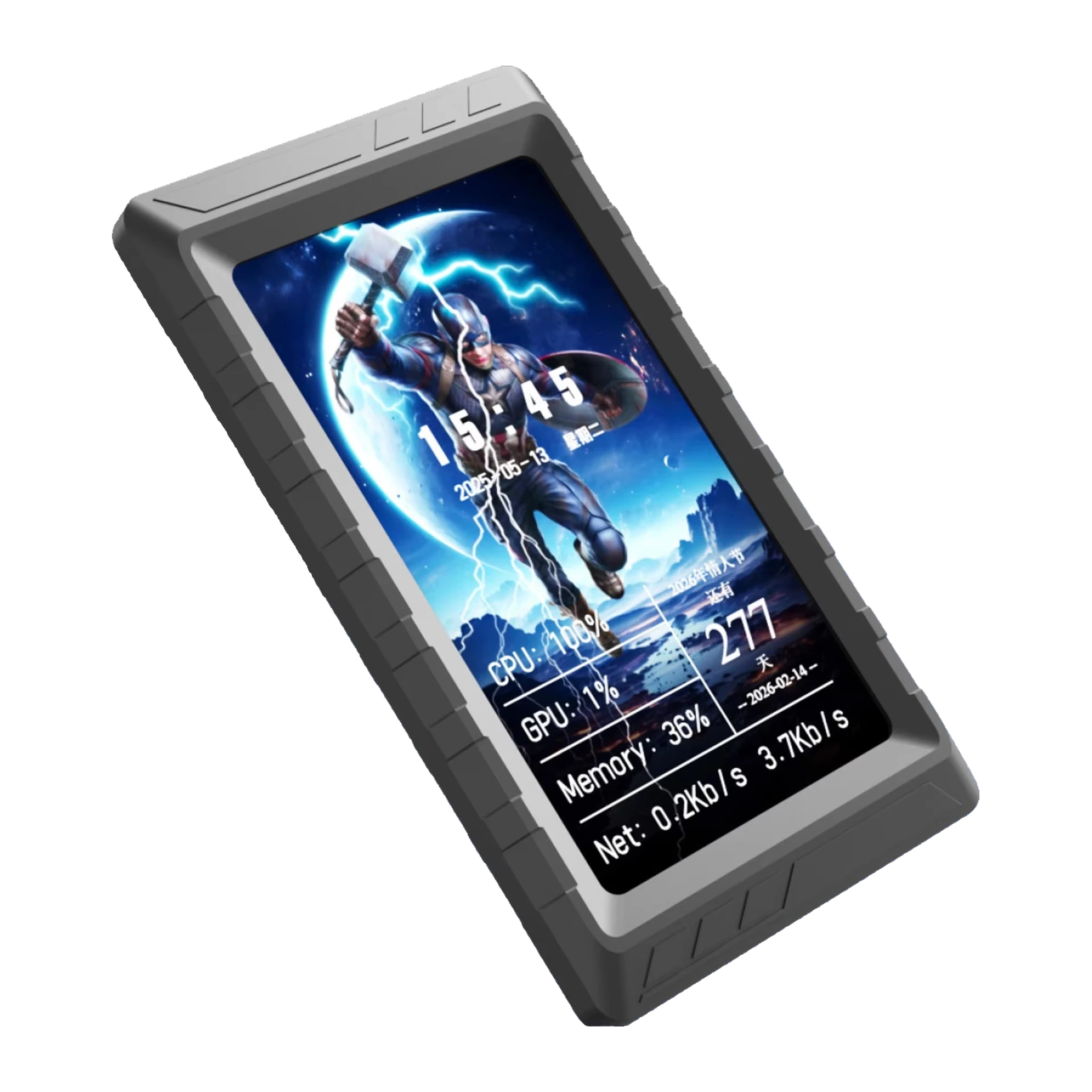
VSDinside Stream Dock D5 — 5″ PC monitoring screen: 854 × 480 IPS, USB-C, bracket and stand, Black — display
- Store pickup
- Tashkent, Shaykhantakhur district, Iftikhor street, 2
- Courier
- 50,000 UZS
- Warranty
- 1 month
About this product
All specifications →VSDinside Stream Dock D5: description and configuration
VSDinside Stream Dock D5 — display.
The D5 is a five-inch screen that takes over your machine's telemetry. It shows CPU and GPU temperature, load, frequency and voltage, memory usage and module, drive temperature and space, network speed, and alongside them the date, time, volume, weather and FPS. Your main monitor stays entirely free for the game or the timeline.
The 5.0″ IPS panel runs at 854 × 480 with a 107 × 60 mm visible area, inside an ABS body of 140 × 80 × 13 mm weighing 114.2 g. Connection is the same either way: the 1.5 m USB-C to USB-A cable out the back, or the short 4-pin to 9-pin lead to an internal motherboard header. No video output is used, no HDMI is needed, and the screen never appears in Windows display settings.
Two mounting options ship in the box: an L-shaped bracket for a case fan, held by a 4 mm removable screw, and a folding desktop stand. VSD Craft handles the layout — arrange the readouts as you like, set a jpg, jpeg, png, bmp, gif, mp4 or mov background, record a theme from Wallpaper Engine, and rotate the image 90° or 180°. The screen has no internal storage and no card slot, so it works while the software is running on the PC; the supplier lists Windows.
All the telemetry on its own screen
Five inches at 854 × 480 fit several blocks at once: the CPU with temperature, load, frequency, voltage and fan speed; the GPU with the same set; memory and drives; network throughput; clock, weather and FPS.
You build the layout yourself in VSD Craft — tile size, order and contents all change to suit the job. While a game or a render runs, your main monitor needs neither an overlay nor a second monitoring window.
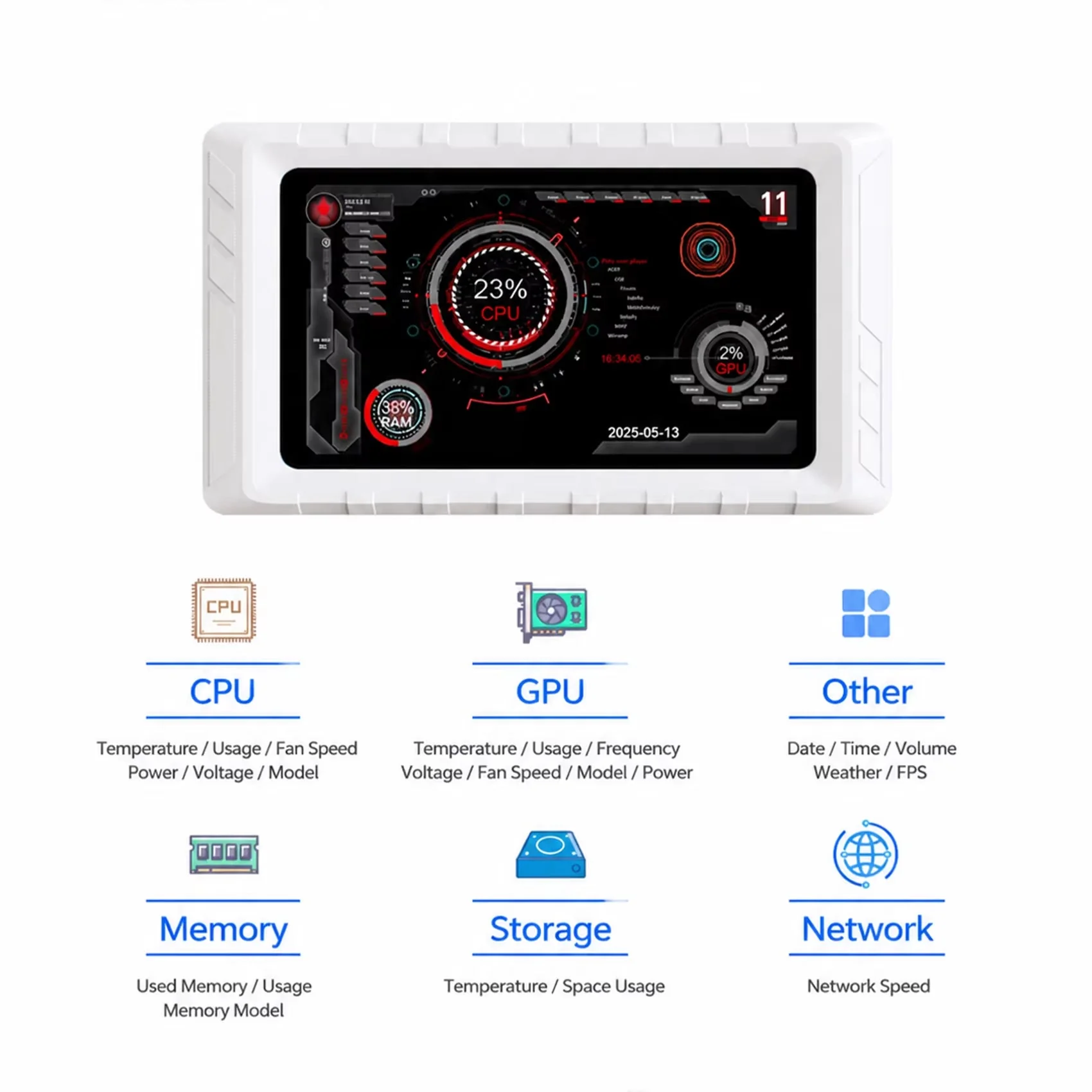
White D5 with the list of monitored values: CPU, GPU, memory, storage, network and more
Into the case or onto the desk
The D5 ships with both mounts. The L-shaped bracket sits on a case-fan position and locks down with a 4 mm removable screw, so the screen faces out through the glass side panel. The folding stand puts it on the desk at a comfortable angle, next to the keyboard or under the monitor.
At 140 × 80 × 13 mm and 114.2 g neither mount is under strain — nothing sags and nothing peels off a panel.
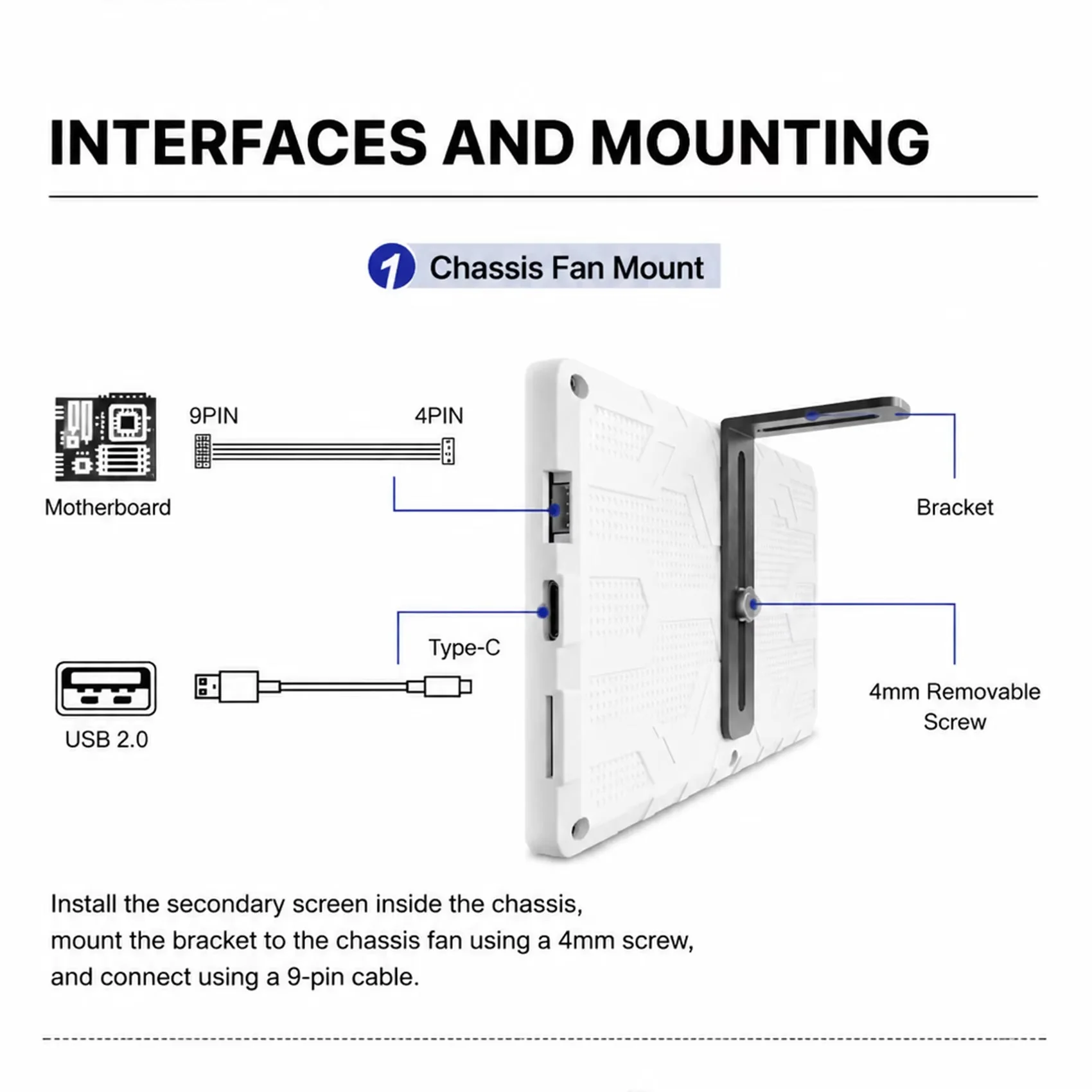
D5 Type-C and 9-pin connectors and the L-shaped bracket mounted on a case fan
The background is yours, Wallpaper Engine included
Anything can sit under the readouts: jpg, jpeg, png, bmp, gif, mp4 or mov. Long video playback and Wallpaper Engine theme recording are supported, so the animation from your desktop moves onto the D5 without separate editing.
The image rotates 90° and 180°, so the screen reads just as well lying flat on the desk as standing upright on the bracket inside the case.
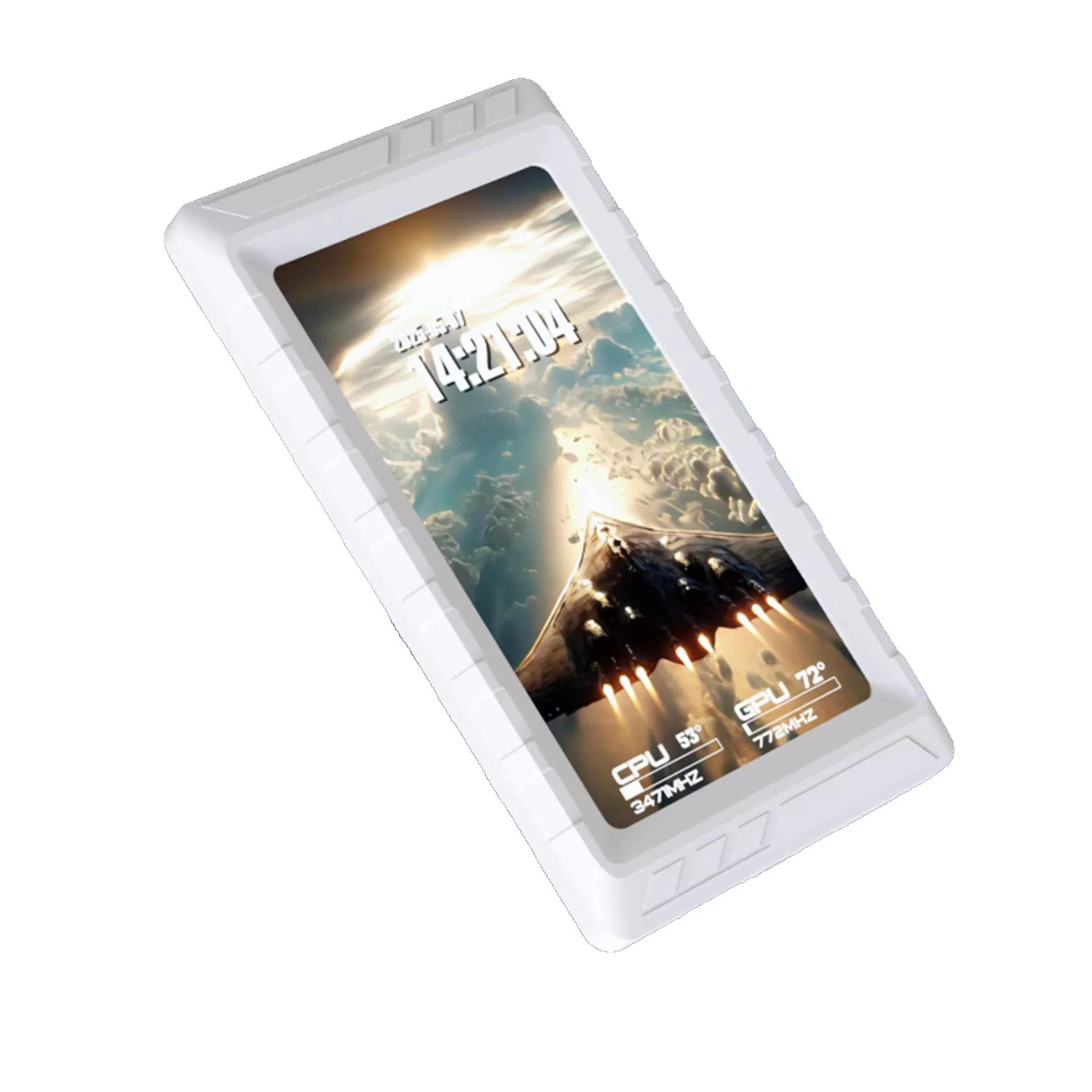
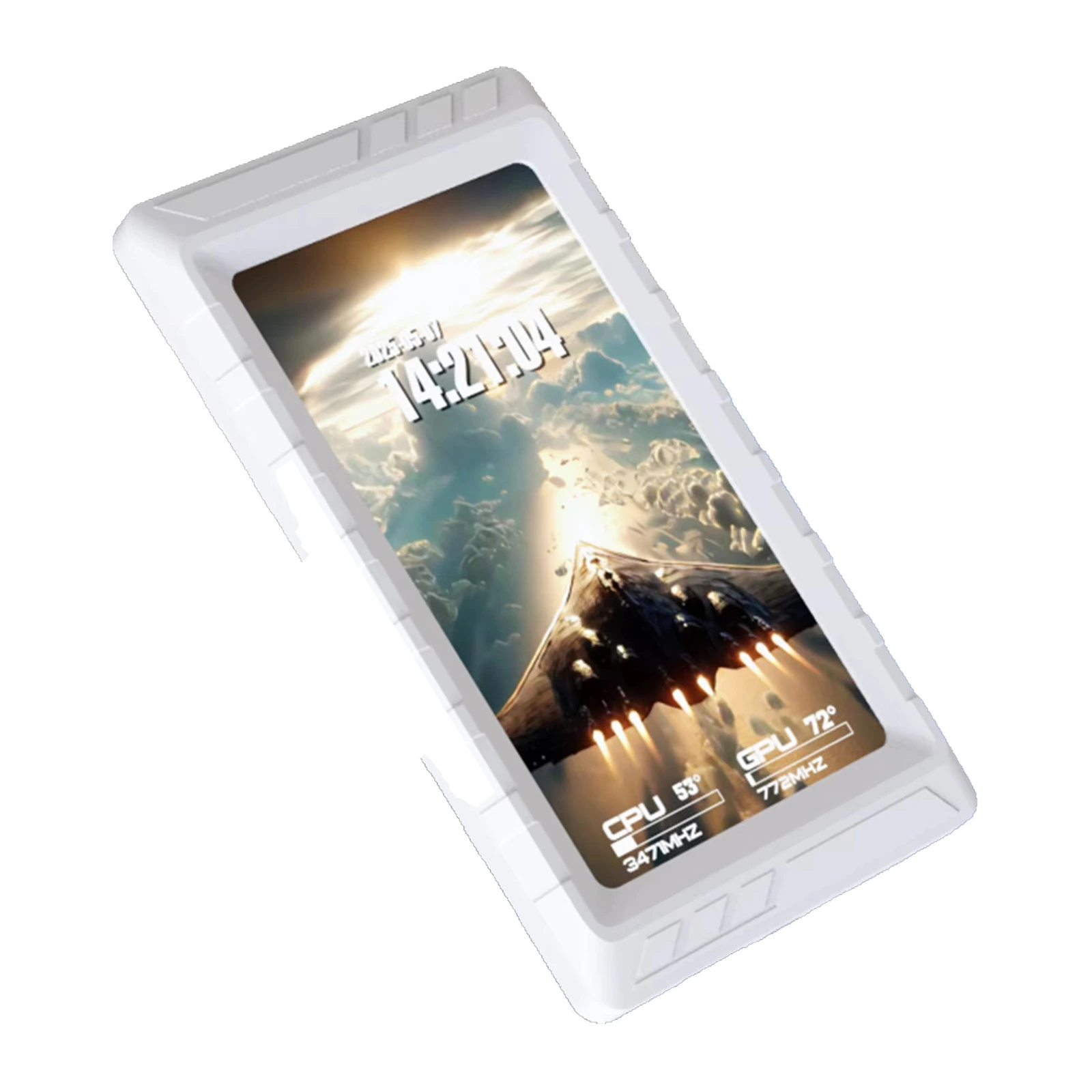
White VSDinside Stream Dock D5 with a clock and CPU and GPU temperatures on the 5″ screen
One cable, zero HDMI
Power and data share one lead: the 1.5 m USB-C to USB-A cable to a rear port, or the short 4-pin to 9-pin lead to an internal motherboard header, in which case no cable is visible from the outside.
Your video outputs stay free: Windows does not see the D5 as a monitor, the desktop resolution does not change and windows do not wander onto it. The software installs without a driver.
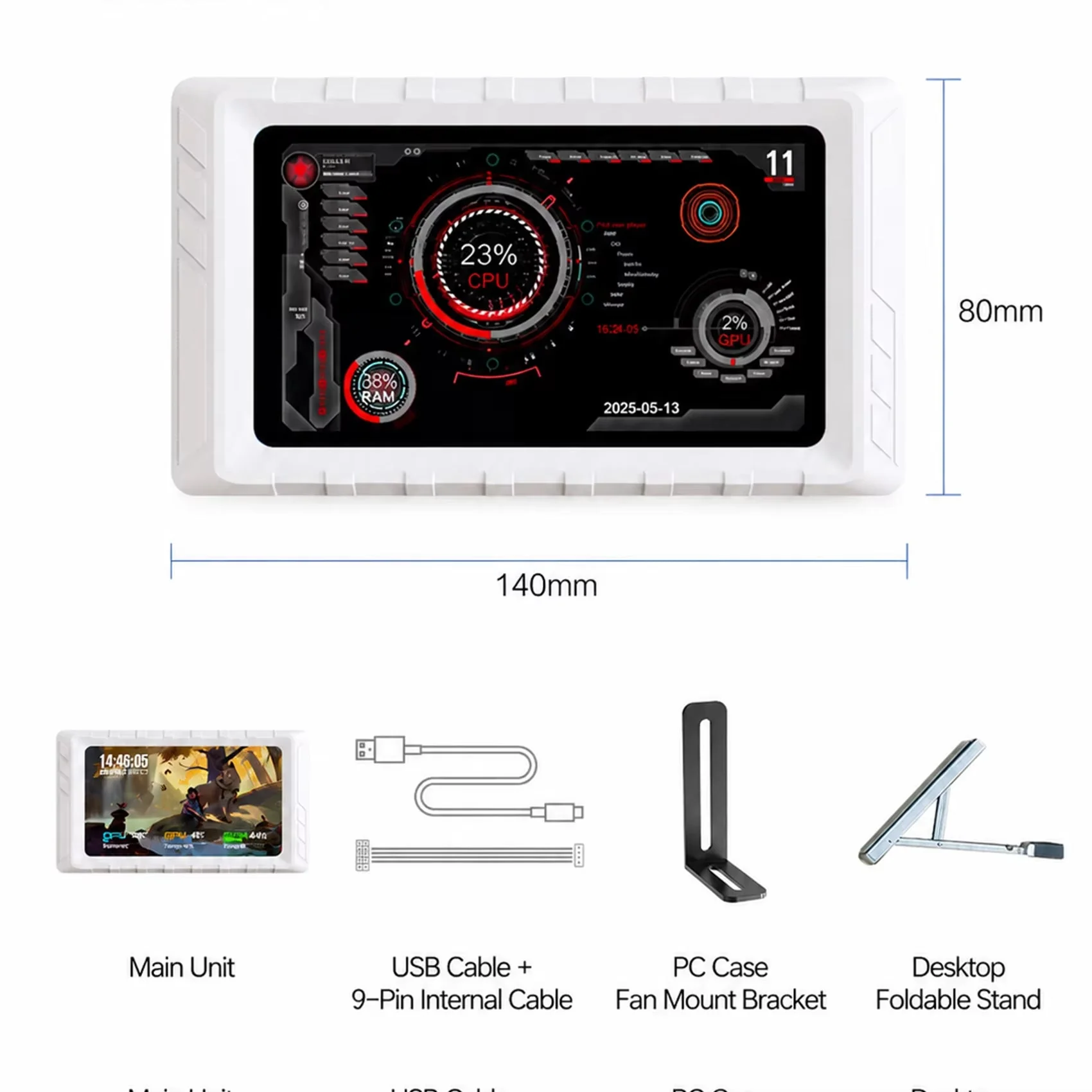
D5 dimensions of 140 × 80 mm and the bundle: screen, USB and 9-pin cables, bracket and stand
VSDinside Stream Dock D5 specifications
Reviews
There are no customer reviews yet. The first review will appear after a verified order.
No reviews yet — be the first to leave one.
Questions and answers
No questions yet. Ask the first one and we will reply within one business day.
No questions yet — be the first to ask.