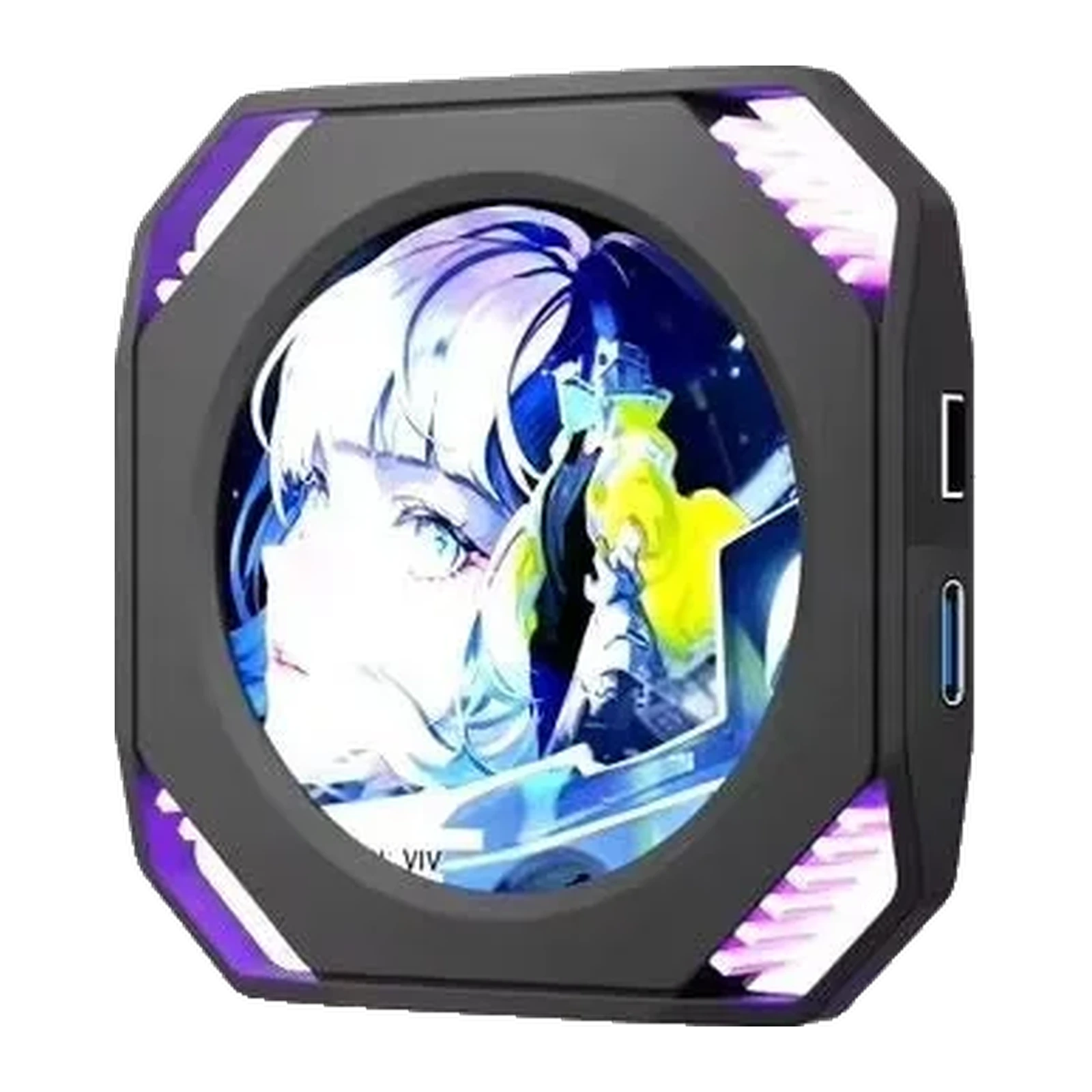
VSDinside Stream Dock DR21 — 2.1″ round PC case screen: 480 × 480, 500 cd/m², USB-C, Black — display
- Store pickup
- Tashkent, Shaykhantakhur district, Iftikhor street, 2
- Courier
- 50,000 UZS
- Warranty
- 1 month
About this product
All specifications →VSDinside Stream Dock DR21: description and configuration
VSDinside Stream Dock DR21 — display.
The DR21 is a small round screen that puts your machine's vitals where you can actually see them: on an AIO pump head, on a case bracket, or simply on the desk next to the keyboard. It is not a second system monitor — Windows does not see it as a display, so it never shows up in your display settings and never stretches the desktop.
Inside is a 2.1″ IPS panel with 480 × 480 resolution and 500 cd/m² brightness, a round 50 mm visible area and RGB side lighting. The ABS body measures 70 × 70 × 11 mm and weighs 44.1 g. Power and data share one cable: either the 1.5 m USB-C to USB-A lead to a rear port, or the internal 4-pin to 9-pin header cable straight to the motherboard if you would rather keep the wiring inside the case.
The VSD Craft software reads CPU, GPU, memory and drive sensors and lays them over a background of your choice — jpg, jpeg, png, bmp, gif, mp4 and mov are supported, animated wallpapers included. The image can be rotated 90° or 180°. No driver, no HDMI. The supplier lists Windows; macOS support is not stated for this model, and the screen has no internal storage or card slot — it runs while the software is running.
The numbers where your eyes already are
A game overlay gets in the way and a second monitoring window has to be minimised. The DR21 moves CPU, GPU, memory and drive temperatures and loads onto a separate round screen that sits on an AIO pump, on a bracket inside the case, or on the desk. Your main monitor stays clean and the numbers stay in peripheral vision.
VSD Craft reads the sensors and draws them over a background you choose. The layout is yours: what to show, where, and how large.
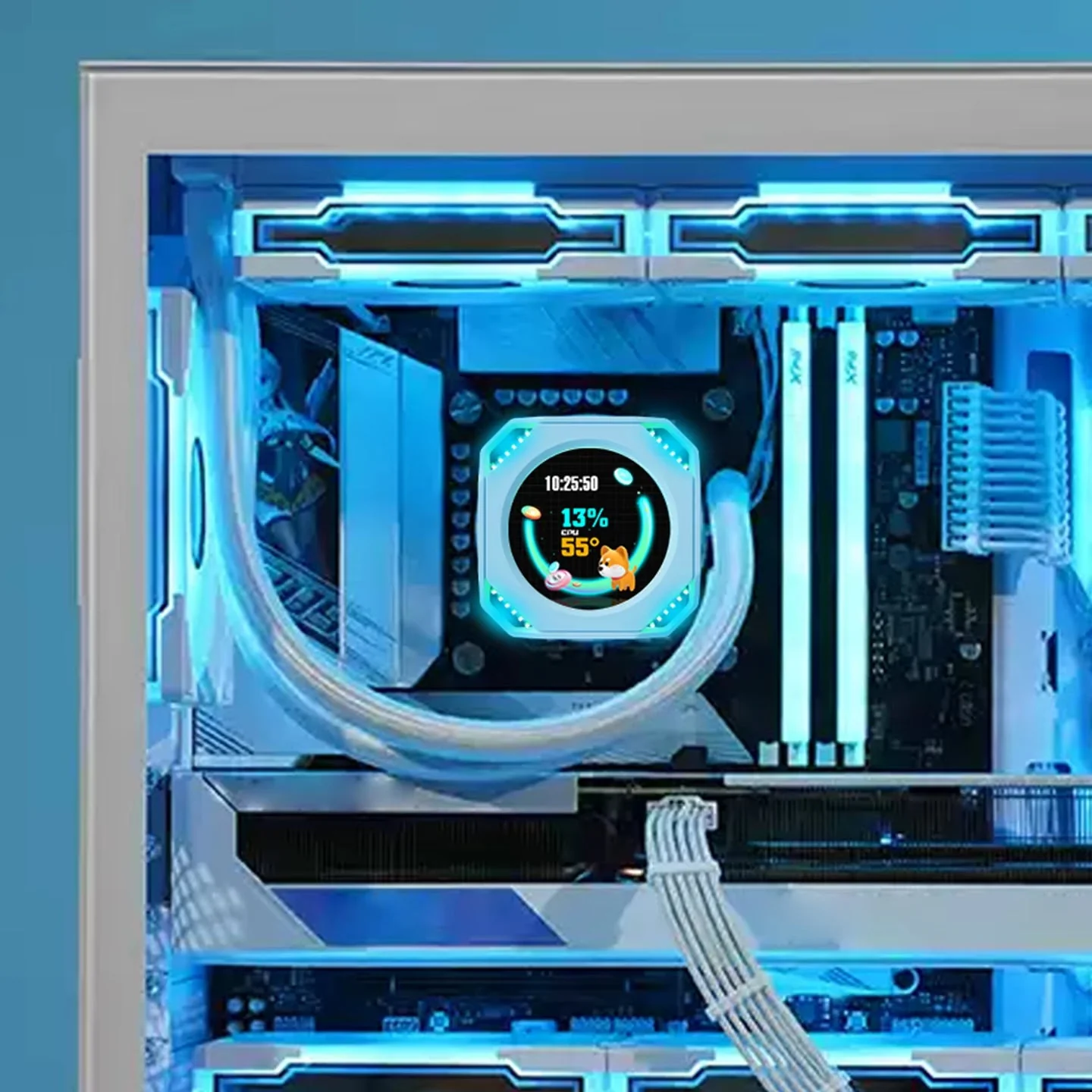
White DR21 mounted on the AIO pump head inside a white PC case
One cable instead of HDMI
The DR21 leaves your video outputs alone. Power and data travel on a single lead: the 1.5 m USB-C to USB-A cable if the screen sits on the desk, or the internal 4-pin to 9-pin header cable if you want the wiring hidden inside the case.
There is no driver to install. Windows does not treat the DR21 as a monitor, so it never appears in display settings and never extends the desktop.
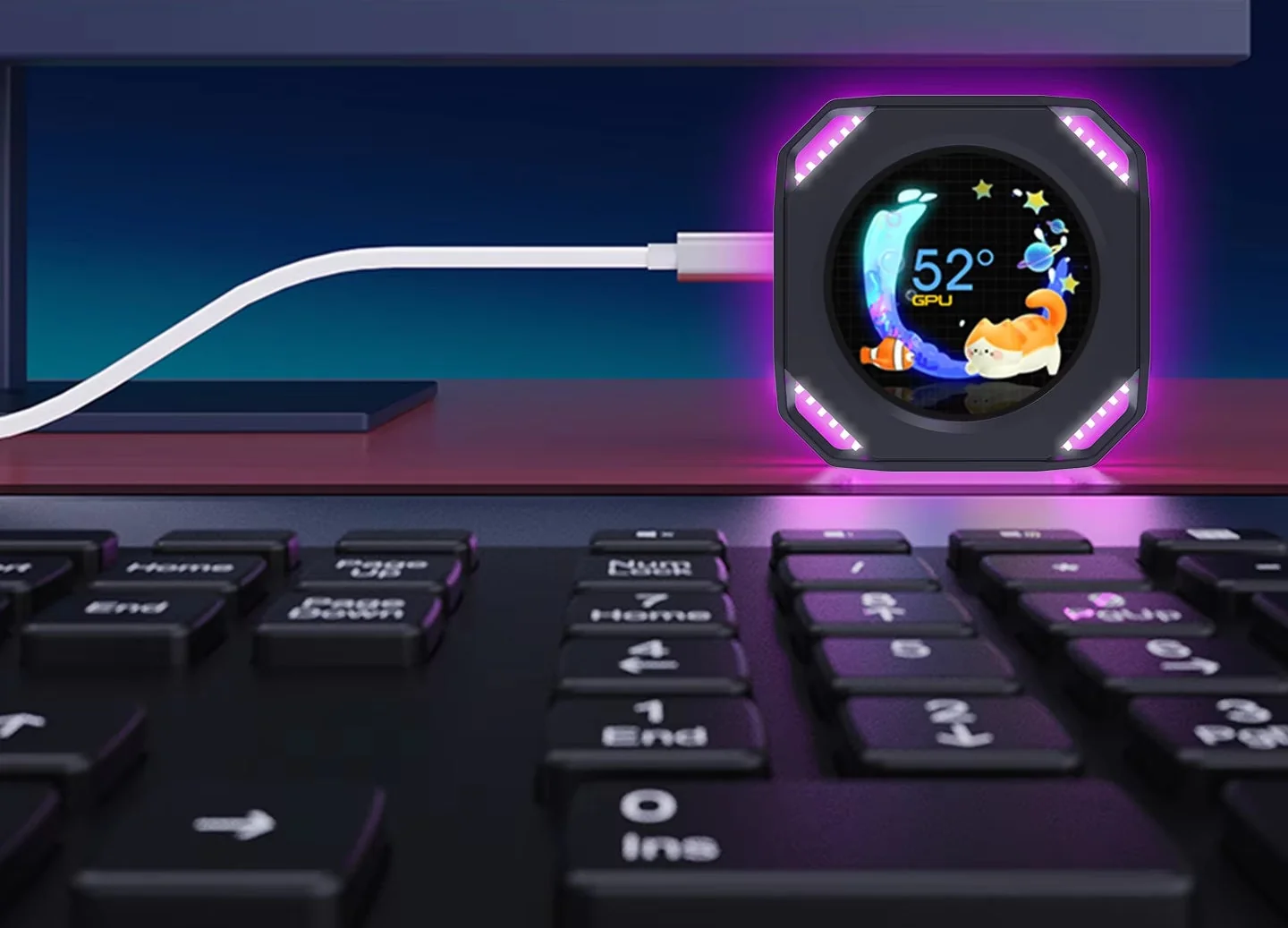
Black DR21 on the desk next to a keyboard, connected with a single USB-C cable
Your own image, animated if you like
The background can be a photo, an illustration or an animation: jpg, jpeg, png, bmp, gif, mp4 and mov are supported. Readouts and a clock sit on top, and the whole image rotates 90° or 180° — handy when the screen is stuck sideways on a pump or standing upright.
RGB lighting glows around the edge, so the DR21 still reads as part of the build in a glass-panel case even when you are not checking the numbers.
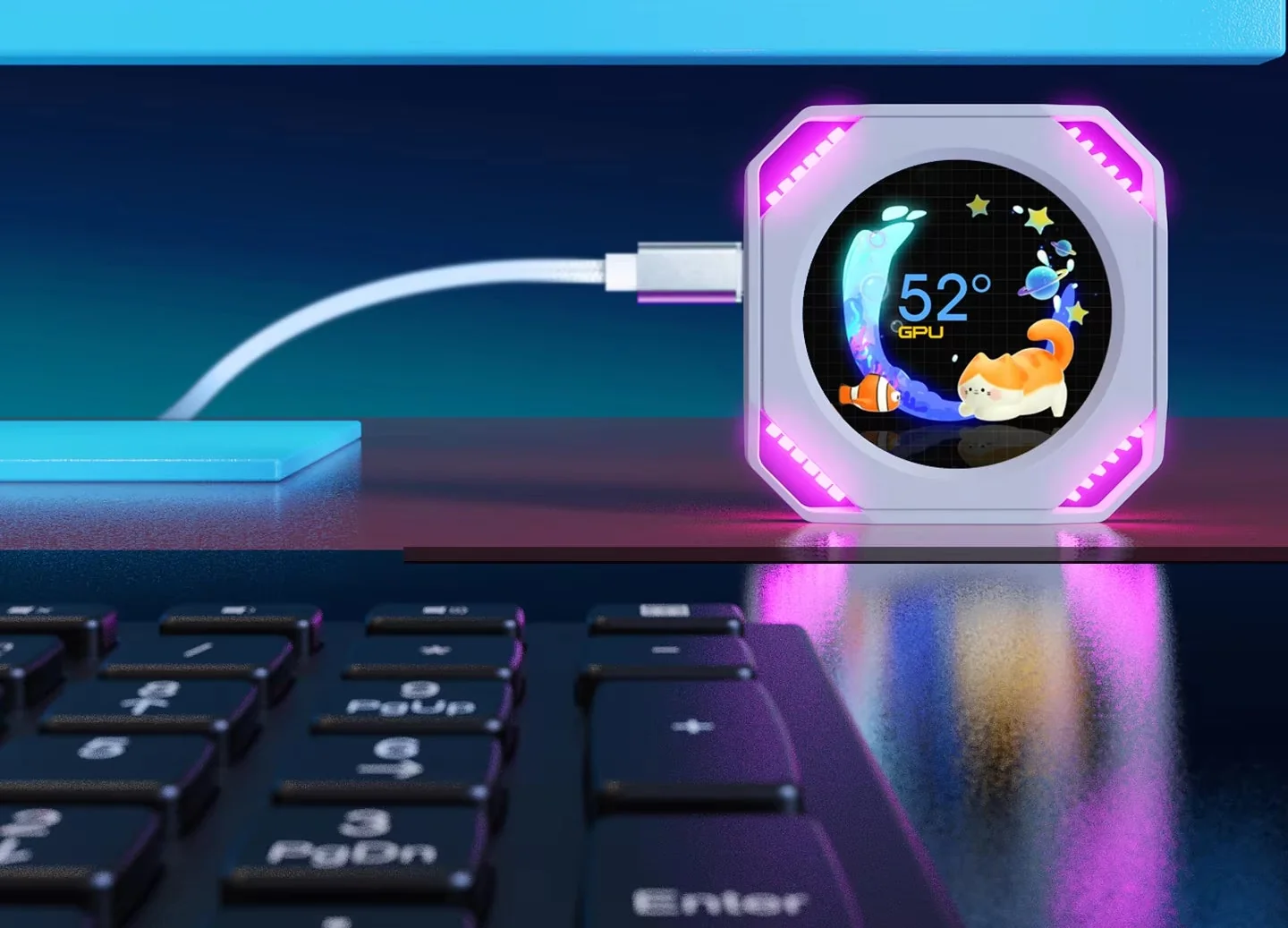
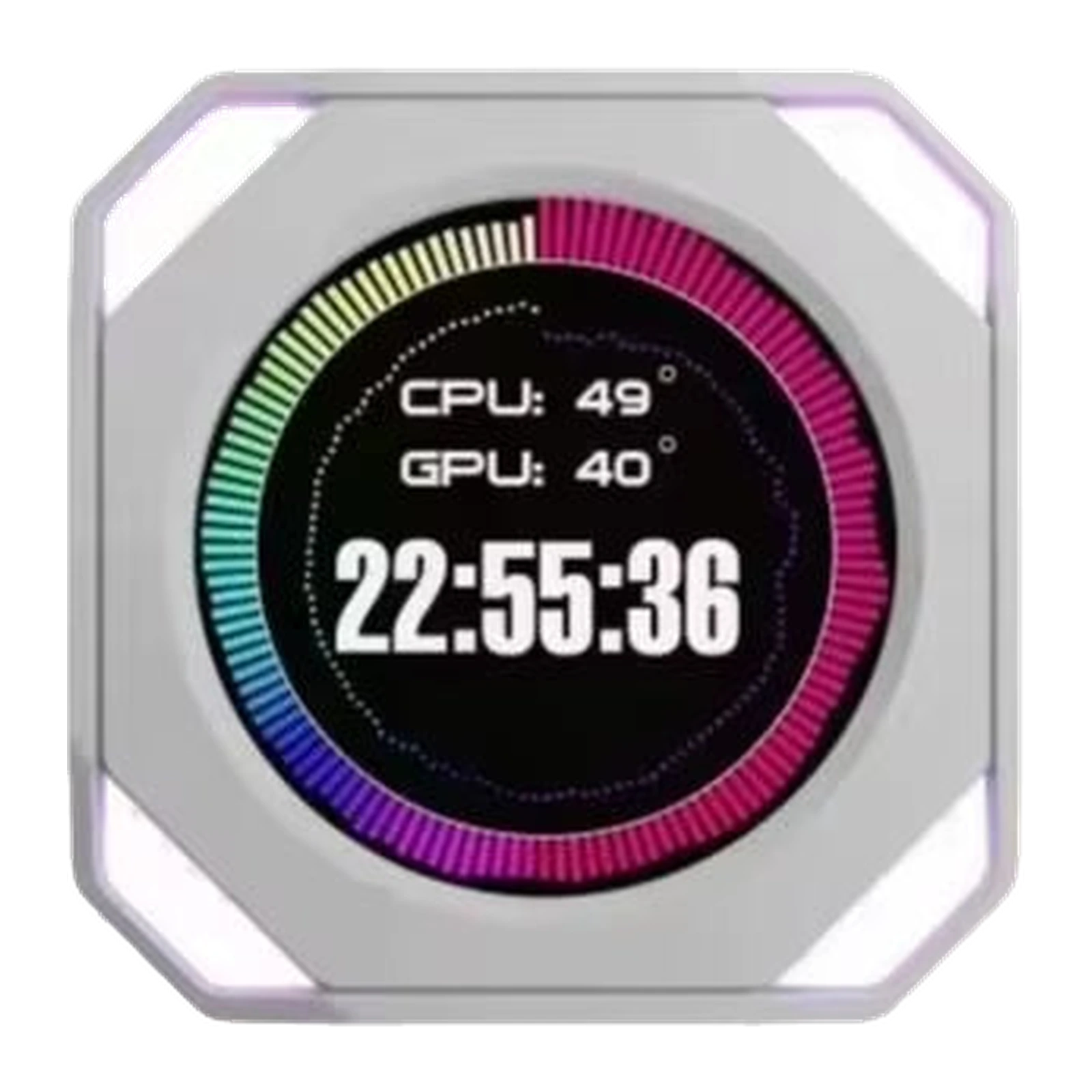
White DR21 on a desk with an animated background, GPU temperature and pink RGB lighting
Where it goes
The 70 × 70 × 11 mm body weighs 44.1 g, so the bundled adhesive or magnetic pad is enough to hold it. It needs a flat surface: an AIO pump cap, a side bracket, the top panel of the case, a monitor stand.
For an in-case install the short 4-pin to 9-pin lead is the tidier option: the screen connects to the motherboard and nothing comes out the back.
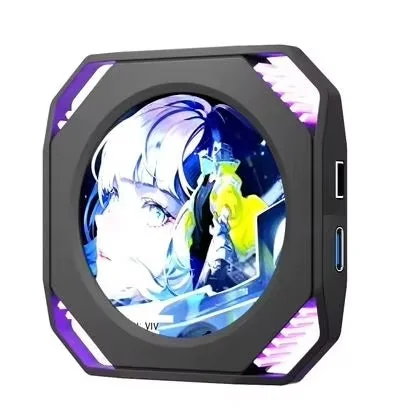
Black VSDinside Stream Dock DR21: 2.1″ round screen with RGB lighting and side USB-C and 4-pin ports
VSDinside Stream Dock DR21 specifications
Reviews
There are no customer reviews yet. The first review will appear after a verified order.
No reviews yet — be the first to leave one.
Questions and answers
No questions yet. Ask the first one and we will reply within one business day.
No questions yet — be the first to ask.