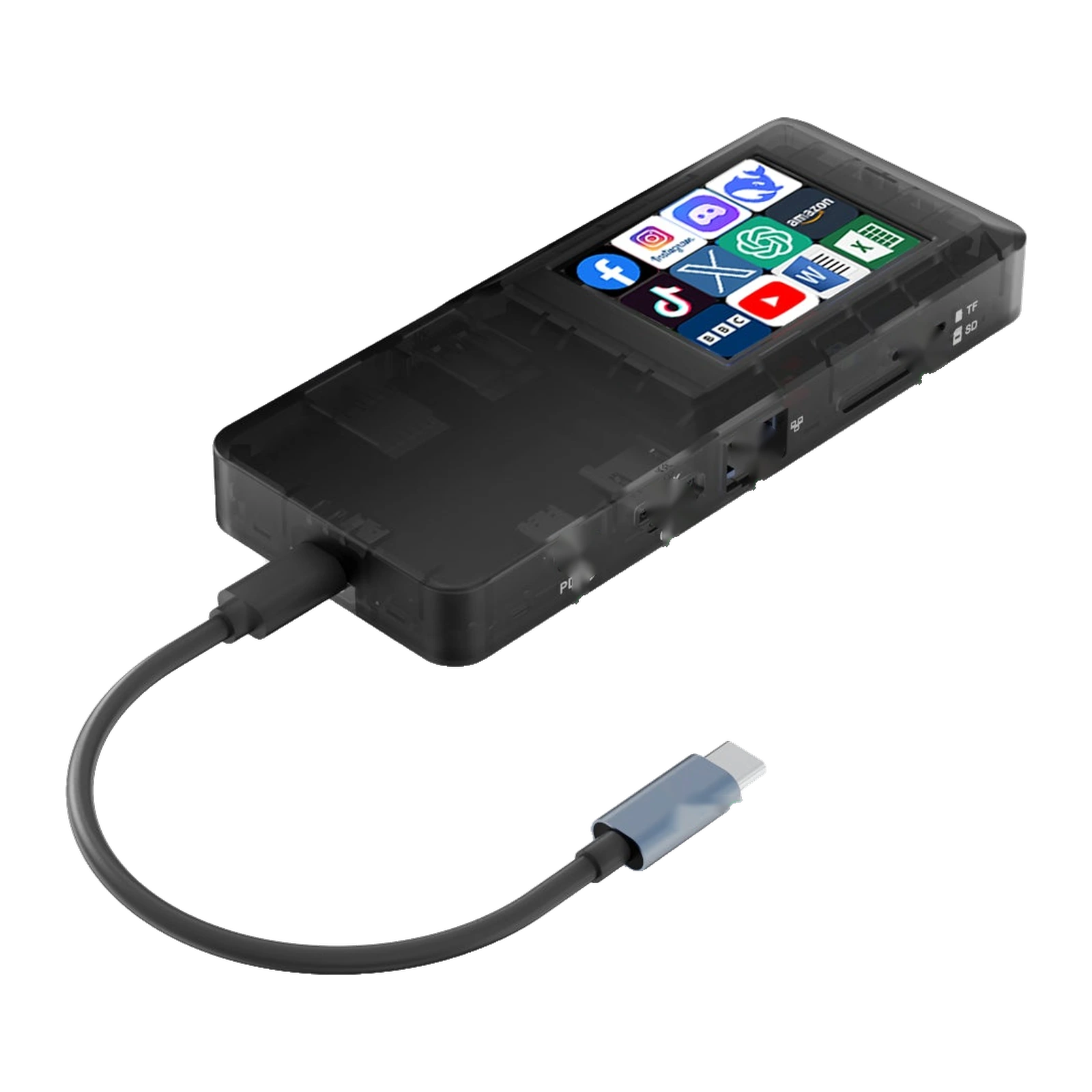
VSDinside Stream Dock H1 — USB-C dock with a 2.4″ screen: 100 W PD, 4K HDMI, RJ45, 3× USB 3.0
Payment methodsAbout this product
All specifications →VSDinside Stream Dock H1: description and configuration
VSDinside Stream Dock H1.
The H1 fixes the usual thin-laptop problem — not enough ports — and adds something ordinary hubs do not have: a touchscreen of its own. One USB-C cable to the laptop gives you three USB 3.0 ports for a mouse, a keyboard and an external drive, an HDMI output to a monitor or TV at up to 4K 30 Hz, wired 100 Mbps RJ45 Ethernet, an SD/TF card slot, and pass-through charging up to 100 W.
The 2.4″ screen runs in three modes. Screensaver mode shows your own static JPG images, motion mode plays GIFs, and key mode turns the panel into a grid of 12 icons: a tap launches apps, web pages and files on the computer. You assign the icons and the actions yourself, and swipe across the screen to move between images.
Setup happens in the VSD Craft application for Windows and macOS, with ready-made plug-ins and icon packs available from the brand's cloud library. One detail worth knowing: charging works only through the Type-C port, and the charger and its cable are not included — you choose those separately. The body is translucent smoke-black plastic, the unit weighs 110 g, and it carries CE, FCC and RoHS marks. The maker states Windows and macOS compatibility, and its official page also lists Linux.
One cable and the ports are back
A modern laptop often offers two Type-C sockets and nothing else. The H1 plugs into one of them and hands back three USB 3.0 ports, HDMI, RJ45 and an SD/TF slot. A mouse, keyboard, external drive, flash stick, printer and drawing tablet all work at once, while a monitor or TV gets a picture at up to 4K 30 Hz.
The second Type-C port is not lost either: charging passes through the dock itself at up to 100 W, so the laptop is powered and expanded over one cable.
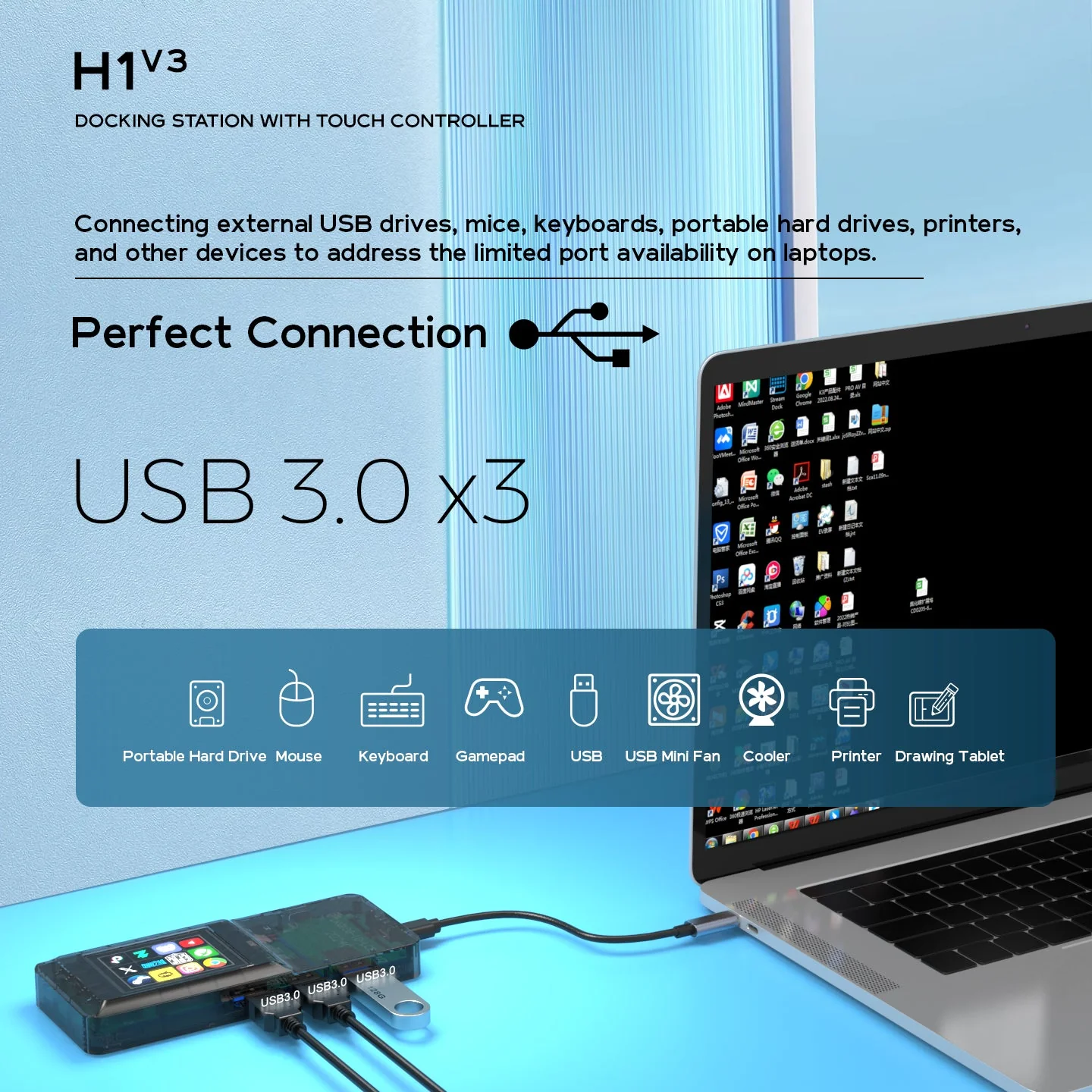
The H1 connected to a laptop with its three USB 3.0 ports filled by a flash drive and peripheral cables
A screen you actually press
An ordinary hub blinks an LED at best. The H1 carries a 2.4″ touchscreen LCD on top with a grid of 12 icons: a tap opens an app, a folder or a web page, or fires an assigned action on the computer. No hunting for a shortcut between windows — the button you need is lying on the desk.
Icons and actions are assigned in VSD Craft, and ready-made plug-ins and icon packs come from the brand's cloud library.
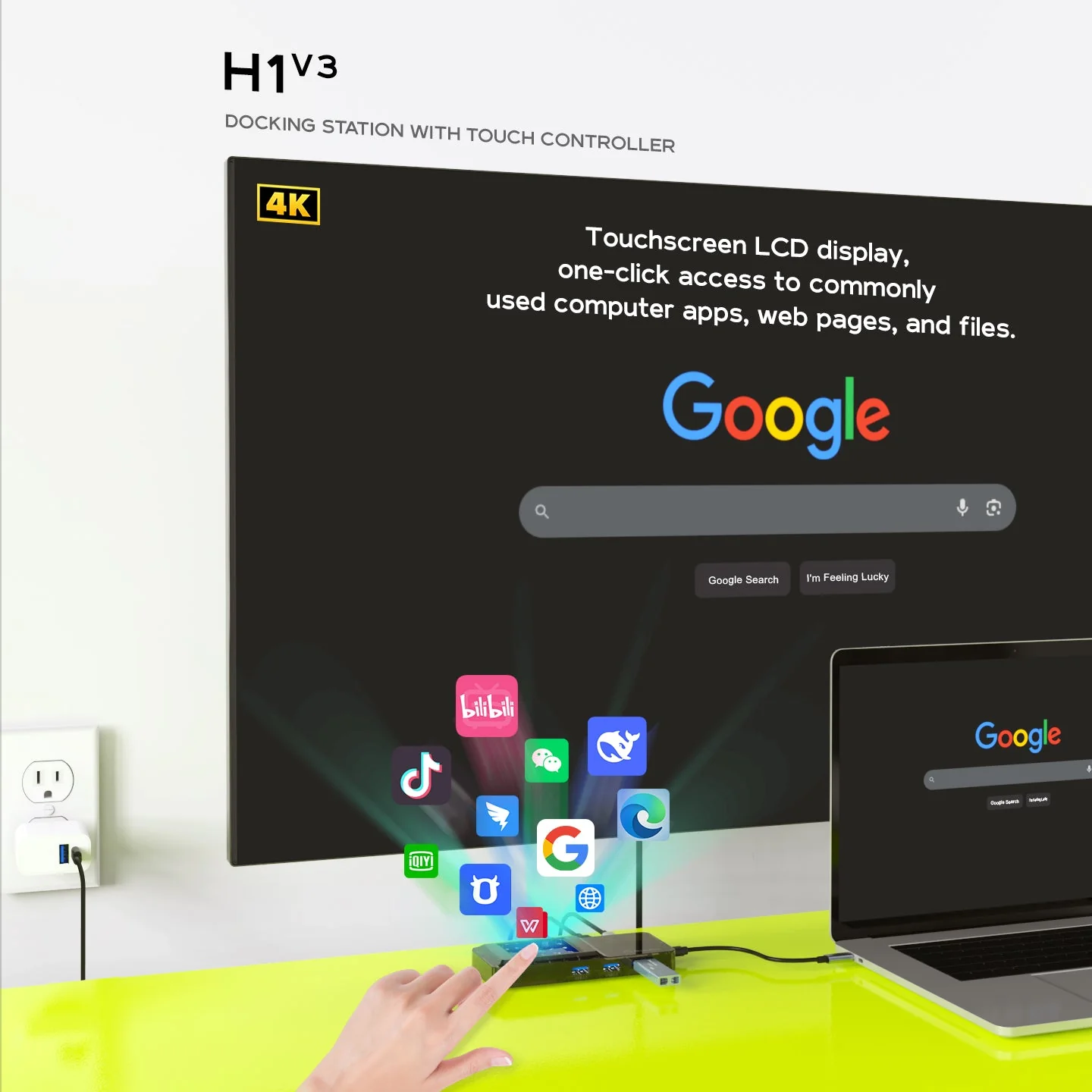
A finger taps an icon on the H1 touchscreen and the matching app opens on the monitor
Three modes on one screen
Screensaver mode shows your own JPG photos, turning the screen into a small frame on the desk. Motion mode loops GIFs. Key mode turns the panel into a remote for the computer. You swipe across the screen — up, down, left or right — to move between images.
The translucent smoke body leaves the board partly visible, so the dock reads as part of the setup rather than as a featureless adapter.
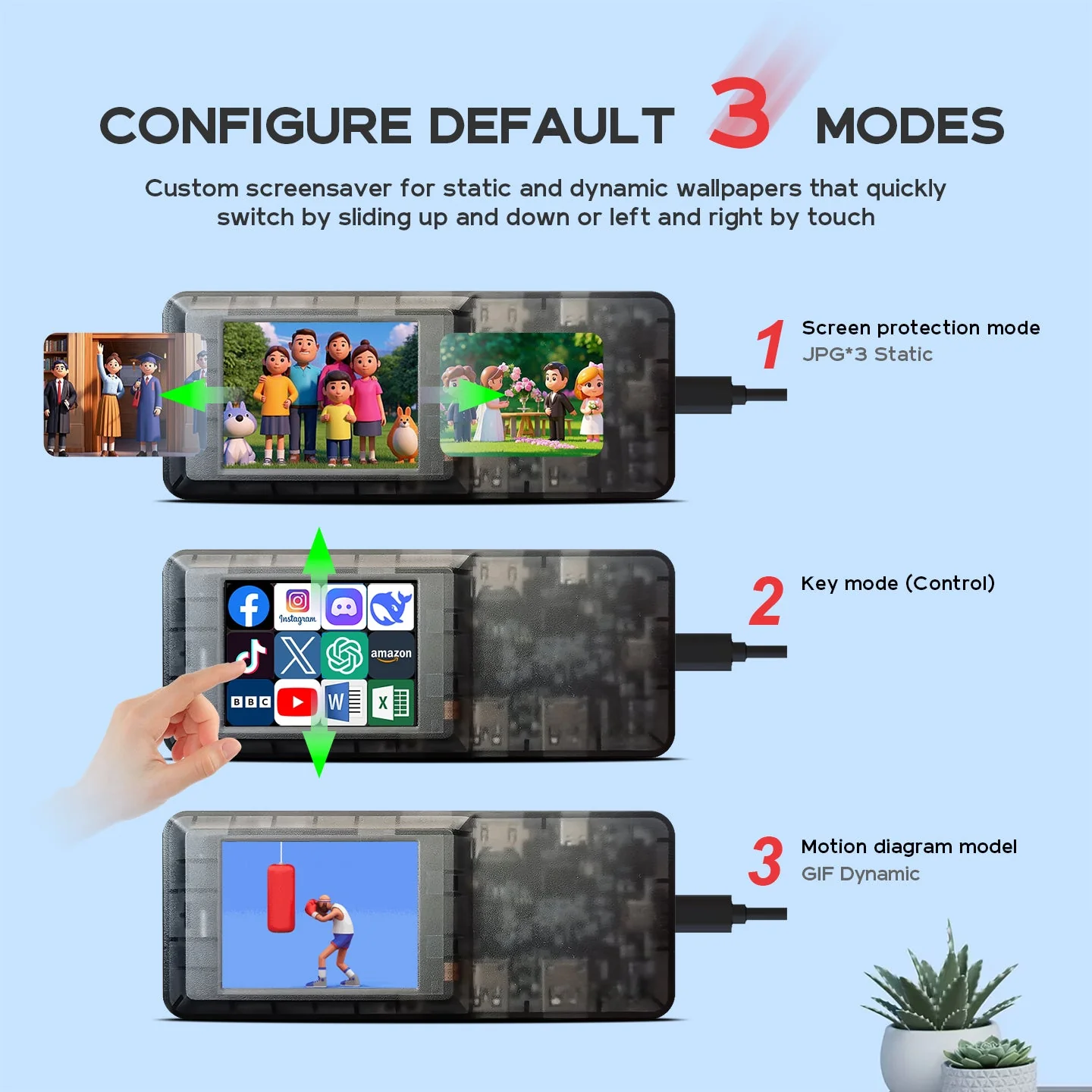
The three H1 screen modes: a JPG photo screensaver, a 12-icon key grid and a GIF animation
Monitor, network and memory cards
The HDMI output mirrors or extends the laptop's desktop onto a monitor or TV at up to 4K 30 Hz — enough for presentations, editing and films. The RJ45 port provides wired 100 Mbps networking where Wi-Fi is unreliable: a lecture room, a shoot, an office with an ageing access point.
The SD/TF slot removes the need for a separate reader when offloading camera cards. Cards are read one at a time, so there is no need to insert SD and TF together.
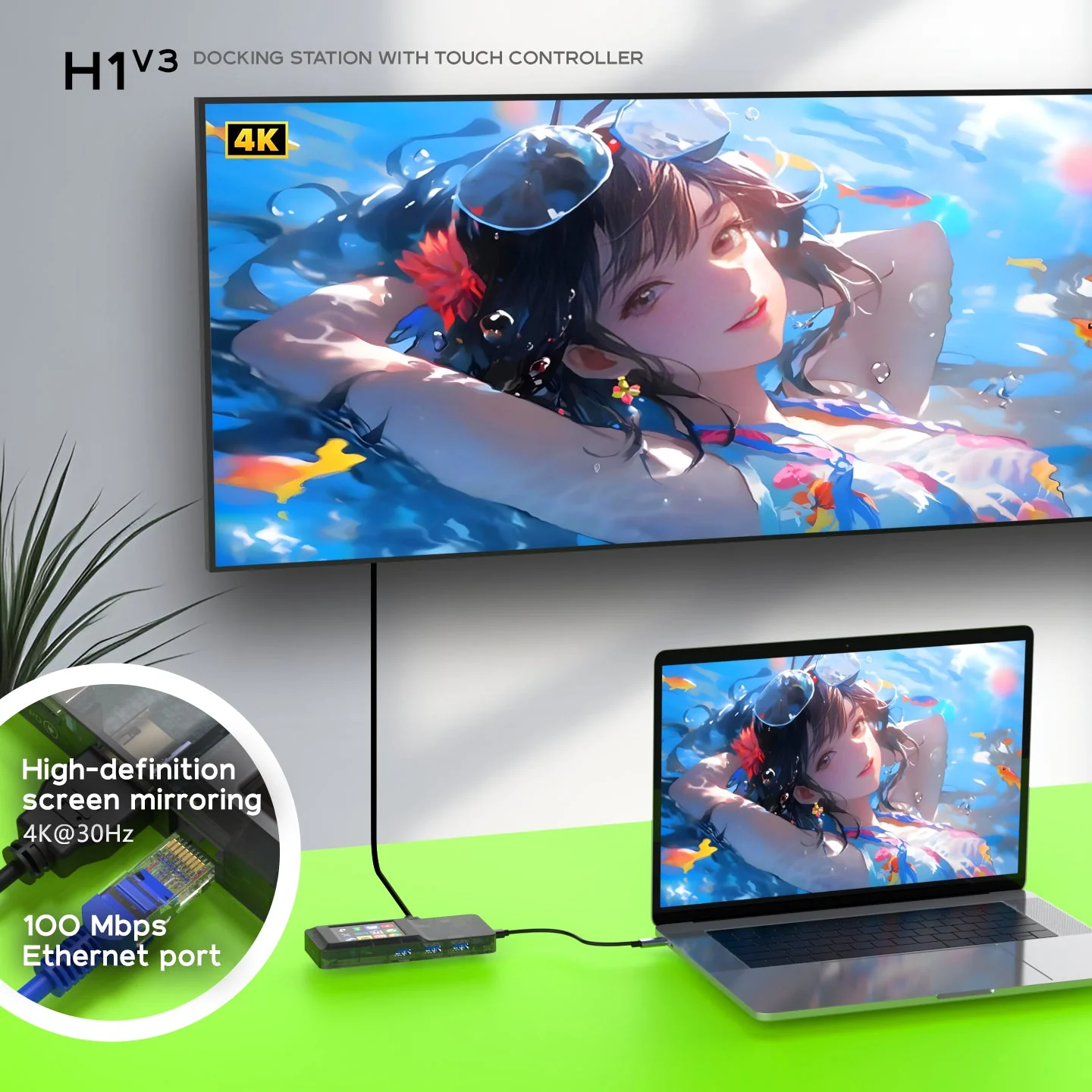
The H1 mirrors the laptop to a large screen over HDMI at 4K 30 Hz and adds an RJ45 network port
VSDinside Stream Dock H1 specifications
Reviews
There are no customer reviews yet. The first review will appear after a verified order.
No reviews yet — be the first to leave one.
Questions and answers
No questions yet. Ask the first one and we will reply within one business day.
No questions yet — be the first to ask.