VSDinside Stream Dock M18 — stream controller: 15 LCD keys plus 3 buttons, RGB ring, USB-C, Black
- Store pickup
- Tashkent, Shaykhantakhur district, Iftikhor street, 2
- Courier
- 50,000 UZS
- Warranty
- 1 month
About this product
All specifications →VSDinside Stream Dock M18: description and configuration
VSDinside Stream Dock M18.
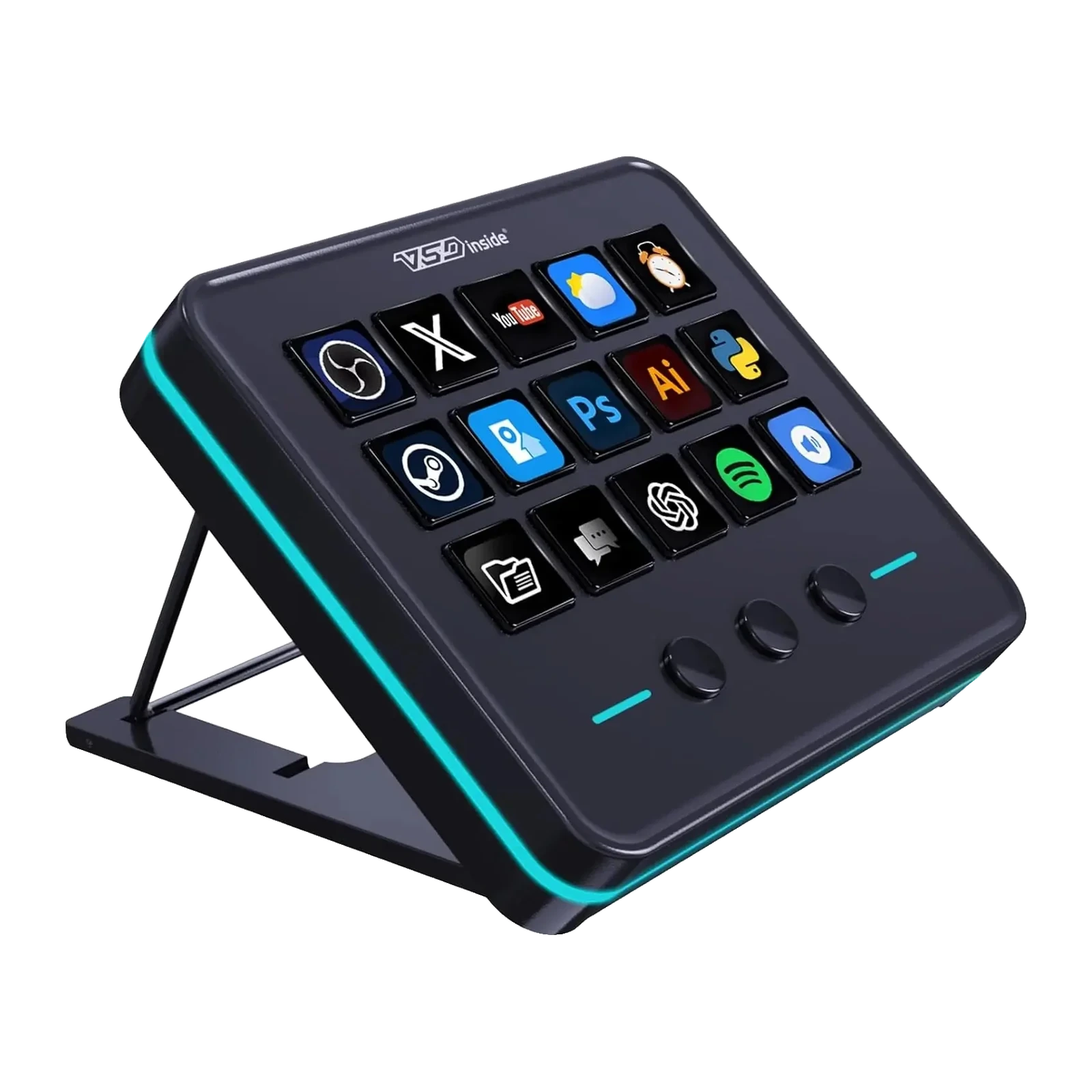
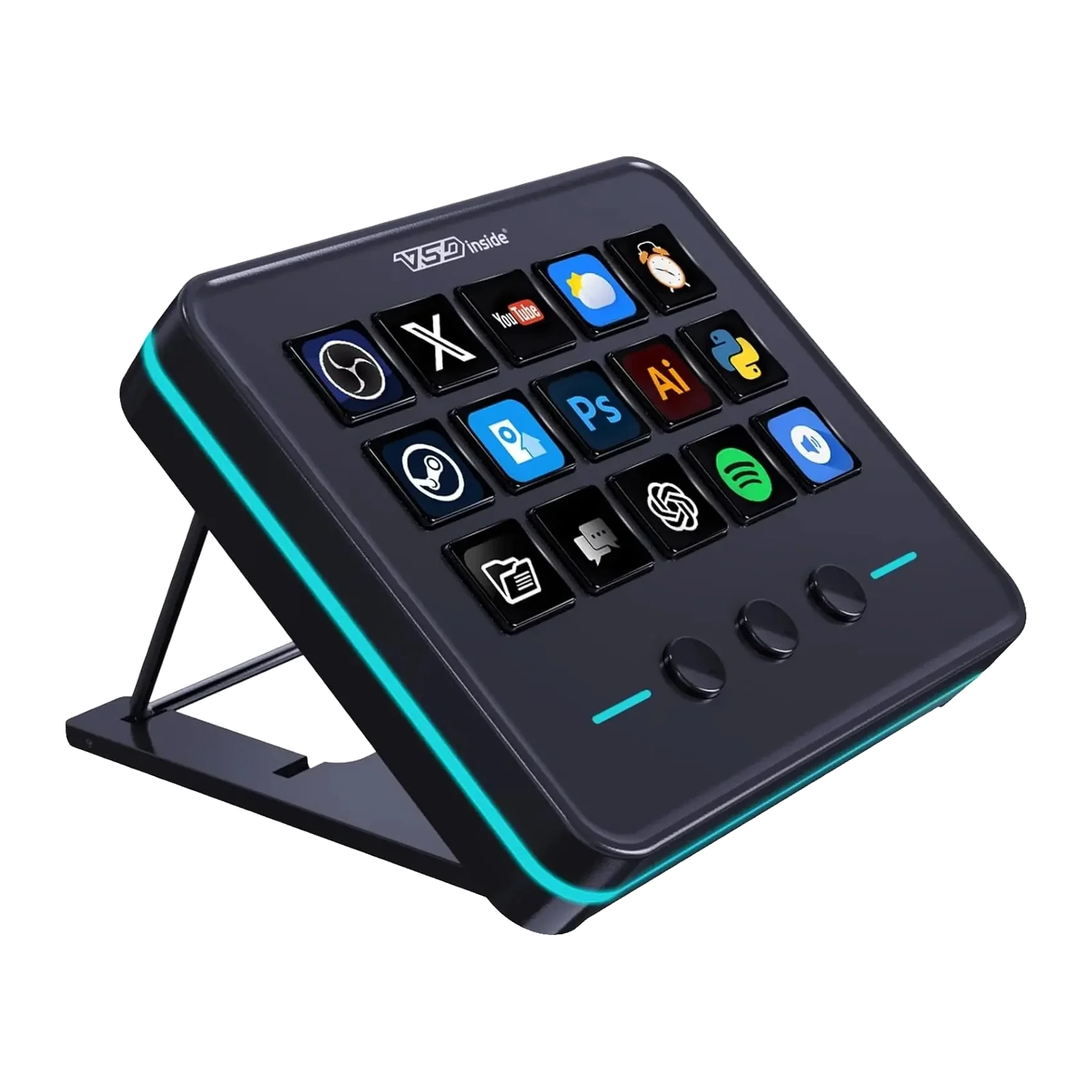
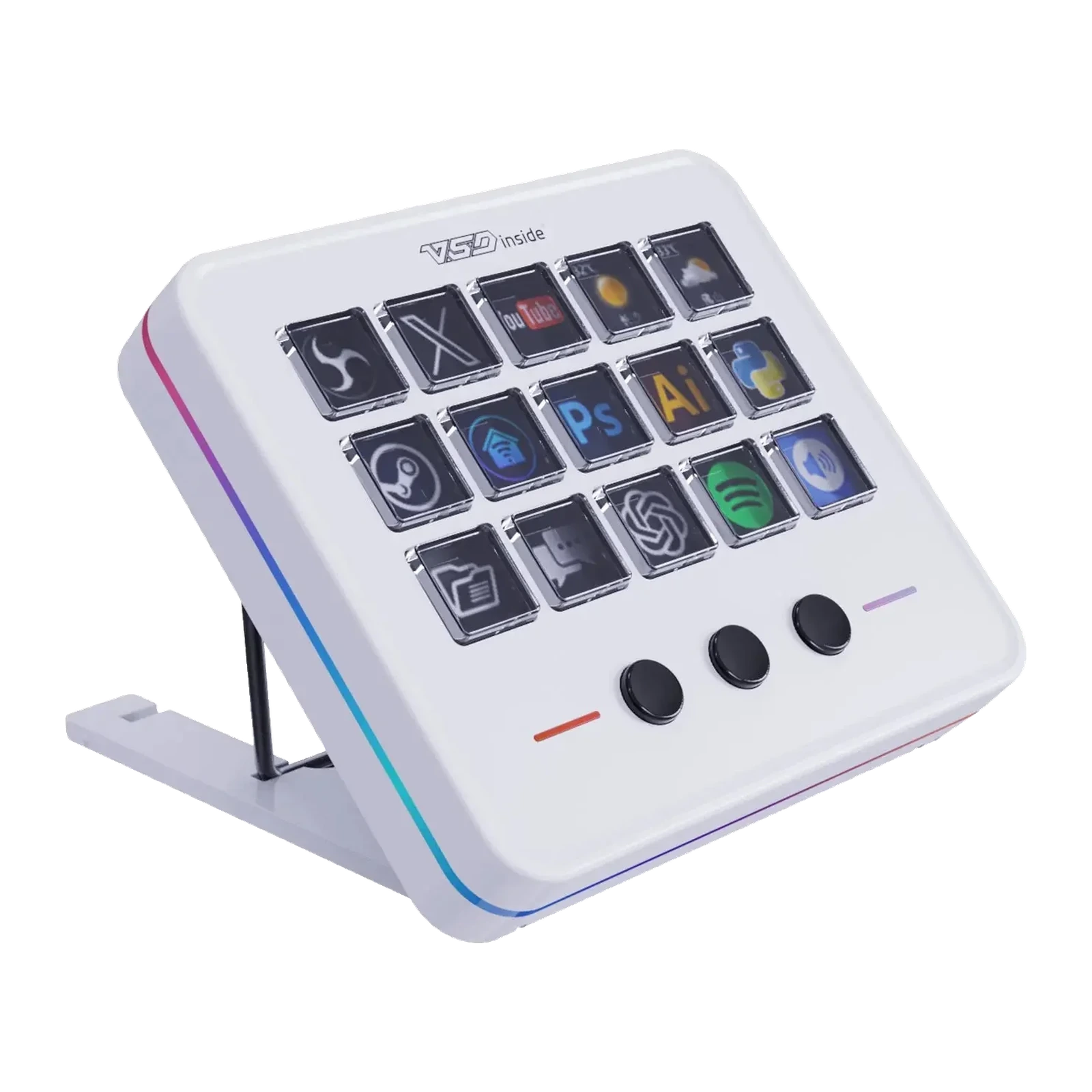
The Stream Dock M18 is the eighteen-key version: fifteen keys with their own LCD screens plus three physical buttons below them. Those buttons suit page switching or anything you press without looking - microphone, record, pause. The LCD keys take your own images and GIF animations, so the icon shows exactly what will fire.
An RGB ring runs around the body with automatic colour cycling, lighting the desk rather than your eyes in a dark room. The VSD Craft app (Windows 10 or newer, macOS 11.0 or newer) builds profiles by drag and drop, chains commands with Operation Follow, adds plugins - clock, stopwatch, weather, reminders - and switches the layout itself as you move from OBS to Photoshop or Premiere Pro.
The body is 120 x 106 x 24 mm and 233 g, with a non-slip rubber base and an adjustable folding stand so the angle suits your desk height. There is one connection, USB-C, with a USB-A to USB-C cable included and no external power needed. Black and white share the same price.
Fifteen screens and three buttons you never need to look at
The fifteen LCD keys show exactly what will fire: a scene, an app, a folder of macros. The three physical buttons below are for what gets pressed by feel and in a hurry: flip the page, cut the microphone, stop the recording. The split is simple and it works - eyes on the screens, fingers on the buttons.
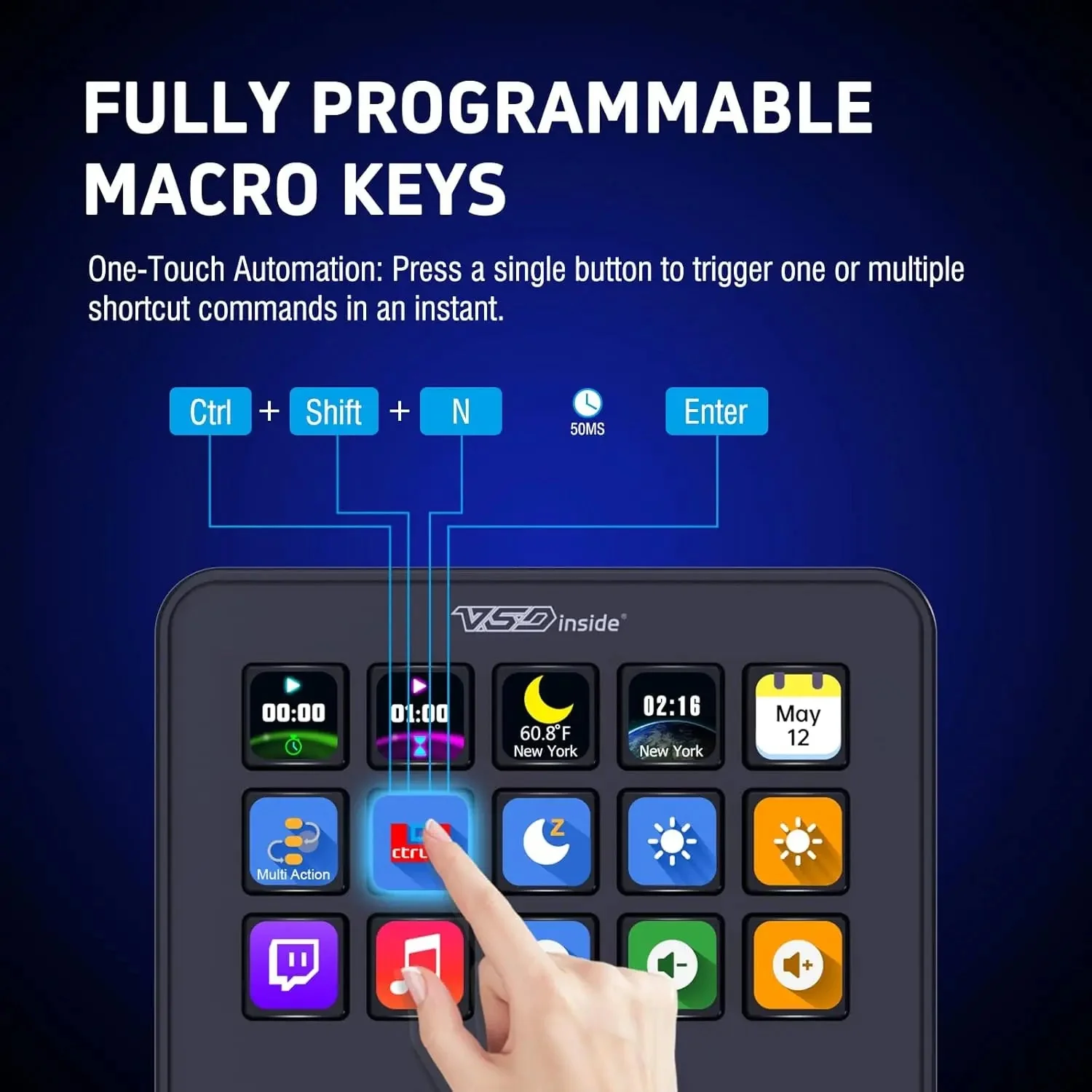
A finger pressing a Stream Dock M18 LCD key: one press fires a shortcut or a chain of commands
An RGB ring instead of a desk lamp
The M18's light comes from a ring around the body rather than from under the keys. The colour cycles automatically, the glow falls down onto the desktop instead of into your eyes, and after the vendor firmware update you can also fix one colour and have the light follow the computer into sleep.
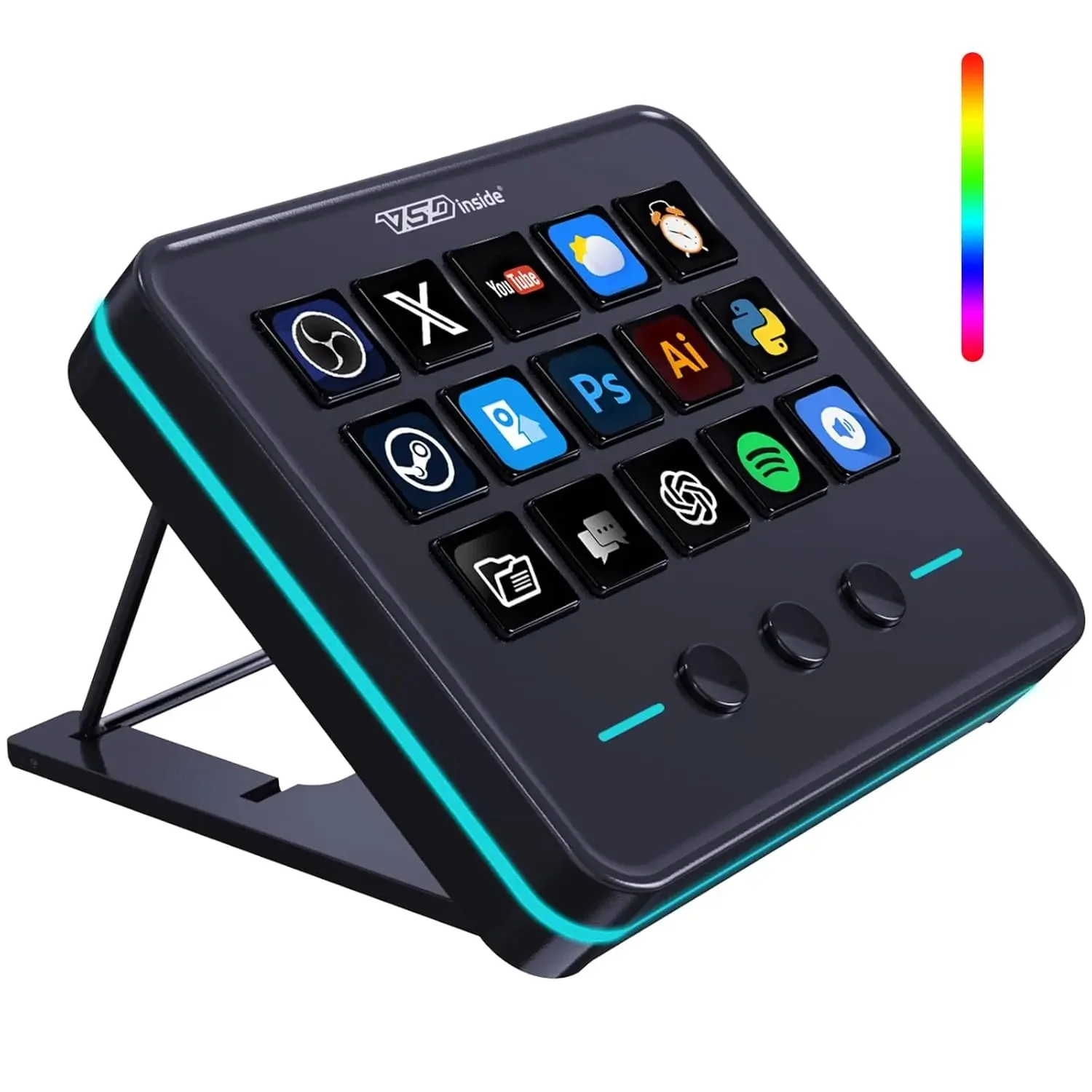
Black VSDinside Stream Dock M18 on its folding stand: 15 LCD keys, 3 buttons and the RGB ring
One press, the whole chain
In VSD Craft an action is dragged onto a key with the mouse, and Operation Follow builds several of them into a sequence: start the scene, bring up the music, post in chat, pull the camera back after a pause. Profiles group into folders and pages and switch by themselves as you move from OBS to Photoshop or Premiere Pro.
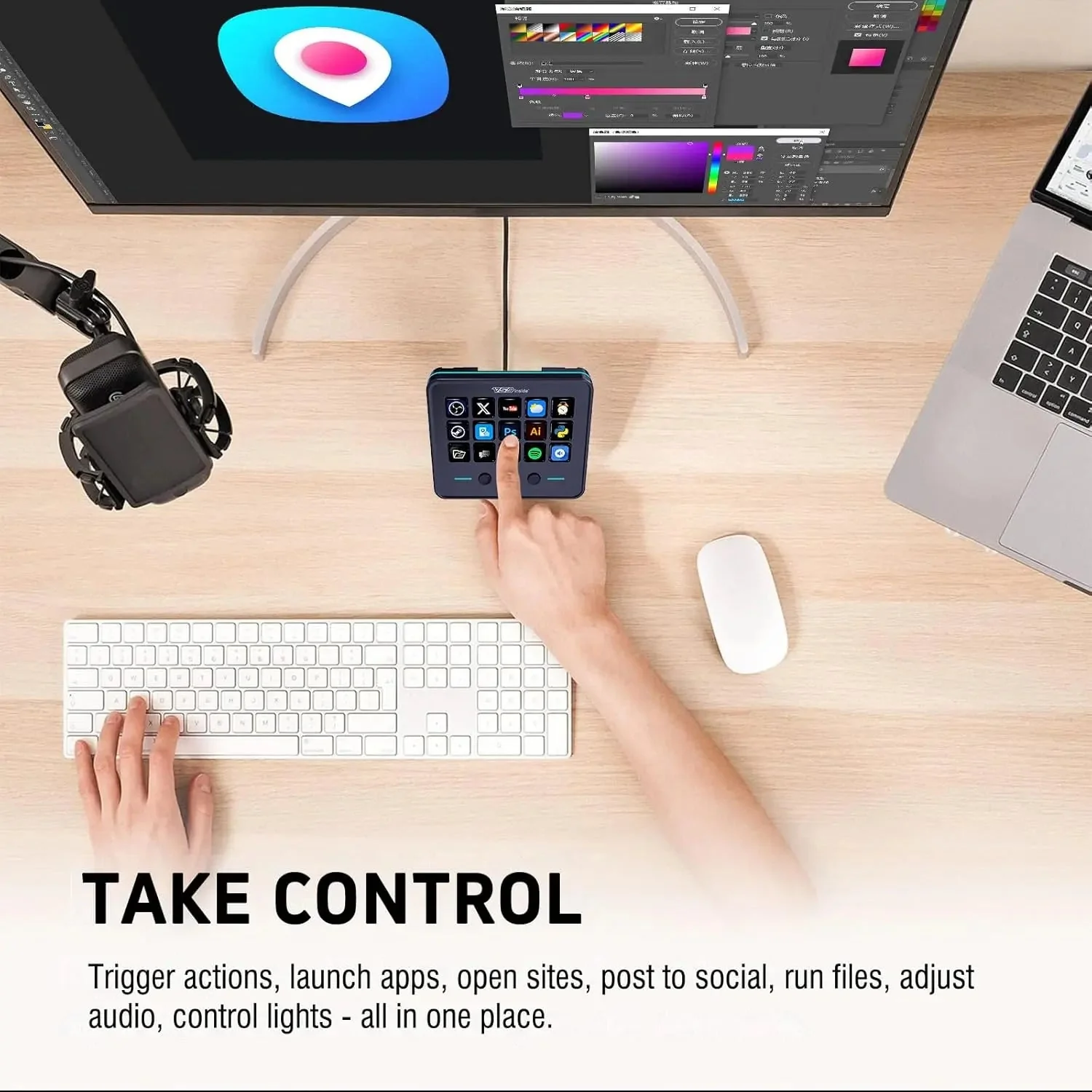
Stream Dock M18 on a desk between keyboard and mouse, a hand pressing a key
It stays where you put it
The base is lined with non-slip rubber and the folding stand adjusts: stand the deck almost upright behind the keyboard, or lay it shallow if you work with it beside the mouse. At 233 g and 120 x 106 x 24 mm it is the size of a chunky phone, not half a desk.
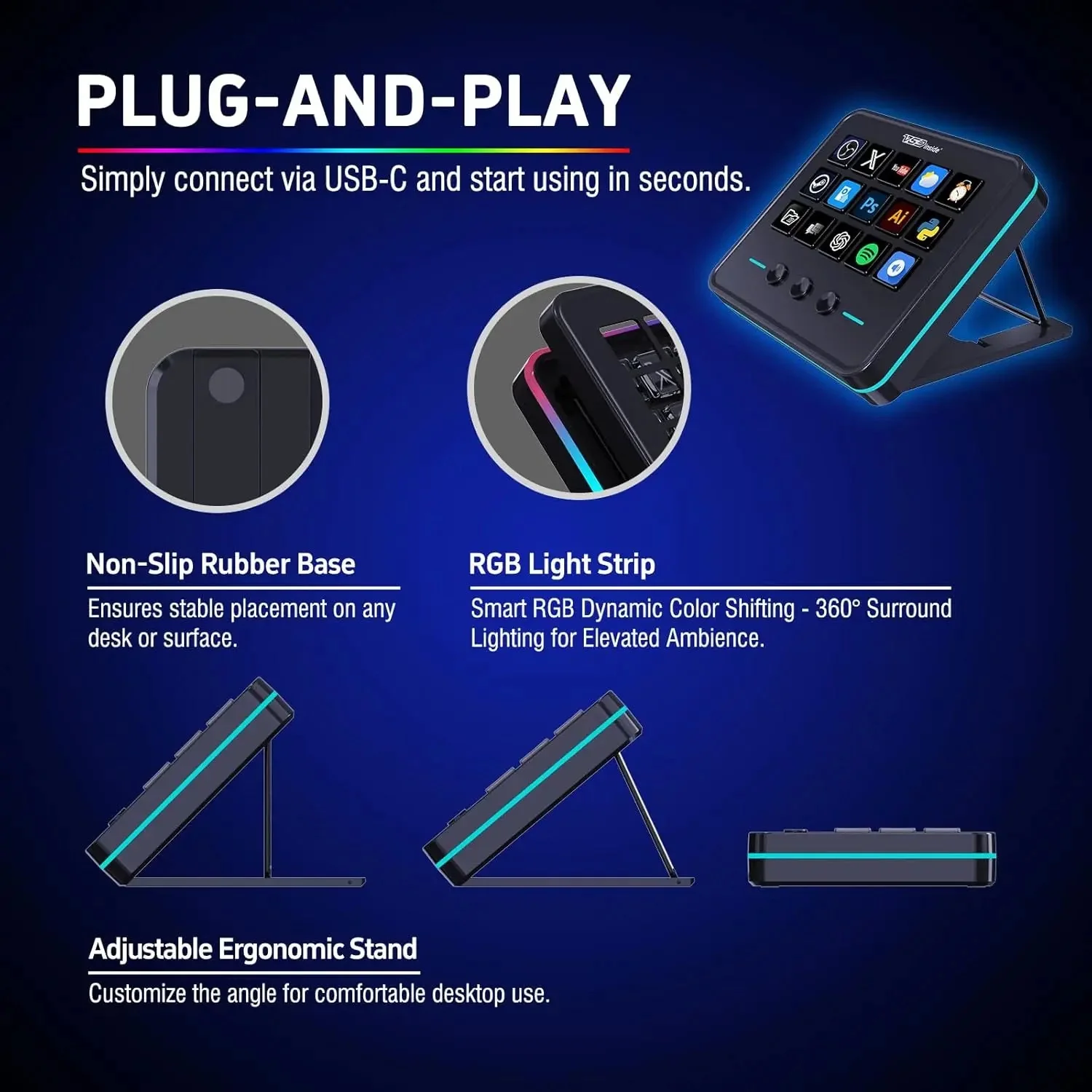
Stream Dock M18 details: non-slip rubber base, RGB strip and the adjustable folding stand
VSDinside Stream Dock M18 specifications
Reviews
There are no customer reviews yet. The first review will appear after a verified order.
No reviews yet — be the first to leave one.
Questions and answers
No questions yet. Ask the first one and we will reply within one business day.
No questions yet — be the first to ask.