VSDinside Stream Dock N1 — a 3-in-1 numpad: 15 LCD keys, a knob and a calculator mode, White
- Store pickup
- Tashkent, Shaykhantakhur district, Iftikhor street, 2
- Courier
- 50,000 UZS
- Warranty
- 1 month
About this product
All specifications →VSDinside Stream Dock N1: description and configuration
VSDinside Stream Dock N1.
The Stream Dock N1 was designed for TKL keyboards that have no number pad. Its fifteen keys are LCD screens, so one body works in three modes: a numeric keypad, a calculator with its own result line, and a stream deck full of app icons. The knob switches modes and the artwork on the keys changes instantly.
Two physical keys and the knob sit along the top, with a 10.8 × 52 mm information strip beneath them: in calculator mode it shows the number, in the other modes whatever you assign. The 149.6 × 75.6 × 36.3 mm body with its 7° tilt is made to sit under your right hand next to the keyboard; the keycaps are acrylic, the shell and plate are ABS, and the silicone switches keep the press quiet.
The connection is wired: a 1.5 m USB-A to USB-C cable, powered from the computer. Icons, macros and action chains are set in the free VSD Craft app for Windows 10 or newer and macOS 11.0 or newer. The same unit is also sold as the MiraBox MBox N1.
The number pad comes back to the desk
People buy a compact keyboard for the mouse room, then add up numbers on the top row. The N1 brings a full number pad back as a separate block: put it on the right, on the left, or take it off the desk when it is not needed. And the keys are not fixed labels — the layout is drawn on screens.
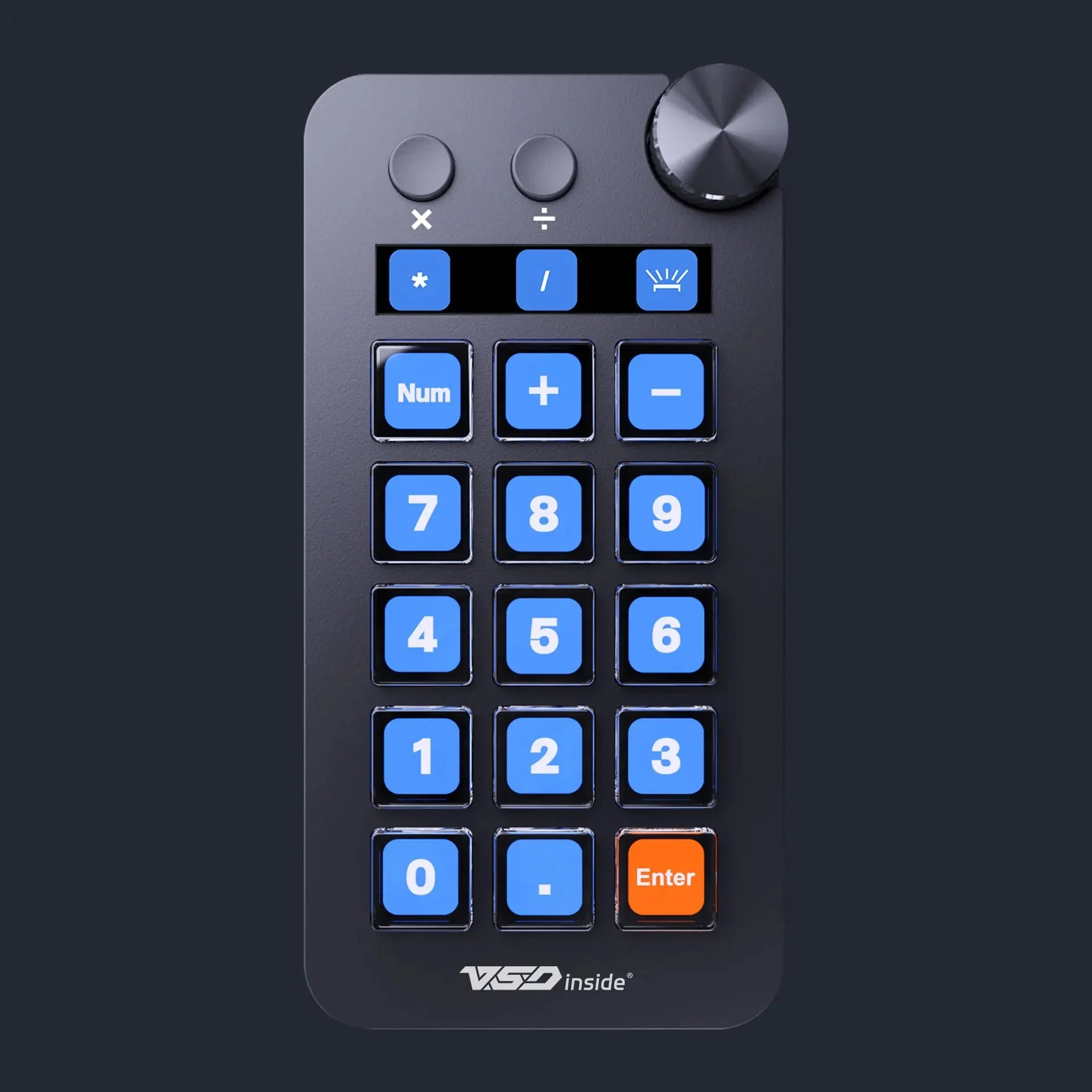
The black Stream Dock N1 in numpad mode: the Num key, digits and Enter
A calculator with its own result line
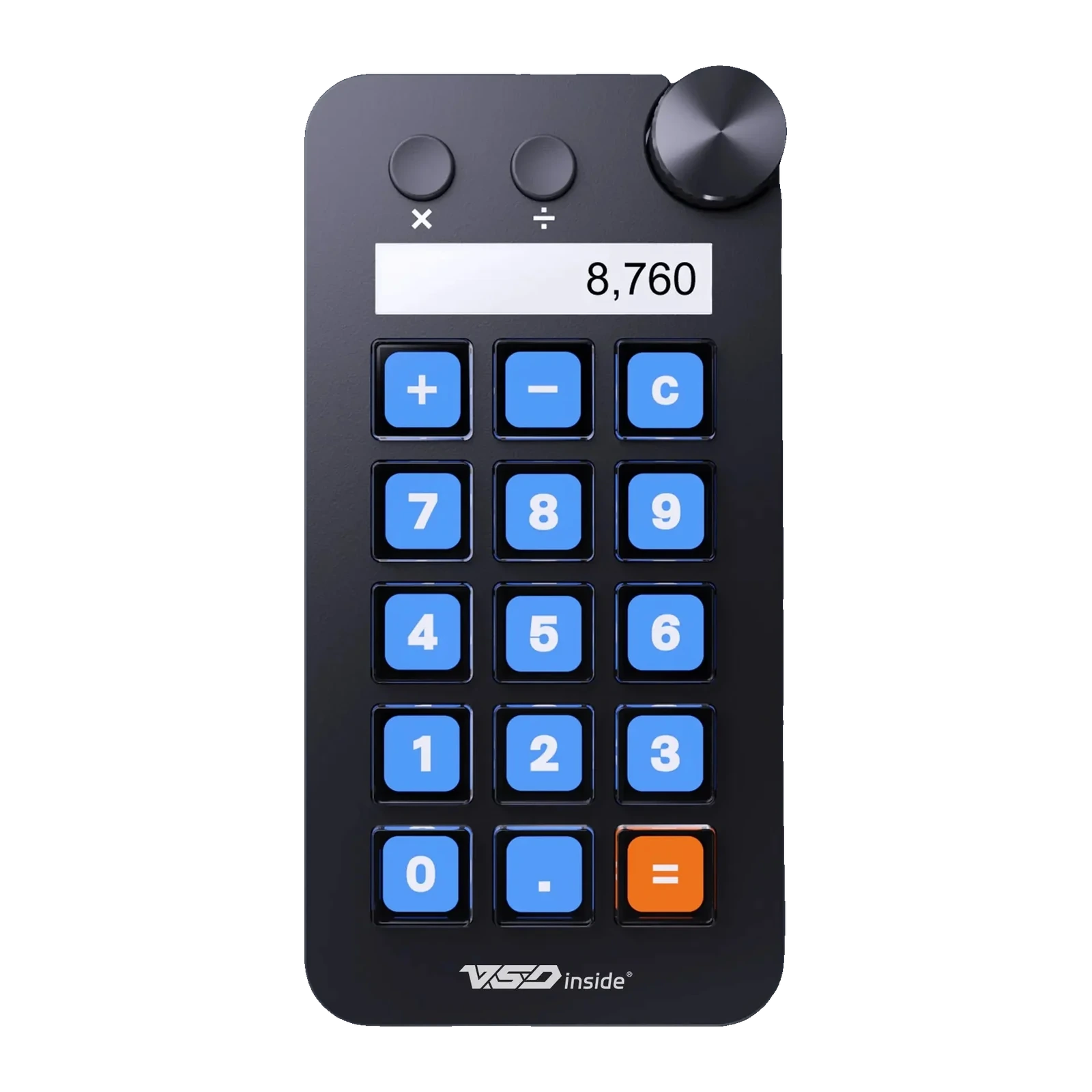
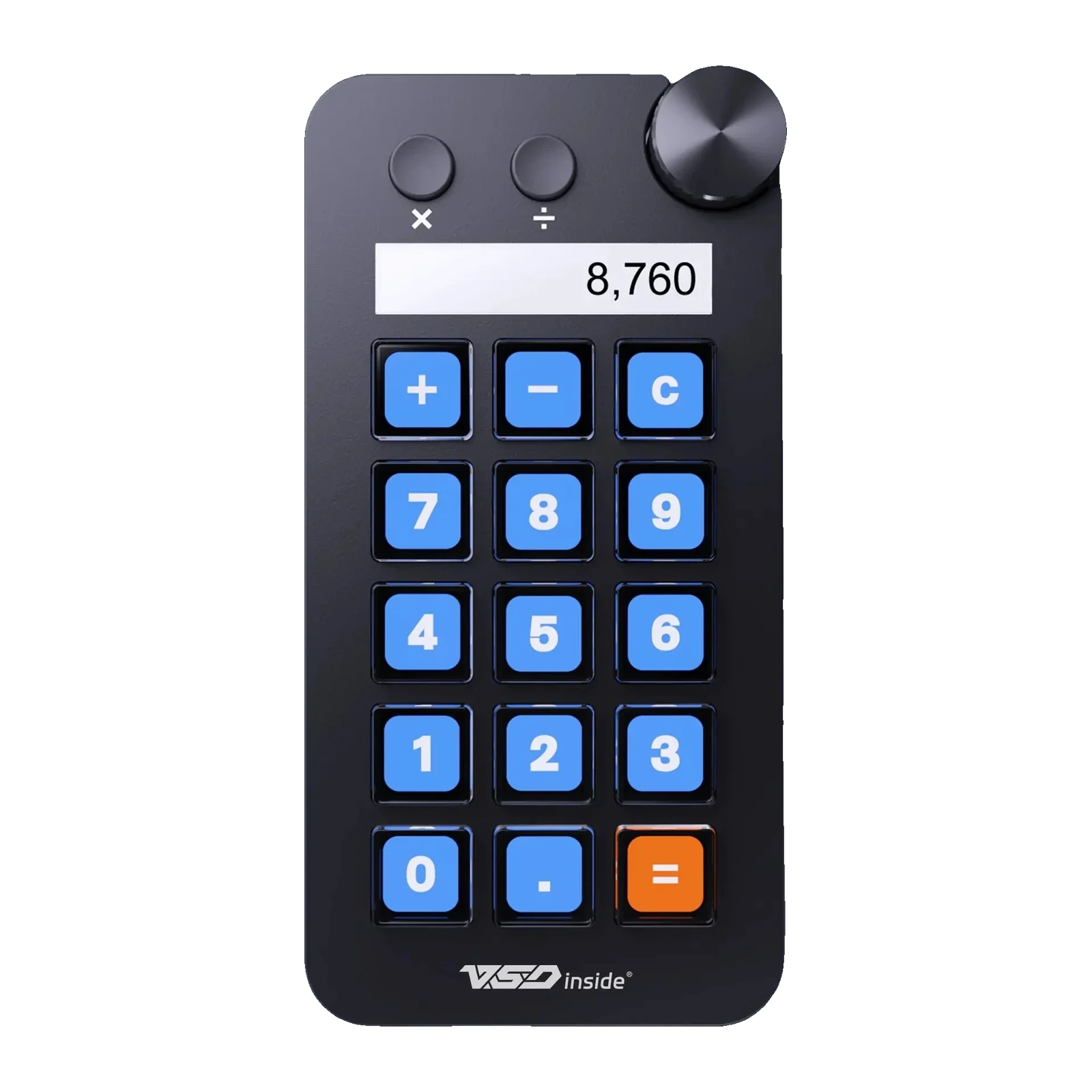
In calculator mode the 10.8 × 52 mm strip above the keys shows the number you typed while the keys turn into digits and operators. You can do the maths without opening a calculator window or leaving your document or spreadsheet. The result stays on the little screen while you copy it into the report.
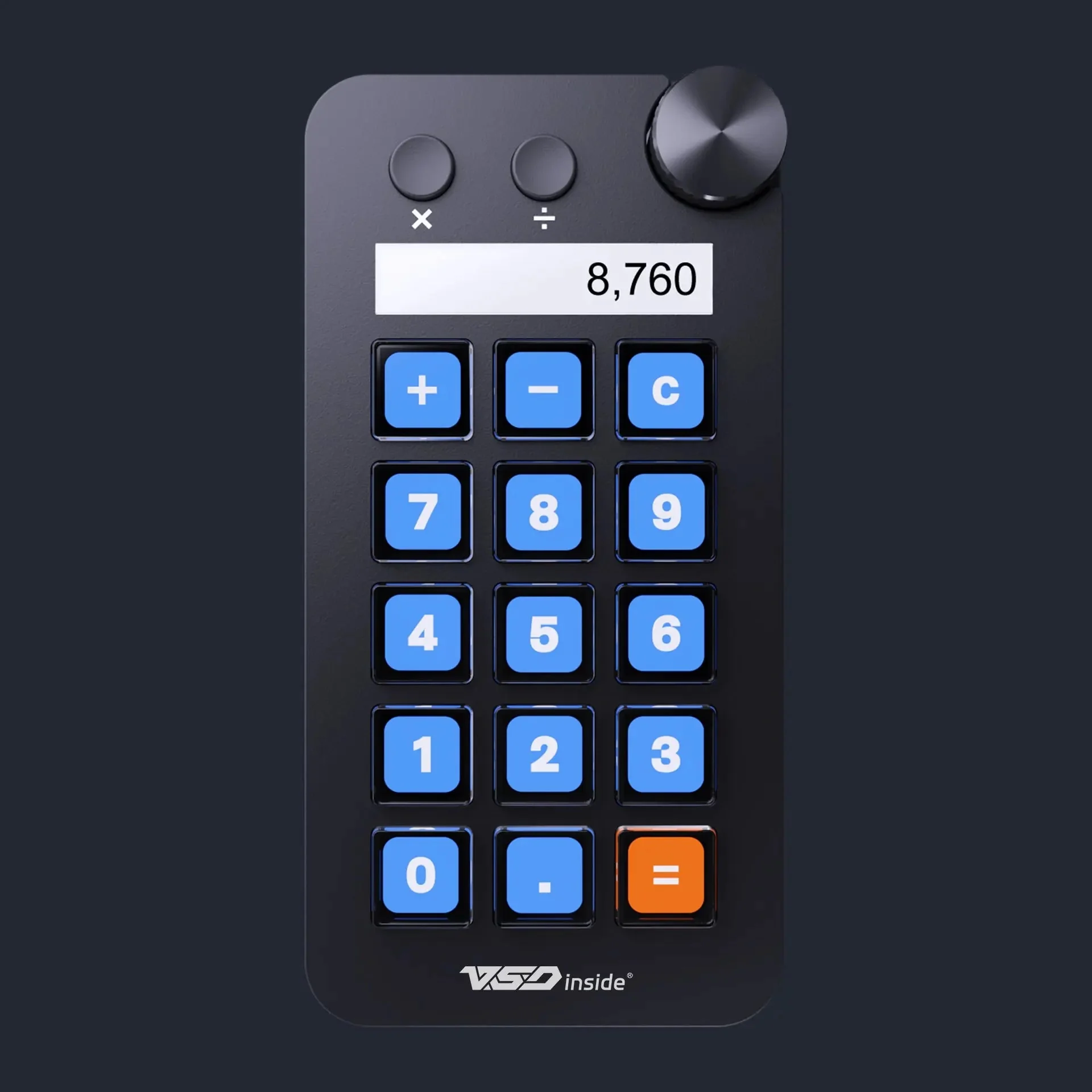
VSDinside Stream Dock N1 in black, calculator mode: the result line and 15 keys
Fifteen icons instead of fifteen windows
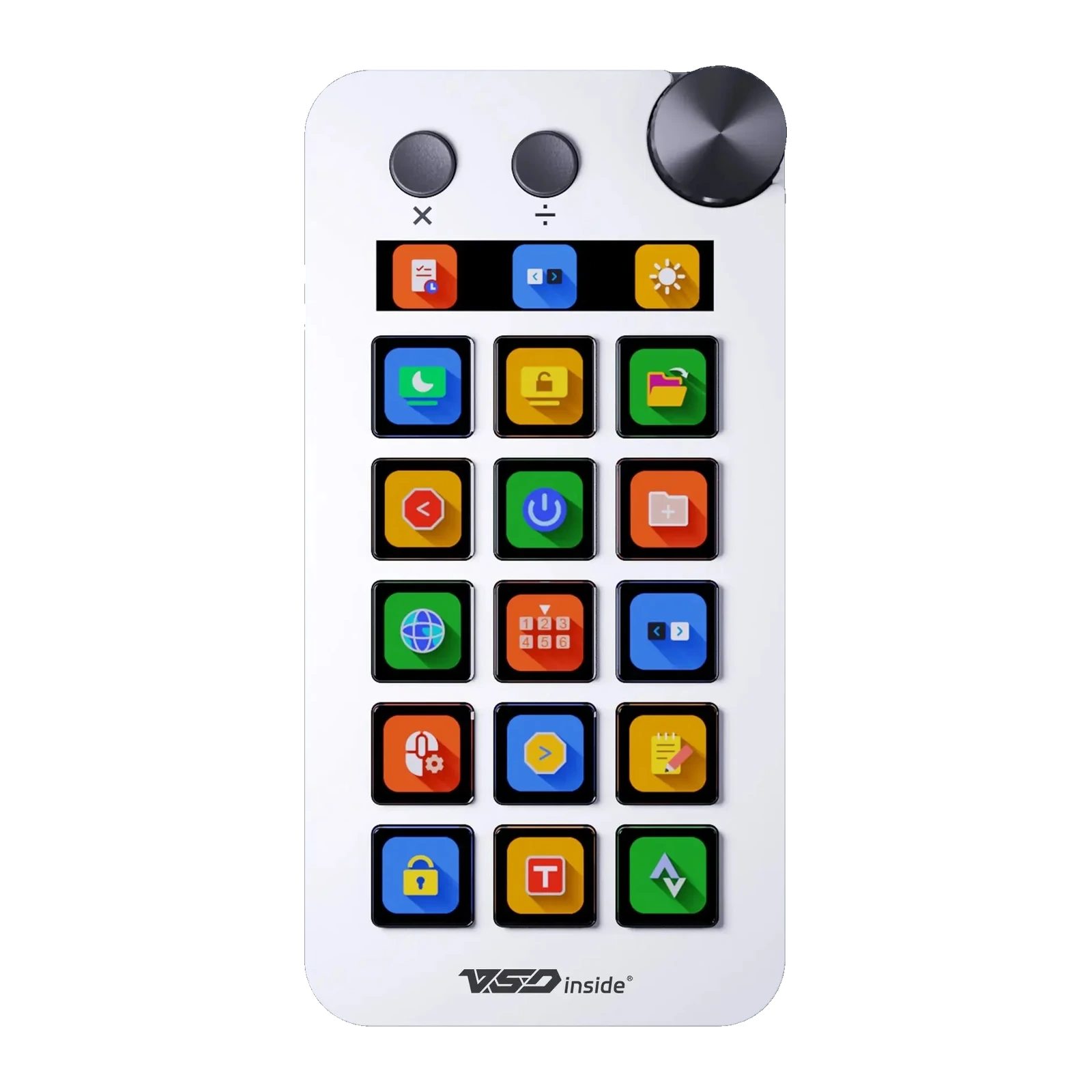
The third mode is a plain stream deck: launch apps, fire hotkeys, paste boilerplate text, mute the mic, switch OBS scenes. A key can carry an icon, a GIF or a screenshot of the window you need, a long press can repeat the action, and one key can start a chain of steps. The layout can follow the active app on its own.
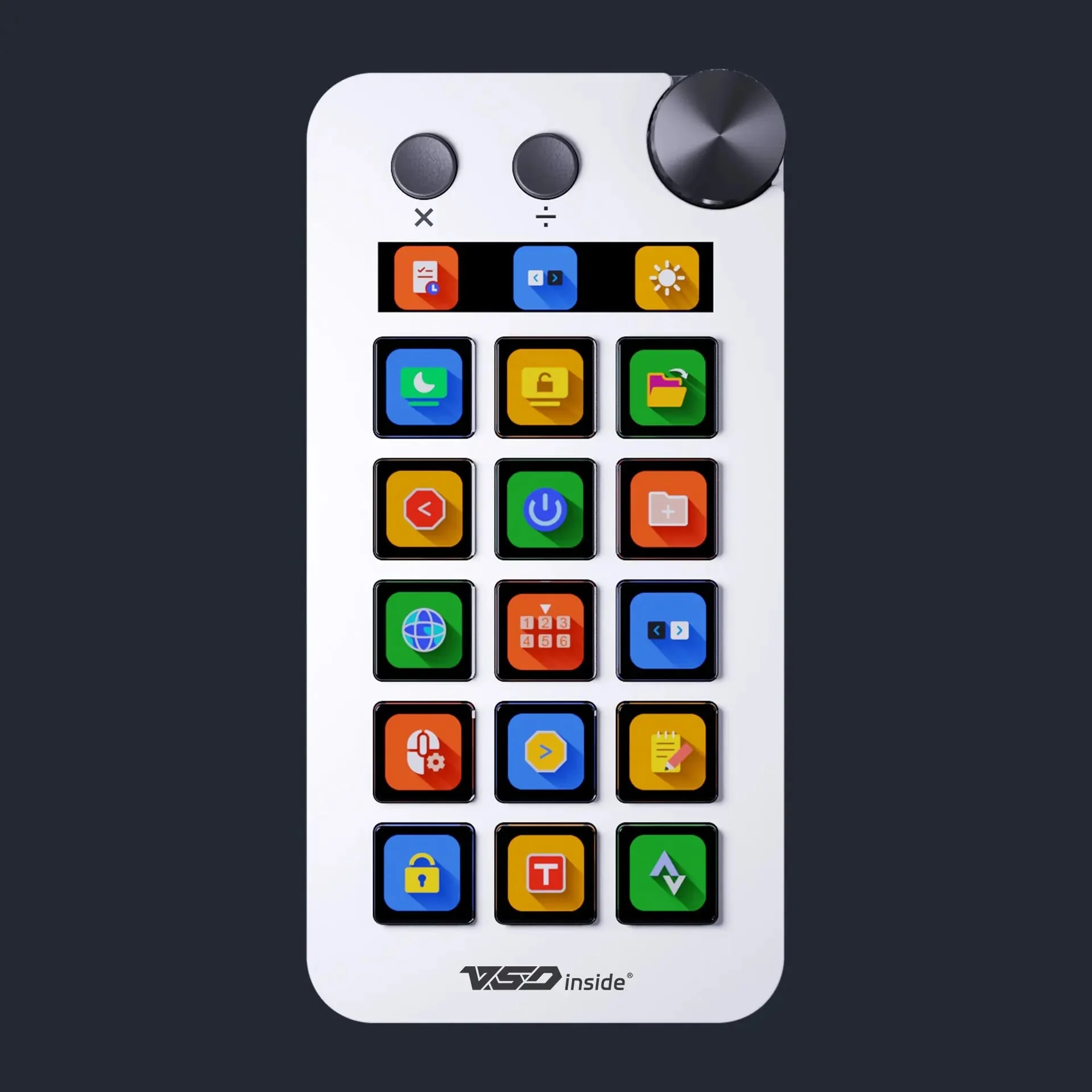
VSDinside Stream Dock N1 in white with colourful app icons on its 15 keys
A knob instead of a menu
Modes change with the knob in the top right corner — turn and press, without opening the app. In stream-deck mode the same knob handles volume, brightness or zoom, while the two physical keys beside it stay reserved for your most frequent actions. The body tilts 7°, so you read the screens without leaning over the desk.
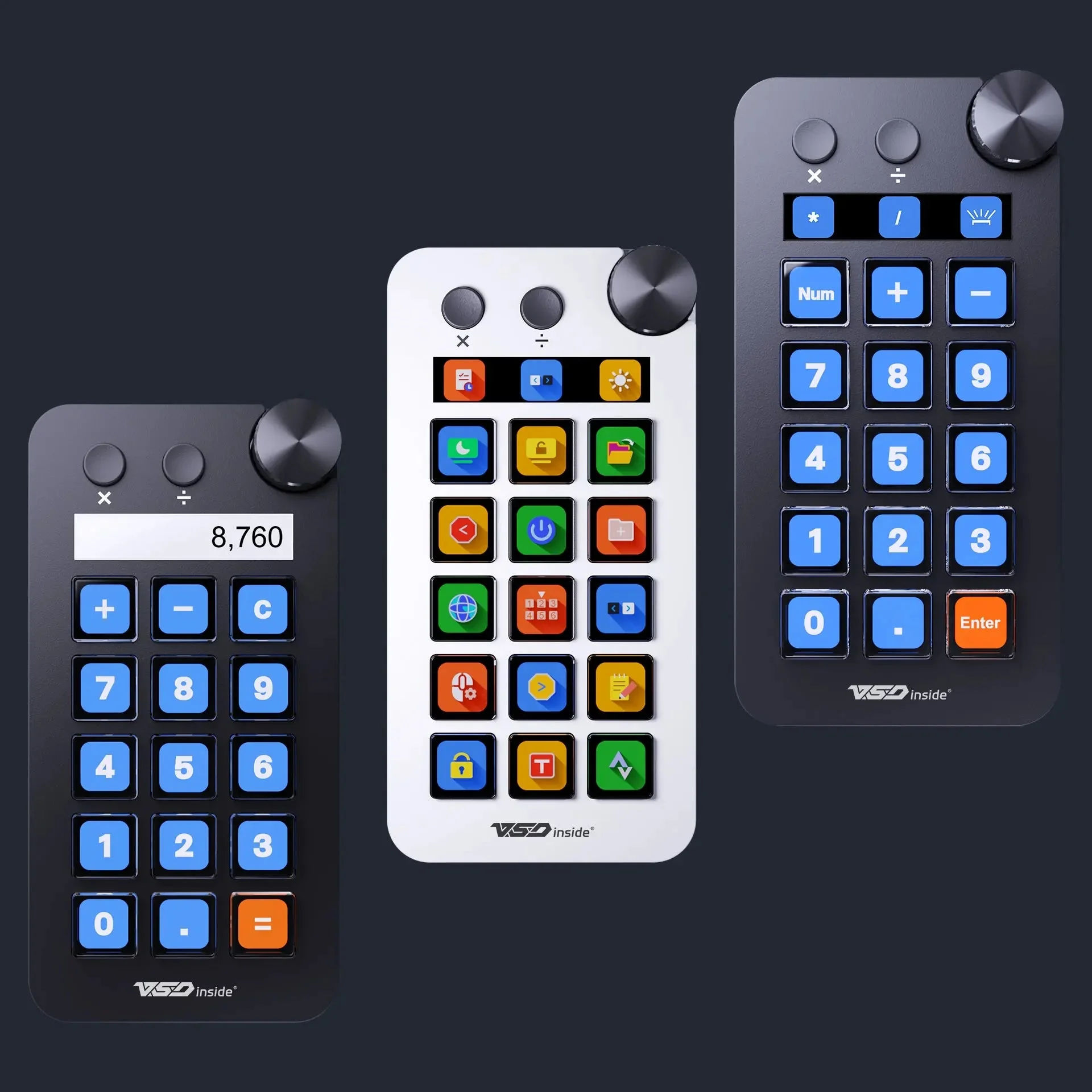
Three Stream Dock N1 panels side by side: calculator, app icons and numpad
Black for numbers, white for icons
Both colours are the same device, but the official photos cast them in different roles: the black body with a strict calculator layout, the white one with colourful app icons. Choose by your desk and keyboard — either handles all three modes. The silicone switches keep presses quiet, so the panel stays out of your recordings.
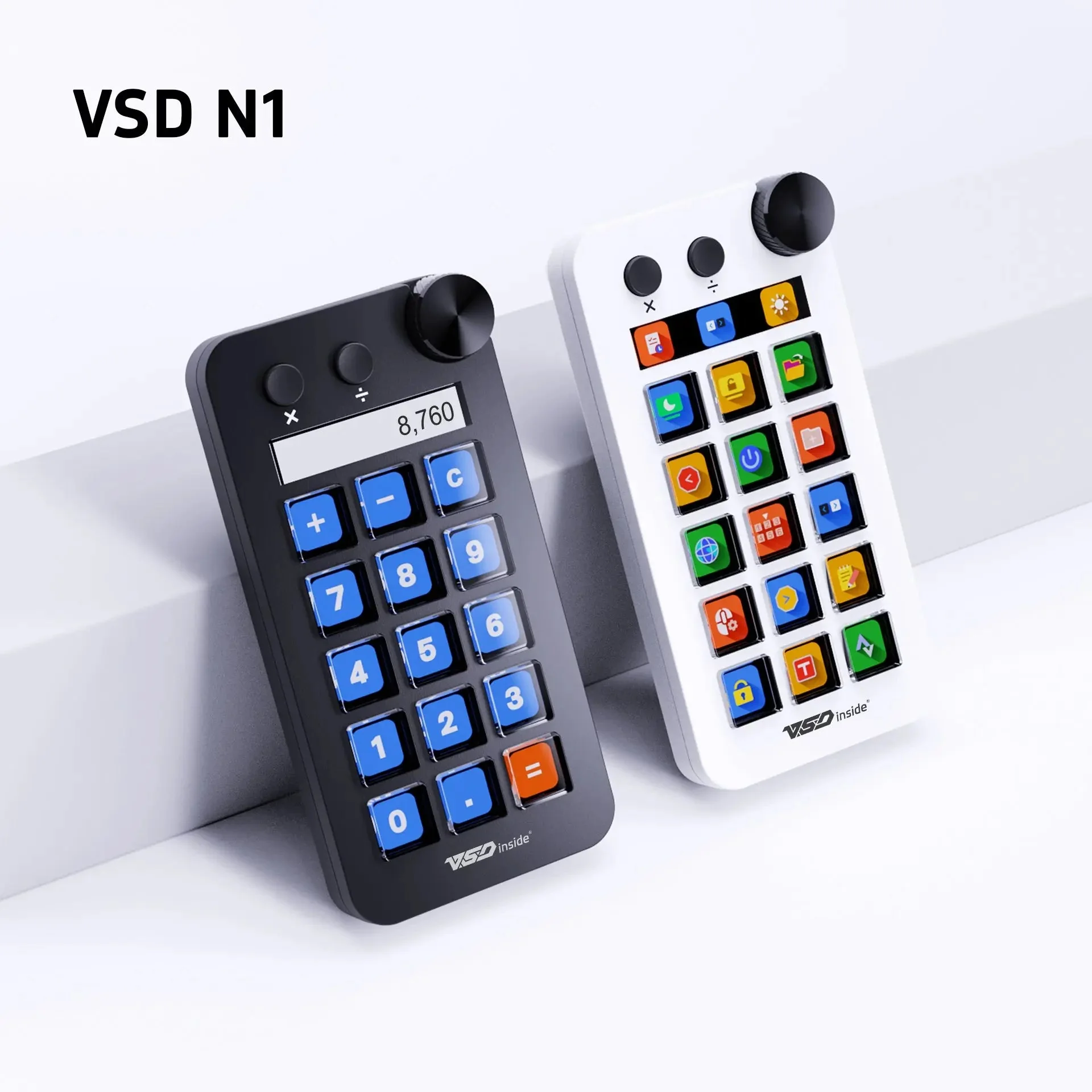
The black and white Stream Dock N1 together: the knob, two physical keys and the screen strip
VSDinside Stream Dock N1 specifications
Reviews
There are no customer reviews yet. The first review will appear after a verified order.
No reviews yet — be the first to leave one.
Questions and answers
No questions yet. Ask the first one and we will reply within one business day.
No questions yet — be the first to ask.