VSDinside Stream Dock N3 — 6 LCD keys, 3 knobs and scenes that follow your active app, Black
- Store pickup
- Tashkent, Shaykhantakhur district, Iftikhor street, 2
- Courier
- 50,000 UZS
- Warranty
- 1 month
About this product
All specifications →VSDinside Stream Dock N3: description and configuration
VSDinside Stream Dock N3.
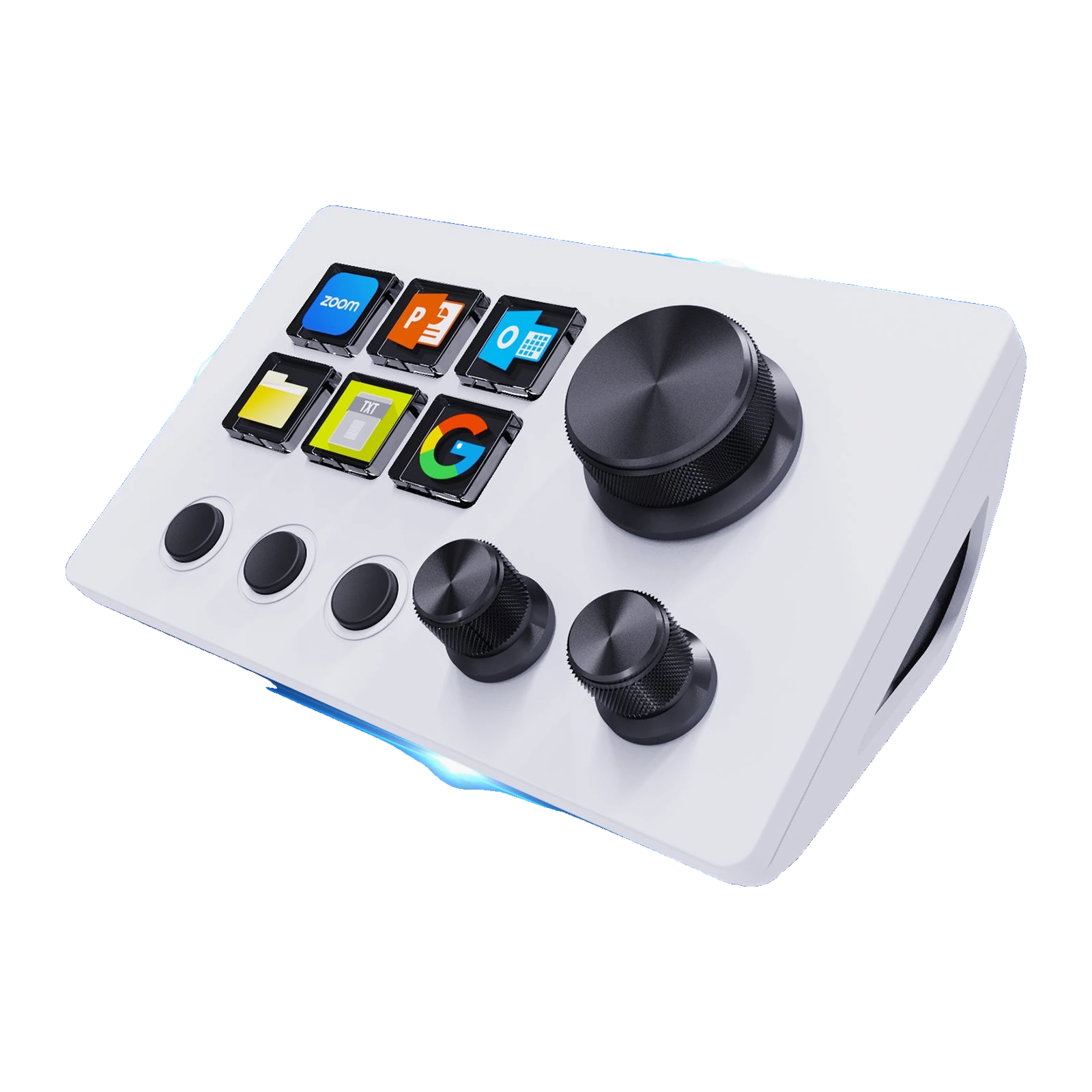
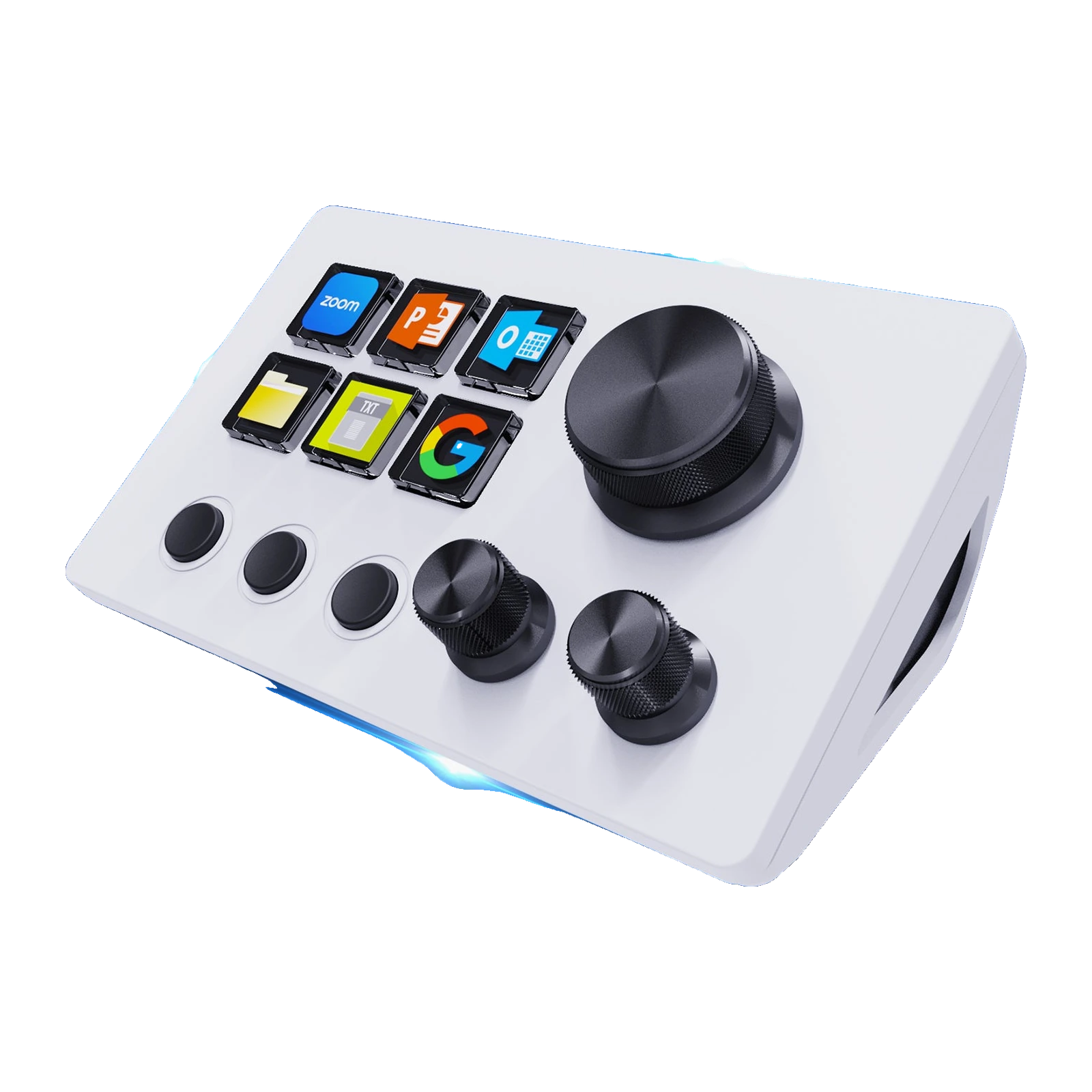
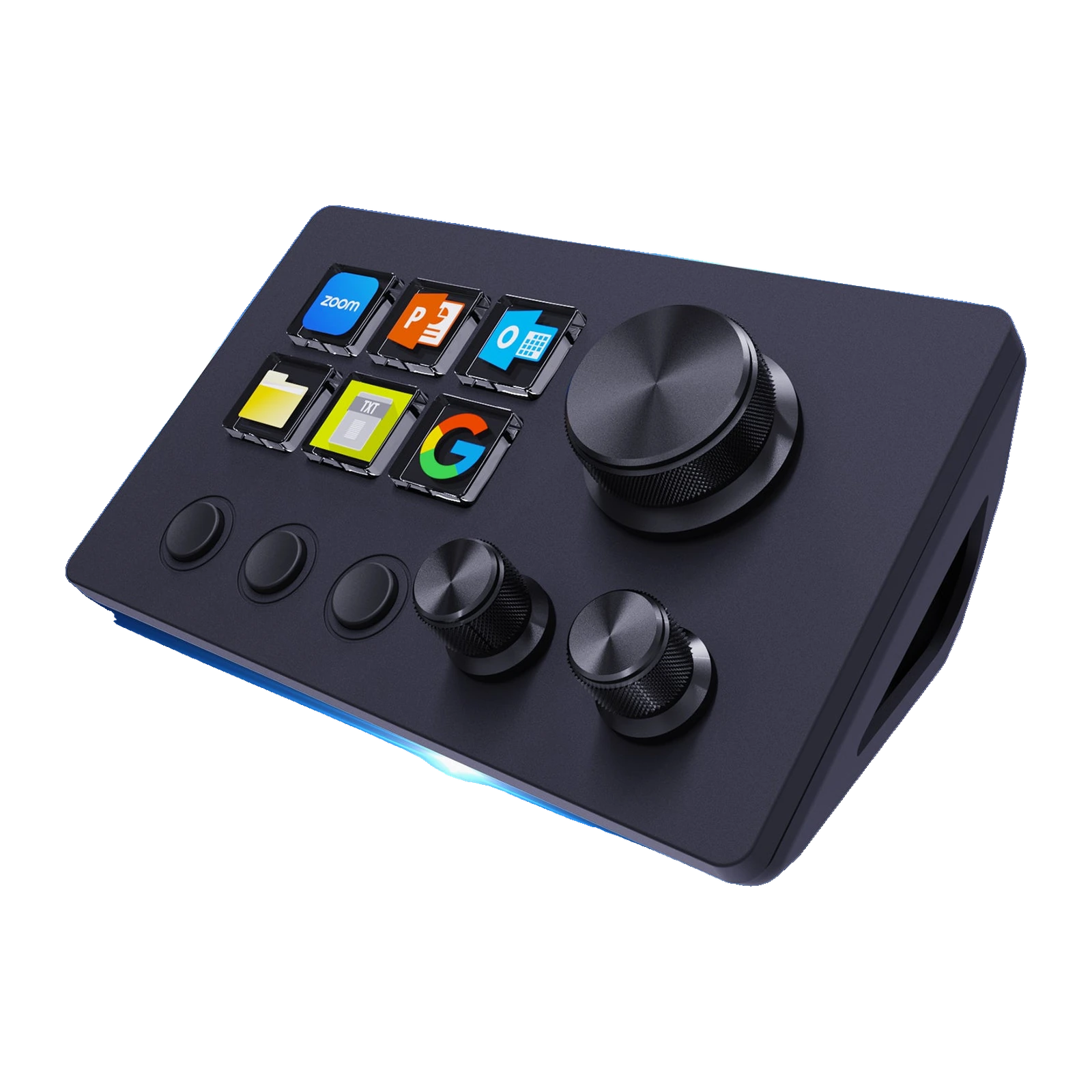
The Stream Dock N3 is a desktop control panel for anyone who repeats the same actions every day. Its six keys are small LCD screens: each one shows what it does, and the icon can be a GIF, a screenshot or an image from the VSD Craft gallery.
The three metal knobs rotate and click: volume, brightness, zoom, timeline scrubbing or any other parameter that changes gradually. Three separate physical keys switch pages, so six keys turn into six sets plus folders.
The N3 is wired over USB-C, with power and data on a single cable and nothing to charge. Setup happens in the free VSD Craft app for Windows and macOS — drag an action onto a key, no scripting required. The same unit is also sold as the MiraBox N3, so guides and plugins are shared.
A key that shows what it does
Each of the six keys is a separate LCD screen, not a sticker. You put a gallery icon, your own PNG or GIF, even a screenshot of the window you need on it, and the label changes together with the action. A month later you will not have to remember what the second key from the left was set to — it tells you.
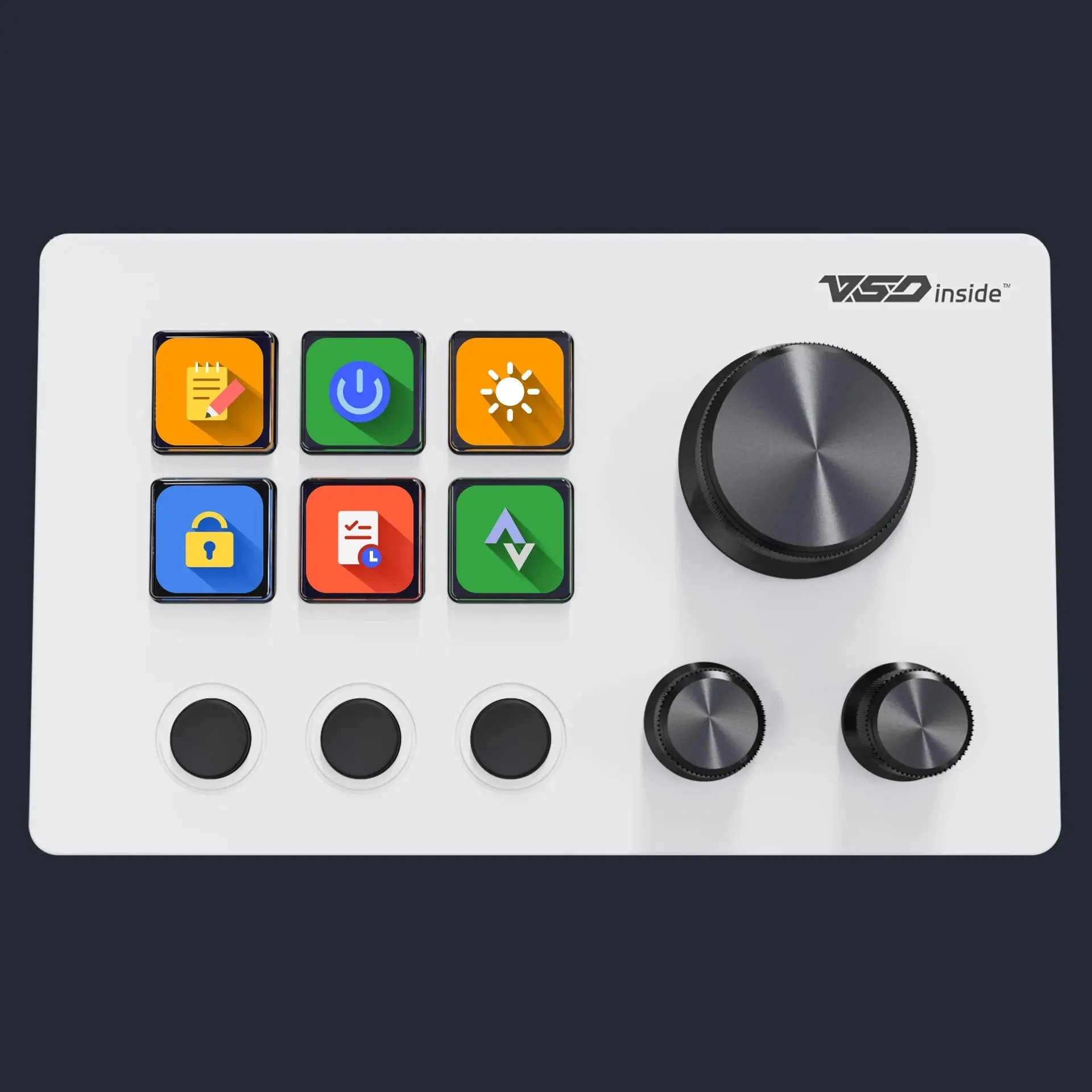
VSDinside Stream Dock N3 in white: 6 colour LCD keys, 3 scene keys and 3 knobs
Three knobs for the things that change gradually
Microphone level, lamp brightness, zoom in Figma, brush size in Photoshop, timeline scrubbing — these are the parameters hotkeys never solve. The N3's metal knobs turn both ways and click, so one knob holds two actions: rotate and press. The large knob sits apart from the two small ones, which makes it easy to find and turn without looking away from the screen.
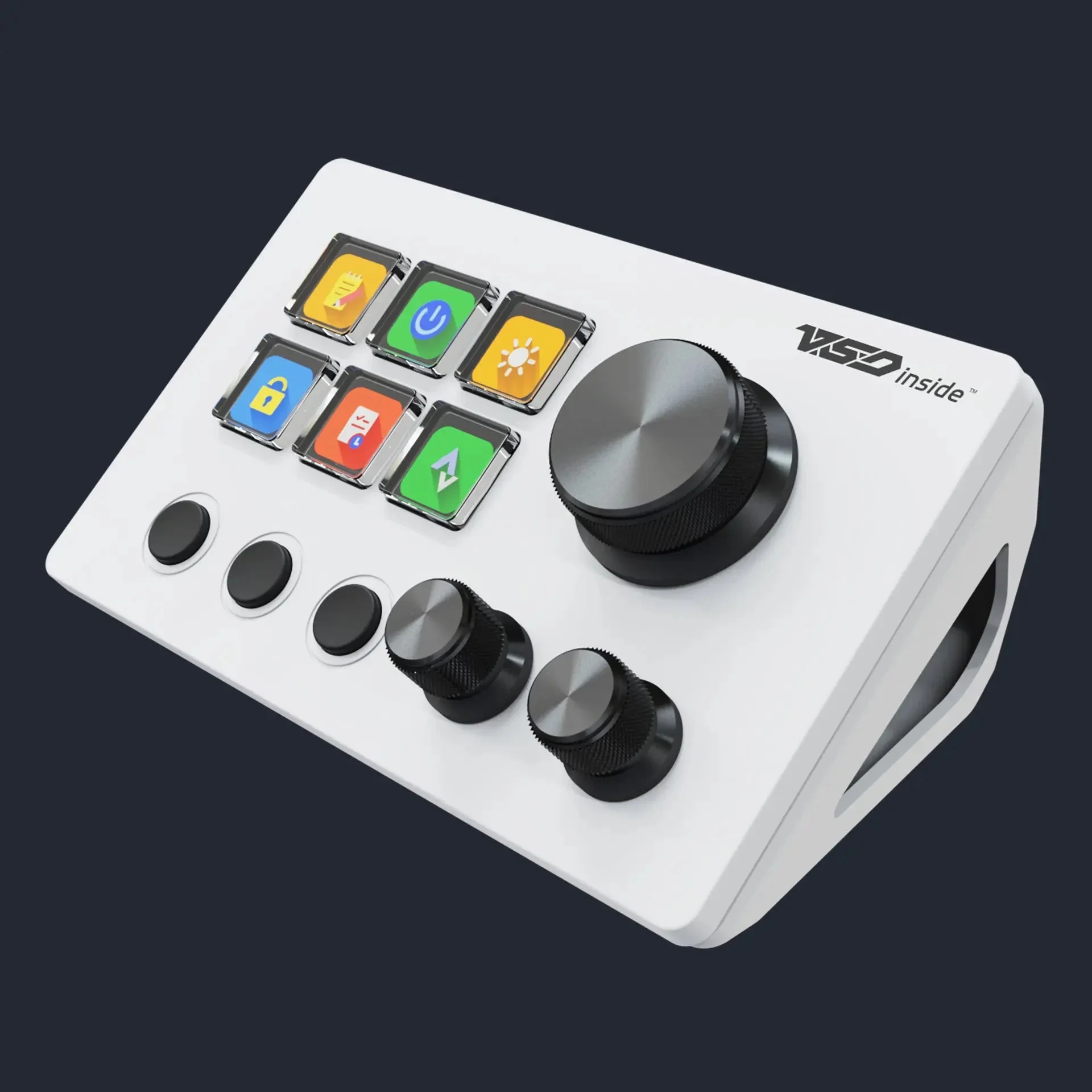
Stream Dock N3 from above: six LCD keys, three scene keys and knurled knobs
The layout changes with the app
VSD Craft can bind a key set to the active window: open OBS and the keys become scenes and the microphone; switch to Premiere and they turn into cut, export and markers. The three physical keys next to them flip pages by hand, and folders inside a page keep rarely used actions without filling the main screen.
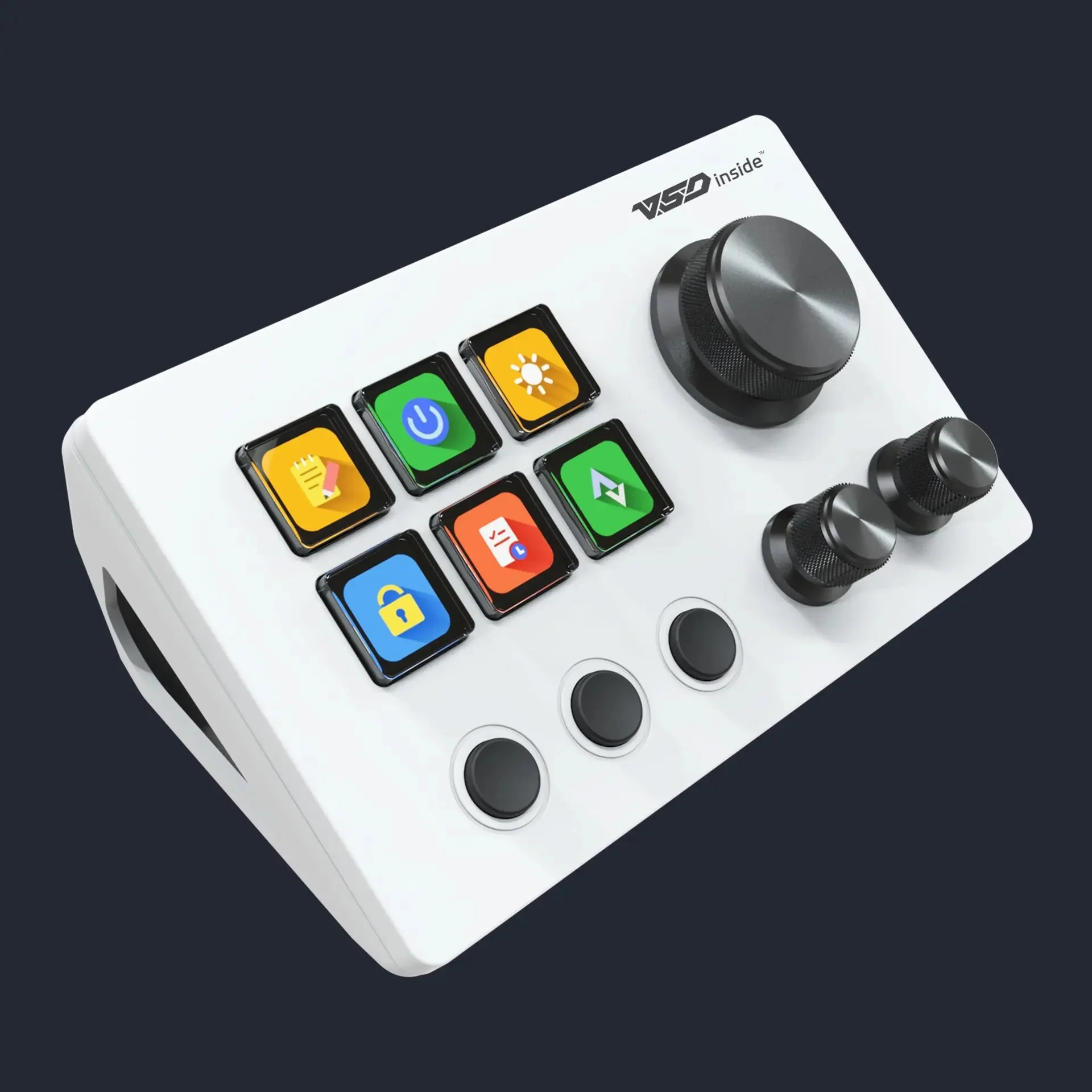
Stream Dock N3 at a three-quarter angle, showing the tilt, the large knob and the two small ones
Takes up less room than a mouse
A 129 × 78 mm body that is 22 mm tall and weighs 188 grams fits between the keyboard and the monitor, or to the left of the keyboard under your left hand. The bracket in the box tilts the panel so the key screens stay readable while you sit. There is one cable — USB-C to the computer — and no power brick.
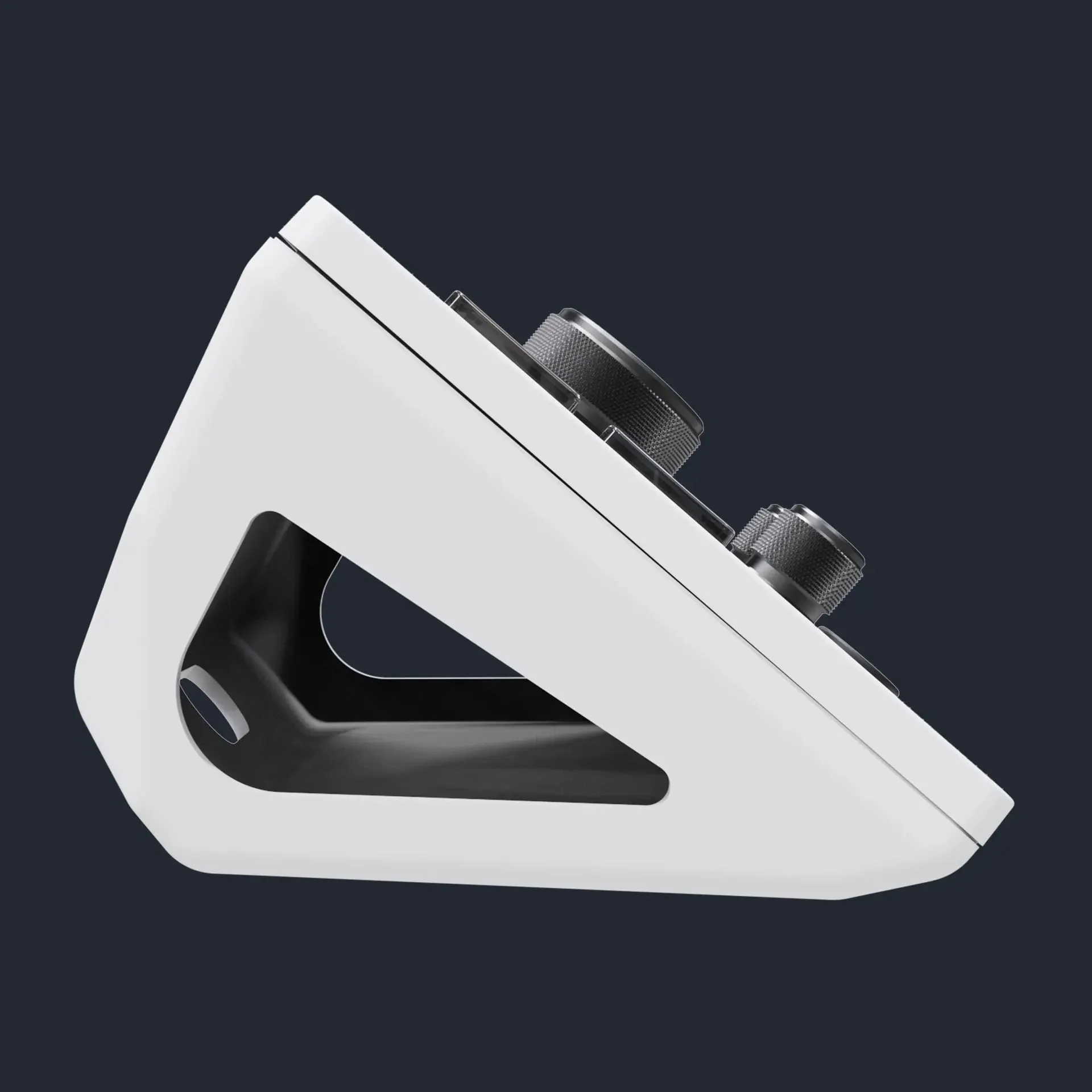
Stream Dock N3 in profile: the bracket holds the panel at an angle
Set up with a mouse, not with code
In VSD Craft you drag an action onto a key: launch an app, send a hotkey, paste text, open a folder, take a screenshot, control audio. A long press can repeat, and a chain of steps can live on one key: switch the scene, post a chat message, start recording. Plugins and icon packs download from the cloud catalogue.
VSDinside Stream Dock N3 specifications
Reviews
There are no customer reviews yet. The first review will appear after a verified order.
No reviews yet — be the first to leave one.
Questions and answers
No questions yet. Ask the first one and we will reply within one business day.
No questions yet — be the first to ask.