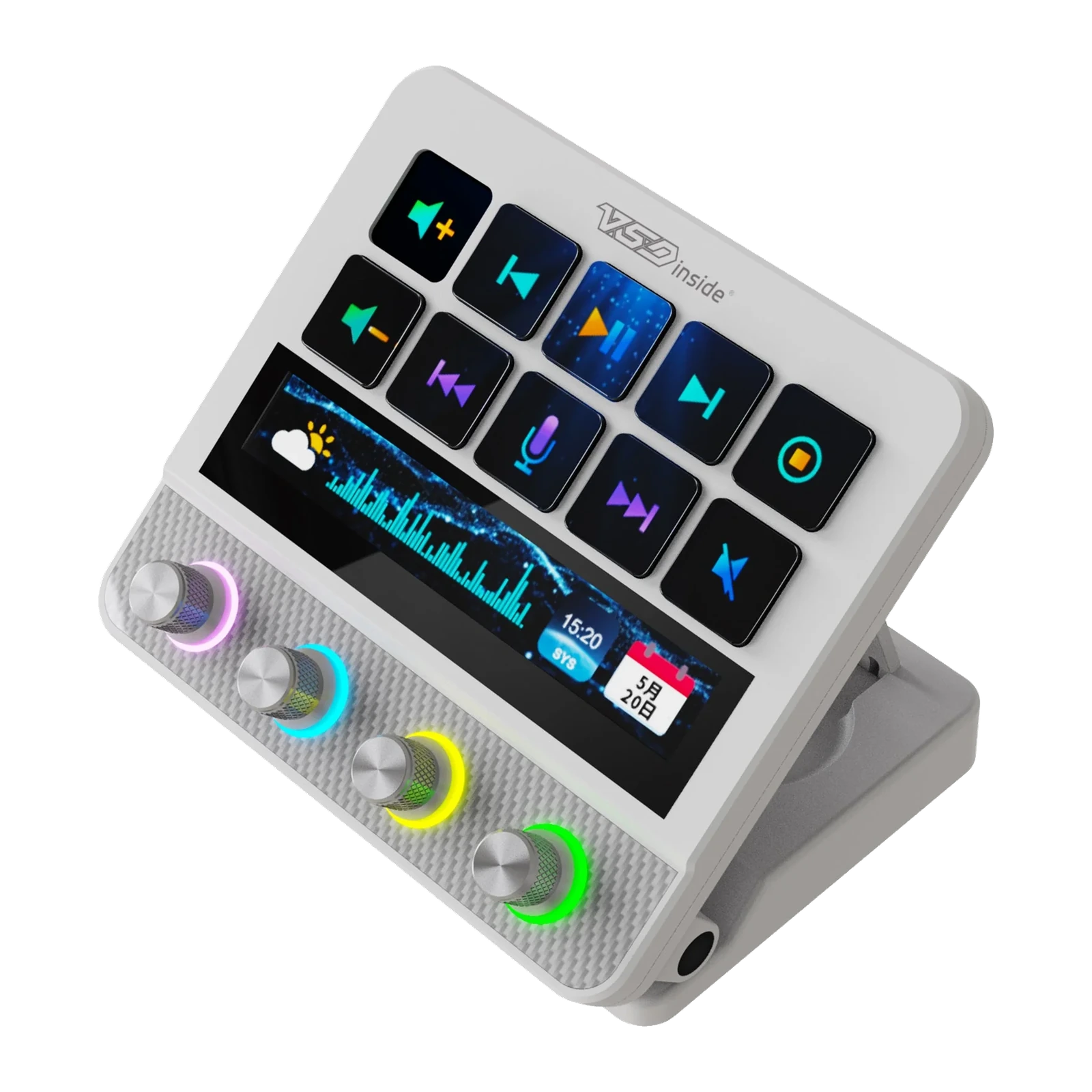
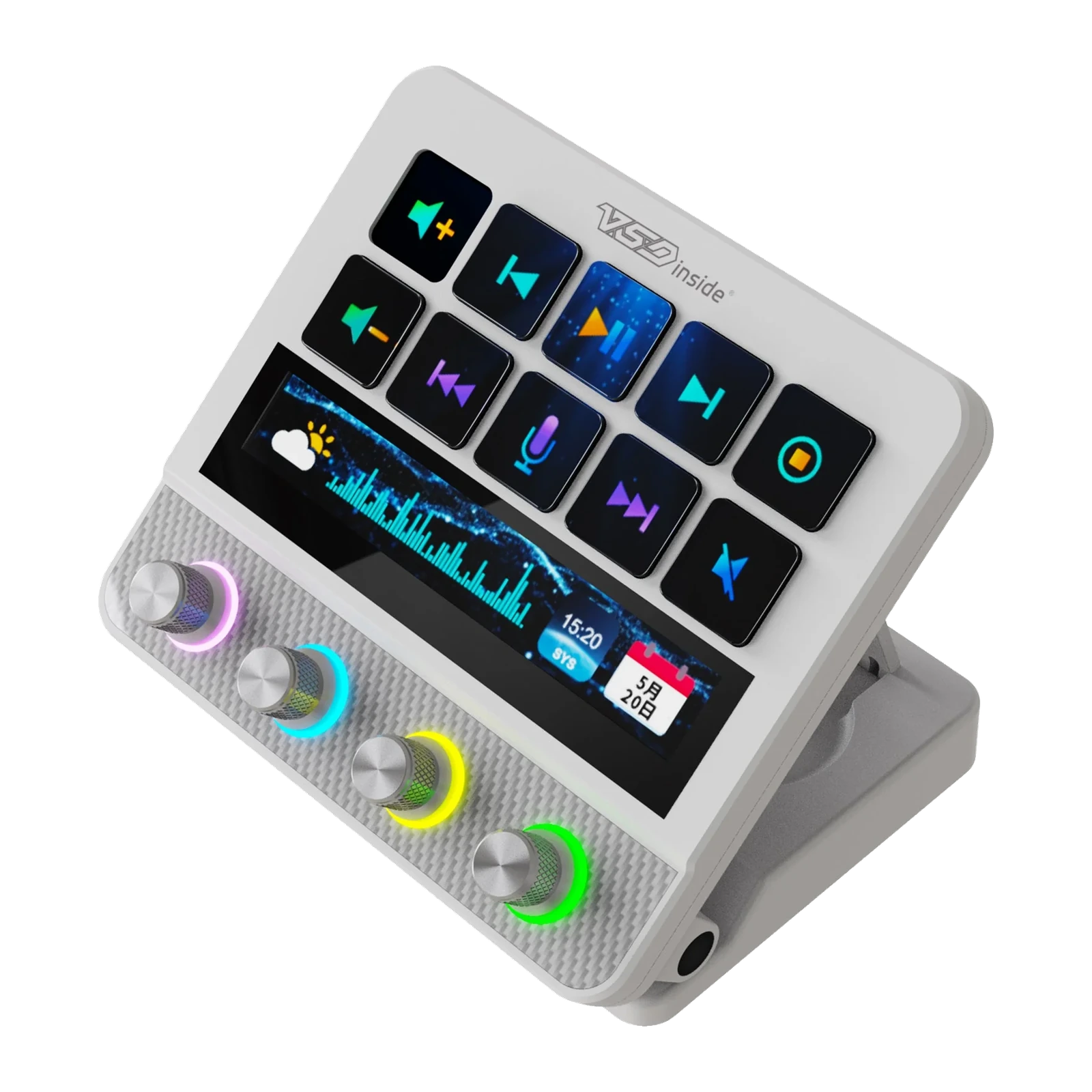
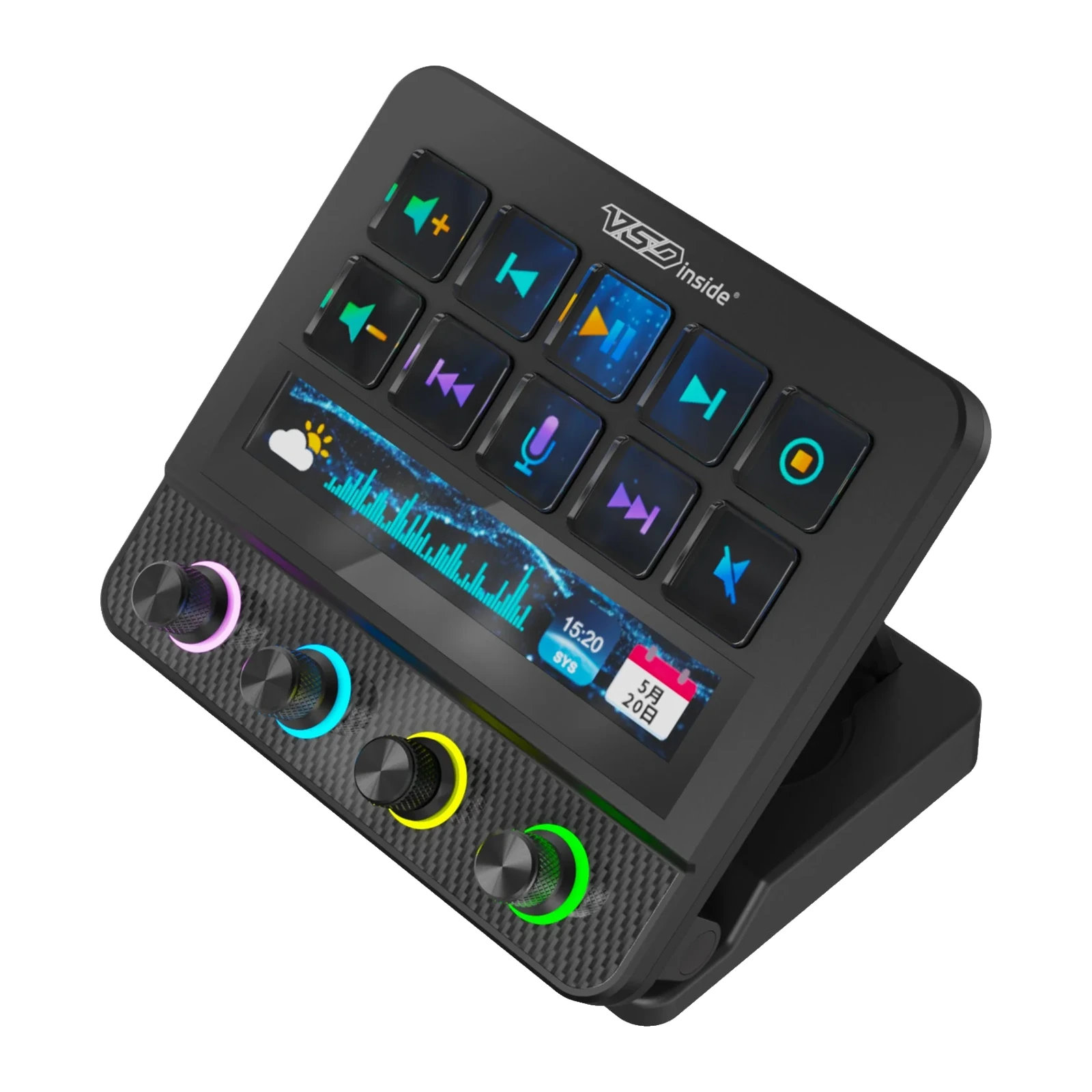
VSDinside Stream Dock N4 Pro — 10 LCD keys, 4 RGB encoders, a touch bar and haptics, Black
- Store pickup
- Tashkent, Shaykhantakhur district, Iftikhor street, 2
- Courier
- 50,000 UZS
- Warranty
- 1 month
About this product
All specifications →VSDinside Stream Dock N4 Pro: description and configuration
VSDinside Stream Dock N4 Pro.
The Stream Dock N4 Pro is the bigger version of the N4 console. It keeps the same ten 19 mm LCD keys and four metal encoders, but the rings around the encoders light up in RGB, a second background layer of video or GIF can run under the icons, and every press is confirmed by a short vibration. The front panel has a carbon-fibre look with a metal nameplate and lighting along the body.
Under the keys sits a 110 × 14 mm touch strip. It shows the mixer, clock, date, weather and song lyrics, and a swipe across it drives the player, fires emoji and scrubs the timeline. The 137 × 123 mm body stands on a folding bracket that tilts from 0 to 60°, and the base holds a USB hub: two USB-A ports and a USB-C for peripherals plus a separate USB-C port for the computer.
Everything is driven by the free VSD Craft app for Windows 10 or newer and macOS 11.0 or newer: drag an action onto a key, let the layout follow the active window, fire a chain of steps from one key. The manufacturer also sells this unit as the MiraBox MBox N4 Pro — software, plugins and icons are shared.
A second layer under the icons
On the N4 Pro the key background is separated from the icons: video or a GIF runs underneath while the action glyph stays legible on top. You can keep the background static, or stretch one animation across the whole ten-key panel. The files are yours: MP4, GIF, PNG or JPG.
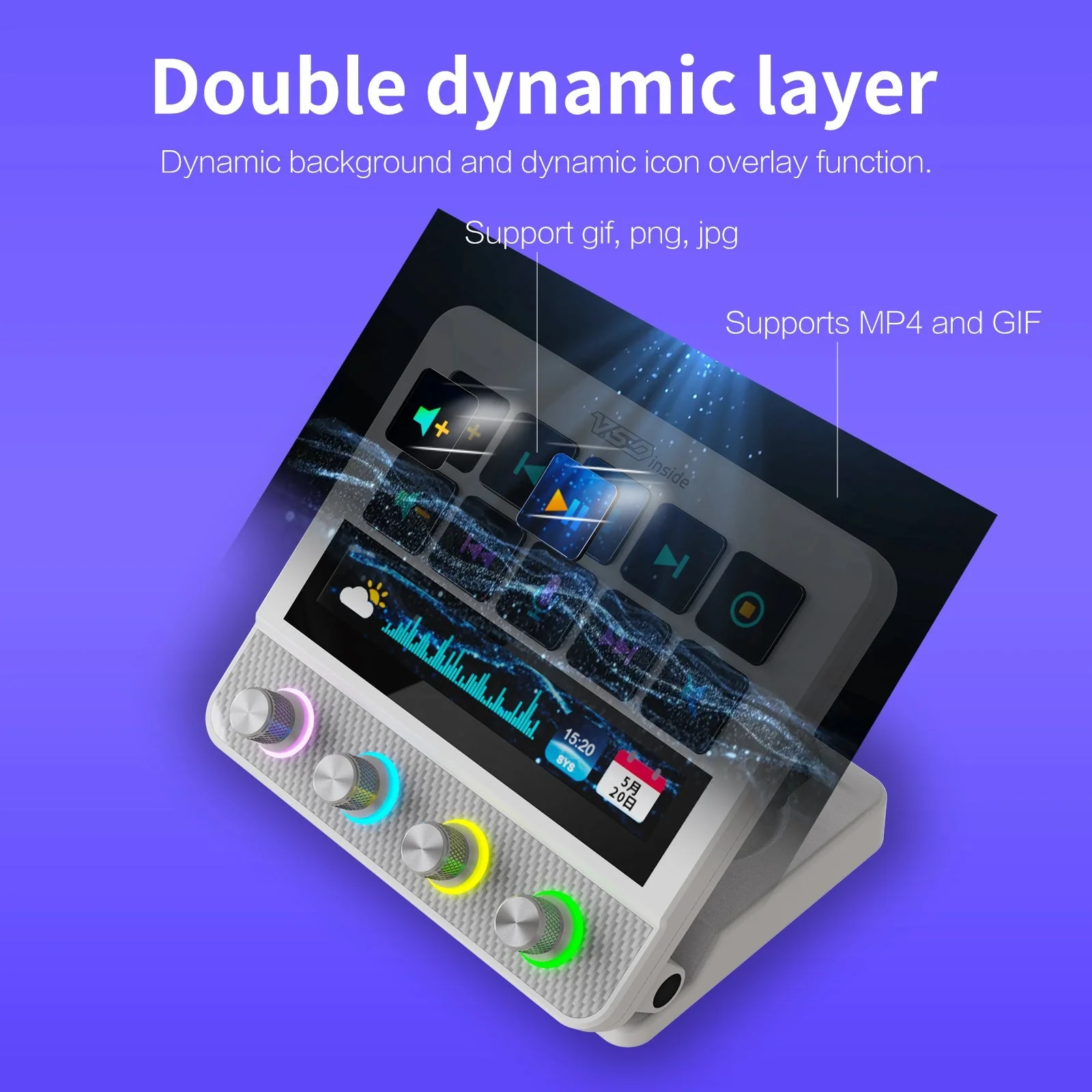
Double-layer key backgrounds on the Stream Dock N4 Pro: video or GIF under the action icon
A strip you run your finger along
The 110 × 14 mm strip under the keys is touch-sensitive. Running a finger along it drives the player (volume, pause, next track), sends emoji to chat and scrubs the timeline — and it costs you none of the ten keys. At rest the strip shows mixer levels, the clock, the date, the weather or a line of lyrics: information you would otherwise have to open a window for.
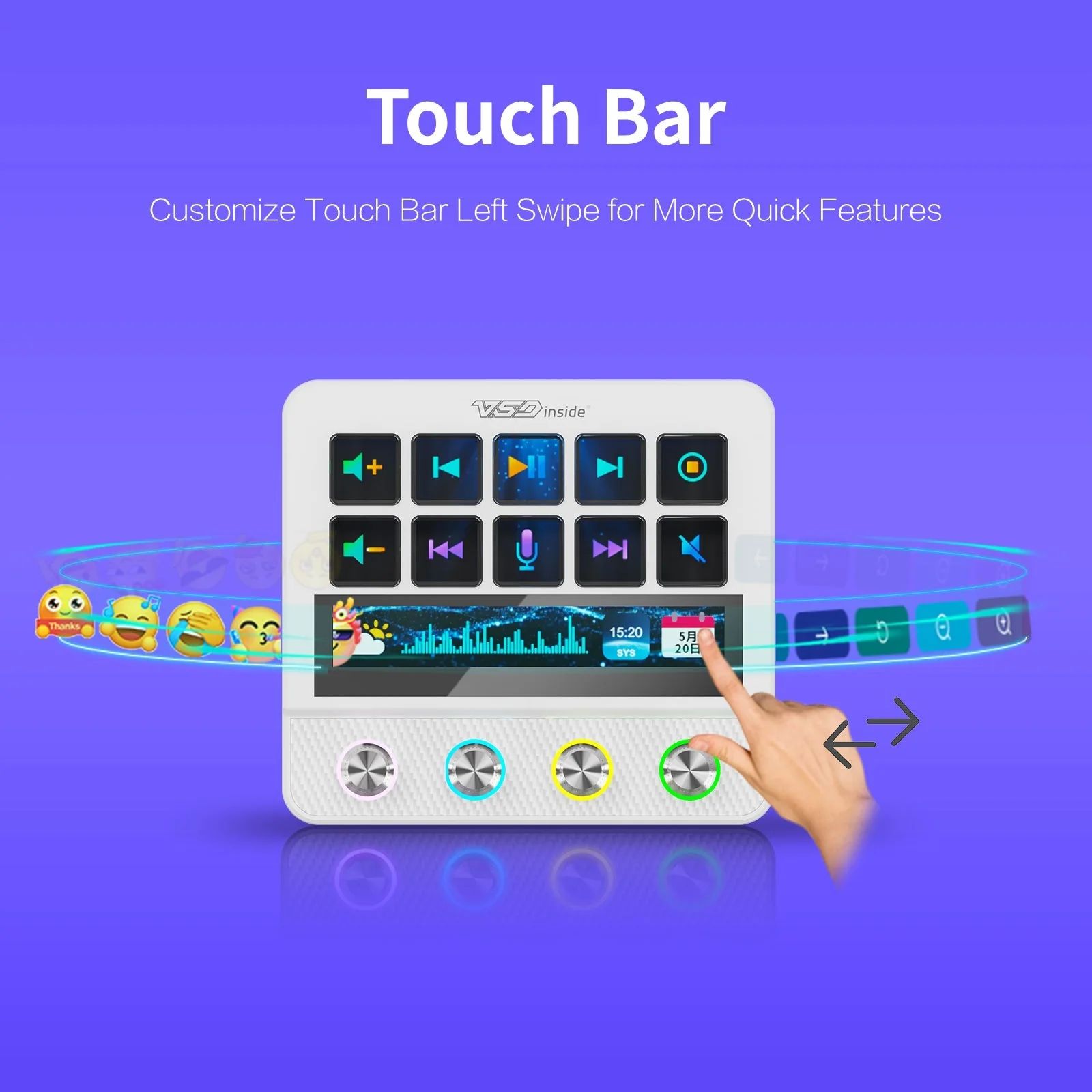
The Stream Dock N4 Pro touch bar: a finger swipe calls up quick functions
Rings that show the state
An RGB ring glows around each of the four encoders, and its colour is set in software: red while recording, blue on pause, green when the mic is live. You read the state from the corner of your eye without leaving the screen. The encoders are metal, spin endlessly both ways and click to switch function.
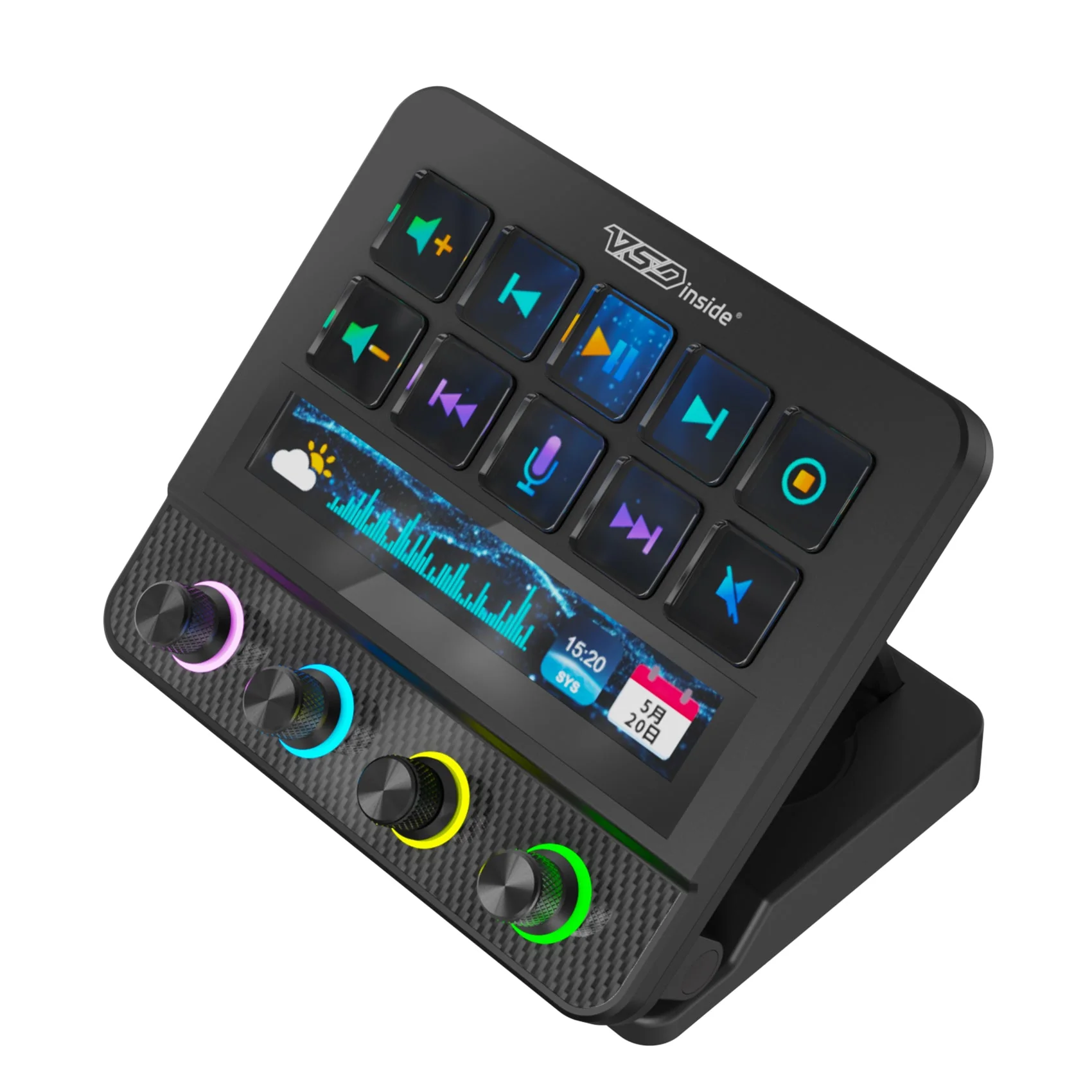
VSDinside Stream Dock N4 Pro in black with the encoder rings lit
A press you can feel
An LCD key is a flat surface, so to keep a press from feeling mute the N4 Pro answers with a short vibration. On a live stream that matters more than it sounds: you know the scene switched without looking at the panel or checking OBS. The vibration also marks the steps as you turn an encoder.
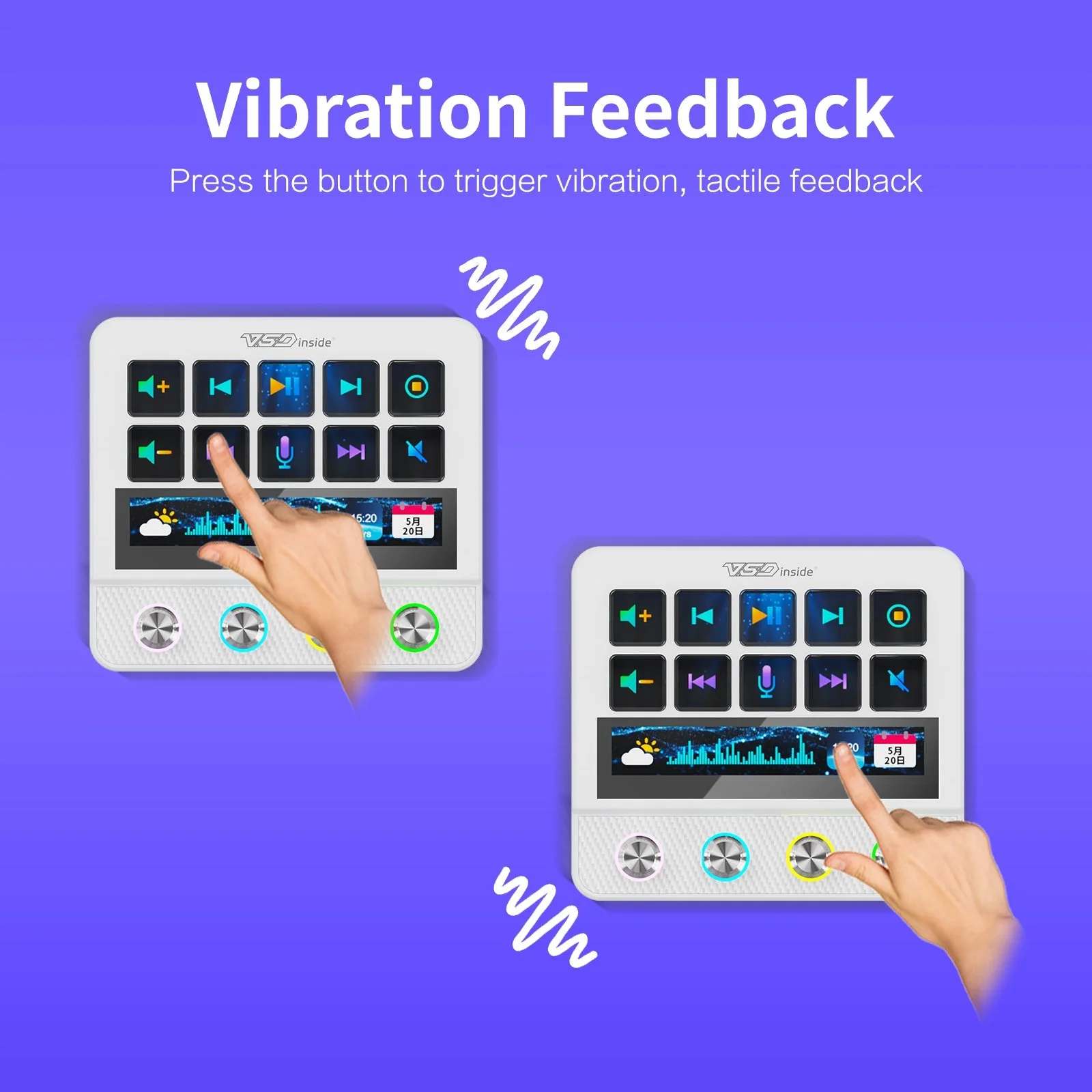
Haptic feedback on the Stream Dock N4 Pro: the white and black consoles vibrate on a press
0 to 60°, and flat when stored
The bracket opens up to 60° and locks at the height of your desk and monitor so all ten screens read without tilting your head. Folded, the console lies flat and takes up about a palm of space. The hub ports stay in the base, so the microphone and camera do not disconnect when you change the angle.
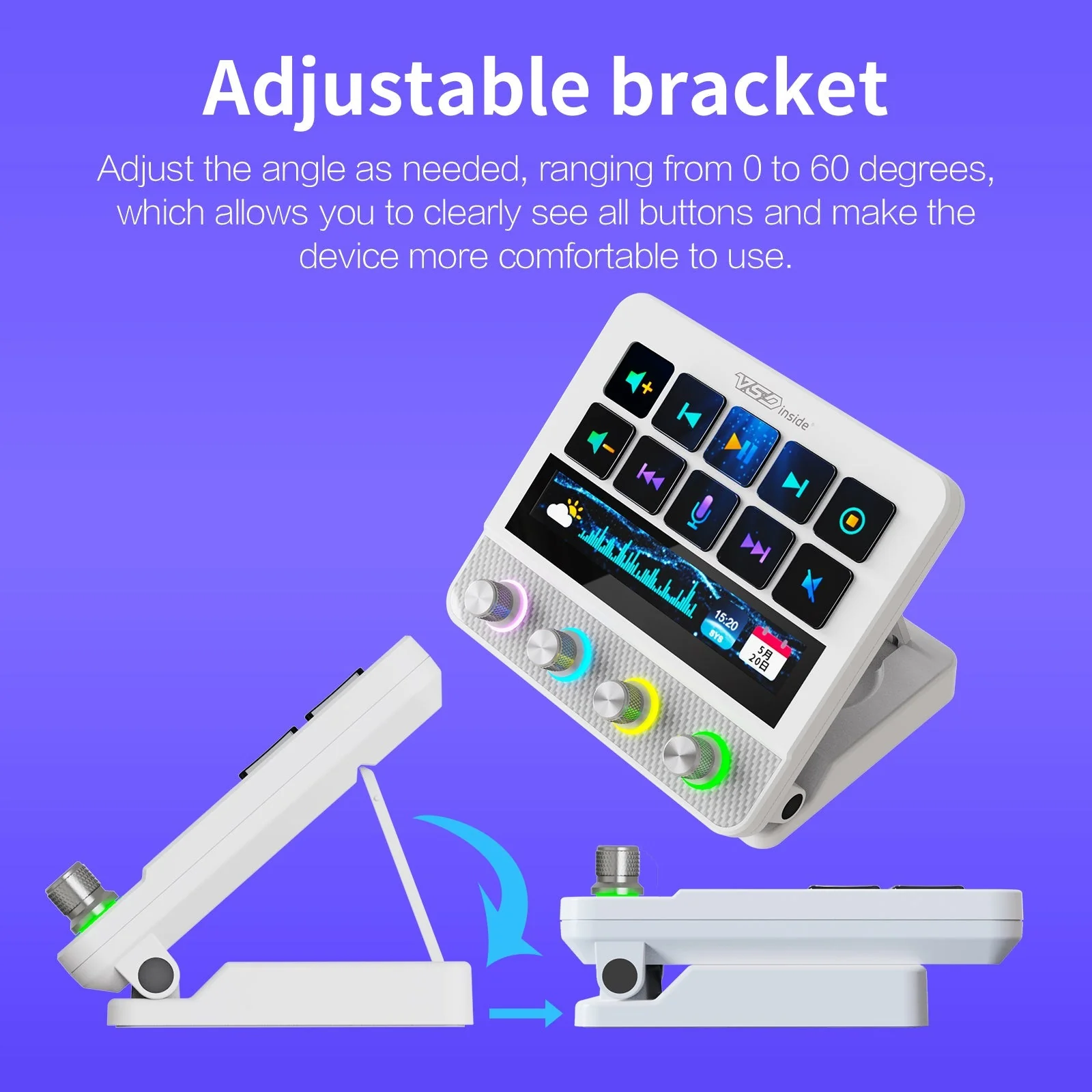
The Stream Dock N4 Pro bracket: tilt adjusts from 0 to 60 degrees
VSDinside Stream Dock N4 Pro specifications
Reviews
There are no customer reviews yet. The first review will appear after a verified order.
No reviews yet — be the first to leave one.
Questions and answers
No questions yet. Ask the first one and we will reply within one business day.
No questions yet — be the first to ask.