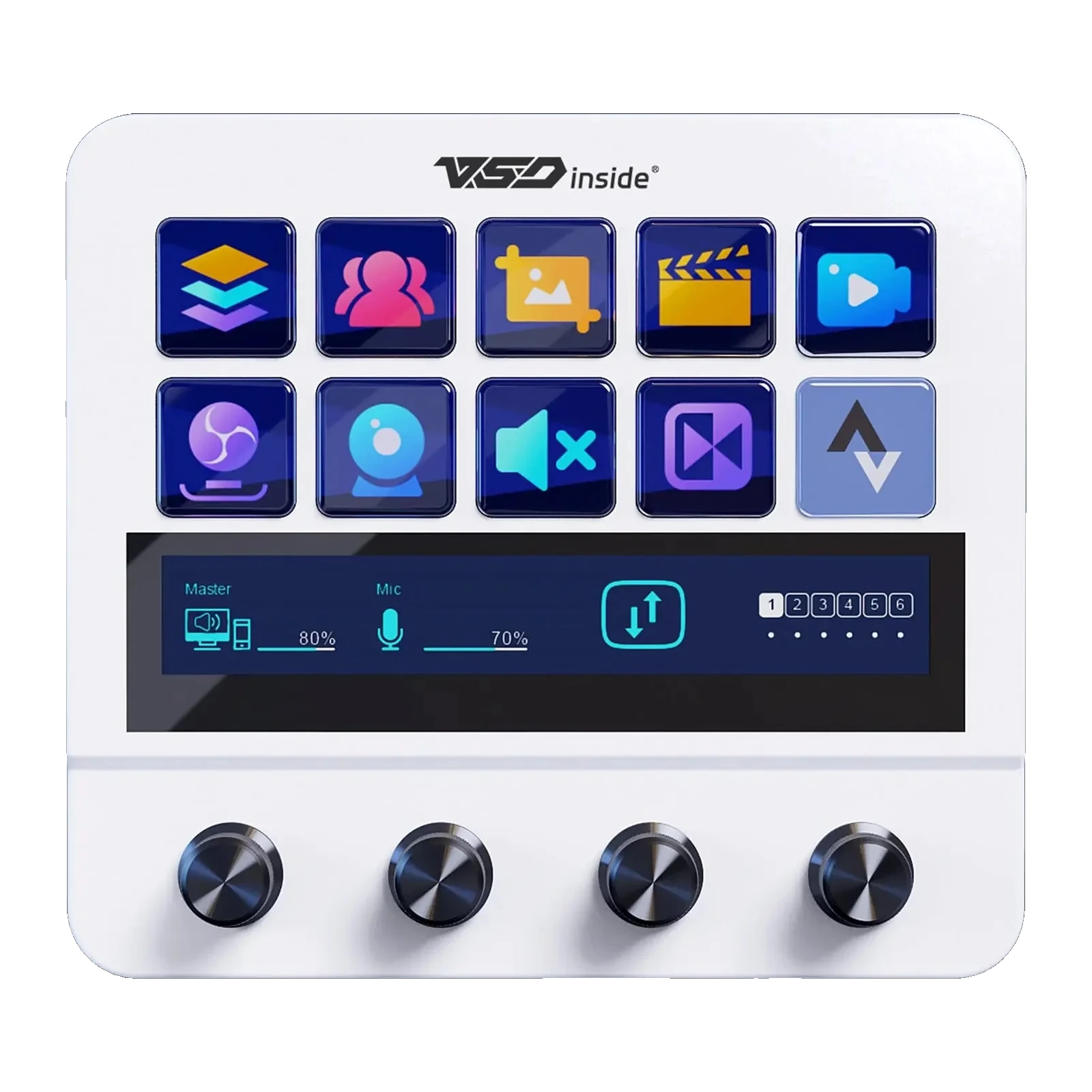
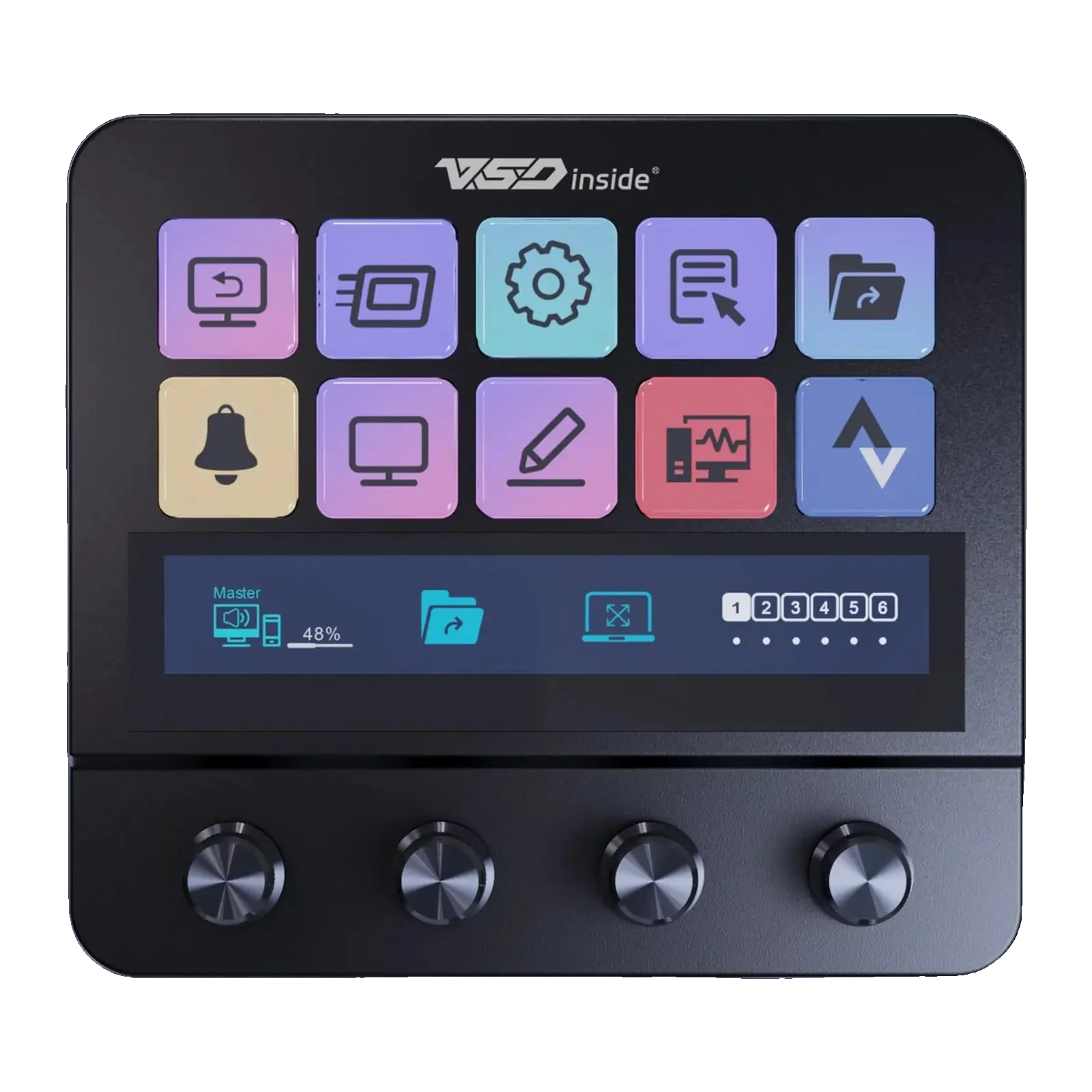
VSDinside Stream Dock N4 — console with 10 LCD keys, 4 encoders and a USB hub in the stand, Black
- Store pickup
- Tashkent, Shaykhantakhur district, Iftikhor street, 2
- Courier
- 50,000 UZS
- Warranty
- 1 month
About this product
All specifications →VSDinside Stream Dock N4: description and configuration
VSDinside Stream Dock N4.
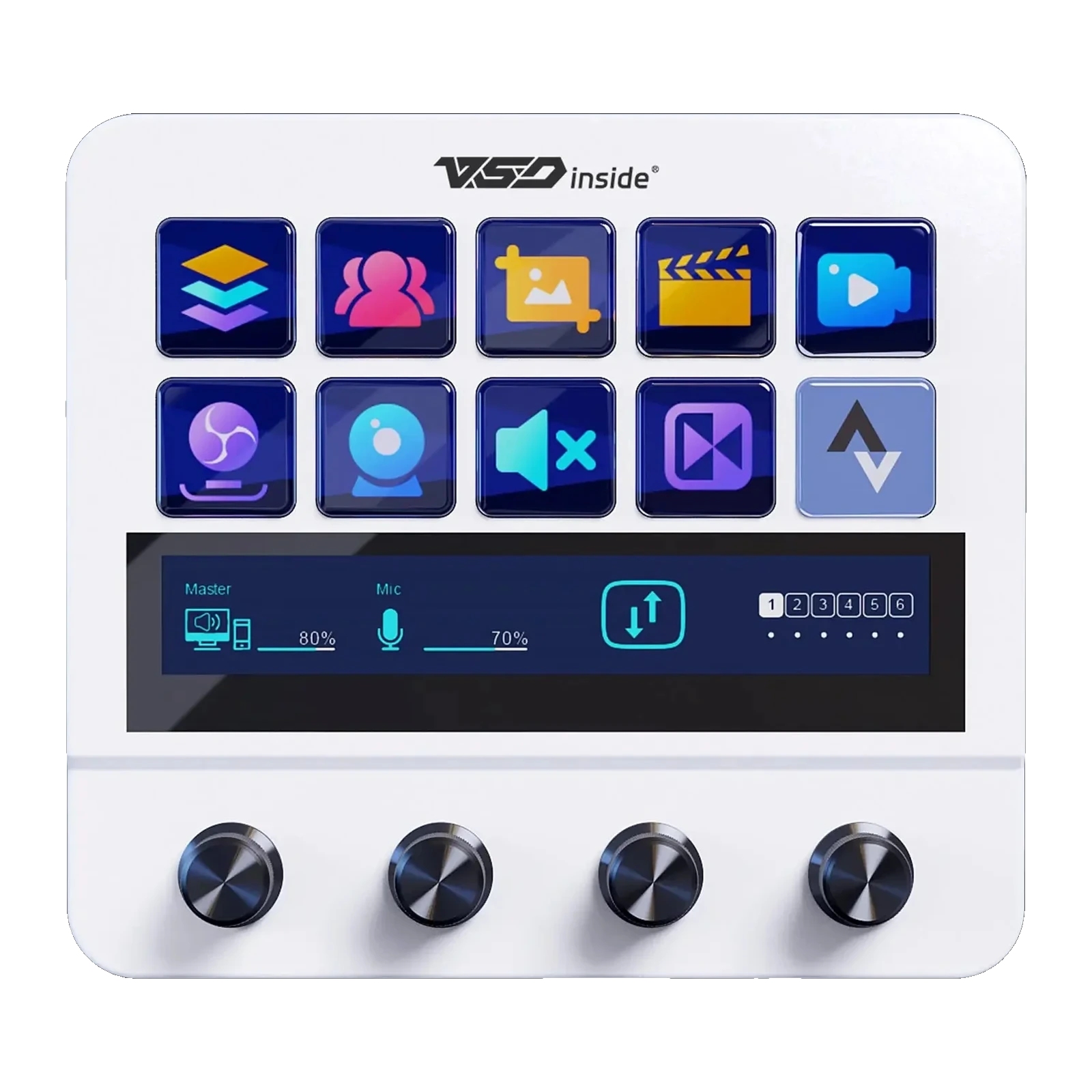
The Stream Dock N4 is less a macro pad than a small console: ten LCD keys on top, a wide display bar beneath them and four metal encoders along the bottom. The keys show their assigned action as an image or a GIF, and the encoders turn 360° both ways and click, so one row of knobs covers volume, mixer levels, brightness and scrubbing.
The stand is the other half of the device. It folds flat and opens to the angle you want, and it holds a USB hub: two USB-A ports and one USB-C for a microphone, webcam or flash drive, plus a separate USB-C port marked PC for the cable to the computer. Power comes over the same cable at 5 V, so no separate adapter is needed.
Everything is configured in the free VSD Craft app for Windows 10 or newer and macOS 11.0 or newer: drag actions onto keys, let the layout follow the active app, and put a chain of steps on a single key. The same unit is produced under the MiraBox MBox N4 name.
Ten keys you can actually see
Two rows of five is the size at which a whole workflow fits on one panel: scenes, mic, camera, record, alerts. Every key is an LCD screen carrying an icon, a GIF or a screenshot of a window, so labels never rub off or get mixed up. When you need more than ten actions, layout pages and folders inside them take over.
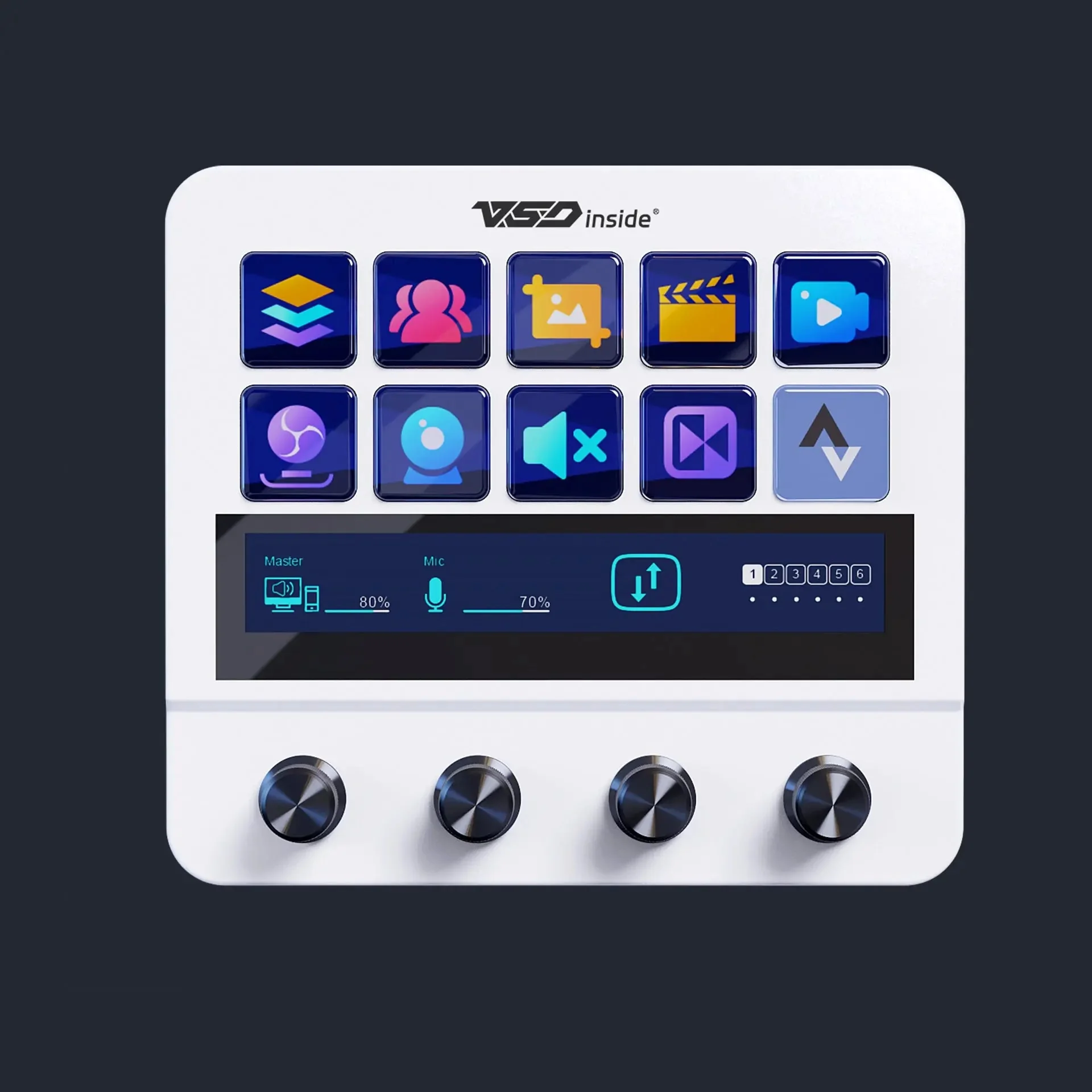
VSDinside Stream Dock N4 in white: 10 LCD keys, a display bar and 4 encoders
Four encoders instead of sliders
The bottom row holds four metal encoders with endless rotation in both directions and a press action. One keeps system volume, another the microphone, a third music or the browser, a fourth brightness, zoom or scrubbing. Pressing switches what the knob does, so four are enough for both streaming and editing.
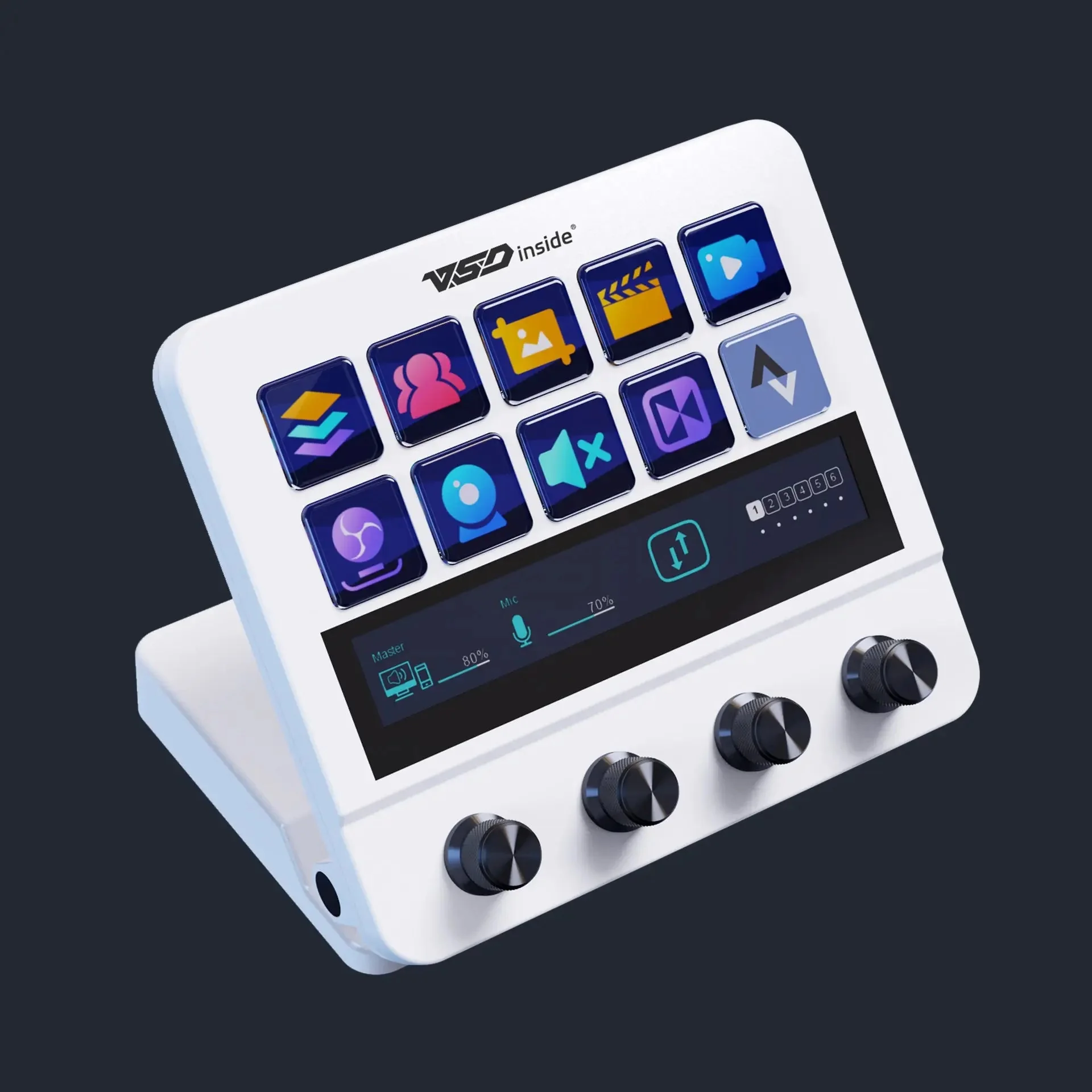
Stream Dock N4 at a three-quarter angle: the tilt, the mixer on the display bar and the row of encoders
A stand that doubles as a hub
The base carries two USB-A ports and one USB-C for peripherals, plus a separate USB-C port marked PC that links the console to the computer. A microphone, webcam and flash drive plug into the panel instead of running across the desk to the tower. Power travels on the same cable at 5 V, with no separate adapter in the picture.
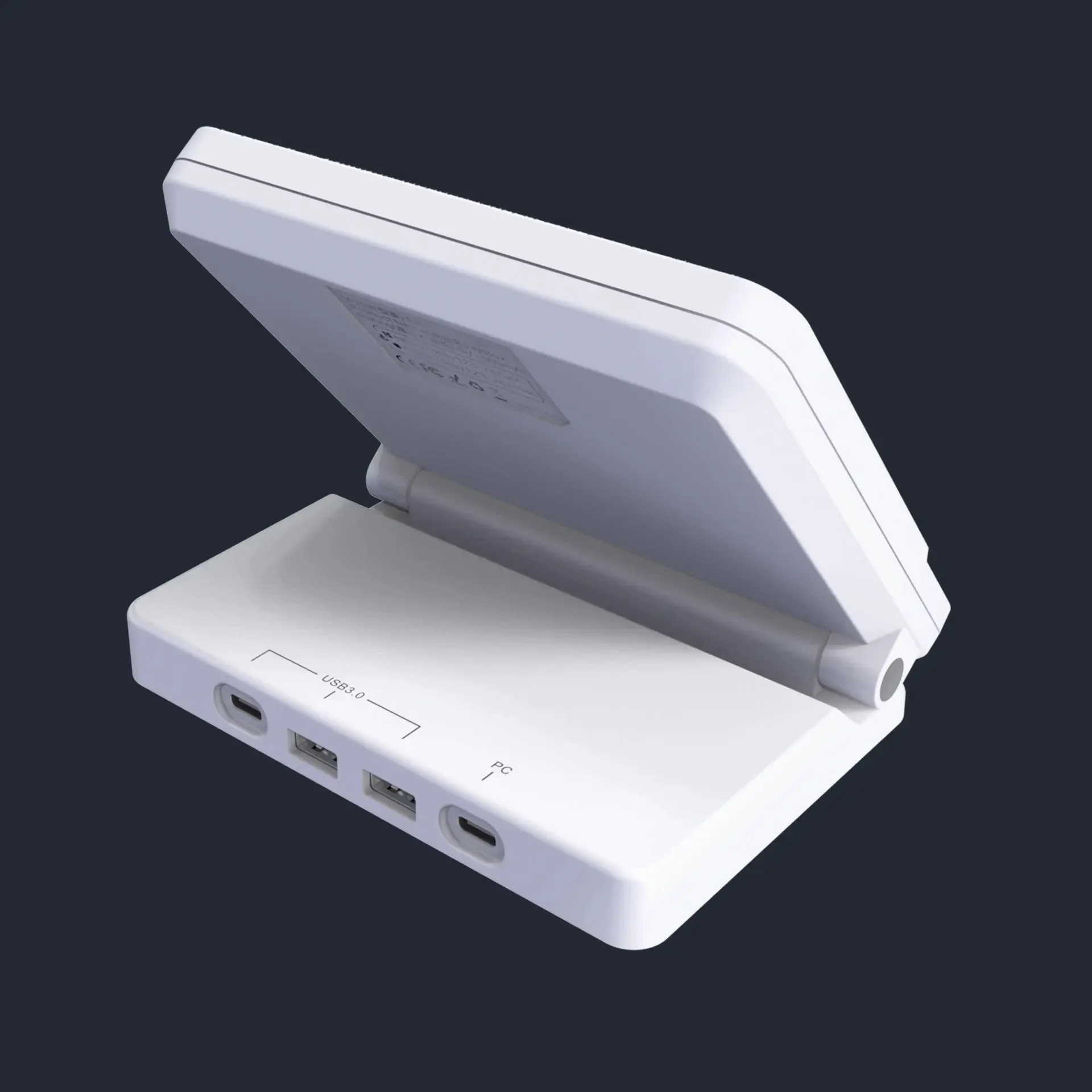
Ports in the Stream Dock N4 stand: USB-C, two USB-A and a separate USB-C marked PC
Folds to your angle and to your desk
The panel tilts away from the stand like a laptop lid: set the angle to your chair and monitor so the key screens stay readable while you sit. Folded, the console becomes a flat slab about as thick as a power bank and stays out of the way when the desk is needed for something else. Its 398 grams keep it in place when you press the keys.
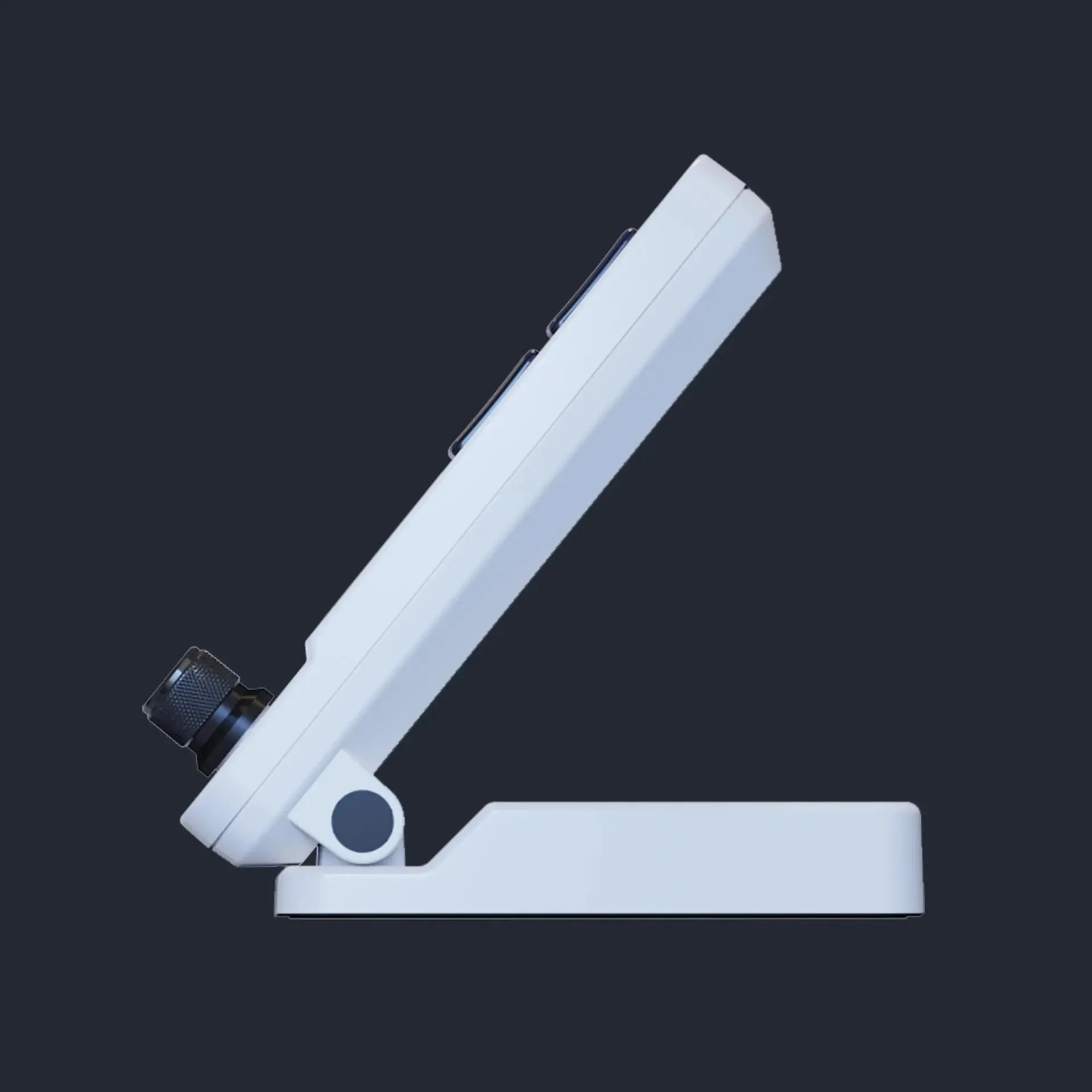
Stream Dock N4 in profile: the panel tilted away from the stand, showing the angle hinge
One key, a chain of actions
In VSD Craft a key can hold more than a hotkey: a sequence that switches the scene, posts a chat message, starts recording and queues music. The layout can follow the active window, and a long press can repeat an action. Plugins and icon packs come from the manufacturer's cloud catalogue.
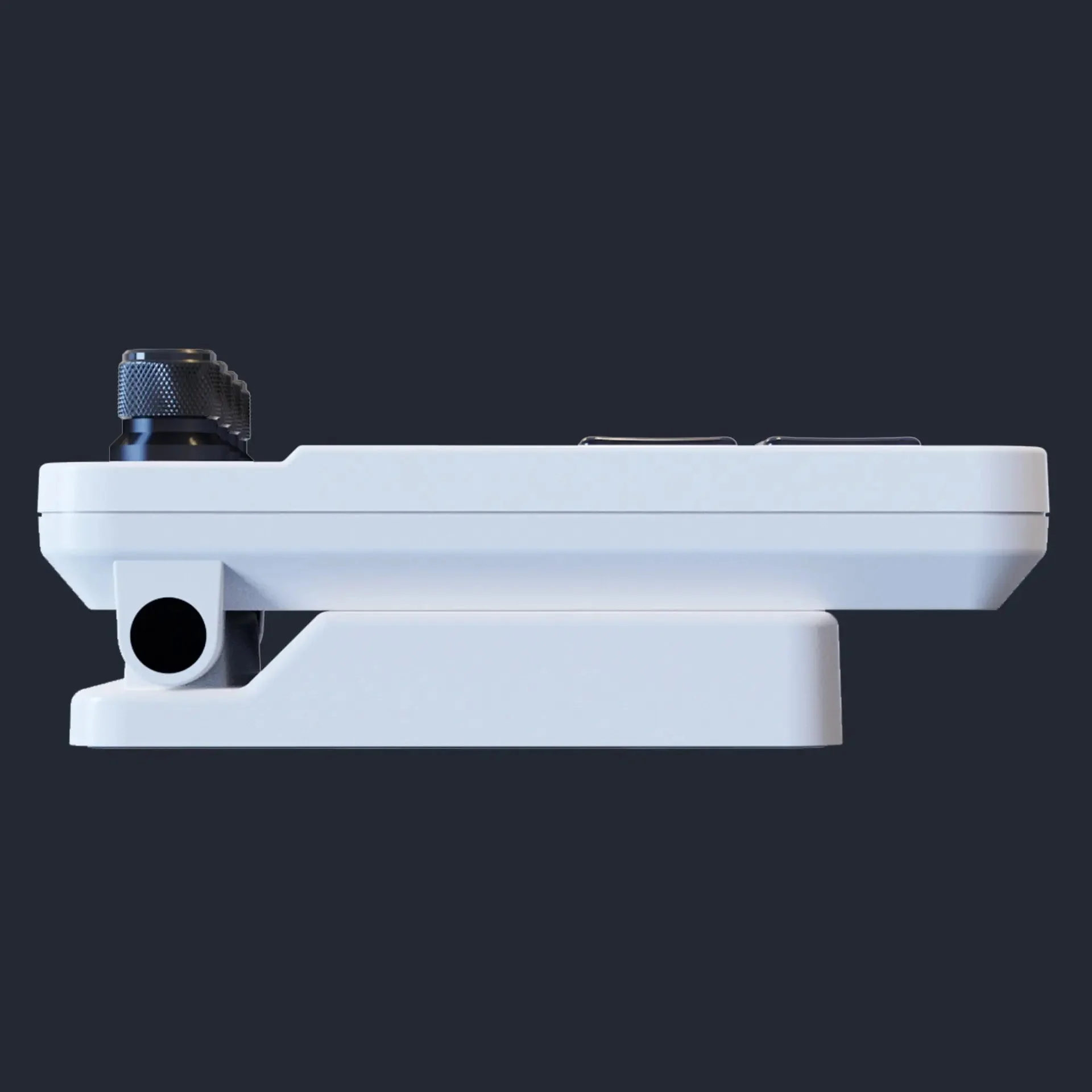
Stream Dock N4 folded flat, the panel resting on its stand
VSDinside Stream Dock N4 specifications
Reviews
There are no customer reviews yet. The first review will appear after a verified order.
No reviews yet — be the first to leave one.
Questions and answers
No questions yet. Ask the first one and we will reply within one business day.
No questions yet — be the first to ask.