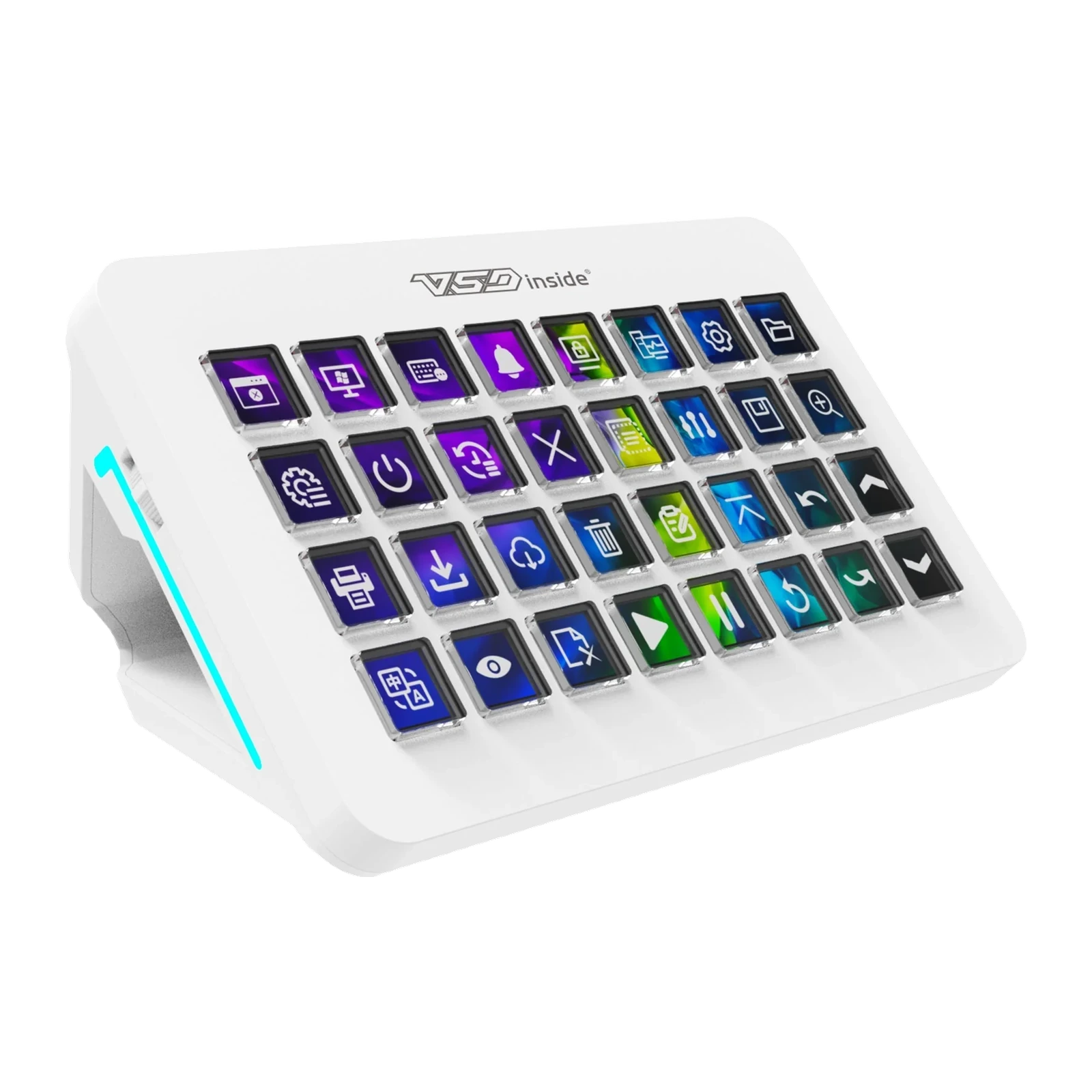
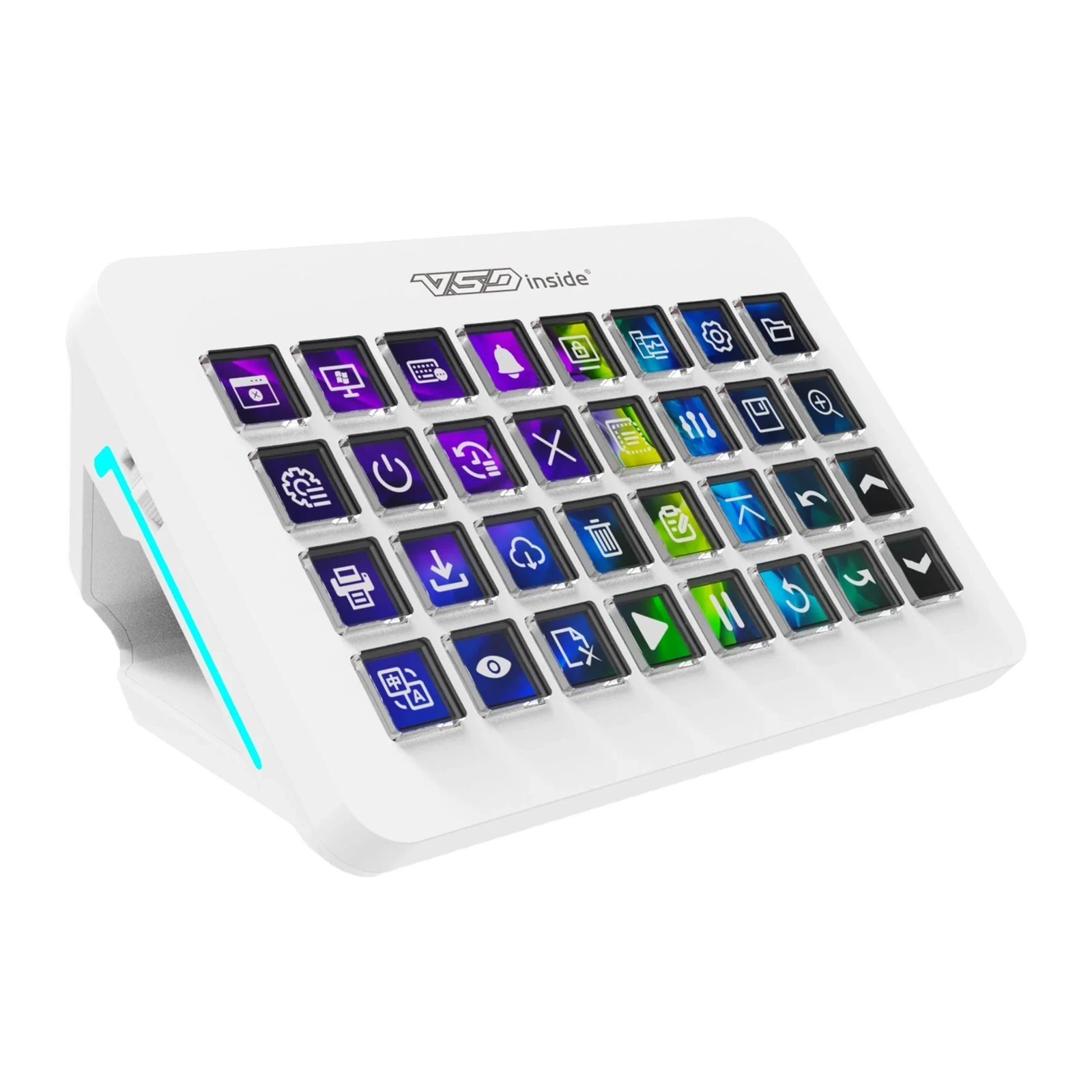
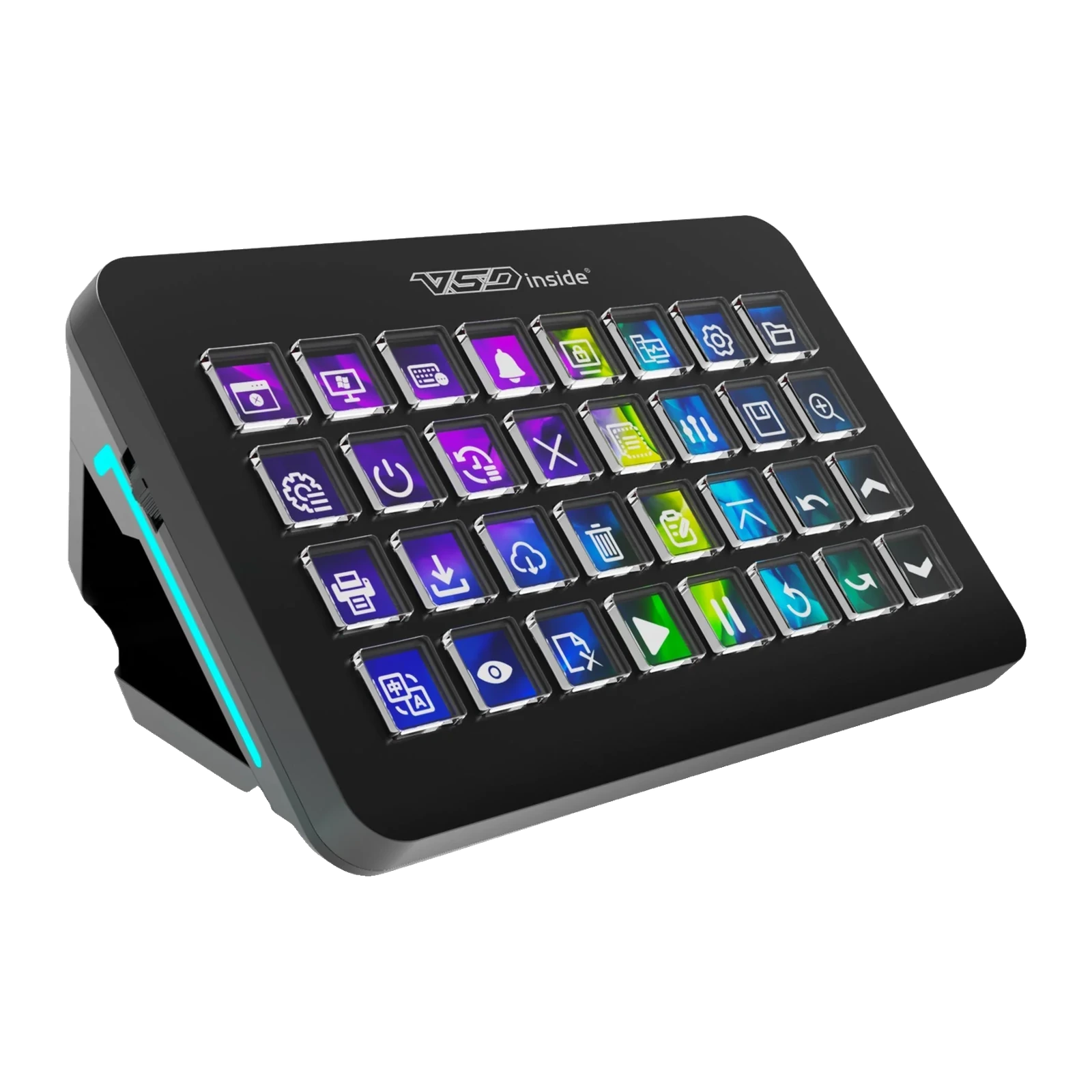
VSDinside Stream Dock XL — 32-key LCD console with a 55° magnetic base and RGB light, Black
- Store pickup
- Tashkent, Shaykhantakhur district, Iftikhor street, 2
- Courier
- 50,000 UZS
- Warranty
- 1 month
About this product
All specifications →VSDinside Stream Dock XL: description and configuration
VSDinside Stream Dock XL.
The Stream Dock XL is the largest console in the VSDinside line: thirty-two screen keys in an 8 × 4 grid plus two side buttons that page through scenes. That many keys are not there for looks — in editing, on stream and especially in a flight sim one page of fifteen keys runs out, while here the whole panel is visible at once, with no switching.
Every key is a separate picture you define yourself, and a shared dynamic background runs beneath the icons: an MP4 video or a GIF across the whole surface, with icons laid over it as a semi-transparent layer. The layout can follow the active program: open CapCut and the editing scene appears, start a game and the gaming one does. A configurable RGB light glows along the edge of the body. The ABS body is thin at 181 × 113 × 14 mm and 430 g, and the included magnetic base either holds the console at 55° or comes off so it lies flat.
The connection is wired over USB Type-C with a 1.5 m cable included; the maker recommends a USB 3.0 port. Windows 10 64-bit or newer and macOS 11.0 or newer are supported, and setup happens in the free VSD Craft app. For flight sims the console works with AxisAndOhs scenes, so a radio, gear and autopilot panel can be built straight onto the keys.
Thirty-two keys instead of pages
On a fifteen-key console half the time goes into flipping pages. The XL has an 8 × 4 grid, so the whole set of actions sits in front of you at once: scenes, sources, mic, music, folders, macros. The two side buttons are kept specifically for scenes and pages, for when one screen still is not enough. The keys are silicone, with a soft, even press.
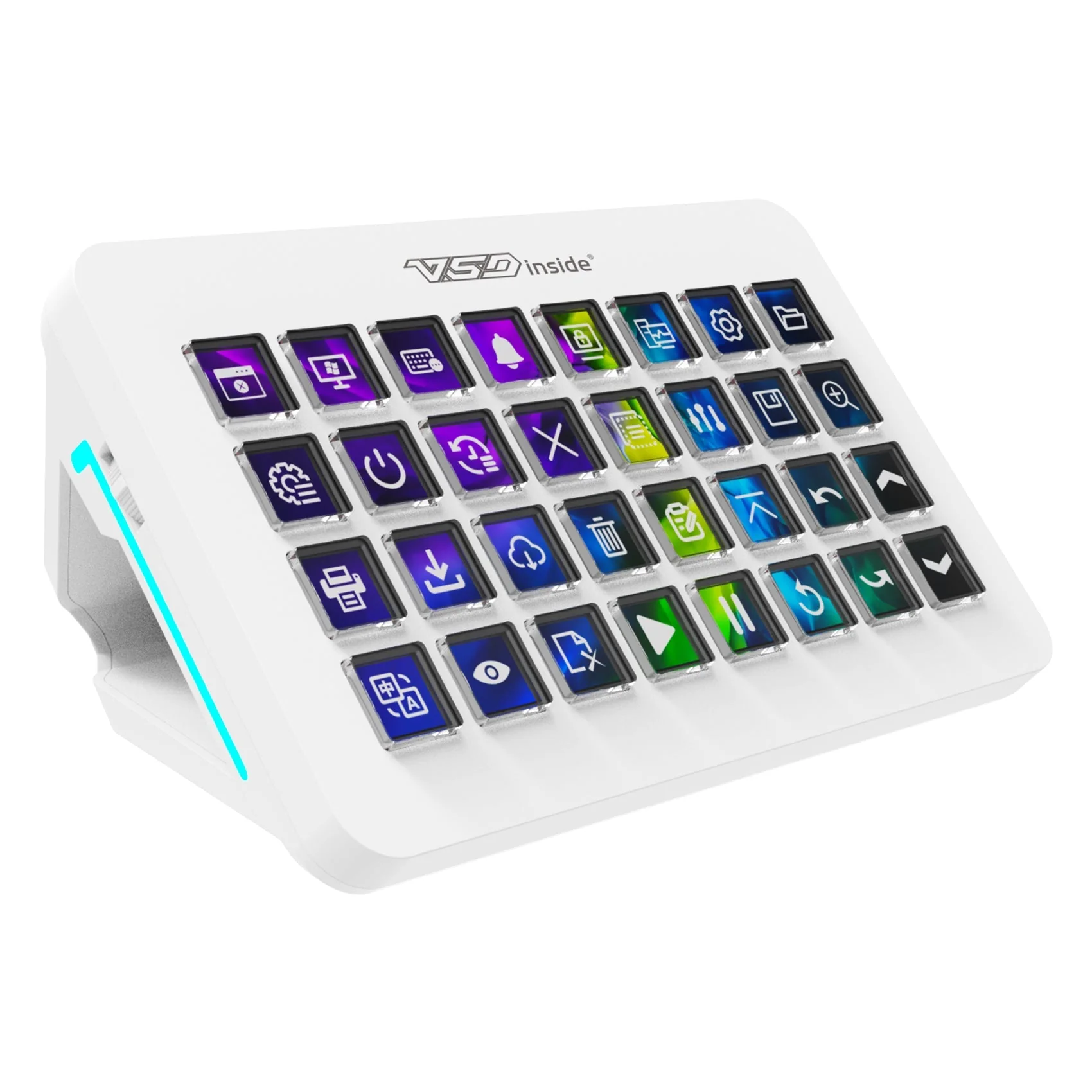
White VSDinside Stream Dock XL on its magnetic base with 32 LCD keys and a teal edge light
Background and icons are two separate layers
A single shared background runs under the icons across the whole surface: you can set an MP4 video or a GIF, even your own clip. The icons sit on top as a semi-transparent layer and support GIF, PNG and JPG. One small thing many consoles lack: an icon can be made straight from a screenshot — crop a site logo or a game ability and put it on a key.
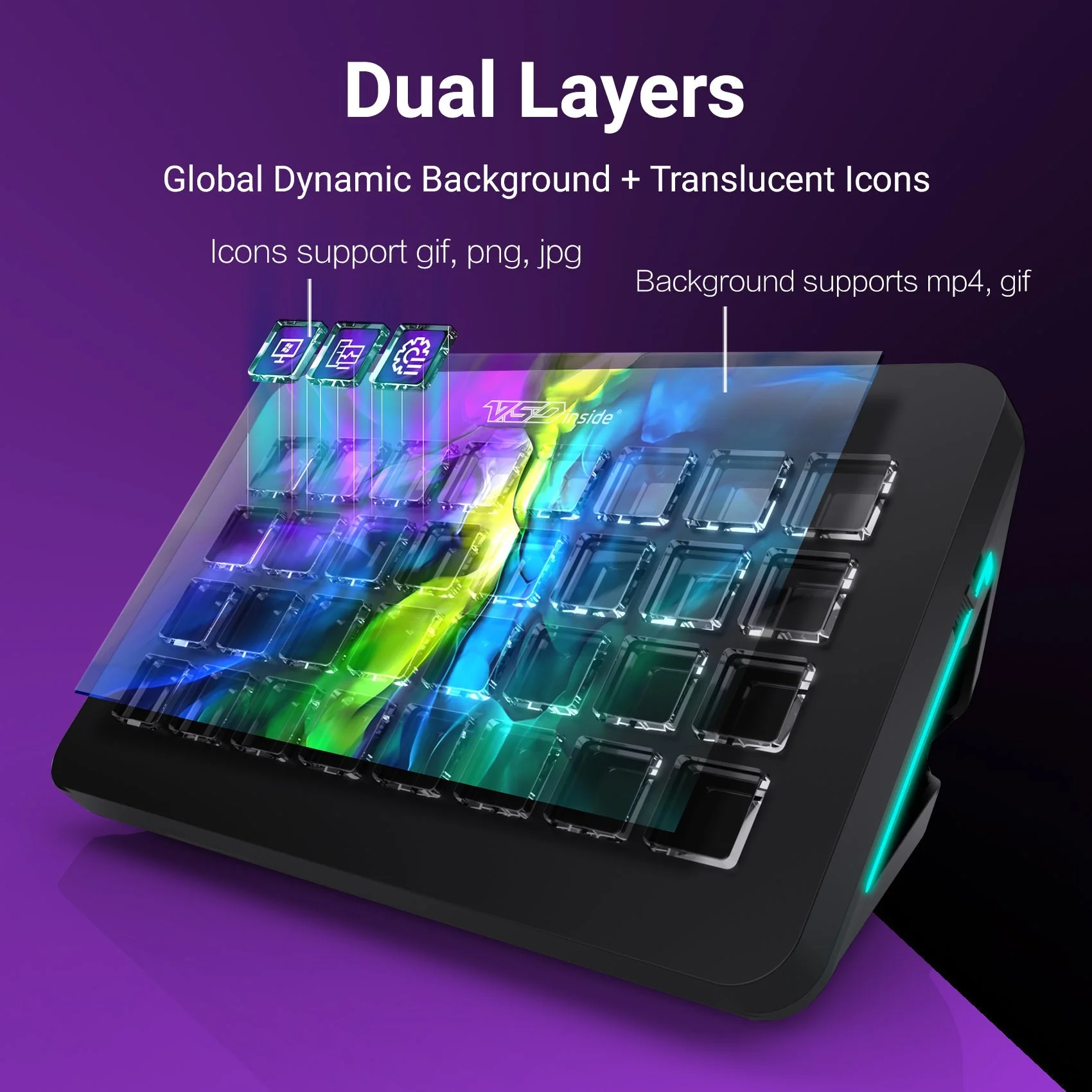
Diagram of the Stream Dock XL two-layer image: a dynamic background and semi-transparent icons
A cockpit on your desk
Flight sims mean dozens of switches buried in in-game menus. The XL is positioned as a panel for simulators and works with AxisAndOhs scenes: radio, lights, gear, flaps and autopilot are laid out across the keys with readable labels. The same idea works in Euro Truck Simulator and in fighting games, where a combo is easier to put on a single key.

Stream Dock XL in a flight-sim setup in front of a monitor showing an aircraft cockpit
A magnetic base and a thin body
The console itself is only 14 mm thick and weighs 430 g. The base holds on magnets: put it on and the console stands at 55° facing you; take it off and it lies flat next to the keyboard or on your lap. The fit is snug, so the unit does not slide under fast presses. With its packaging the whole set weighs 980 g, so taking the console to a shoot is realistic.
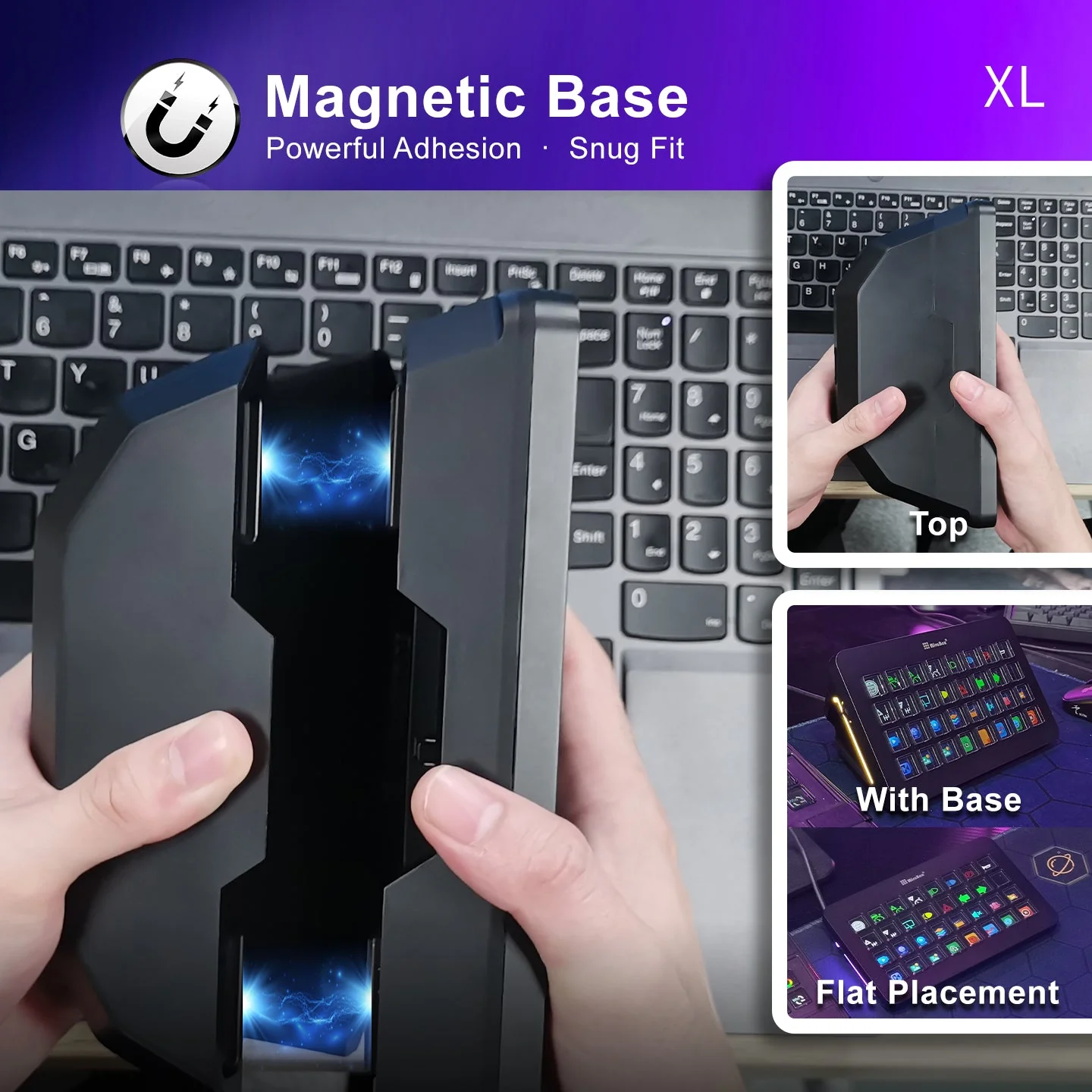
The Stream Dock XL magnetic base: the console angled and lying flat on a desk
What to know in advance
The XL is wired: a 1.5 m cable is included and the maker recommends a USB 3.0 port — on an older USB 2.0 port the animations may run less smoothly. Automatic scene switching and macros run while VSD Craft is open, so it is usually kept in startup. And honestly: thirty-two keys have to be filled. An empty XL is useless, while one set up for your own edit or simulator replaces half of your shortcuts.
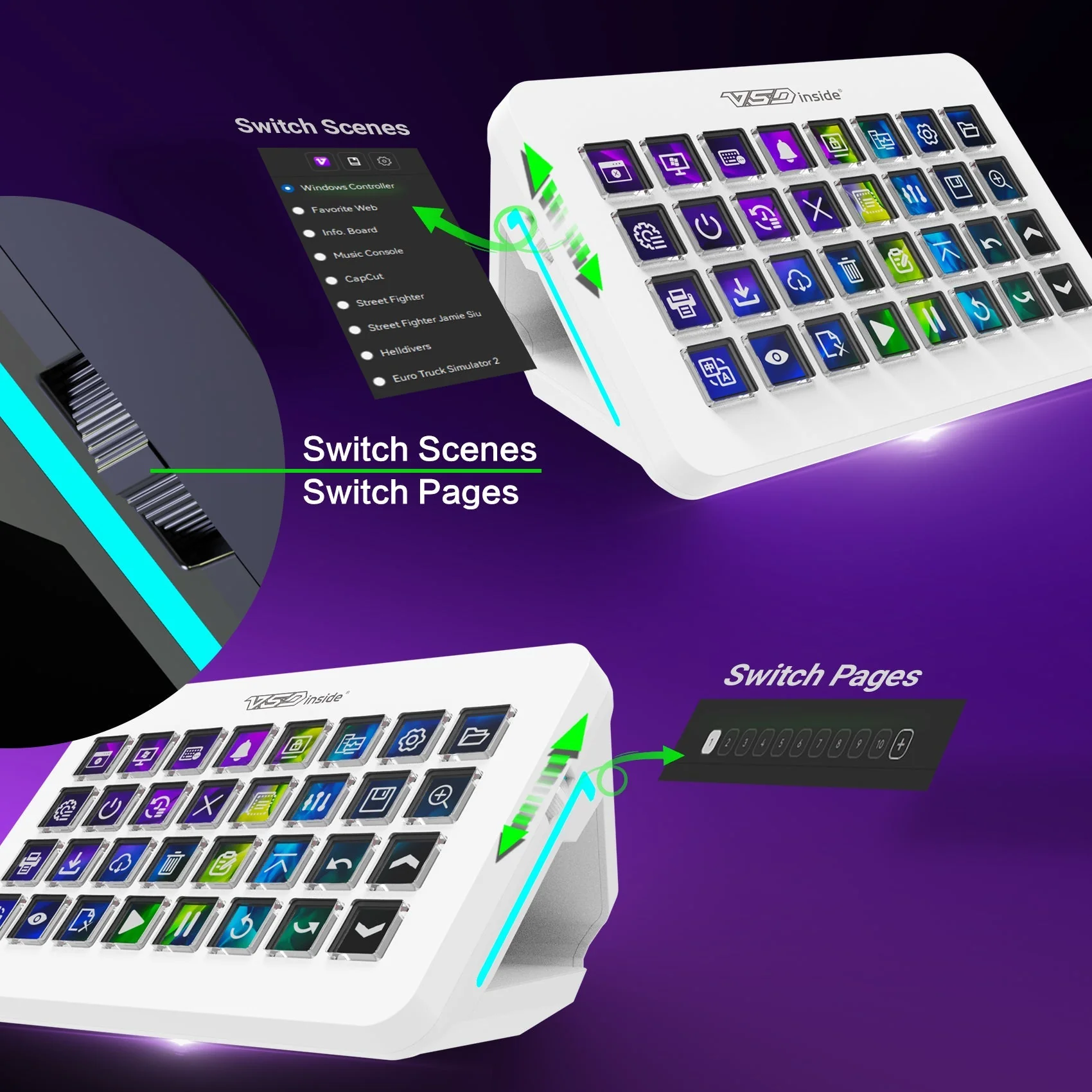
The Stream Dock XL side buttons for switching scenes and pages
VSDinside Stream Dock XL specifications
Reviews
There are no customer reviews yet. The first review will appear after a verified order.
No reviews yet — be the first to leave one.
Questions and answers
No questions yet. Ask the first one and we will reply within one business day.
No questions yet — be the first to ask.