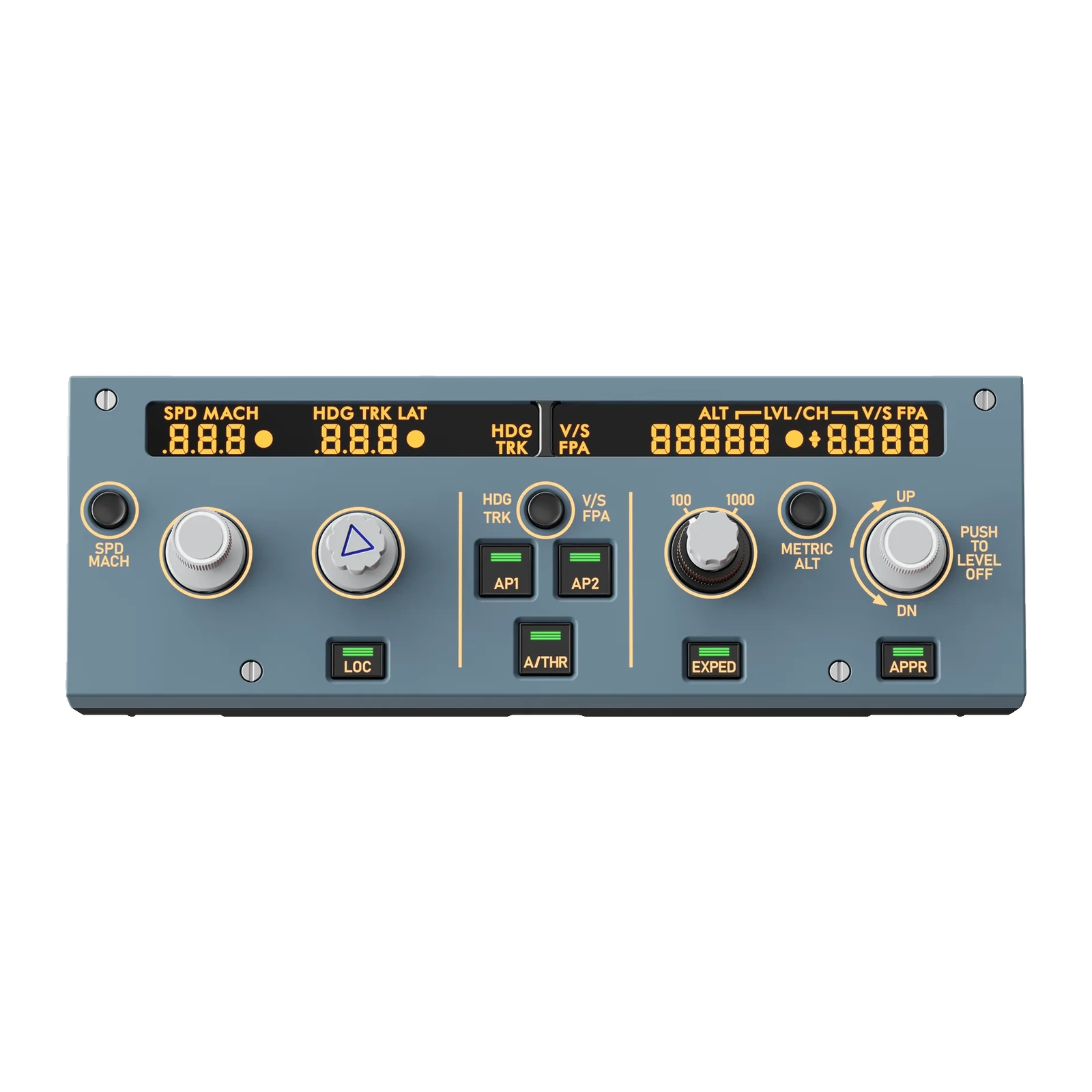
MOZA MA3F EFCM — the A320-style FCU main module: segment displays, push-pull knobs, USB-C and 75×75 mm VESA
Payment methodsAbout this product
All specifications →MOZA MA3F EFCM (Main Module): description and configuration
MOZA MA3F EFCM (Main Module).
The MA3F EFCM is the main unit of MOZA's electronic flight control modules: a replica of the Airbus A320 FCU, the panel you use in the simulator to set speed, heading, altitude and vertical speed. Its appearance, dimensions and control logic follow the real thing, so your hand learns the same movements it would make in an actual flight deck.
The segment displays reproduce Airbus character styling, spacing and formatting. The knobs run on a dual-rail spring-loaded push-pull mechanism: travel, resistance and the feel of pushing and pulling are closer to the real autopilot panel than single-spring designs. Screen illumination, character backlighting and button indicators are adjusted independently and can follow in-game lighting through MOZA Cockpit. The body is ABS and polycarbonate, 260 × 89.5 × 81.4 mm, 542 g, rated 5 V / 900 mA.
It connects to a PC with a USB Type-C 3.0 cable; the RJ11 port is there for the side EFIS modules (MA3F EFCM L and R are sold separately). Supported titles are Microsoft Flight Simulator 2020 and 2024 and X-Plane 11 and 12, covering the default A320 and A330 plus Fenix A320/A321/A319, ToLiss A320/A321/A319, FlyByWire A32X and iniBuilds A320/A330. A cable, a desktop stand and a mounting plate are included, and the back has a 75×75 mm VESA pad.
An FCU panel, not remapped buttons
In the A320 the autopilot is flown from a narrow panel above the main instruments: speed, heading, altitude, vertical speed. The MA3F EFCM copies its look, its size and the order of its controls, so in the simulator you reach for the right knob without looking. That removes the main annoyance of a desktop Airbus — hunting through menus instead of simply moving your hand.
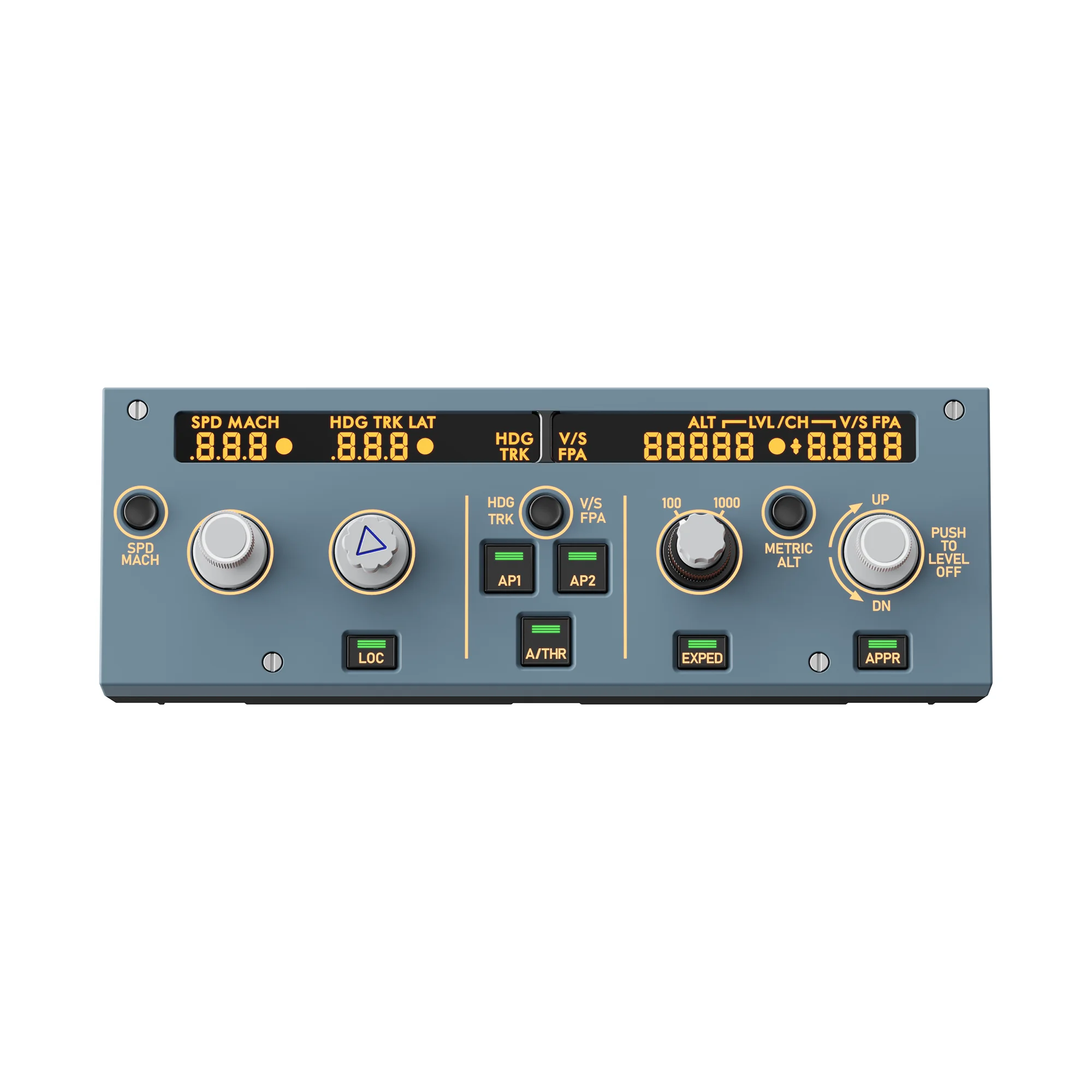
MOZA MA3F EFCM main unit: an A320-style FCU panel with SPD, HDG and ALT segment windows and push-pull knobs
Knobs that pull out
On a real FCU you push and pull the knobs to switch between managed and selected modes. MOZA built a dual-rail spring-loaded mechanism for that: travel, resistance and the moment of actuation are distinct, unlike single-spring panels where pushing and pulling feel almost the same. You notice the difference on your first approach.
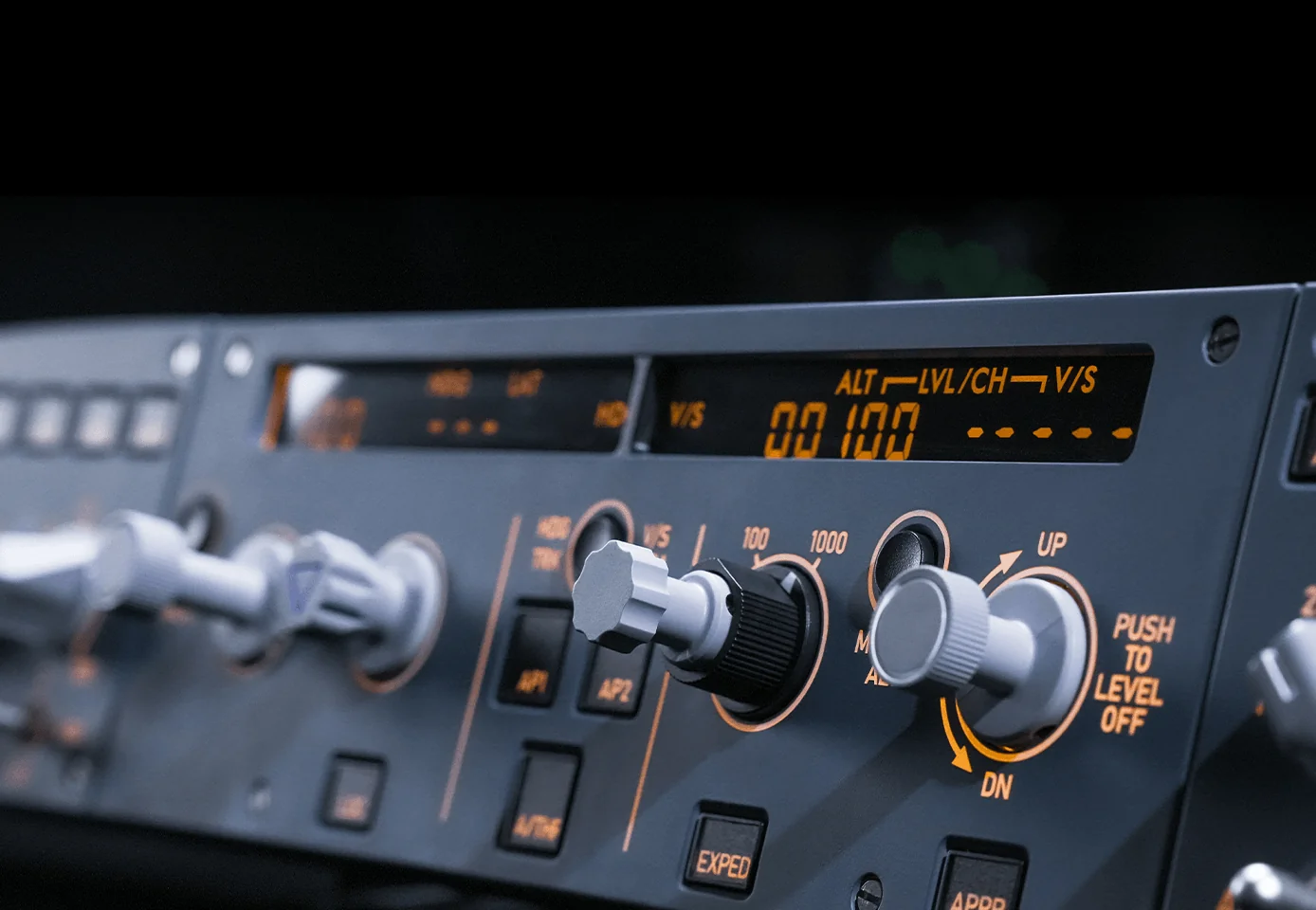
Close-up of the MOZA MA3F EFCM knobs: the altitude knob pulled out, the 100/1000 selector and the vertical-speed knob
Segment displays in Airbus styling
The SPD/MACH, HDG/TRK, ALT and V/S windows use custom segment indicators: digit shapes, spacing and formatting follow Airbus instruments. The numbers stay readable off-axis and in the dark, and character brightness is set separately from the button backlighting.
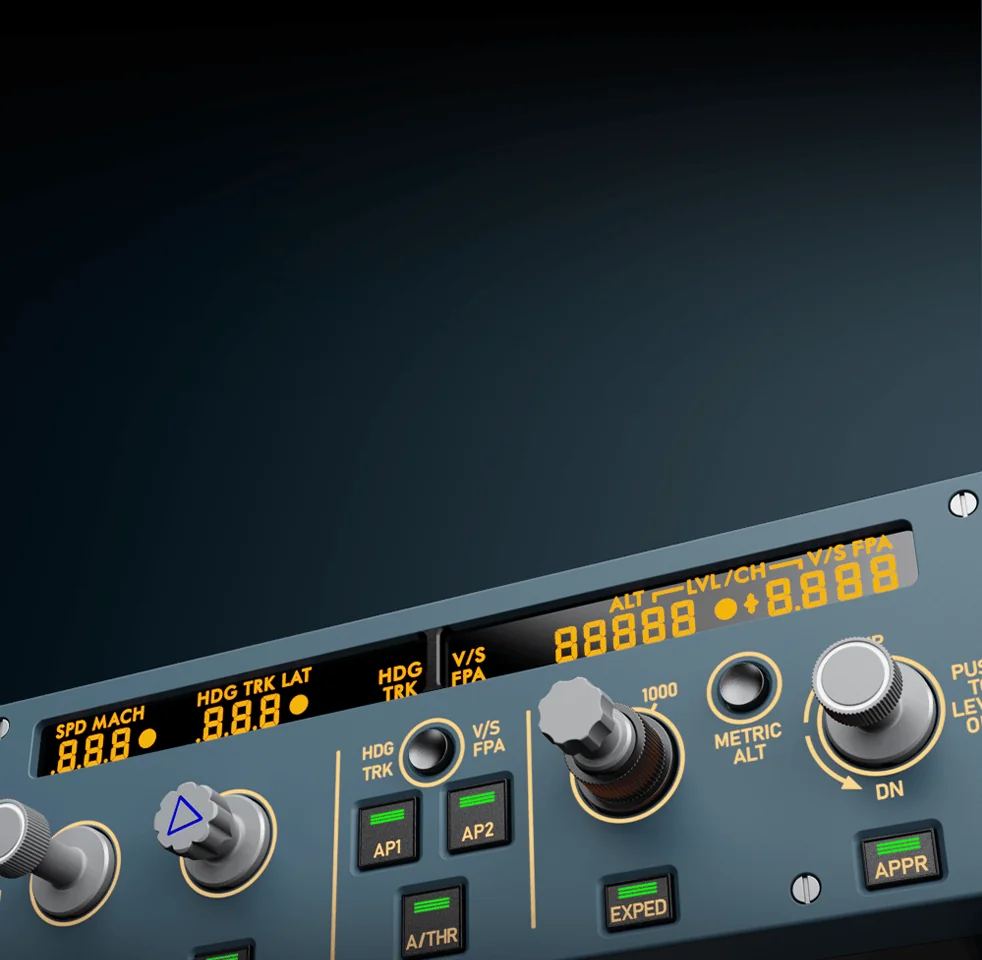
Close-up of the MOZA MA3F EFCM segment displays: the SPD MACH, HDG TRK LAT and ALT windows with lit digits
Lighting that follows the time of day
Screen, character and button-indicator brightness can be set by hand or tied to telemetry: in telemetry mode the panel lights up exactly as the cockpit lighting does in the simulator. A night flight never dazzles, a day flight stays readable, and all MOZA gear in the rig glows in step.
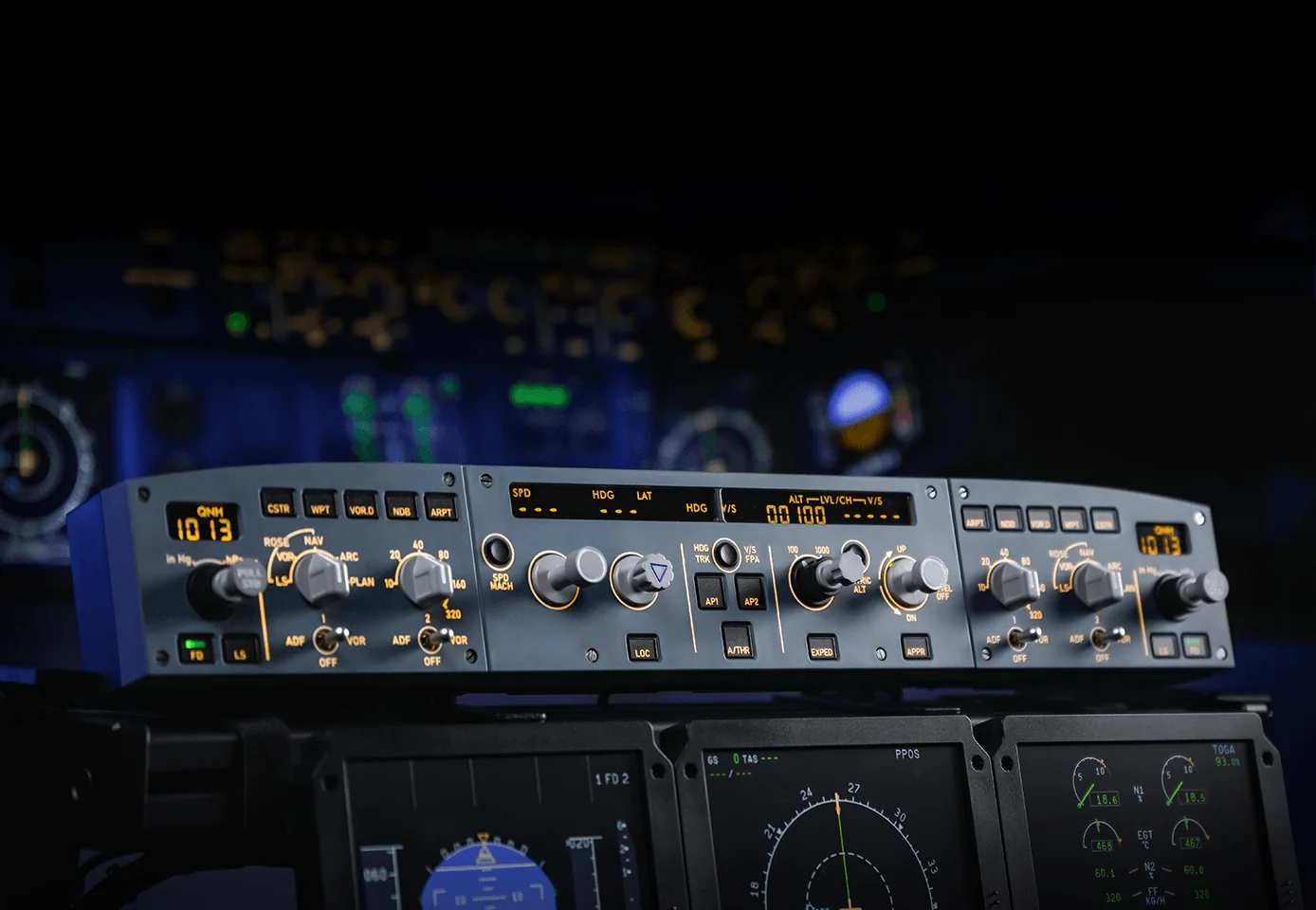
MOZA MA3F EFCM in a home cockpit: the lit FCU panel with its side modules above the simulator displays
It grows into the full set
The side EFIS modules — MA3F EFCM L and R, each sold separately — plug into the main unit over RJ11. With both fitted, MOZA enables expansion mode: the side panels take over extra systems such as the transponder, weather radar, APU, windshear warning, TCAS and lighting. Less head movement, fewer menu clicks.
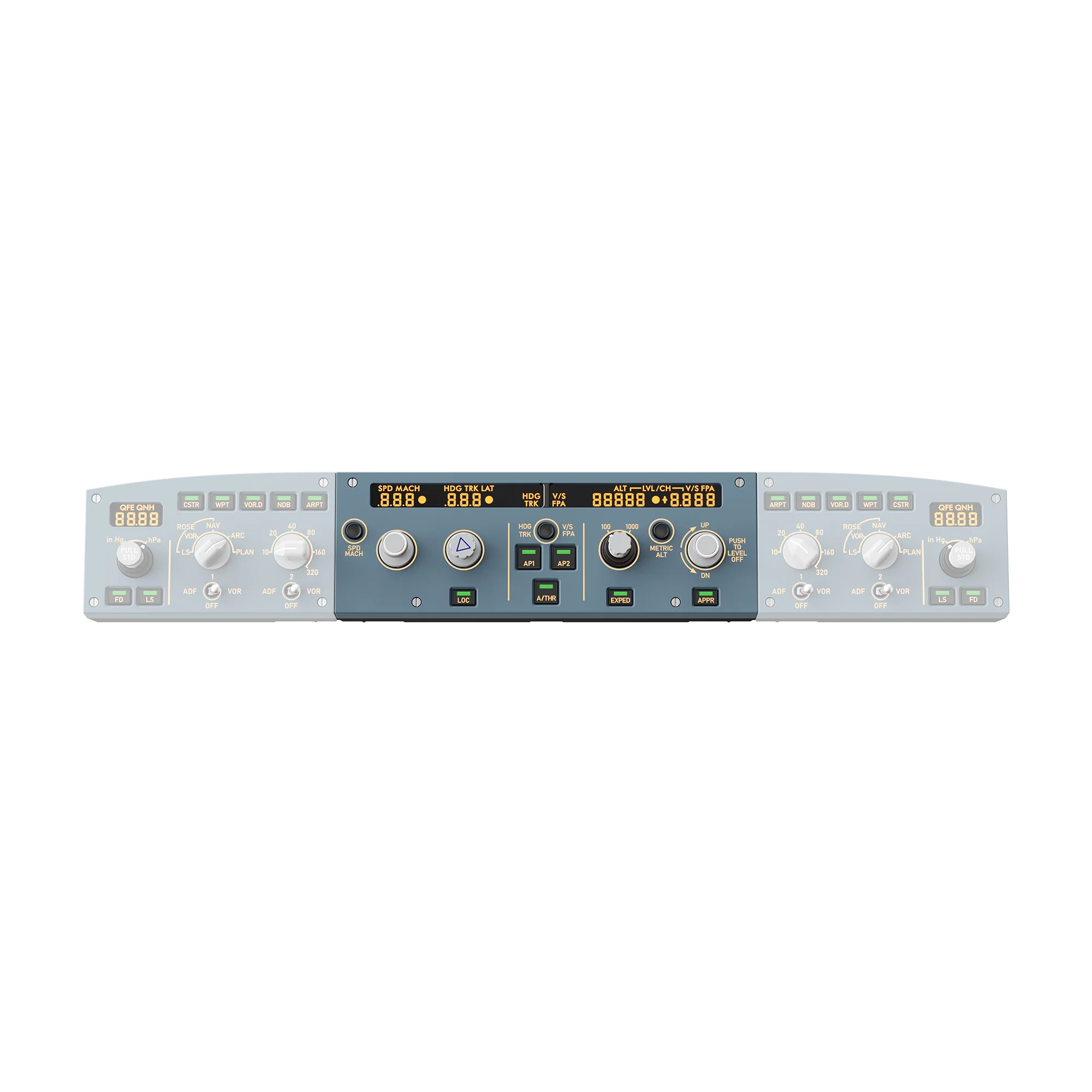
The full MOZA MA3F EFCM set: the FCU main unit in the centre with the left and right EFIS modules, which are sold separately
MOZA MA3F EFCM (Main Module) specifications
Reviews
There are no customer reviews yet. The first review will appear after a verified order.
No reviews yet — be the first to leave one.
Questions and answers
No questions yet. Ask the first one and we will reply within one business day.
No questions yet — be the first to ask.